PDF Converter - Photo To PDF
Vasundhara Infotech LLP広告を含む · アプリ内課金
- 3 歳以上対象年齢
- 仕事効率化カテゴリ
- 2026/11/24更新日
- 無料価格
com.scanner.phone.document.pdf.files.creatorのGoogle Play公式ページにリンクしています。最終確認:2026/11/24。
スクリーンショット

このアプリについて
Googleによる英語 (アメリカ合衆国)からの自動翻訳です。
文書作業をシンプルに!ファイルの閲覧、編集、スキャン、共有が簡単に行えます。
PDFリーダー:編集&表示は、高速でシンプルなオールインワンのPDFリーダー、PDFエディター、ドキュメントスキャナーです。軽量なアプリ一つで、PDF、Word、Excel、PowerPointファイルを開いて、閲覧、編集、署名、スキャン、変換できます。
📖 高速PDFリーダー&PDFビューアー
• 大容量のPDFファイルも瞬時に開きます
• PDF内のスムーズなスクロール、ズーム、ページジャンプ、テキスト検索
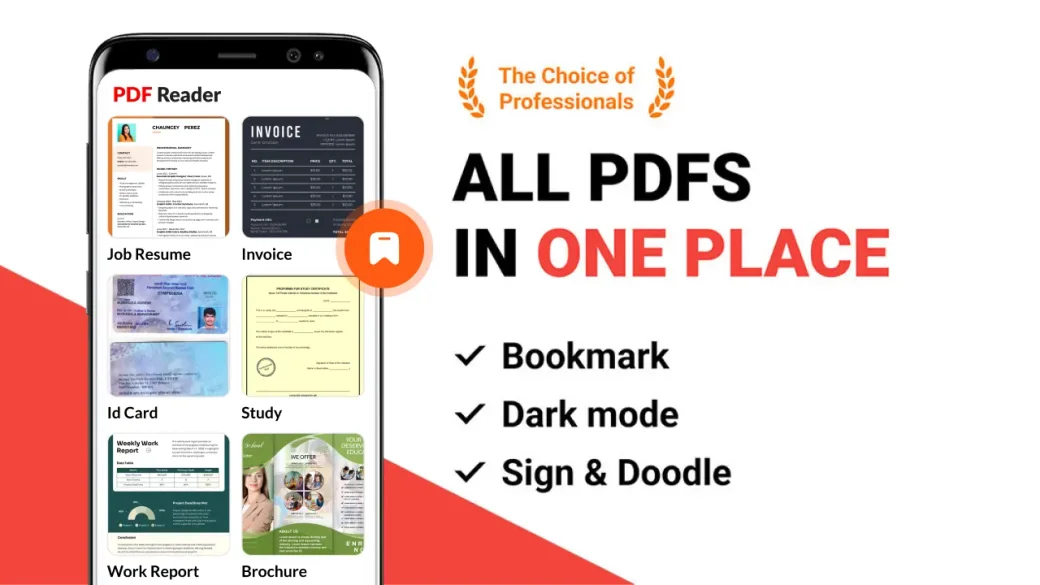
• 快適な読書のためのナイトモードと読書モード
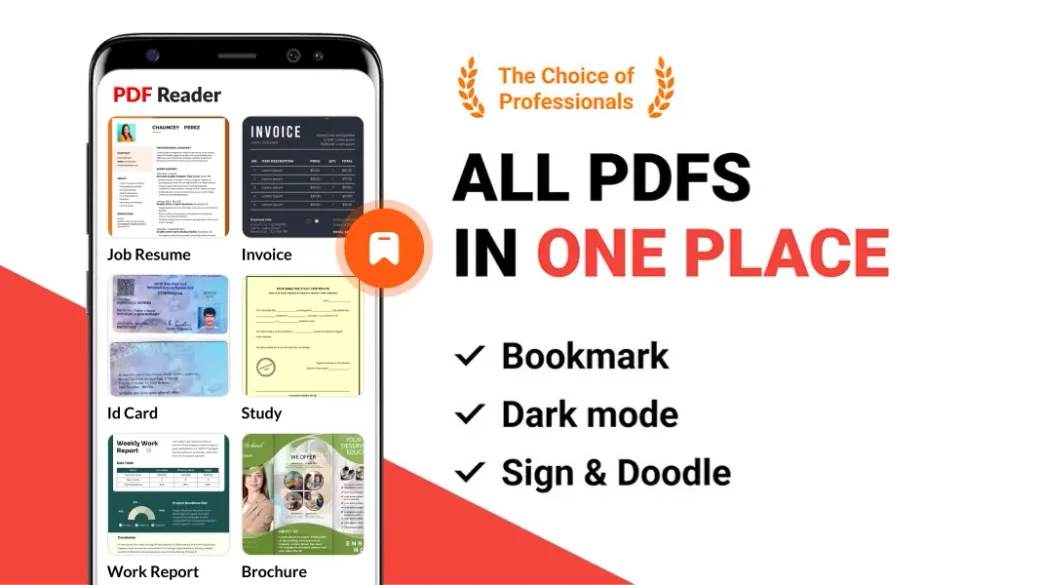
• ブックマーク、最近使用したファイル、お気に入り
• スマートフォン上のすべてのPDFファイルを自動検出
• オフラインでPDFを閲覧できます。インターネット接続不要
✏️ PDFエディター
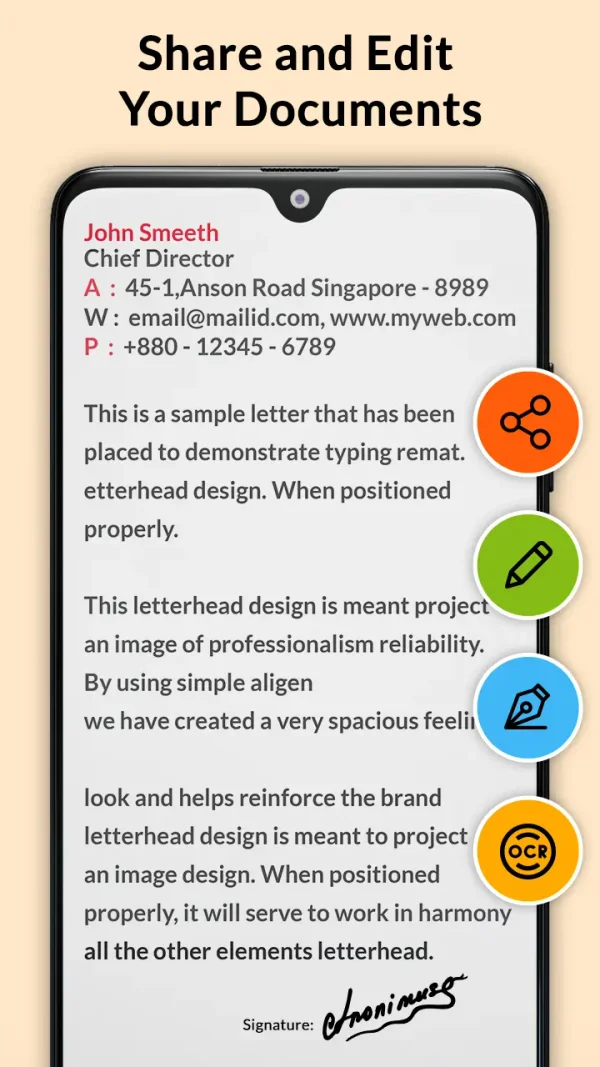
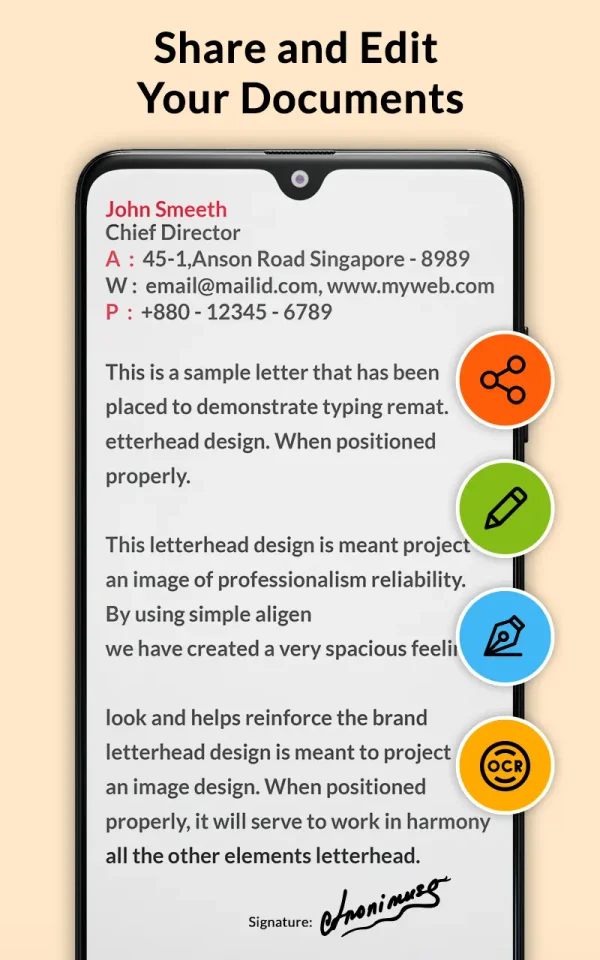
• テキストの追加、ハイライト、下線、取り消し線
• PDFへの描画、メモ、コメントの追加
• PDFフォームへの簡単な入力
• PDFページの回転、削除、並べ替え、抽出
✍️ PDF署名
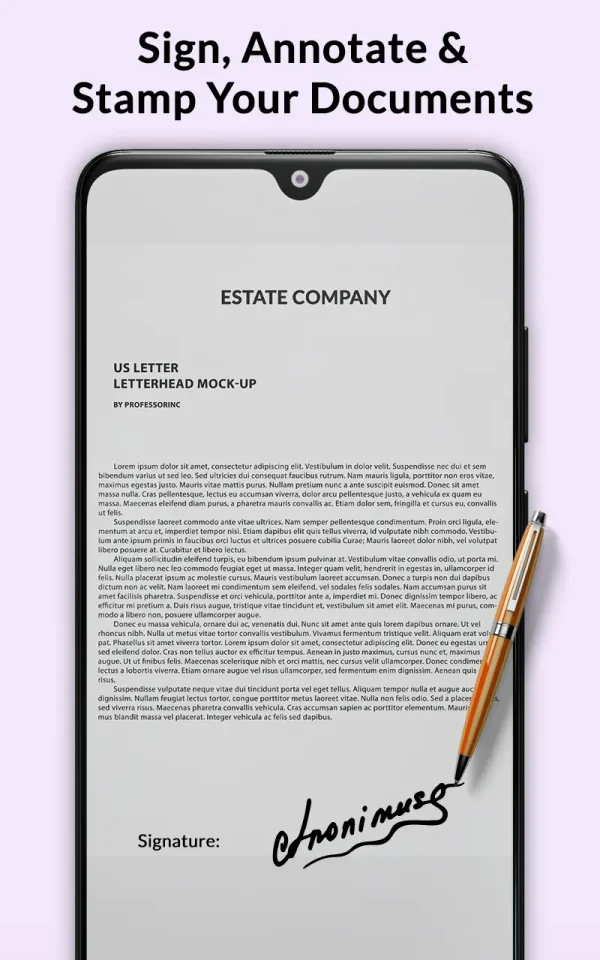
• 電子署名を作成し、PDF文書に数秒で署名
• 契約書、フォーム、請求書、合意書に外出先でも署名
📷 ドキュメントスキャナー
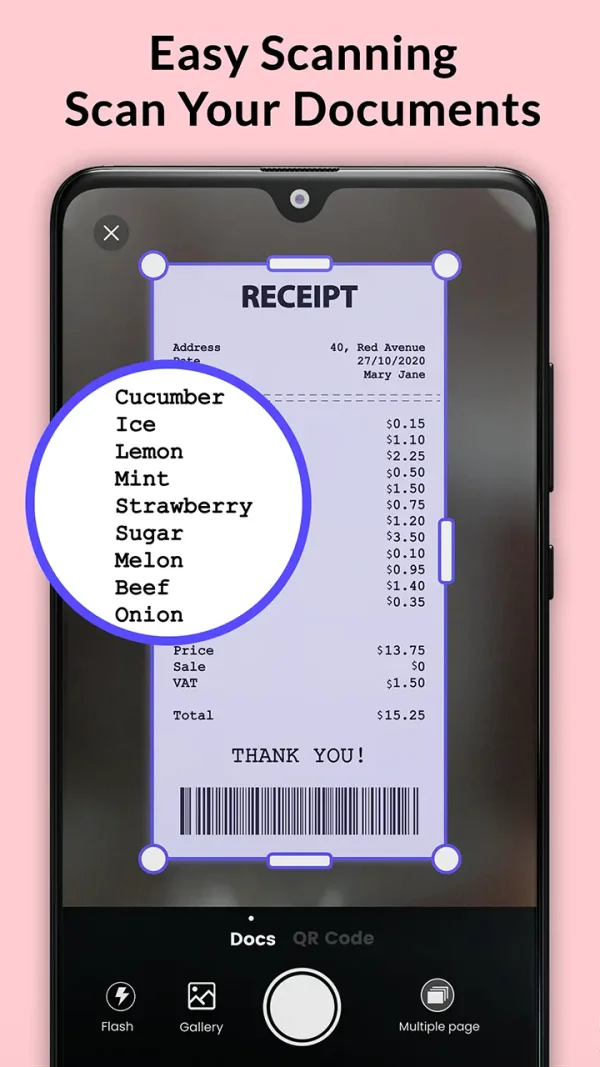
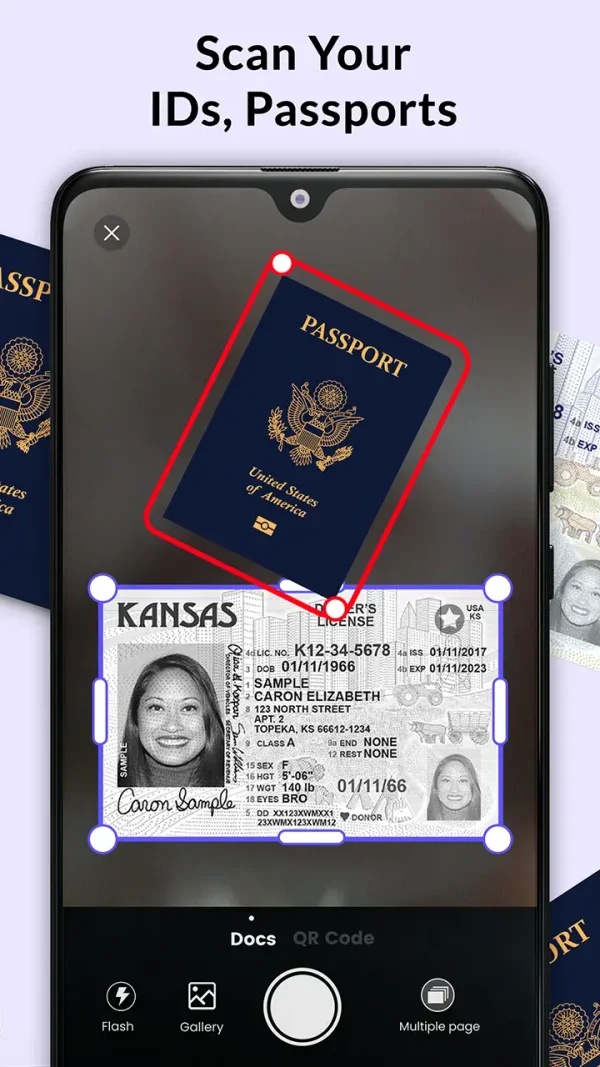
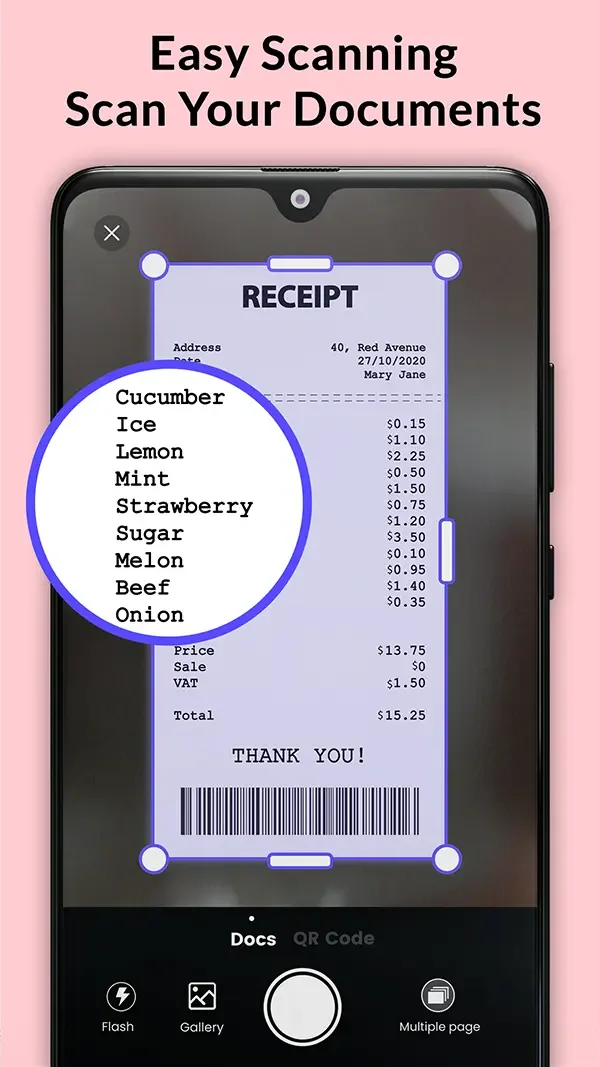
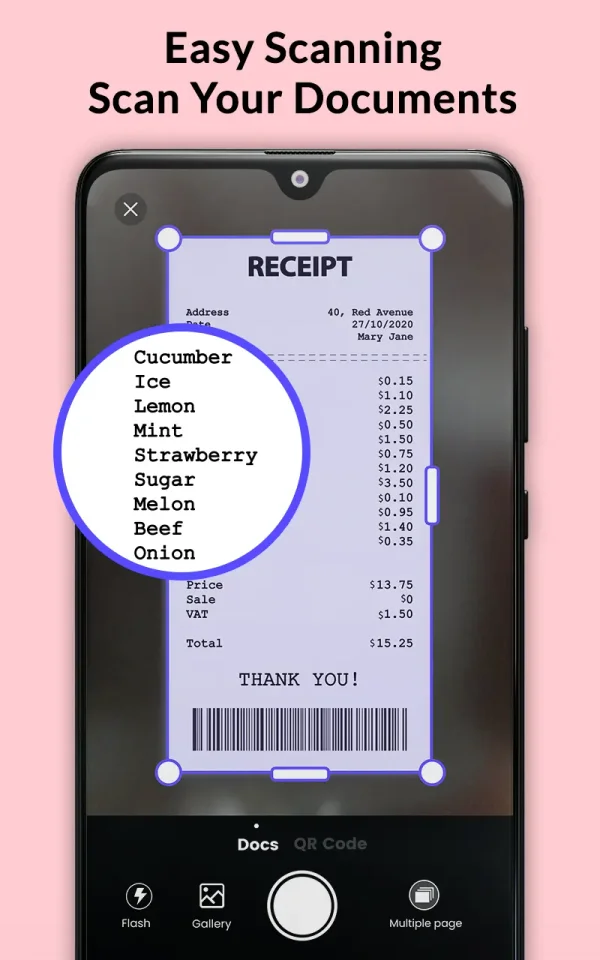
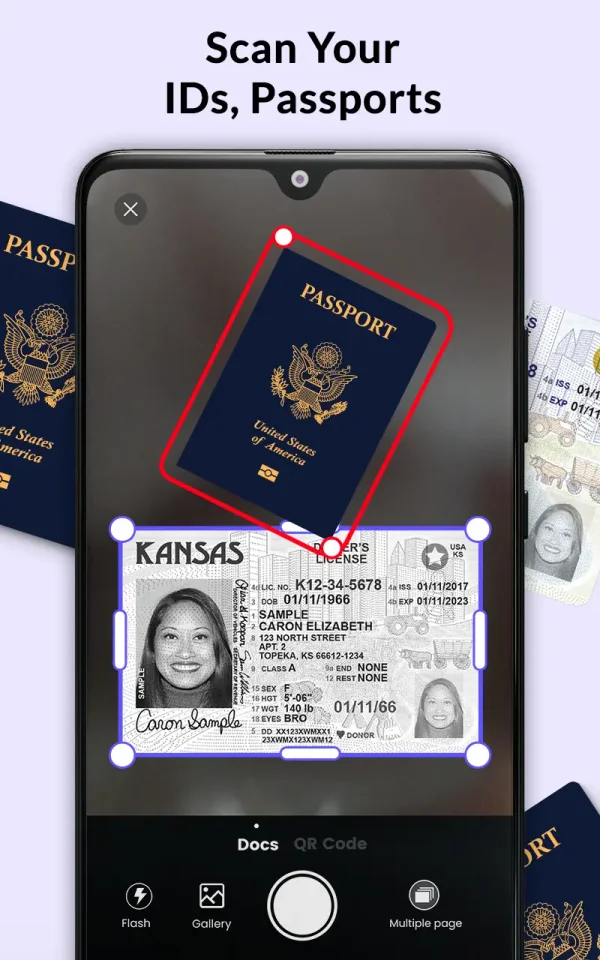
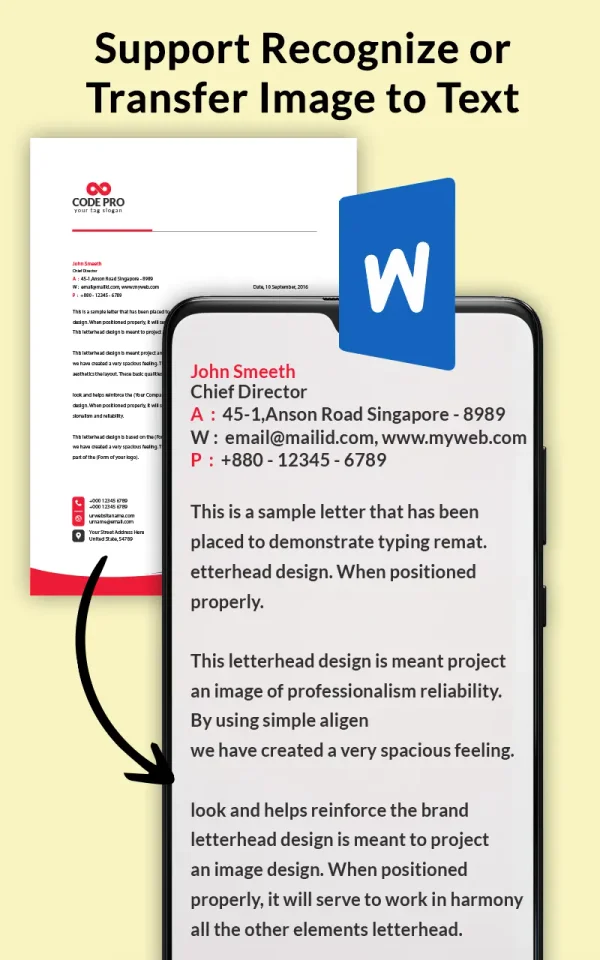
• 書類、領収書、IDカード、メモ、写真をPDFにスキャン
• 自動エッジ検出、トリミング、フィルターで鮮明なスキャンを実現
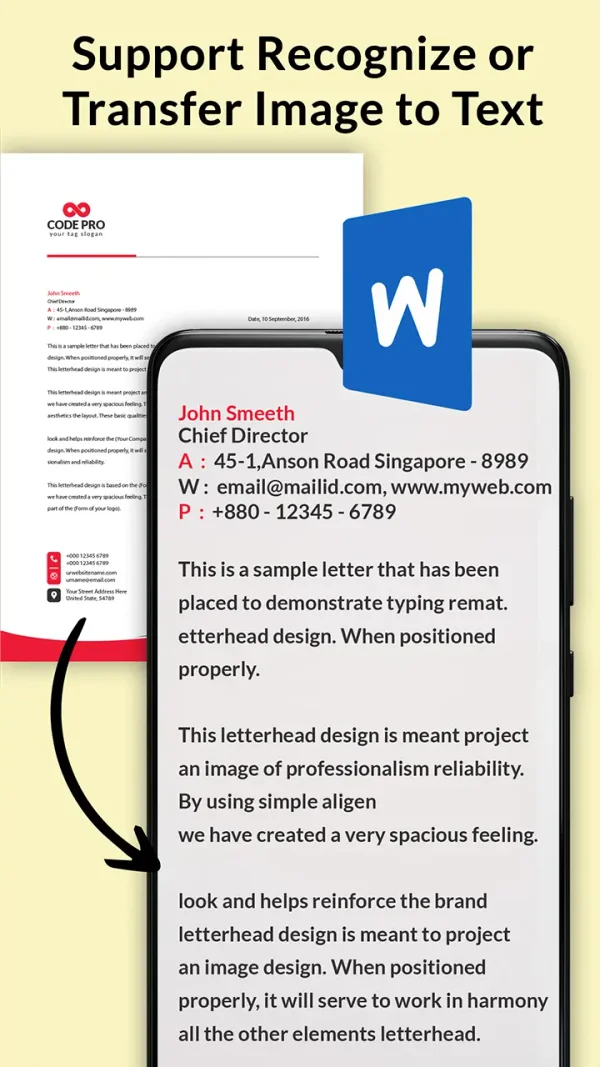
• OCR:画像やスキャンしたページからテキストを抽出
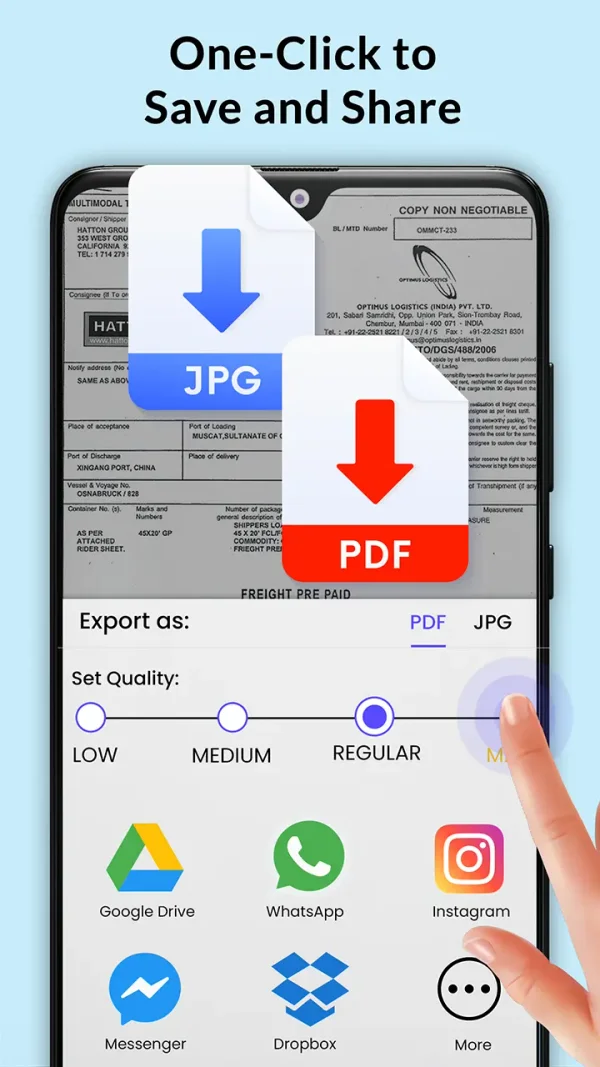
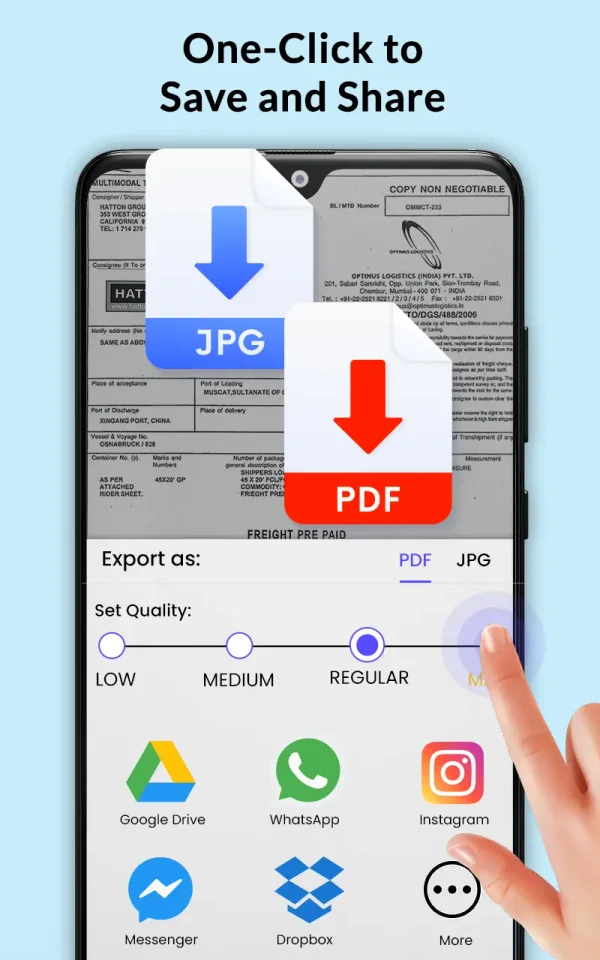
• スキャンした画像をPDFまたはJPG形式で保存し、すぐに共有
🔄 PDFコンバーター
• PDFからWord、PDFからExcel、PDFからPPT、PDFからJPG
• WordからPDF、ExcelからPDF、PPTからPDF、画像からPDF
• 変換時に元のレイアウトを保持
🛠️ PDFツール
• PDF結合:複数のファイルを1つに結合
• PDF分割:ページを個別のファイルに分割
• PDFを圧縮:品質を損なわずにファイルサイズを削減
• PDFにパスワードを設定してロックし、保護されたPDFのロックを解除
• 透かしとページ番号を追加
📂 あらゆるドキュメントに対応
• Wordファイル:DOC、DOCX形式に対応
• Excelファイル:XLS、XLSX、CSV形式に対応
• PowerPointファイル:PPT、PPTX形式に対応
• TXT、ODT、RTFなどに対応
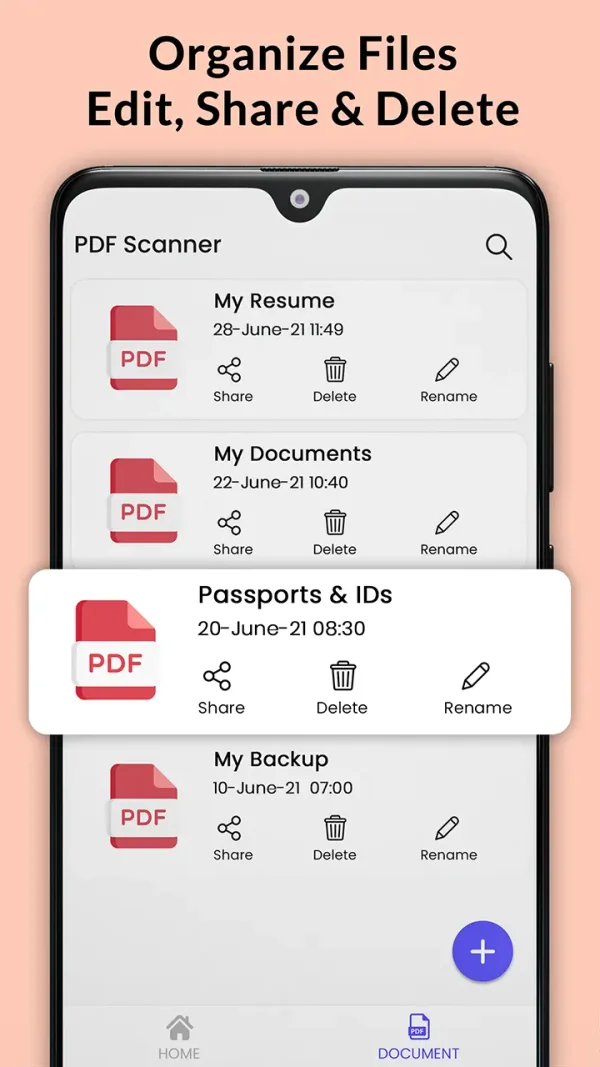
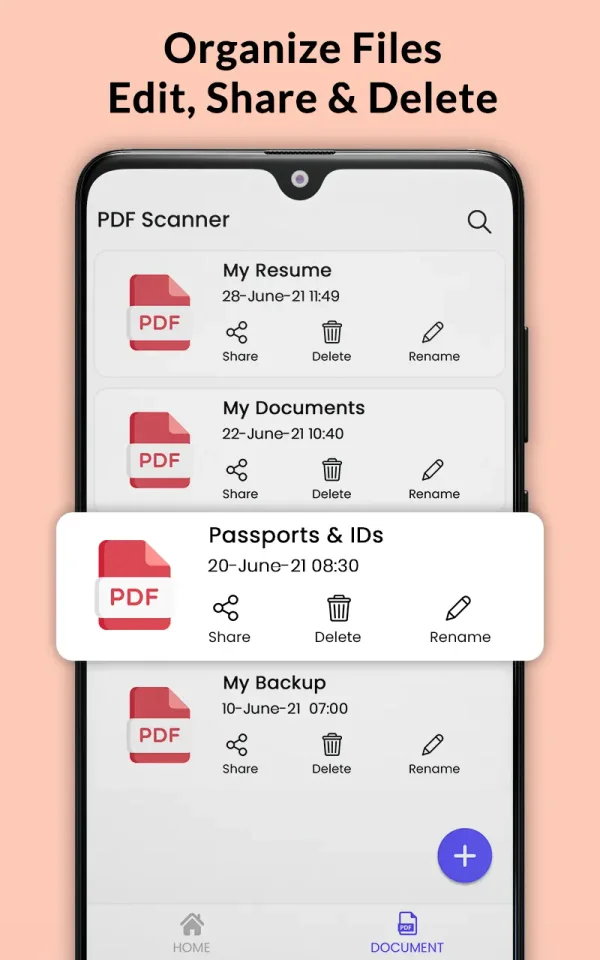
• すべてのドキュメントを一元管理できるファイルマネージャー。並べ替え、名前変更、削除、共有が可能
⭐ PDF Reader: Edit & Viewが選ばれる理由
• 軽量でシンプルなデザイン
• オフラインでも動作し、ファイルはデバイスに保存されます
• 強力なプロツールを備えた無料PDFリーダー
• 学生、オフィスワーカー、ビジネスユーザー、教師に最適
今すぐPDF Reader: Edit & Viewをダウンロードして、すべてのドキュメントを1か所で閲覧、編集、スキャン、変換しましょう。
原文を表示
PDF Reader : Edit & View is a fast, simple, all-in-one PDF reader, PDF editor and document scanner. Open, read, edit, sign, scan and convert PDF, Word, Excel and PowerPoint files from one lightweight app.
📖 FAST PDF READER & PDF VIEWER
• Open PDF files instantly, even large ones
• Smooth scrolling, zoom, page jump and search text inside PDFs
• Night mode and reading mode for comfortable reading
• Bookmarks, recent files and favorites
• Auto-detects all PDF files on your phone
• Read PDF offline. No internet needed
✏️ PDF EDITOR
• Add text, highlight, underline and strikethrough
• Draw, add notes and comments on PDF
• Fill PDF forms easily
• Rotate, delete, reorder and extract PDF pages
✍️ SIGN PDF
• Create your e-signature and sign PDF documents in seconds
• Sign contracts, forms, invoices and agreements on the go
📷 DOCUMENT SCANNER
• Scan documents, receipts, ID cards, notes and photos to PDF
• Auto edge detection, crop and filters for sharp scans
• OCR: extract text from images and scanned pages
• Save scans as PDF or JPG and share instantly
🔄 PDF CONVERTER
• PDF to Word, PDF to Excel, PDF to PPT, PDF to JPG
• Word to PDF, Excel to PDF, PPT to PDF, Image to PDF
• Keep the original layout when converting
🛠️ PDF TOOLS
• Merge PDF: combine many files into one
• Split PDF: separate pages into new files
• Compress PDF: reduce file size without losing quality
• Lock PDF with a password and unlock protected PDFs
• Add watermark and page numbers
📂 ALL DOCUMENT READER
• Word reader: DOC, DOCX
• Excel viewer: XLS, XLSX, CSV
• PPT viewer: PPT, PPTX
• TXT, ODT, RTF and more
• One file manager for all your documents. Sort, rename, delete and share
⭐ WHY USERS CHOOSE PDF READER : EDIT & VIEW
• Lightweight app with a clean, simple design
• Works offline, and your files stay on your device
• Free PDF reader with powerful pro tools
• Ideal for students, office work, business and teachers
Download PDF Reader : Edit & View now to read, edit, scan and convert all your documents in one place.
データ セーフティ
このアプリが収集・共有するデータについて、Vasundhara Infotech LLPがGoogle Playで申告している内容です。
- このアプリはサードパーティと以下の種類のデータを共有することがありますアプリのアクティビティ、アプリの情報、パフォーマンス、デバイスまたはその他の ID
- データは収集されません詳しくは、デベロッパーが収集を申告する方法についての説明をご覧ください
- データは送信中に暗号化されます
- データを削除できません
新機能
バージョン 12.5 · 2026/11/24
Thanks for staying with us! The new version offers:
- Improve Performance.
- Bug Fixes
We love getting feedback from all of you! Please leave your feedback.
開発元の連絡先
- ウェブサイトcoloringpagesprivacy.blogspot.com
- メールcoloringpages2018@gmail.com
- プライバシーポリシーcoloringpagesprivacy.blogspot.com
- 住所PLOT NO 41, GFL, SOMESHWER VILLA, V 1, KATHODARA, TALUKA KAMREJ Surat, Gujarat 394326 India
情報
- 提供元
- Vasundhara Infotech LLP
- カテゴリ
- 仕事効率化
- バージョン
- 12.5
- 更新日
- 2026/11/24
- リリース
- 2020/7/14
- 必要条件
- Android 7.0以降
- 対象年齢
- 3 歳以上
- 価格
- 無料
- アプリ内課金
- ¥920~¥17,200/アイテム
- パッケージ名
- com.scanner.phone.document.pdf.files.creator