PDF Converter - Photo To PDF
Vasundhara Infotech LLPContains ads · In-app purchases
- EveryoneAge rating
- ProductivityCategory
- Nov 24, 2026Updated
- FreePrice
Links to the official Google Play listing of com.scanner.phone.document.pdf.files.creator. Last checked on Nov 24, 2026.
Screenshots

About this app
Make document work simple! Read, edit, scan and share files with ease.
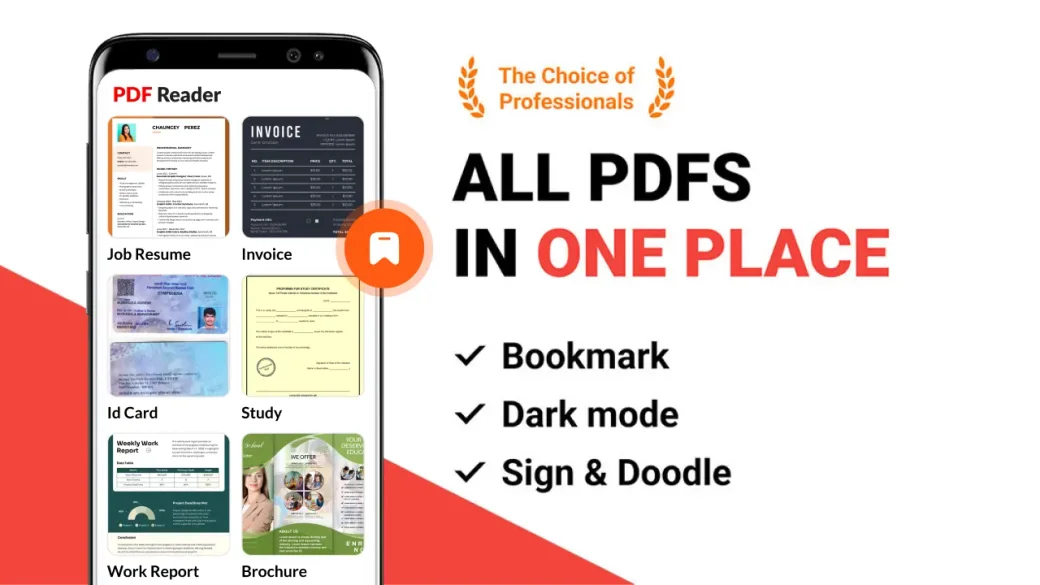
PDF Reader : Edit & View is a fast, simple, all-in-one PDF reader, PDF editor and document scanner. Open, read, edit, sign, scan and convert PDF, Word, Excel and PowerPoint files from one lightweight app.
📖 FAST PDF READER & PDF VIEWER
• Open PDF files instantly, even large ones
• Smooth scrolling, zoom, page jump and search text inside PDFs
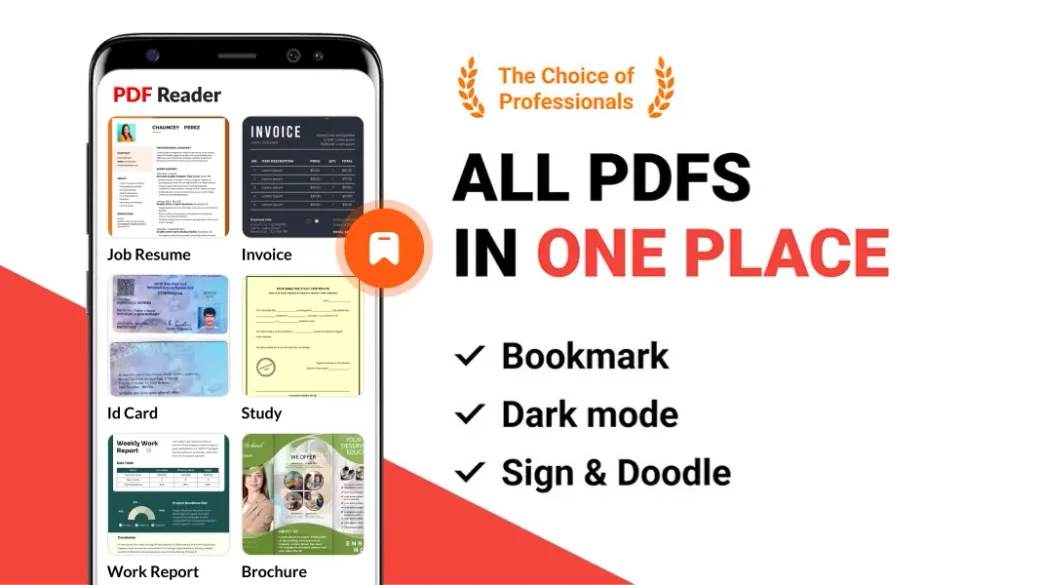
• Night mode and reading mode for comfortable reading
• Bookmarks, recent files and favorites
• Auto-detects all PDF files on your phone
• Read PDF offline. No internet needed
✏️ PDF EDITOR
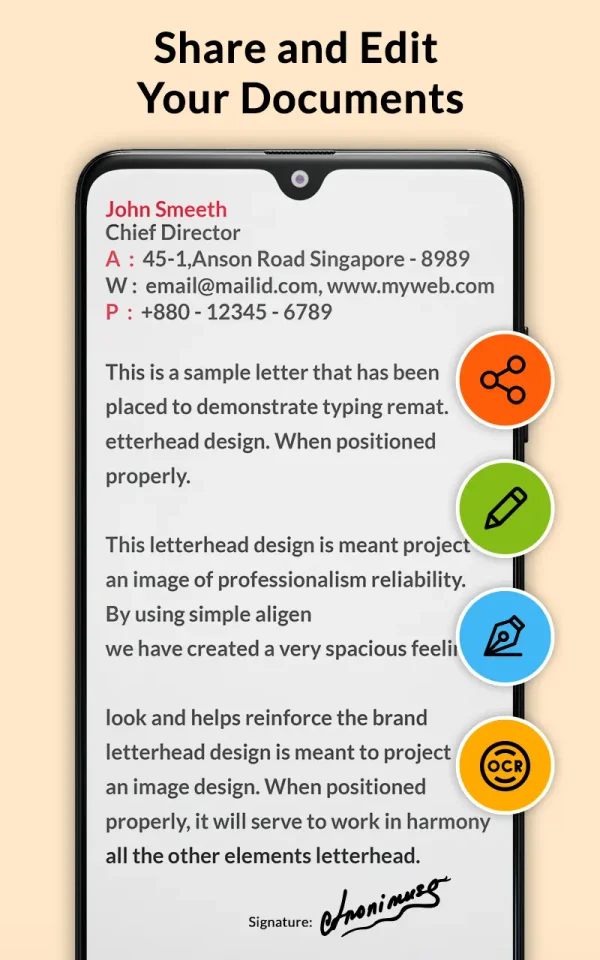
• Add text, highlight, underline and strikethrough
• Draw, add notes and comments on PDF
• Fill PDF forms easily
• Rotate, delete, reorder and extract PDF pages
✍️ SIGN PDF
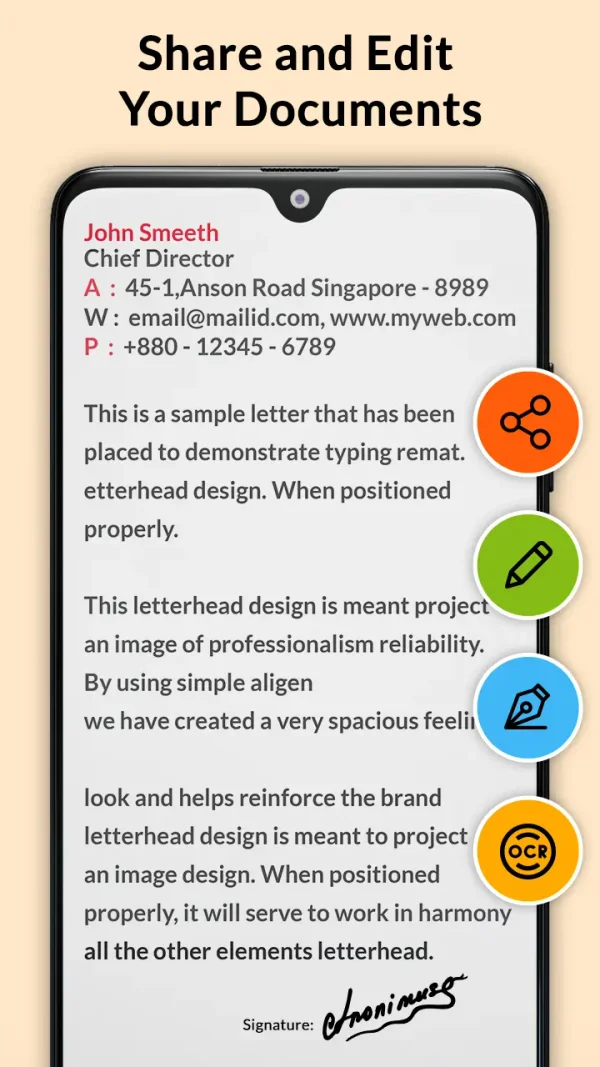
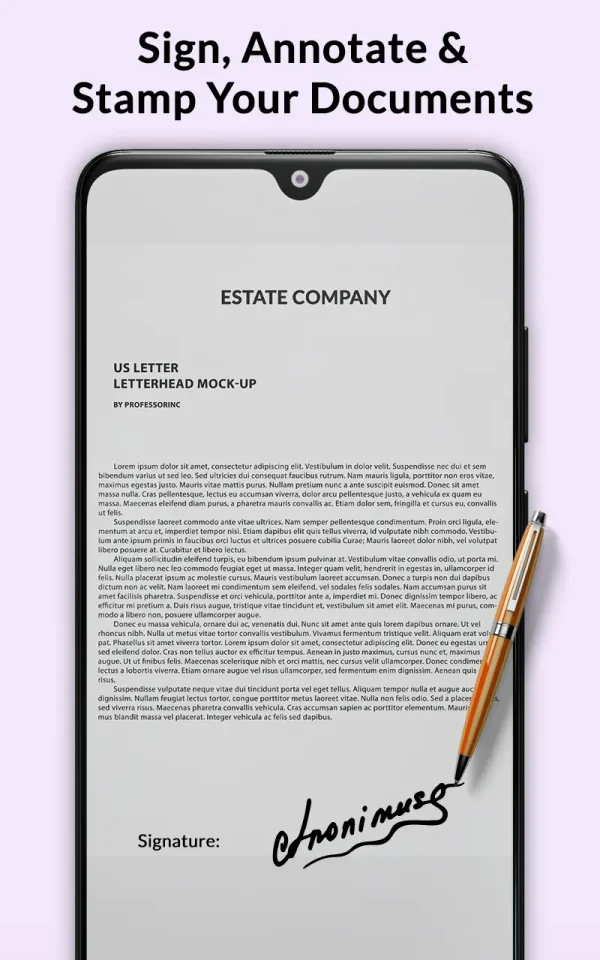
• Create your e-signature and sign PDF documents in seconds
• Sign contracts, forms, invoices and agreements on the go
📷 DOCUMENT SCANNER
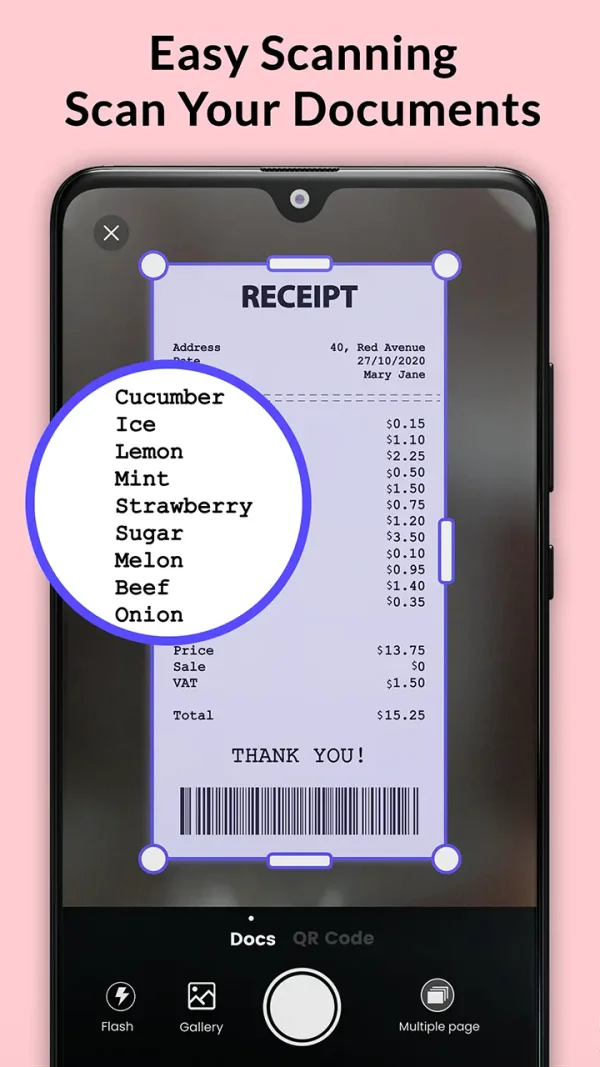
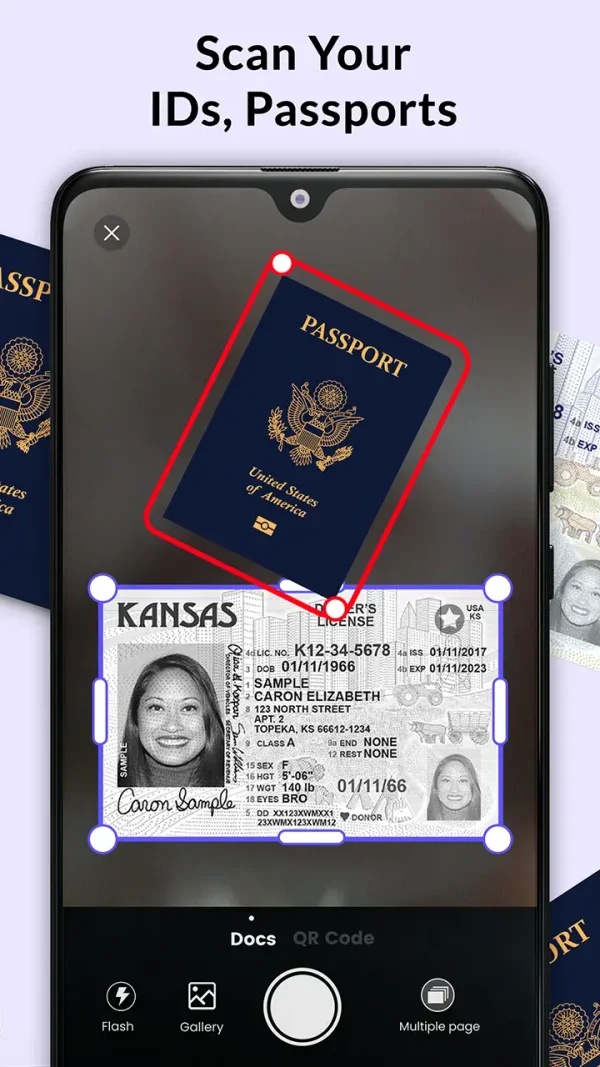
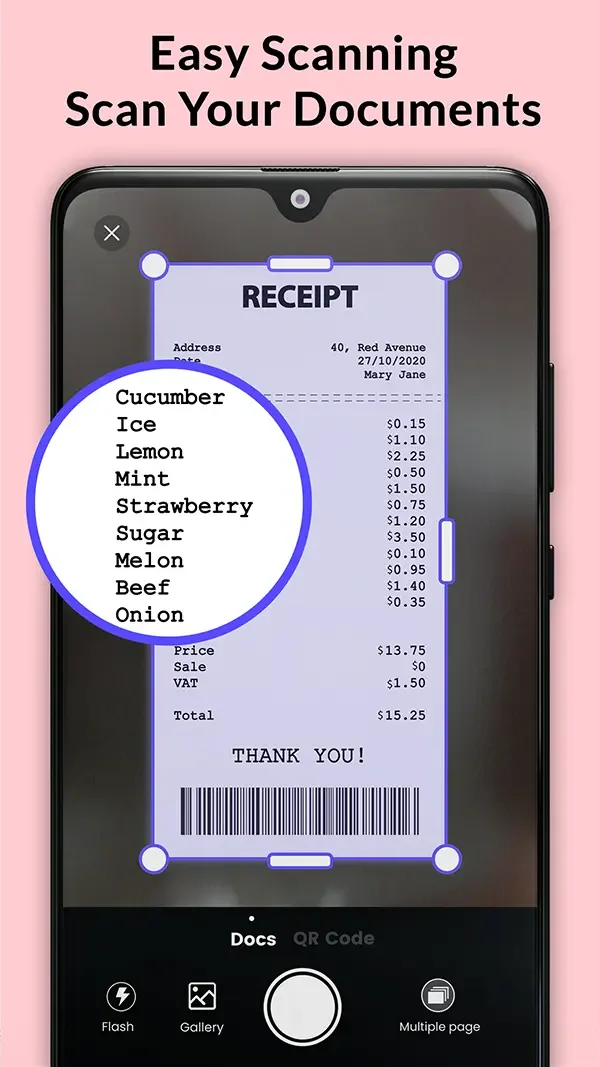
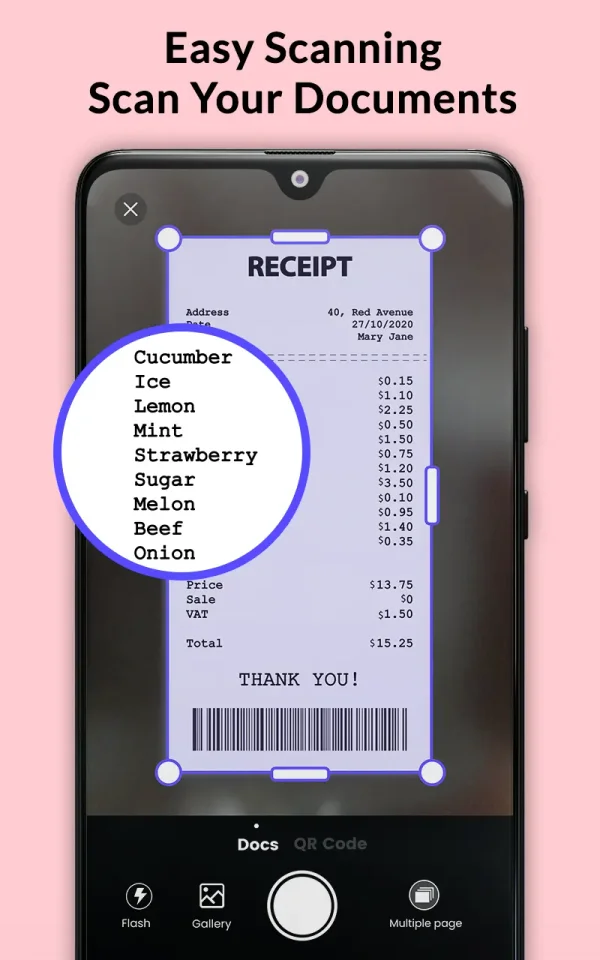
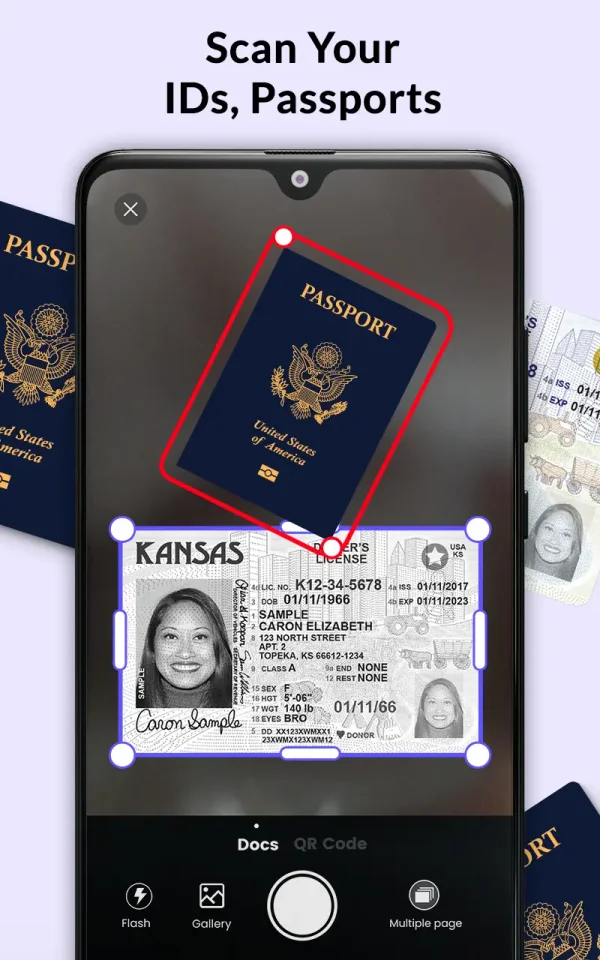
• Scan documents, receipts, ID cards, notes and photos to PDF
• Auto edge detection, crop and filters for sharp scans
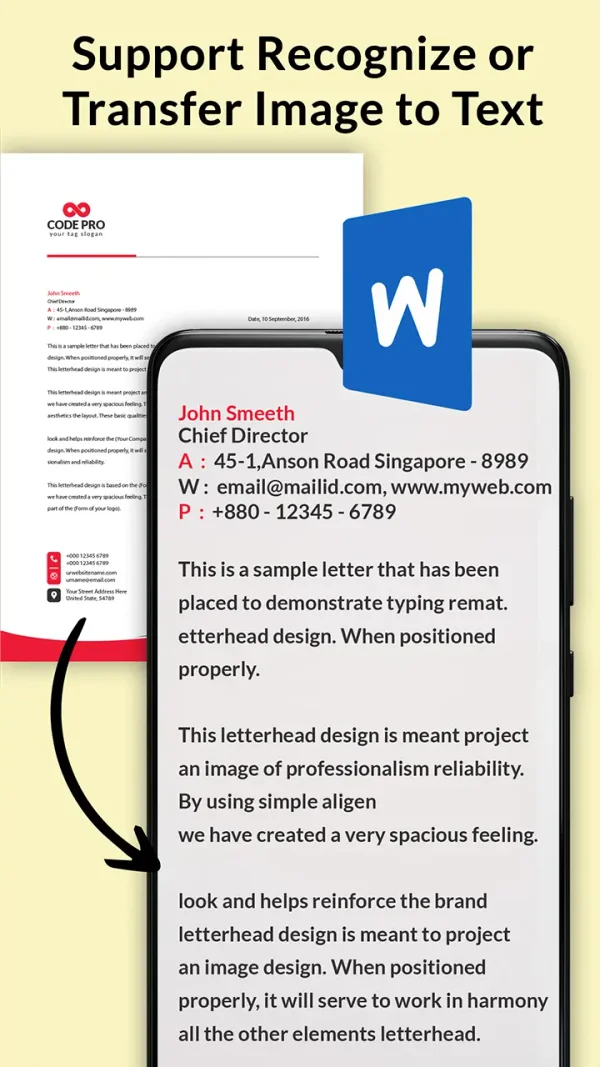
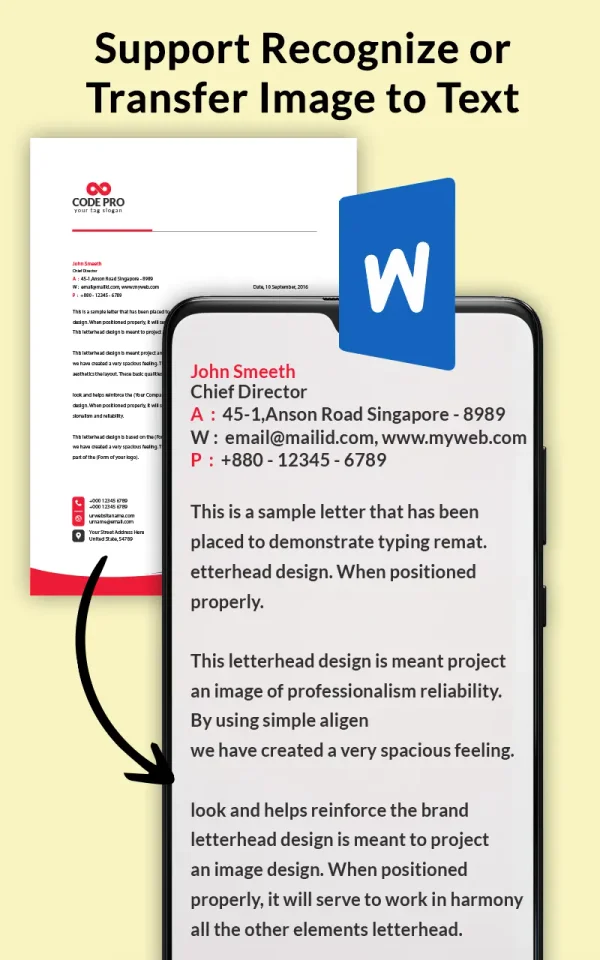
• OCR: extract text from images and scanned pages
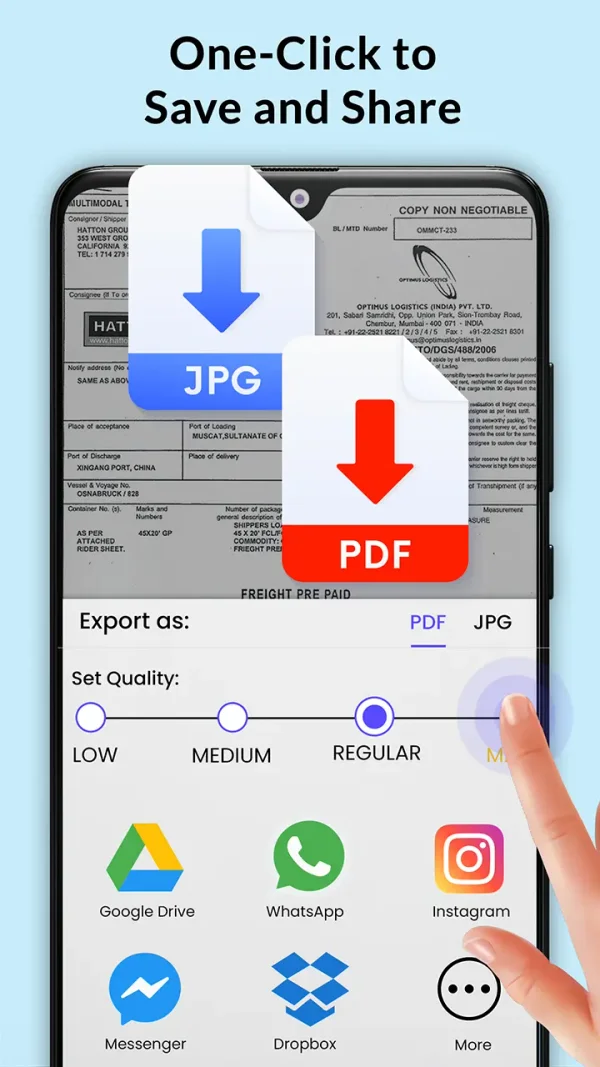
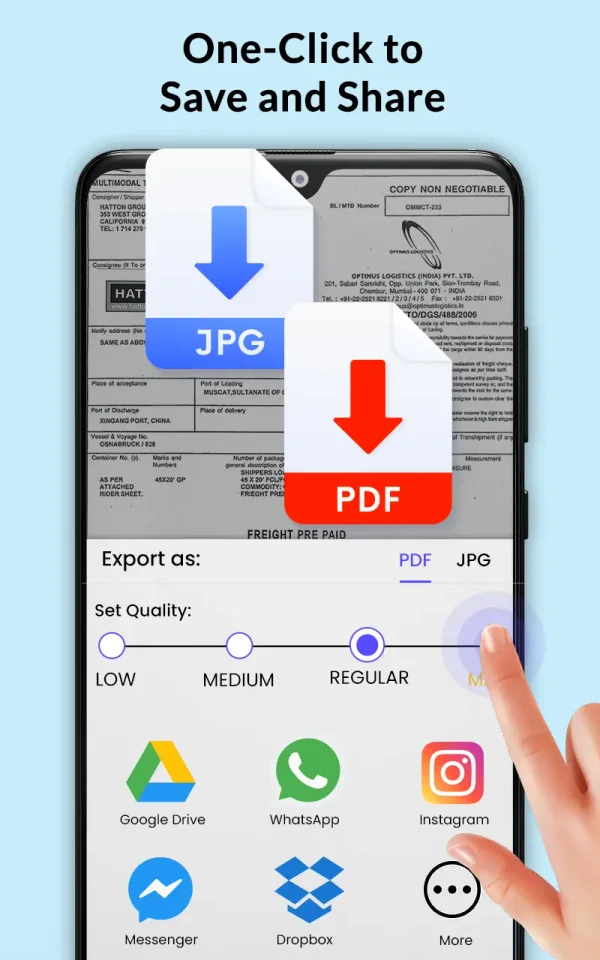
• Save scans as PDF or JPG and share instantly
🔄 PDF CONVERTER
• PDF to Word, PDF to Excel, PDF to PPT, PDF to JPG
• Word to PDF, Excel to PDF, PPT to PDF, Image to PDF
• Keep the original layout when converting
🛠️ PDF TOOLS
• Merge PDF: combine many files into one
• Split PDF: separate pages into new files
• Compress PDF: reduce file size without losing quality
• Lock PDF with a password and unlock protected PDFs
• Add watermark and page numbers
📂 ALL DOCUMENT READER
• Word reader: DOC, DOCX
• Excel viewer: XLS, XLSX, CSV
• PPT viewer: PPT, PPTX
• TXT, ODT, RTF and more
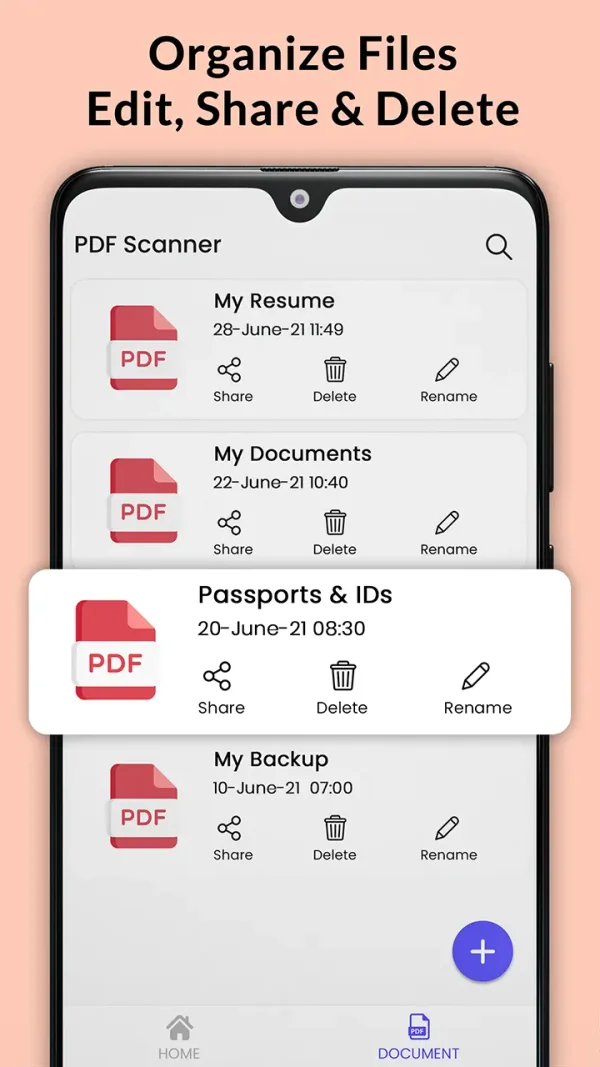
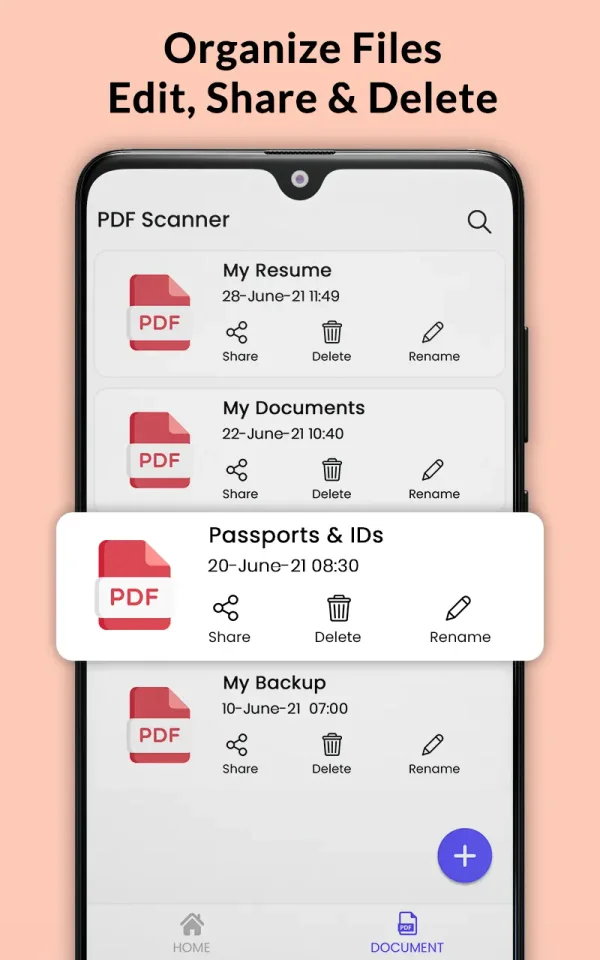
• One file manager for all your documents. Sort, rename, delete and share
⭐ WHY USERS CHOOSE PDF READER : EDIT & VIEW
• Lightweight app with a clean, simple design
• Works offline, and your files stay on your device
• Free PDF reader with powerful pro tools
• Ideal for students, office work, business and teachers
Download PDF Reader : Edit & View now to read, edit, scan and convert all your documents in one place.
Data safety
What Vasundhara Infotech LLP declares on Google Play about the data this app collects and shares.
- This app may share these data types with third partiesApp activity, App info and performance, and Device or other IDs
- No data collectedLearn more about how developers declare collection
- Data is encrypted in transit
- Data can’t be deleted
What’s new
Version 12.5 · Nov 24, 2026
Thanks for staying with us! The new version offers:
- Improve Performance.
- Bug Fixes
We love getting feedback from all of you! Please leave your feedback.
Developer contact
- Websitecoloringpagesprivacy.blogspot.com
- Emailcoloringpages2018@gmail.com
- Privacy policycoloringpagesprivacy.blogspot.com
- AddressPLOT NO 41, GFL, SOMESHWER VILLA, V 1, KATHODARA, TALUKA KAMREJ Surat, Gujarat 394326 India
Information
- Offered by
- Vasundhara Infotech LLP
- Category
- Productivity
- Version
- 12.5
- Updated
- Nov 24, 2026
- Released
- Jul 14, 2020
- Requires
- Android 7.0 or later
- Age rating
- Everyone
- Price
- Free
- In-app purchases
- $9.99 - $99.99 per item
- Package name
- com.scanner.phone.document.pdf.files.creator