PDF Scanner - Doc Scanner
Prometheus Interactive LLC広告を含む · アプリ内課金
- 3 歳以上対象年齢
- 仕事効率化カテゴリ
- 2025/10/8更新日
- 無料価格
com.camscanner.pdfscanner.documentscanner.textscanner.simplescan.freeのGoogle Play公式ページにリンクしています。最終確認:2026/11/20。
スクリーンショット
このアプリについて
Googleによる英語 (アメリカ合衆国)からの自動翻訳です。
高品質のモバイル カメラを使用して、任意のドキュメントを PDF ファイルにスキャンします
PDFスキャナーアプリ:ドキュメント管理を革新!
Android向け究極のドキュメントスキャナーアプリへようこそ。スマートフォンをパワフルなスキャンデバイスに変える、オールインワンのPDFスキャナーアプリです。写真からPDFへの変換機能が必要な場合でも、ドキュメント用のカメラスキャナーが必要な場合でも、このPDFスキャナーアプリは高品質な結果を迅速かつ効率的に提供します。ペーパーレス化を実現しましょう。写真からPDFへの変換スキャナーを試して、整理整頓を始めましょう!
かさばるソフトウェアとはお別れ。Android向け最高のフォトスキャナーの利便性を体験してください。
📄 ドキュメントスキャナーアプリの主な機能 📄
⭐Android向け高速ドキュメントスキャナー
⭐いつでも使えるPDFスキャナーアプリ
⭐写真からPDFへの変換機能
⭐ドキュメント用カメラスキャナー
⭐Android向けフォトスキャナー
⭐直感的なPDF変換アプリ
⭐優れたPDF変換機能⭐書類を簡単にスキャン!
🖋 カメラで素早くPDFに変換:
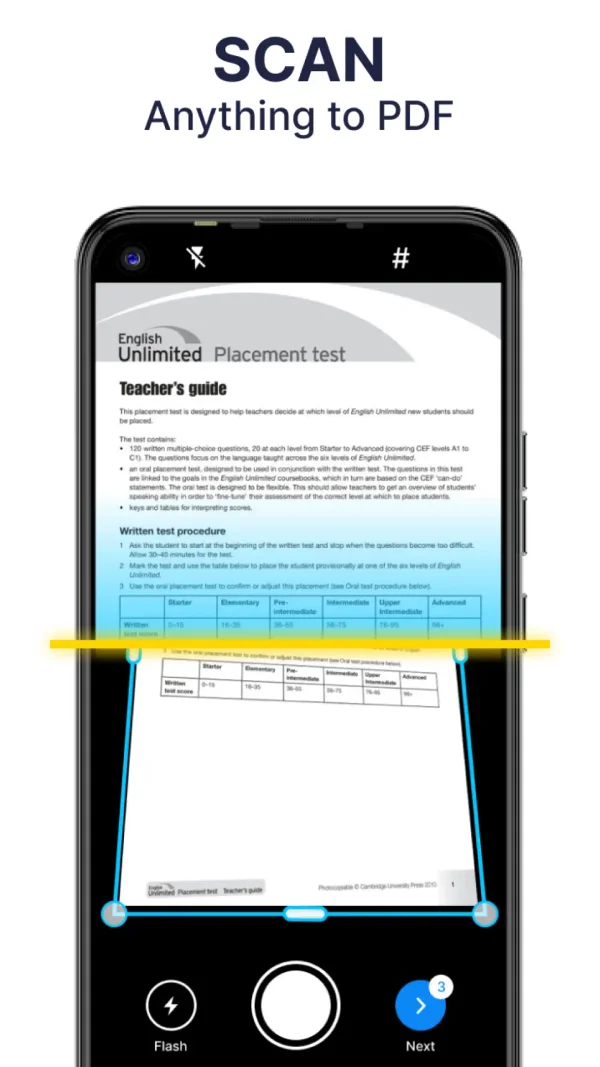
Android用ドキュメントスキャナーアプリなら、ワンタップで素早くスキャンしてPDFに変換できます。スキャンした書類はすぐに印刷可能。写真からPDFへの変換機能で、画像をドキュメントに変換しましょう!
📤 ワンクリックで共有 - PDFスキャナーアプリ:
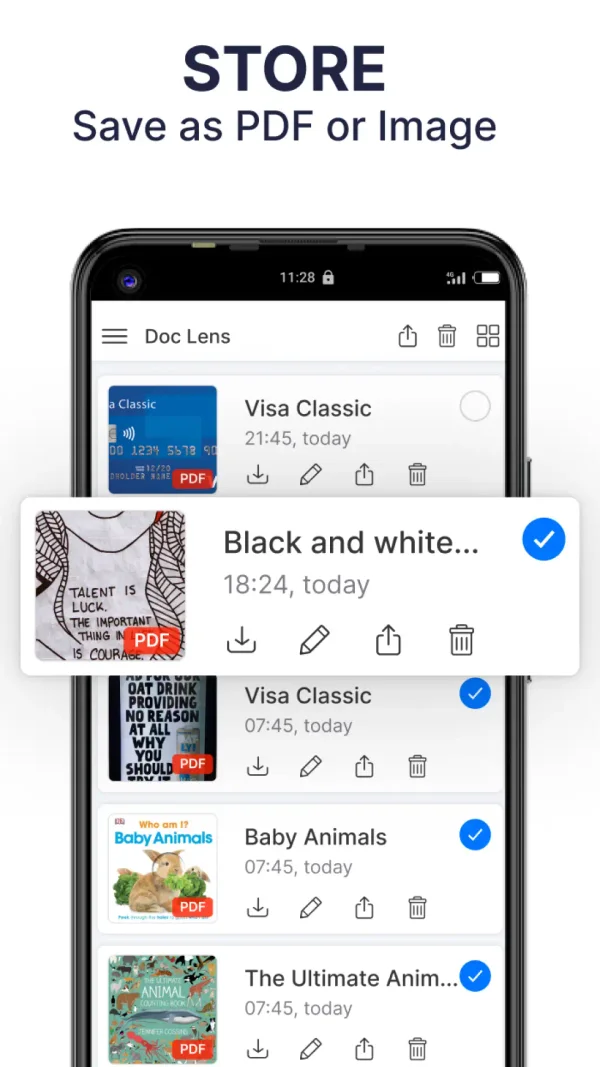
スキャンしたファイルをPDFまたはJPEG形式で、メール、メッセージアプリ、ソーシャルメディアなどを通じて簡単に共有できます。PDFへの変換アプリを使えば、共有が簡単かつ手軽に行えます。
ドキュメントスキャナーアプリを今すぐ始めましょう
Android用ドキュメントスキャナーアプリは、利便性と効率性を追求して設計されています。ドキュメント用カメラスキャナーのリーディングアプリとして、モバイルデバイスを多機能なスキャンツールに変えます。Android用フォトスキャナーアプリを使えば、スキャンした書類は安全に保存され、いつでもどこでもアクセスできます。写真からPDFへの変換が、指先ひとつで素早く簡単に行えます。📸 高画質画像からPDFへの変換アプリ:
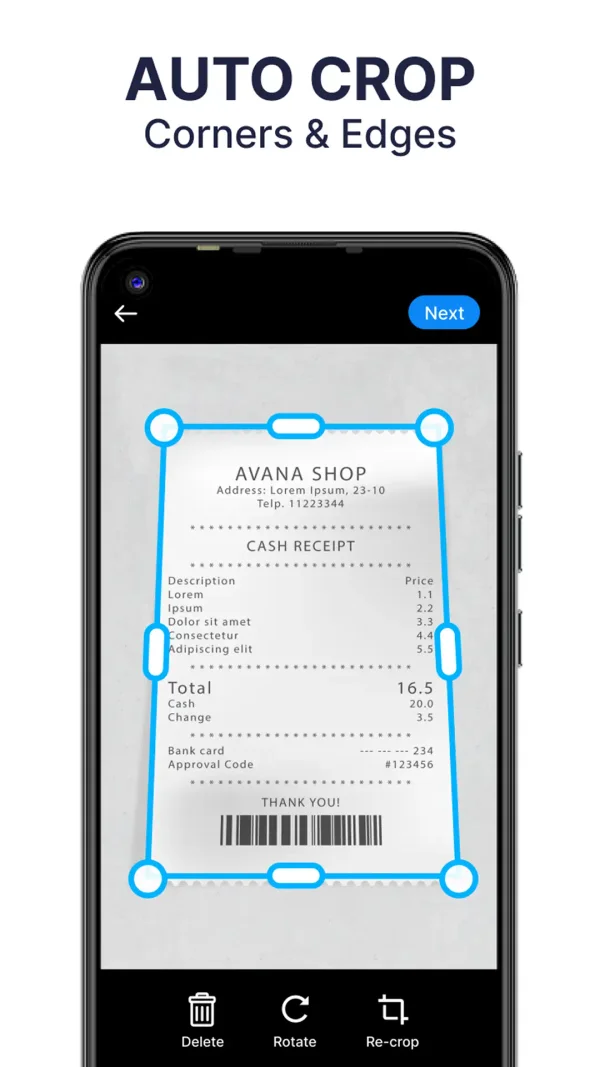
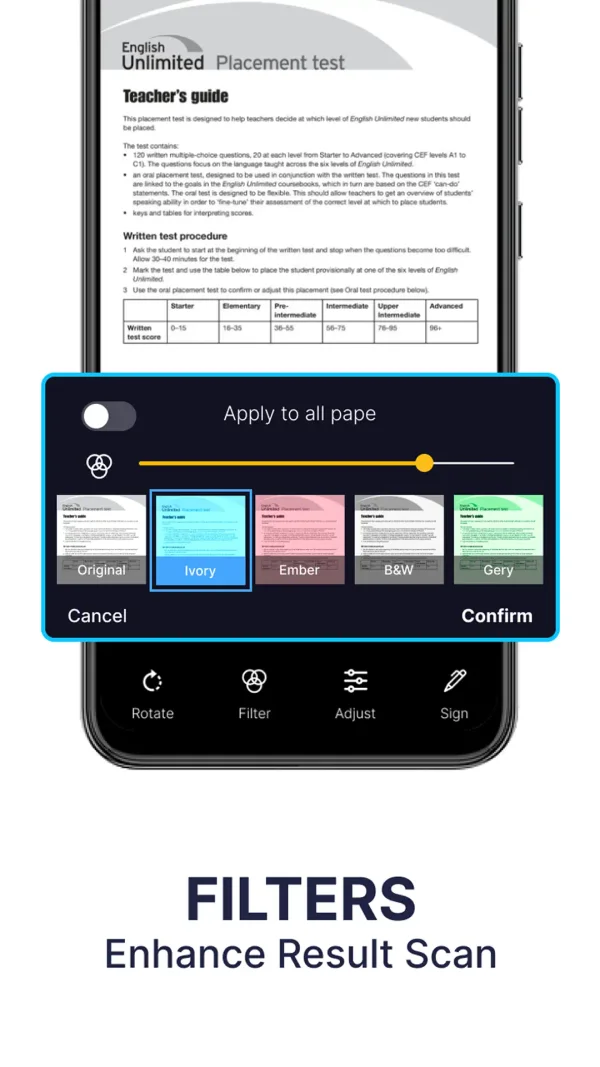
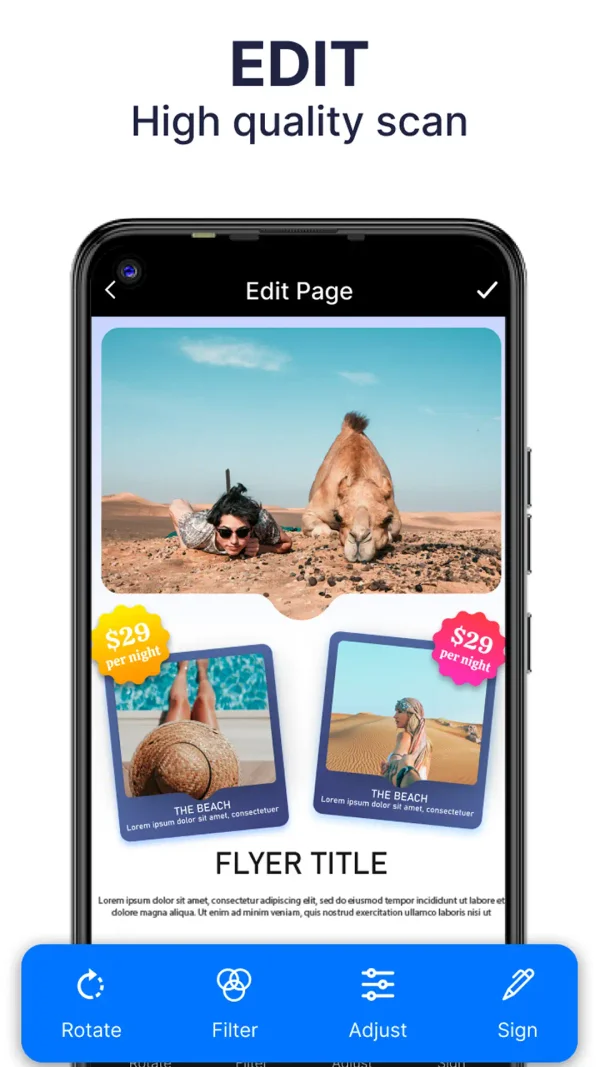
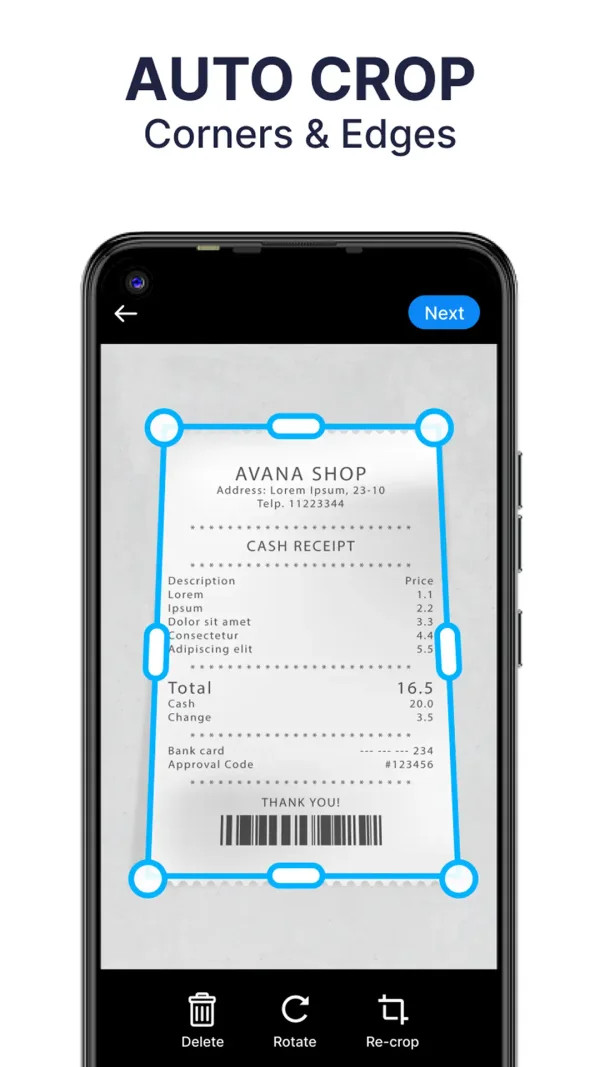
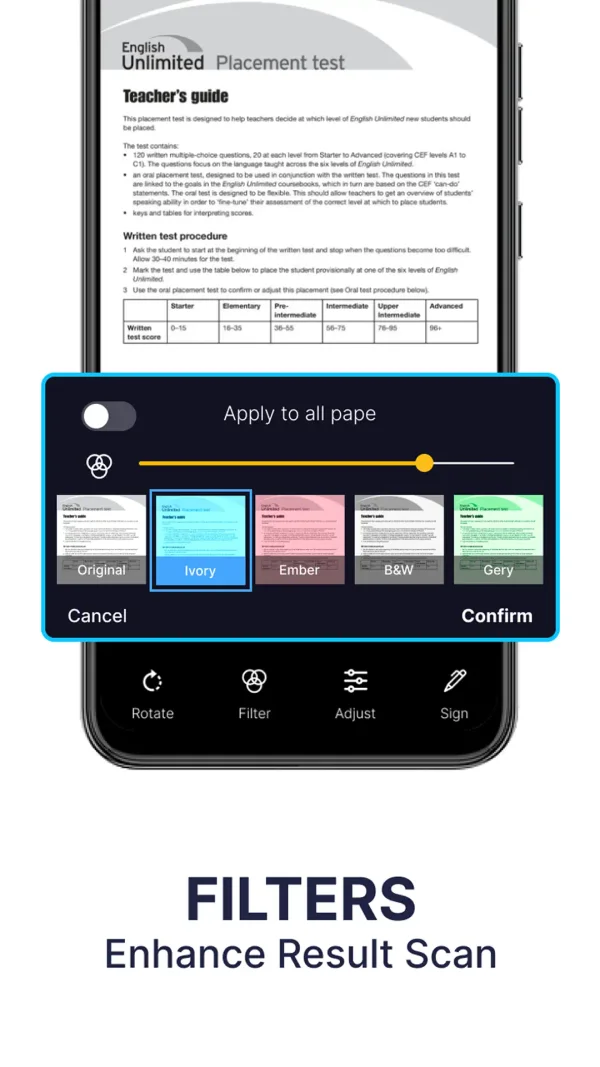
当社のPDFスキャナーアプリを使えば、正確なエッジ検出、スマートなトリミング、自動補正機能により、文書を鮮明で高解像度にスキャンできます。複数のフィルター(ドキュメント、画像、補正、白黒など)でスキャン結果をさらに最適化できます。この高評価のPDF変換アプリで、スキャン、変換、保存を今すぐお試しください。
✍️ 電子署名付きドキュメントスキャンアプリ:
PDFスキャンアプリを使えば、簡単に電子署名を追加できます。このドキュメントスキャナーアプリを使えば、PDFを送信または印刷する前に署名できるため、ワークフローが効率化されます。この画像からPDFへの変換スキャナーで、書類作成を簡素化しましょう。
✂️ Android用ドキュメント編集フォトスキャナー:
当社のAndroid用ドキュメントスキャナーを使えば、ページを個別に追加、編集、削除できます。ニーズに合わせて、複数のPDFページサイズ(レター、リーガル、A4、A5、A6)からお選びいただけます。
🔍 クイック検索機能付きカメラスキャナー:
PDFスキャナーアプリを使えば、ファイルを素早く見つけることができます。キーワードを入力してドキュメントをすばやく検索したり、OCR検索機能を使って画像やメモ内のテキストを瞬時に検索したりできます。写真からPDFへの変換に必要なスキャナーはこれ一つで十分です!
📝 画像からPDFへの変換:OCRテキスト抽出:
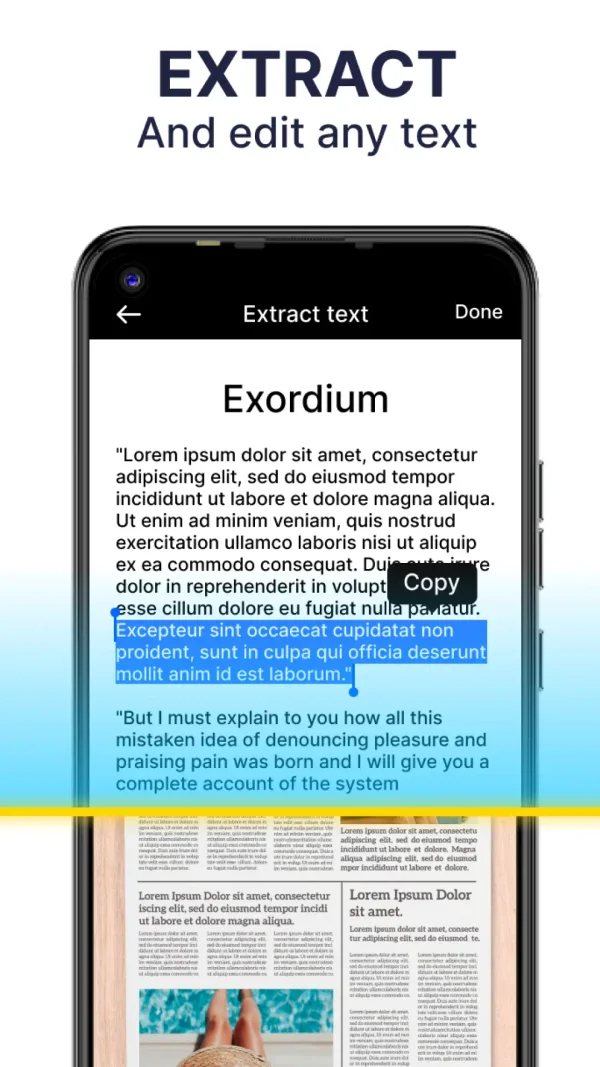
当社の画像からPDFへの変換アプリは、OCR技術を搭載しており、紙や画像からテキストを正確に認識・抽出します。これにより、スキャンしたPDFから編集、コピー、検索、共有を行うことができます。
PDFスキャナーアプリの便利な使い方:
✔️ 書類、名刺、領収書、請求書のスキャン。
✔️ PowerPointプレゼンテーション、メモ、書籍、その他の教育資料のスキャン。
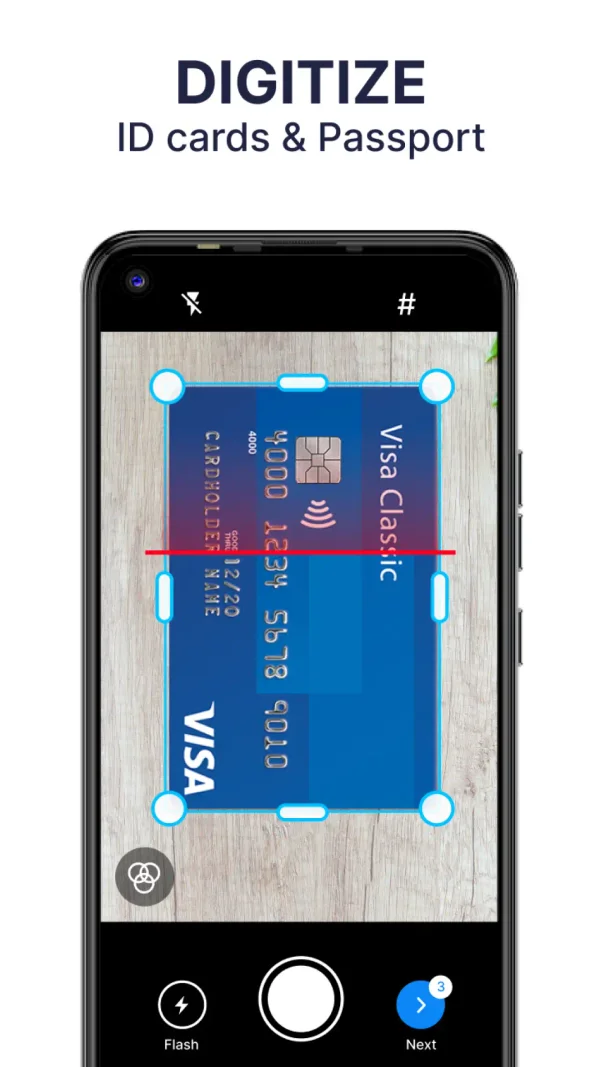
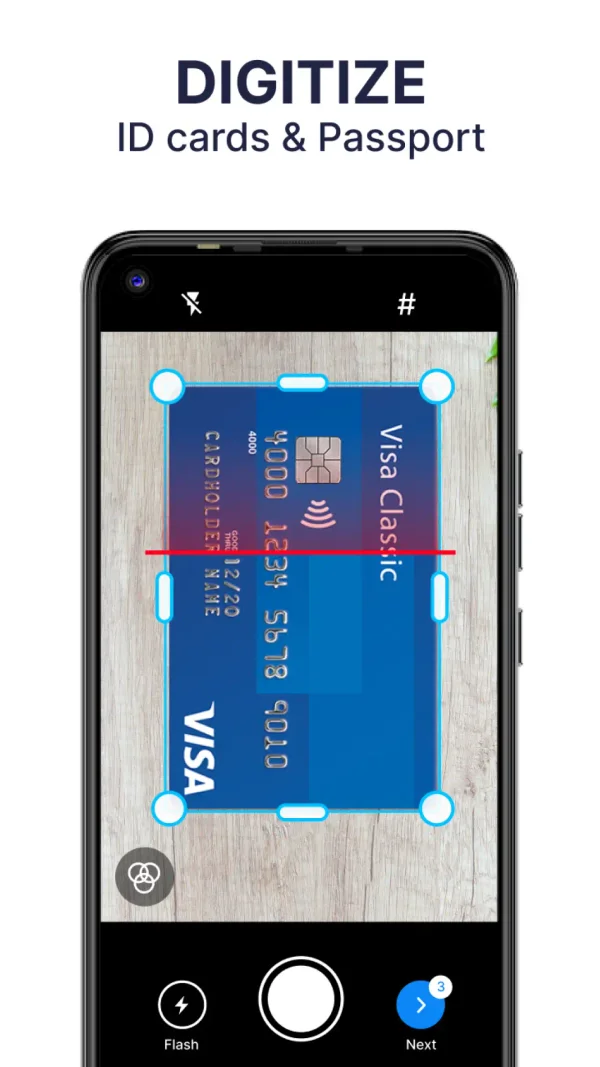
✔️ 身分証明書、パスポート、運転免許証、その他の重要な証明書をスキャンできます。
✔️ QRコード、メモ、手紙、地図などをスキャンできます。
原文を表示
PDF Scanner App: Revolutionize Your Document Management!
Welcome to the ultimate Document Scanner for Android, the all-in-one PDF Scanner App that transforms your smartphone into a powerful scanning device. Whether you need a Picture to PDF Converter or a Camera Scanner for Docs, our PDF Scanner App delivers high-quality results swiftly and efficiently. Go paperless—try the photo to pdf convert scanner and stay organized!
Say goodbye to bulky software and hello to the convenience of the best Photo Scanner for Android.
📄 Doc Scanner App Key Features: 📄
⭐Quick Document Scanner For Android;
⭐PDF Scanner App For any time;
⭐Picture To PDF Converter;
⭐Camera Scanner For Docs;
⭐Photo Scanner For Android;
⭐Intuitive Scan To PDF App;
⭐Amazing Scan PDF Converter;
⭐Scan Documents Easily!
🖋 Quick Camera Scanner to PDFs:
With just a single tap, our Document Scanner for Android can quickly scan and convert. You can print your scanned documents instantly with Document Scanner For Android. Turn images into documents with our photo to pdf convert scanner!
📤 One-Click Share - PDF Scanner App:
Share your scanned files effortlessly in PDF or JPEG formats through email, messaging apps, or social media. Our Scan to PDF App makes sharing easy and accessible.
Get Started With Our Doc Scanner App?
Our Document Scanner for Android is designed for convenience and efficiency. As a leading Camera Scanner for Docs, it turns your mobile device into a versatile scanning tool. The Photo Scanner for Android ensures your scanned documents are stored securely and can be accessed anytime, anywhere. Fast and easy photo to pdf convert scanner at your fingertips.📸 High-Quality Picture To PDF Converter:
With our PDF Scanner App your documents will be sharp, clear, and high-resolution thanks to precise edge detection, smart cropping, and auto-enhancement features. Multiple filters (Docs, Image, Enhance, Black & White, etc.) further optimize scan results in this top-rated Scan PDF Converter. Scan, convert, and save—try the photo to pdf convert scanner now.
✍️ Scan Documents App With Electronic Signatures:
Easily add electronic signatures with the Scan To PDF App. The Scanner Document App allows you to sign your PDFs before sending or printing, streamlining your workflow. Simplify your paperwork with this photo to pdf convert scanner.
✂️ Document Editing Photo Scanner For Android:
Our Document Scanner For Android lets you add, edit, or delete pages individually. Choose from multiple PDF page sizes (Letter, Legal, A4, A5, A6) to meet all your needs.
🔍 Camera Scanner For Docs With Quick Search:
Find your files quickly with the PDF Scanner App. Enter keywords to locate your documents swiftly, and use the OCR search feature to find texts in images and notes instantly. The only photo to pdf convert scanner you’ll ever need!
📝 Picture To PDF Converter: OCR Text Extraction:
Our Picture To PDF Converter has integrated OCR technology that accurately recognizes and extracts text from papers and images, allowing you to edit, copy, search, and share from the Scan PDF Converter.
Practical Uses for Our PDF Scanner App:
✔️ Scan documents, business cards, receipts, invoices.
✔️ Scan PPTs, notes, books, and other educational materials.
✔️ Scan IDs, passports, driver's licenses, and other important certificates.
✔️ Scan QR codes, memos, letters, maps, and more.
データ セーフティ
このアプリが収集・共有するデータについて、Prometheus Interactive LLCがGoogle Playで申告している内容です。
- このアプリはサードパーティと以下の種類のデータを共有することがありますファイル、ドキュメント
- データは収集されません詳しくは、デベロッパーが収集を申告する方法についての説明をご覧ください
- データは送信中に暗号化されます
- データを削除できません
新機能
バージョン 5.0.9 · 2025/10/8
🔹Added a new camera screen to easily capture documents.
🔹Added selection of multiple images from the gallery.
🔹Improved image quality for documents.
🔹Supports batch modification when importing PDF documents.
🔹New document filters have been added.
🔹Image converter to PDF form, OCR PDF generator.
🔹Flexible editing, able to edit the PDF file after save.
🔹View and Read PDF File Easily.
🔹Multi-languages support.
🔹Improved application performance.
開発元の連絡先
- ウェブサイトuseprometheus.app
- メールsupport.pdfscanner@useprometheus.app
- プライバシーポリシーuseprometheus.app
- 住所8 The Grn Ste 4184 Dover, DE 19901-3618 United States
情報
- 提供元
- Prometheus Interactive LLC
- カテゴリ
- 仕事効率化
- バージョン
- 5.0.9
- 更新日
- 2025/10/8
- リリース
- 2022/10/7
- 必要条件
- Android 6.0以降
- 対象年齢
- 3 歳以上
- 価格
- 無料
- アプリ内課金
- ¥110~¥10,900/アイテム
- パッケージ名
- com.camscanner.pdfscanner.documentscanner.textscanner.simplescan.free
類似のアプリ
-
 CamScanner - PDF スキャン、PDF メーカー
仕事効率化
-
 写真 PDF 変換 - 画像 PDF 変換、PDF 編集
仕事効率化
-
 ACE Scanner - PDF Scanner App
仕事効率化
-
 Clear Scan - PDF Scanner App
ビジネス
-
 PDF スキャナー Plus: スキャンアプリとPDF 変換
仕事効率化
-
 vFlat Scan - PDFスキャナーとOCR
仕事効率化
-
 ドキュメントビューアー:エクセル、ワ-ド、PDF
仕事効率化
-
 QRコード読み取りアプリ & バーコードリーダー
仕事効率化
-
 Mobile Scanner - 書類やフォトスキャン
仕事効率化
-
 PDFリーダー - PDFビューアー ・PDF 編集
仕事効率化
-
 すべてのドキュメントリーダー
ツール
-
 宿題スキャナー:筆跡が消えるアプリ
教育