Picture Editor
App Holdings広告を含む · アプリ内課金
- 3 歳以上対象年齢
- 写真カテゴリ
- 2026/11/21更新日
- 無料価格
com.imaginstudio.imagetools.pixellabのGoogle Play公式ページにリンクしています。最終確認:2026/11/21。
スクリーンショット
このアプリについて
Googleによる英語 (アメリカ合衆国)からの自動翻訳です。
簡単に、単純な描画と3Dテキストやステッカーを追加し、無料であなたの画像を編集!
PixelLabフォトエディタ:スタイリッシュなテキスト、 3Dテキスト、図形、ステッカー、画像への描画がこれまでになく簡単になりました。何をしているのかに集中できるシンプルでクリーンなインターフェース、幅広いプリセット、フォント、ステッカー、背景、カスタマイズ可能な60を超える独自のオプション、そしてもちろん想像力を駆使して、次のことができるようになります。見事なグラフィックを作成し、携帯電話やタブレットから直接友達を驚かせましょう。
アプリの動作を確認したい場合は、チュートリアルを含むYouTubeプレイリストをご覧ください:https://www.youtube.com/playlist?list = PLj6ns9dBMhBL3jmB27sNEd5nTpDkWoEET
機能:
テキスト:必要な数のテキストオブジェクトを追加およびカスタマイズします…
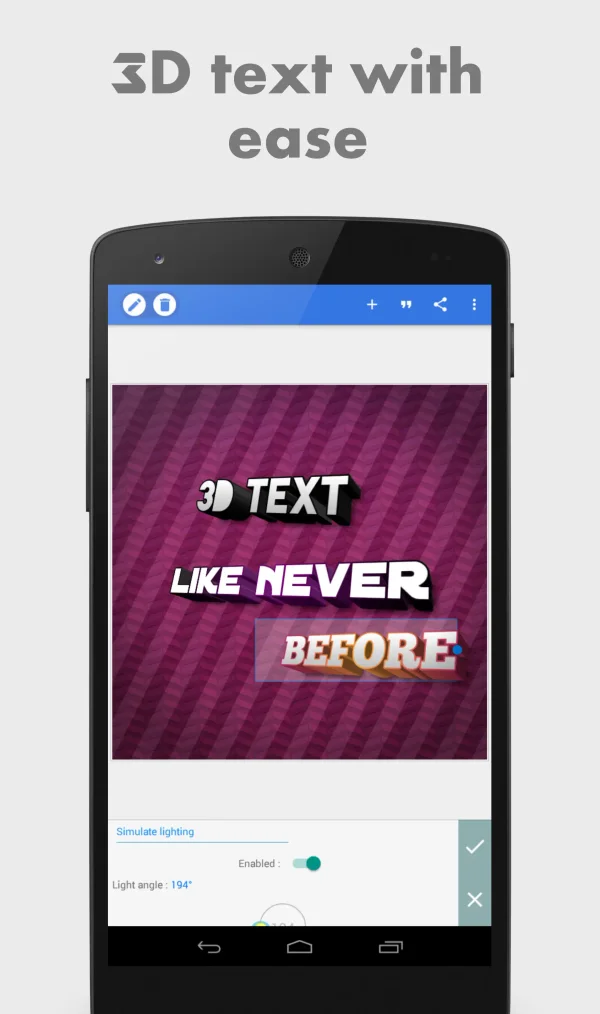
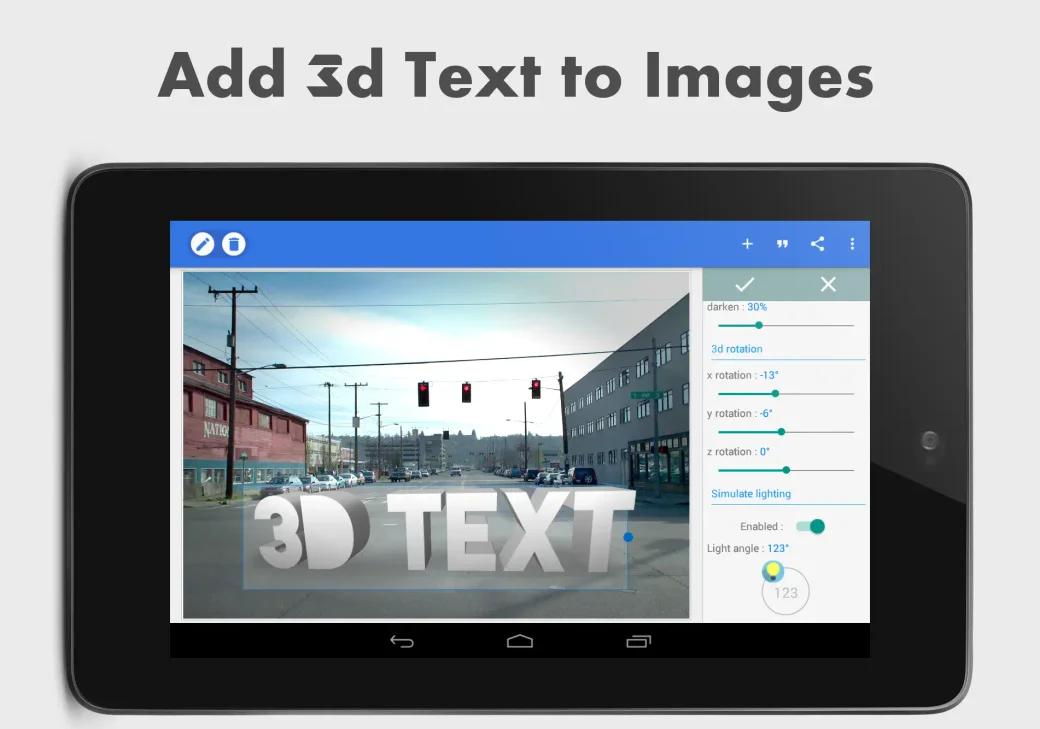
3Dテキスト:3Dテキストを作成して画像の上にオーバーレイするか、クールなポスターに自立させます…
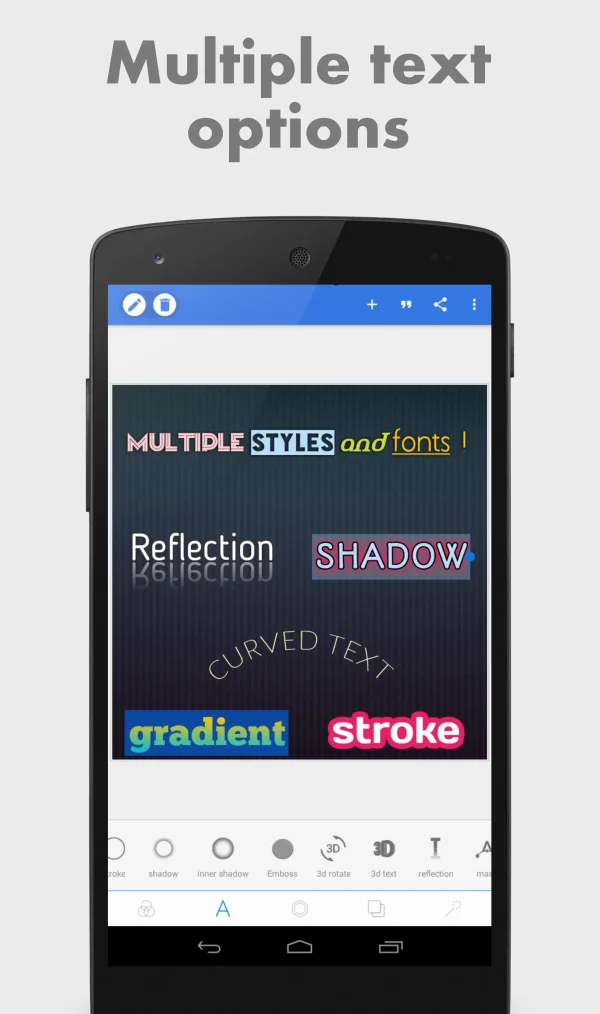
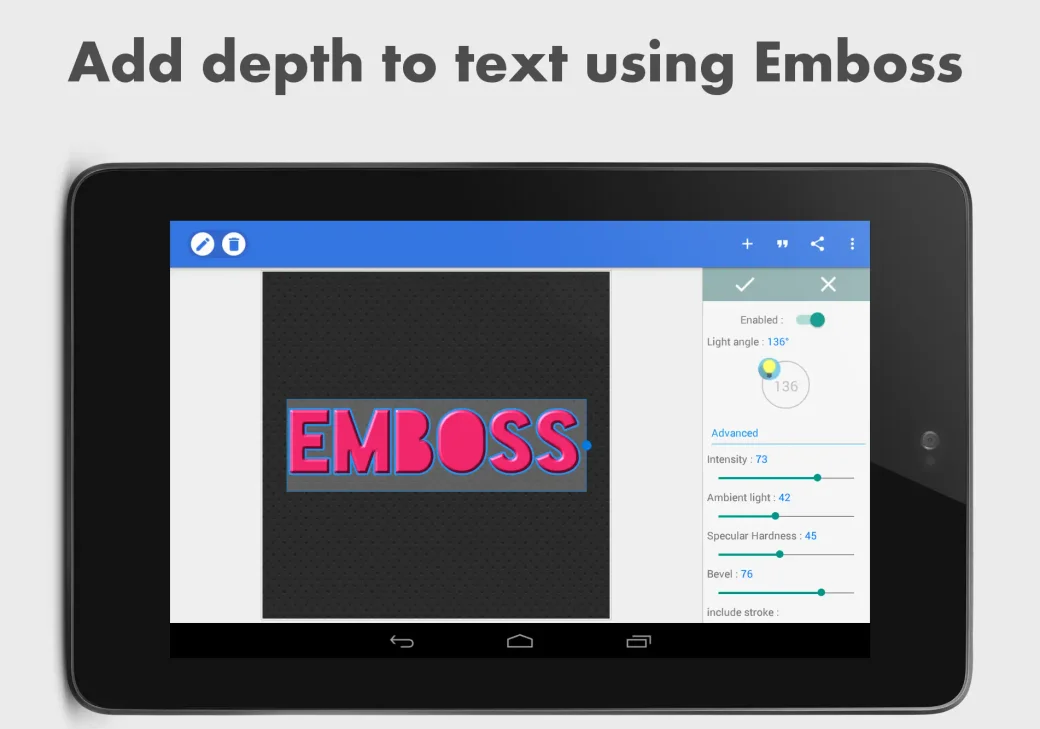
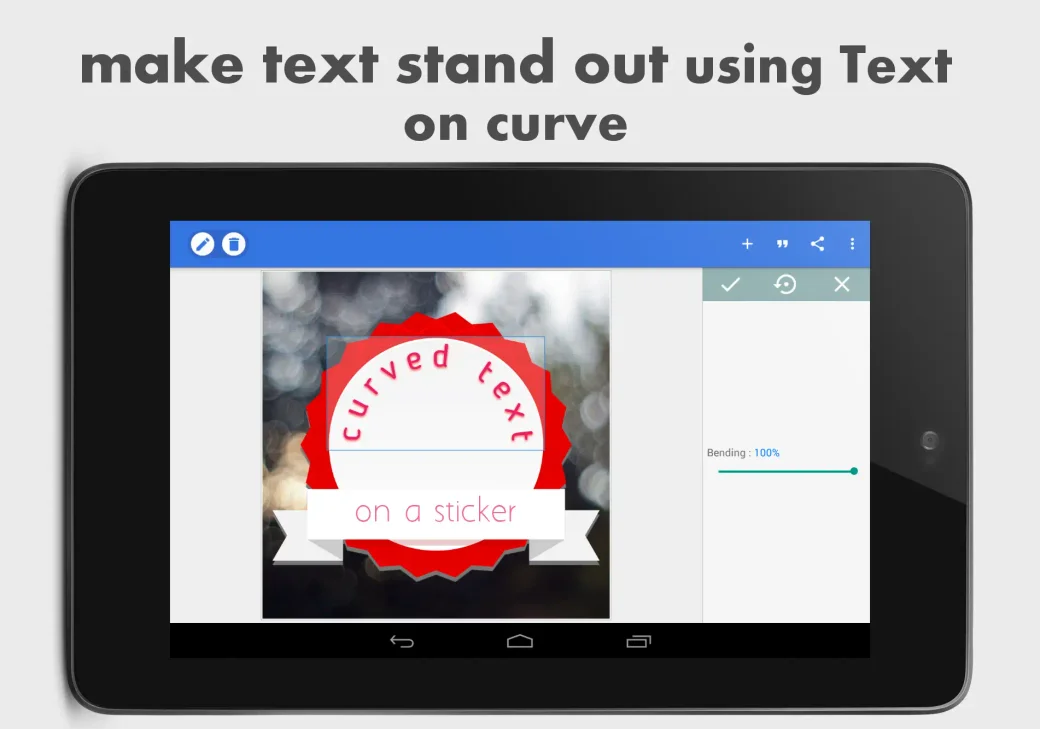
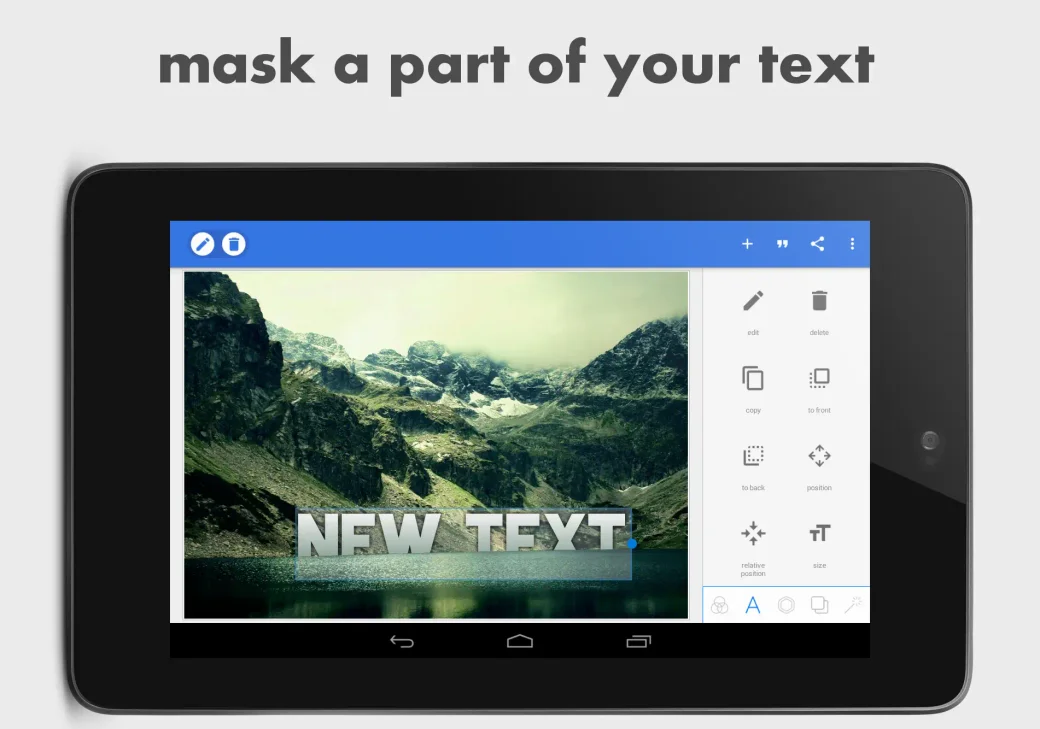
テキスト効果:シャドウ、インナーシャドウ、ストローク、背景、反射、エンボス、マスク、3Dテキストなどの数十のテキスト効果でテキストを目立たせます。
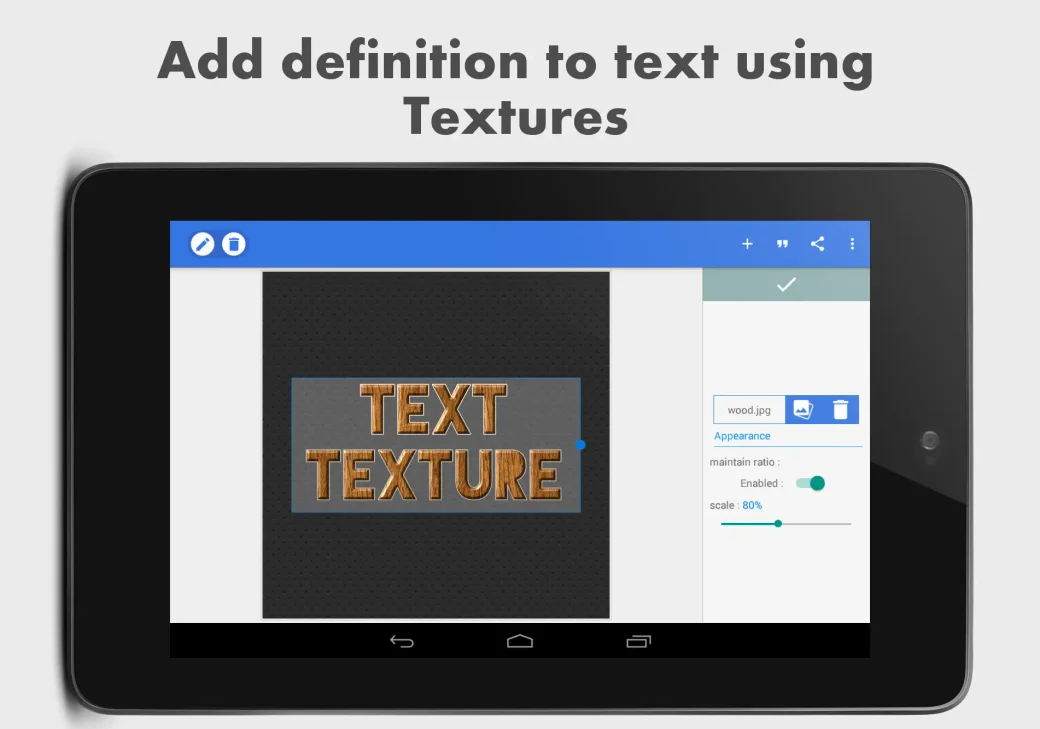
テキストの色:テキストを、単純な色、線形グラデーション、放射状グラデーション、画像テクスチャなど、任意の塗りつぶしオプションに設定します。
テキストフォント:100以上の厳選されたフォントから選択します。または、独自のフォントを使用してください。
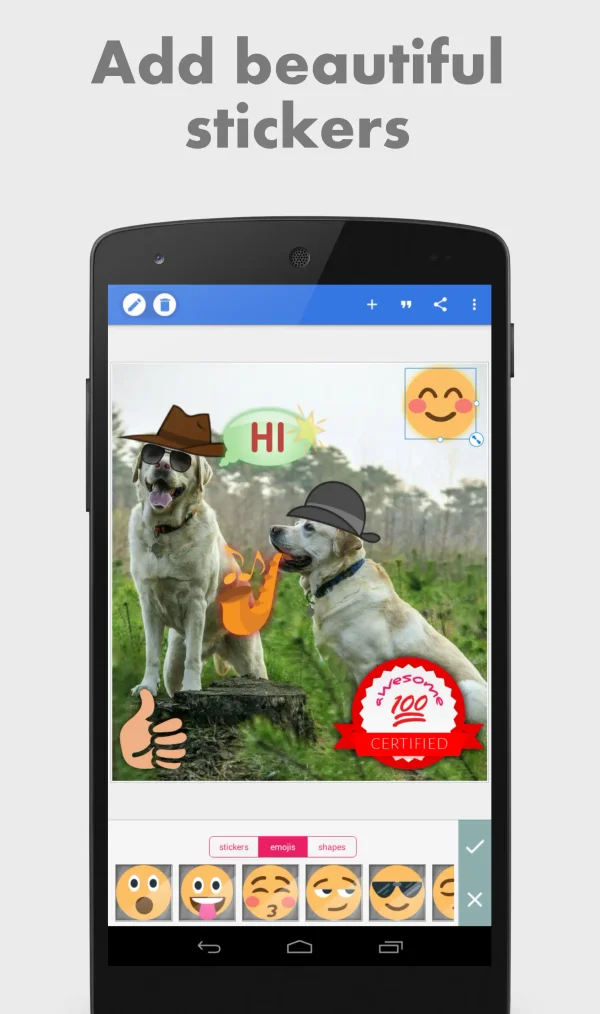
ステッカー:ステッカー、絵文字、図形を必要なだけ追加してカスタマイズします...
画像のインポート:ギャラリーから独自の画像を追加します。これは、独自のステッカーを持っている場合、または2つの画像を合成したい場合に便利です...
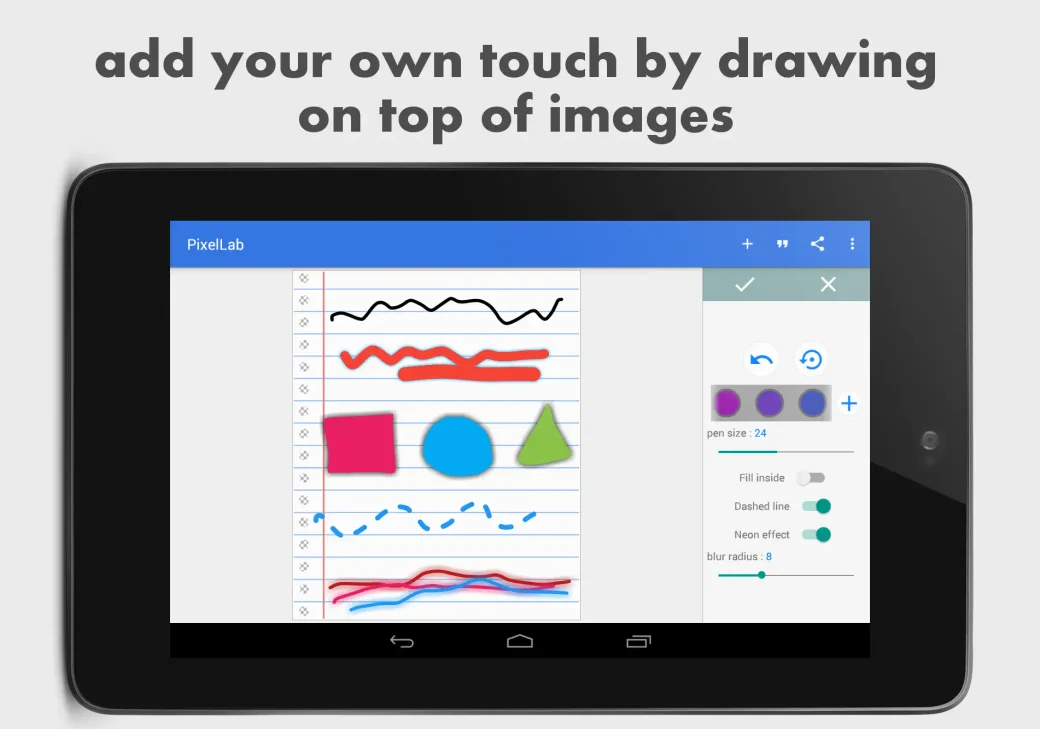
描画:ペンのサイズと色を選択して、好きなものを描画します。その後、描画は図形のように機能し、サイズを変更したり、回転したり、影を追加したりできます...
背景を変更:色、グラデーション、または画像にする可能性があります。
プロジェクトとして保存:プロジェクトとして行うことは何でも保存できます。アプリを閉じても使えるようになります!
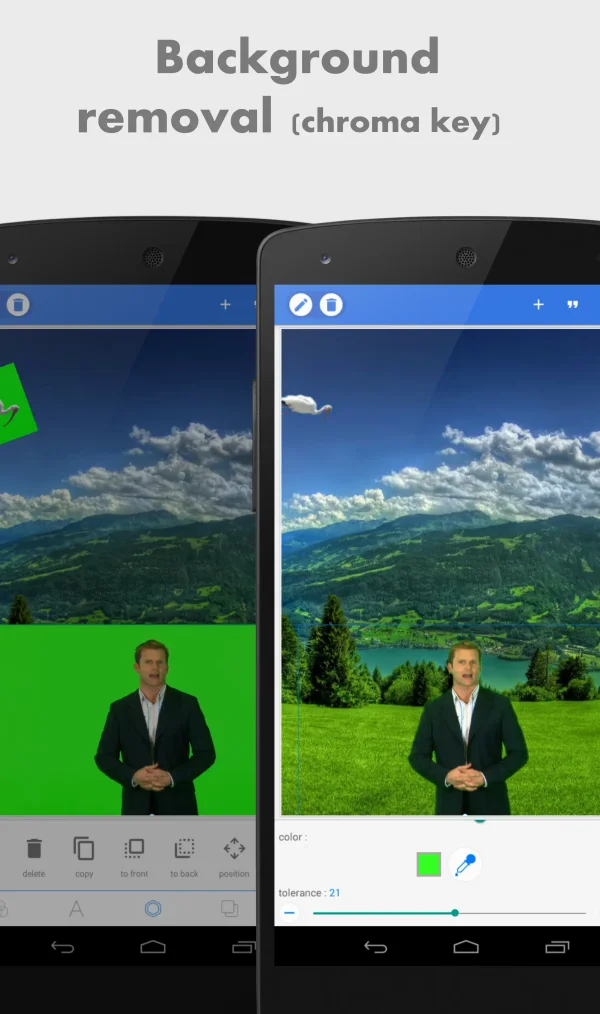
背景を削除:Google画像検索で見つけた画像のオブジェクトの背後にある緑色の画面、青色の画面、または単に白い背景。 PixelLabはそれをあなたのために透明にすることができます。
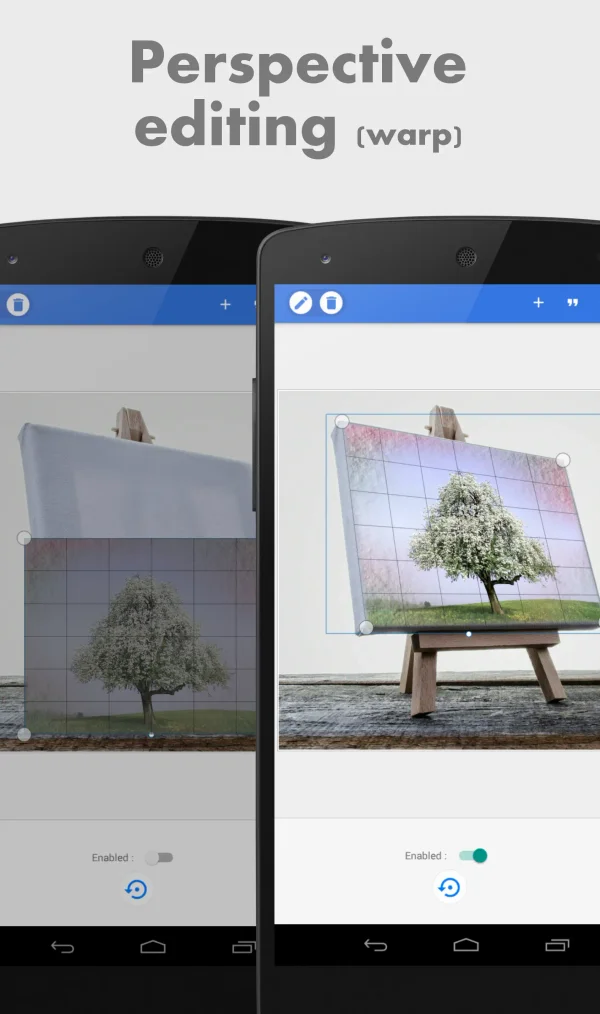
画像パースペクティブの編集:パースペクティブ編集(ワープ)を実行できるようになりました。モニターのコンテンツの交換、道路標識のテキストの変更、ボックスへのロゴの追加などに便利です。
画像効果:ビネット、ストライプ、色相、彩度などの利用可能な効果を適用して、写真の見栄えを良くします。
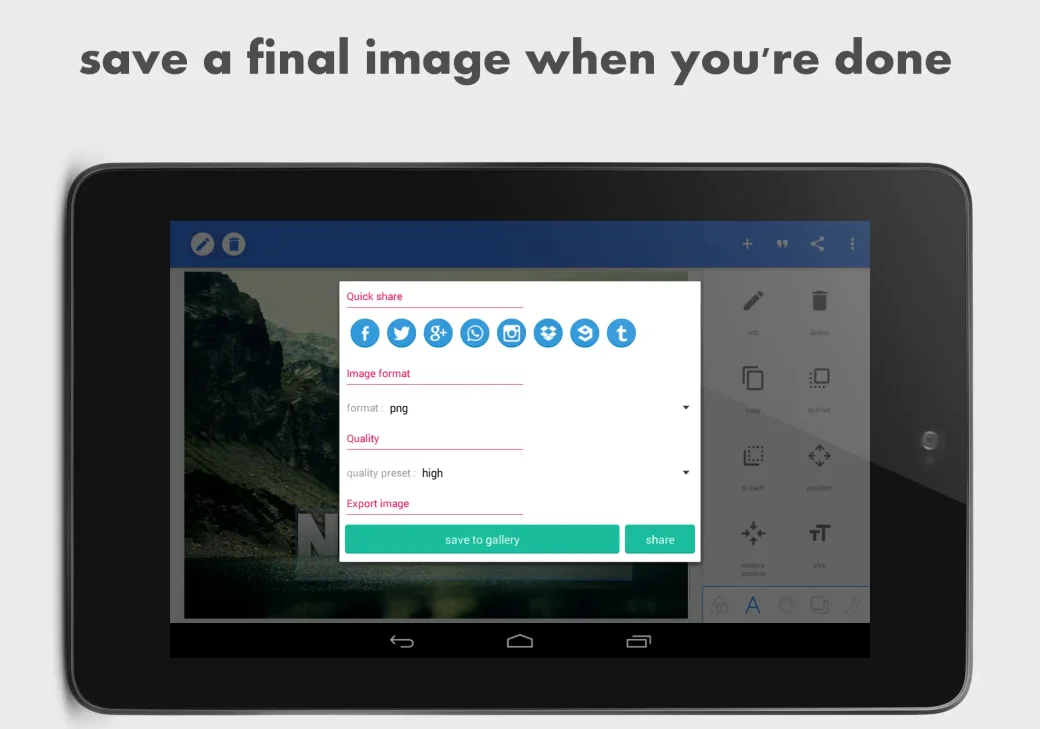
画像のエクスポート:任意の形式または解像度で保存または共有します。簡単にアクセスするには、[クイック共有]ボタンを使用して、ボタンをクリックするだけで画像をソーシャルメディアアプリに共有できます(例:Facebook 、twitter、instagram ...)
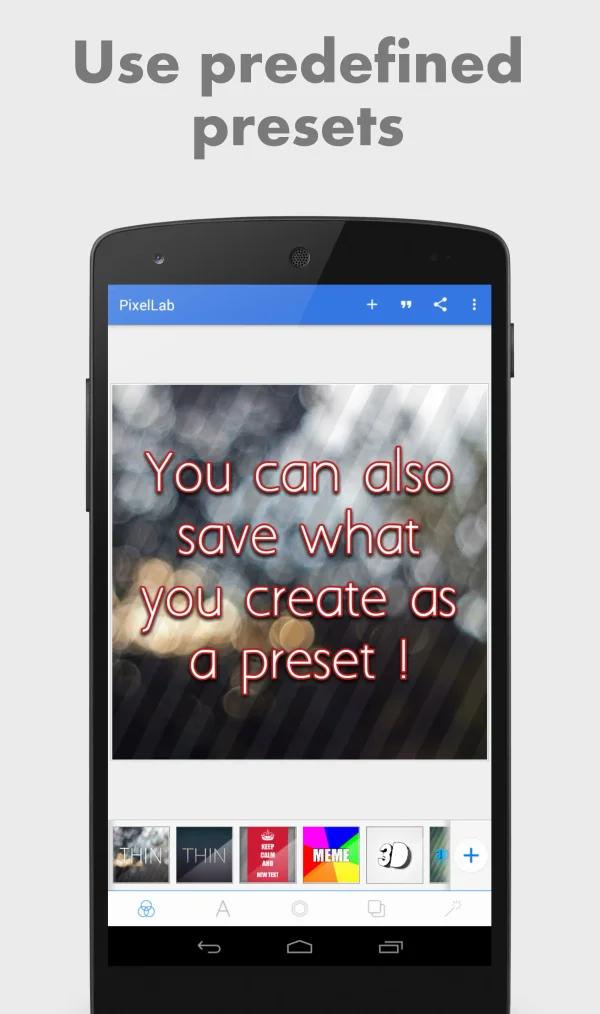
ミームの作成:提供されているミームプリセットを使用すると、ミームを数秒で簡単に共有できるようになります。
引用符を参照して、作成しているものに好きなものを挿入してください。
提案、質問がある場合、またはバグを報告したい場合は、提供されているフィードバック機能を使用するか、電子メールで直接私に連絡してください...
原文を表示
Adding stylish text, 3d text, shapes, stickers and drawing on top of your picture has never been easier. With a simple and clean interface that lets you focus on whatever you're doing, a wide selection of presets, fonts, stickers, backgrounds, more than 60 unique options that you can customize and of course your imagination, you'll be able to create stunning graphics and amaze your friends straight from your phone or tablet.
If you want to see the app in action, here is a YouTube playlist that contains some tutorials : https://www.youtube.com/playlist?list=PLj6ns9dBMhBL3jmB27sNEd5nTpDkWoEET
Features:
Text: add and customize as much text objects as you want…
3D Text: create 3d texts and overlay them on top of your images, or have them stand on their own in a cool poster…
Text effects: make your text stand out with dozens of text effects like : Shadow, Inner Shadow, Stroke, Background, Reflection, Emboss, Mask, 3d text...
Text color: Set your text to any fill option you want, be it a simple color, a linear gradient, a radial gradient, or an image texture.
Text font: choose from 100+, hand picked fonts. Or use your own fonts !
Stickers: add and customize as much stickers, emojis, shapes, as you want...
Import images: add your own images from gallery. This could come in handy when you have your own stickers, or you want to composite two images...
Draw: pick a pen size, a color, then draw anything you want. after that the drawing acts like a shape and you can resize it, rotate it, add shadow to it...
change the background: with the possibility of making it : a color, a gradient or an image.
Save as a project: you can save anything you do as a project. It'll be available for use even after closing the app!
Remove the background: be it a green screen, a blue screen or simply a white background behind an object in an image that you found on Google images; PixelLab can make it transparent for you.
Edit image perspective: you can now perform perspective editing (warp). Handy for, replacing a monitor's content, changing a road sign's text, adding logos on boxes...
Image effects: enhance your pictures' look by applying some of the available effects, which include vignette, stripes, hue, saturation...
Export your Image: save or share at any format or resolution you want, For easy access you can use the Quick Share buttons to share the image to social media apps with a click of a button (ex : facebook,twitter, instagram...)
Create memes: using the provided meme preset, you can easily have your memes ready for sharing in matter seconds.
Browse quotes and insert anything you like, into what you're making !
If you have a suggestion, a question or you want to report a bug please use the provided feedback function or contact me directly via emails...
データ セーフティ
このアプリが収集・共有するデータについて、App HoldingsがGoogle Playで申告している内容です。
- このアプリはサードパーティと以下の種類のデータを共有することがあります位置情報、個人情報、他 4 件
- このアプリは以下の種類のデータを収集することがあります位置情報、個人情報、他 4 件
- データは送信中に暗号化されます
- データを削除できません
新機能
バージョン 2.2.0 · 2026/11/21
• The Upgrade purchase (ad removal) now stays active after you buy it
• Updated for Android 15 and 16
• Bug fixes and improvements
開発元の連絡先
- ウェブサイトappholdings.org
- メールfeedback@appholdings.org
- プライバシーポリシーappholdings.org
- 住所9900 Spectrum Dr Austin, TX 78717 United States
情報
- 提供元
- App Holdings
- カテゴリ
- 写真
- バージョン
- 2.2.0
- 更新日
- 2026/11/21
- リリース
- 2015/4/11
- 必要条件
- Android 6.0以降
- 対象年齢
- 3 歳以上
- 価格
- 無料
- アプリ内課金
- ¥340/アイテム
- パッケージ名
- com.imaginstudio.imagetools.pixellab
類似のアプリ
-
 Alight Motion
動画プレーヤー&エディタ
-
 Logo Maker - Logo Creator App
アート&デザイン
-
 Sketchbook
アート&デザイン
-
 Background Eraser Photo Editor
写真
-
 KineMaster - AI動画編集アプリ
動画プレーヤー&エディタ
-
 Motion Ninja Video Editor
動画プレーヤー&エディタ
-
 Photoshop Express Photo Editor
写真
-
 Photoshop with AI Assistant
写真
-
 GoCut - ビデオエフェクトエディター
動画プレーヤー&エディタ
-
 Pixelcut 背景透明化
アート&デザイン
-
 背景透過、背景透明化 - 写真加工アプリ、画像編集&写真合成
写真
-
 Node Video
動画プレーヤー&エディタ