Picture Editor
App HoldingsContains ads · In-app purchases
- EveryoneAge rating
- PhotographyCategory
- Nov 21, 2026Updated
- FreePrice
Links to the official Google Play listing of com.imaginstudio.imagetools.pixellab. Last checked on Nov 21, 2026.
Screenshots
About this app
Easily draw, add simple and 3D text and stickers, and edit your images for free!
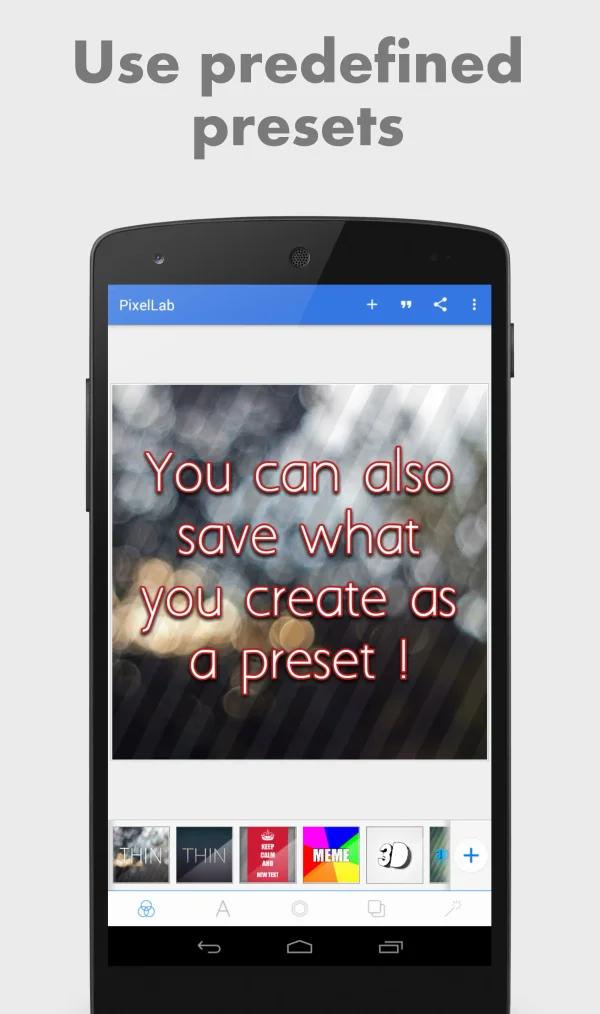
Adding stylish text, 3d text, shapes, stickers and drawing on top of your picture has never been easier. With a simple and clean interface that lets you focus on whatever you're doing, a wide selection of presets, fonts, stickers, backgrounds, more than 60 unique options that you can customize and of course your imagination, you'll be able to create stunning graphics and amaze your friends straight from your phone or tablet.
If you want to see the app in action, here is a YouTube playlist that contains some tutorials : https://www.youtube.com/playlist?list=PLj6ns9dBMhBL3jmB27sNEd5nTpDkWoEET
Features:
Text: add and customize as much text objects as you want…
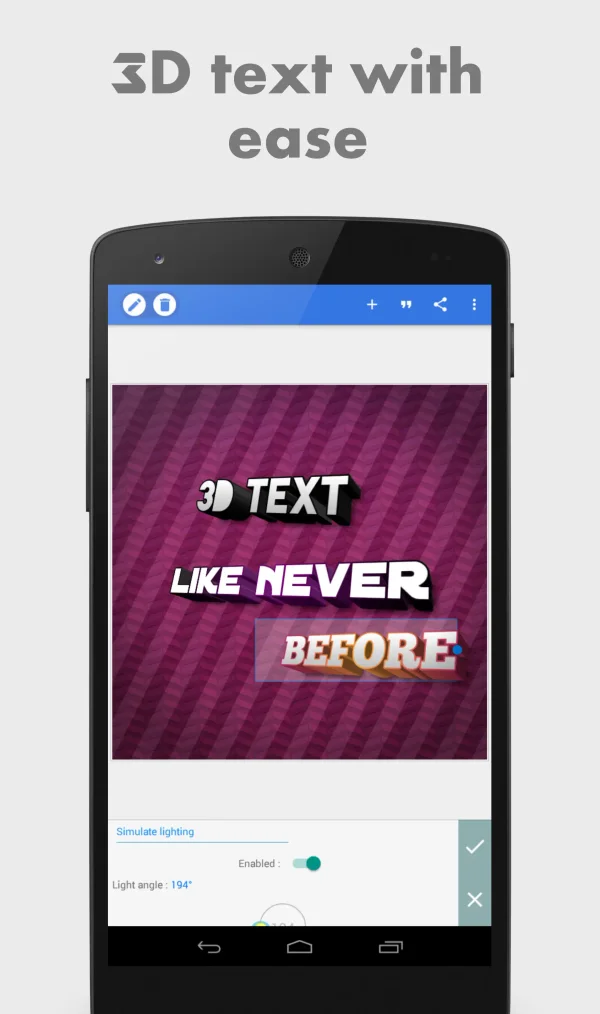
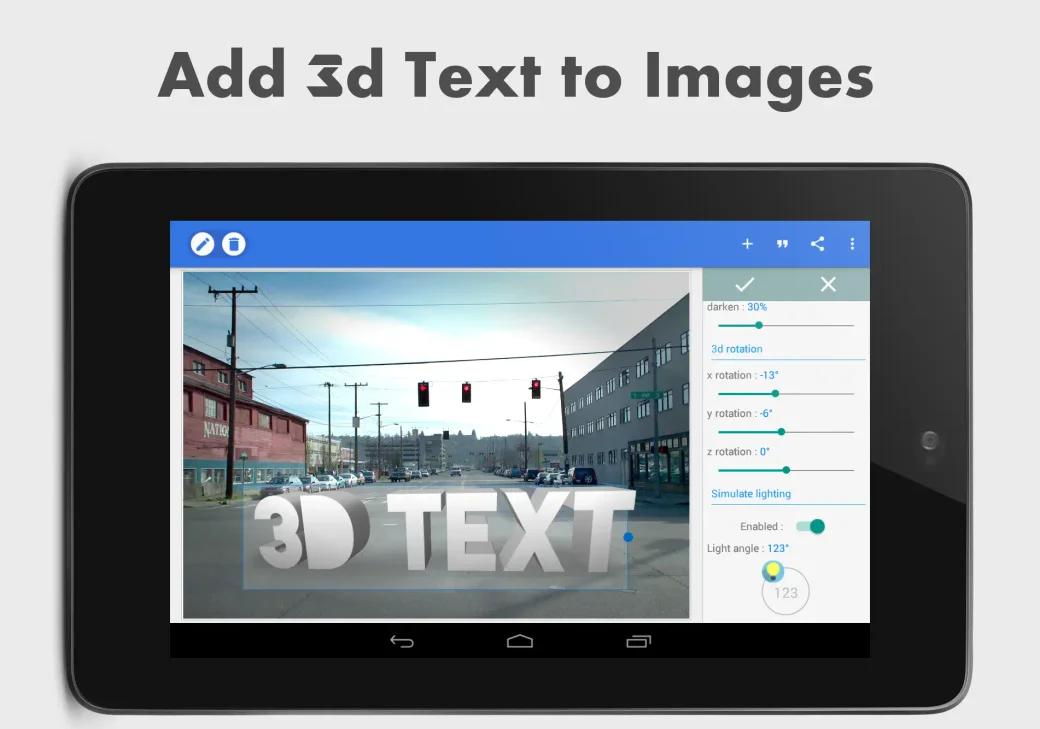
3D Text: create 3d texts and overlay them on top of your images, or have them stand on their own in a cool poster…
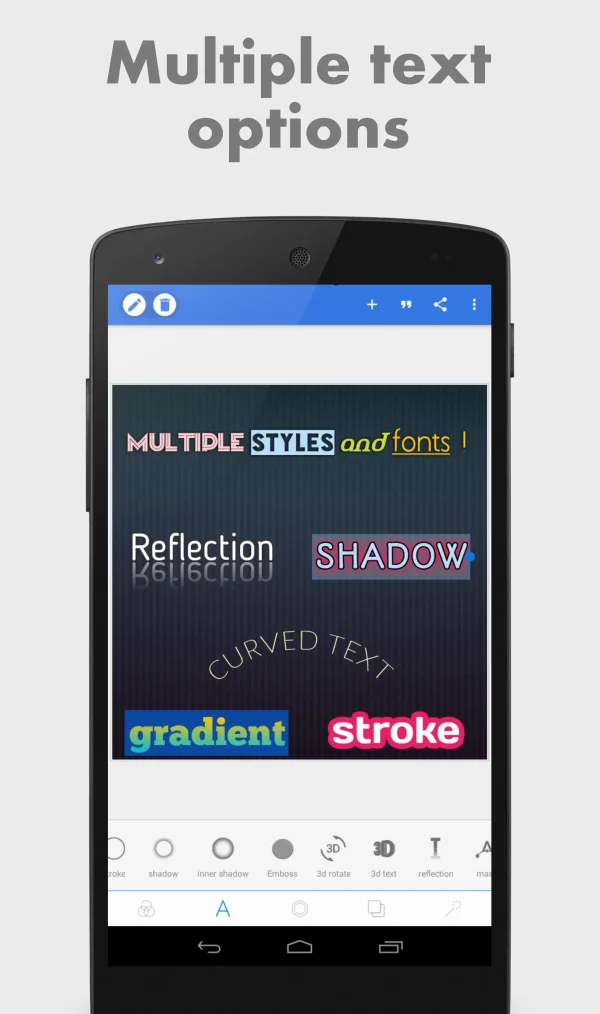
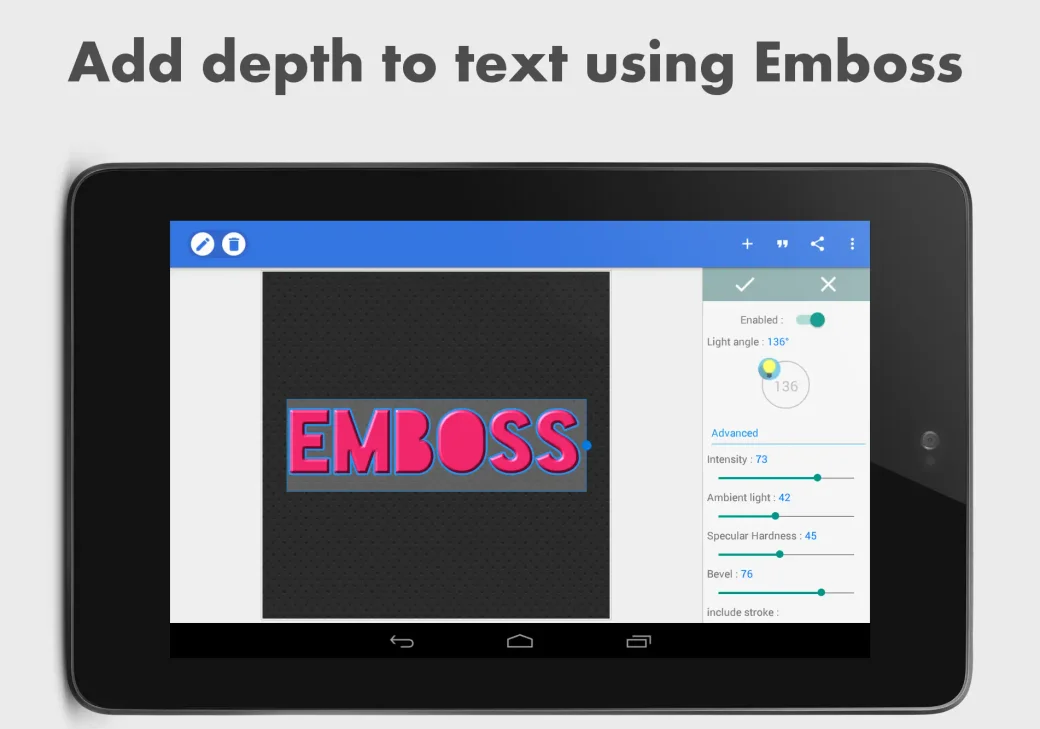
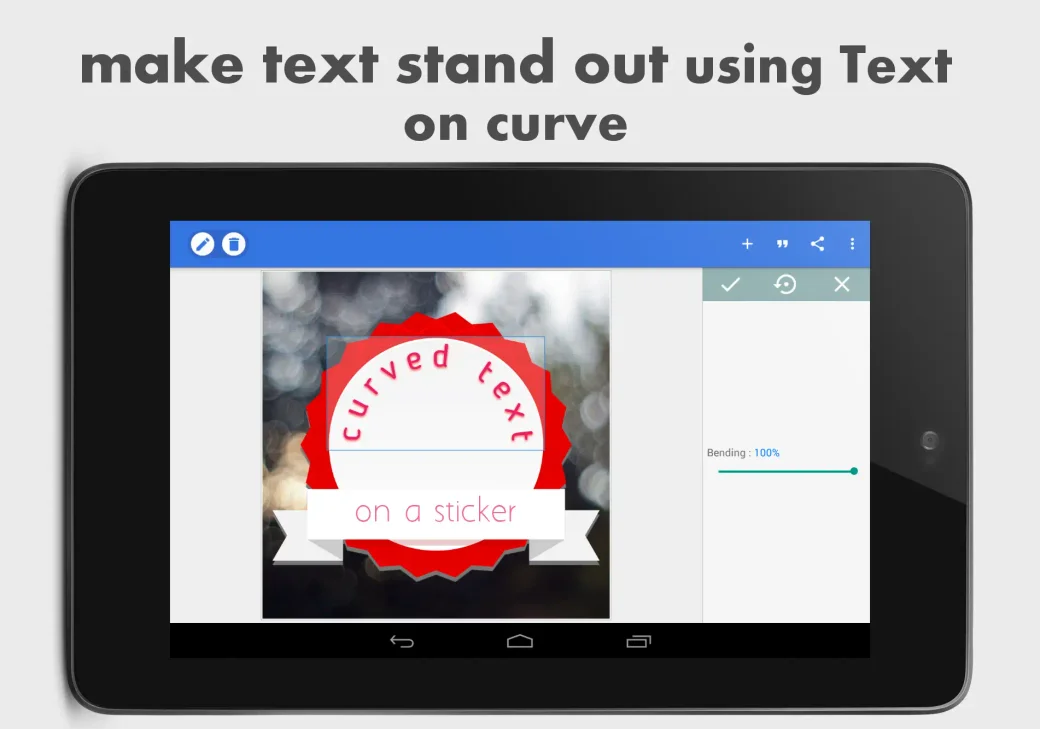
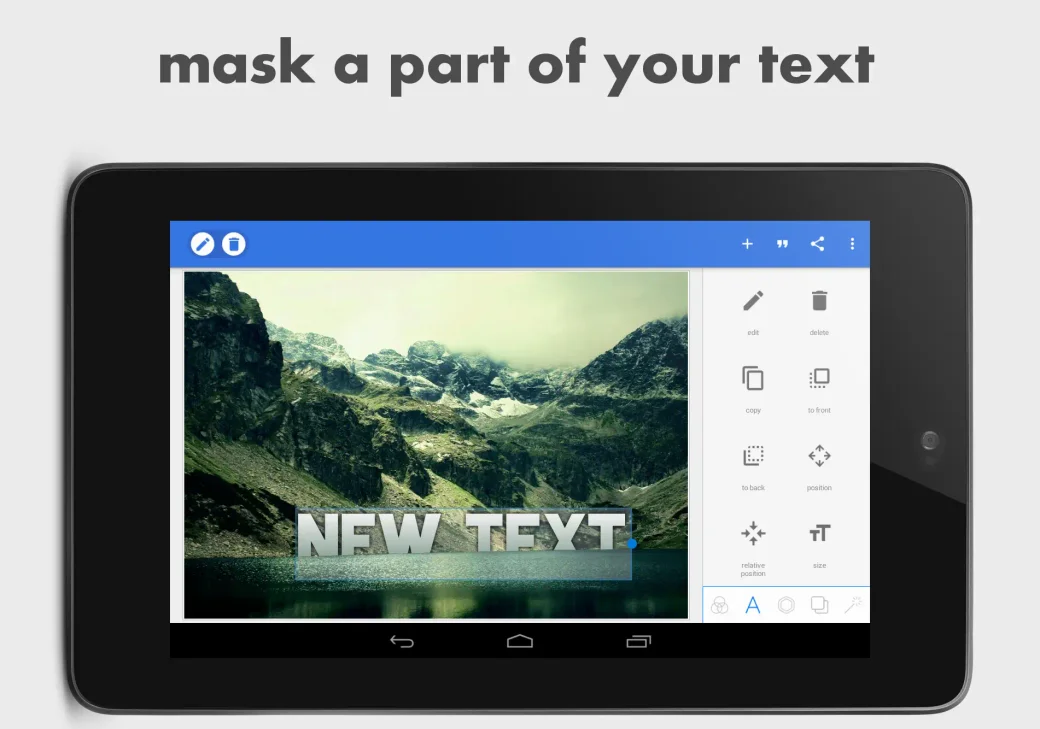
Text effects: make your text stand out with dozens of text effects like : Shadow, Inner Shadow, Stroke, Background, Reflection, Emboss, Mask, 3d text...
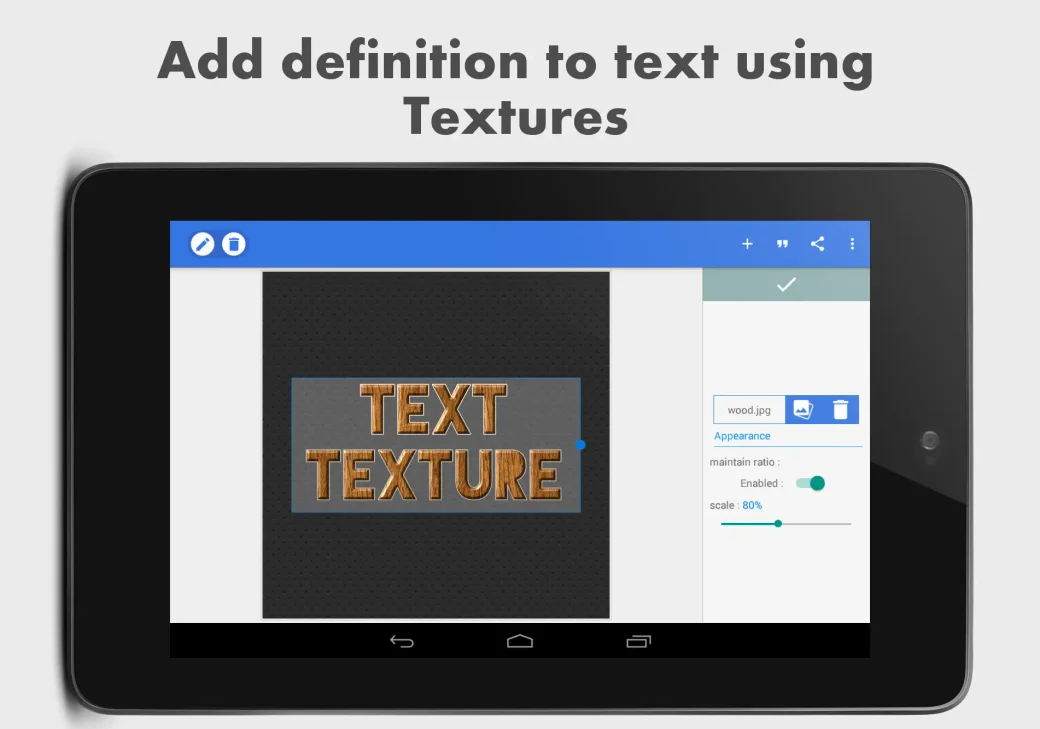
Text color: Set your text to any fill option you want, be it a simple color, a linear gradient, a radial gradient, or an image texture.
Text font: choose from 100+, hand picked fonts. Or use your own fonts !
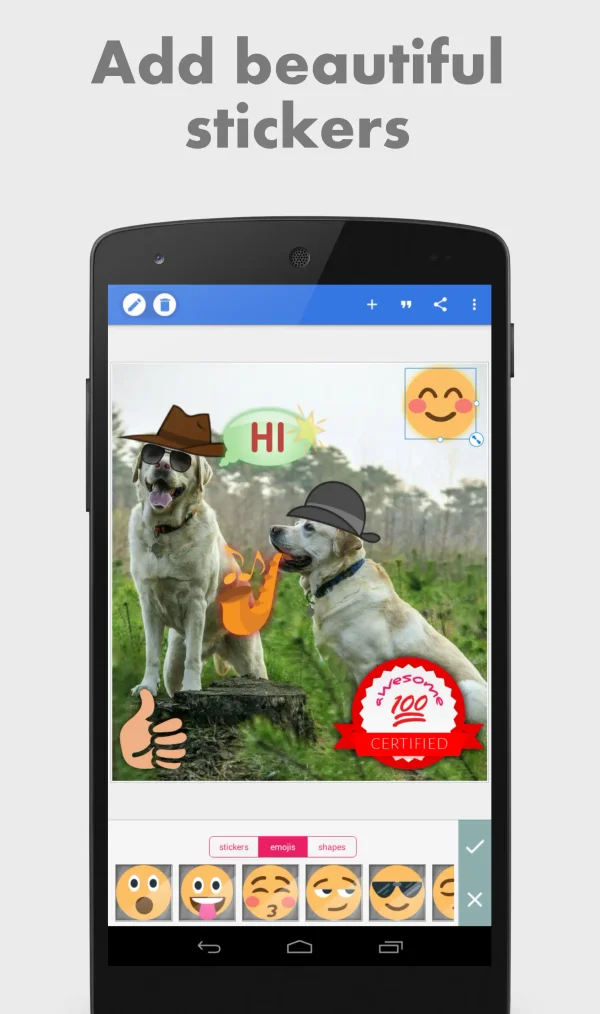
Stickers: add and customize as much stickers, emojis, shapes, as you want...
Import images: add your own images from gallery. This could come in handy when you have your own stickers, or you want to composite two images...
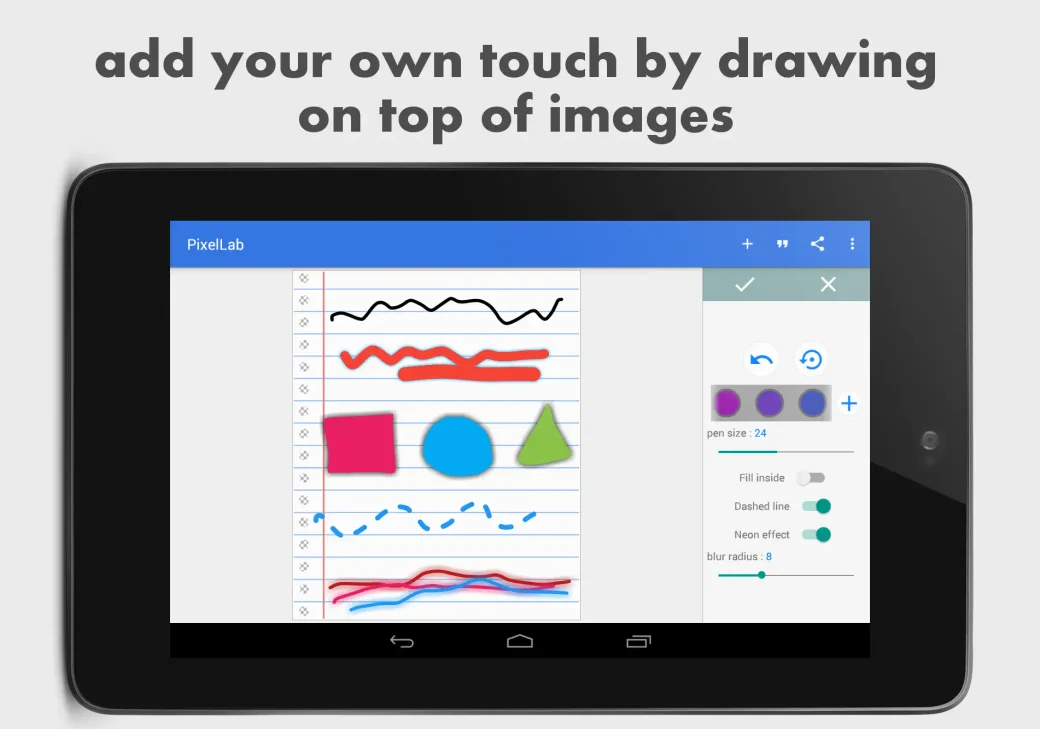
Draw: pick a pen size, a color, then draw anything you want. after that the drawing acts like a shape and you can resize it, rotate it, add shadow to it...
change the background: with the possibility of making it : a color, a gradient or an image.
Save as a project: you can save anything you do as a project. It'll be available for use even after closing the app!
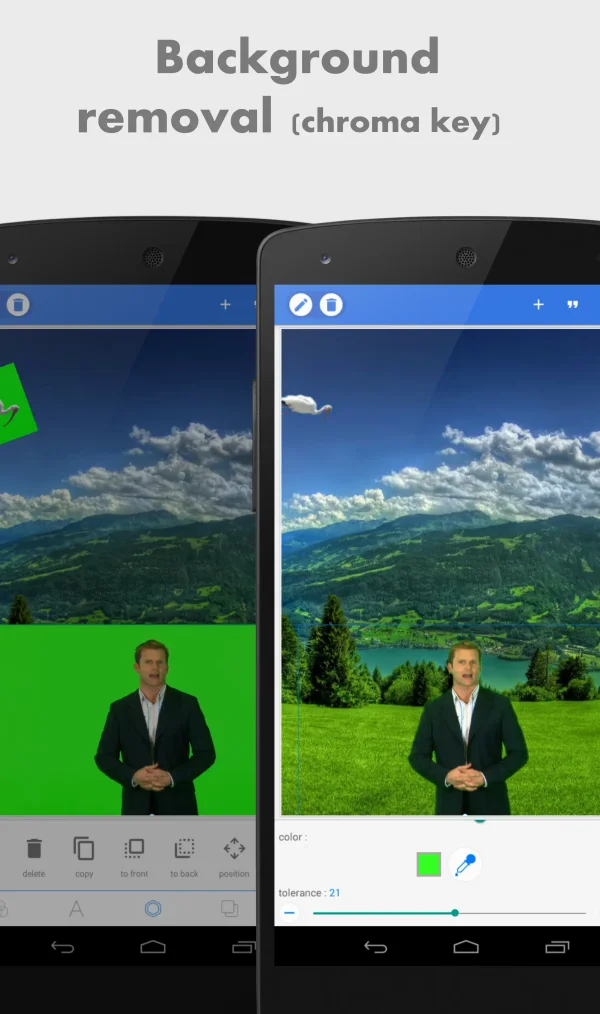
Remove the background: be it a green screen, a blue screen or simply a white background behind an object in an image that you found on Google images; PixelLab can make it transparent for you.
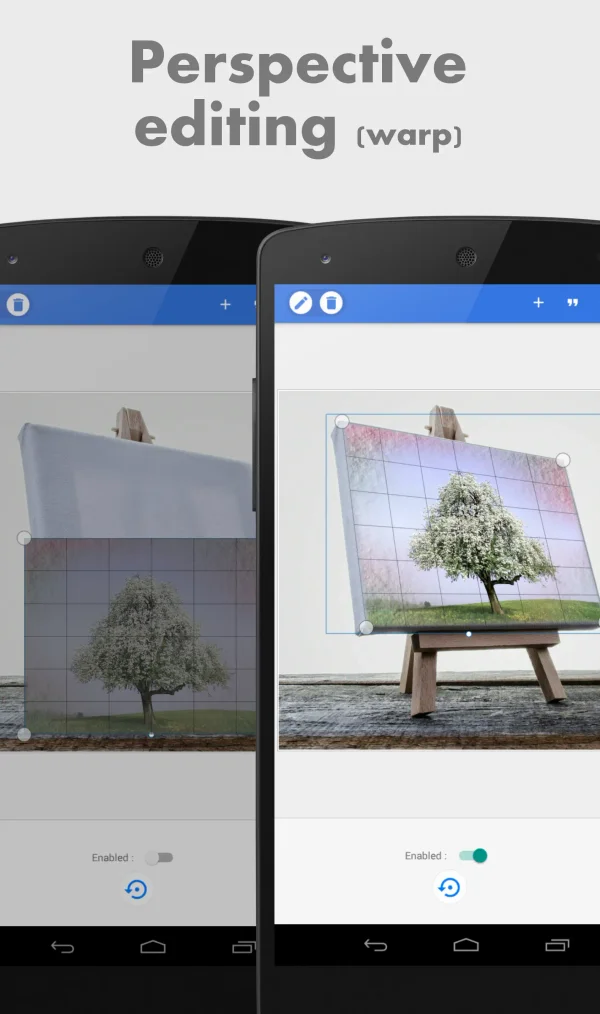
Edit image perspective: you can now perform perspective editing (warp). Handy for, replacing a monitor's content, changing a road sign's text, adding logos on boxes...
Image effects: enhance your pictures' look by applying some of the available effects, which include vignette, stripes, hue, saturation...
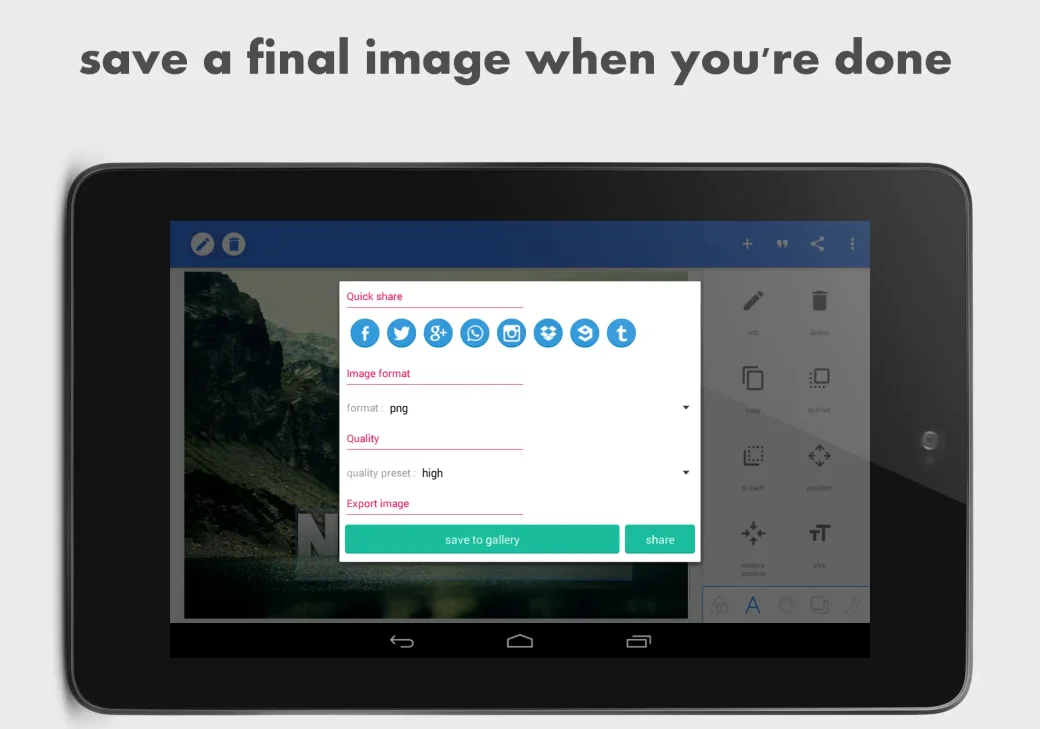
Export your Image: save or share at any format or resolution you want, For easy access you can use the Quick Share buttons to share the image to social media apps with a click of a button (ex : facebook,twitter, instagram...)
Create memes: using the provided meme preset, you can easily have your memes ready for sharing in matter seconds.
Browse quotes and insert anything you like, into what you're making !
If you have a suggestion, a question or you want to report a bug please use the provided feedback function or contact me directly via emails...
Data safety
What App Holdings declares on Google Play about the data this app collects and shares.
- This app may share these data types with third partiesLocation, Personal info and 4 others
- This app may collect these data typesLocation, Personal info and 4 others
- Data is encrypted in transit
- Data can’t be deleted
What’s new
Version 2.2.0 · Nov 21, 2026
• The Upgrade purchase (ad removal) now stays active after you buy it
• Updated for Android 15 and 16
• Bug fixes and improvements
Developer contact
- Websiteappholdings.org
- Emailfeedback@appholdings.org
- Privacy policyappholdings.org
- Address9900 Spectrum Dr Austin, TX 78717 United States
Information
- Offered by
- App Holdings
- Category
- Photography
- Version
- 2.2.0
- Updated
- Nov 21, 2026
- Released
- Apr 11, 2015
- Requires
- Android 6.0 or later
- Age rating
- Everyone
- Price
- Free
- In-app purchases
- $2.99 per item
- Package name
- com.imaginstudio.imagetools.pixellab
Similar apps
-
 Alight Motion
Video Players & Editors
-
 Logo Maker - Logo Creator App
Art & Design
-
 Sketchbook
Art & Design
-
 Background Eraser Photo Editor
Photography
-
 KineMaster - AI Video Editor
Video Players & Editors
-
 Motion Ninja Video Editor
Video Players & Editors
-
 Photoshop Express Photo Editor
Photography
-
 Photoshop with AI Assistant
Photography
-
 GoCut - Effect Video Editor
Video Players & Editors
-
 Pixelcut AI Photo Editor
Art & Design
-
 Background Eraser - BG Remover
Photography
-
 Node Video
Video Players & Editors