RAR
RARLAB (published by win.rar GmbH)アプリ内課金
- 3 歳以上対象年齢
- ツールカテゴリ
- 2026/7/22更新日
- 無料価格
com.rarlab.rarのGoogle Play公式ページにリンクしています。最終確認:2026/11/20。
スクリーンショット
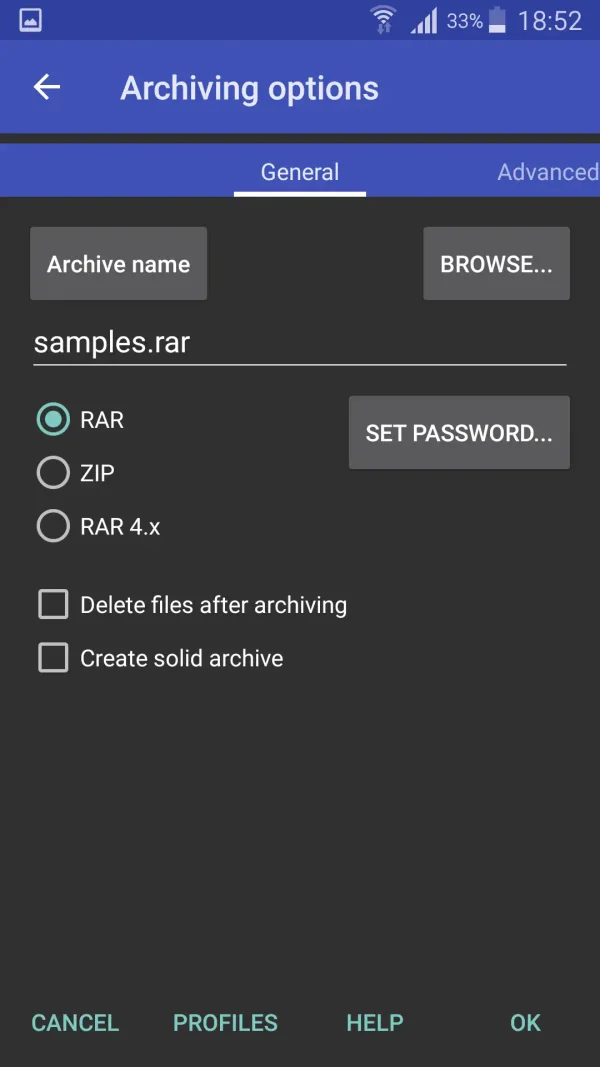
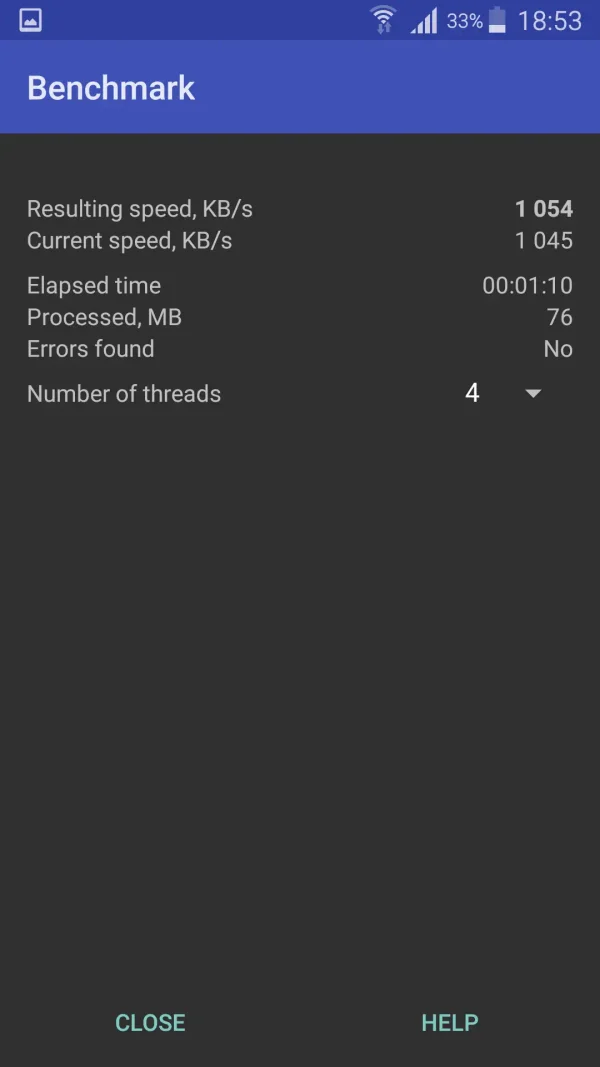
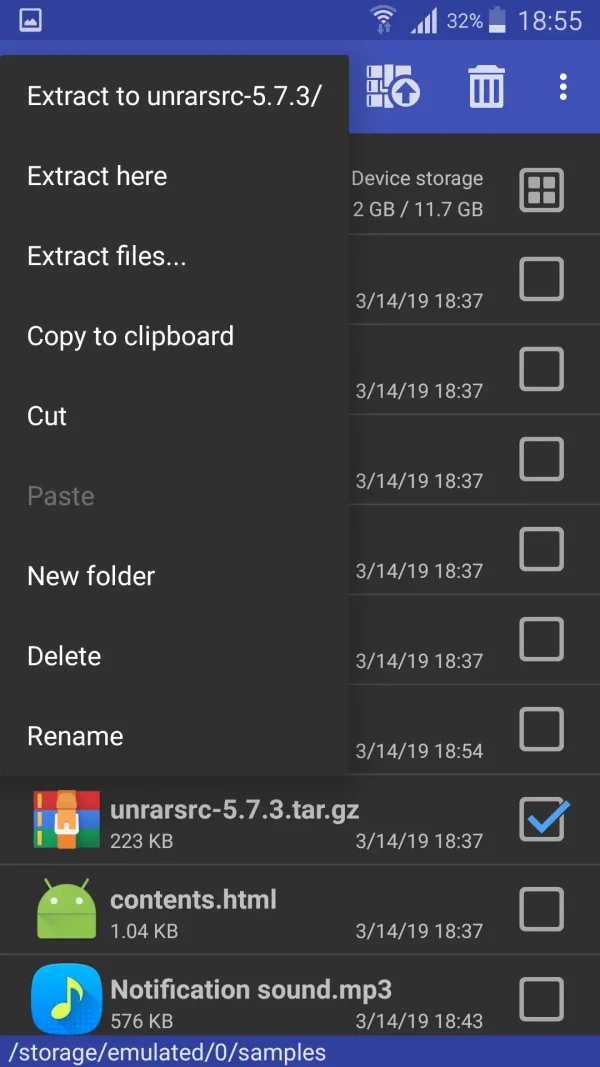
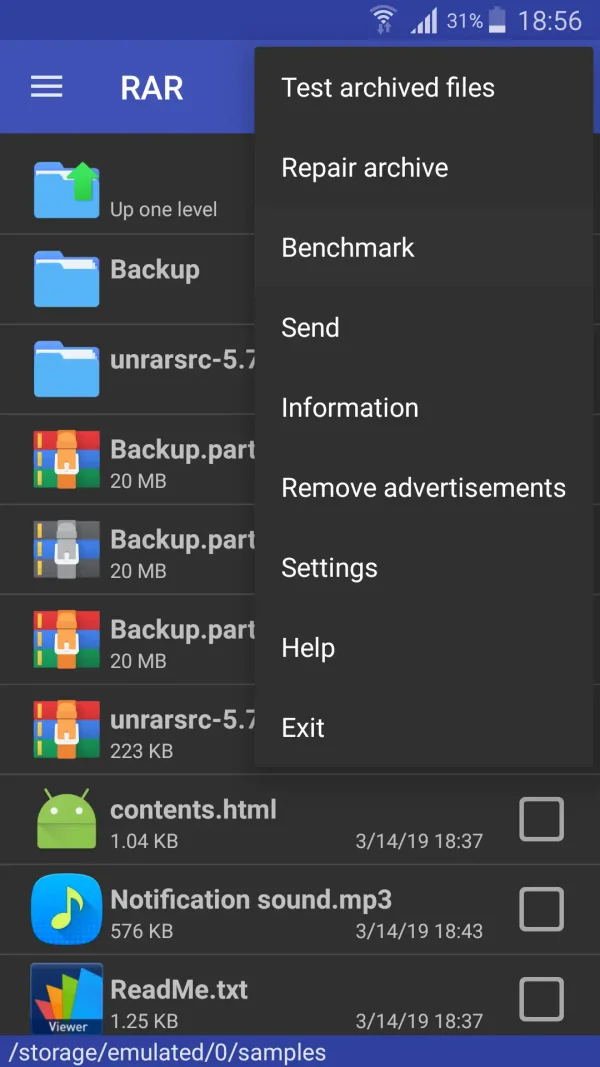
このアプリについて
Googleによる英語 (アメリカ合衆国)からの自動翻訳です。
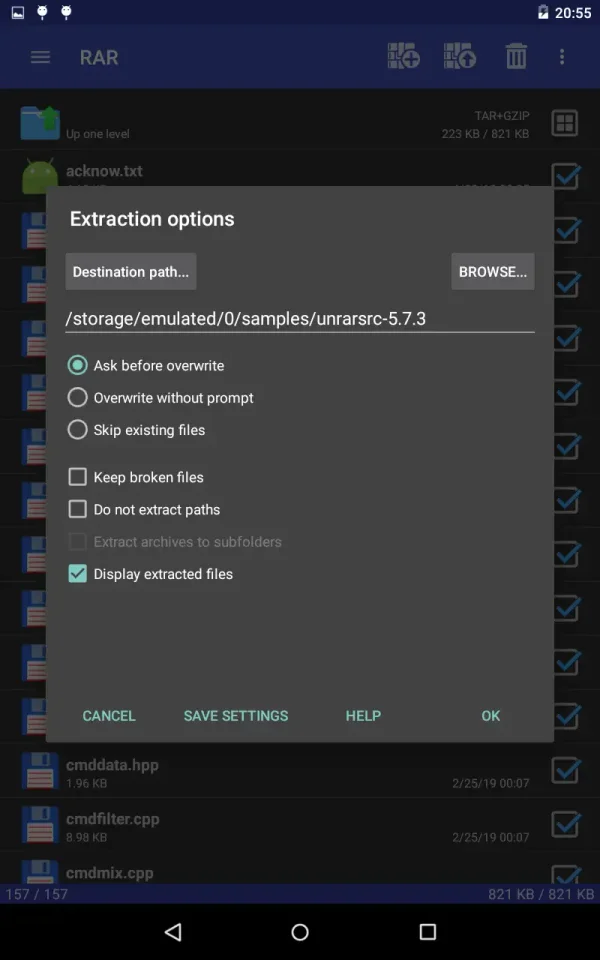
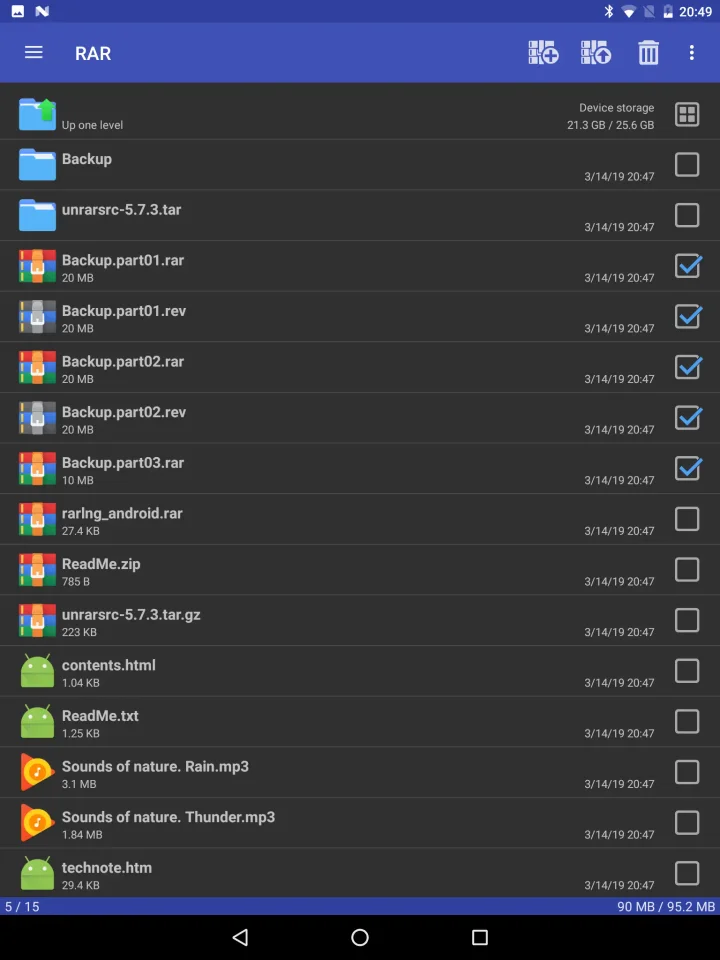
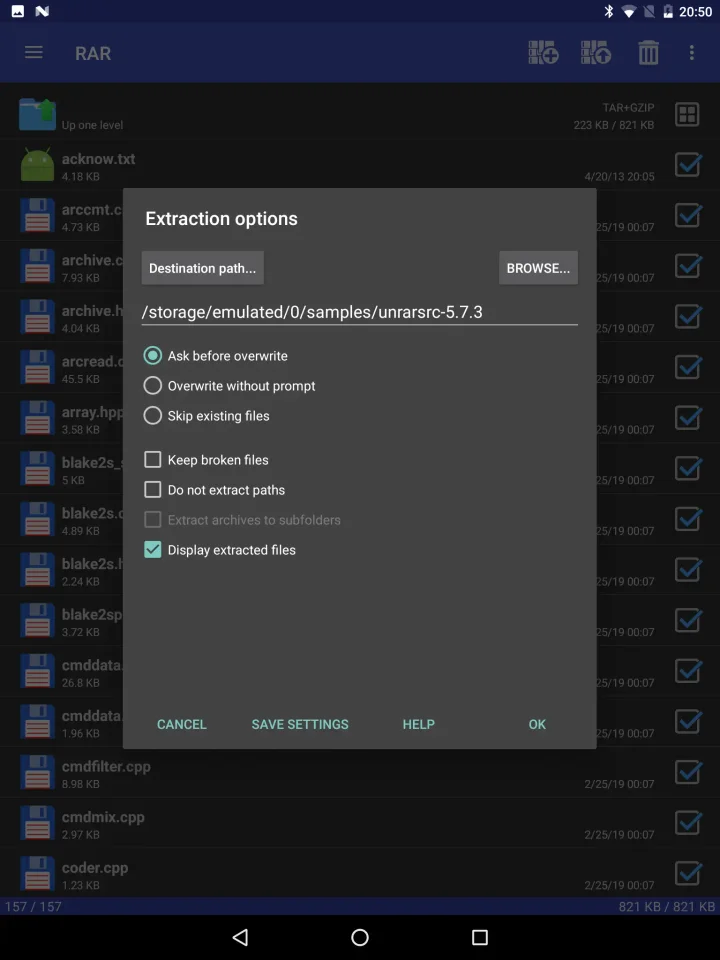
RARおよびZIPの作成、RAR、ZIP、TAR、GZ、BZ2、XZ、7Z、ISO、ARJアーカイブを解凍。
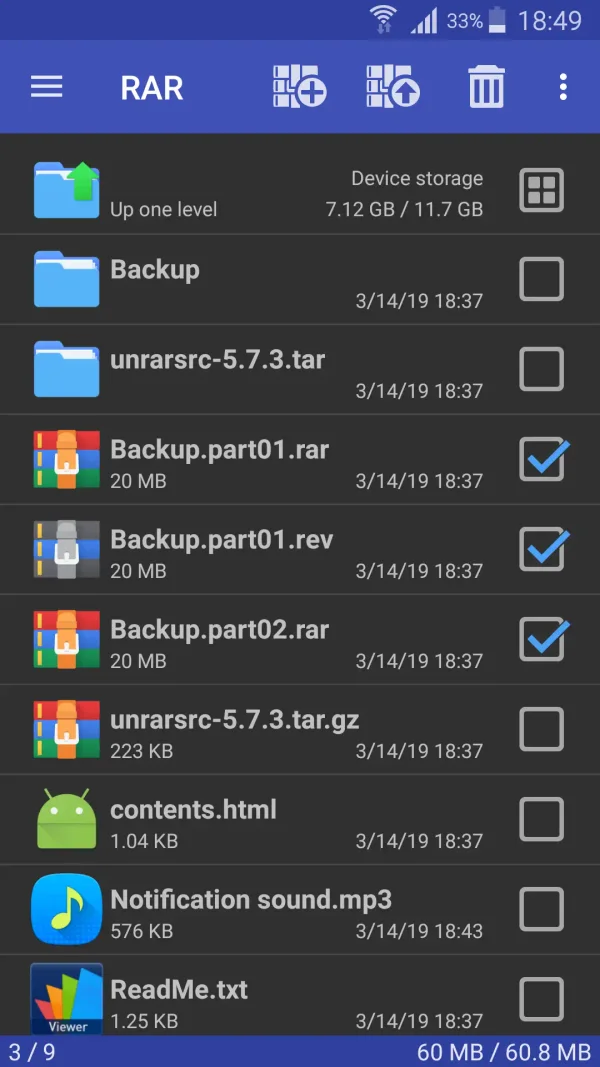
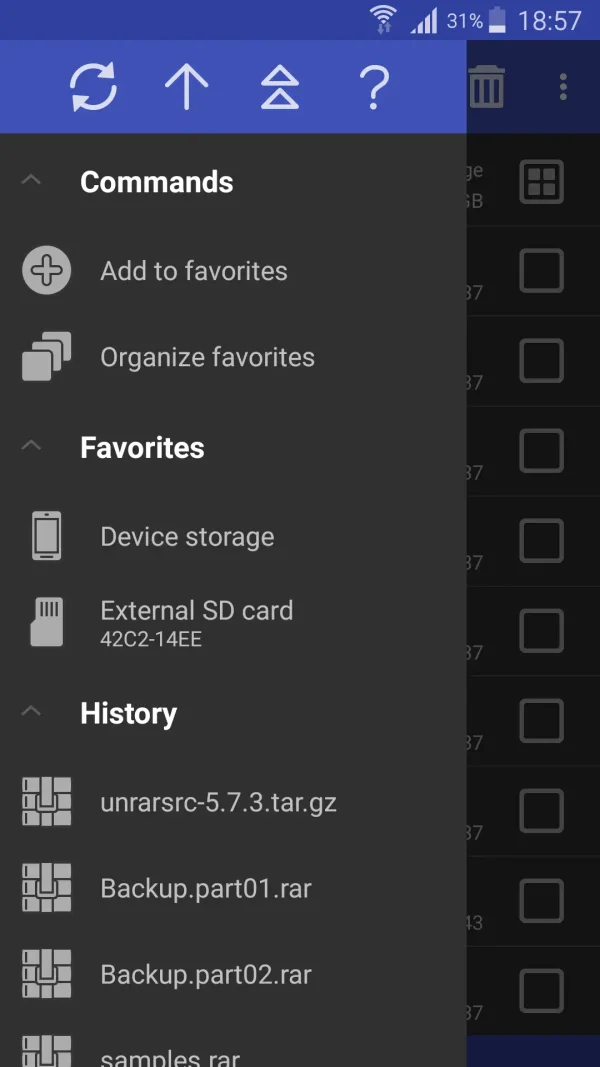
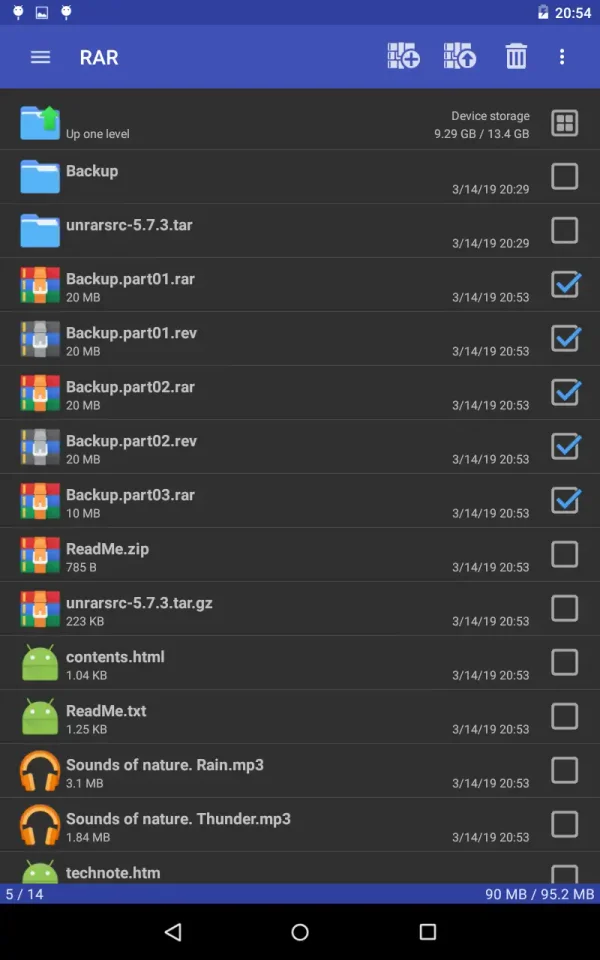
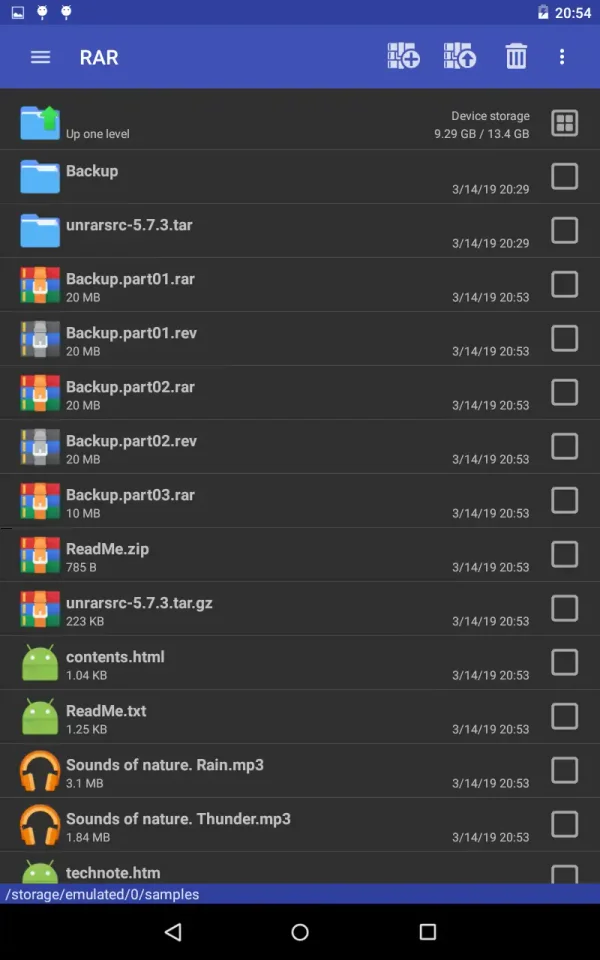
RARLABのRARは、オールインワン、オリジナル、無料、シンプル、簡単、迅速な圧縮プログラム、アーカイバ、バックアップツール、エクストラクタ、さらには基本的なファイルマネージャです。
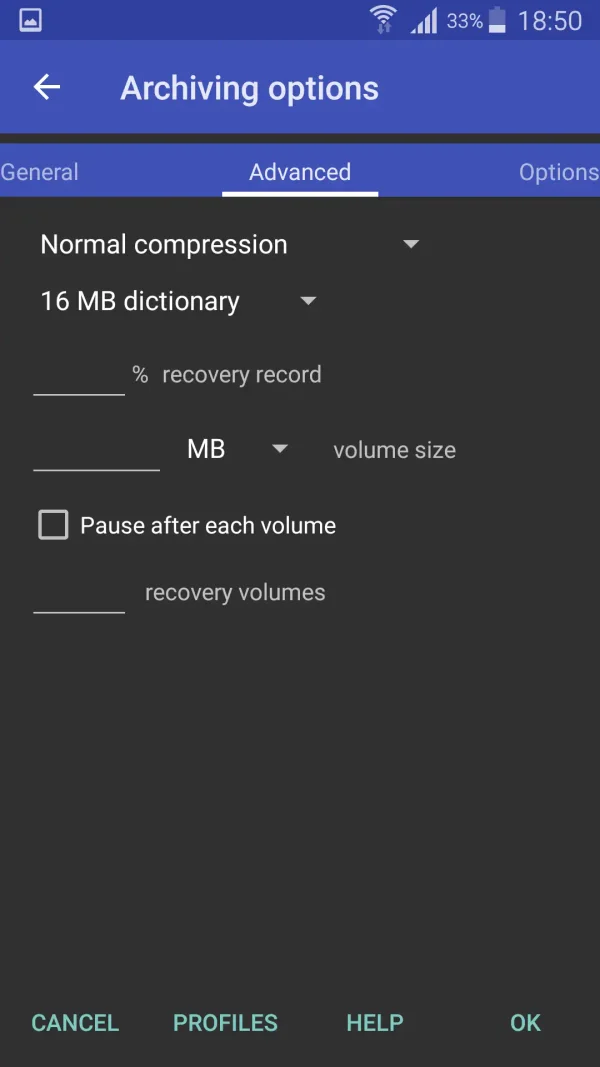
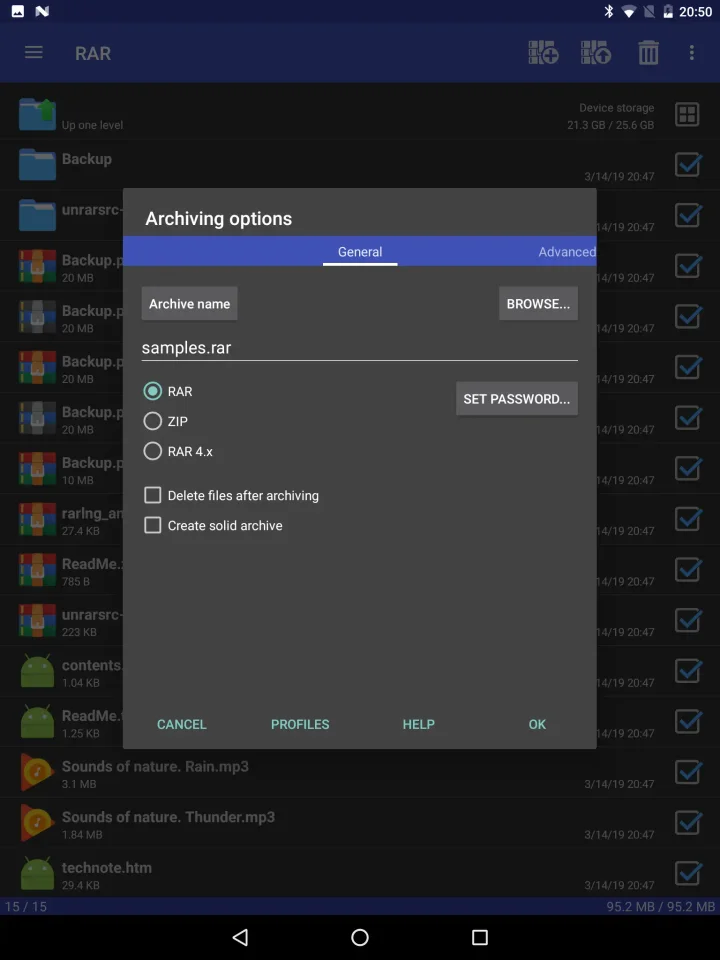
RARは、RARおよびZIPを作成し、RAR、ZIP、TAR、GZ、BZ2、XZ、7z、ISO、ARJアーカイブを解凍できます。機能のリストには、破損したZIPおよびRARファイルの修復コマンド、RARLABのWinRARベンチマークと互換性のあるベンチマーク機能、リカバリレコード、通常ボリュームとリカバリボリューム、暗号化、ソリッドアーカイブ、複数のCPUコアを使用したデータの圧縮が含まれます。
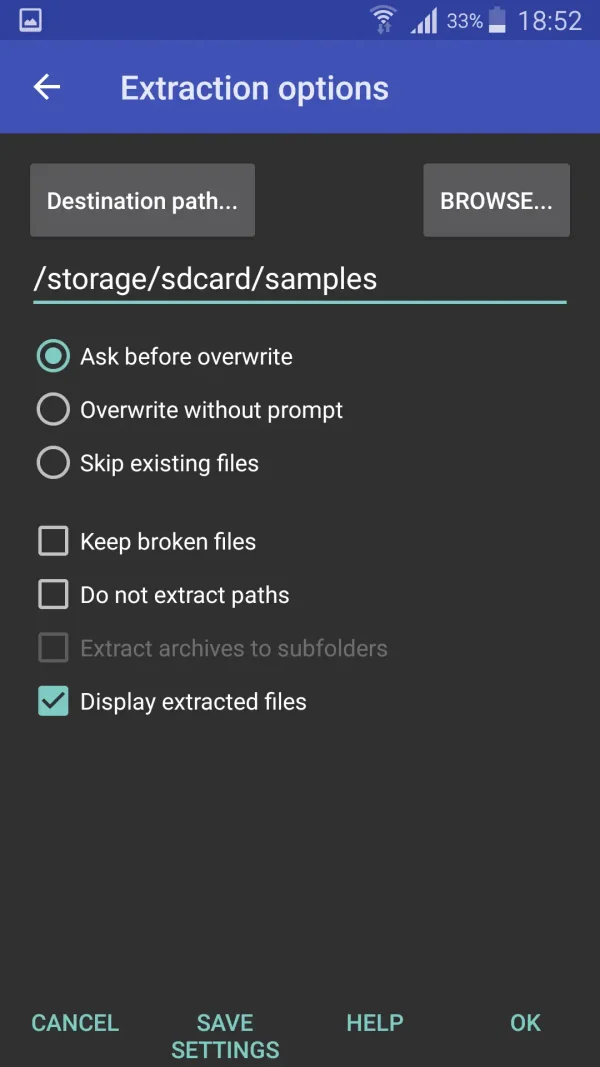
標準のZIPファイルに加えて、解凍機能は、パスワードで保護されたZIPとして、BZIP2、LZMA、PPMd、およびXZ圧縮を使用したZIPおよびZIPXをサポートします。 Unrarコマンドは、最新のRAR5、パスワードで保護されたマルチパートファイルを含むすべてのバージョンのRARアーカイブで使用できます。
ファイル管理機能には、ファイルとフォルダーのコピー、削除、移動、名前変更、新しいフォルダーの作成、APKパッケージからのアプリケーションのインストールが含まれます。
RARを自分の言語に翻訳するのを手伝いたい場合は、www.rarlab.comの「RARextras」セクションにあるAndroid言語ファイル用のRARをダウンロードし、readme.txtの指示に従ってください。ありがとうございました。
原文を表示
RARLAB's RAR is an all-in-one, original, free, simple, easy and quick compression program, archiver, backup tool, extractor and even a basic file manager.
RAR can create RAR and ZIP and unpack RAR, ZIP, TAR, GZ, BZ2, XZ, 7z, ISO, ARJ archives. List of functions include repair command for damaged ZIP and RAR files, benchmark function compatible with RARLAB's WinRAR benchmark, recovery record, usual and recovery volumes, encryption, solid archives, utilizing multiple CPU cores to compress data.
Additionally to standard ZIP files, unzip function supports ZIP and ZIPX with BZIP2, LZMA, PPMd and XZ compression also as password protected ZIP. Unrar command is available for all versions of RAR archives including the latest RAR5, password protected and multipart files.
File management functions include copying, deleting, moving and renaming files and folders, creating new folders and installing applications from APK packages.
If you wish to help us translating RAR to your language, please download RAR for Android language files in "RAR extras" section of www.rarlab.com and follow instructions in readme.txt. Thank you.
データ セーフティ
このアプリが収集・共有するデータについて、RARLAB (published by win.rar GmbH)がGoogle Playで申告している内容です。
- 第三者と共有されるデータはありません詳しくは、デベロッパーが共有を申告する方法についての説明をご覧ください
- データは収集されません詳しくは、デベロッパーが収集を申告する方法についての説明をご覧ください
新機能
バージョン 7.23.build134 · 2026/7/22
Bugs fixed:
- RAR didn't issue an error when unpacking a truncated .tar.xz archive. Error status for truncated .xz archives was reported properly;
- RAR4 recovery volumes based data recovery was failed with seek error if one of REV files was less than 7 bytes. It happened even if other files were valid and allowed successful recovery.
開発元の連絡先
- ウェブサイトrarlab.com
- メールdev@rarlab.com
- プライバシーポリシーrarlab.com
- 住所Marienstr. 12 10117 Berlin Germany
情報
- 提供元
- RARLAB (published by win.rar GmbH)
- カテゴリ
- ツール
- バージョン
- 7.23.build134
- 更新日
- 2026/7/22
- リリース
- 2014/2/15
- 必要条件
- Android 6.0以降
- 対象年齢
- 3 歳以上
- 価格
- 無料
- アプリ内課金
- ¥190~¥270/アイテム
- パッケージ名
- com.rarlab.rar
類似のアプリ
-
 Samsung My Files
ツール
-
 ZArchiver
ツール
-
 すべてのドキュメントリーダー
ツール
-
 WPS Office-PDF, Word, Sheet
仕事効率化
-
 ドキュメントビューアー:エクセル、ワ-ド、PDF
仕事効率化
-
 Files by Google
ツール
-
 Pydroid 3 - IDE for Python 3
教育
-
 Clone App-Parallel Dual Space
ツール
-
 Microsoft Word: Edit Documents
仕事効率化
-
 MobiOffice: Word, Sheets, PDF
仕事効率化
-
 Shizuku
ツール
-
 ファイルマネージャー - クリーナー
ツール