ZArchiver
ZDevs- 3 歳以上対象年齢
- ツールカテゴリ
- 2024/6/24更新日
- 無料価格
ru.zdevs.zarchiverのGoogle Play公式ページにリンクしています。最終確認:2026/11/20。

スクリーンショット
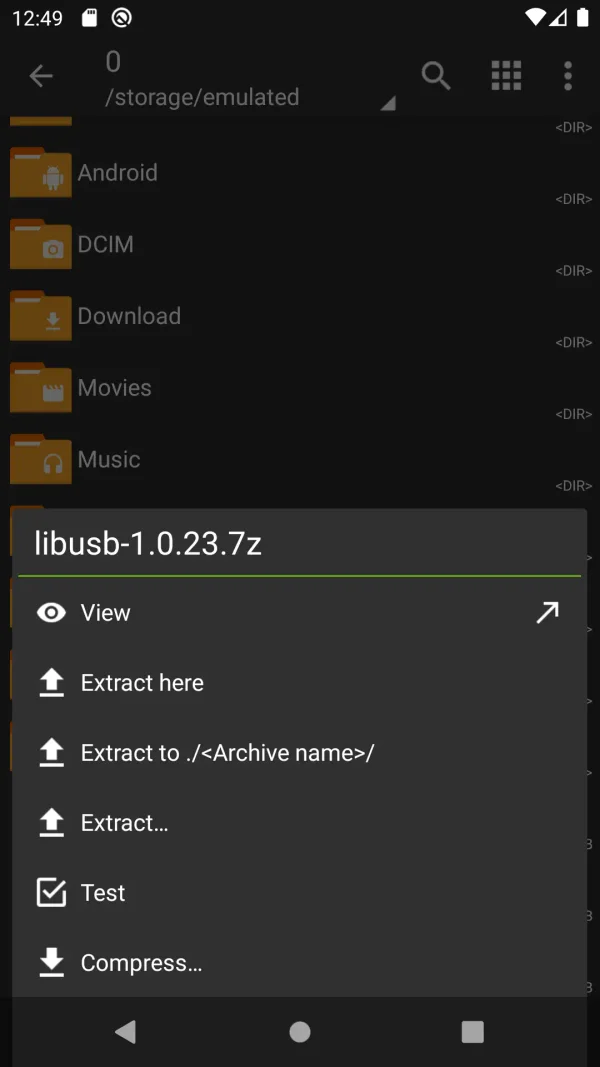
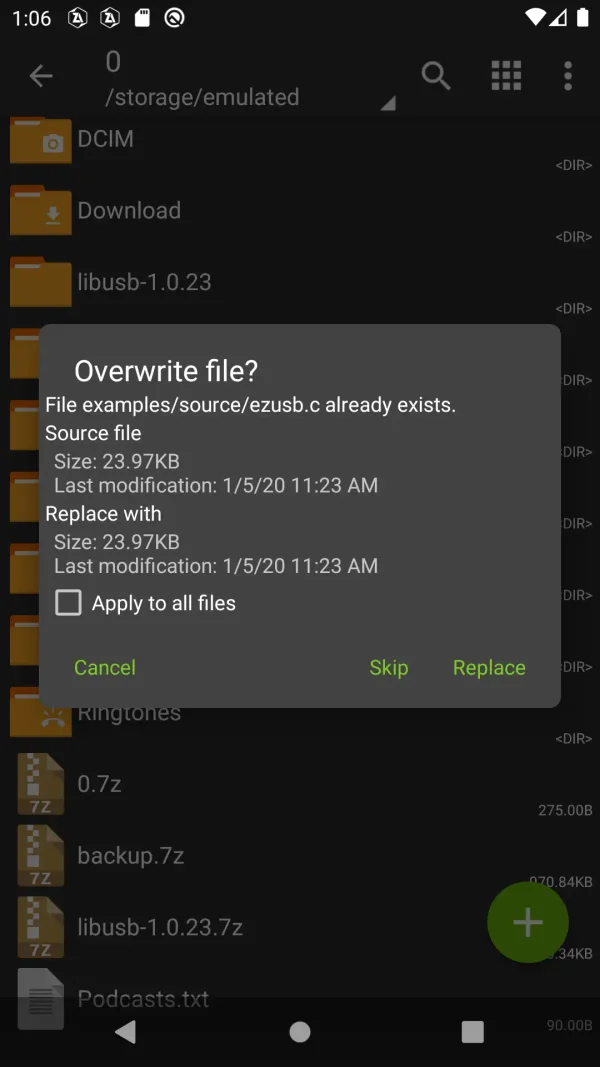
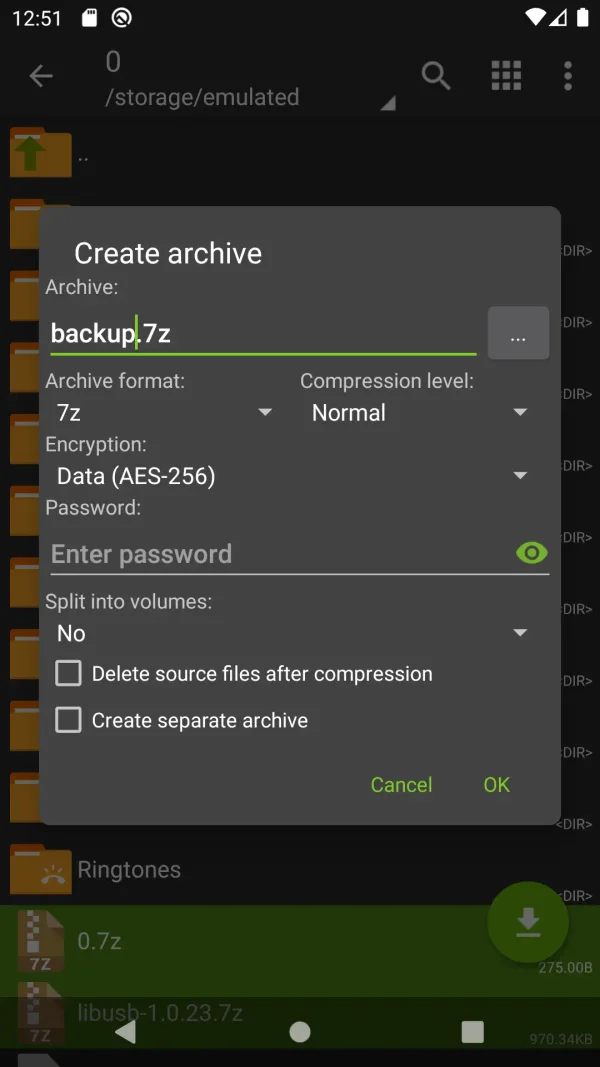
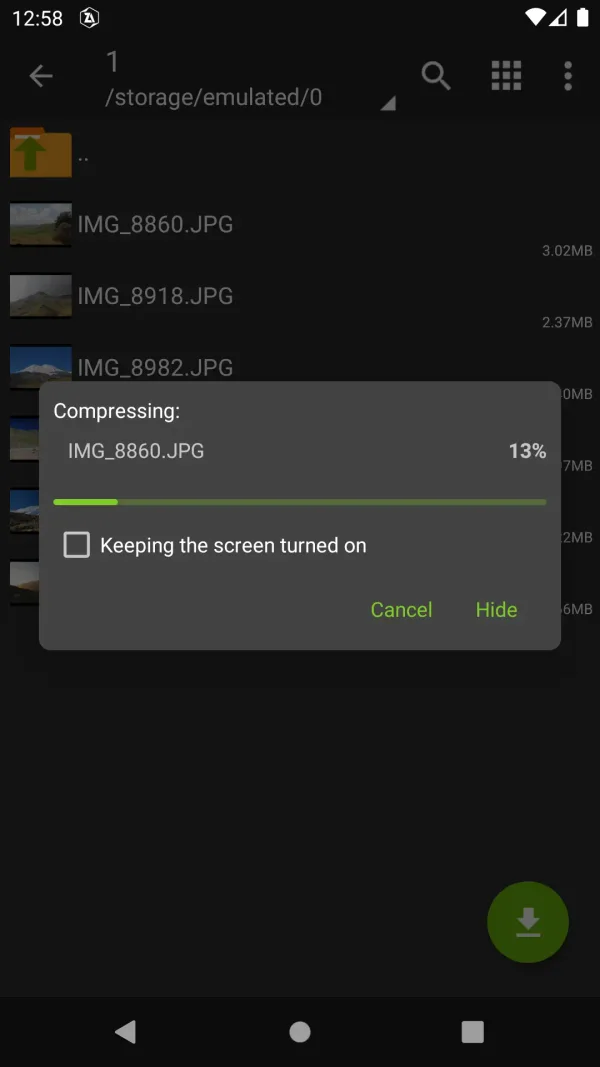
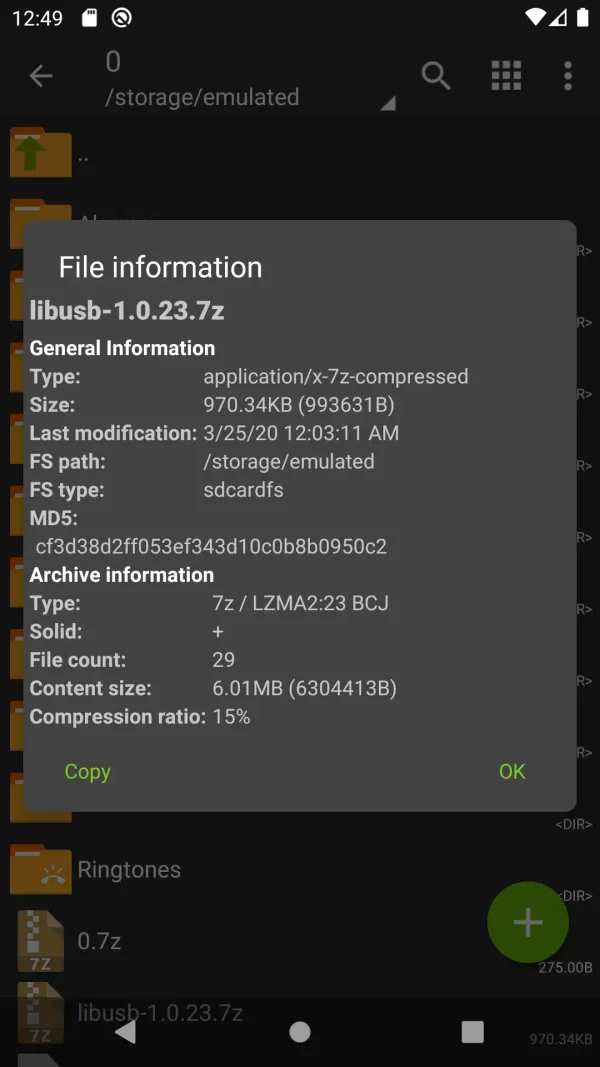
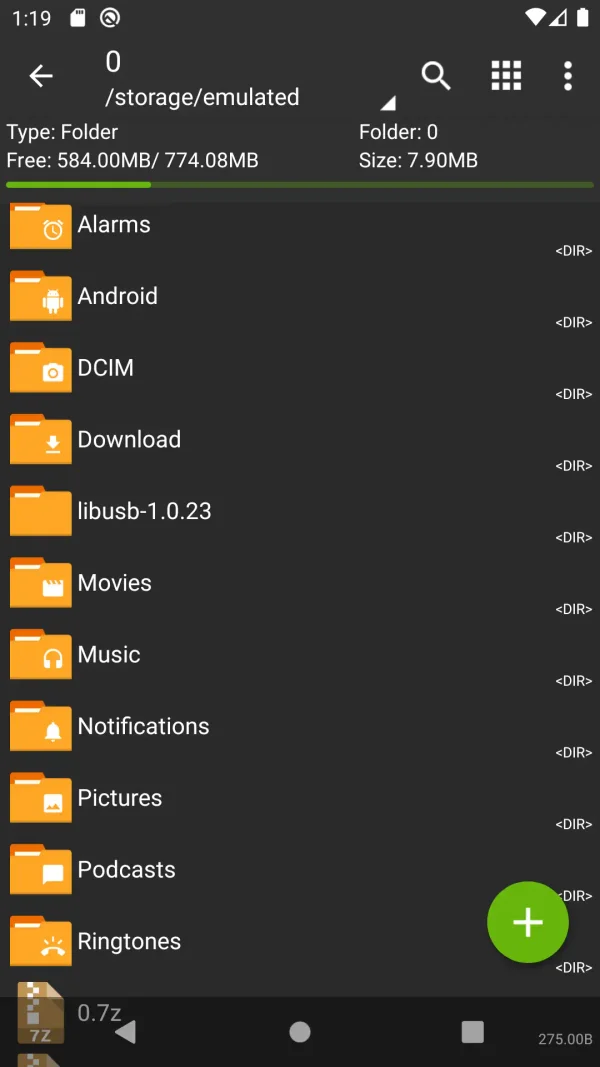
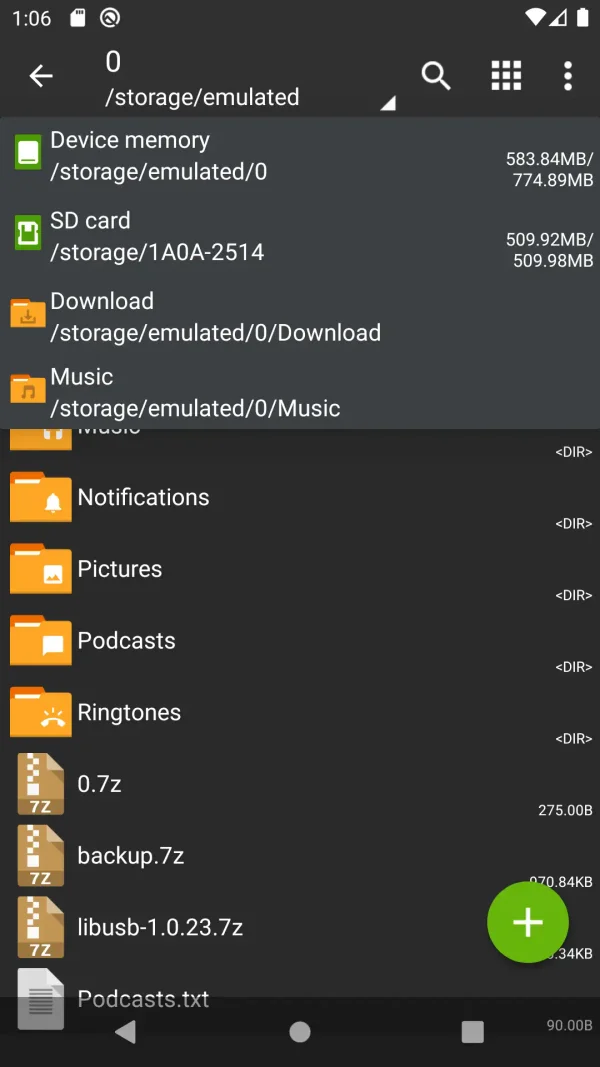
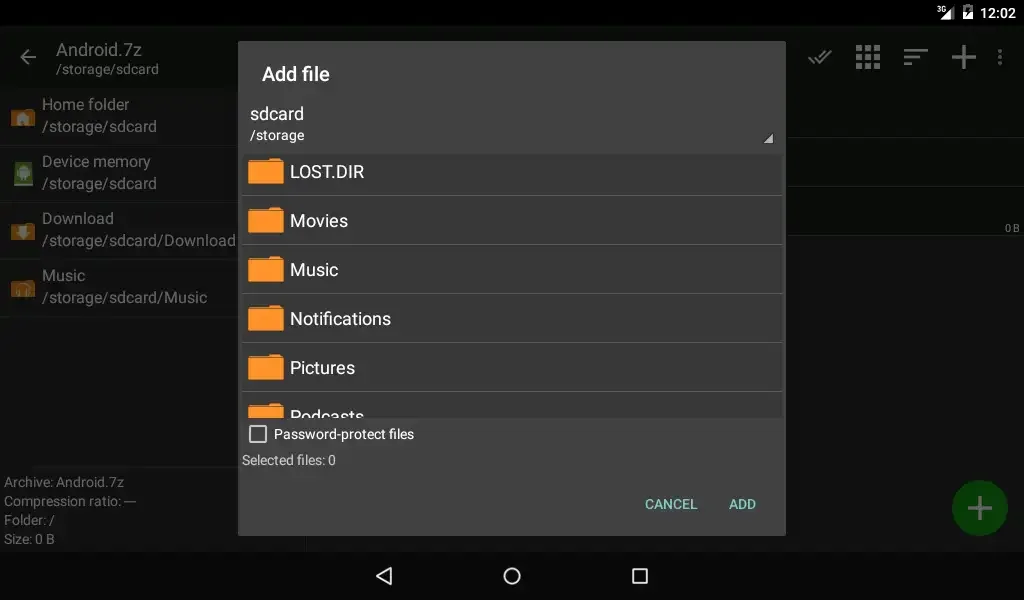
このアプリについて
Googleによる英語 (アメリカ合衆国)からの自動翻訳です。
簡単な7zipアプリ!
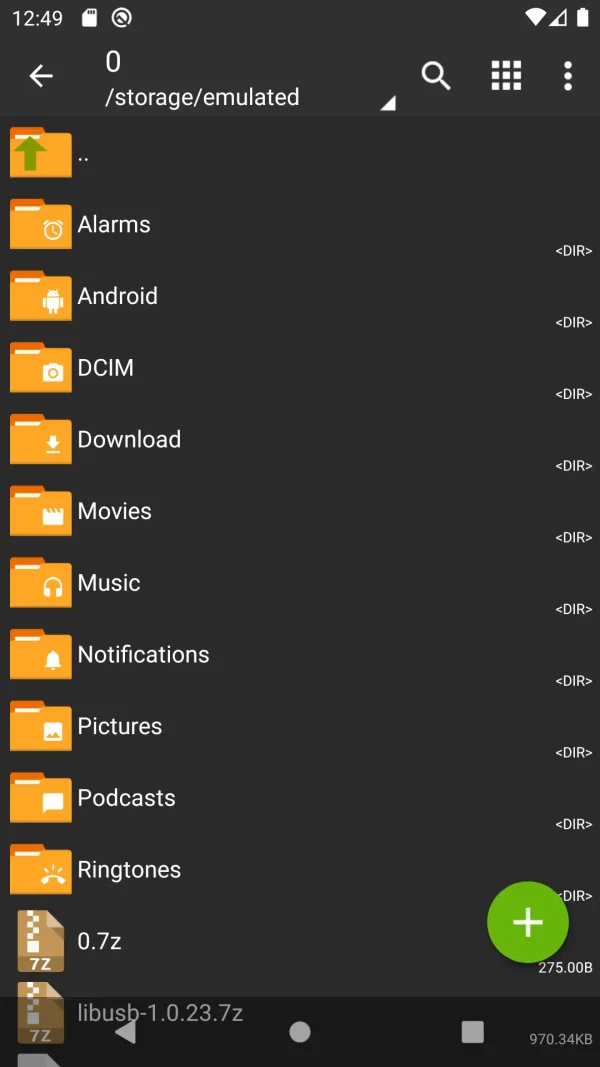
ZArchiver - アーカイブ管理用のプログラムです (アーカイブ内のアプリケーション バックアップの管理を含む)。アプリケーションのバックアップを管理できます。シンプルで機能的なインターフェイスを備えています。アプリにはインターネットにアクセスする権限がないため、他のサービスや人に情報を送信することはできません。
ZArchiver を使用すると、次のことが可能になります。
- 次のアーカイブ タイプを作成します: 7z (7zip)、zip、bzip2 (bz2)、gzip (gz)、XZ、lz4、tar、zst (zstd)。
- 次のアーカイブ タイプを解凍します: 7z (7zip)、zip、rar、rar5、bzip2、gzip、XZ、iso、tar、arj、cab、lzh、lha、lzma、xar、tgz、tbz、Z、deb、rpm、 zipx、mtz、chm、dmg、cpio、cramfs、img (fat、ntfs、ubf)、wim、ecm、lzip、zst (zstd)、egg、alz;
- アーカイブ コンテンツの表示: 7z (7zip)、zip、rar、rar5、bzip2、gzip、XZ、iso、tar、arj、cab、lzh、lha、lzma、xar、tgz、tbz、Z、deb、rpm、zipx、 mtz、chm、dmg、cpio、cramfs、img (fat、ntfs、ubf)、wim、ecm、lzip、zst (zstd)、egg、alz;
- パスワードで保護されたアーカイブを作成および解凍します。
- アーカイブの編集: アーカイブにファイルを追加/削除します (zip、7zip、tar、apk、mtz)。
- マルチパート アーカイブの作成と解凍: 7z、rar (解凍のみ)。
- バックアップ (アーカイブ) から APK と OBB ファイルをインストールします。
- 部分的なアーカイブ解凍。
- 圧縮ファイルを開きます。
- メール アプリケーションからアーカイブ ファイルを開きます。
- 分割アーカイブを解凍します: 7z、zip、rar (7z.001、zip.001、part1.rar、z01)。
特定の特性:
- 小さなファイル (10MB 未満) の場合は、Android 9 から始めてください。可能であれば、一時フォルダーに解凍せずに直接開くようにしてください。
- マルチスレッドのサポート (マルチコア プロセッサに便利)。
- ファイル名の UTF-8/UTF-16 サポートにより、ファイル名に各国記号を使用できます。
注意!役立つアイデアや要望は大歓迎です。電子メールで送信することも、ここにコメントを残すこともできます。
ミニ FAQ:
Q: パスワードは何ですか?
A: 一部のアーカイブの内容は暗号化されている場合があり、そのアーカイブはパスワードを使用しないと開くことができません (電話のパスワードは使用しないでください)。
Q: プログラムが正しく動作しませんか?
A: 問題の詳細な説明を記載した電子メールをお送りください。
Q: ファイルを圧縮するにはどうすればよいですか?
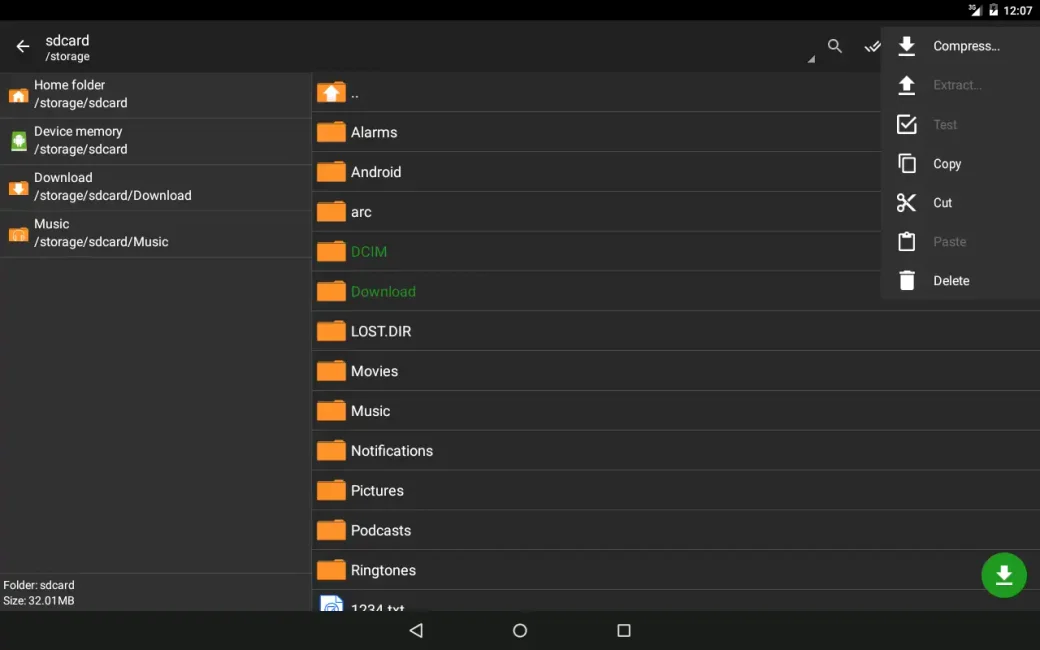
A: (ファイル名の左側にある) アイコンをクリックして、圧縮したいファイルをすべて選択します。選択したファイルの最初をクリックし、メニューから「圧縮」を選択します。必要なオプションを設定し、OK ボタンを押します。
Q: ファイルを抽出するにはどうすればよいですか?
A: アーカイブ名をクリックし、適切なオプション (「ここに抽出」など) を選択します。
原文を表示
ZArchiver - is a program for archive management (including managing of application backups in archives). You can managment backup of application. It has a simple and functional interface. The app doesn't have permission to access the internet, so cannot transmit any information to other services or persons.
ZArchiver lets you:
- Create the following archive types: 7z (7zip), zip, bzip2 (bz2), gzip (gz), XZ, lz4, tar, zst (zstd);
- Decompress the following archive types: 7z (7zip), zip, rar, rar5, bzip2, gzip, XZ, iso, tar, arj, cab, lzh, lha, lzma, xar, tgz, tbz, Z, deb, rpm, zipx, mtz, chm, dmg, cpio, cramfs, img (fat, ntfs, ubf), wim, ecm, lzip, zst (zstd), egg, alz;
- View archive contents: 7z (7zip), zip, rar, rar5, bzip2, gzip, XZ, iso, tar, arj, cab, lzh, lha, lzma, xar, tgz, tbz, Z, deb, rpm, zipx, mtz, chm, dmg, cpio, cramfs, img (fat, ntfs, ubf), wim, ecm, lzip, zst (zstd), egg, alz;
- Create and decompress password-protected archives;
- Edit archives: add/remove files to/from the archive (zip, 7zip, tar, apk, mtz);
- Create and decompress multi-part archives: 7z, rar (decompress only);
- Install APK and OBB file from backup (archive);
- Partial archive decompression;
- Open compressed files;
- Open an archive file from mail applications;
- Extract split archives: 7z, zip and rar (7z.001, zip.001, part1.rar, z01);
Particular properties:
- Start with Android 9 for small files (<10MB). If possible, use direct opening without extracting to a temporary folder;
- Multithreading support (useful for multicore processors);
- UTF-8/UTF-16 support for filenames allows you to use national symbols in filenames.
ATTENTION! Any useful ideas or wishes are welcome. You can send them by email or just leave a comment here.
Mini FAQ:
Q: What password?
A: The contents of some archives may be encrypted and the archive can only be opened with the password (don't use the phone password!).
Q: The program is not working correctly?
A: Send me an email with detailed description of the problem.
Q: How to compress files?
A: Select all the files you want to compress by clicking on icons (from the left of filenames). Click on the first of selected files and choose "Compress" from menu. Set desired options and press the OK button.
Q: How to extract files?
A: Click on the archive name and select suitable options ("Extract Here" or other).
データ セーフティ
このアプリが収集・共有するデータについて、ZDevsがGoogle Playで申告している内容です。
- 第三者と共有されるデータはありません詳しくは、デベロッパーが共有を申告する方法についての説明をご覧ください
- データは収集されません詳しくは、デベロッパーが収集を申告する方法についての説明をご覧ください
新機能
バージョン 1.0.10 · 2024/6/24
- speedup file operations;
- added SUI support;
- added E-Ink theme;
- added drag and drop file in or out from ZA;
- other fixes and improvements.
開発元の連絡先
- ウェブサイトzdevs.ru
- メールsupport@zdevs.ru
- プライバシーポリシーzdevs.ru
- 住所пер Трактористов, 17 Екатеринбург Свердловская область Russia 620130
情報
- 提供元
- ZDevs
- カテゴリ
- ツール
- バージョン
- 1.0.10
- 更新日
- 2024/6/24
- リリース
- 2012/1/24
- 対象年齢
- 3 歳以上
- 価格
- 無料
- パッケージ名
- ru.zdevs.zarchiver