RE30 - Minimal - Simple
RECREATIVE Watch Faces広告を含む
- 3 歳以上対象年齢
- カスタマイズカテゴリ
- 2026/10/15更新日
- 無料価格
com.recreative.recreative30のGoogle Play公式ページにリンクしています。最終確認:2026/11/27。
スクリーンショット


このアプリについて
Googleによる英語 (イギリス)からの自動翻訳です。
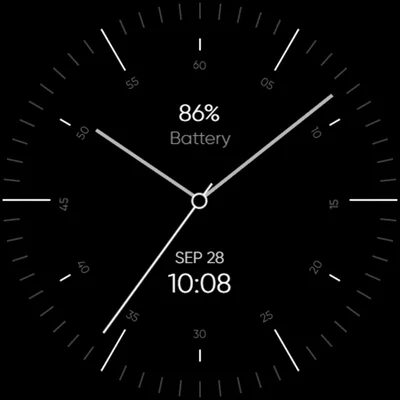
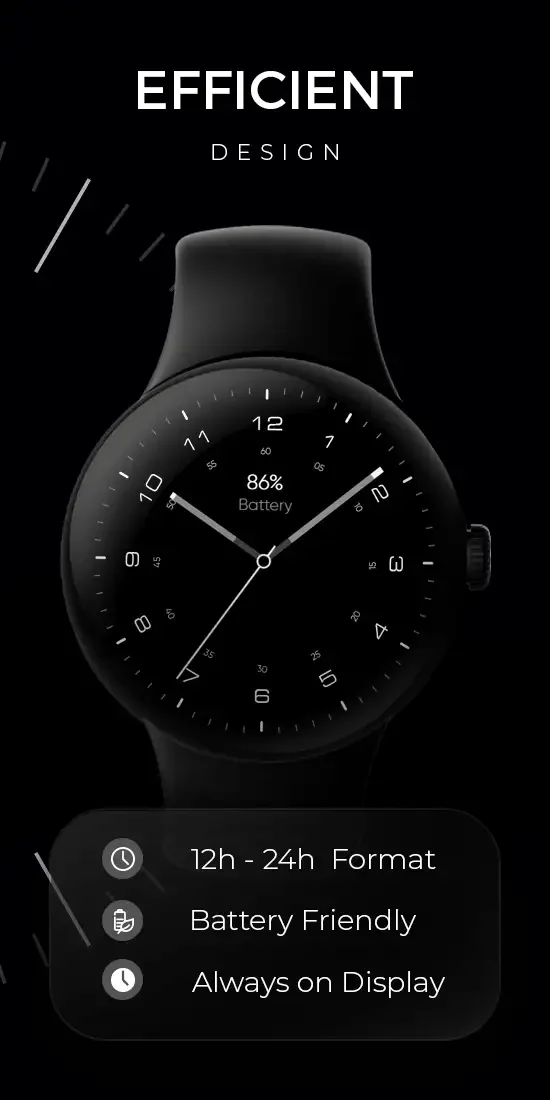
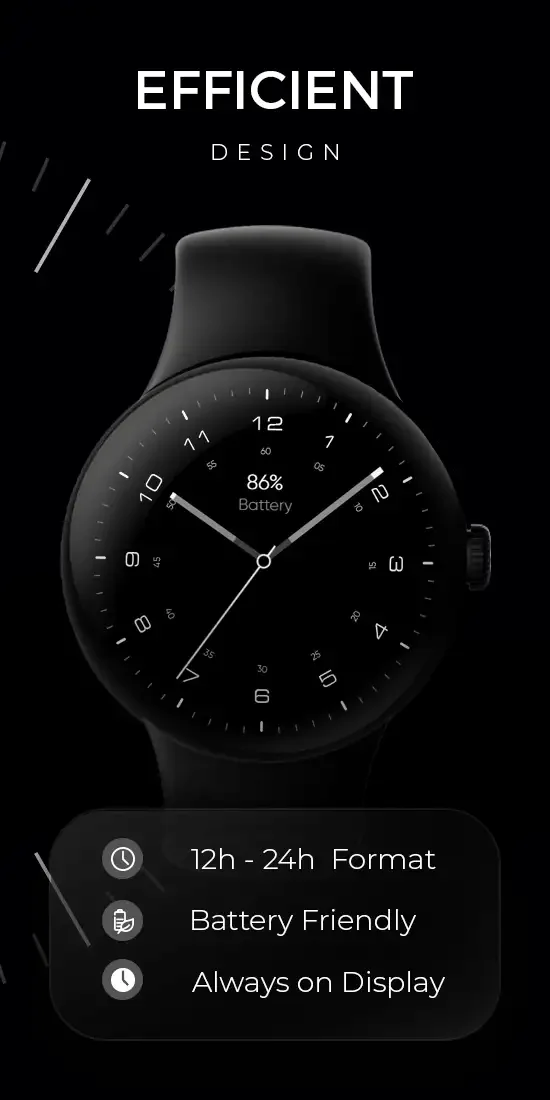
シンプルなアナログ Wear OS ウォッチ - スマート カジュアル - 黒の背景 - クラシック ウォッチ
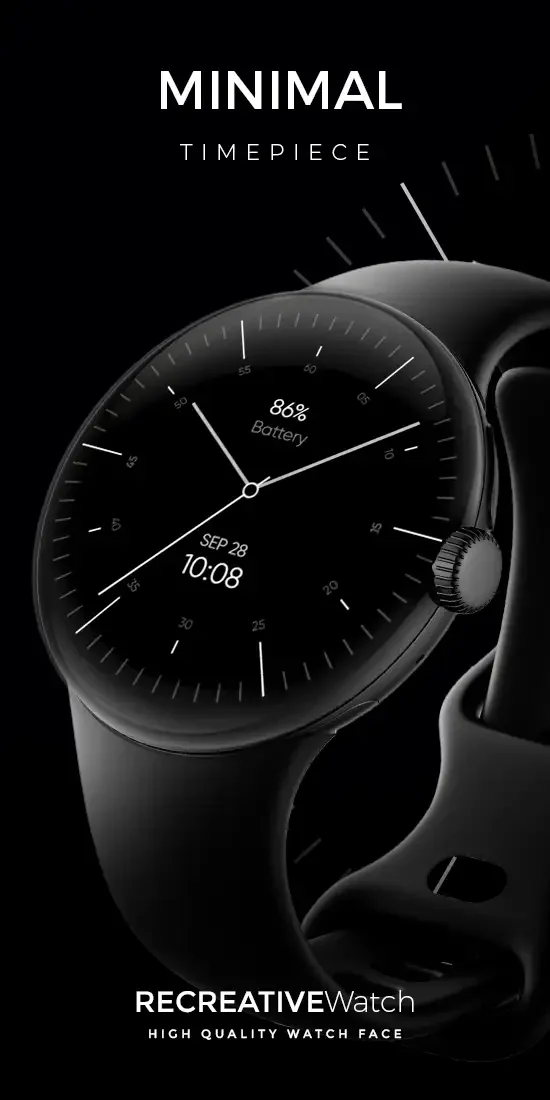
Recreative Watch は、カスタマイズ オプションとカジュアルでありながらスタイリッシュな外観を提供するミニマルな時計です。
ウォッチフェイス形式を利用
💌 サポートが必要な場合は、support@recreative-watch.com までお問い合わせください。
⚙️ 電話アプリの機能
この電話アプリは、Wear OS ウォッチへのインストールと文字盤の検索を容易にするための単なるツールです。モバイル アプリのみに広告が含まれます。
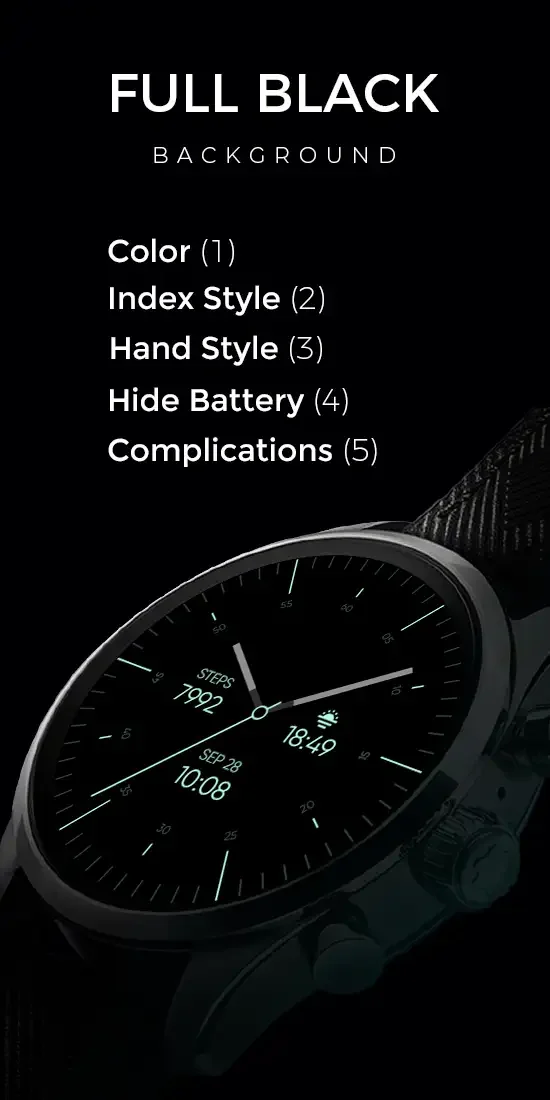
⚙️ ウォッチフェイスの機能
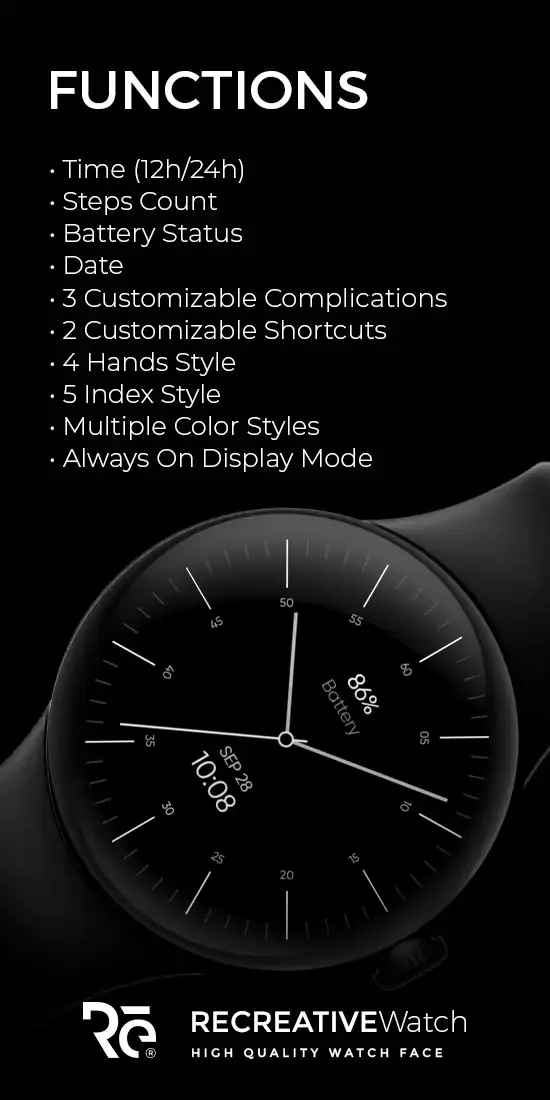
• 12/24時間デジタル時間
• 日付
• バッテリー
• 歩数
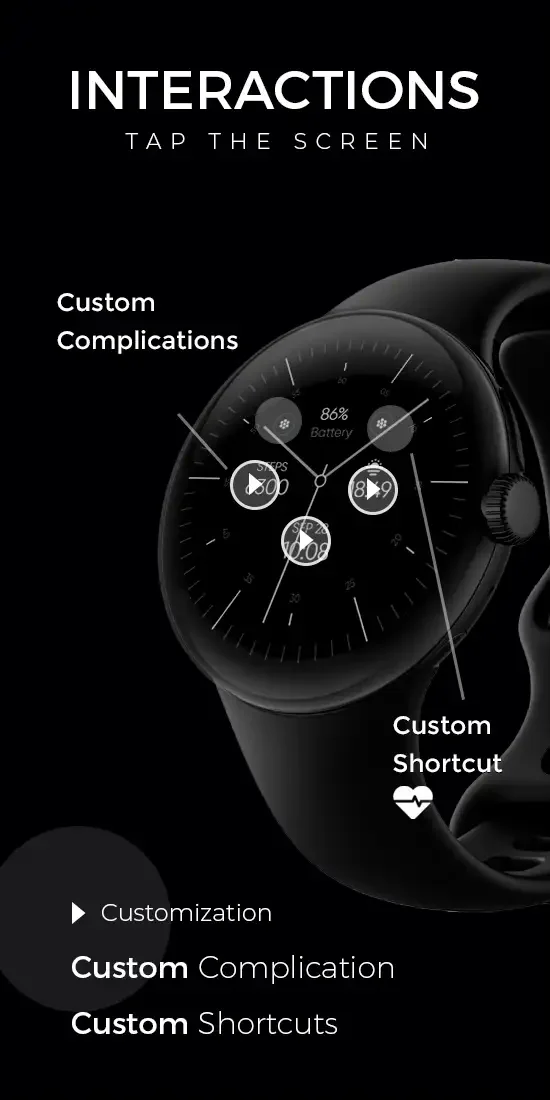
• 2 つのカスタマイズ可能なショートカット
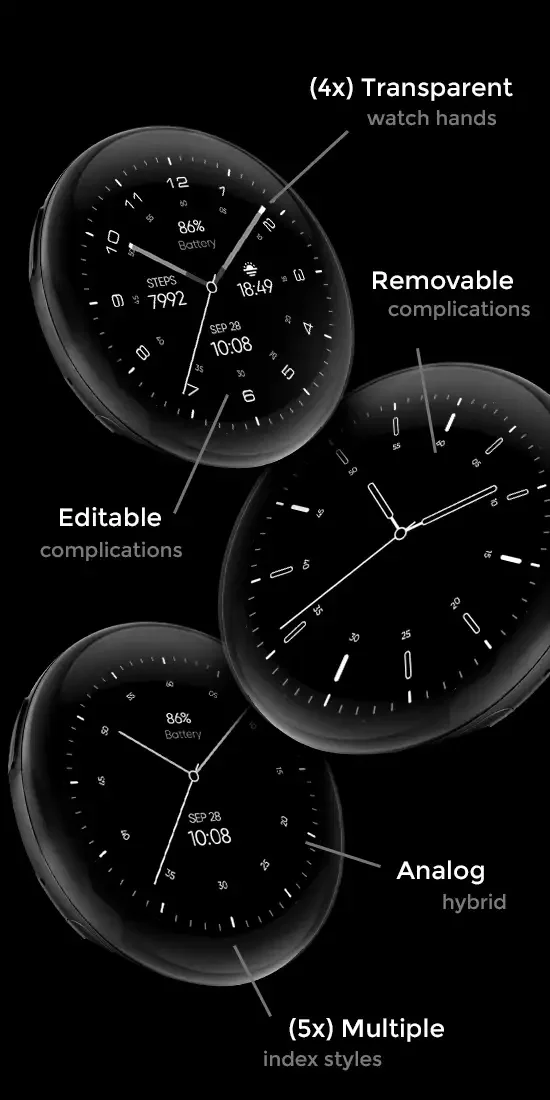
• 3 つのカスタマイズ可能なコンプリケーション
• 4x ハンドスタイル
• 5x インデックススタイル
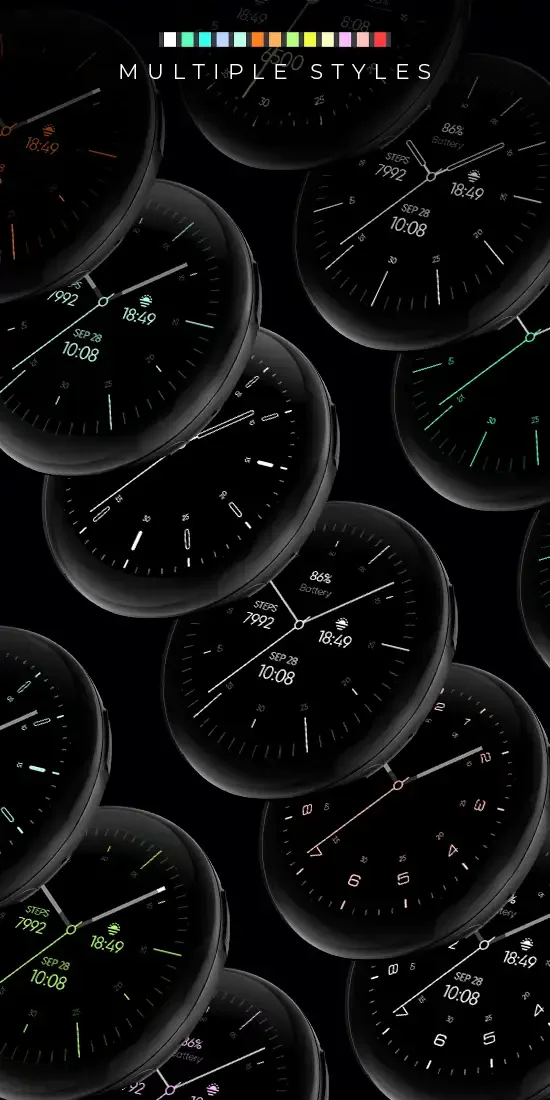
• 13 倍のカラーバリエーション
• 常にオンのディスプレイをサポートし、変更可能な色と変更可能なモードをサポート
🎨 カスタマイズ
1 - ディスプレイをタッチアンドホールドします
2 - カスタマイズ オプションをタップします
🎨 合併症
ディスプレイを長押しすると、カスタマイズ モードが開きます。必要なデータを使用してフィールドをカスタマイズできます。
🔋 バッテリー
時計のバッテリー性能を向上させるために、「常時表示」モードを無効にすることをお勧めします。
✅ 互換性のあるデバイスにはAPI レベル 33 以上の Google Pixel、Galaxy Watch 4、5、6、7、およびその他の Wear OS モデルが含まれます。
インストールとトラブルシューティング
このリンクに従ってください: https://www.recreative-watch.com/help/#installation-methodes
インストール後、ウォッチフェイスはウォッチ画面に自動的に適用されません。そのため、 時計の画面で設定する必要があります。
💌 サポートが必要な場合は、support@recreative-watch.com までお問い合わせください。
原文を表示
The Recreative Watch is a minimal timepiece that offers customization options and a casual yet stylish appearance.
Powered by Watch Face Format
💌 Write to support@recreative-watch.com for assistance.
⚙️ Phone App Features
This phone app is simply a tool to facilitate installation and locating the watch face on your Wear OS watch. Only the mobile app contains ads.
⚙️ Watch Face Features
• 12/24h Digital Time
• Date
• Battery
• Steps Count
• 2 customizable Shortcut
• 3 customizable Complications
• 4x Hands Styles
• 5x Index Styles
• 13x Color Variations
• Always ON Display supported with changeable colors and changeable modes
🎨 Customization
1 - Touch and hold display
2 - Tap on Customize option
🎨 Complications
Touch and hold display to open customization mode. You can customize the field with any data you want.
🔋 Battery
For better battery performance of the watch, we recommend disabling the "Always On Display" mode.
✅ Compatible devices include API level 33+ Google Pixel, Galaxy Watch 4, 5, 6, 7 and other Wear OS models.
Installation and troubleshooting
Follow this link: https://www.recreative-watch.com/help/#installation-methodes
Watch faces don't automatically apply on your watch screen after the installation. That's why you must set it on your watch's screen.
💌 Write to support@recreative-watch.com for assistance.
データ セーフティ
このアプリが収集・共有するデータについて、RECREATIVE Watch FacesがGoogle Playで申告している内容です。
- 第三者と共有されるデータはありません詳しくは、デベロッパーが共有を申告する方法についての説明をご覧ください
- このアプリは以下の種類のデータを収集することがあります位置情報、個人情報、他 3 件
- データは送信中に暗号化されます
- データを削除するようリクエストできます
開発元の連絡先
- ウェブサイトrecreative-watch.com
- メールsupport@recreative-watch.com
- プライバシーポリシーrecreative-watch.com
- 住所STR. MIHAIL EMINESCU BL.18 SC.A AP.2 545100 Iernut Romania
情報
- 提供元
- RECREATIVE Watch Faces
- カテゴリ
- カスタマイズ
- 更新日
- 2026/10/15
- リリース
- 2023/9/8
- 対象年齢
- 3 歳以上
- 価格
- 無料
- パッケージ名
- com.recreative.recreative30
類似のアプリ
-
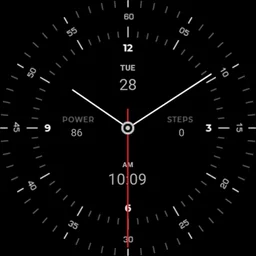 Minimal 49 Watch Face
カスタマイズ
-
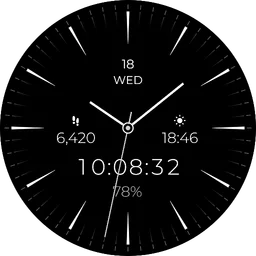 RE Plus+ Minimal & Simple
カスタマイズ
-
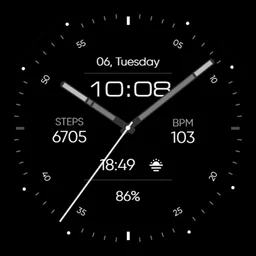 Minimal - Analog - RE17
カスタマイズ
-
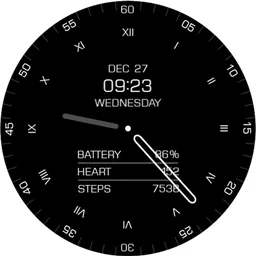 Key105 Analog Watch Face
カスタマイズ
-
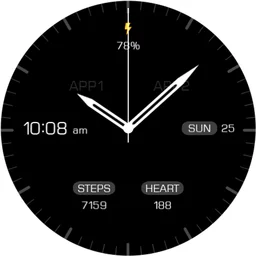 Key068 Analog Watch Face
カスタマイズ
-
 Minimalistic Analogue Face
カスタマイズ
-
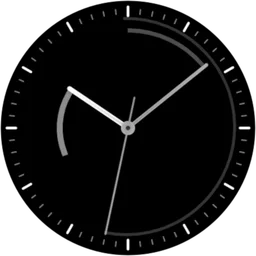 Lines Watch Face by KYB
カスタマイズ
-
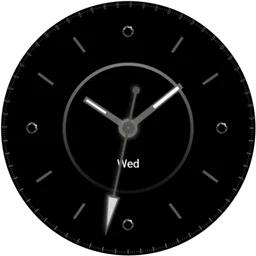 A0015 VNApps Watchface
カスタマイズ
-
 Regarder Minimal 2 ウォッチフェイス
カスタマイズ
-
 Vortex Time ウォッチフェイス
カスタマイズ
-
 EXD118: Classic Analog Watch
カスタマイズ
-
 Minimal & Simple Watch - RE
カスタマイズ