Salesforce Authenticator
Salesforce.com, inc.- 3 歳以上対象年齢
- ビジネスカテゴリ
- 2026/8/24更新日
- 無料価格
com.salesforce.authenticatorのGoogle Play公式ページにリンクしています。最終確認:2026/11/26。

スクリーンショット
このアプリについて
Googleによる英語 (アメリカ合衆国)からの自動翻訳です。
Salesforceのオーセンティケータは、2段階認証で追加のセキュリティを提供します。
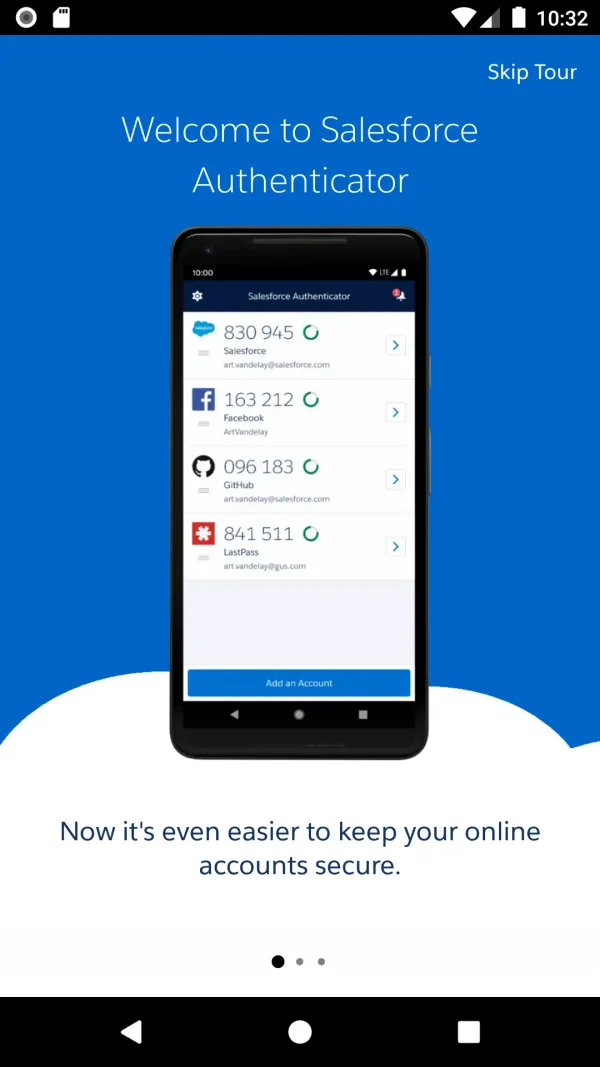
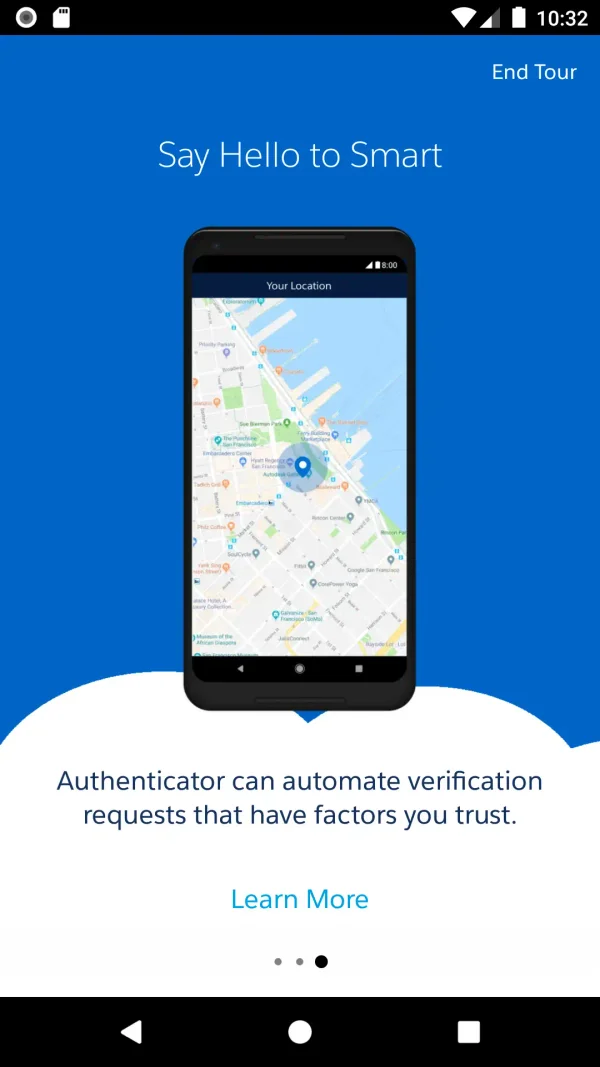
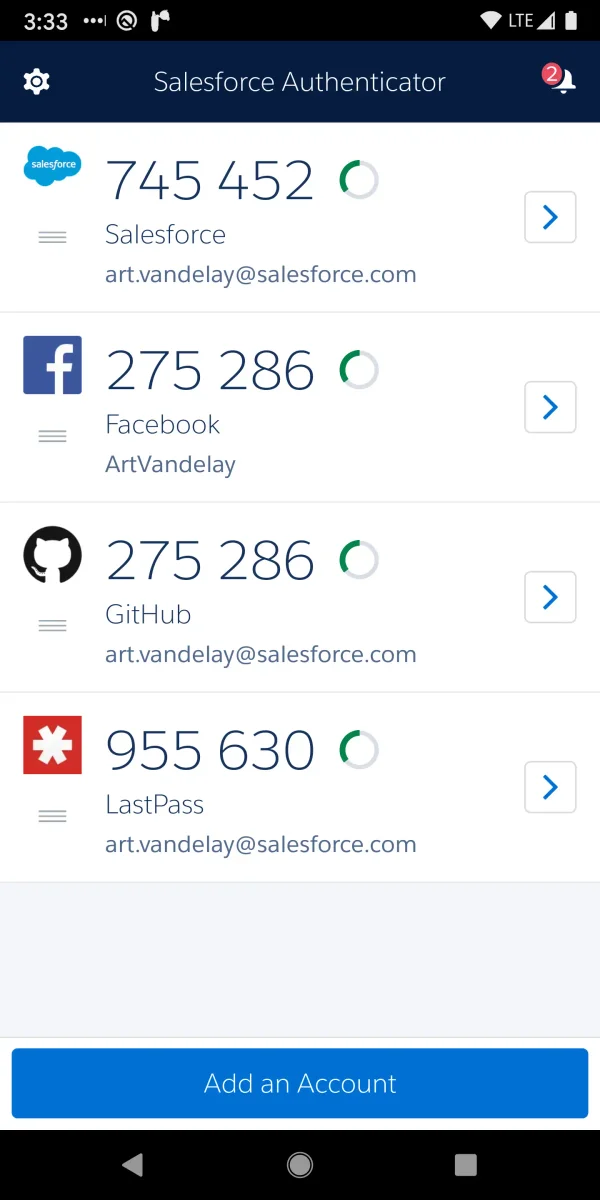
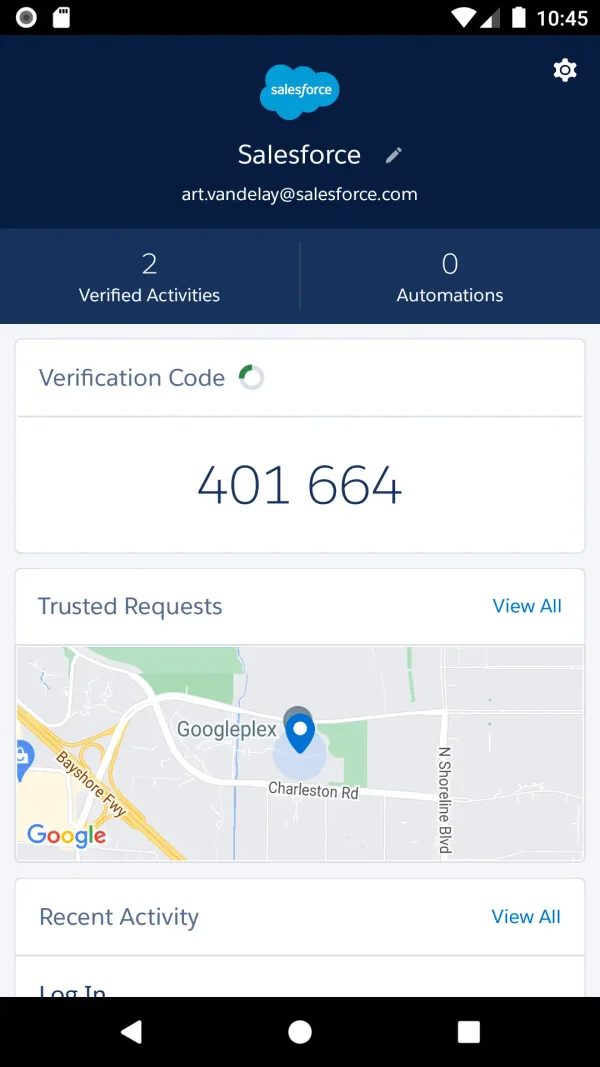
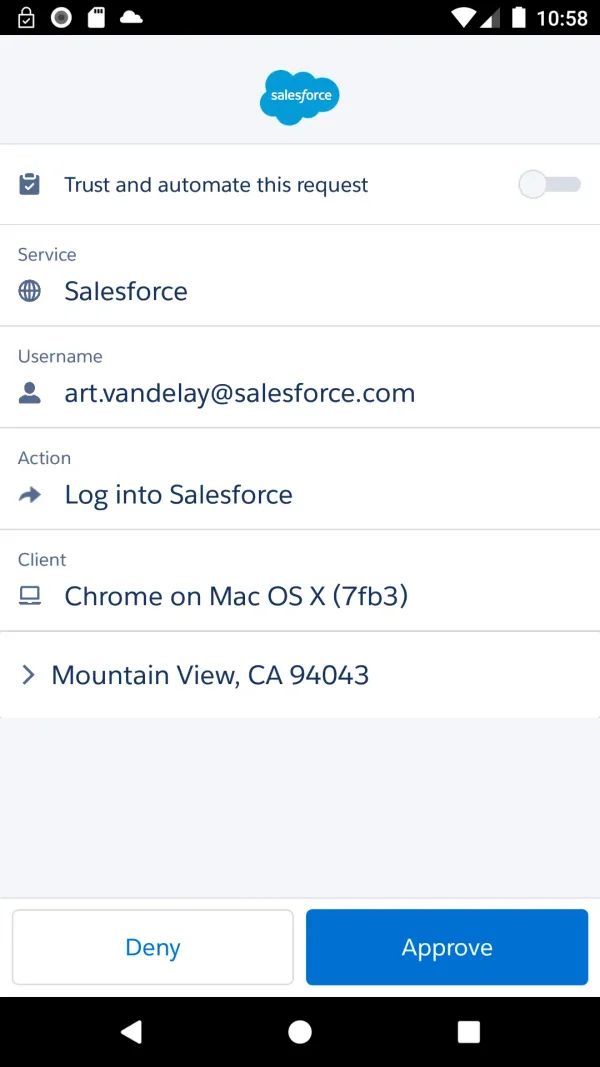
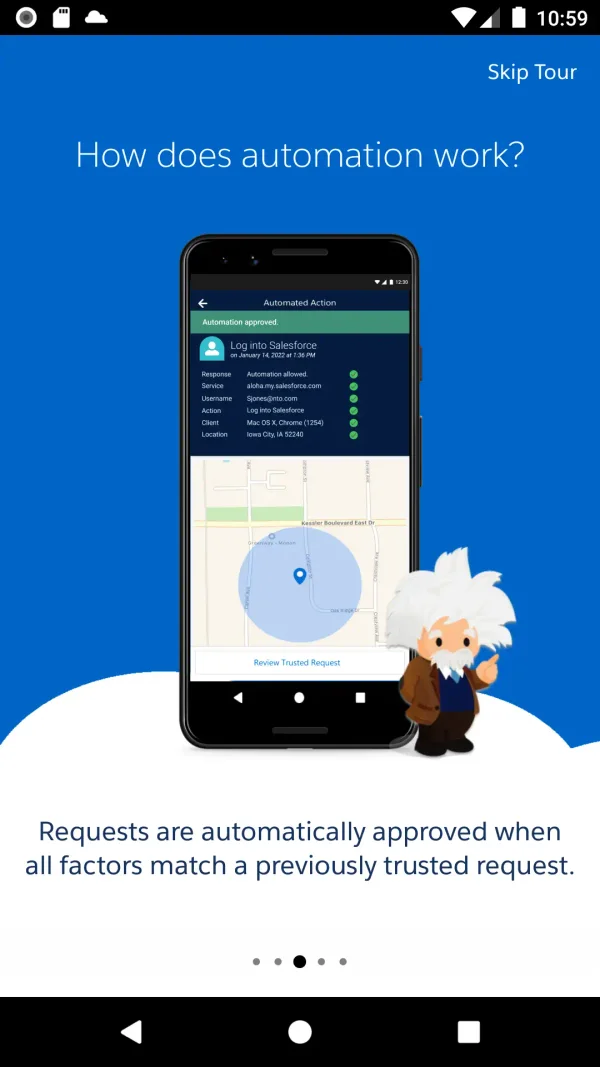
Salesforce Authenticator は、多要素認証 (2 要素認証とも呼ばれます) を使用してオンラインアカウントに追加のセキュリティ層を追加します。 Salesforce Authenticator を使用すると、アカウントにログインするときや重要なアクションを実行するときに、モバイルデバイスを使用して ID を確認できます。アプリはプッシュ通知を送信し、タップするだけでアクティビティを承認または拒否します。さらに利便性を高めるために、Salesforce Authenticator はモバイルデバイスの位置情報サービスを使用して、信頼できるアカウントアクティビティを自動的に承認できます。このアプリには、オフライン時や接続状態が低いときに使用できるワンタイム認証コードも用意されています。
Salesforce Authenticator を使用して、時間ベースのワンタイムパスワード (TOTP) をサポートするすべてのオンラインアカウントを保護します。 「Authenticator アプリケーション」を使用して多要素認証を可能にするサービスはすべて、Salesforce Authenticator と互換性があります。
位置データとプライバシー
Salesforce Authenticator で位置ベースの自動化を有効にすると、位置データはクラウドではなくモバイルデバイスに安全に保存されます。いつでもデバイスからすべての位置データを削除したり、位置情報サービスをオフにしたりできます。アプリケーションが位置データを使用する方法の詳細については、Salesforce ヘルプを参照してください。
バッテリーの使用量
Salesforce Authenticator は、正確な位置情報の更新を取得するのではなく、信頼できる場所のおおよそのエリア (「ジオフェンス」) に出入りする場合にのみ更新情報を受け取ります。 Salesforce Authenticator は、位置情報の更新頻度を最小限に抑えることで、モバイルデバイスのバッテリ寿命を節約します。バッテリーの使用量をさらに削減するには、位置情報サービスをオフにし、アクティビティの自動化を停止します。
原文を表示
Salesforce Authenticator adds an extra layer of security for your online accounts with multi-factor authentication (also known as two-factor authentication). With Salesforce Authenticator, you use your mobile device to verify your identity when logging in to your account or performing critical actions. The app sends you a push notification, and you approve or deny the activity with just a tap. For even more convenience, Salesforce Authenticator can use your mobile device’s location services to automatically approve account activity that you trust. The app also provides one-time verification codes for use while you’re offline or have low connectivity.
Use Salesforce Authenticator to secure all your online accounts that support time-based one-time passwords (TOTP). Any service that allows multi-factor authentication using an “Authenticator app” is compatible with Salesforce Authenticator.
Location Data & Privacy
If you enable location-based automation in Salesforce Authenticator, location data is stored securely on your mobile device and not in the cloud. You can delete all location data from your device or turn off location services at any time. Learn more about how the app uses location data in Salesforce Help.
Battery Usage
Rather than getting precise location updates, Salesforce Authenticator only receives updates when you enter or leave the approximate area, or “geofence,” of a location that you trust. By minimizing the frequency of location updates, Salesforce Authenticator conserves your mobile device’s battery life. To reduce battery usage even more, you can turn off location services and stop automating your activity.
データ セーフティ
このアプリが収集・共有するデータについて、Salesforce.com, inc.がGoogle Playで申告している内容です。
- このアプリはサードパーティと以下の種類のデータを共有することがあります個人情報、アプリのアクティビティ、他 2 件
- このアプリは以下の種類のデータを収集することがあります購入履歴
- データは送信中に暗号化されます
- データを削除できません
新機能
バージョン 4.8.1 · 2026/8/24
- Support Android 17
開発元の連絡先
- ウェブサイトsalesforce.com
- メールauthenticator-feedback@salesforce.com
- プライバシーポリシーsalesforce.com
- 住所415 Mission St Fl 3 San Francisco, CA 94105 United States
情報
- 提供元
- Google Commerce Ltd
- カテゴリ
- ビジネス
- バージョン
- 4.8.1
- 更新日
- 2026/8/24
- リリース
- 2013/11/4
- 必要条件
- Android 9以降
- 対象年齢
- 3 歳以上
- 価格
- 無料
- パッケージ名
- com.salesforce.authenticator