Salesforce Authenticator
Salesforce.com, inc.- EveryoneAge rating
- BusinessCategory
- Aug 24, 2026Updated
- FreePrice
Links to the official Google Play listing of com.salesforce.authenticator. Last checked on Nov 26, 2026.

Screenshots
About this app
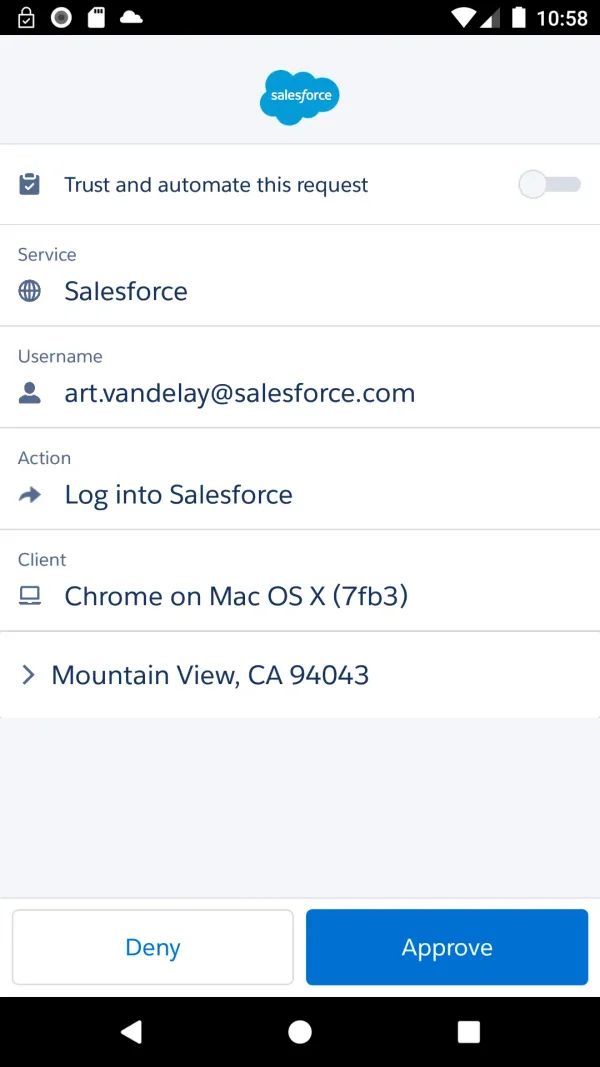
Salesforce Authenticator provides additional security with 2-step verification.
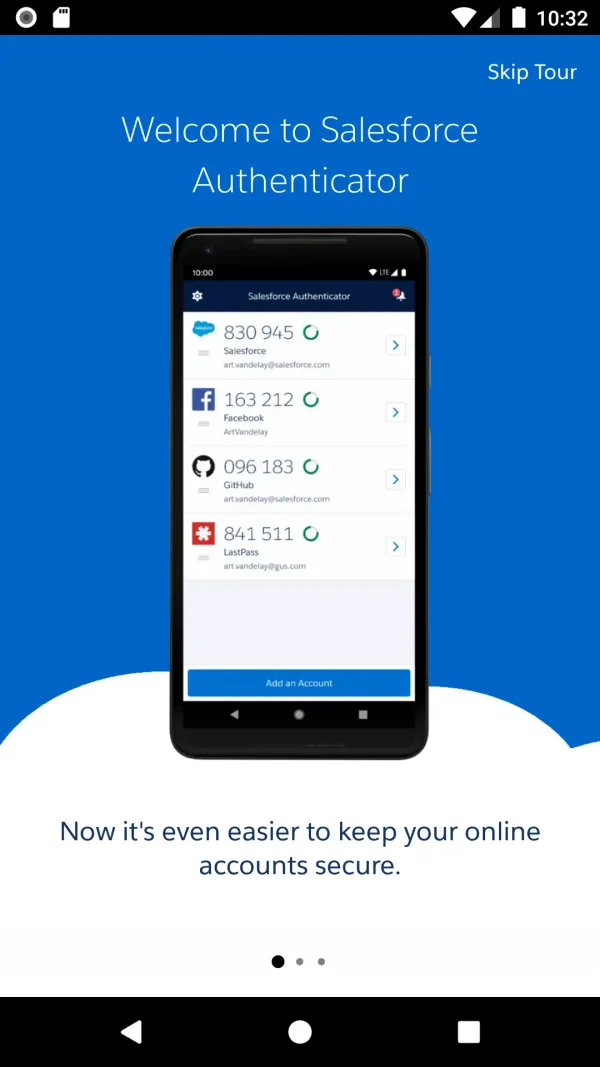
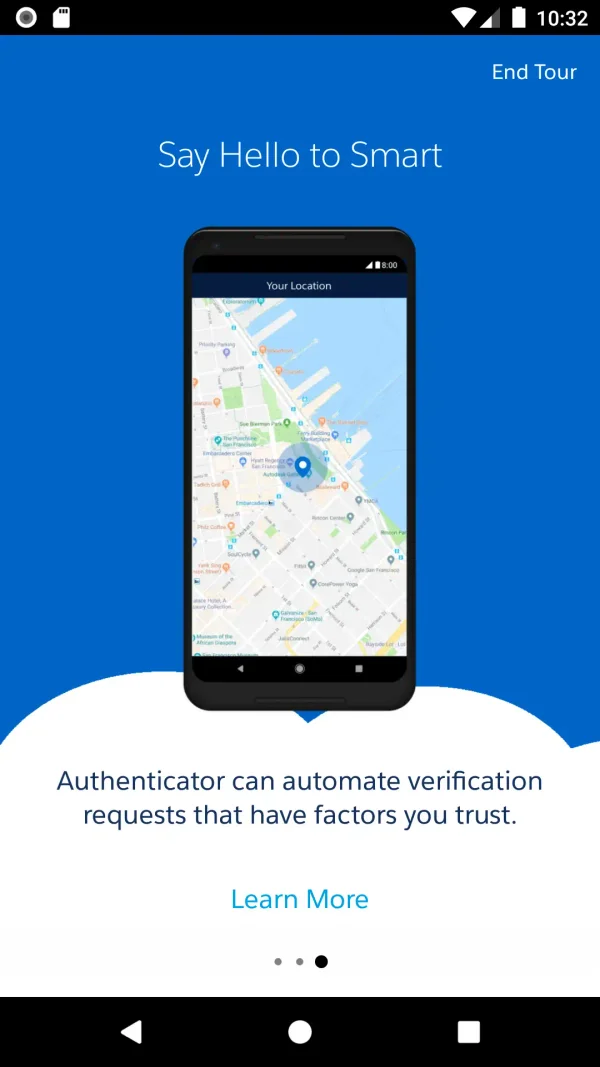
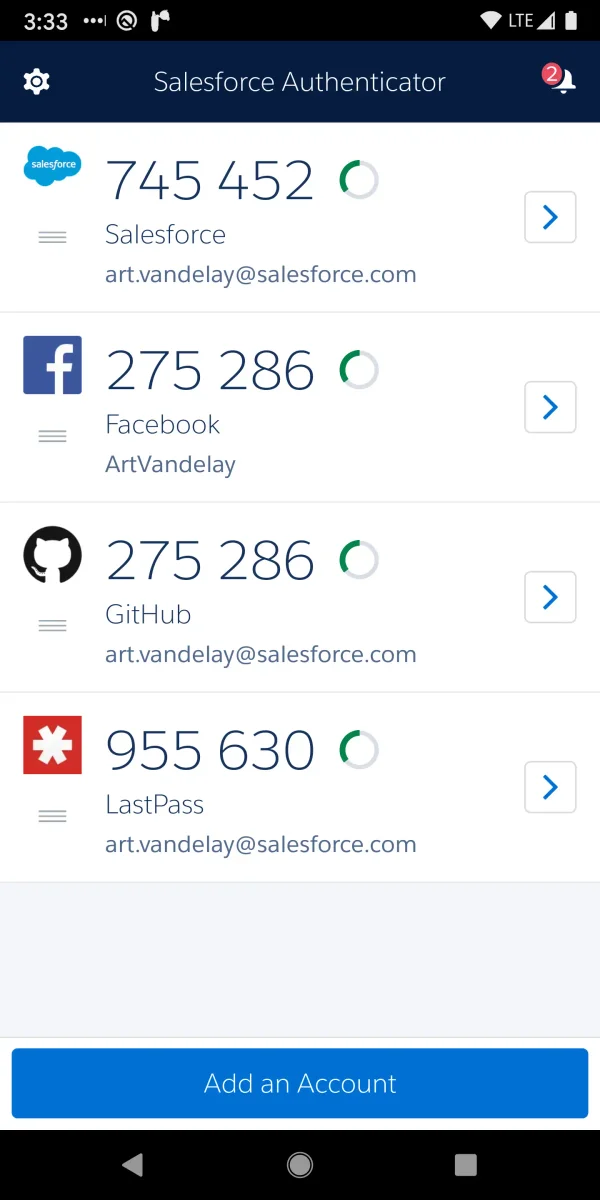
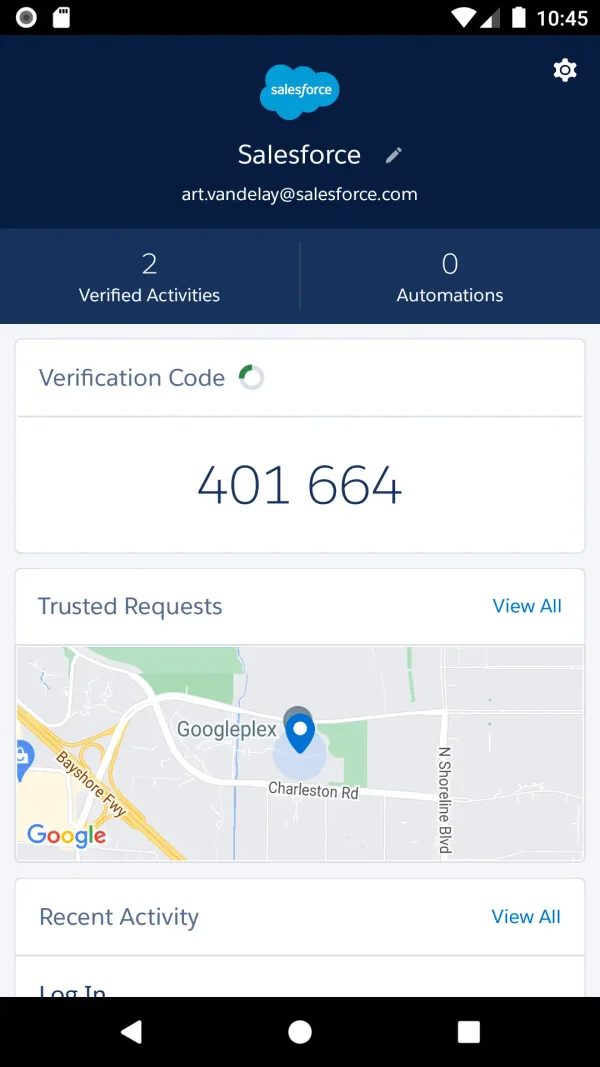
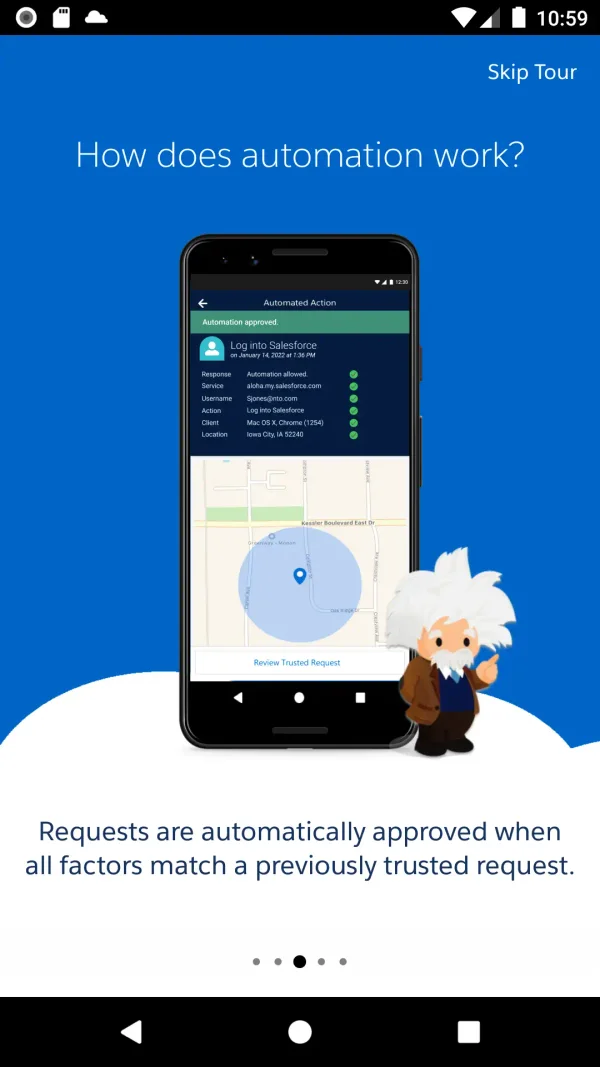
Salesforce Authenticator adds an extra layer of security for your online accounts with multi-factor authentication (also known as two-factor authentication). With Salesforce Authenticator, you use your mobile device to verify your identity when logging in to your account or performing critical actions. The app sends you a push notification, and you approve or deny the activity with just a tap. For even more convenience, Salesforce Authenticator can use your mobile device’s location services to automatically approve account activity that you trust. The app also provides one-time verification codes for use while you’re offline or have low connectivity.
Use Salesforce Authenticator to secure all your online accounts that support time-based one-time passwords (TOTP). Any service that allows multi-factor authentication using an “Authenticator app” is compatible with Salesforce Authenticator.
Location Data & Privacy
If you enable location-based automation in Salesforce Authenticator, location data is stored securely on your mobile device and not in the cloud. You can delete all location data from your device or turn off location services at any time. Learn more about how the app uses location data in Salesforce Help.
Battery Usage
Rather than getting precise location updates, Salesforce Authenticator only receives updates when you enter or leave the approximate area, or “geofence,” of a location that you trust. By minimizing the frequency of location updates, Salesforce Authenticator conserves your mobile device’s battery life. To reduce battery usage even more, you can turn off location services and stop automating your activity.
Data safety
What Salesforce.com, inc. declares on Google Play about the data this app collects and shares.
- This app may share these data types with third partiesPersonal info, App activity and 2 others
- This app may collect these data typesPersonal info
- Data is encrypted in transit
- Data can’t be deleted
What’s new
Version 4.8.1 · Aug 24, 2026
- Support Android 17
Developer contact
- Websitesalesforce.com
- Emailauthenticator-feedback@salesforce.com
- Privacy policysalesforce.com
- Address415 Mission St Fl 3 San Francisco, CA 94105 United States
Information
- Offered by
- Google Commerce Ltd
- Category
- Business
- Version
- 4.8.1
- Updated
- Aug 24, 2026
- Released
- Nov 4, 2013
- Requires
- Android 9 or later
- Age rating
- Everyone
- Price
- Free
- Package name
- com.salesforce.authenticator
Similar apps
-
 PingID
Productivity
-
 Okta Verify
Productivity
-
 Microsoft Authenticator
Business
-
 Smartsheet: Teams & Projects
Business
-
 SAP Concur
Business
-
 SAP SuccessFactors Mobile
Business
-
 My Pixel app
Tools
-
 Darwinbox
Business
-
 Microsoft Planner
Productivity
-
 Authenticator App - OneAuth
Tools
-
 Planning Center Services
Productivity
-
 Twilio Authy Authenticator
Tools