Thumbnail Maker, Banner editor
VideoRey広告を含む · アプリ内課金
- 3 歳以上対象年齢
- 写真カテゴリ
- 2025/10/30更新日
- 無料価格
thumbnail.maker.miniatura.reyのGoogle Play公式ページにリンクしています。最終確認:2026/11/27。
スクリーンショット
このアプリについて
Googleによる英語 (アメリカ合衆国)からの自動翻訳です。
ビデオ用サムネイルメーカー、チャンネルアートエディターバナークリエーター、ゲームビデオカバー
ビデオのサムネイルメーカーは、ビデオコンテンツの作成者が数分でビデオの素晴らしいサムネイルとチャンネルアート、バナーを作成するのに役立つグラフィックデザインアプリです。
サムネイルエディタを使用するために必要なグラフィックデザインのスキルはありません。
コンテンツクリエーターは、プロのグラフィックデザイナーのようなサムネイルデザインを作成できます。
良いサムネイルはより多くのビューを取得します。チャンネル動画へのトラフィックを増やしたい場合は、視聴者がクリックして新しい視聴者を引き付けるサムネイルを作成します。
高度な写真編集ソフトウェアを使用すると、クリックベイトのサムネイルデザインを生成できます。
使いやすい。サムネイルメーカーは、2MB未満のPNGまたはJPEG形式の1280*720pxなどの標準サイズを使用します。
透かしのないHD品質のサムネイルデザインをダウンロードします。
すべてのグラフィックデザインのニーズに、このフォトエディタアプリを使用できます。動画のサムネイル、クールなチャンネルアートバナー、ロゴデザイン、エンディングカード、動画チャンネルのイントロメーカー、動画チャンネルのコミュニティ投稿を作成できます。ビデオ用の画像とは別に、ソーシャルメディア用のポスターやバナーを作成できます。
ビデオのサムネイルメーカー:
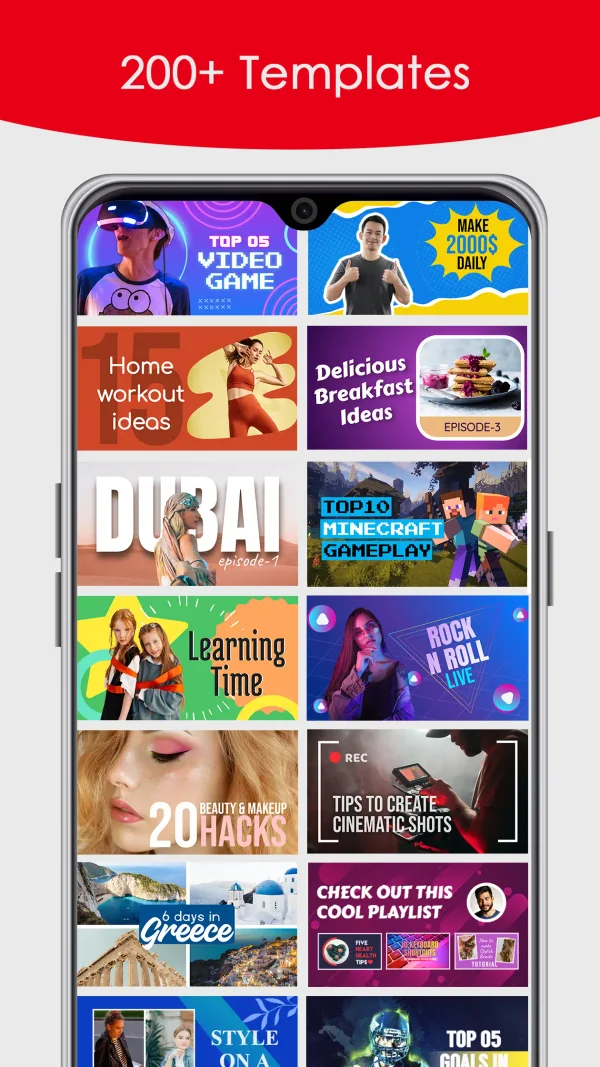
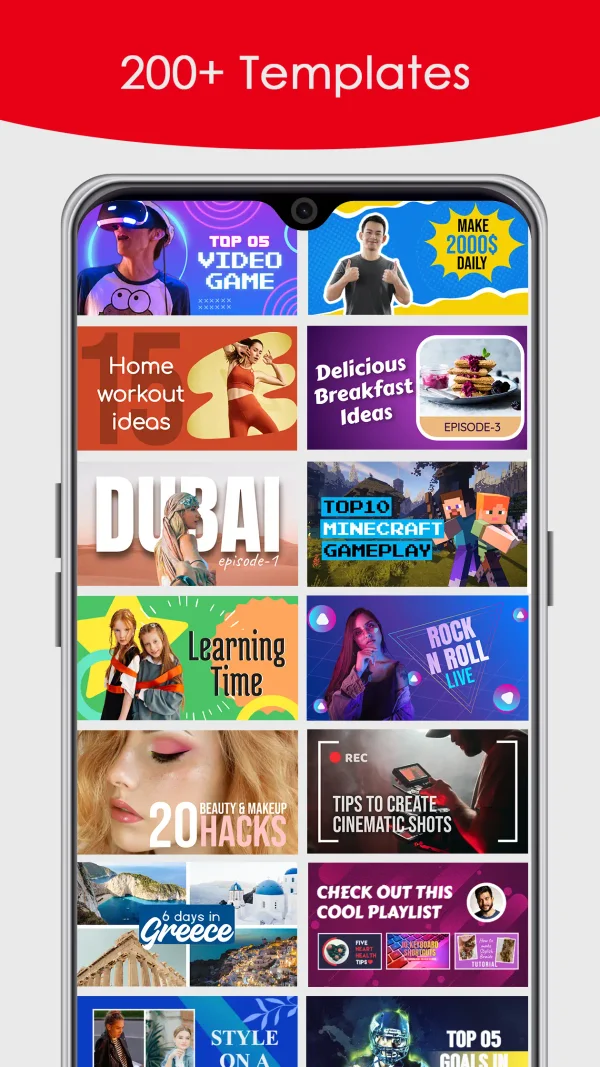
サムネイル作成者には、トレンド動画用に500以上の事前に設計されたサムネイルテンプレートがあります。サムネイルエディタアプリには、料理、教育、ライフスタイル、食品、vlog、テクノロジー、eスポーツ、人気のゲームを含むゲームチャンネルなど、すべてのカテゴリのサムネイルとミニチュアがあります。
チャンネルアートメーカーとカバーエディター:
ビデオチャンネルのチャンネルアートをデザインできます。チャンネル内の動画と最近の動画を紹介するバナー画像を作成します。
チャネルのロゴメーカー:
ブランドのようなチャンネル用に独自のロゴデザインを作成できます。私たちのロゴエディタは、ロゴを作成してプロフィール写真として設定するのに役立ちます。
コミュニティポストメーカー:
チャンネル登録者向けのコミュニティ投稿を正方形のサイズで作成できます。サムネイルメーカーでイントロデザインとアウトロデザインを作成します。
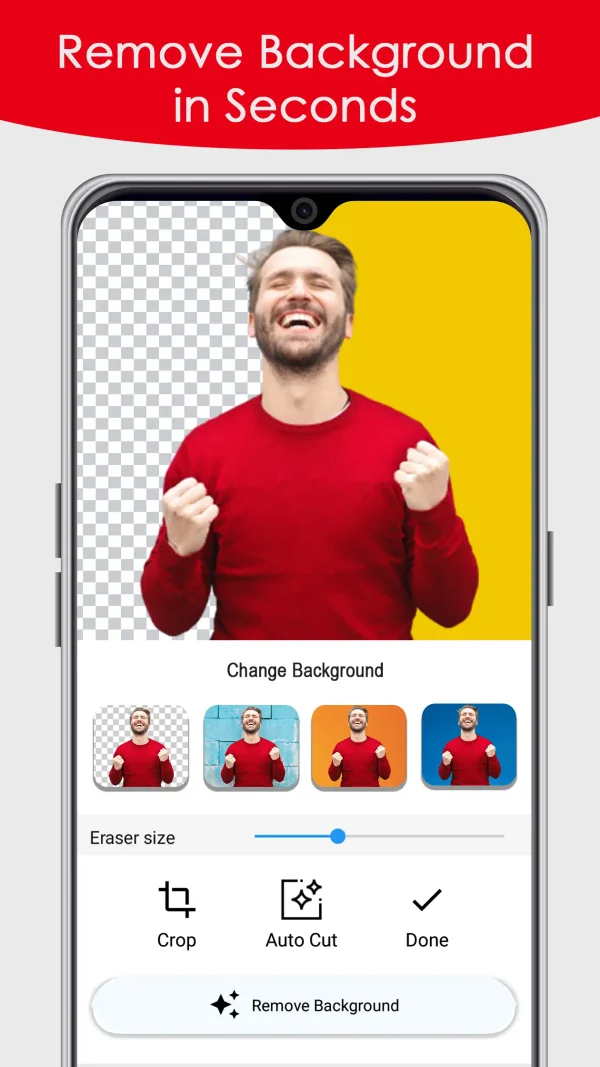
自動背景リムーバーと画像背景消去機能。写真を切り抜いてサムネイルクリエーターのステッカーとして簡単に作成できます。
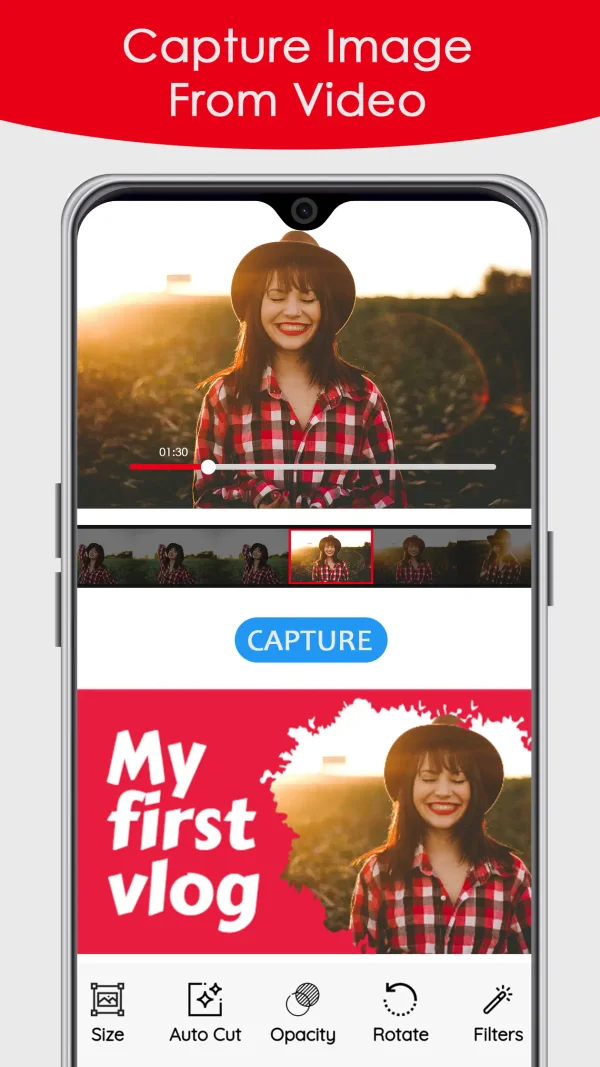
ビデオからスクリーンショットをキャプチャします。
サムネイルメーカーアプリ内のビデオからスクリーンショットを撮ります。サムネイルデザインは通常、4Kビデオモンタージュからの独自の画像を使用して作成し、サムネイルの背景写真として設定できます。
サムネイルステッカー、フォント、テキスト効果:
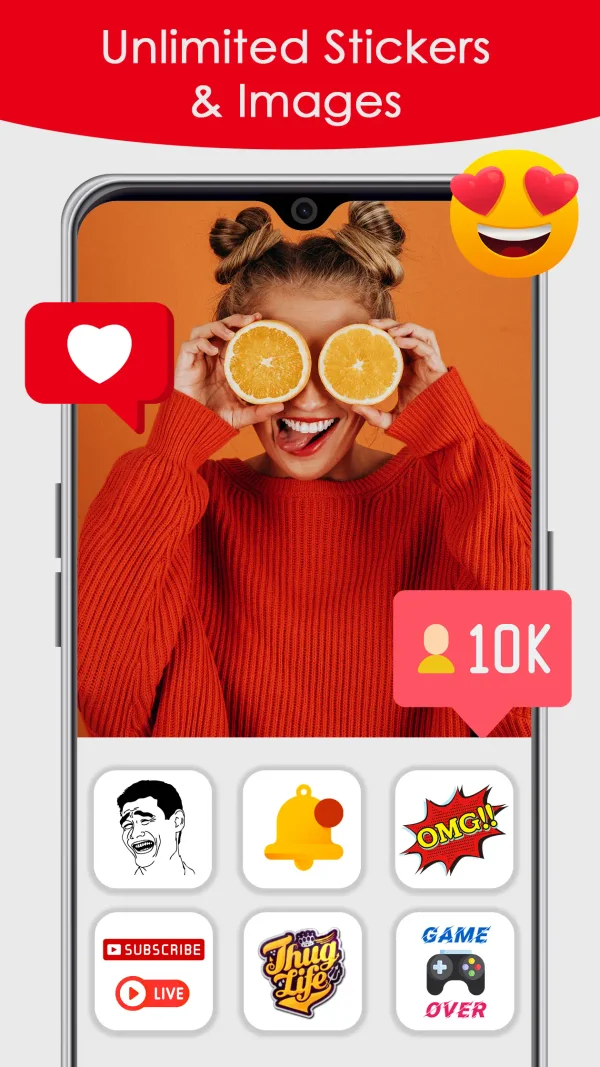
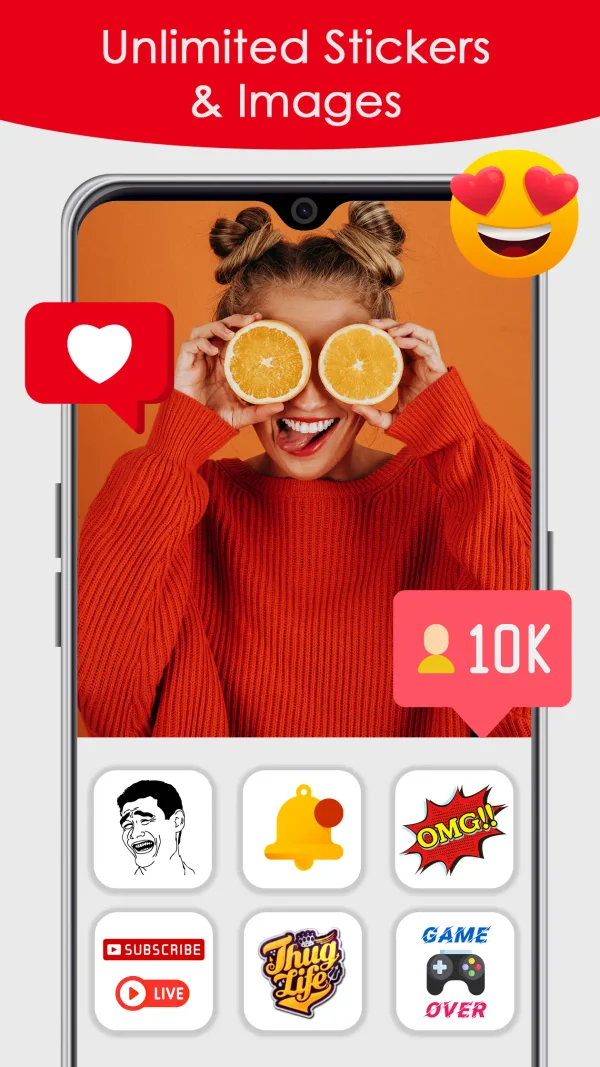
ビデオのサムネイルは印象的である必要があるため、サムネイルクリエーターアプリには、ステッカー、アート、基本的な形、記号、スマイリー絵文字、面白いステッカー、ゲームステッカー、特殊効果などの膨大なコレクションがあります。
サムネイルデザインのサイズをソーシャルメディアの投稿に変更します。
16:9のサムネイル画像のサイズを1:1のアスペクト比または任意のサイズに変更し、ソーシャルメディアでサムネイルを共有します。サムネイルエディタは、キャンバスを標準サイズに変換します。
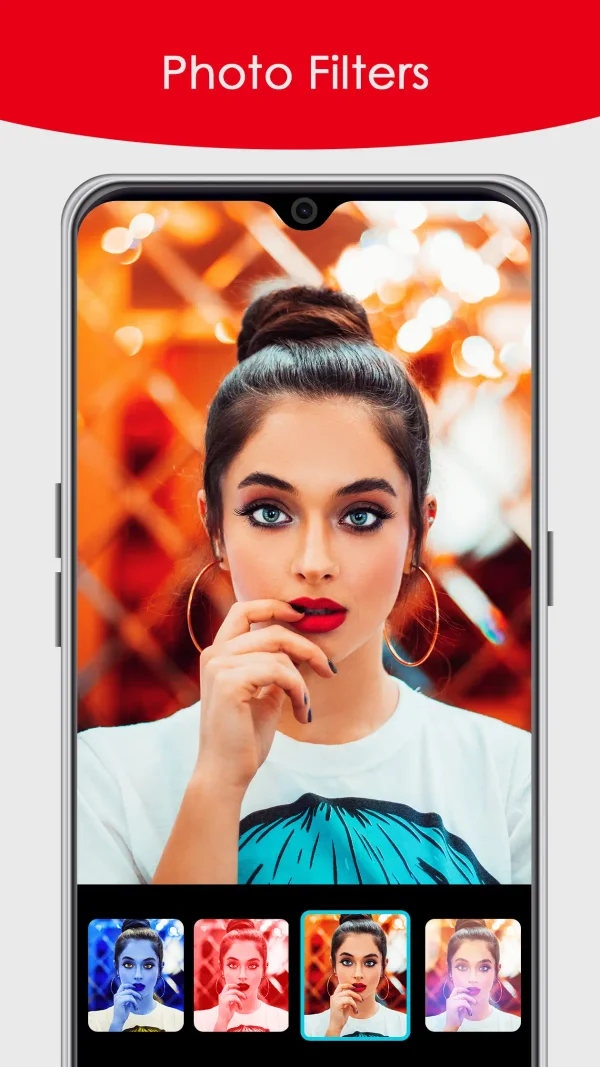
ビデオサムネイルクリエーターアプリは、写真スタジオソフトウェアのような機能を備えています。 50以上の写真フィルターと、明るさ、コントラスト、彩度、ぼかし、シャープネスを備えた拡張フォトエディター。
ビデオにサムネイルメーカーを使用するにはどうすればよいですか?
サムネイルテンプレートを選択して編集するか、サムネイルのデザインを最初から開始します。
画像をアップロードし、ストックフォトから画像を選択して、キャンバスに画像を追加します。
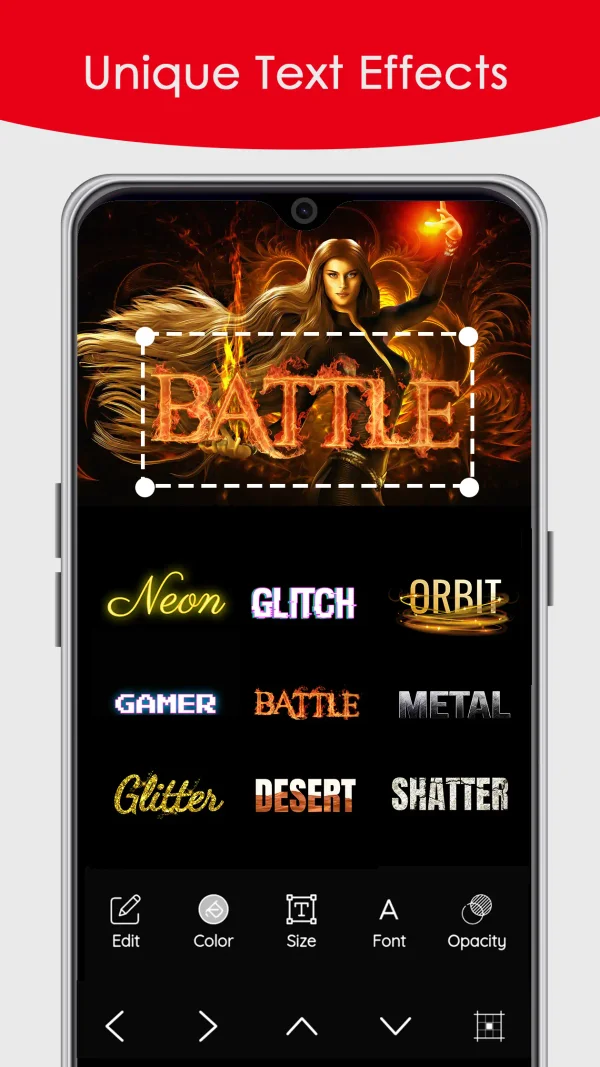
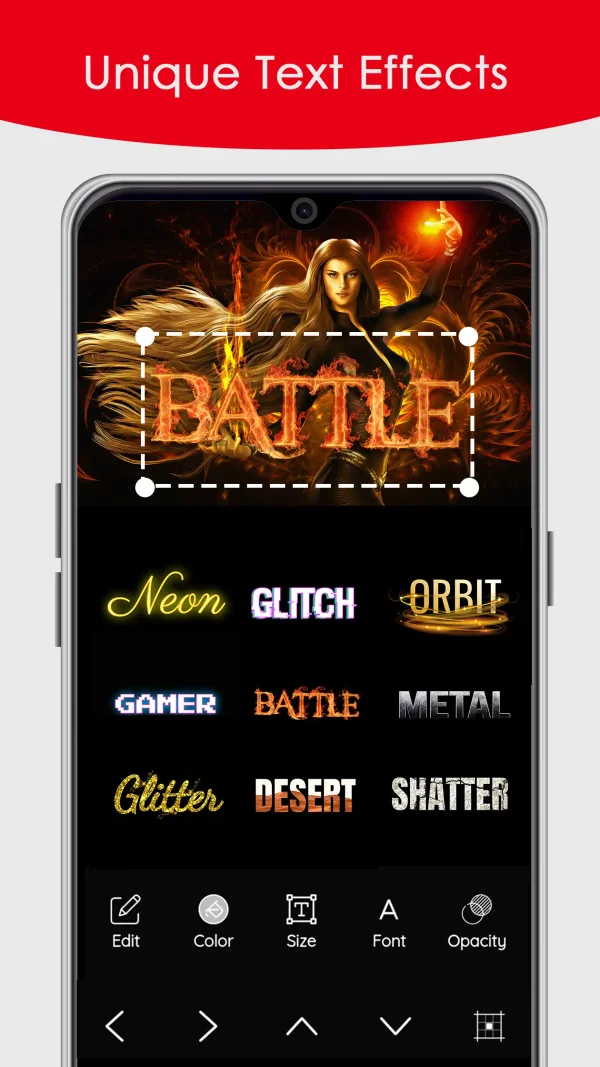
写真にテキストを追加したり、フォントスタイルを変更したり、テキストアートと効果を使用したりできます。
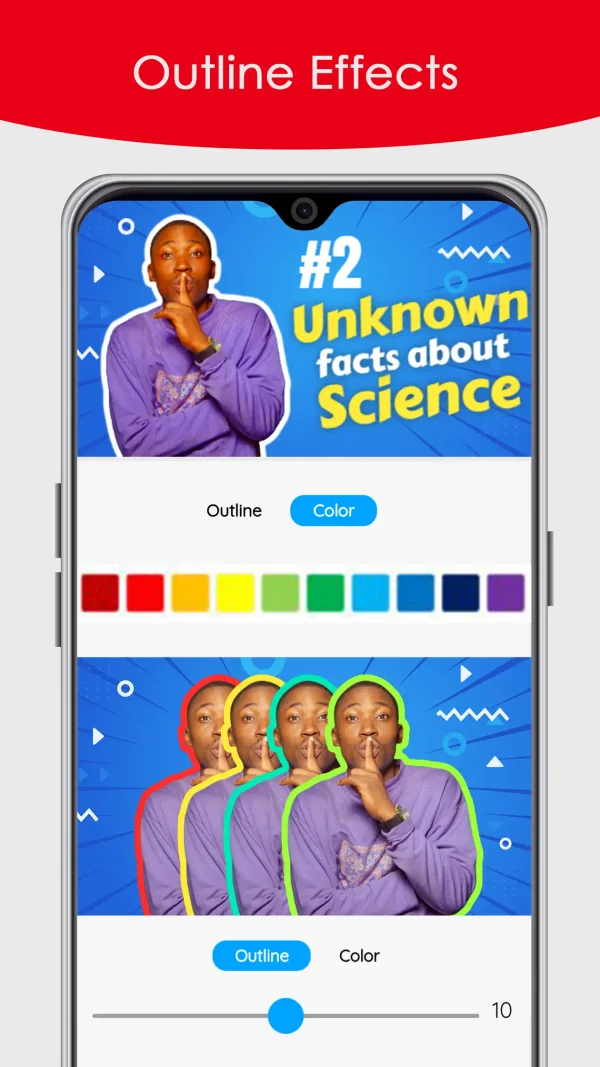
フェザー、フィルター、画像のアウトラインストロークなどの高度なサムネイル編集ツールを使用して画像を編集します。
サムネイルデザインを保存する
サムネイルのグラフィックデザインをソーシャルメディアプラットフォームと共有します。問題なくビデオスタジオにサムネイルをアップロードします。
原文を表示
Thumbnail maker for video is the graphic design app helps video content creators to maker stunning thumbnails & channel art, banner for Videos in minutes.
No graphic design skills necessary for using thumbnail editor.
Content creators can make thumbnail designs like professional graphic designer.
Good Thumbnail will get more views. If you want to increase traffic to your channel videos then make a thumbnail that your viewer clicks and attracts the new audience.
With advanced photo editing software, you can generate click bait thumbnail designs.
Easy to Use. Thumbnail maker uses the standard size like 1280*720px in PNG or JPEG format with less than 2MB.
Download thumbnail designs in HD quality without watermark.
For all graphic design needs you can use this photo editor app. You can create thumbnails for video, cool channel art banners, logo design, outro end cards, intro maker for video Channel, community post for your video channel. Apart from images for video you can make posters and banners for social media.
Thumbnail maker for video:
Thumbnail creator has 500+ predesigned thumbnail templates for trending videos. Thumbnail editor app has thumbnails and miniatures for all categories like cooking, education, lifestyle, food, vlog, technology, esports, gaming channel including popular games.
Channel Art Maker and cover editor:
You can design channel art for your video channel. Create banner image that showcase your videos in channel and recent video.
Logo maker for channel:
You can make your own logo design for channel like a brand. Our logo editor will help you to create logo and set it as profile picture.
Community post maker:
You can create community post for your subscribers in square size. Create intro design and outro designs in thumbnail maker.
Automatic Background Remover and image background eraser. Easy to cutout photo and make it as sticker in thumbnail creator.
Capture screenshot from Video:
Take screenshot from video within the thumbnail maker app. Thumbnail design can be created usually with your own images from 4K video montage and set as thumbnail background photo.
Thumbnail Stickers, Fonts, text effects:
Thumbnail for video needs to be impressive so thumbnail creator app has huge collection of stickers, arts, basic shapes, symbols, smiley emoji, funny stickers, gamming stickers, special effects etc.
Resize your thumbnail design to social media post:
Resize the 16:9 thumbnail image in 1:1 aspect ratio or any size & share thumbnail in social media. Thumbnail editor converts your canvas into the standard size.
video thumbnail creator app has feature like in photo studio software. 50+ photo filter and Enhanced photo editor with Brightness, contrast, saturation, blur, sharpness.
How to use our thumbnail maker for video?
Choose any thumbnail template to edit or start designing thumbnails from scratch.
Upload images, choose image from stock photos and add image to canvas.
Add text on photo, change font style or use Text art & effects.
Edit the images using advanced thumbnail editing tools like feathers, filters, image outline stroke.
Save your thumbnail designs
Share the thumbnail Graphic design to any social media Platform. Upload thumbnail in video studio without any problem.
データ セーフティ
このアプリが収集・共有するデータについて、VideoReyがGoogle Playで申告している内容です。
- 第三者と共有されるデータはありません詳しくは、デベロッパーが共有を申告する方法についての説明をご覧ください
- このアプリは以下の種類のデータを収集することがありますアプリのアクティビティ、アプリの情報、パフォーマンス、デバイスまたはその他の ID
- データは送信中に暗号化されます
- データを削除できません
新機能
バージョン 2.2 · 2025/10/30
Create awesome thumbnail with advanced features with templates
開発元の連絡先
- ウェブサイトvideorey.in
- メールvideoreyapp@gmail.com
- プライバシーポリシーsites.google.com
- 住所21/22, WeWork, Olympia Cyberspace, Alandur Road, Arulayiammanpet, 2nd Street, Guindy Chennai, Tamil Nadu 600032 India
情報
- 提供元
- VideoRey
- カテゴリ
- 写真
- バージョン
- 2.2
- 更新日
- 2025/10/30
- リリース
- 2022/3/22
- 必要条件
- Android 7.0以降
- 対象年齢
- 3 歳以上
- 価格
- 無料
- アプリ内課金
- ¥250~¥1,660/アイテム
- パッケージ名
- thumbnail.maker.miniatura.rey
類似のアプリ
-
 AI Photo Generator - Fotorama
写真
-
 Lightleap:Lightricksからの写真編集アプリ
写真
-
 Background Eraser Photo Editor
写真
-
 Post Maker for Social Media
アート&デザイン
-
 Bluente - Learn Business Terms
教育
-
 PixelFlow: Intro Video maker
動画プレーヤー&エディタ
-
 ロゴメーカーショップ: ロゴジェネレーター
アート&デザイン
-
 PicWish: AI写真加工&画像編集
写真
-
 電気技師試験対策
教育
-
 AI Marvels - AI Photo & Video
写真
-
 AiPPT- AIプレゼンテーションメーカー
仕事効率化
-
 PicMa - 高画質化する写真アプリ
写真