Thumbnail Maker, Banner editor
VideoReyContains ads · In-app purchases
- EveryoneAge rating
- PhotographyCategory
- Oct 30, 2025Updated
- FreePrice
Links to the official Google Play listing of thumbnail.maker.miniatura.rey. Last checked on Nov 27, 2026.
Screenshots
About this app
Thumbnail maker for video, Channel art editor Banner creator, gaming video cover
Thumbnail maker for video is the graphic design app helps video content creators to maker stunning thumbnails & channel art, banner for Videos in minutes.
No graphic design skills necessary for using thumbnail editor.
Content creators can make thumbnail designs like professional graphic designer.
Good Thumbnail will get more views. If you want to increase traffic to your channel videos then make a thumbnail that your viewer clicks and attracts the new audience.
With advanced photo editing software, you can generate click bait thumbnail designs.
Easy to Use. Thumbnail maker uses the standard size like 1280*720px in PNG or JPEG format with less than 2MB.
Download thumbnail designs in HD quality without watermark.
For all graphic design needs you can use this photo editor app. You can create thumbnails for video, cool channel art banners, logo design, outro end cards, intro maker for video Channel, community post for your video channel. Apart from images for video you can make posters and banners for social media.
Thumbnail maker for video:
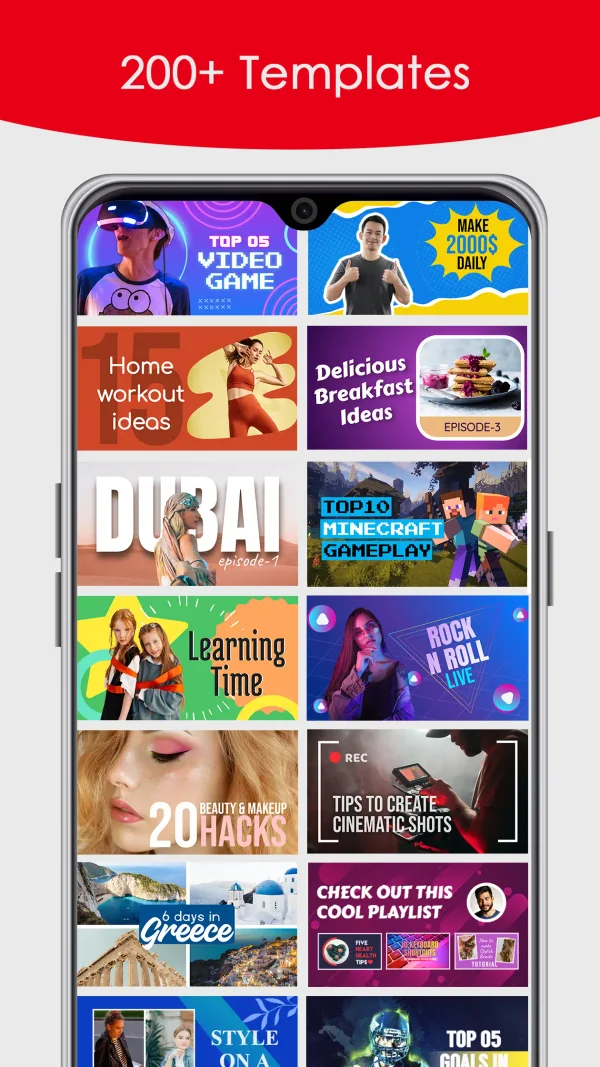
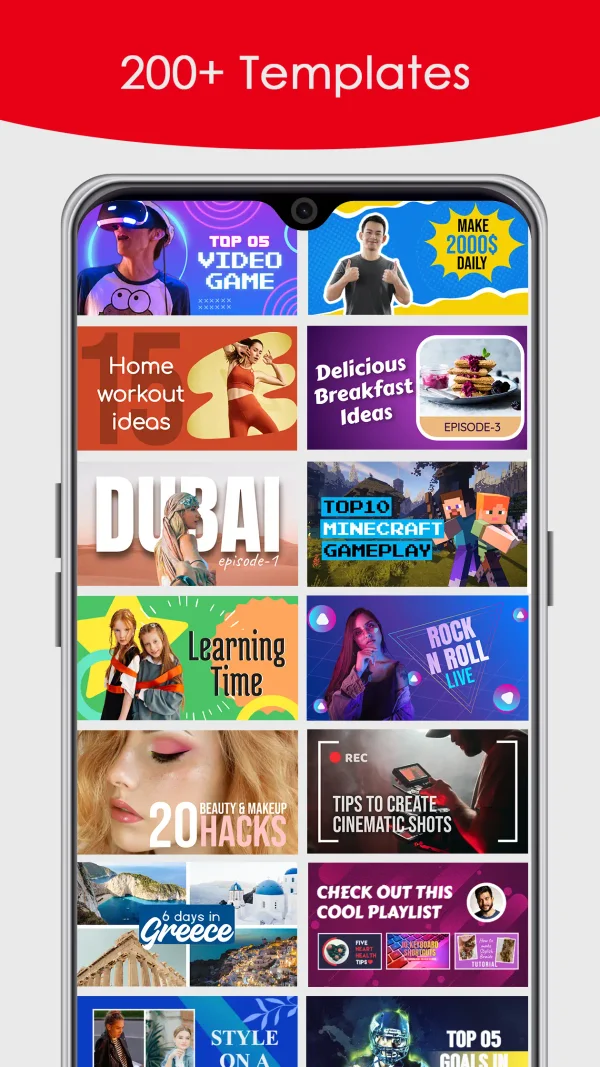
Thumbnail creator has 500+ predesigned thumbnail templates for trending videos. Thumbnail editor app has thumbnails and miniatures for all categories like cooking, education, lifestyle, food, vlog, technology, esports, gaming channel including popular games.
Channel Art Maker and cover editor:
You can design channel art for your video channel. Create banner image that showcase your videos in channel and recent video.
Logo maker for channel:
You can make your own logo design for channel like a brand. Our logo editor will help you to create logo and set it as profile picture.
Community post maker:
You can create community post for your subscribers in square size. Create intro design and outro designs in thumbnail maker.
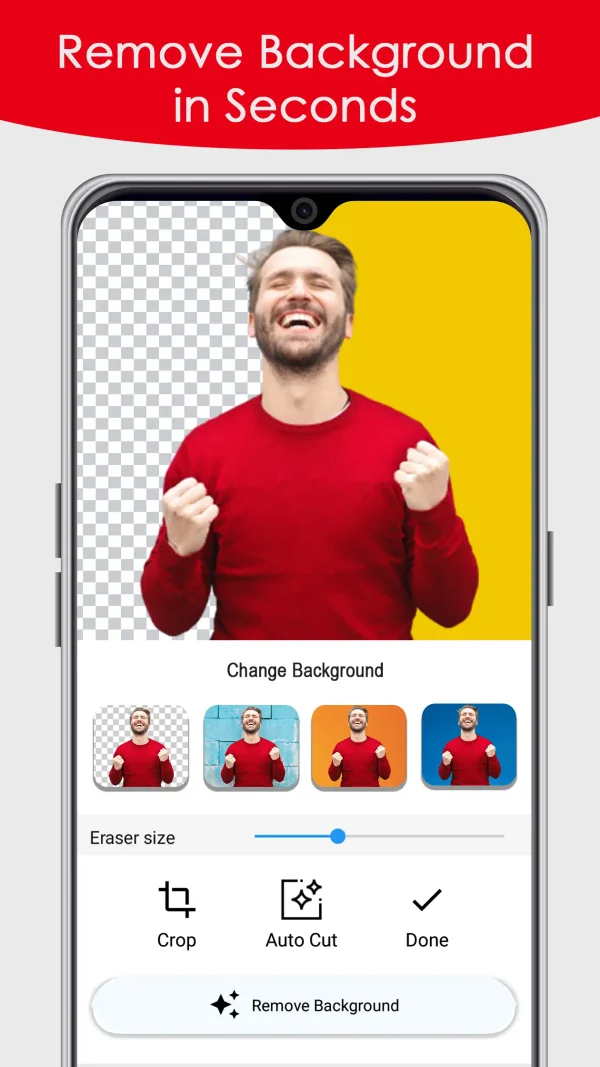
Automatic Background Remover and image background eraser. Easy to cutout photo and make it as sticker in thumbnail creator.
Capture screenshot from Video:
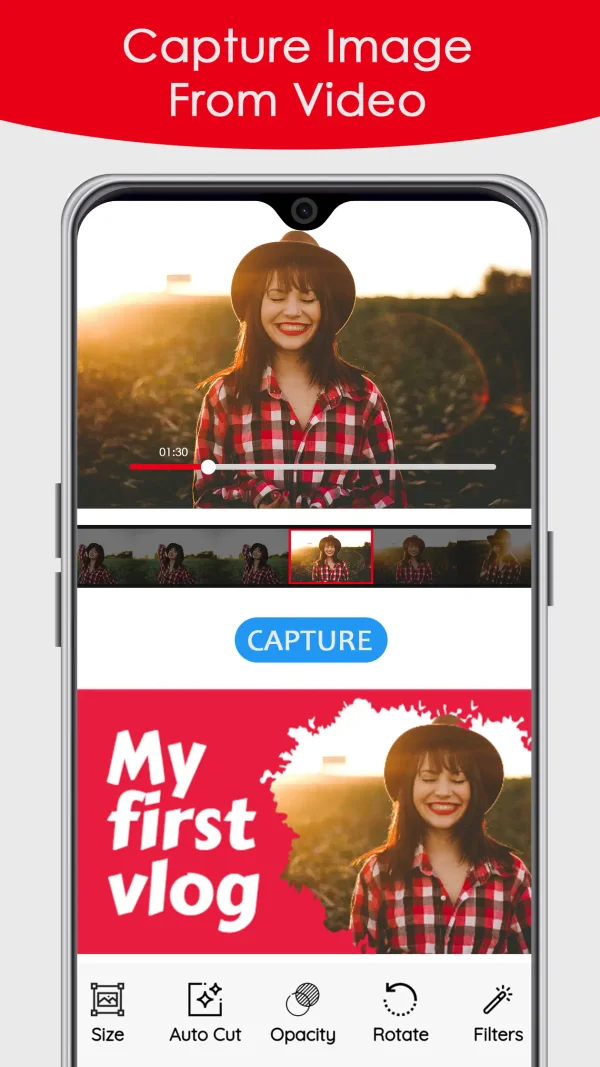
Take screenshot from video within the thumbnail maker app. Thumbnail design can be created usually with your own images from 4K video montage and set as thumbnail background photo.
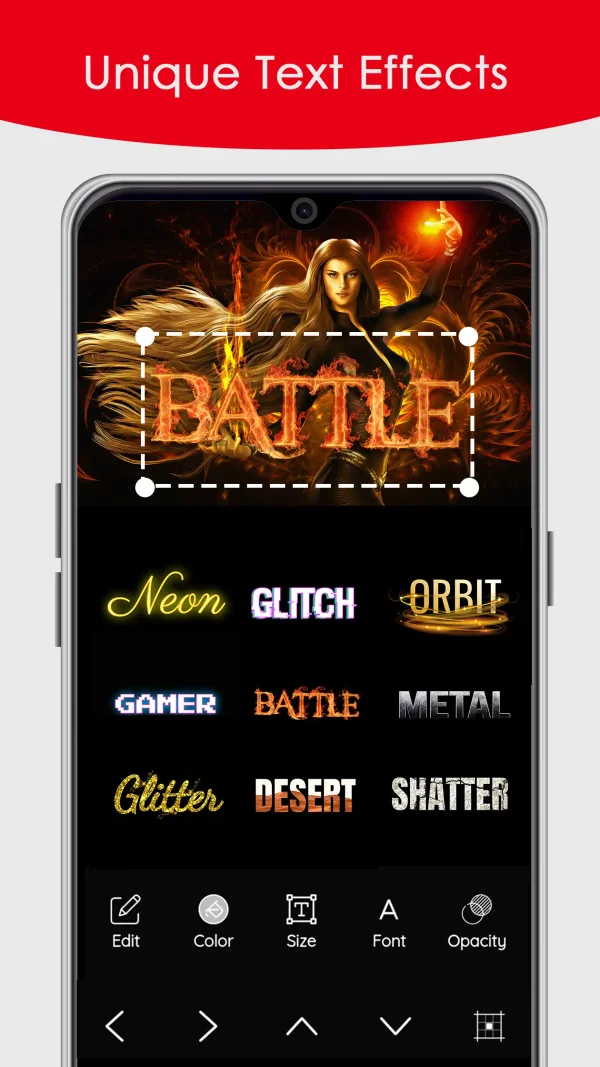
Thumbnail Stickers, Fonts, text effects:
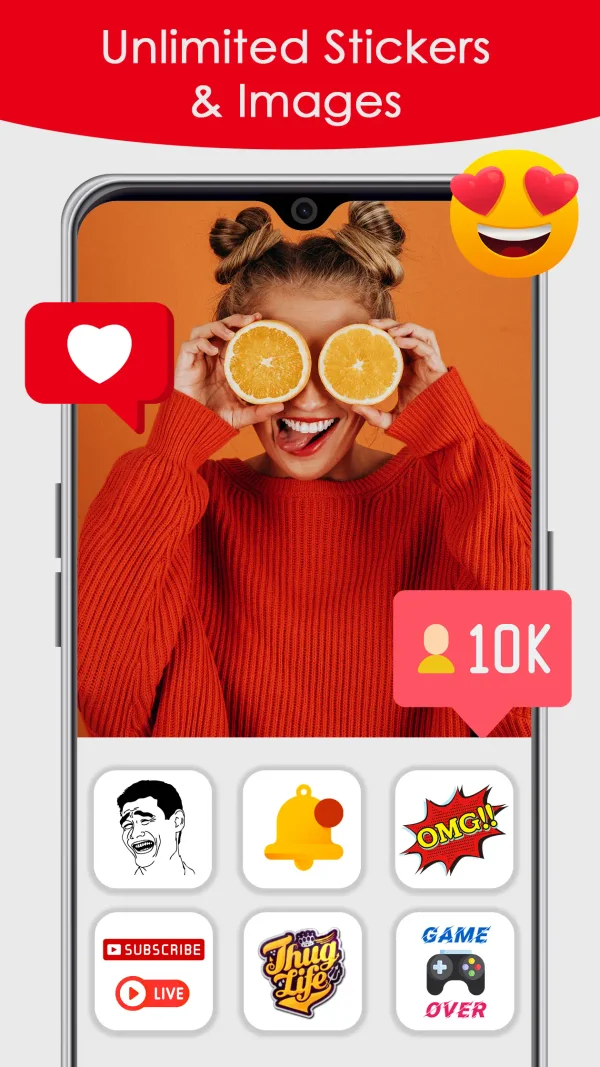
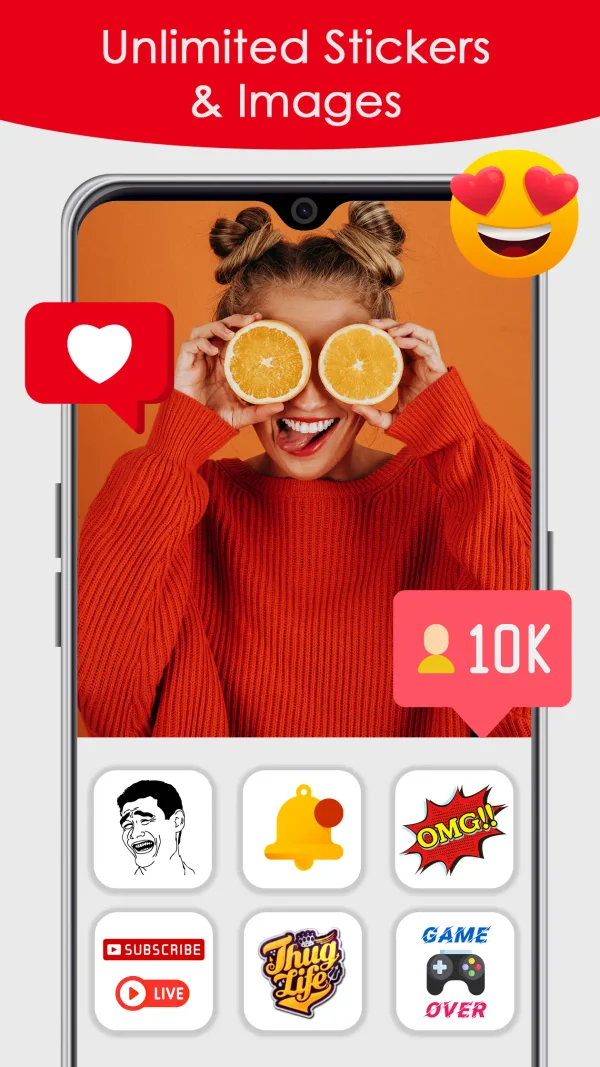
Thumbnail for video needs to be impressive so thumbnail creator app has huge collection of stickers, arts, basic shapes, symbols, smiley emoji, funny stickers, gamming stickers, special effects etc.
Resize your thumbnail design to social media post:
Resize the 16:9 thumbnail image in 1:1 aspect ratio or any size & share thumbnail in social media. Thumbnail editor converts your canvas into the standard size.
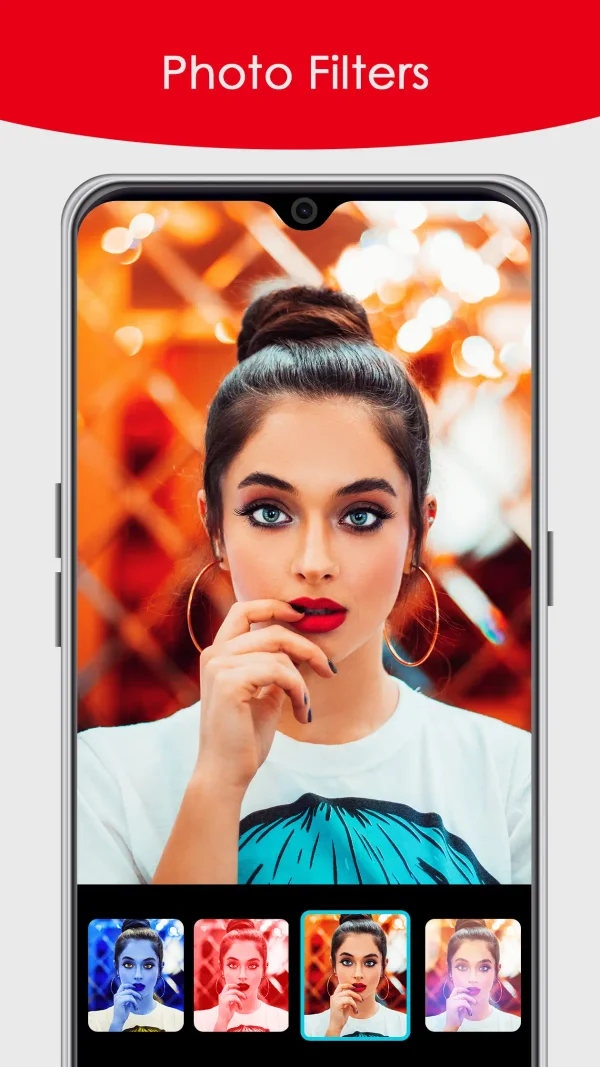
video thumbnail creator app has feature like in photo studio software. 50+ photo filter and Enhanced photo editor with Brightness, contrast, saturation, blur, sharpness.
How to use our thumbnail maker for video?
Choose any thumbnail template to edit or start designing thumbnails from scratch.
Upload images, choose image from stock photos and add image to canvas.
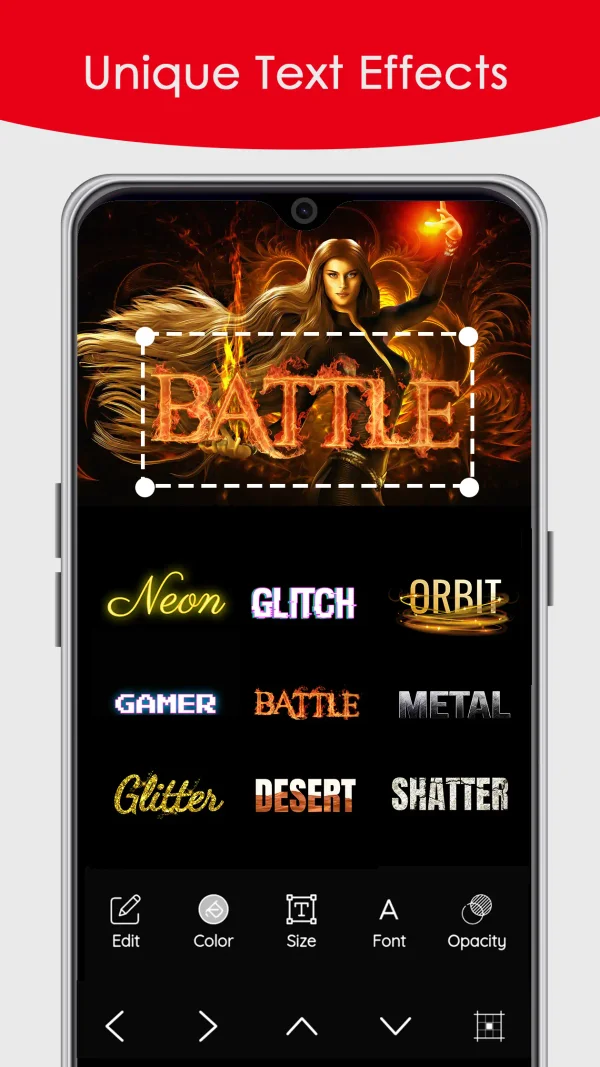
Add text on photo, change font style or use Text art & effects.
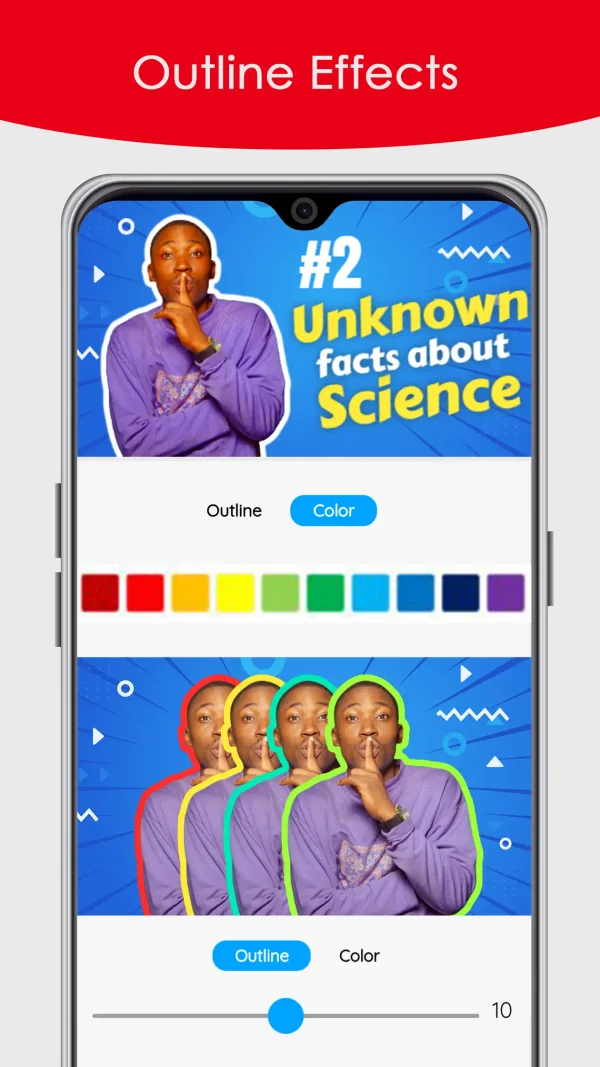
Edit the images using advanced thumbnail editing tools like feathers, filters, image outline stroke.
Save your thumbnail designs
Share the thumbnail Graphic design to any social media Platform. Upload thumbnail in video studio without any problem.
Data safety
What VideoRey declares on Google Play about the data this app collects and shares.
- No data shared with third partiesLearn more about how developers declare sharing
- This app may collect these data typesApp activity, App info and performance, and Device or other IDs
- Data is encrypted in transit
- Data can’t be deleted
What’s new
Version 2.2 · Oct 30, 2025
Create awesome thumbnail with advanced features with templates
Developer contact
- Websitevideorey.in
- Emailvideoreyapp@gmail.com
- Privacy policysites.google.com
- Address21/22, WeWork, Olympia Cyberspace, Alandur Road, Arulayiammanpet, 2nd Street, Guindy Chennai, Tamil Nadu 600032 India
Information
- Offered by
- VideoRey
- Category
- Photography
- Version
- 2.2
- Updated
- Oct 30, 2025
- Released
- Mar 22, 2022
- Requires
- Android 7.0 or later
- Age rating
- Everyone
- Price
- Free
- In-app purchases
- $1.99 - $12.99 per item
- Package name
- thumbnail.maker.miniatura.rey
Similar apps
-
 AI Photo Generator - Fotorama
Photography
-
 Lightleap by Lightricks
Photography
-
 Background Eraser Photo Editor
Photography
-
 Post Maker for Social Media
Art & Design
-
 Bluente - Learn Business Terms
Education
-
 PixelFlow: Intro Video maker
Video Players & Editors
-
 Logo Maker Shop : Generator
Art & Design
-
 PicWish: AI Photo Editor
Photography
-
 NEC Electrician Exam Test Prep
Education
-
 AI Marvels - AI Photo & Video
Photography
-
 AiPPT- AI Presentation Maker
Productivity
-
 PicMa: AI Video&Photo Enhancer
Photography