tpPLC
TP-LINK SYSTEMS INC.- 3 歳以上対象年齢
- ツールカテゴリ
- 2026/8/26更新日
- 無料価格
com.tplink.tpplcのGoogle Play公式ページにリンクしています。最終確認:2026/11/20。

スクリーンショット
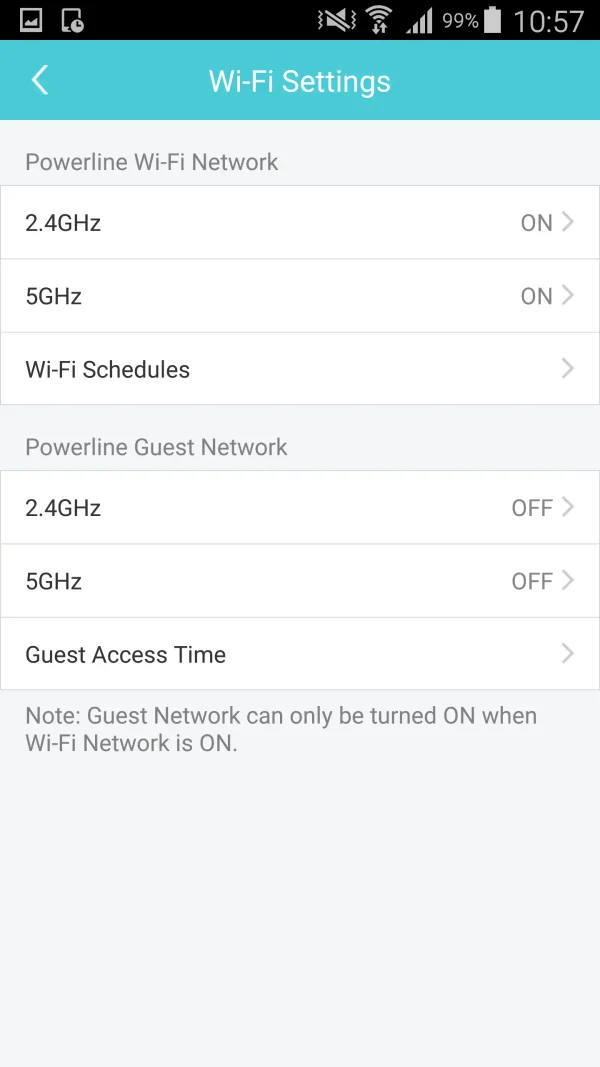
このアプリについて
Googleによる英語 (アメリカ合衆国)からの自動翻訳です。
TP-LinkのtpPLCを使用すると、簡単にスマートデバイスを介して、あなたの電力線デバイスを管理できます。
TP-Link tpPLCアプリケーションを使用すると、スマートデバイス経由でTP-Link電力線デバイスを簡単に表示および管理できます。
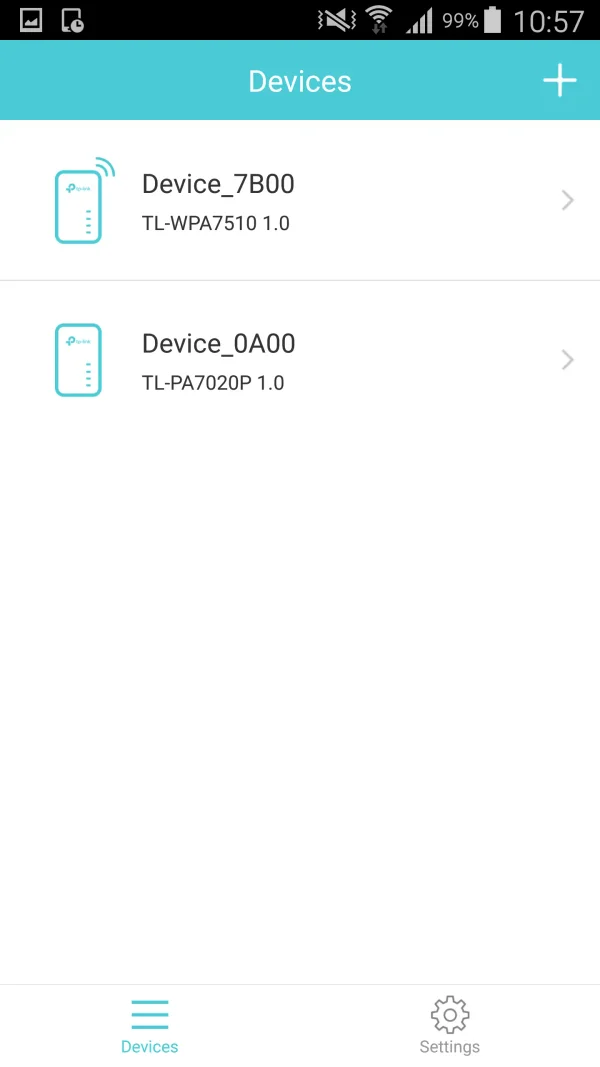
スマートデバイスを互換性のあるTP-LinkパワーラインエクステンダーのWi-Fiネットワークに接続し、簡単に管理を開始するだけです。現在のネットワークに対応しているすべての互換性のある電力線アダプタと電力線エクステンダが一覧表示され、数回タップして電力線ネットワーク全体と同様に電力線装置を個別に管理できます。
★特徴
•現在のネットワークにあるすべての互換性のある電力線装置の情報を表示します。
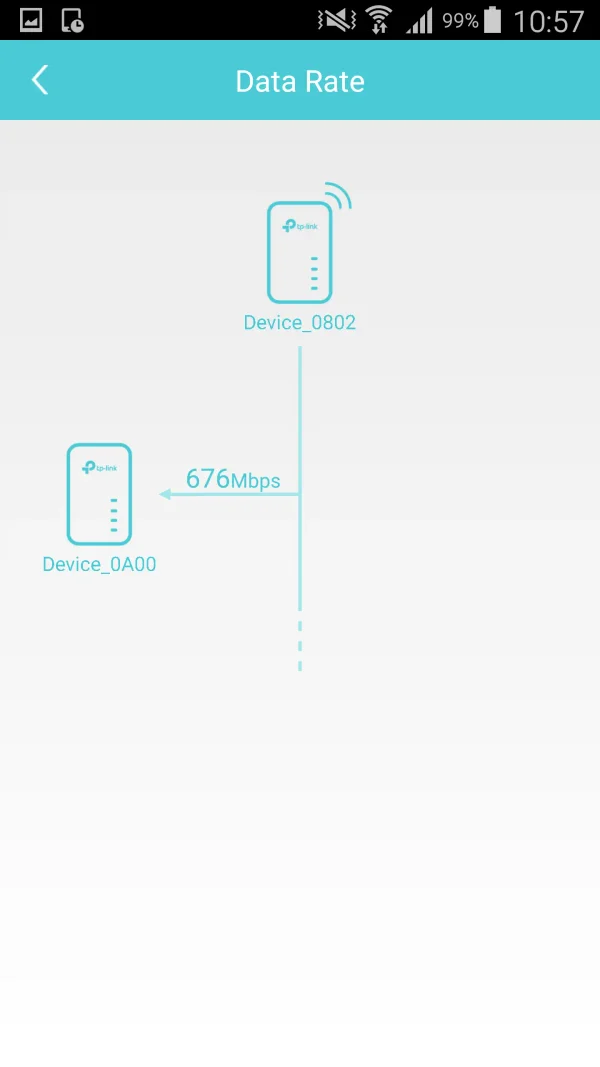
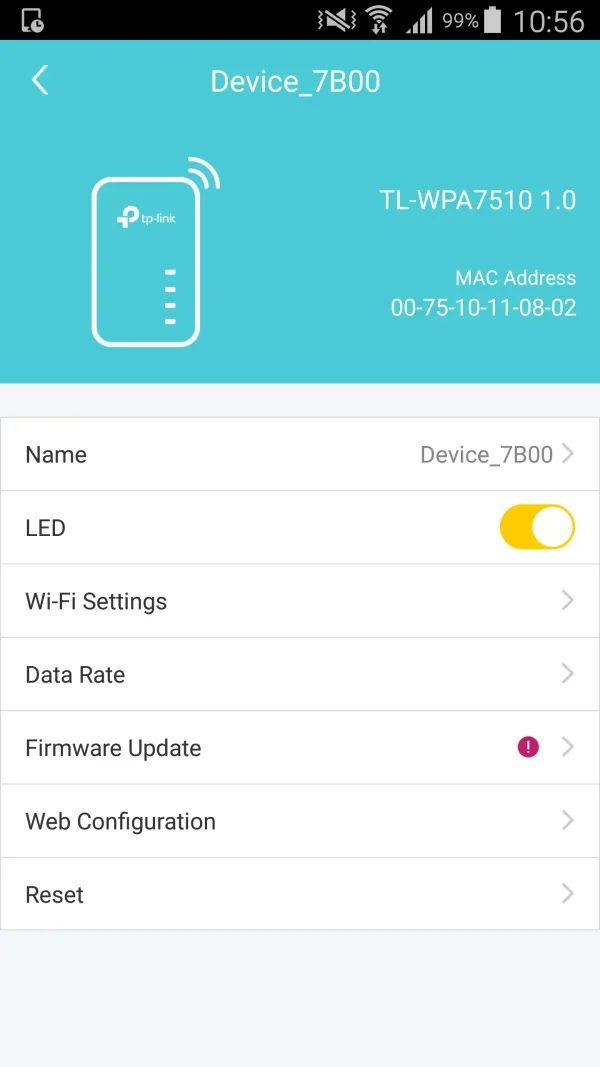
•デバイス名の変更、LEDの点灯/消灯、データレートの表示、工場出荷時のデフォルト設定へのリセット、現在のネットワークからの取り外しなど、電力線デバイスを管理する。電力線エクステンダの場合、Wi-Fi設定を変更およびスケジュール設定し、Web管理インターフェイスにリダイレクトすることもできます。
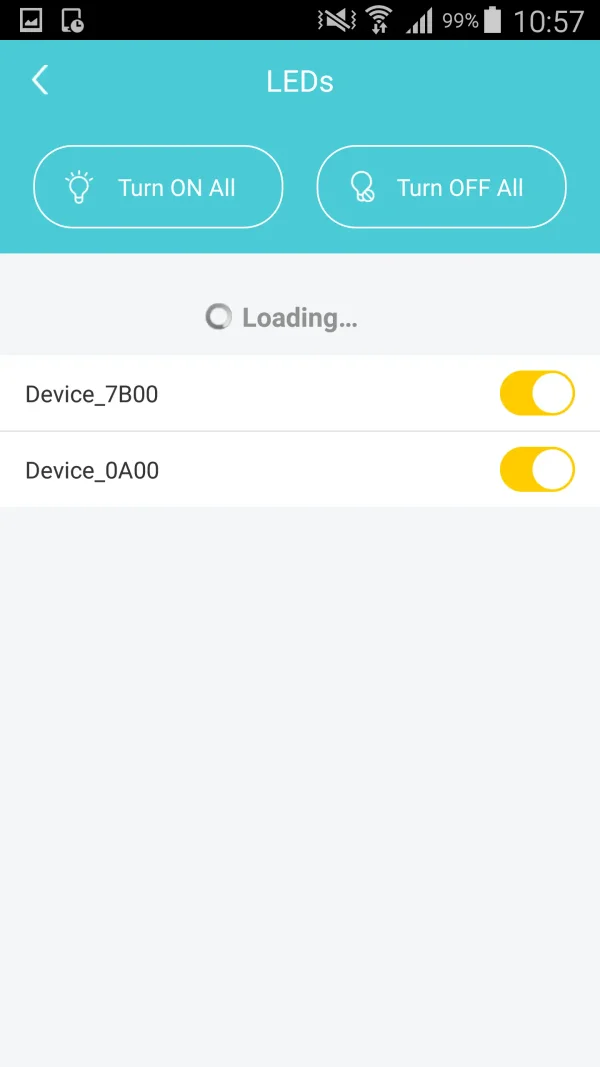
•新しい電力線デバイスの追加、新しい電力線ネットワーク名の設定、ネットワーク内のすべての電力線デバイスのLEDのオン/オフなど、電力線ネットワーク全体を管理します。
対応デバイス:
このアプリを使用するには、以下のパワーラインエクステンダのWi-Fiネットワークに接続する必要があります(ハードウェアのバージョンとそれ以上のリスト)。
TL-WPA4220V2
TL-WPA4220V3
TL-WPA4220V4
TL-WPA4530V1
TL-WPA7510V1
TL-WPA7510V2
TL-WPA8630V1
TL-WPA8630V2
TL-WPA8630PV1
TL-WPA8630PV2
TL-WPA8730V1
TL-WPA9610V1
もうすぐ発売予定...
原文を表示
TP-Link tpPLC app lets you conveniently view and manage your TP-Link powerline devices via your smart device.
Simply connect your smart device to the Wi-Fi network of a compatible TP-Link powerline extender and start managing with ease. It will list all the compatible powerline adapters and powerline extenders in your current network, and allow you to manage your powerline devices individually as well as the whole powerline network with a few taps.
★Features
• Display information of all compatible powerline devices in the current network.
• Manage a powerline device such as changing its device name, turning on or off its LEDs, viewing its data rate, resetting to factory defaults, and removing it from the current network. For a powerline extender, you can also change and schedule its Wi-Fi settings, and redirect to the web management interface.
• Manage the whole powerline network such as adding a new powerline device, setting a new powerline network name, and turning on or off the LEDs on all the powerline devices in the network.
Compatible Devices:
To use this app, you need to be connected to the Wi-Fi network of a powerline extender below (listed hardware versions and above):
TL-WPA4220V2
TL-WPA4220V3
TL-WPA4220V4
TL-WPA4530V1
TL-WPA7510V1
TL-WPA7510V2
TL-WPA8630V1
TL-WPA8630V2
TL-WPA8630PV1
TL-WPA8630PV2
TL-WPA8730V1
TL-WPA9610V1
More coming soon…
データ セーフティ
このアプリが収集・共有するデータについて、TP-LINK SYSTEMS INC.がGoogle Playで申告している内容です。
- 第三者と共有されるデータはありません詳しくは、デベロッパーが共有を申告する方法についての説明をご覧ください
- データは収集されません詳しくは、デベロッパーが収集を申告する方法についての説明をご覧ください
新機能
バージョン 1.6.18 · 2026/8/26
Fixed some bugs and improved the stability.
開発元の連絡先
- ウェブサイトtp-link.com
- メールfeedback.app@tp-link.com
- プライバシーポリシーprivacy.tp-link.com
- 住所10 Mauchly Irvine, CA 92618-2306 United States
情報
- 提供元
- TP-LINK SYSTEMS INC.
- カテゴリ
- ツール
- バージョン
- 1.6.18
- 更新日
- 2026/8/26
- リリース
- 2016/1/19
- 必要条件
- Android 7.0以降
- 対象年齢
- 3 歳以上
- 価格
- 無料
- パッケージ名
- com.tplink.tpplc