tpPLC
TP-LINK SYSTEMS INC.- EveryoneAge rating
- ToolsCategory
- Aug 26, 2026Updated
- FreePrice
Links to the official Google Play listing of com.tplink.tpplc. Last checked on Nov 20, 2026.

Screenshots
About this app
TP-Link tpPLC lets you easily manage your powerline devices via smart device.
TP-Link tpPLC app lets you conveniently view and manage your TP-Link powerline devices via your smart device.
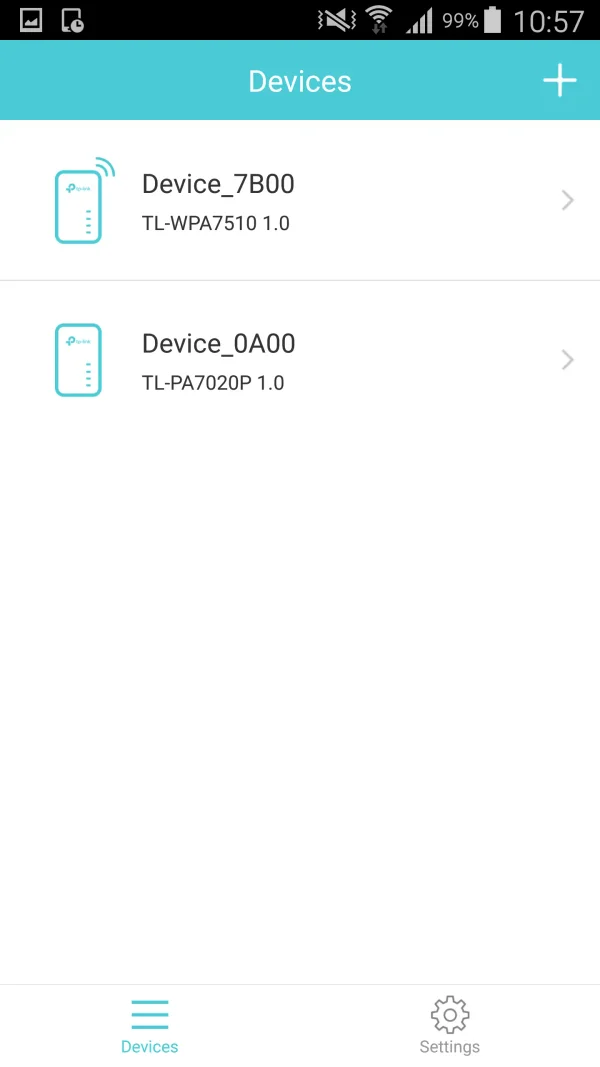
Simply connect your smart device to the Wi-Fi network of a compatible TP-Link powerline extender and start managing with ease. It will list all the compatible powerline adapters and powerline extenders in your current network, and allow you to manage your powerline devices individually as well as the whole powerline network with a few taps.
★Features
• Display information of all compatible powerline devices in the current network.
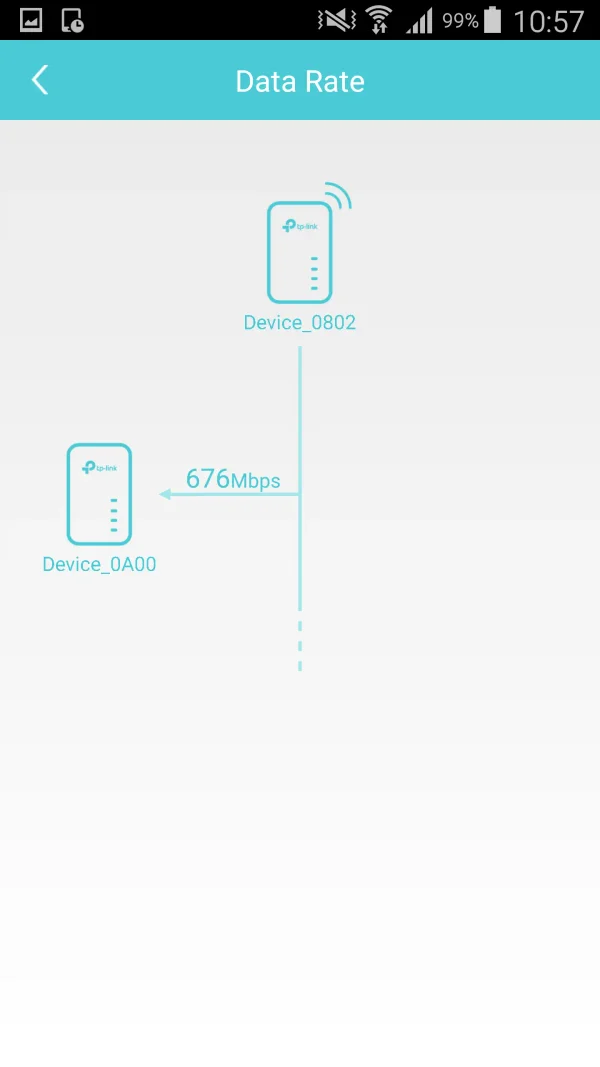
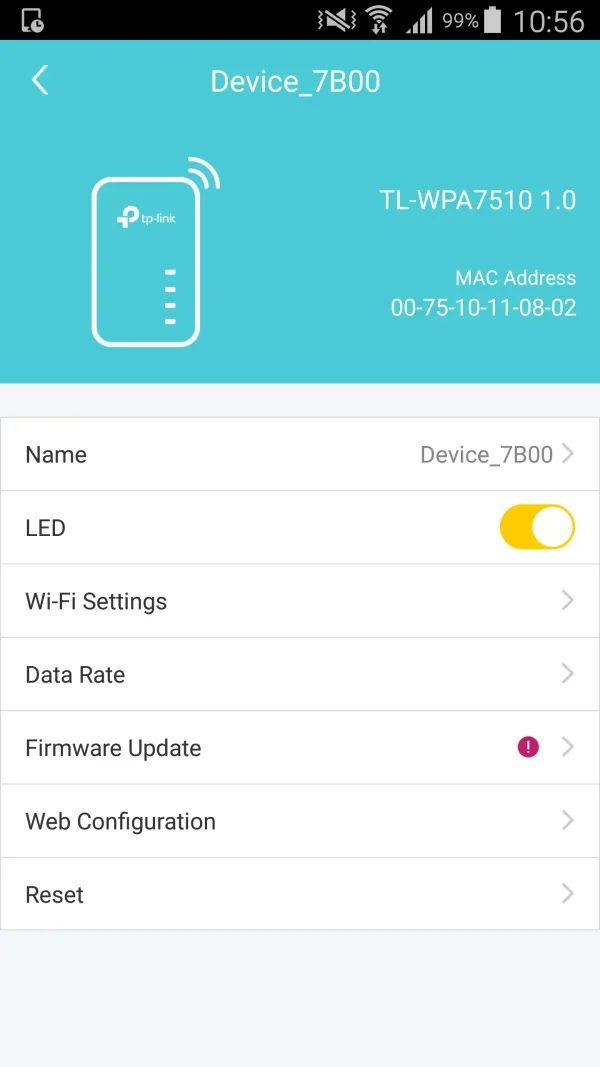
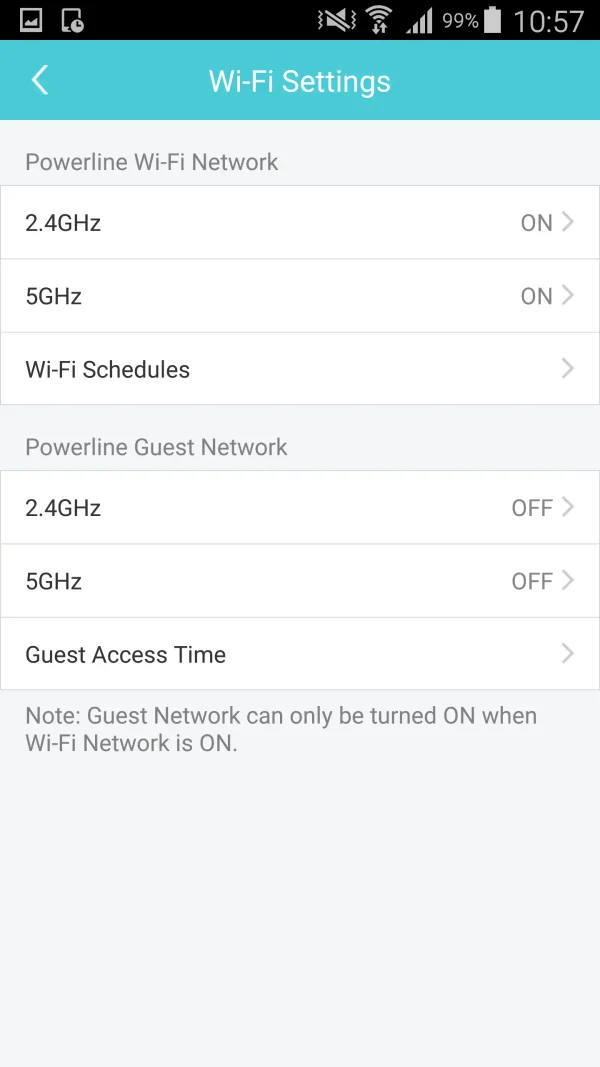
• Manage a powerline device such as changing its device name, turning on or off its LEDs, viewing its data rate, resetting to factory defaults, and removing it from the current network. For a powerline extender, you can also change and schedule its Wi-Fi settings, and redirect to the web management interface.
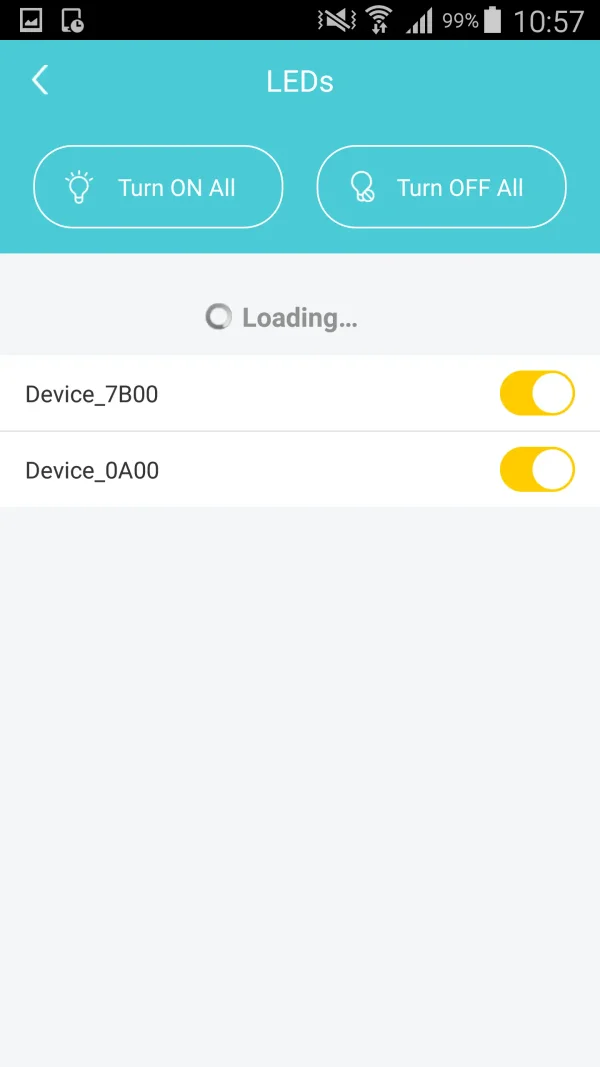
• Manage the whole powerline network such as adding a new powerline device, setting a new powerline network name, and turning on or off the LEDs on all the powerline devices in the network.
Compatible Devices:
To use this app, you need to be connected to the Wi-Fi network of a powerline extender below (listed hardware versions and above):
TL-WPA4220V2
TL-WPA4220V3
TL-WPA4220V4
TL-WPA4530V1
TL-WPA7510V1
TL-WPA7510V2
TL-WPA8630V1
TL-WPA8630V2
TL-WPA8630PV1
TL-WPA8630PV2
TL-WPA8730V1
TL-WPA9610V1
More coming soon…
Data safety
What TP-LINK SYSTEMS INC. declares on Google Play about the data this app collects and shares.
- No data shared with third partiesLearn more about how developers declare sharing
- No data collectedLearn more about how developers declare collection
What’s new
Version 1.6.18 · Aug 26, 2026
Fixed some bugs and improved the stability.
Developer contact
- Websitetp-link.com
- Emailfeedback.app@tp-link.com
- Privacy policyprivacy.tp-link.com
- Address10 Mauchly Irvine, CA 92618-2306 United States
Information
- Offered by
- TP-LINK SYSTEMS INC.
- Category
- Tools
- Version
- 1.6.18
- Updated
- Aug 26, 2026
- Released
- Jan 19, 2016
- Requires
- Android 7.0 or later
- Age rating
- Everyone
- Price
- Free
- Package name
- com.tplink.tpplc