- 対象年齢4+
- カテゴリユーティリティ
- 開発元Mustafa Ozturk
- 言語英語ほか3言語
- サイズ22.6 MB
App Storeの公式ページにリンクしています
Download.orgは3D Print Assistantのファイルを一切ホストしていません。ボタンを押すと、Mustafa Ozturkが公開しているApp Storeのアプリページが開きます。ページの最終確認:2026/11/19。
スクリーンショット
概要
開発元はこのテキストをお使いの言語で提供していません。
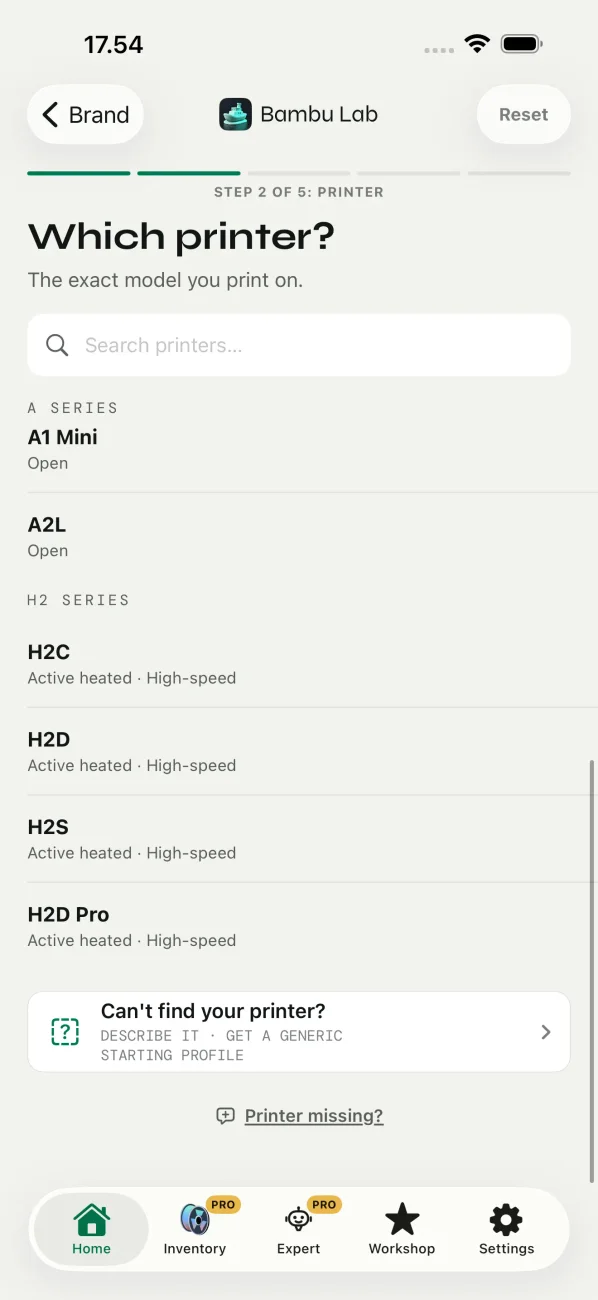
Slicer profiles for 100+ 3D printers from Bambu Lab, Prusa, Creality, Anycubic, Elegoo and more, made for Bambu Studio, OrcaSlicer and PrusaSlicer.
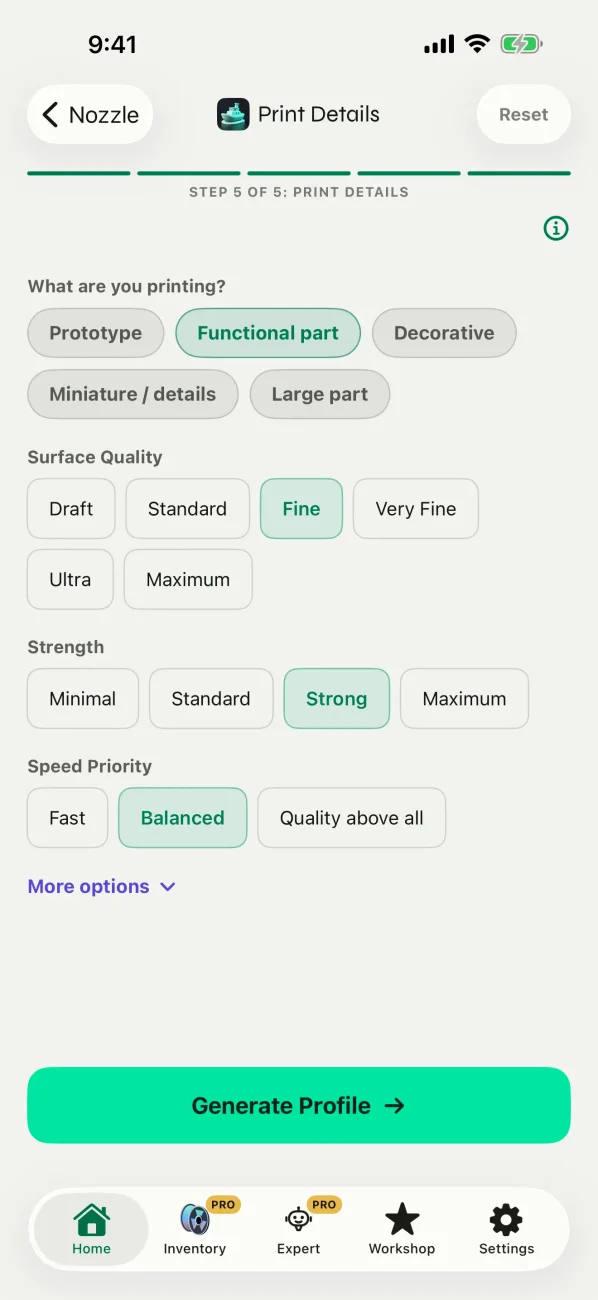
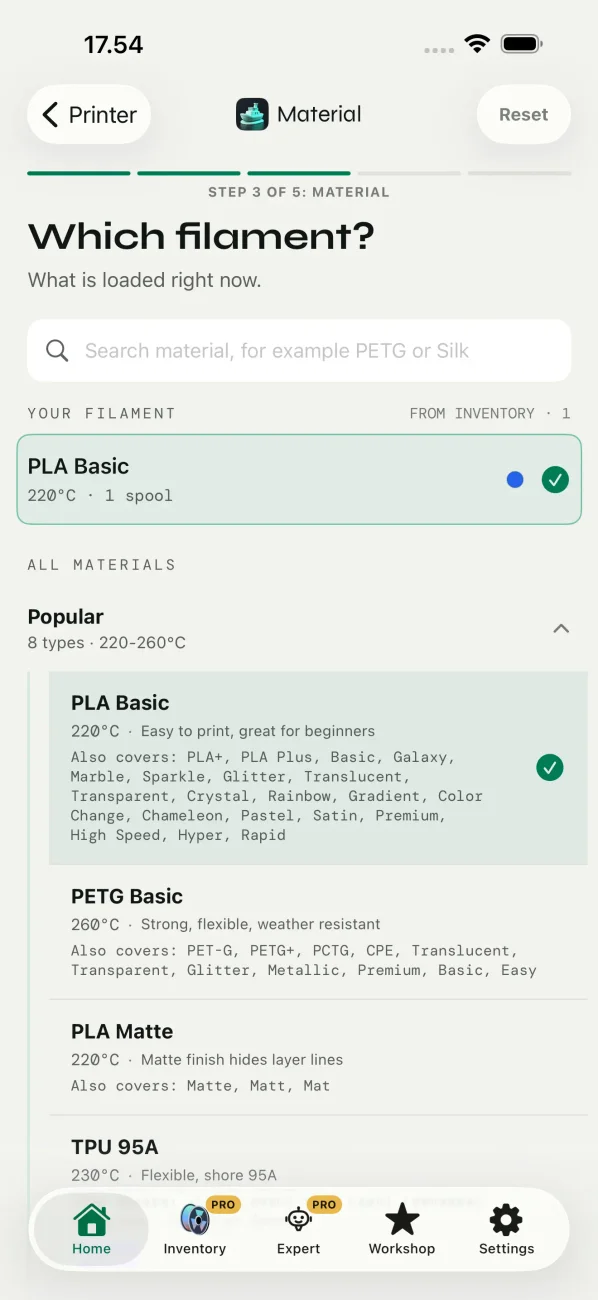
Choose your printer, nozzle, filament and print goal. 3D Print Assistant builds a practical starting profile with settings you can review and adjust. The core tools are free and need no account.
MADE FOR YOUR PRINTER AND SLICER
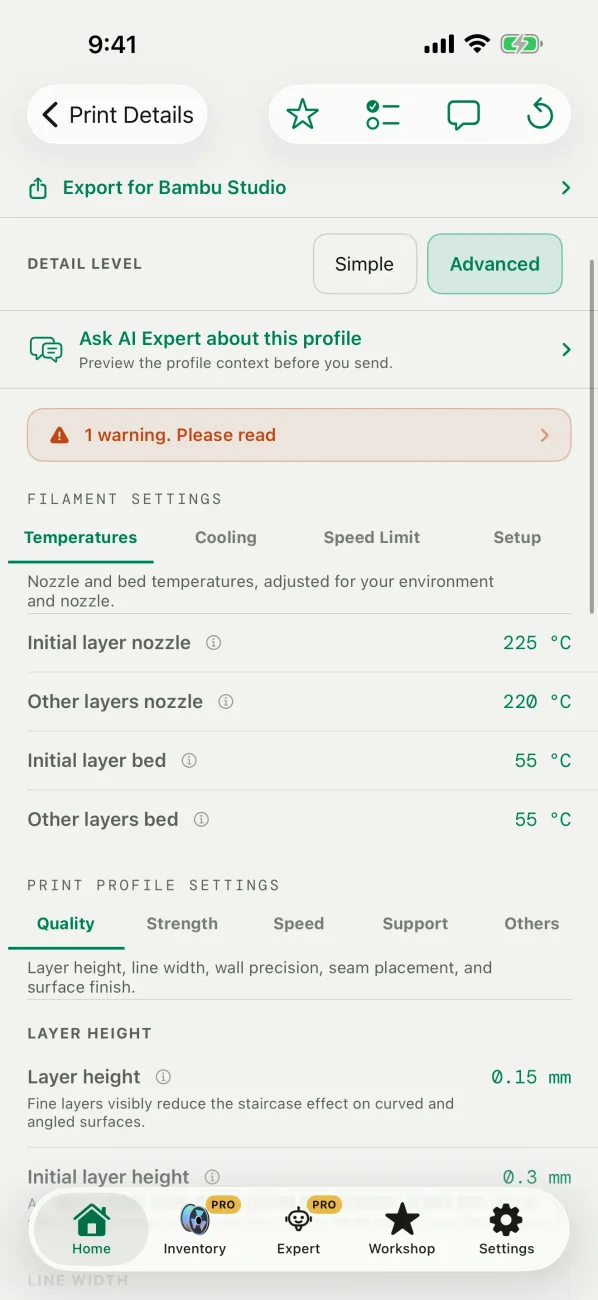
Pick from 100+ printers, including models from QIDI, Sovol, FlashForge, Artillery, Snapmaker and Voron. Each profile follows the slicer that fits the printer: Bambu Studio for Bambu Lab, PrusaSlicer for Prusa and OrcaSlicer for the other brands, with settings grouped under the same tabs as in the slicer. Can't find your printer? Answer four questions and start from a generic profile.
FROM PROFILE TO SLICER
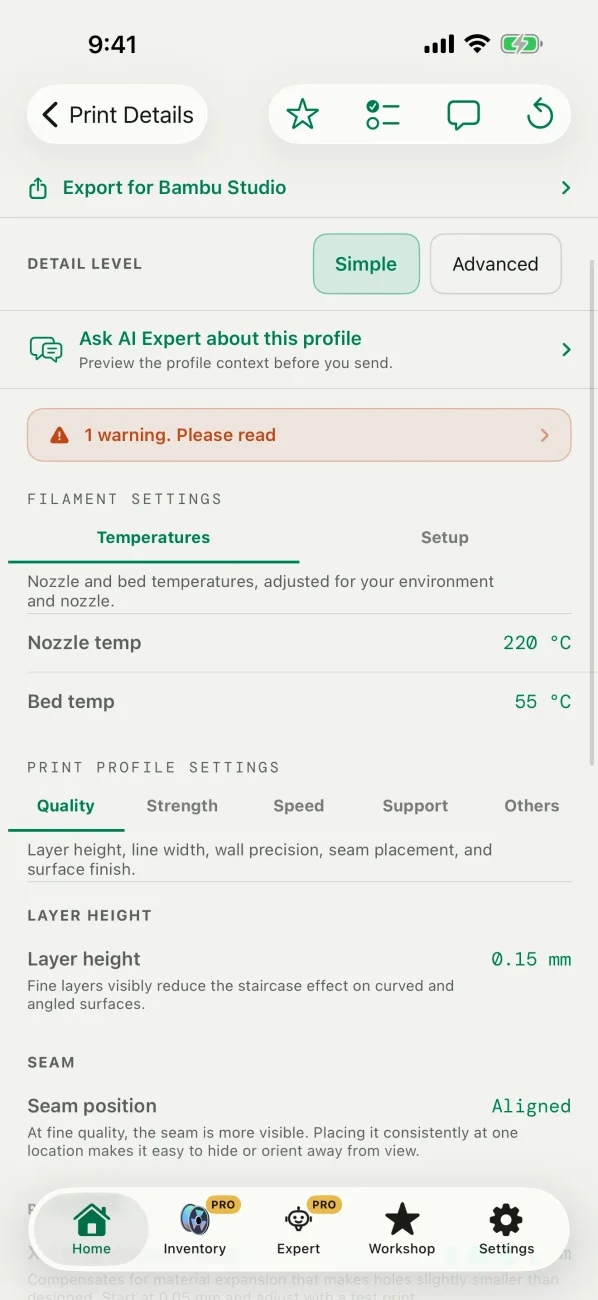
Export a profile file your slicer can import when it has a matching preset for your printer and nozzle. For every other setup, share the profile as text and enter the values by hand. Switch between Simple for the essentials and Advanced for the full profile.
YOUR SETUP, READY TO GO
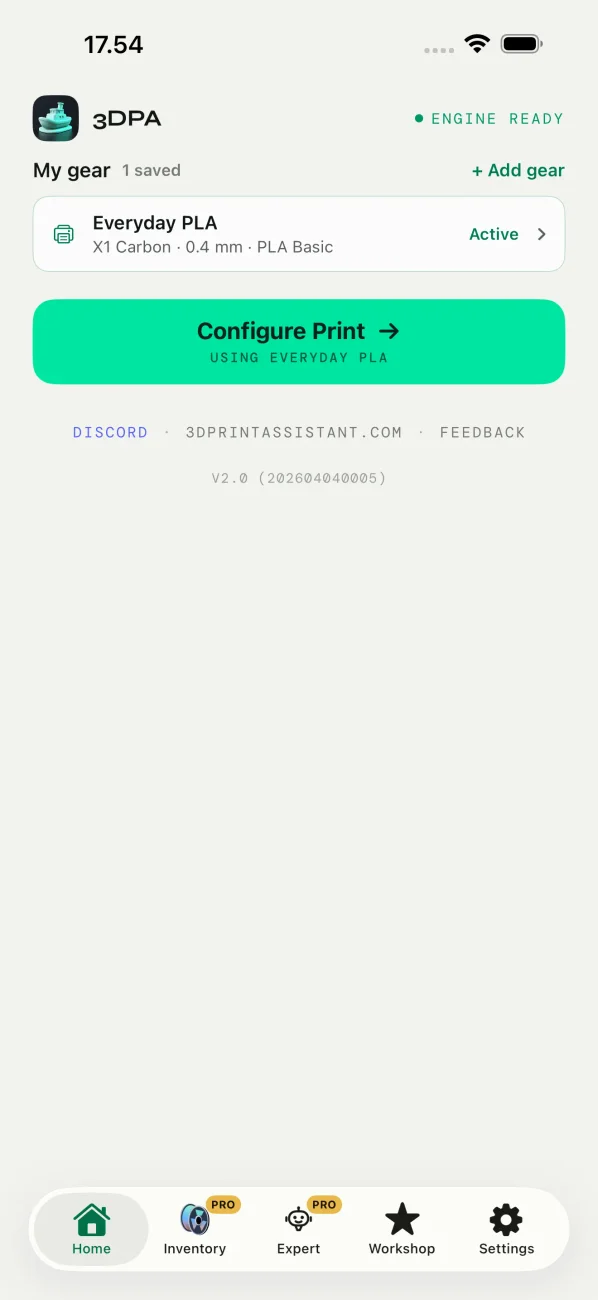
Save printers, nozzles and materials in My Gear. Pick a setup next time and skip the details you already know. Keep the profiles that work for you in Workshop.
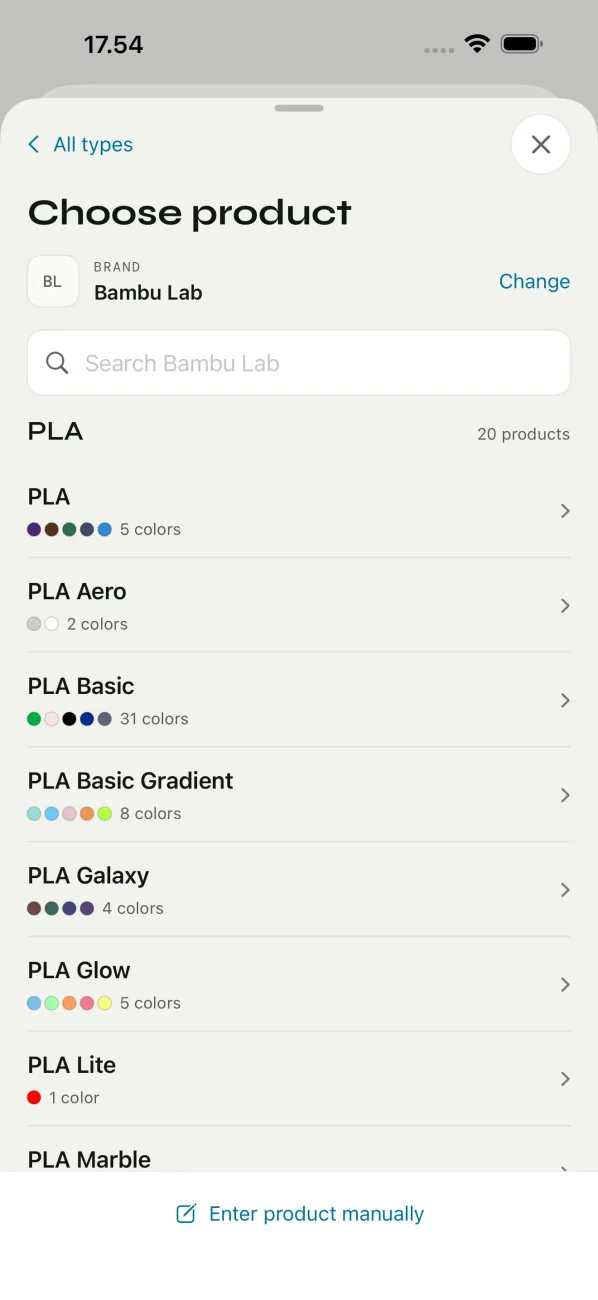
A CLEARER WAY TO CHOOSE MATERIALS
Start from material profiles for PLA, PETG, ABS, ASA, TPU, nylon, PC and carbon fiber blends. Browse filament by category, compare popular choices and see useful details before you select a material. Inventory adds a searchable catalog of 2,089 filament products from 151 brands across 38 material types.
KEEP FILAMENT IN VIEW
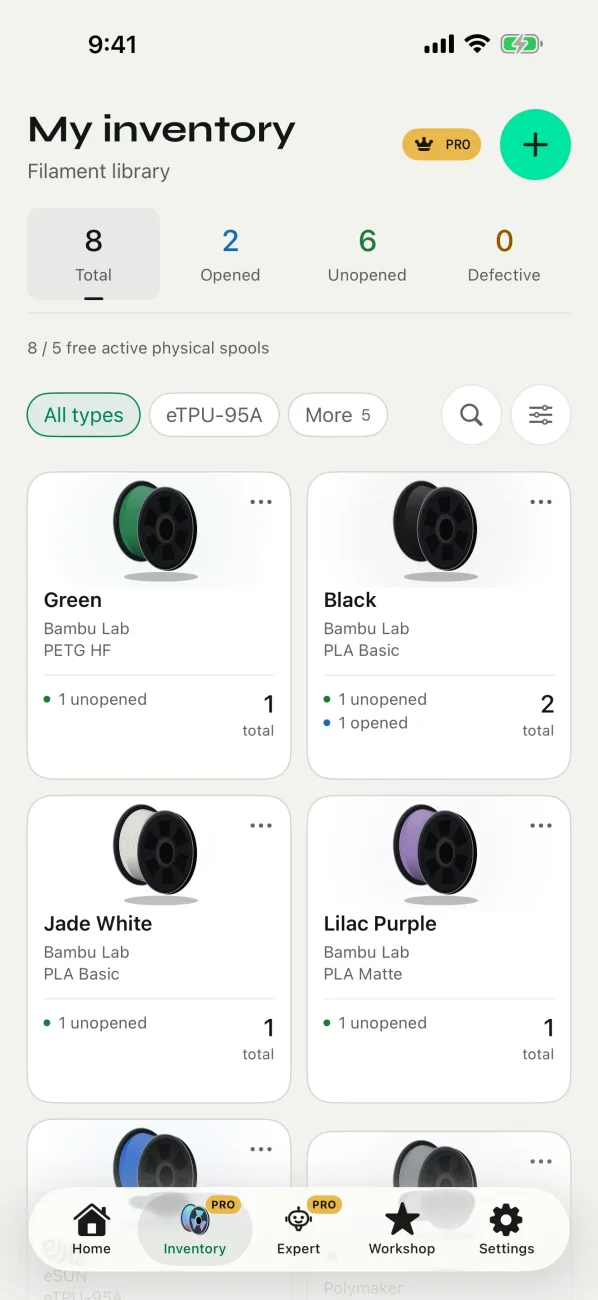
Track spools in Inventory, including color, weight and status. Up to five active spools are free. Pro removes the limit, and with a 3DPA account it syncs Inventory across iPhone, iPad and the web app.
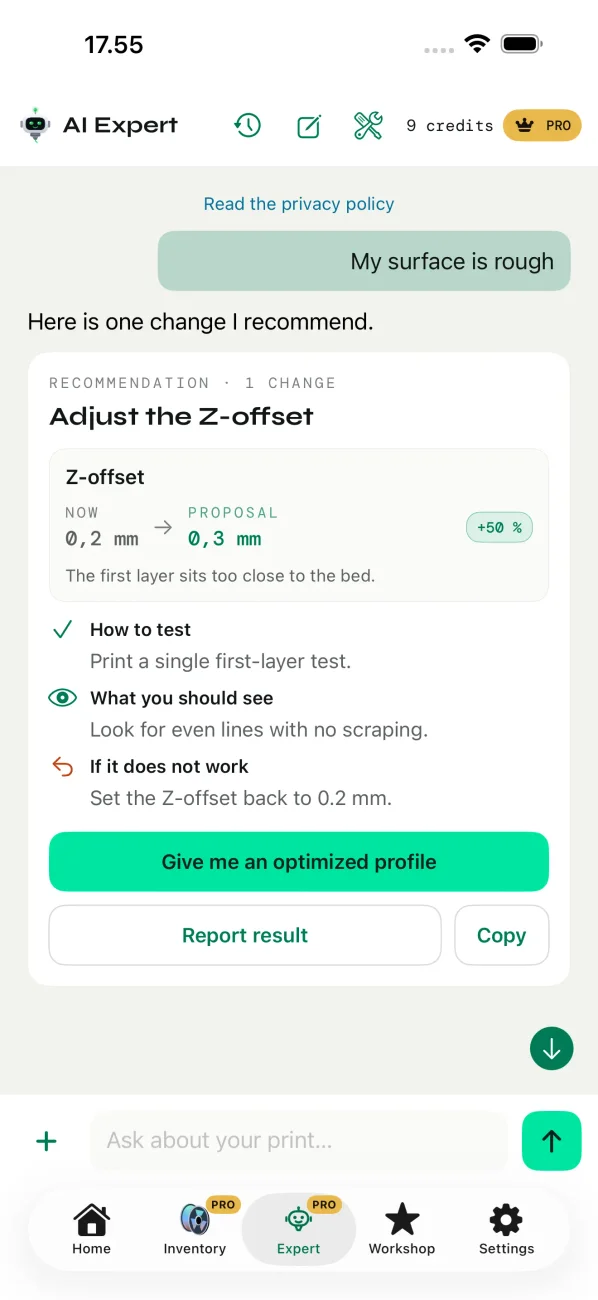
GET HELP WITH THE NEXT STEP
AI Expert can help explain settings, compare options and troubleshoot a print, also from a photo. It requires an internet connection and a 3DPA account, which you create by signing in with Apple or Google. A new account includes free credits to try it.
Also included: a pre-print checklist. The core printing tools work offline after installation; AI Expert and sync need an internet connection.
Available in English, Danish, German and Russian.
新機能
バージョン 2.1.1 · 2026/11/18
A small update for Black Days.
• Pro is on sale for a limited time. While the offer runs, a gold Black Days banner on the home screen shows the discount and how long it lasts.
• The offer shows the price you pay in the App Store.
アプリのプライバシー
このアプリのデータの取り扱いについて、Mustafa OzturkがApp Storeで申告している内容です。
-
ユーザーに関連付けられたデータ
収集され、ユーザーの識別情報に関連付けられる場合があります。
- 購入
- 連絡先情報
- ユーザーコンテンツ
- ID
-
ユーザーに関連付けられないデータ
収集される場合がありますが、ユーザーの識別情報には関連付けられません。
- ID
- 使用状況データ
- 診断
プライバシーの取り扱いは、ご利用の機能やお客様の年齢などに応じて異なる場合があります。
情報
- 販売元
- Mustafa Ozturk
- カテゴリ
- ユーティリティ
- バージョン
- 2.1.1
- 更新日
- 2026/11/18
- リリース
- 2026/4/16
- サイズ
- 22.6 MB
- 必要条件
- iOS 17.0以降
- 対象年齢
- 4+
- 価格
- 無料
- アプリ内課金
- あり
- 言語
- 英語, デンマーク語, ドイツ語, ロシア語
- 著作権
- © 2026 Musti