3D Print Assistant
Print settings made simple
Designed for iPhone, iPad
Free · In-app purchases
- Age rating4+
- CategoryUtilities
- DeveloperMustafa Ozturk
- LanguagesEnglish+ 3 more
- Size22.6 MB
Links to the official App Store page
Download.org hosts no file of 3D Print Assistant. The button opens its official App Store page, published by Mustafa Ozturk. Listing last checked on Nov 19, 2026.
Screenshots
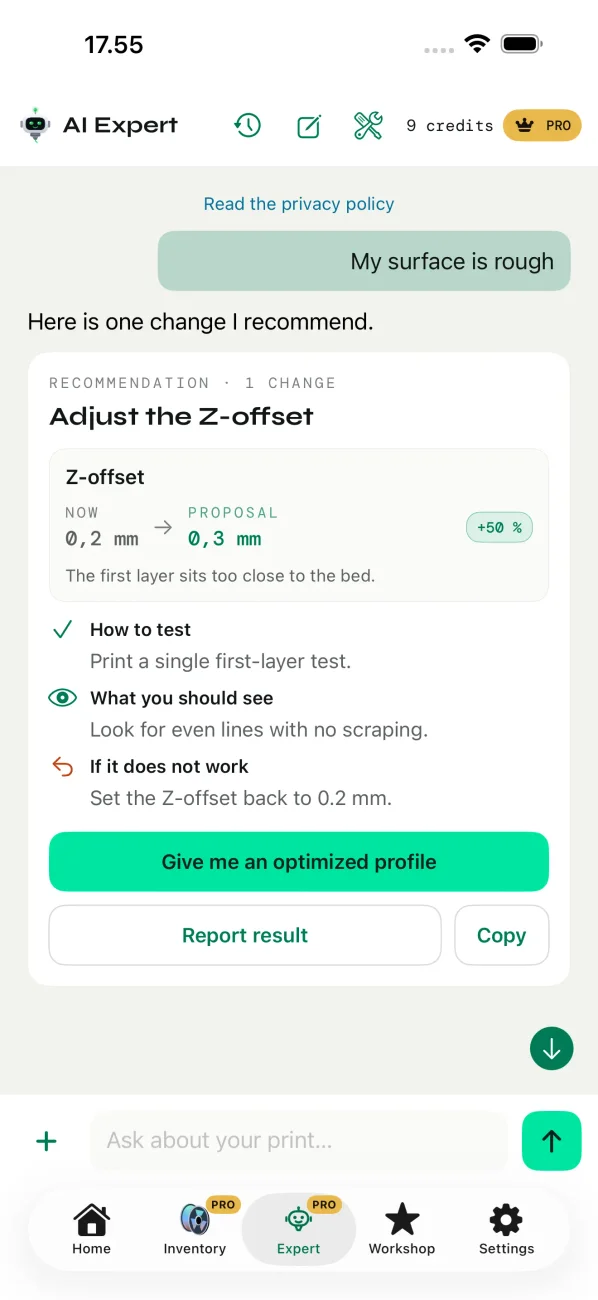
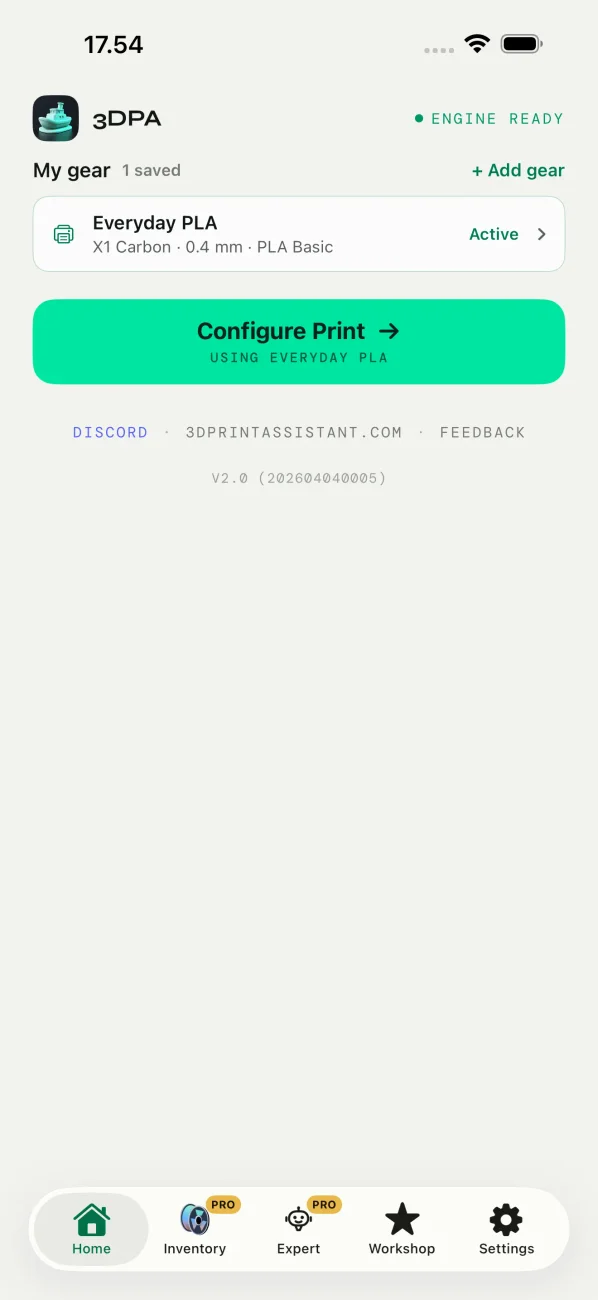
About
Slicer profiles for 100+ 3D printers from Bambu Lab, Prusa, Creality, Anycubic, Elegoo and more, made for Bambu Studio, OrcaSlicer and PrusaSlicer.
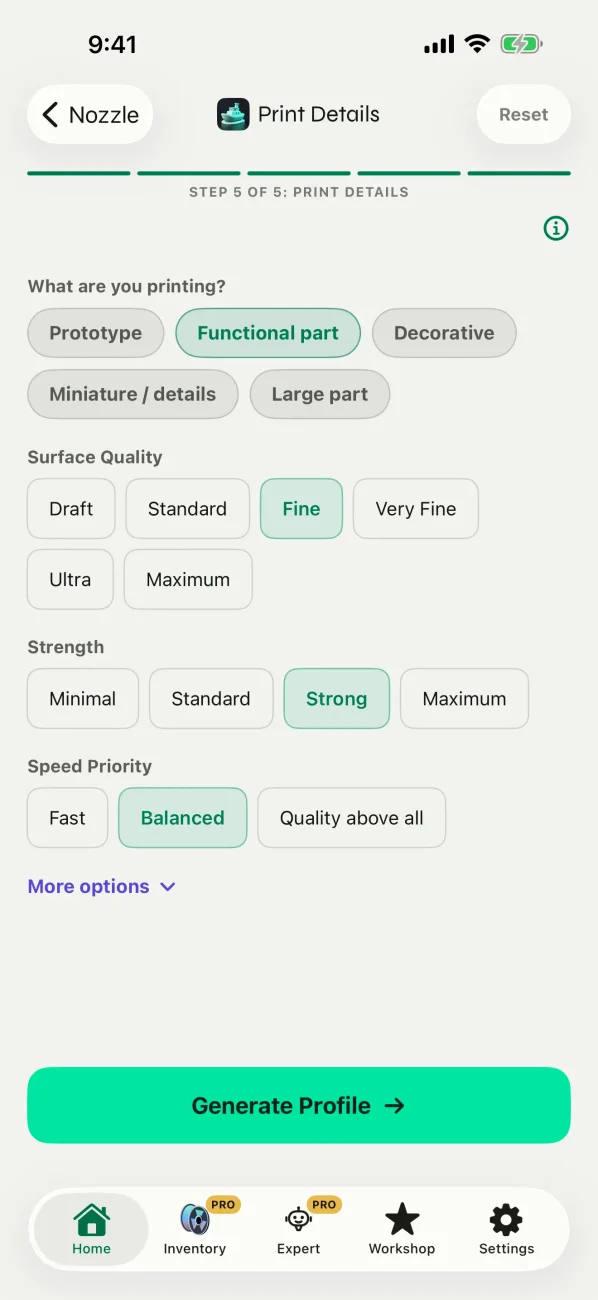
Choose your printer, nozzle, filament and print goal. 3D Print Assistant builds a practical starting profile with settings you can review and adjust. The core tools are free and need no account.
MADE FOR YOUR PRINTER AND SLICER
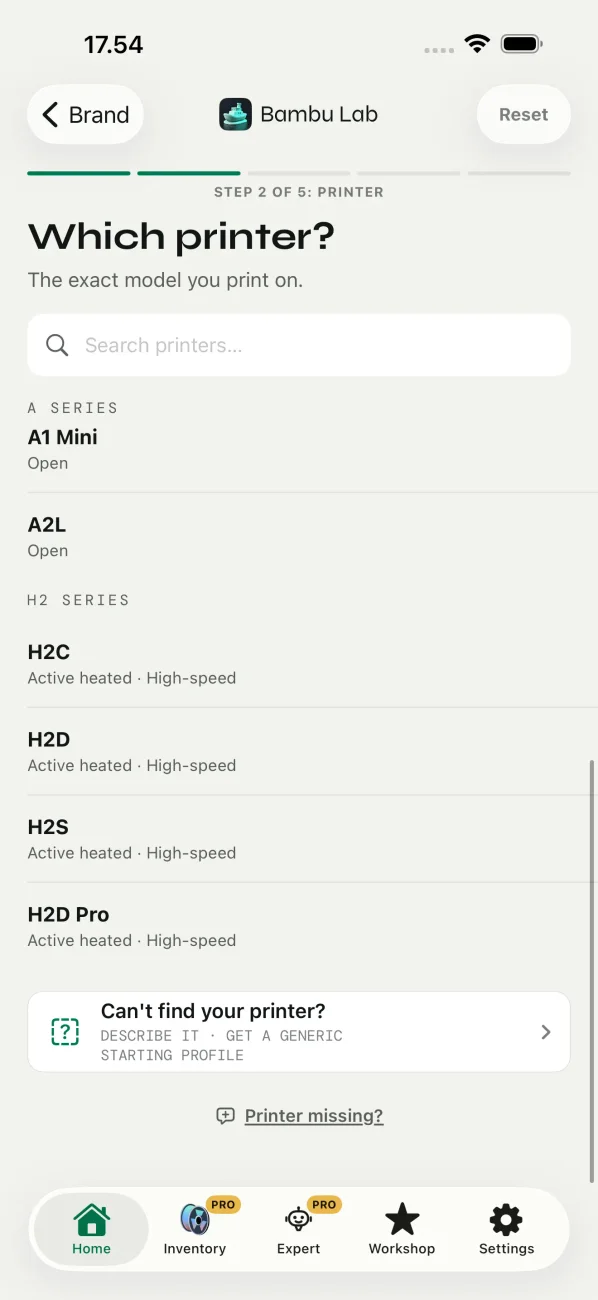
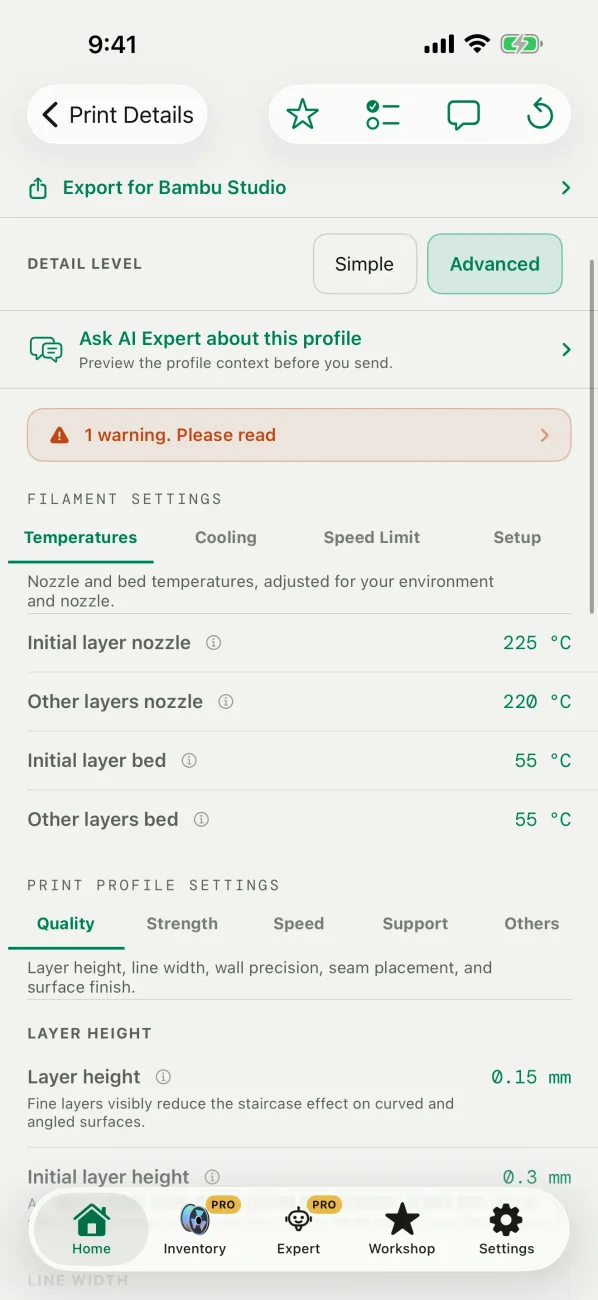
Pick from 100+ printers, including models from QIDI, Sovol, FlashForge, Artillery, Snapmaker and Voron. Each profile follows the slicer that fits the printer: Bambu Studio for Bambu Lab, PrusaSlicer for Prusa and OrcaSlicer for the other brands, with settings grouped under the same tabs as in the slicer. Can't find your printer? Answer four questions and start from a generic profile.
FROM PROFILE TO SLICER
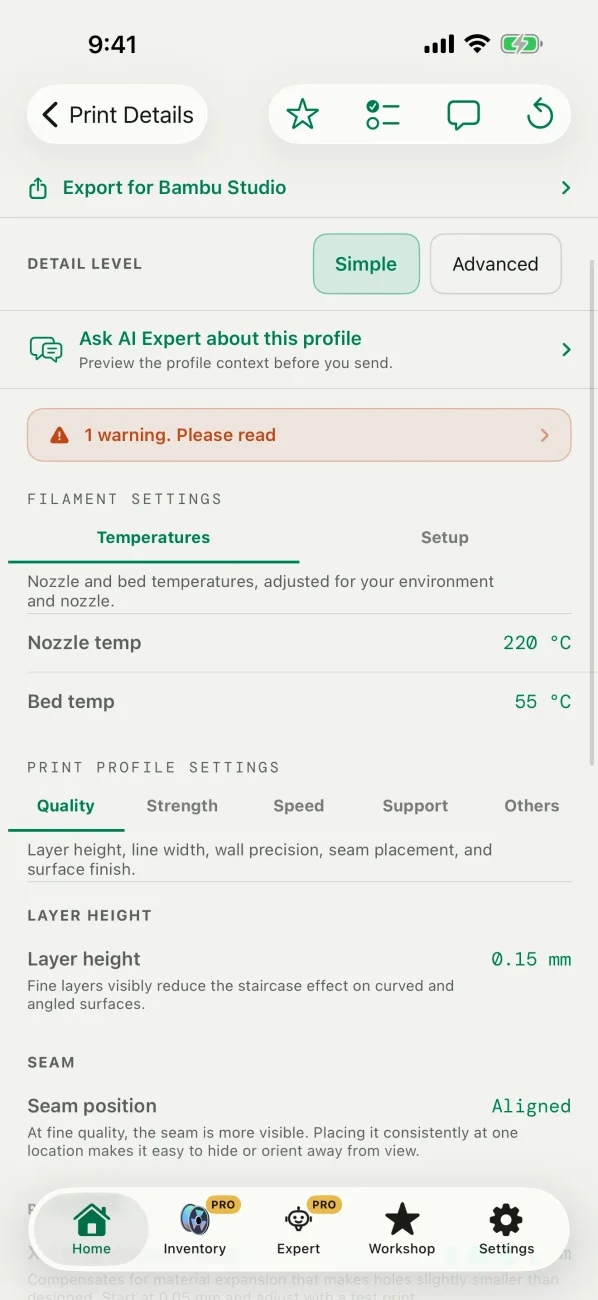
Export a profile file your slicer can import when it has a matching preset for your printer and nozzle. For every other setup, share the profile as text and enter the values by hand. Switch between Simple for the essentials and Advanced for the full profile.
YOUR SETUP, READY TO GO
Save printers, nozzles and materials in My Gear. Pick a setup next time and skip the details you already know. Keep the profiles that work for you in Workshop.
A CLEARER WAY TO CHOOSE MATERIALS
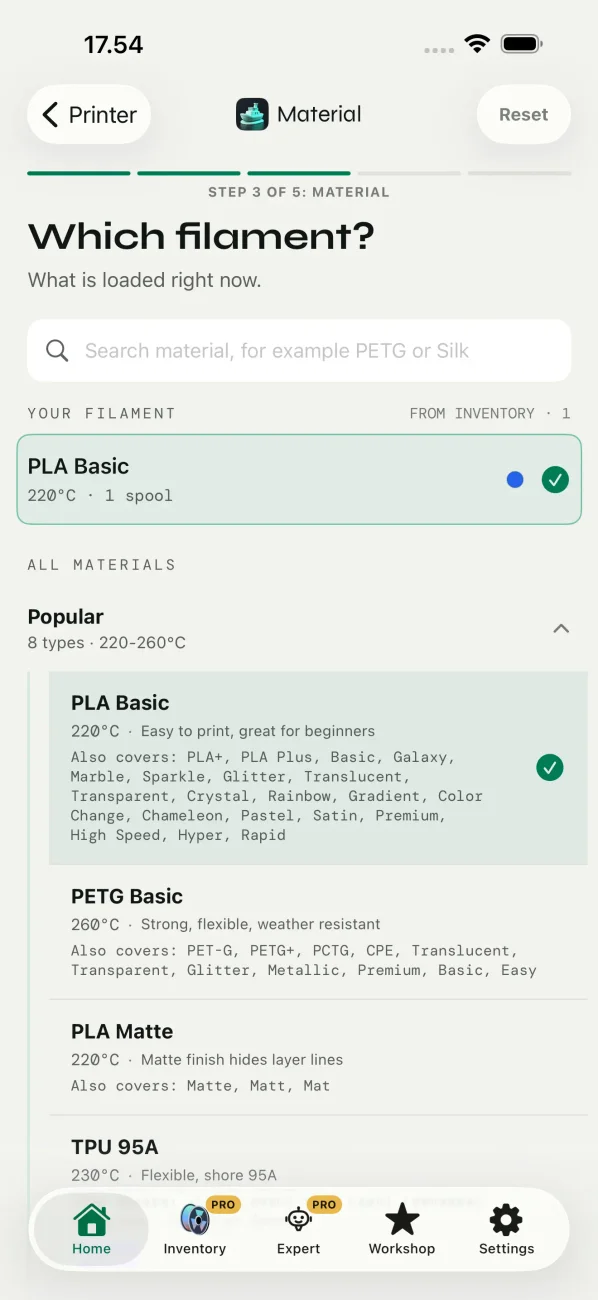
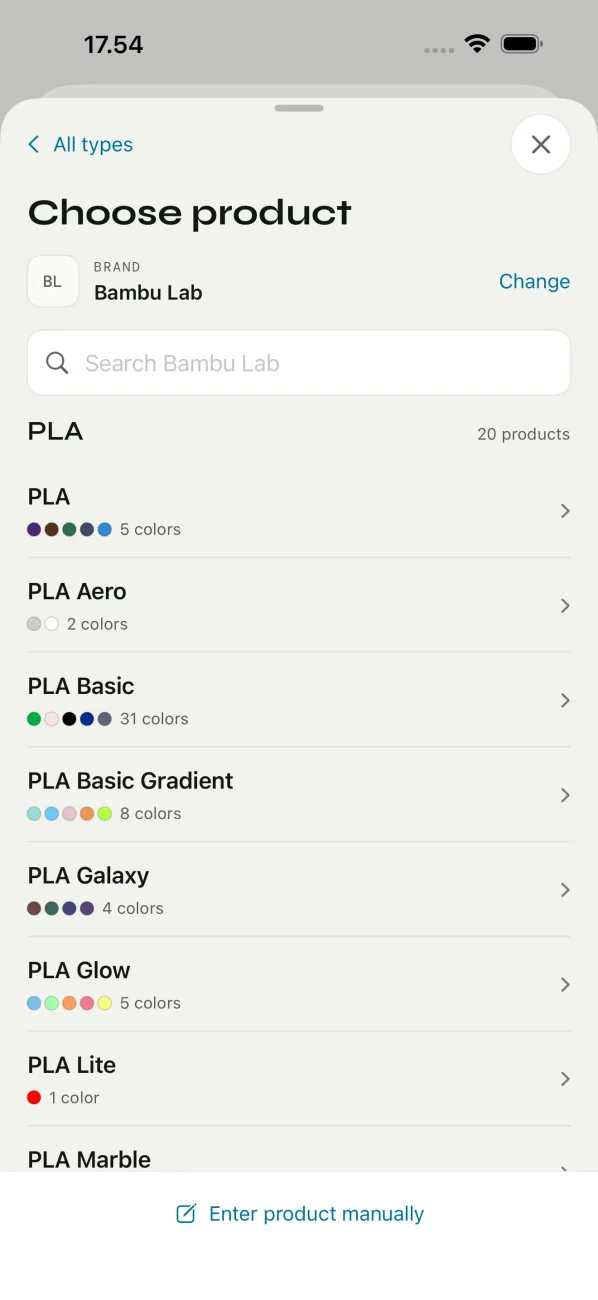
Start from material profiles for PLA, PETG, ABS, ASA, TPU, nylon, PC and carbon fiber blends. Browse filament by category, compare popular choices and see useful details before you select a material. Inventory adds a searchable catalog of 2,089 filament products from 151 brands across 38 material types.
KEEP FILAMENT IN VIEW
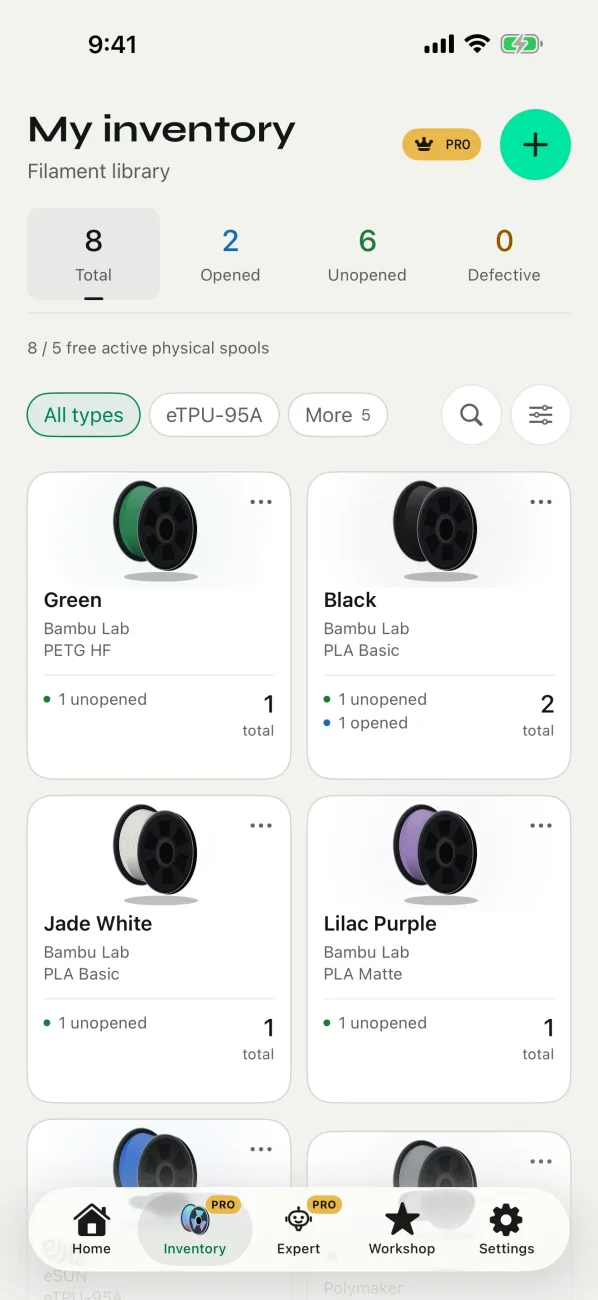
Track spools in Inventory, including color, weight and status. Up to five active spools are free. Pro removes the limit, and with a 3DPA account it syncs Inventory across iPhone, iPad and the web app.
GET HELP WITH THE NEXT STEP
AI Expert can help explain settings, compare options and troubleshoot a print, also from a photo. It requires an internet connection and a 3DPA account, which you create by signing in with Apple or Google. A new account includes free credits to try it.
Also included: a pre-print checklist. The core printing tools work offline after installation; AI Expert and sync need an internet connection.
Available in English, Danish, German and Russian.
What’s new
Version 2.1.1 · Nov 18, 2026
A small update for Black Days.
• Pro is on sale for a limited time. While the offer runs, a gold Black Days banner on the home screen shows the discount and how long it lasts.
• The offer shows the price you pay in the App Store.
App privacy
What Mustafa Ozturk declares on the App Store about how this app handles data.
-
Data linked to you
May be collected and linked to your identity.
- Purchases
- Contact info
- User content
- Identifiers
-
Data not linked to you
May be collected but is not linked to your identity.
- Identifiers
- Usage data
- Diagnostics
Privacy practices may vary, for example with the features you use or your age.
Information
- Seller
- Mustafa Ozturk
- Category
- Utilities
- Version
- 2.1.1
- Updated
- Nov 18, 2026
- Released
- Apr 16, 2026
- Size
- 22.6 MB
- Requires
- iOS 17.0 or later
- Age rating
- 4+
- Price
- Free
- In-app purchases
- Yes
- Languages
- English, Danish, German, Russian
- Copyright
- © 2026 Musti
You might also like
-
 Printer Tools AppControl your 3D printer
-
 3D Printing Thingiverse Modelsstl viewer, slicer & printer
-
 Spool ProgrammerRFID tag r/w for filament
-
 Spool MasterFilament stock & 3D printers
-
 SpoolFluxRFID Tags for 3D Printing
-
 PandaWatchBambu Print Farm Dashboard
-
 Printably: 3d printing modelsAI 3d printable and 3mf maker
-
 3DPrinter Cost CalculatorFilament & Print Pricing Tool
-
 Creality ParkUtilities
-
 FilamuzeTrack every 3D-printer spool