- 対象年齢4+
- カテゴリ仕事効率化
- 開発元Jutarus Ratanasethakul
- 言語英語
- サイズ22.8 MB
App Storeの公式ページにリンクしています
Download.orgはA-Frame3D Proのファイルを一切ホストしていません。ボタンを押すと、Jutarus Ratanasethakulが公開しているApp Storeのアプリページが開きます。ページの最終確認:2026/11/23。
スクリーンショット


概要
開発元はこのテキストをお使いの言語で提供していません。
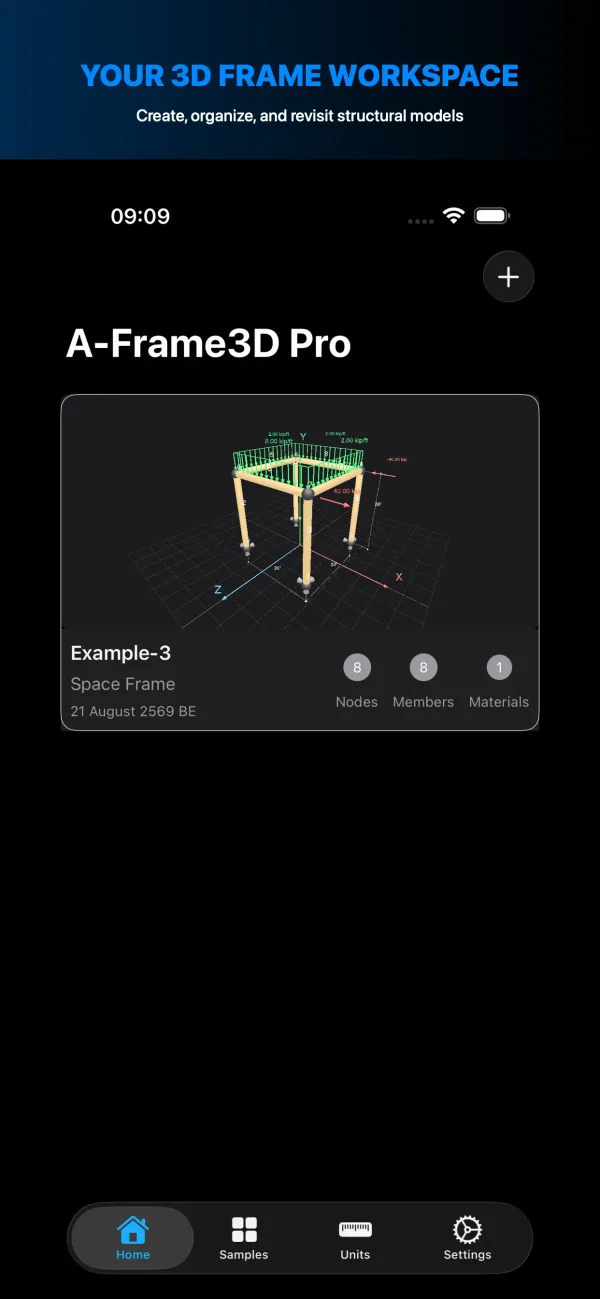
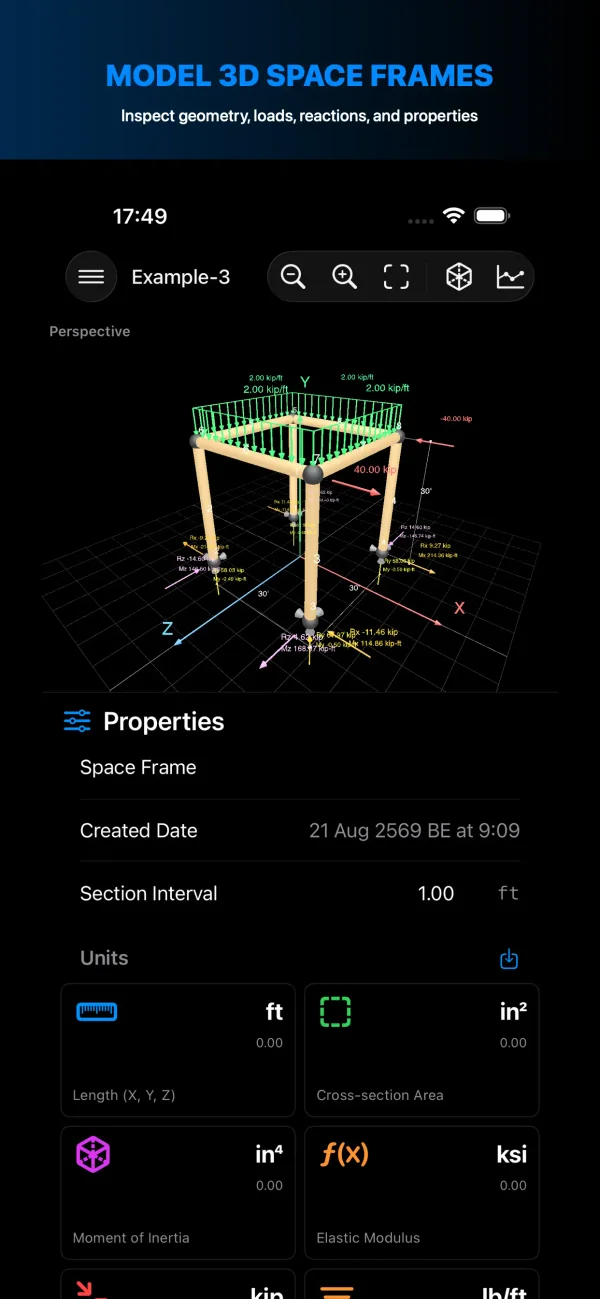
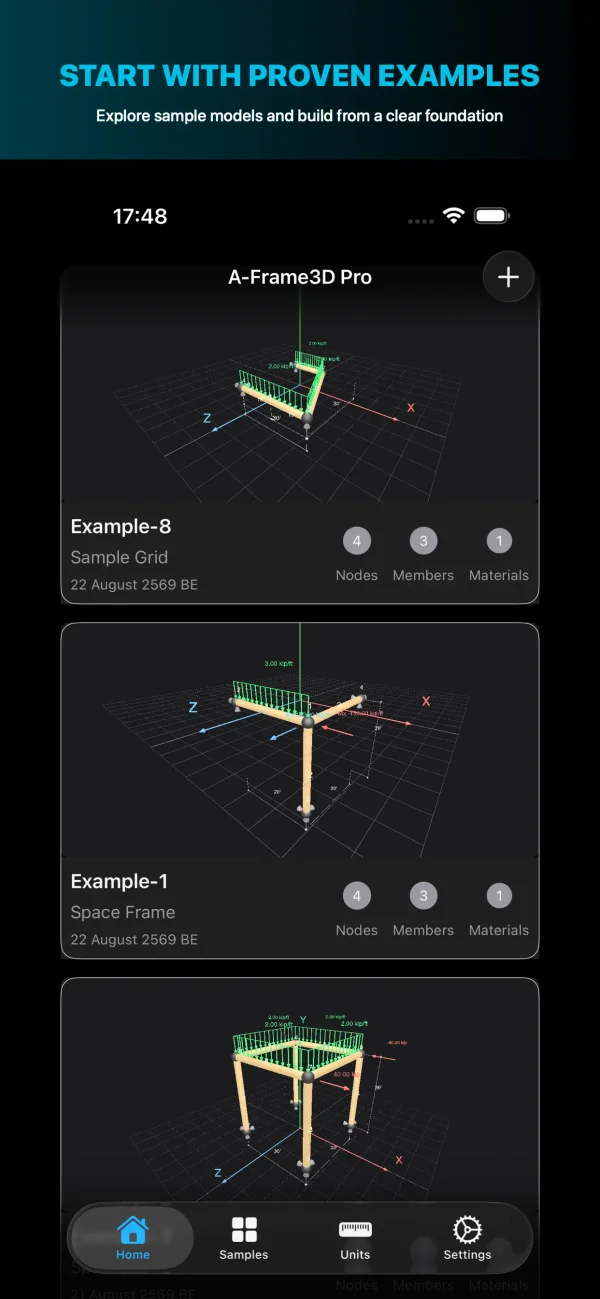
The Space Frame is considered to be the complicated structure due to the members of such frames may be oriented in any directions in three-dimensional space more over the external loads oriented in any arbitrary directions can be applied to joints, as well as members.
A-Frame 3D is an app that is so easy to use yet so powerful!!!
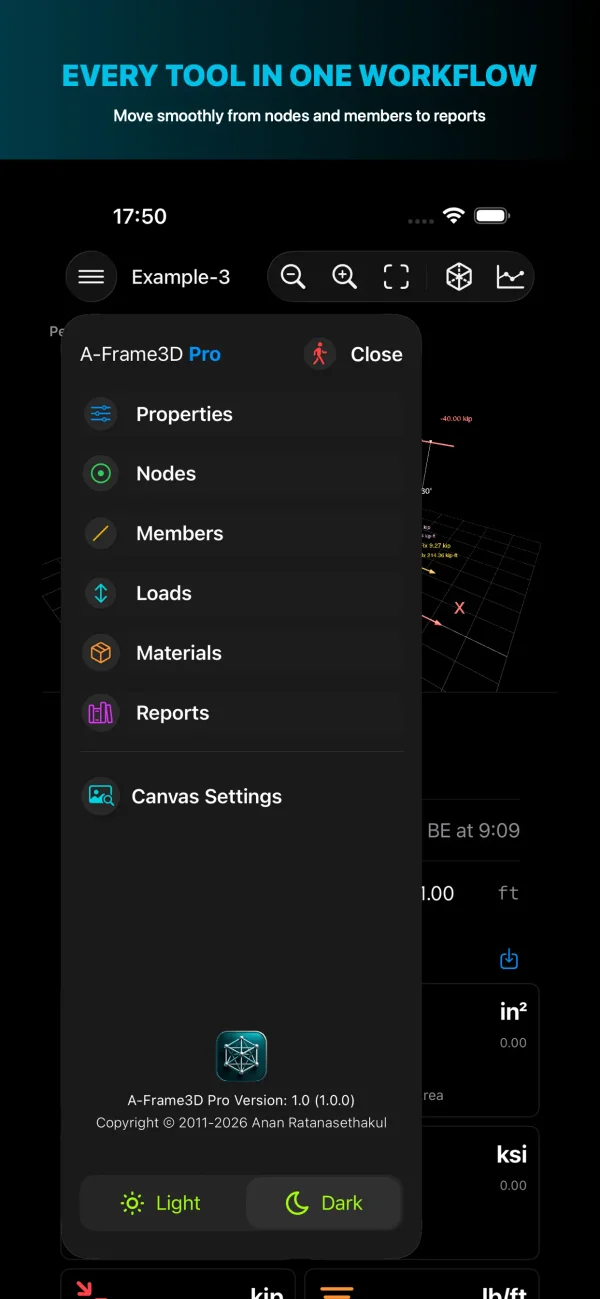
Data input is just as simple as
- Node coordination (x, y, z)
- Member alignment (node-i to node-j)
- Applied loads to each nodes and members
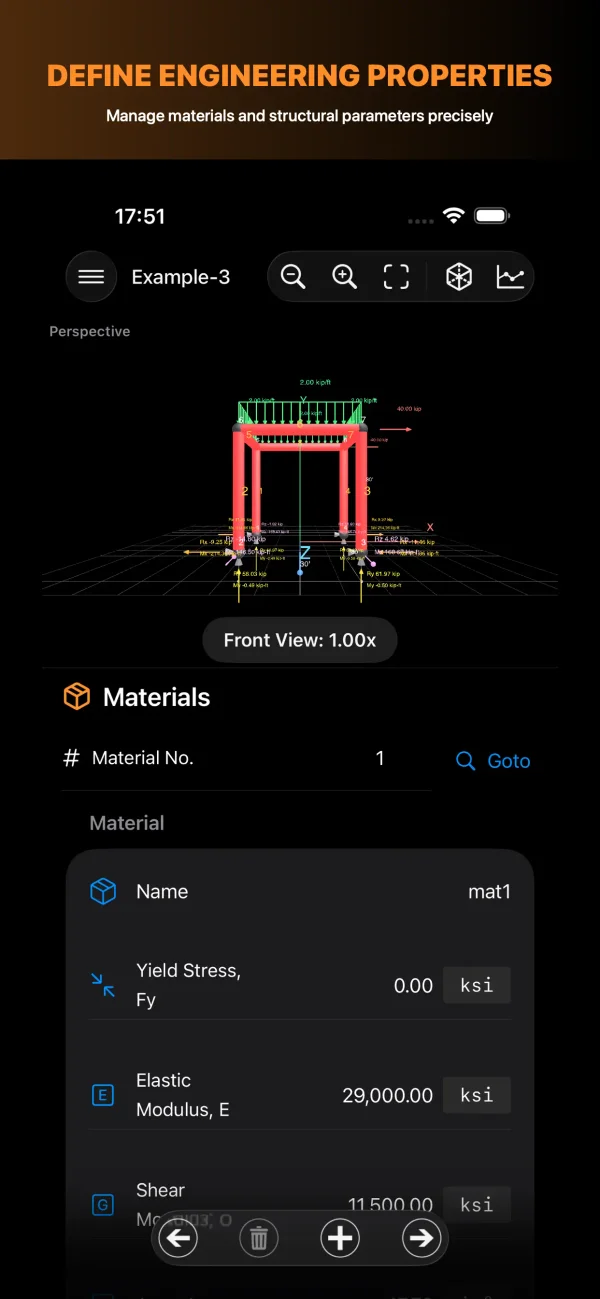
- Material properties E, G, Iy, Ix, J and A values
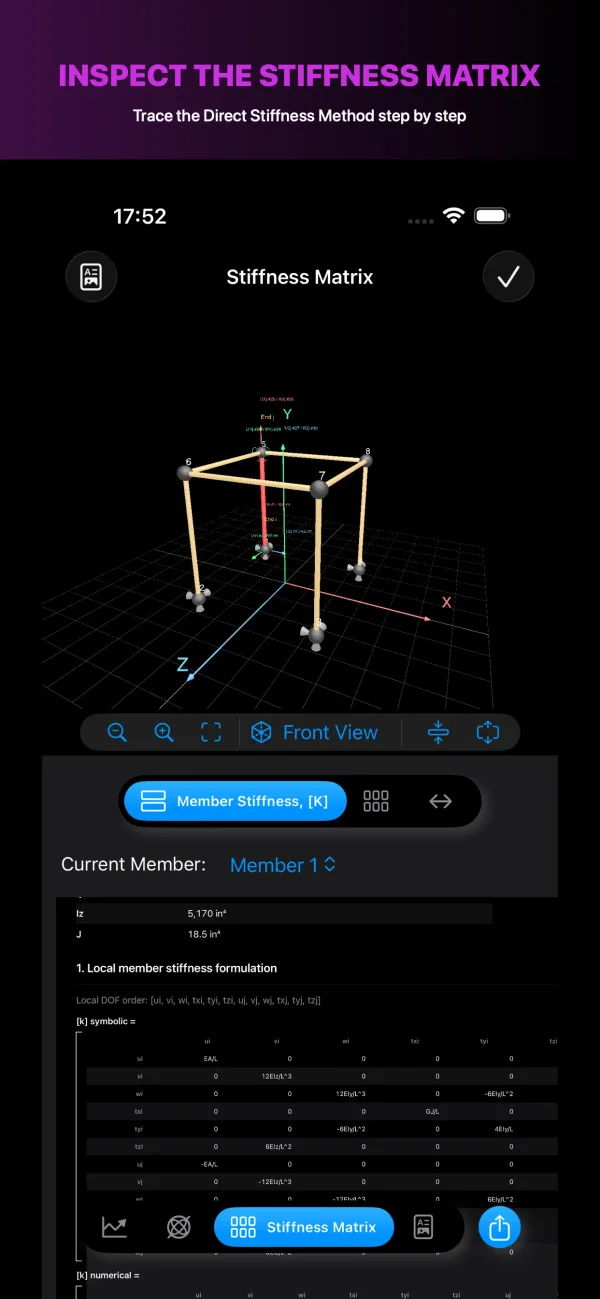
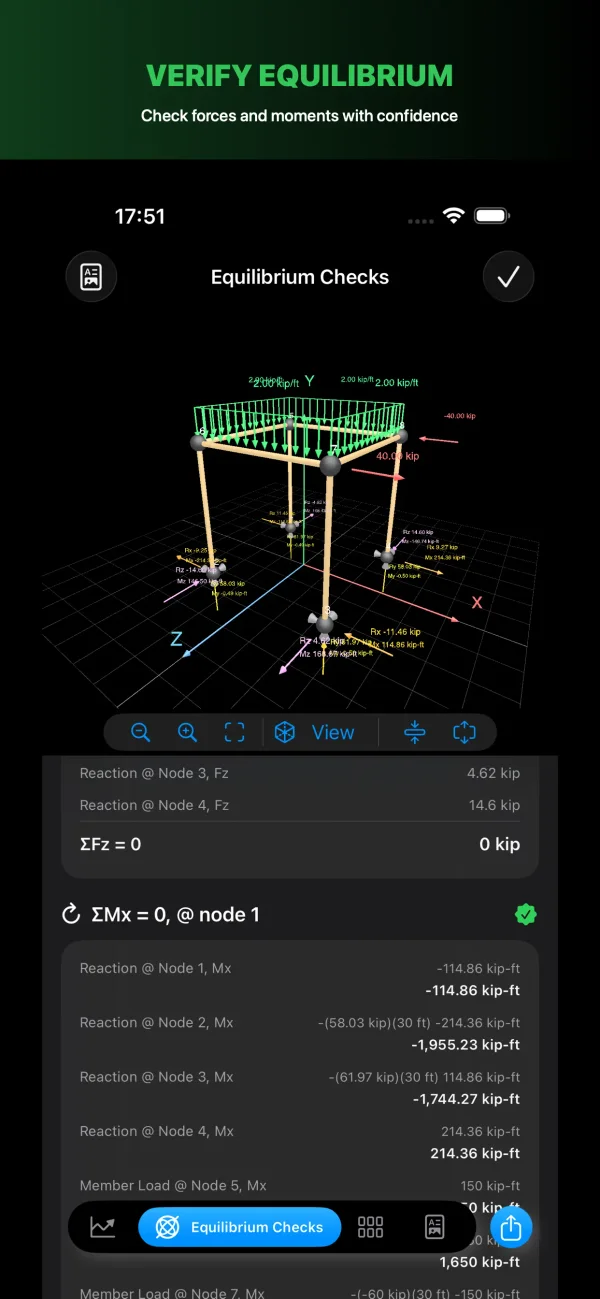
Not only A-Frame can solve the Space Frame but the app also showing the calculation step by step for the result data so that you can counter check the correctness of the calculation.
A-Frame 3D is an application for structural engineers or engineering students who need a tool to analyze the space frames.
A-Frame 3D solves the space frame by using the Stiffness Matrix Method, providing following features:
- The frame members can be aligned in any direction in space.
- Load applied to each members can oriented in any direct around the frame members.
- Equilibrium check for Forces & Bending Moments
- Deformation of each points along the members.
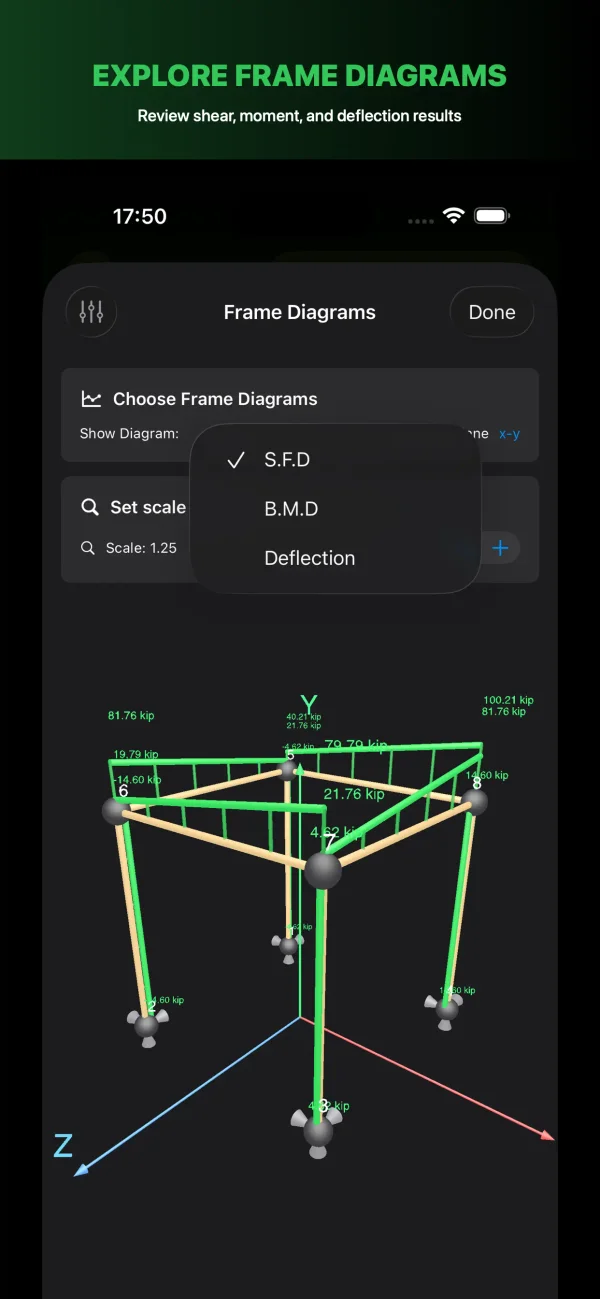
- Shear Force Diagram (S.F.D) and Bending Moment Diagram (B.M.D) of each sections along each members in 3D.
新機能
バージョン 4.4 · 2026/11/19
• Enhanced Property Inputs: Replaced standard input fields in Frame Properties with our dedicated engineering keypad, streamlining Section Interval editing with unit awareness.
• Improved UI & Layout: Enhanced input labels and custom text fields to support multi-line titles, eliminating text truncation across varying screen sizes and text scaling settings.
• Interactive Onboarding & Tips: Enabled TipKit assistance across the app to guide you through helpful gestures and keypad shortcuts (such as the power-of-10 scientific notation key).
• Framework & Performance Updates: Updated underlying UI components and dependencies for improved stability and smooth interactions on iOS.
アプリのプライバシー
このアプリのデータの取り扱いについて、Jutarus RatanasethakulがApp Storeで申告している内容です。
-
データの収集なし
開発元はこのアプリからデータを収集しません。
プライバシーの取り扱いは、ご利用の機能やお客様の年齢などに応じて異なる場合があります。
情報
- 販売元
- Jutarus Ratanasethakul
- カテゴリ
- 仕事効率化
- バージョン
- 4.4
- 更新日
- 2026/11/19
- リリース
- 2017/5/30
- サイズ
- 22.8 MB
- 必要条件
- iOS 18.6以降
- 対象年齢
- 4+
- 価格
- ¥1,500
- 言語
- 英語
- 著作権
- © 2017 Anan Ratanasethakul
こちらもおすすめ
-
 Frame & Beam Analysis 3D仕事効率化
-
 UHP.x — UHPC Mix, Curing Track仕事効率化
-
 iBeams Pro仕事効率化
-
 SiteReport: Inspection ReportsSimple Photo Report Creator
-
 Structural Engineering Calc.仕事効率化
-
 たわみ Pro構造解析計算機
-
 Gantt chart AI planner Ingantt仕事効率化
-
 梁計算:構造解析せん断力・曲げモーメント・たわみ
-
 Survey Area Calculator Tool仕事効率化
-
 Production Assist仕事効率化