- 対象年齢4+
- カテゴリ仕事効率化
- 開発元Jamir Shaikh
- 言語英語
- サイズ7.0 MB
App Storeの公式ページにリンクしています
Download.orgはACCESS — Screen Time Locksのファイルを一切ホストしていません。ボタンを押すと、Jamir Shaikhが公開しているApp Storeのアプリページが開きます。ページの最終確認:2026/11/20。
スクリーンショット
概要
開発元はこのテキストをお使いの言語で提供していません。
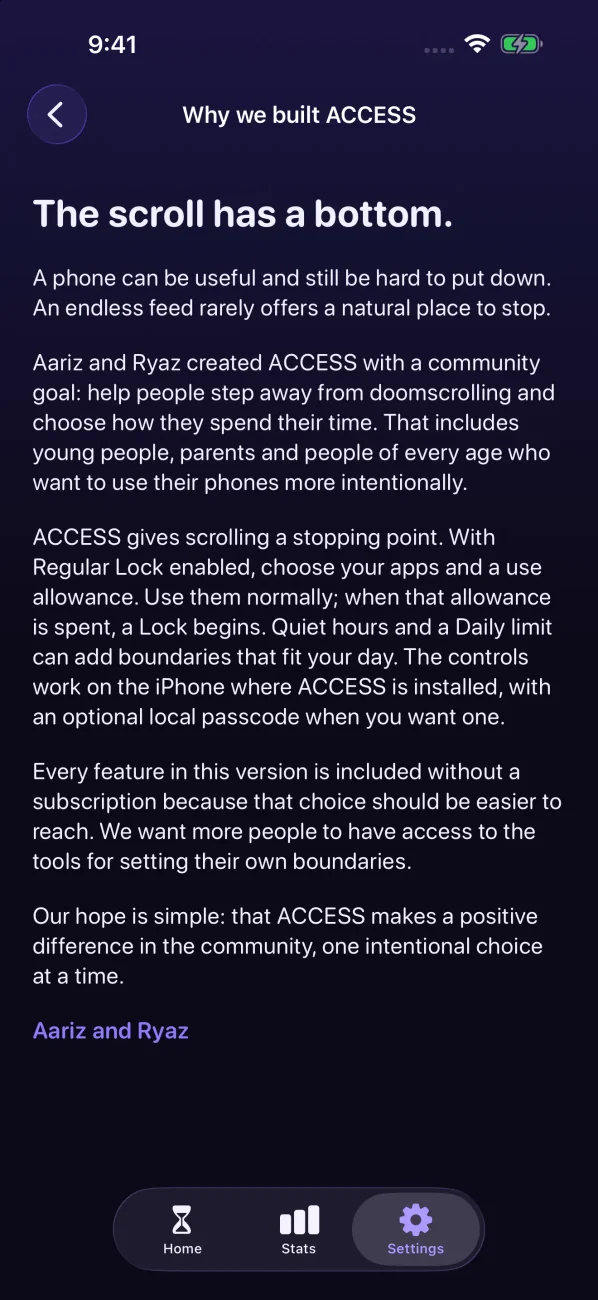
The scroll has a bottom.
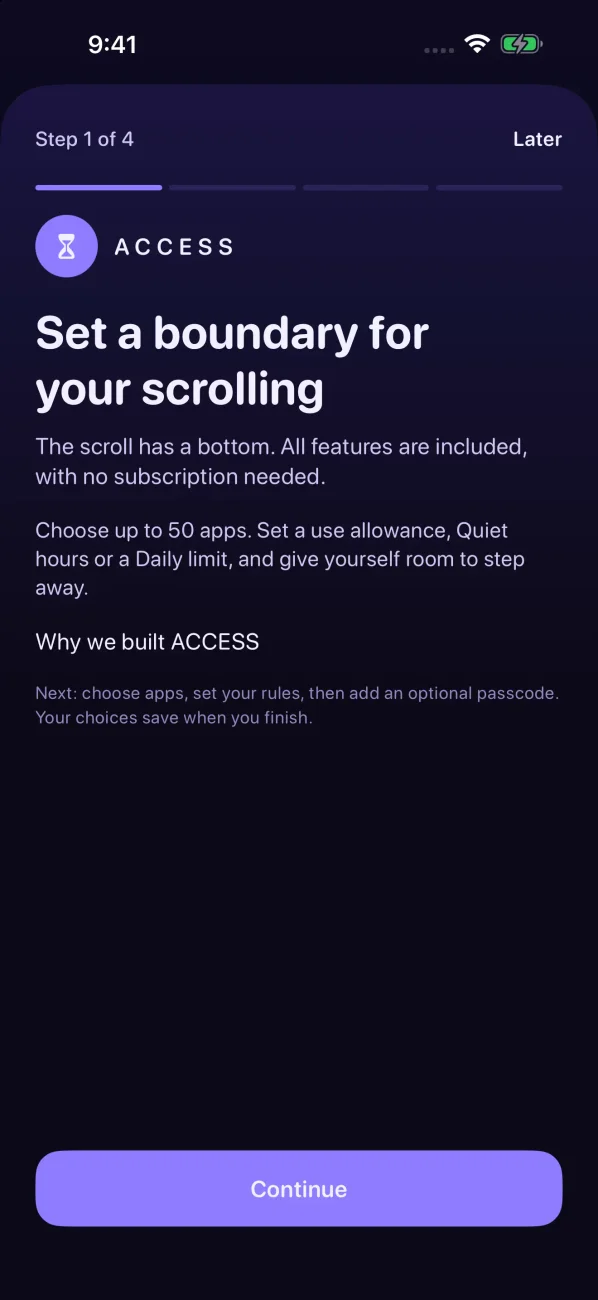
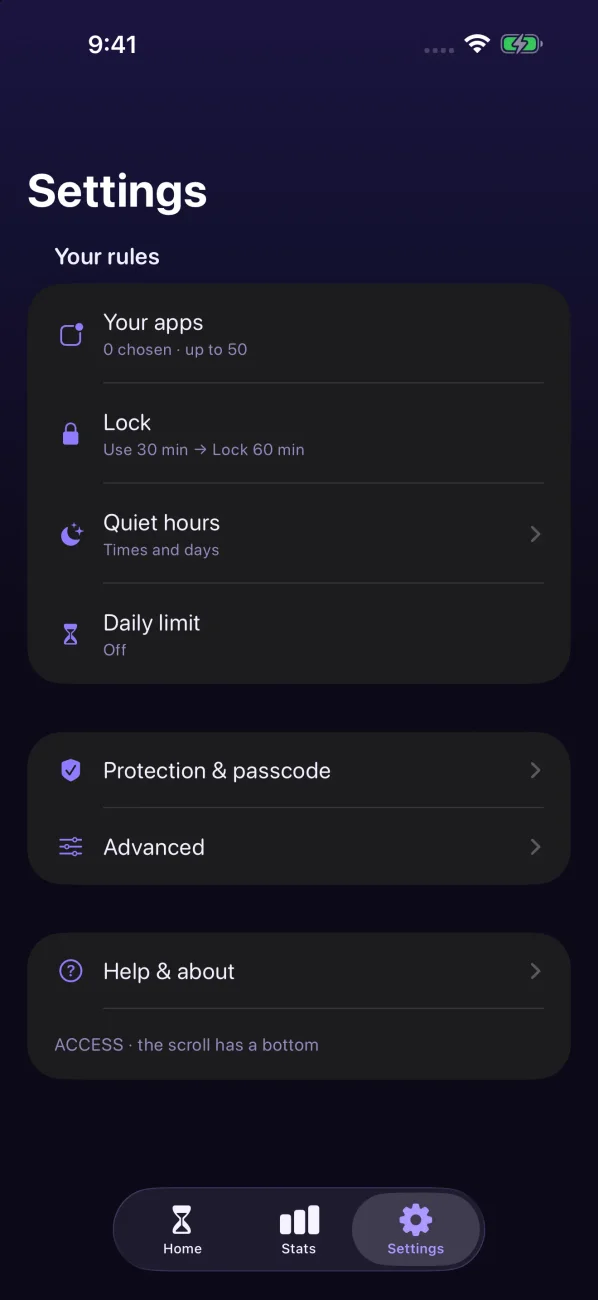
ACCESS helps you set boundaries for scrolling on the iPhone where it is installed. Every feature in this version is included without a subscription, with no ACCESS account, ads or analytics SDK.
CHOOSE YOUR APPS
Choose up to 50 individual apps. Their use counts together toward your allowance. Choose deliberately: whole categories and websites are not supported as new selections.
THREE WAYS TO SET A BOUNDARY
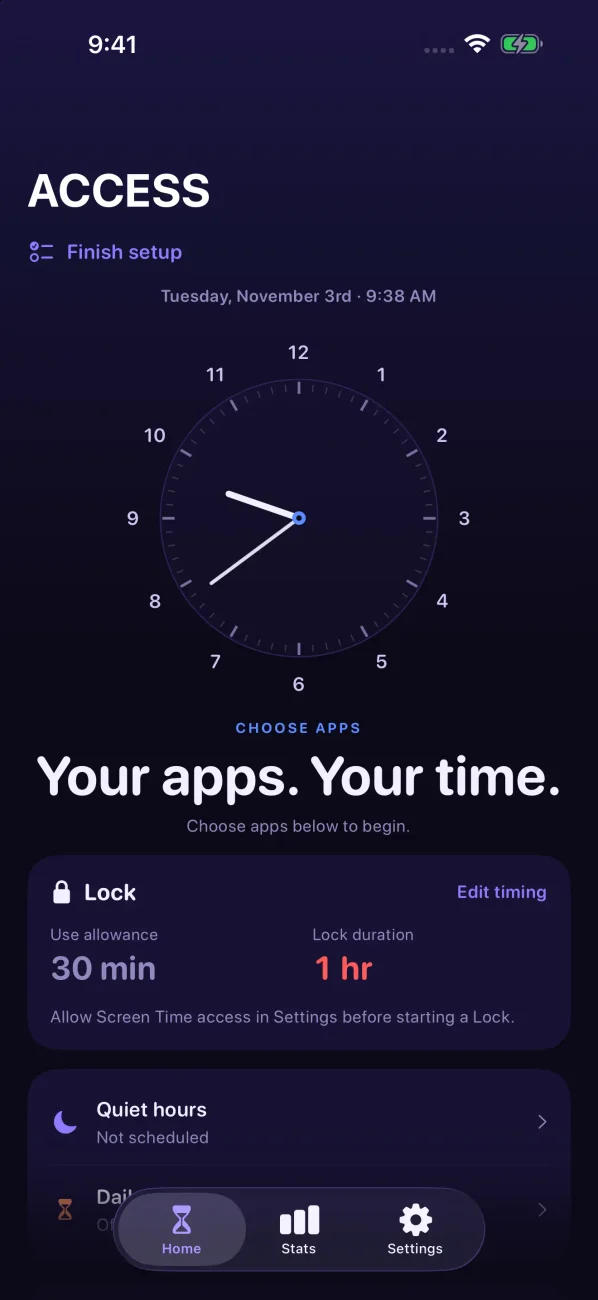
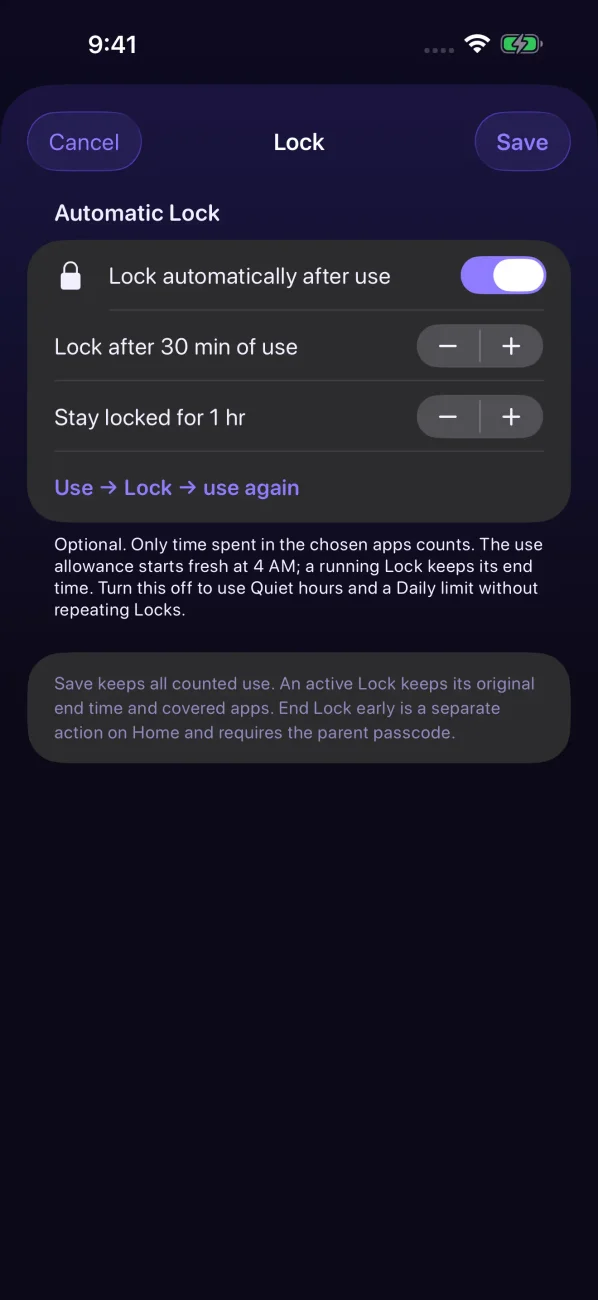
Regular Lock: use your selected apps normally. When their combined allowance is spent, a Lock begins for the duration you chose. Your regular use allowance starts fresh at 4 AM. A running Lock keeps its end time.
Quiet hours: close selected apps at scheduled times, even when use allowance remains.
Daily limit: set a combined daily allowance that resets at 4 AM.
Use these separately or together. One restriction ending does not override another.
LOCAL CONTROLS, OPTIONAL PASSCODE
Set up ACCESS for yourself, or let a parent configure it on the phone being used. An optional six-digit passcode protects settings and early-release actions. Unlock now requires the passcode and, when Temporary unlock is enabled, opens apps for 15 minutes before the rules resume. During Temporary unlock, a running Lock pauses. It resumes with the time it had left. End Lock early is a separate protected action.
ACCESS does not include remote monitoring or remote unlock. Its local passcode cannot prevent deleting the app or revoking Screen Time permission.
STATS, HISTORY AND WIDGETS INCLUDED
Use every Stats range and view the Screen Time data iOS makes available for selected apps. The local Activity log retains the latest 500 ACCESS events; this is separate from Apple's usage-report availability. Widgets show timing and status, and are optional on a visible Home or Lock Screen.
BUILT WITH A COMMUNITY GOAL
Aariz and Ryaz created ACCESS to help people step away from endless scrolling and use their phones with intention. For young people, parents and people of every age, the scroll has a bottom.
EARLIER PURCHASES
This version does not require a subscription. Updating the app does not itself cancel an earlier Apple subscription or confirm its renewal status. In Settings → Help & about → Earlier purchases, find guidance for managing earlier purchases. Apple decides refund eligibility. Shared Family access does not make you the purchaser.
ACCESS uses Apple's Screen Time frameworks. Permission, iOS behavior and device settings can affect counting and restrictions. Check Protection Health if something looks wrong. Your selected apps, rules and local history are not uploaded to an ACCESS server.
Privacy: https://shaikhjamir.github.io/access-legal/privacy.html
Terms: https://shaikhjamir.github.io/access-legal/terms.html
新機能
バージョン 1.4.2 · 2026/11/14
A calmer Home screen and clearer app-choice recovery.
• Replaced the large protection warning with a compact Review protection link.
• Fixed cases where saved app choices could not be confirmed with Save.
• Improved setup recovery and Protection Health guidance.
• Reduced brief and duplicate counting warnings.
All features remain free, with no subscription required. Your saved choices, counted use and running Lock end times are kept.
アプリのプライバシー
このアプリのデータの取り扱いについて、Jamir ShaikhがApp Storeで申告している内容です。
-
データの収集なし
開発元はこのアプリからデータを収集しません。
プライバシーの取り扱いは、ご利用の機能やお客様の年齢などに応じて異なる場合があります。
情報
- 販売元
- Jamir Shaikh
- カテゴリ
- 仕事効率化
- バージョン
- 1.4.2
- 更新日
- 2026/11/14
- リリース
- 2026/8/6
- サイズ
- 7.0 MB
- 必要条件
- iOS 17.0以降
- 対象年齢
- 4+
- 価格
- 無料
- 言語
- 英語
- 著作権
- © 2026 Aariz & Ryaz Shaikh
こちらもおすすめ
-
 スクリーンタイム記録-スマホ依存対策・デジタルデトックス毎日手書きで携帯の使用時間・気分・習慣を見える化する日記
-
 ToBlock: Time Block Planner仕事効率化
-
 Tally: シンプルなToDoリストやることは、今日の分だけ
-
 習慣管理習慣化目標達成アプリ Habit Tracker継続記録毎日リマインダー通知機能
-
 Smart24x7-User仕事効率化
-
 かわいいポモドーロ一瞬一瞬に集中
-
 LockNote: Note on Lock Screen仕事効率化
-
 FeatherNotes: Journal & Diary仕事効率化
-
 お知らせ便利タイマー音声お知らせでかんたんカウントダウン
-
 習慣管理 Habit It連続記録と日記習慣