- 対象年齢4+
- カテゴリユーティリティ
- 開発元ALPEIN Software SWISS AG
- 言語英語ほか1言語
- サイズ28.5 MB
App Storeの公式ページにリンクしています
Download.orgはAccessSecurium™のファイルを一切ホストしていません。ボタンを押すと、ALPEIN Software SWISS AGが公開しているApp Storeのアプリページが開きます。ページの最終確認:2026/11/15。
スクリーンショット
概要
開発元はこのテキストをお使いの言語で提供していません。
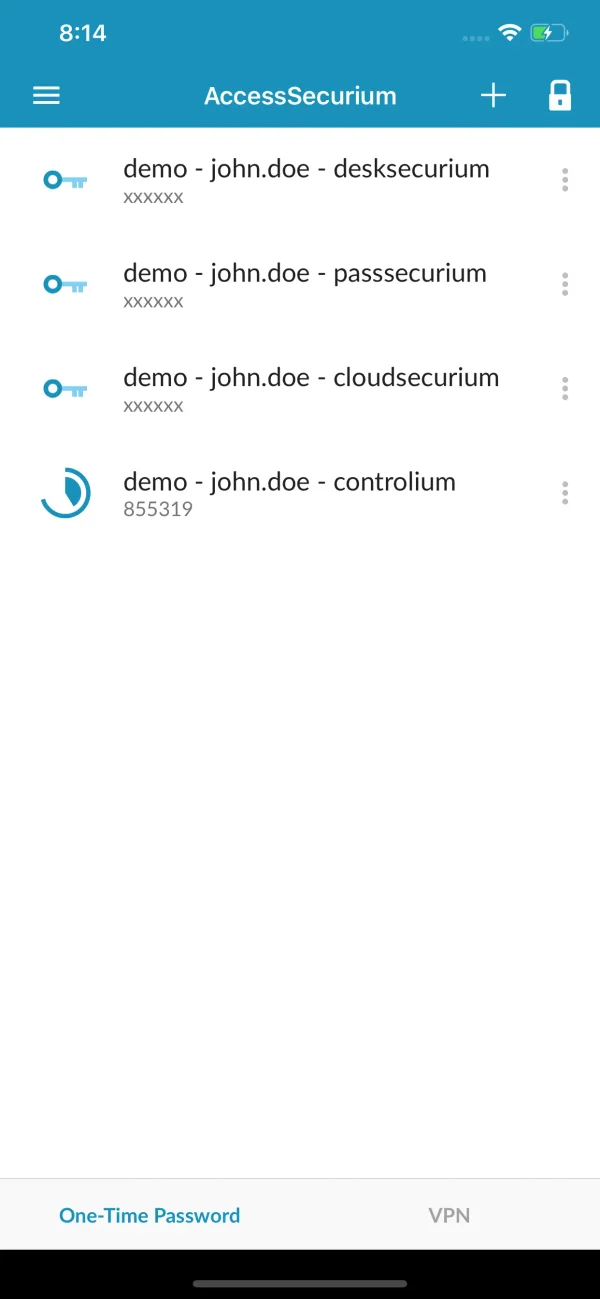
AccessSecurium™ was initially developed as an authenticator app for the protected SWISS SECURIUM® platform for enterprise communication and collaboration, but now it can be also used as a stand-alone application for storing and managing time-based one-time password tokens (TOTP) for two-factor authentication (2FA).
For the SWISS SECURIUM® platform users, the application also provides VPN access to platform services as additional security layer.
Features:
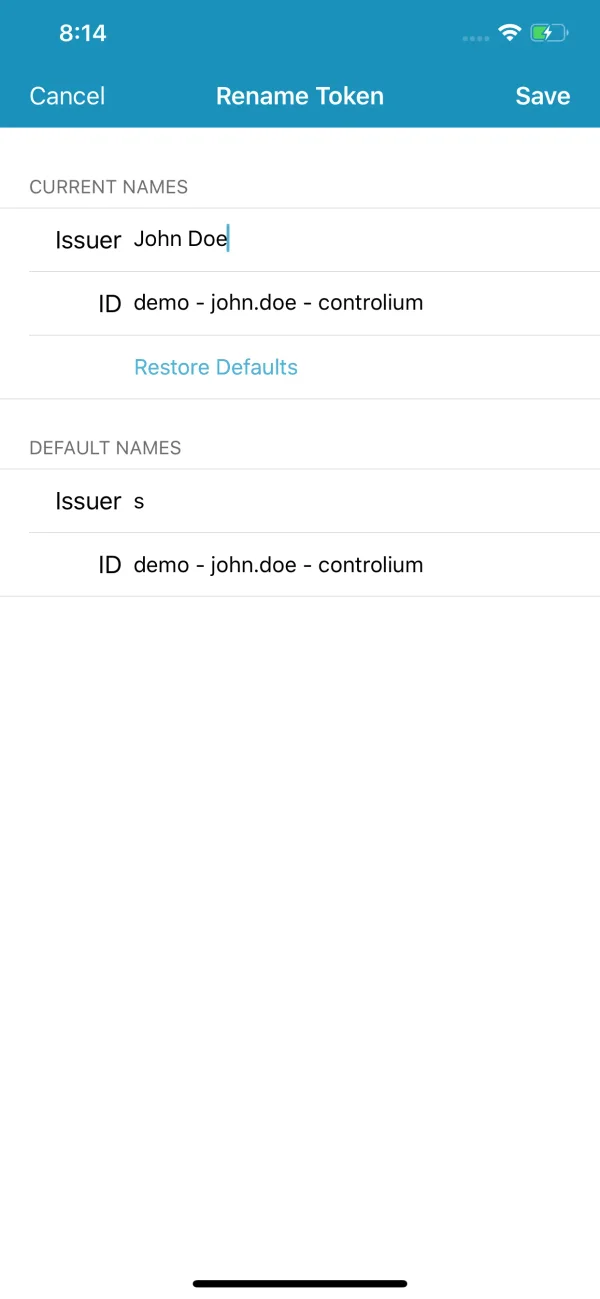
• Token & folder management
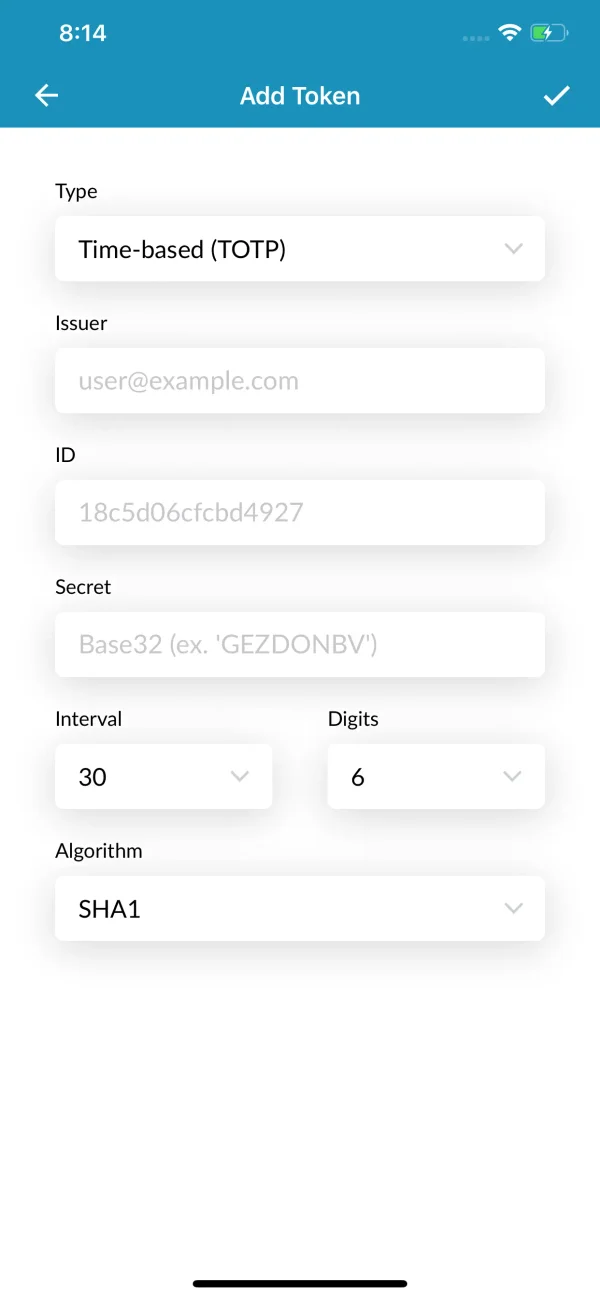
• Adding and sharing tokens via QR code / manually typing secret
• Generation of 2FA codes in the flight mode
• Support for Touch & Face ID
• Export / import of OTP token backup base (for the SWISS SECURIUM® platform users)
AccessSecurium™ generates one-time passwords for two-step authentication, which provides additional level of the web account protection from hacker attacks. Life time of the generated code is 30 seconds, then this 2FA code changes into a new one.
You can easily add tokens to AccessSecurium™ vault: just scan a QR code while turning on 2FA option for website or service. If QR code isn’t provided, you can add token by manual typing / copying a secret (special symbol sequence).
One-time passwords can be generated even when your phone is in the flight mode, it doesn’t require an Internet connection.
All your OTP tokens are stored only on your device. In case of device loss, it’ll be impossible to restore former token base. That’s why we recommend to create a backup and keep it in safe place or turn on additional secondary way of 2FA for your accounts for keeping full control over the account access.
Pay attention to the app security, enable Security Code or Fingerprint authentication for it!
AccessSecurium™ is a free authenticator using software tokens, which was designed for your convenience of use!
AccessSecurium™ also is able to work for your private corporate security implementing standardized TOTP or HOTP protocols. Our team will be happy to answer your questions about the implementation of the app for your enterprise security by email: contact@alpeinsoft.ch.
新機能
バージョン 1.4.36 · 2024/5/30
Fixed more bugs.
アプリのプライバシー
このアプリのデータの取り扱いについて、ALPEIN Software SWISS AGがApp Storeで申告している内容です。
-
データの収集なし
開発元はこのアプリからデータを収集しません。
プライバシーの取り扱いは、ご利用の機能やお客様の年齢などに応じて異なる場合があります。
情報
- 販売元
- ALPEIN Software SWISS AG
- カテゴリ
- ユーティリティ
- バージョン
- 1.4.36
- 更新日
- 2024/5/30
- リリース
- 2016/1/15
- サイズ
- 28.5 MB
- 必要条件
- iOS 12.0以降
- 対象年齢
- 4+
- 価格
- 無料
- 言語
- 英語, ドイツ語
- 著作権
- © 2014 - 2024, ALPEIN Software SWISS AG