AccessSecurium™
Two-factor authenticator (2FA)
iPhone, iPad, iPod touch için tasarlandı
Ücretsiz
- Yaş sınırı4+
- KategoriYardımcılar
- GeliştiriciALPEIN Software SWISS AG
- Dillerİngilizce+ 1 dil daha
- Boyut28,5 MB
Resmi App Store sayfasına bağlanır
Download.org, AccessSecurium™ için hiçbir dosya barındırmaz. Düğme, uygulamanın App Store üzerindeki sayfasını açar; uygulamayı orada ALPEIN Software SWISS AG yayınlar. Sayfanın son kontrolü: 15.11.2026.
Ekran görüntüleri
Hakkında
Geliştirici bu metni dilinizde sunmamış.
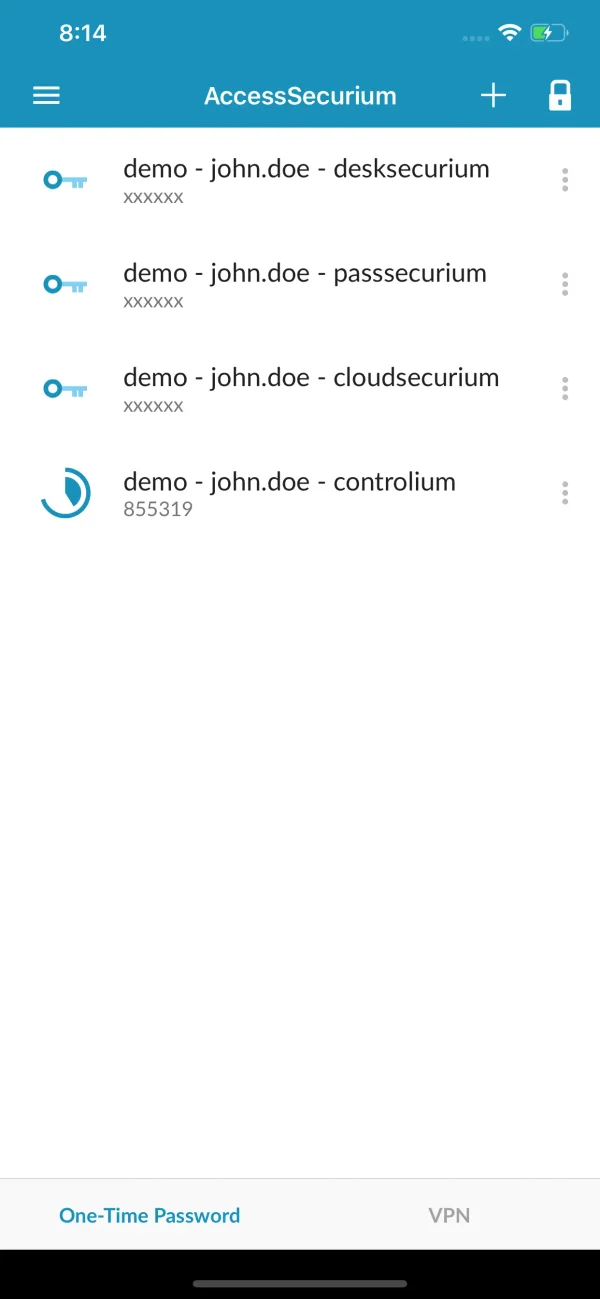
AccessSecurium™ was initially developed as an authenticator app for the protected SWISS SECURIUM® platform for enterprise communication and collaboration, but now it can be also used as a stand-alone application for storing and managing time-based one-time password tokens (TOTP) for two-factor authentication (2FA).
For the SWISS SECURIUM® platform users, the application also provides VPN access to platform services as additional security layer.
Features:
• Token & folder management
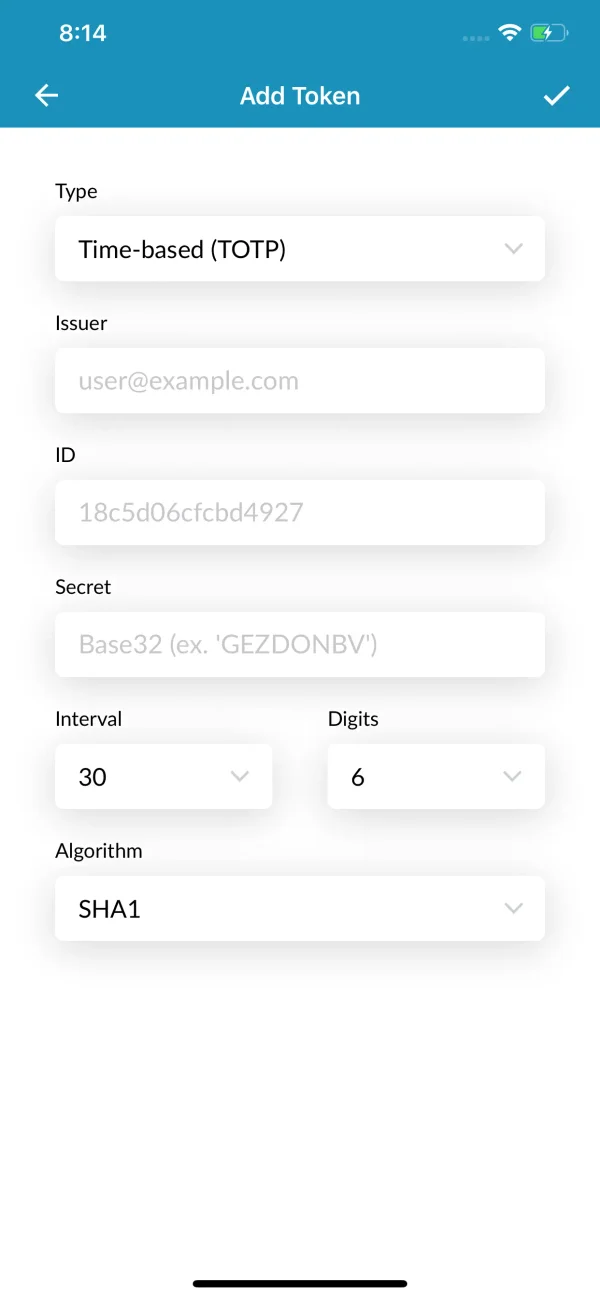
• Adding and sharing tokens via QR code / manually typing secret
• Generation of 2FA codes in the flight mode
• Support for Touch & Face ID
• Export / import of OTP token backup base (for the SWISS SECURIUM® platform users)
AccessSecurium™ generates one-time passwords for two-step authentication, which provides additional level of the web account protection from hacker attacks. Life time of the generated code is 30 seconds, then this 2FA code changes into a new one.
You can easily add tokens to AccessSecurium™ vault: just scan a QR code while turning on 2FA option for website or service. If QR code isn’t provided, you can add token by manual typing / copying a secret (special symbol sequence).
One-time passwords can be generated even when your phone is in the flight mode, it doesn’t require an Internet connection.
All your OTP tokens are stored only on your device. In case of device loss, it’ll be impossible to restore former token base. That’s why we recommend to create a backup and keep it in safe place or turn on additional secondary way of 2FA for your accounts for keeping full control over the account access.
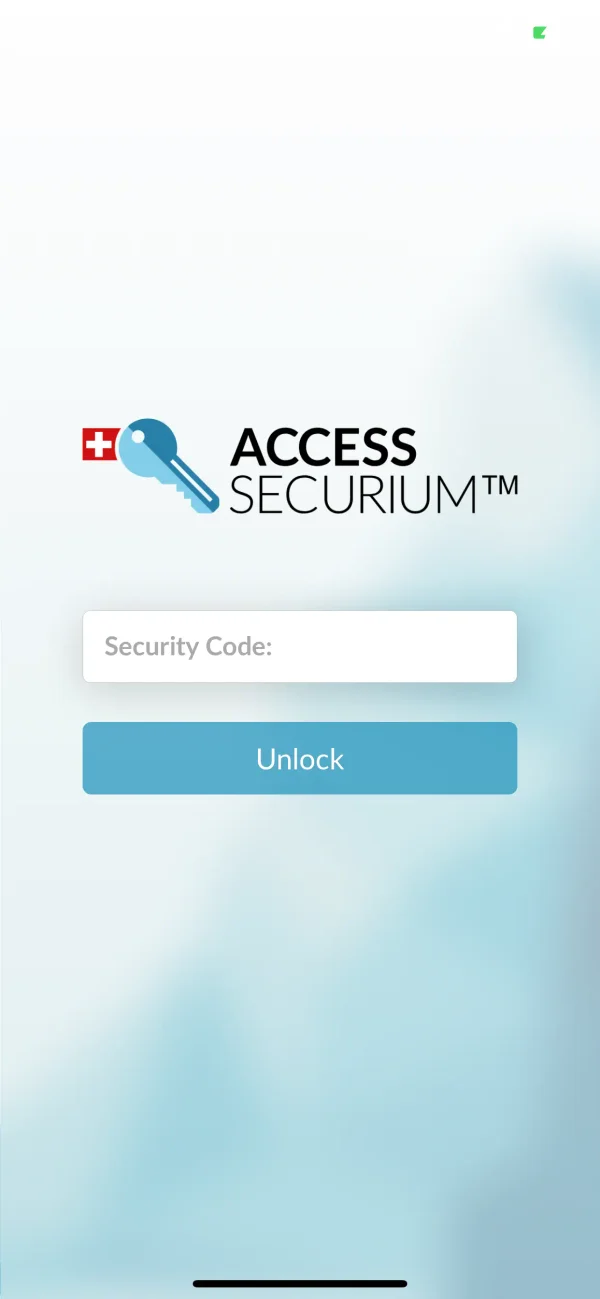
Pay attention to the app security, enable Security Code or Fingerprint authentication for it!
AccessSecurium™ is a free authenticator using software tokens, which was designed for your convenience of use!
AccessSecurium™ also is able to work for your private corporate security implementing standardized TOTP or HOTP protocols. Our team will be happy to answer your questions about the implementation of the app for your enterprise security by email: contact@alpeinsoft.ch.
Yenilikler
Sürüm 1.4.36 · 30.05.2024
Fixed more bugs.
Uygulama gizliliği
Bu uygulamanın verileri nasıl işlediği hakkında ALPEIN Software SWISS AG tarafından App Store üzerinde yapılan beyan.
-
Veri toplanmıyor
Geliştirici bu uygulamadan hiçbir veri toplamıyor.
Gizlilik uygulamaları, örneğin kullandığınız özelliklere veya yaşınıza göre değişiklik gösterebilir.
Bilgiler
- Satıcı
- ALPEIN Software SWISS AG
- Kategori
- Yardımcılar
- Sürüm
- 1.4.36
- Güncellendi
- 30.05.2024
- Yayın tarihi
- 15.01.2016
- Boyut
- 28,5 MB
- Gereksinim
- iOS 12.0 veya sonrası
- Yaş sınırı
- 4+
- Fiyat
- Ücretsiz
- Diller
- İngilizce, Almanca
- Telif hakkı
- © 2014 - 2024, ALPEIN Software SWISS AG