
- 対象年齢4+
- カテゴリファイナンス
- 開発元文超 宋
- 言語英語ほか1言語
- サイズ6.8 MB
App Storeの公式ページにリンクしています
Download.orgはAccounovaのファイルを一切ホストしていません。ボタンを押すと、文超 宋が公開しているApp Storeのアプリページが開きます。ページの最終確認:2026/11/17。
スクリーンショット


概要
開発元はこのテキストをお使いの言語で提供していません。
The hardest part of tracking expenses isn't the math — it's remembering to do it. Accounova cuts logging down to a single sentence.
■ Three ways to log
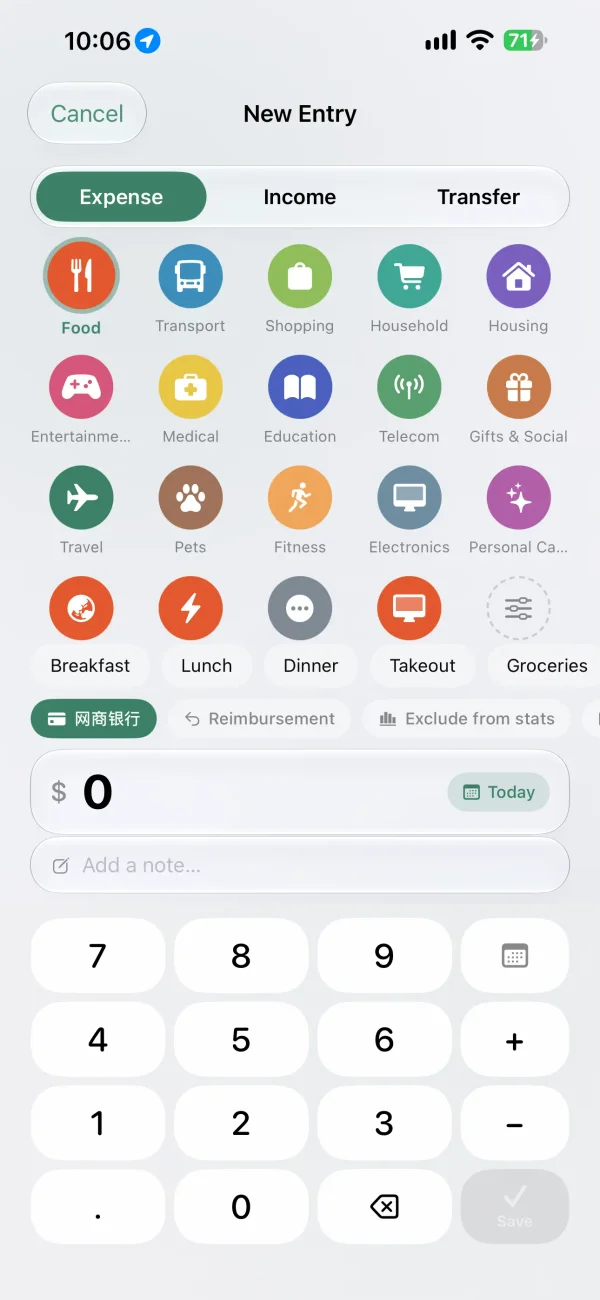
Say it: "Coffee 6 bucks" — the amount, category, and note are filled in for you.
Snap it: Point it at a receipt, an order confirmation, or a payment screenshot. The AI reads the amount and merchant.
Type it: Describe it like a text message. "Groceries yesterday, 84 at Trader Joe's" lands on the right date.
Prefer to do it yourself? Manual entry is always two taps away.
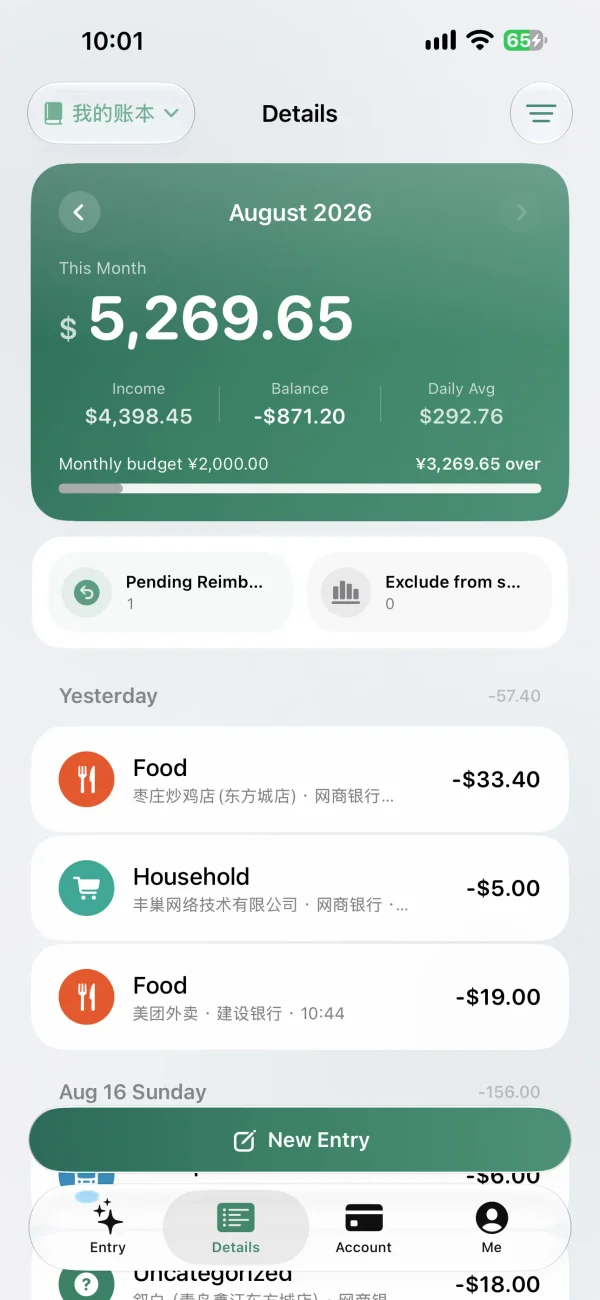
■ Everything a real ledger needs
· Multiple ledgers — keep personal, household, and business separate
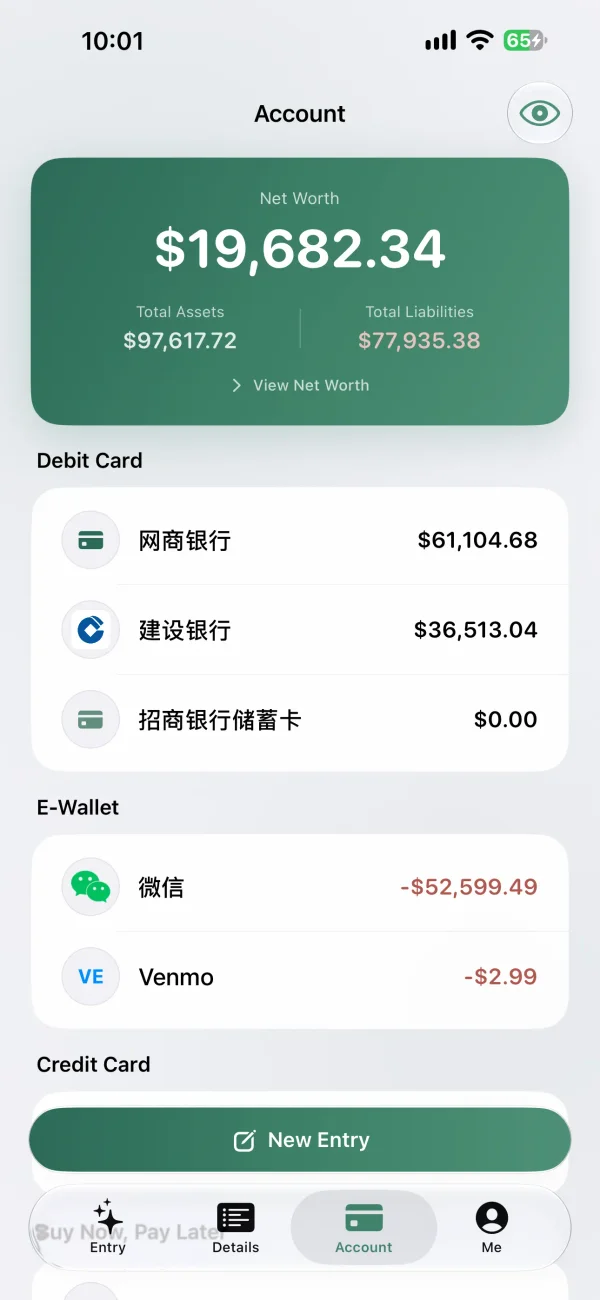
· Accounts — cash, checking, savings, credit cards, PayPal, Venmo, with transfers between them
· Categories and subitems — not just "Food," but "Food / Lunch"
· Monthly budgets — set a total or per-category limit and see overspending early
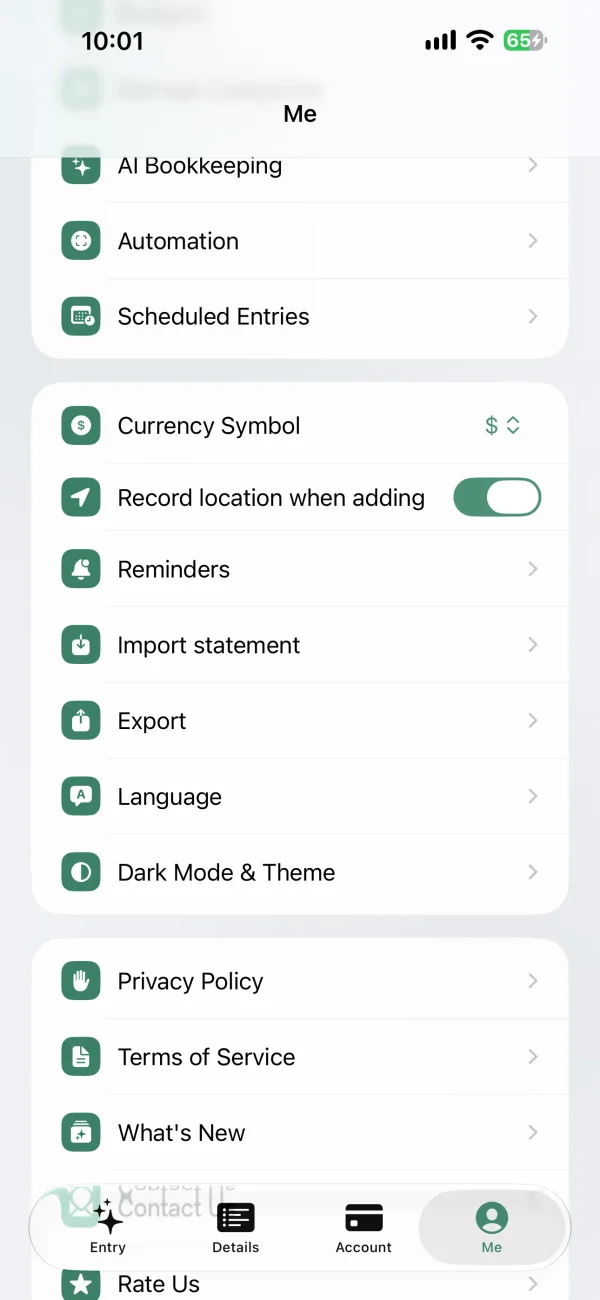
· Scheduled entries — rent, subscriptions, loan payments post themselves
· Reimbursements — flag what you fronted and track what's still owed
· Exclude from stats — loans and internal transfers stay out of your real spending
■ Statistics you'll actually read
See trends by month, by year, or by category, and tap any category to drill down to individual transactions. The calendar view shows which days cost you the most. A home screen widget keeps this month's total one glance away.
■ Siri and Shortcuts
"Log an expense in Accounova." "How much did I spend this month?" "Read a receipt screenshot." Log and check without opening the app.
■ Your data is yours
Accounova has no account system and no servers. Everything is stored on your device and synced through your own private iCloud database — we can't see it and we can't reach it.
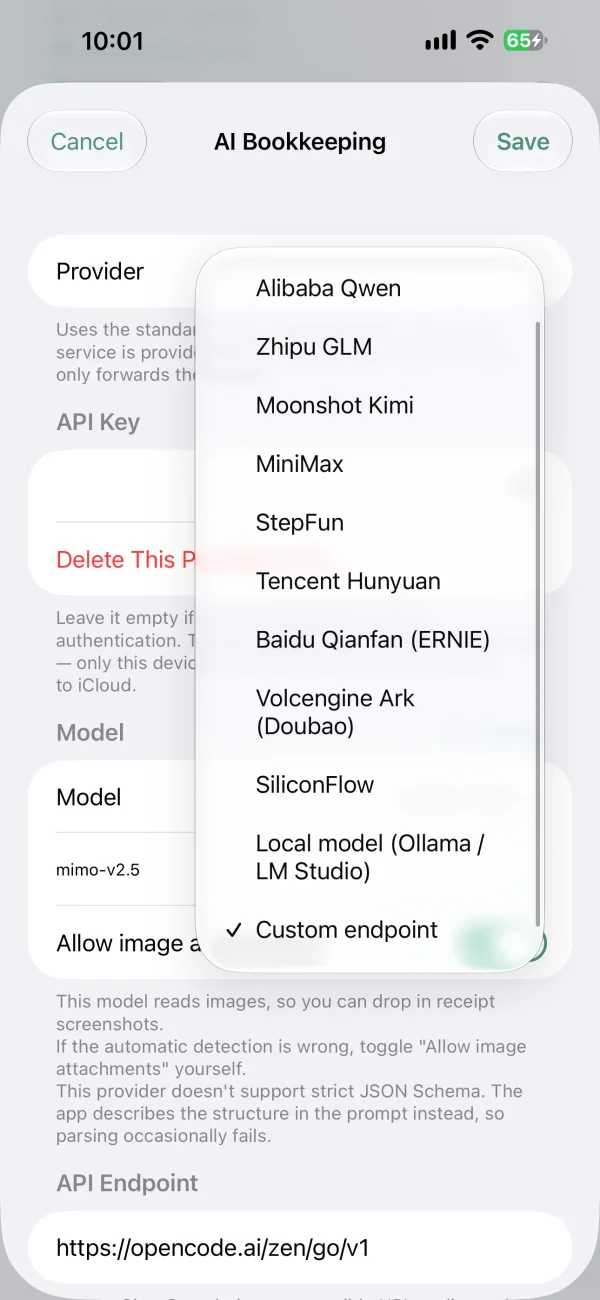
AI features are optional and use your own API key from a provider you choose . The key is stored in your device's keychain. When you use AI, the relevant entry data goes directly from your phone to that provider — never through us.
No key, no problem: logging, budgets, statistics, accounts, and iCloud sync all work fully without one.
新機能
バージョン 1.3 · 2026/9/12
What’s New:
• Added OpenCode Zen and Go support for text and image bookkeeping, with compatibility across model APIs.
• Added a ledger selector to the review screen so you can move entries between ledgers.
• Added inclusion rules, exclusion rules, and default payment account settings for each ledger.
• Kept the original card design. Screenshot entries and single text entries are still saved automatically, with no extra confirmation.
アプリのプライバシー
このアプリのデータの取り扱いについて、文超 宋がApp Storeで申告している内容です。
-
データの収集なし
開発元はこのアプリからデータを収集しません。
プライバシーの取り扱いは、ご利用の機能やお客様の年齢などに応じて異なる場合があります。
情報
- 販売元
- 文超 宋
- カテゴリ
- ファイナンス
- バージョン
- 1.3
- 更新日
- 2026/9/12
- リリース
- 2026/8/19
- サイズ
- 6.8 MB
- 必要条件
- iOS 18.0以降
- 対象年齢
- 4+
- 価格
- 無料
- 言語
- 英語, 簡体字中国語
- 著作権
- © 2026 Wenchao Song