
- Độ tuổi4+
- Danh mụcTài Chính
- Nhà phát triển文超 宋
- Ngôn ngữTiếng Anh+ 1 ngôn ngữ khác
- Kích thước6,8 MB
Liên kết đến trang App Store chính thức
Download.org không lưu trữ tệp nào của Accounova. Nút này mở trang ứng dụng trên App Store, nơi 文超 宋 phát hành ứng dụng. Trang được kiểm tra lần cuối: 17/11/2026.
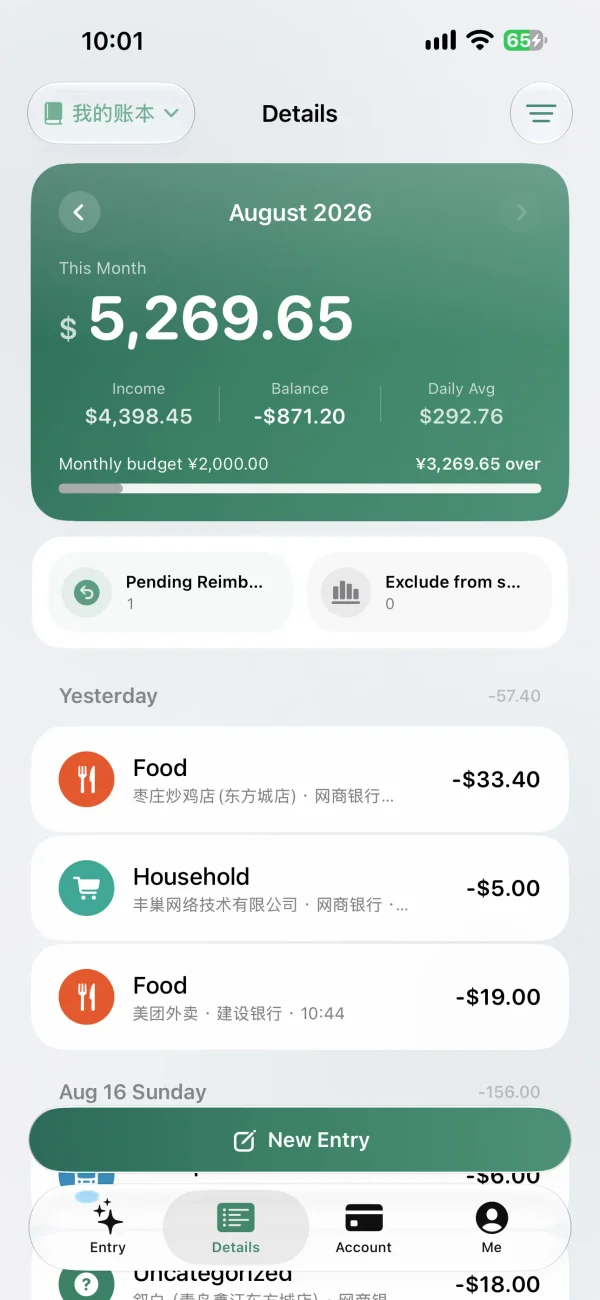
Ảnh chụp màn hình


Giới thiệu
Nhà phát triển chưa cung cấp nội dung này bằng ngôn ngữ của bạn.
The hardest part of tracking expenses isn't the math — it's remembering to do it. Accounova cuts logging down to a single sentence.
■ Three ways to log
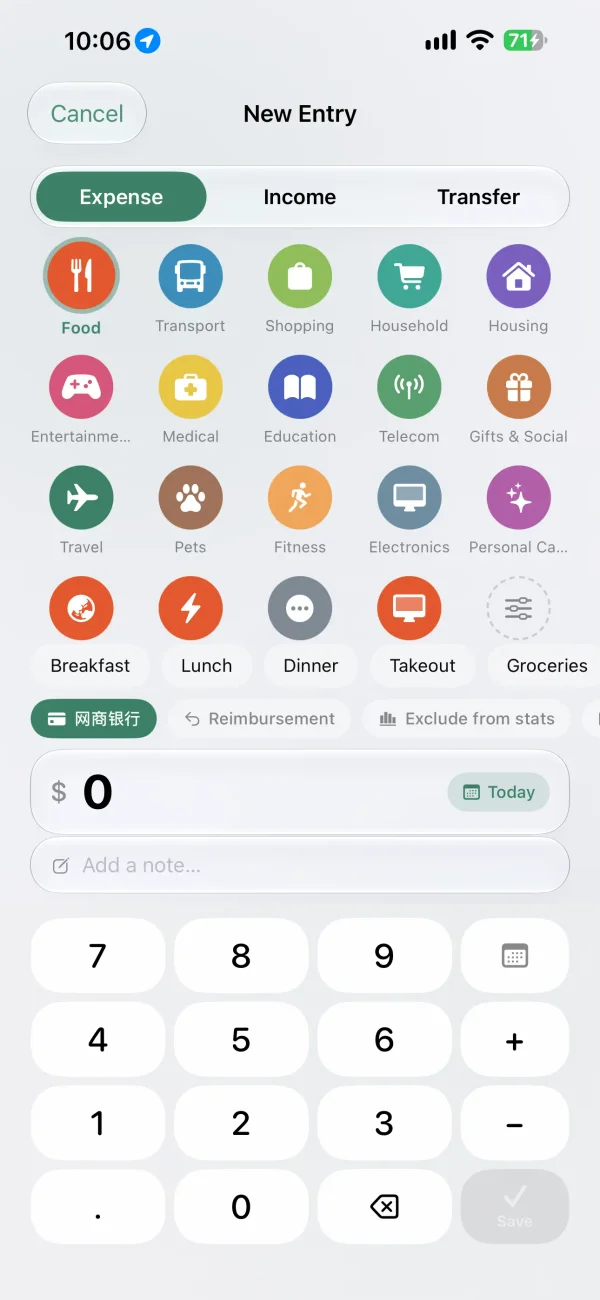
Say it: "Coffee 6 bucks" — the amount, category, and note are filled in for you.
Snap it: Point it at a receipt, an order confirmation, or a payment screenshot. The AI reads the amount and merchant.
Type it: Describe it like a text message. "Groceries yesterday, 84 at Trader Joe's" lands on the right date.
Prefer to do it yourself? Manual entry is always two taps away.
■ Everything a real ledger needs
· Multiple ledgers — keep personal, household, and business separate
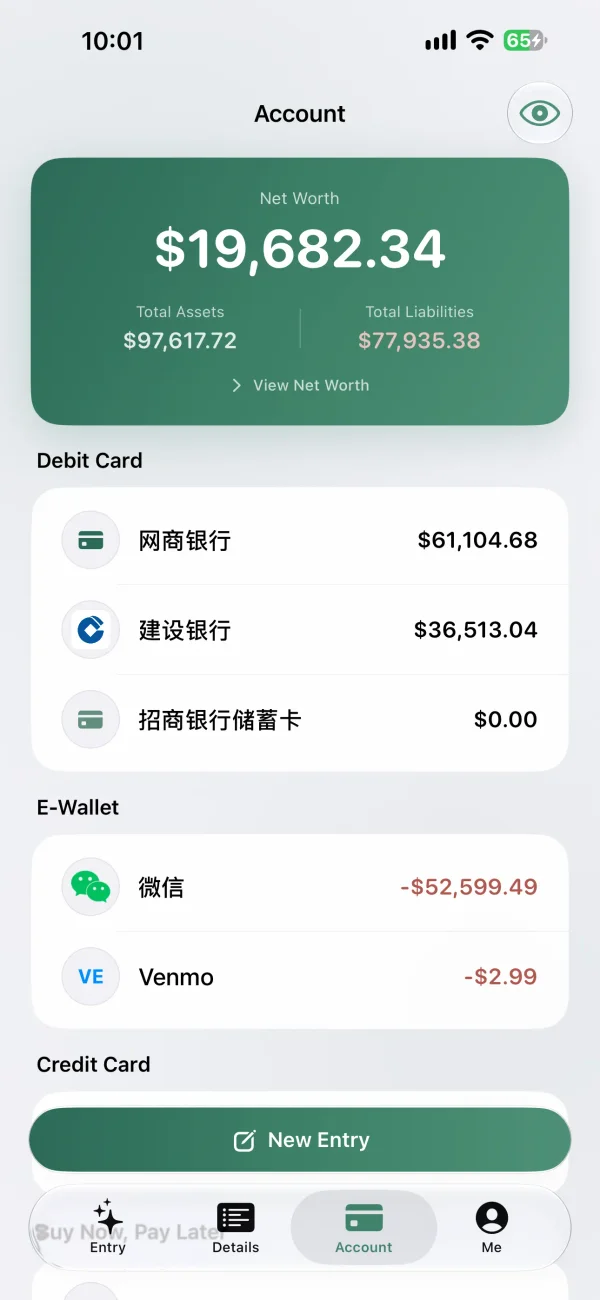
· Accounts — cash, checking, savings, credit cards, PayPal, Venmo, with transfers between them
· Categories and subitems — not just "Food," but "Food / Lunch"
· Monthly budgets — set a total or per-category limit and see overspending early
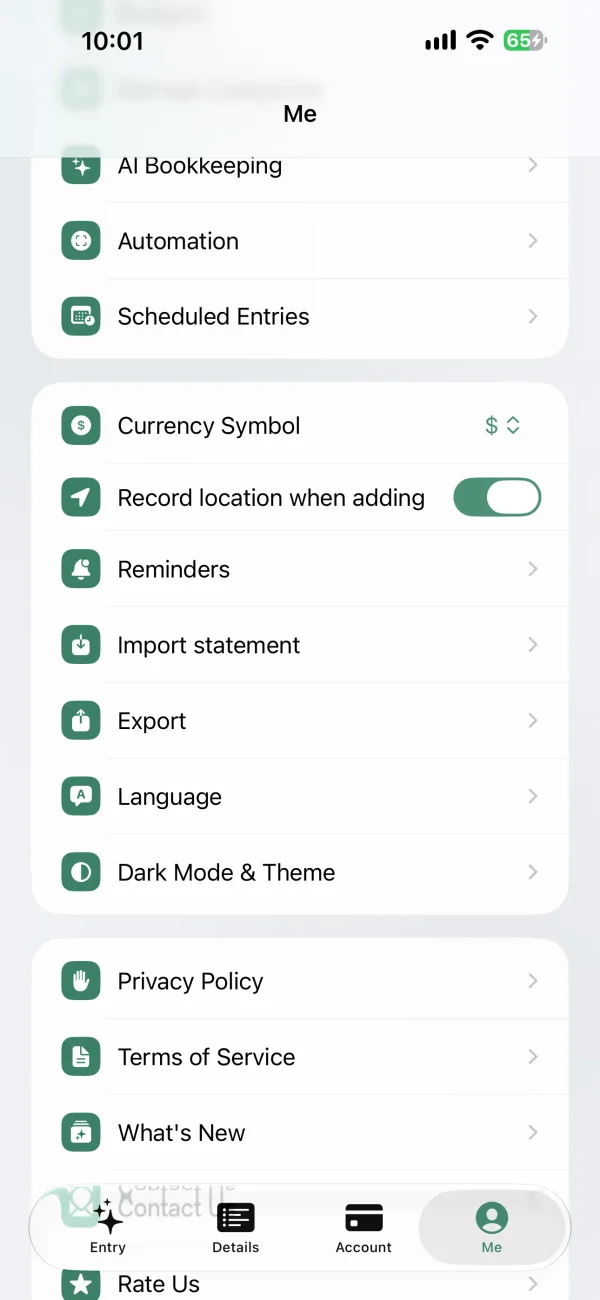
· Scheduled entries — rent, subscriptions, loan payments post themselves
· Reimbursements — flag what you fronted and track what's still owed
· Exclude from stats — loans and internal transfers stay out of your real spending
■ Statistics you'll actually read
See trends by month, by year, or by category, and tap any category to drill down to individual transactions. The calendar view shows which days cost you the most. A home screen widget keeps this month's total one glance away.
■ Siri and Shortcuts
"Log an expense in Accounova." "How much did I spend this month?" "Read a receipt screenshot." Log and check without opening the app.
■ Your data is yours
Accounova has no account system and no servers. Everything is stored on your device and synced through your own private iCloud database — we can't see it and we can't reach it.
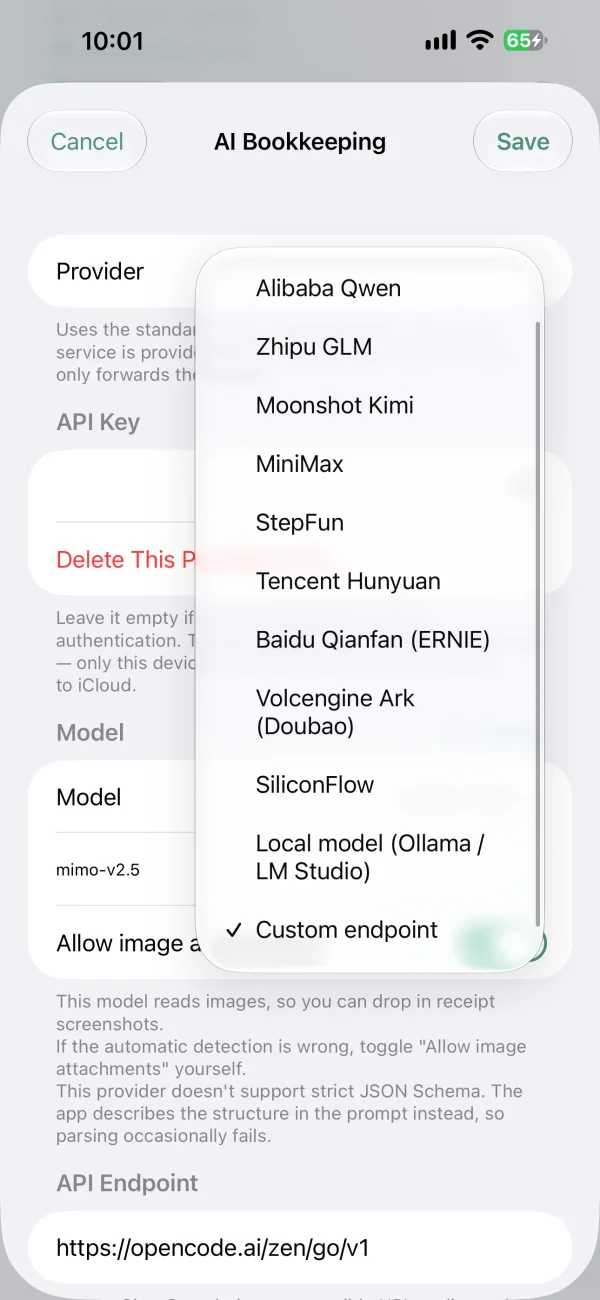
AI features are optional and use your own API key from a provider you choose . The key is stored in your device's keychain. When you use AI, the relevant entry data goes directly from your phone to that provider — never through us.
No key, no problem: logging, budgets, statistics, accounts, and iCloud sync all work fully without one.
Có gì mới
Phiên bản 1.3 · 12/09/2026
What’s New:
• Added OpenCode Zen and Go support for text and image bookkeeping, with compatibility across model APIs.
• Added a ledger selector to the review screen so you can move entries between ledgers.
• Added inclusion rules, exclusion rules, and default payment account settings for each ledger.
• Kept the original card design. Screenshot entries and single text entries are still saved automatically, with no extra confirmation.
Quyền riêng tư của ứng dụng
Những gì 文超 宋 khai báo trên App Store về cách ứng dụng này xử lý dữ liệu.
-
Dữ liệu không được thu thập
Nhà phát triển không thu thập bất kỳ dữ liệu nào từ ứng dụng này.
Phương thức đảm bảo quyền riêng tư có thể khác nhau, chẳng hạn như tuỳ theo các tính năng bạn sử dụng hoặc độ tuổi của bạn.
Thông tin
- Người bán
- 文超 宋
- Danh mục
- Tài Chính
- Phiên bản
- 1.3
- Cập nhật
- 12/09/2026
- Phát hành
- 19/08/2026
- Kích thước
- 6,8 MB
- Yêu cầu
- iOS 18.0 trở lên
- Độ tuổi
- 4+
- Giá
- Miễn phí
- Ngôn ngữ
- Tiếng Anh, Tiếng Trung Giản thể
- Bản quyền
- © 2026 Wenchao Song
Có thể bạn cũng thích
-
 BroteTài Chính
-
 MonthLedgerTài Chính
-
 Light Flow: Easy Cash TrackerTài Chính
-
 iMoney - Money NotebookTài Chính
-
 PayDock: Shared Bill TrackerTài Chính
-
 FinWall Budget & SavingsTài Chính
-
 FinRoute Saving PlannerTài Chính
-
 Stock CalculatorsTài Chính
-
 US Debt & World - EconoLiveTài Chính
-
 ClaimReady - Home InventoryTài Chính