- 対象年齢4+
- カテゴリ仕事効率化
- 開発元Ali El Ali
- 言語英語
- サイズ23.0 MB
App Storeの公式ページにリンクしています
Download.orgはAiCadGenのファイルを一切ホストしていません。ボタンを押すと、Ali El Aliが公開しているApp Storeのアプリページが開きます。ページの最終確認:2026/11/12。
スクリーンショット





概要
開発元はこのテキストをお使いの言語で提供していません。
Transform ideas into manufacturing-ready CAD models using plain English.
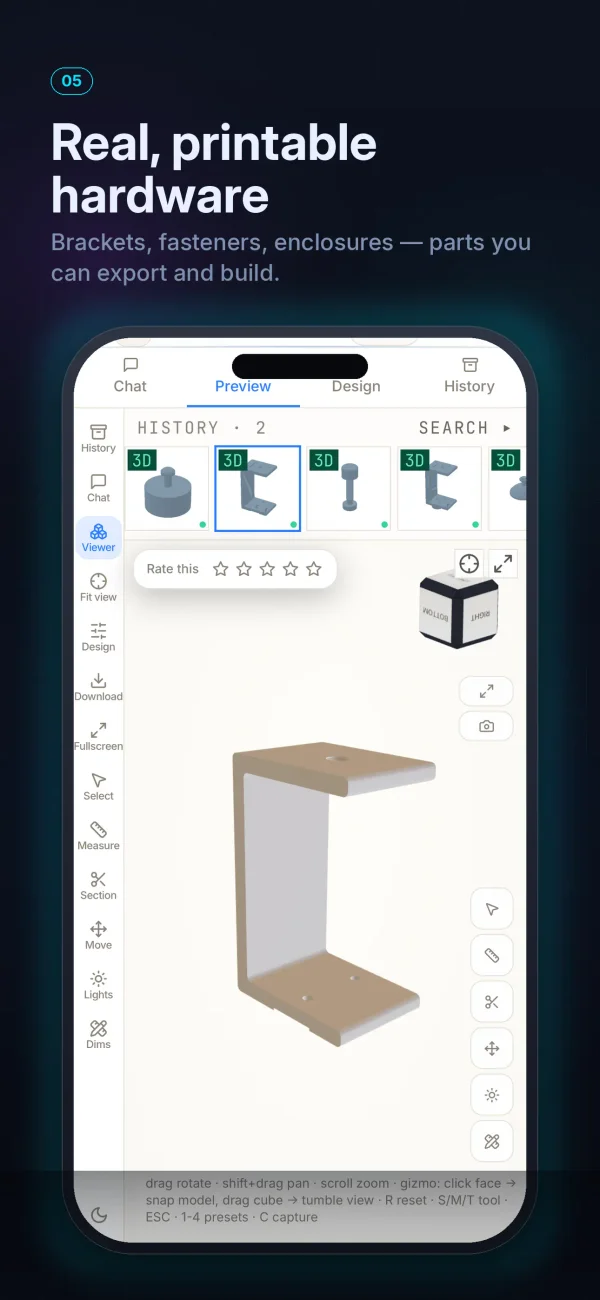
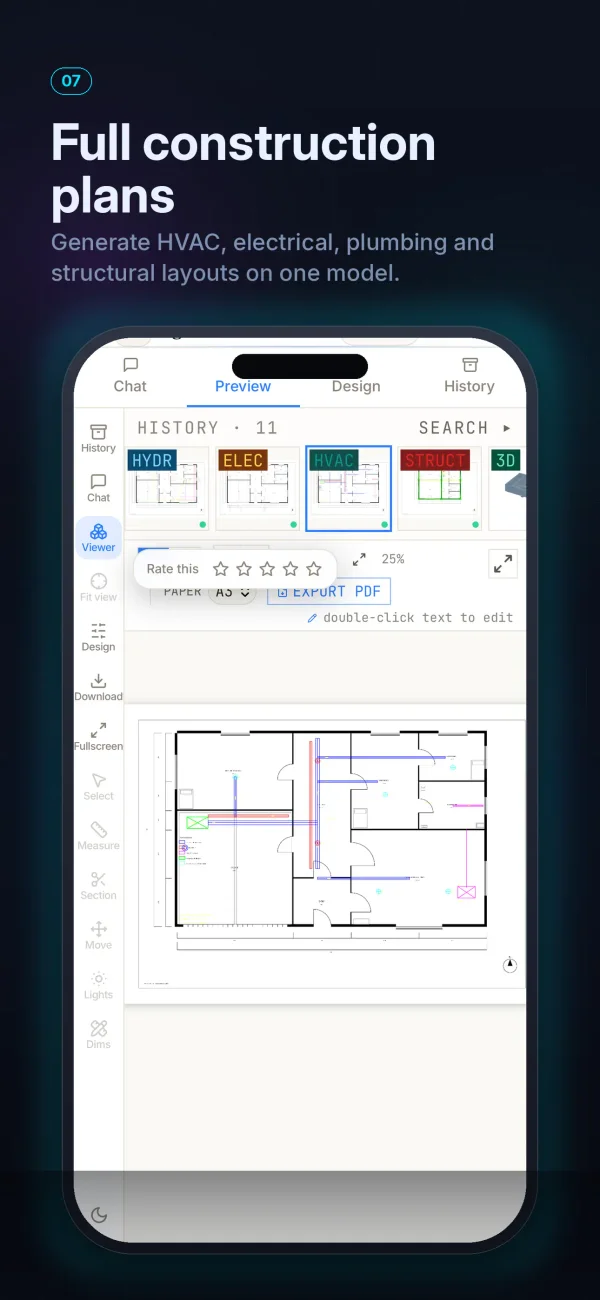
AiCADGen uses AI to generate 3D models, engineering drawings, and manufacturing files from simple text descriptions, sketches, technical drawings, or reference images. Whether you're prototyping a product, designing a mechanical part, or creating a custom component for 3D printing or fabrication, AiCADGen helps you move from concept to CAD in minutes instead of hours.
Perfect for engineers, designers, makers, students, inventors, manufacturers, and anyone who needs professional CAD files without spending hours modelling.
FEATURES
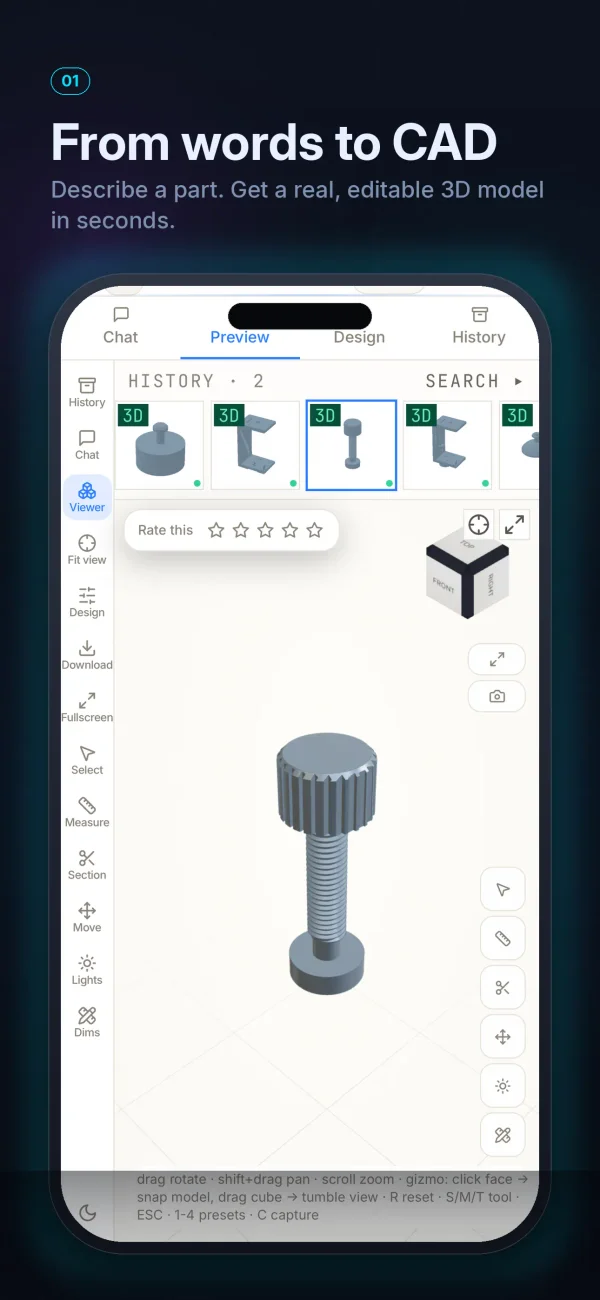
• Generate 3D CAD models from text prompts
• Convert sketches, photos, and technical drawings into editable CAD
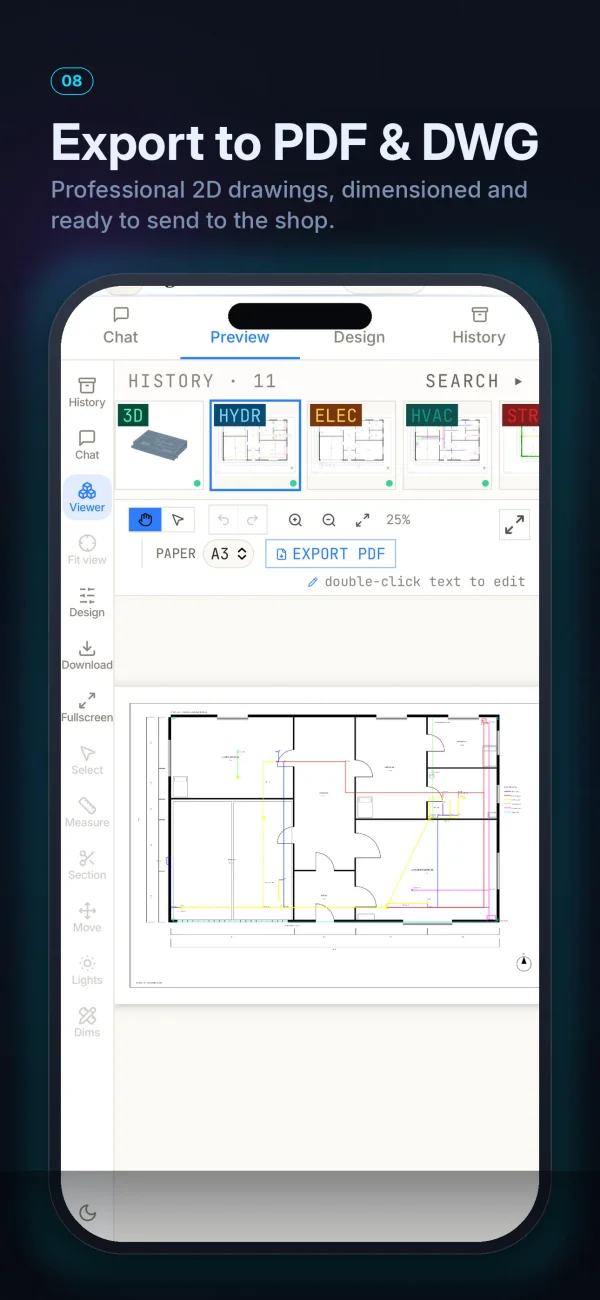
• Create dimensioned engineering drawings automatically
• Export STL, STEP, DXF, PDF, SVG, OBJ and more
• Interactive 3D model viewer with zoom, rotate and inspect controls
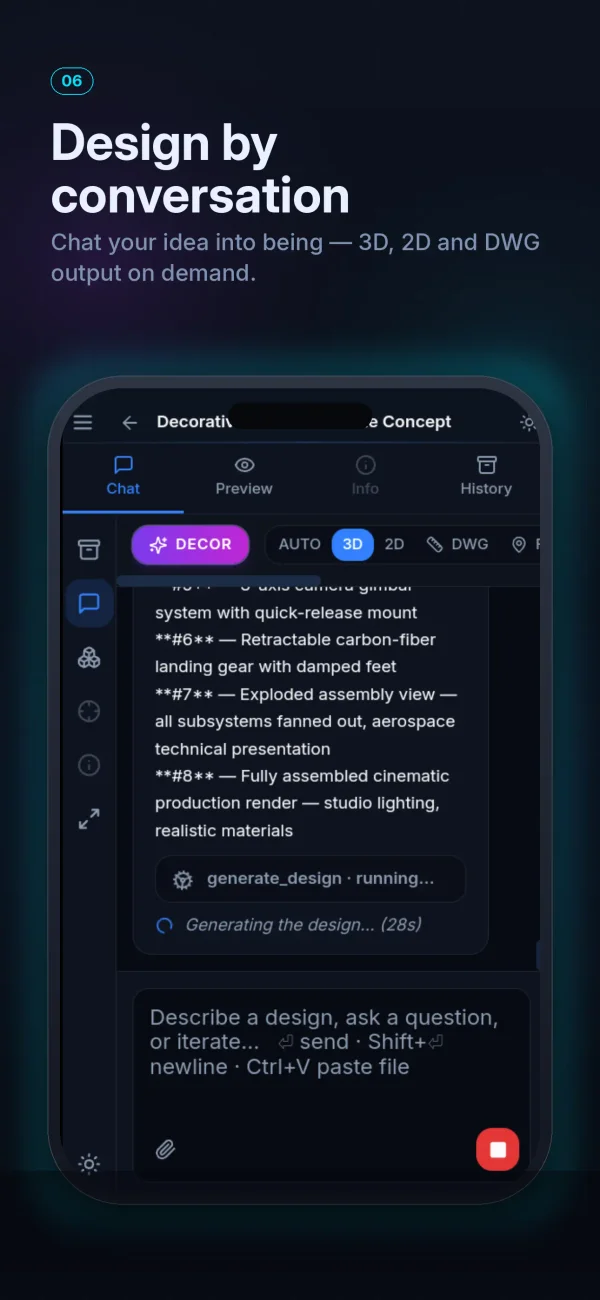
• AI-assisted design refinement through natural conversation
• Parametric geometry generation
• Fast concept iteration and design exploration
• Generate printable models for 3D printing
• Produce files suitable for CNC machining, laser cutting and manufacturing workflows
• Cloud-based projects available across your devices
CREATE FROM NATURAL LANGUAGE
Describe your design as you would explain it to another engineer. Specify dimensions, materials, wall thickness, tolerances, hole sizes, mounting points, threads, clearances, manufacturing processes, or design intent. The more detail you provide, the better the generated result.
IMPORT REFERENCE IMAGES
Upload hand sketches, whiteboard drawings, screenshots, existing technical drawings, product photos, or concept artwork. AiCADGen analyses your references and uses them together with your instructions to generate accurate CAD models and engineering drawings.
EXPORT FOR YOUR WORKFLOW
Generate the formats your workflow requires.
• STL for 3D printing
• STEP for professional CAD software
• DXF for CNC machining and laser cutting
• PDF engineering drawings
• SVG vector files
• OBJ and additional 3D formats
BUILT FOR
• Mechanical engineering
• Product design
• Industrial design
• Manufacturing
• 3D printing
• CNC machining
• Laser cutting
• Sheet metal concepts
• Prototype development
• Education
• DIY and maker projects
WHY AICADGEN
Traditional CAD modelling can take hours for even simple concepts. AiCADGen accelerates early-stage design by generating models and drawings from natural language, allowing you to explore ideas, iterate quickly, and prepare files for manufacturing workflows faster.
Whether you're creating brackets, enclosures, adapters, fixtures, storage systems, machine components, workshop tools, furniture parts, or custom mechanical assemblies, AiCADGen helps turn concepts into CAD-ready designs.
GET STARTED
Every new account includes credits to explore the AiCADGen workflow. Generate your first designs, inspect the interactive 3D model, and review engineering drawings before choosing the option that best suits your projects. When you're ready, unlock exports through a subscription or a one-time design unlock.
GOOD TO KNOW
AiCADGen is a design and drafting accelerator, not a replacement for professional engineering review. Generated models and drawings should always be verified before manufacturing, fabrication, installation, or safety-critical use.
SUBSCRIPTIONS
Choose the plan that fits your workflow. Paid plans include commercial use and CAD file exports, while higher tiers provide faster generation, higher-quality results, priority processing, team features, and API access. Individual design export unlocks are also available, and purchased credits stay on your account until you use them.
Subscriptions renew automatically each month unless canceled at least 24 hours before the period ends. Manage or cancel in your App Store settings.
Terms of Use (EULA): https://www.apple.com/legal/internet-services/itunes/dev/stdeula/
Privacy Policy: https://aicadgen.com/privacy
新機能
バージョン 1.0.17 · 2026/8/30
General Improvement and fixes
7-day free trial Maker subscription
アプリのプライバシー
このアプリのデータの取り扱いについて、Ali El AliがApp Storeで申告している内容です。
-
ユーザーに関連付けられたデータ
収集され、ユーザーの識別情報に関連付けられる場合があります。
- 財務情報
- 連絡先情報
- ID
-
ユーザーに関連付けられないデータ
収集される場合がありますが、ユーザーの識別情報には関連付けられません。
- ID
プライバシーの取り扱いは、ご利用の機能やお客様の年齢などに応じて異なる場合があります。
情報
- 販売元
- Ali El Ali
- カテゴリ
- 仕事効率化
- バージョン
- 1.0.17
- 更新日
- 2026/8/30
- リリース
- 2026/8/13
- サイズ
- 23.0 MB
- 必要条件
- iOS 15.0以降
- 対象年齢
- 4+
- 価格
- 無料
- アプリ内課金
- あり
- 言語
- 英語
- 著作権
- © AiCADGen 2026