- 対象年齢4+
- カテゴリ仕事効率化
- 開発元Moath Asfour
- 言語英語
- サイズ18.8 MB
App Storeの公式ページにリンクしています
Download.orgはAimo Pointerのファイルを一切ホストしていません。ボタンを押すと、Moath Asfourが公開しているApp Storeのアプリページが開きます。ページの最終確認:2026/11/13。
スクリーンショット

概要
開発元はこのテキストをお使いの言語で提供していません。
Aimo turns your iPhone into a wireless laser pointer and presentation remote for your computer.
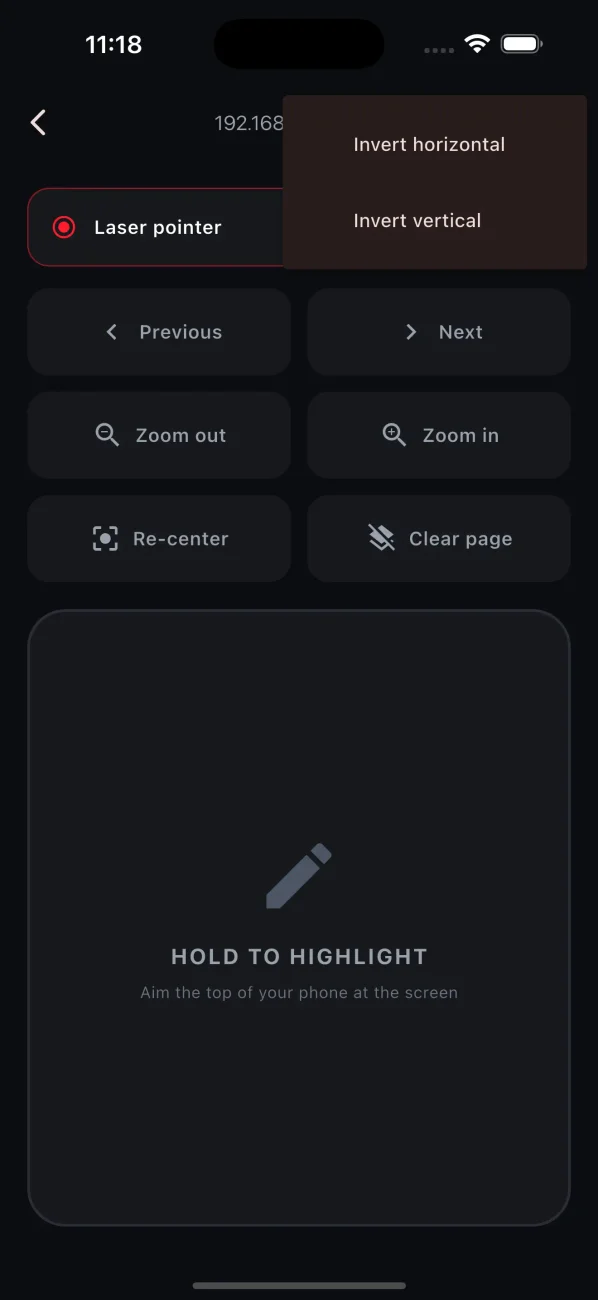
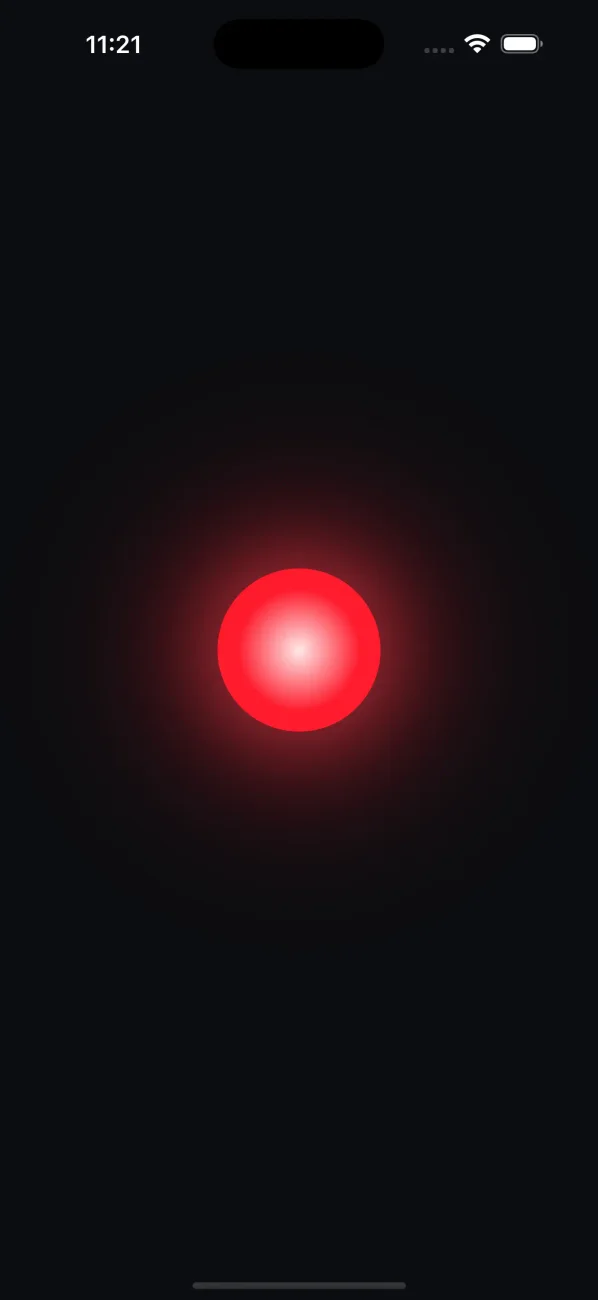
Move your hand, and a glowing red dot follows on the big screen — just like a real laser pointer. Hold to draw highlights over your slides, flip pages, and zoom, all from the phone in your hand. Wearing an Apple Watch? Point and control your presentation right from your wrist.
HOW IT WORKS
Open the free Aimo companion app on your Mac or Windows PC, open your document, and scan the QR code with your iPhone. That's it — no accounts, no setup, no cables.
POINT NATURALLY
Aimo uses your phone's motion sensors to move the pointer the way you'd point a finger. Smooth, responsive, and precise — it feels like the laser is coming out of your phone.
HIGHLIGHT AS YOU TALK
Hold the highlight pad to draw over your slides in real time. Circle a number, underline a sentence, mark what matters. Your marks stay on each page as you navigate, and clear with a tap.
WORKS WITH YOUR DOCUMENTS
Present PDF files, plus Word, Excel, and PowerPoint (using the free LibreOffice helper on your computer). Open a document on the desktop companion and present it fullscreen with your pointer on top.
APPLE WATCH INCLUDED
Leave your phone in your pocket. The Aimo watch app lets you point with your wrist, change slides, and highlight — a presentation remote you literally wear.
PRIVATE BY DESIGN
Everything happens on your local Wi-Fi network. No cloud, no servers, no accounts, no data collected — your documents never leave your computer.
PERFECT FOR
Presentations and pitches
Lectures and classrooms
Team meetings and reviews
Any time you'd reach for a laser pointer
Aimo requires the free desktop companion app for Mac and Windows, available at aimo-app-pointer.web.app
新機能
バージョン 1.1.0+2 · 2026/10/26
• Reconnects on its own after a Wi-Fi drop
• Clearer messages when your phone can’t reach your computer
• One-tap reconnect to your last computer
• Camera turns off while you present
• Get the free desktop app right from the app
アプリのプライバシー
このアプリのデータの取り扱いについて、Moath AsfourがApp Storeで申告している内容です。
-
データの収集なし
開発元はこのアプリからデータを収集しません。
プライバシーの取り扱いは、ご利用の機能やお客様の年齢などに応じて異なる場合があります。
情報
- 販売元
- Moath Asfour
- カテゴリ
- 仕事効率化
- バージョン
- 1.1.0+2
- 更新日
- 2026/10/26
- リリース
- 2026/7/24
- サイズ
- 18.8 MB
- 必要条件
- iOS 15.5以降
- 対象年齢
- 4+
- 価格
- 無料
- 言語
- 英語
- 著作権
- © 2026 Moath Asfour