
- Age rating4+
- CategoryProductivity
- DeveloperMoath Asfour
- LanguagesEnglish
- Size18.8 MB
Links to the official App Store page
Download.org hosts no file of Aimo Pointer. The button opens its official App Store page, published by Moath Asfour. Listing last checked on Nov 13, 2026.
Screenshots
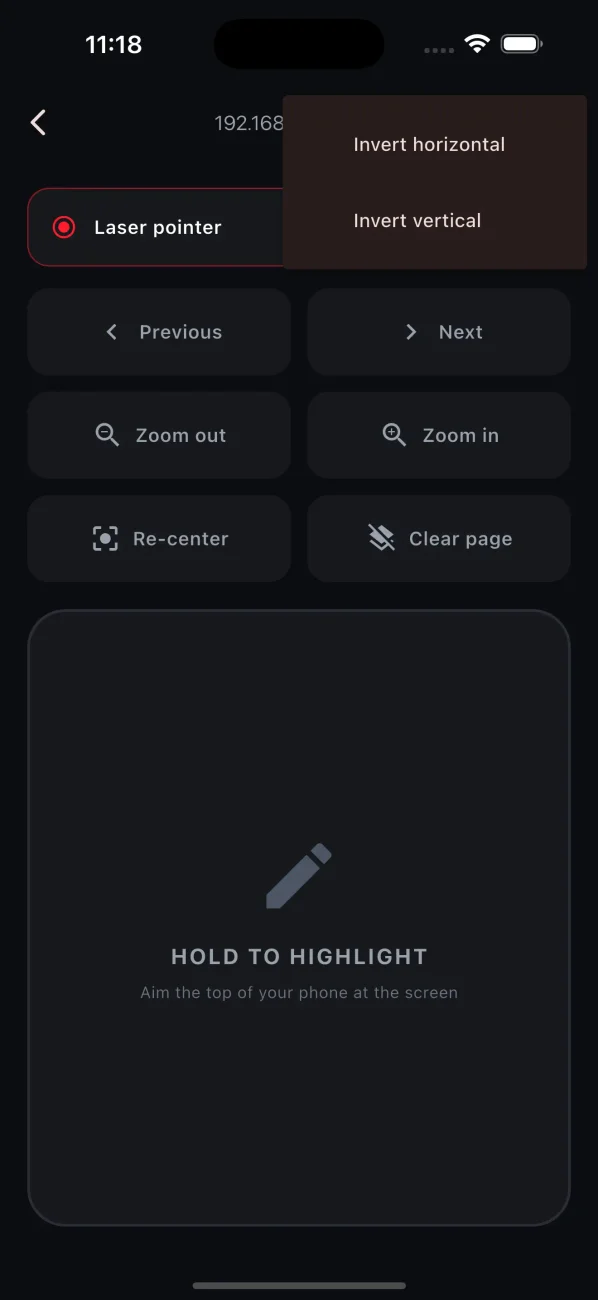

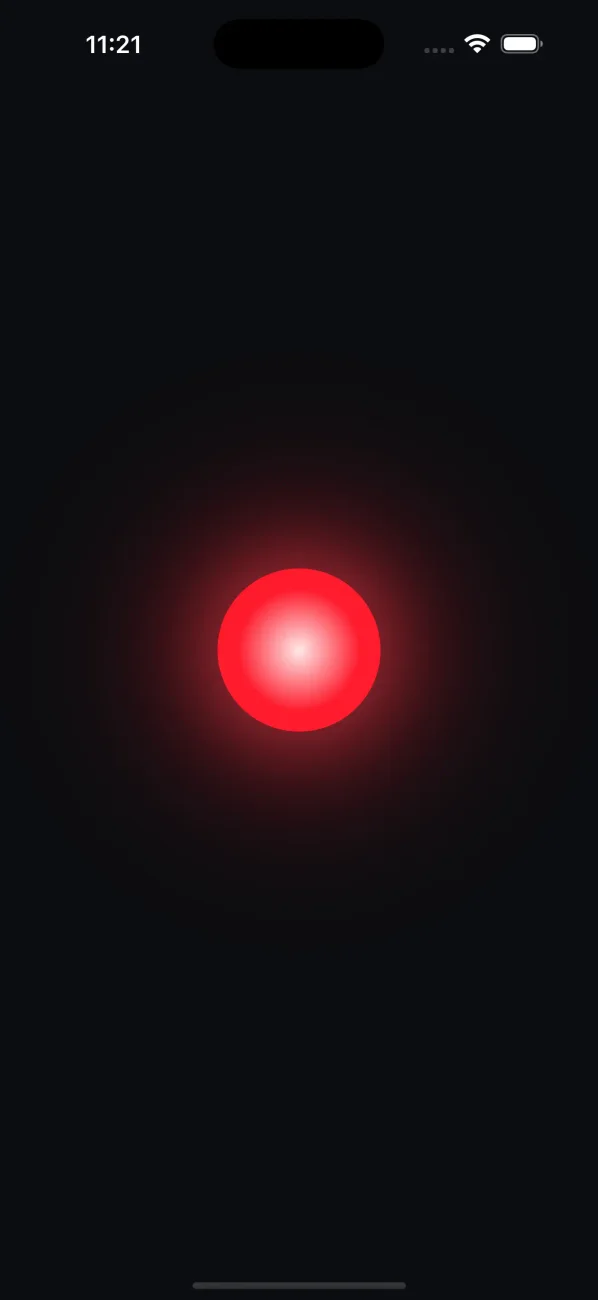
About
Aimo turns your iPhone into a wireless laser pointer and presentation remote for your computer.
Move your hand, and a glowing red dot follows on the big screen — just like a real laser pointer. Hold to draw highlights over your slides, flip pages, and zoom, all from the phone in your hand. Wearing an Apple Watch? Point and control your presentation right from your wrist.
HOW IT WORKS
Open the free Aimo companion app on your Mac or Windows PC, open your document, and scan the QR code with your iPhone. That's it — no accounts, no setup, no cables.
POINT NATURALLY
Aimo uses your phone's motion sensors to move the pointer the way you'd point a finger. Smooth, responsive, and precise — it feels like the laser is coming out of your phone.
HIGHLIGHT AS YOU TALK
Hold the highlight pad to draw over your slides in real time. Circle a number, underline a sentence, mark what matters. Your marks stay on each page as you navigate, and clear with a tap.
WORKS WITH YOUR DOCUMENTS
Present PDF files, plus Word, Excel, and PowerPoint (using the free LibreOffice helper on your computer). Open a document on the desktop companion and present it fullscreen with your pointer on top.
APPLE WATCH INCLUDED
Leave your phone in your pocket. The Aimo watch app lets you point with your wrist, change slides, and highlight — a presentation remote you literally wear.
PRIVATE BY DESIGN
Everything happens on your local Wi-Fi network. No cloud, no servers, no accounts, no data collected — your documents never leave your computer.
PERFECT FOR
Presentations and pitches
Lectures and classrooms
Team meetings and reviews
Any time you'd reach for a laser pointer
Aimo requires the free desktop companion app for Mac and Windows, available at aimo-app-pointer.web.app
What’s new
Version 1.1.0+2 · Oct 26, 2026
• Reconnects on its own after a Wi-Fi drop
• Clearer messages when your phone can’t reach your computer
• One-tap reconnect to your last computer
• Camera turns off while you present
• Get the free desktop app right from the app
App privacy
What Moath Asfour declares on the App Store about how this app handles data.
-
Data not collected
The developer does not collect any data from this app.
Privacy practices may vary, for example with the features you use or your age.
Information
- Seller
- Moath Asfour
- Category
- Productivity
- Version
- 1.1.0+2
- Updated
- Oct 26, 2026
- Released
- Jul 24, 2026
- Size
- 18.8 MB
- Requires
- iOS 15.5 or later
- Age rating
- 4+
- Price
- Free
- Languages
- English
- Copyright
- © 2026 Moath Asfour
You might also like
-
 PlainScan: PDF ConverterWord, Images, Compress & Merge
-
 GuyunYour cloud. Your storage.
-
 Presenter Remote: Slides & TVLaser Pointer, PDF, Clicker
-
 Deep Work: Focus & FlowFocus, Reflect & Improve
-
 SlideLynk: PPT Control RemoteProductivity
-
 iLlumination US - FlashlightProductivity
-
 SIGN: Say it in SIGNGlow-Up Scrolling Messages
-
 Qik OfficeQik - #1 AI Office app
-
 State HIT ConnectProductivity
-
 Notta for IntuneSpeech Notes, Meeting Recorder