
Algorithms: Animation Display
Visual Debug Problems!
iPhone, iPad, iPod touch向けに設計
無料 · アプリ内課金
- 対象年齢4+
- カテゴリ開発ツール
- 開発元森 林
- 言語英語ほか1言語
- サイズ25.4 MB
App Storeの公式ページにリンクしています
Download.orgはAlgorithms: Animation Displayのファイルを一切ホストしていません。ボタンを押すと、森 林が公開しているApp Storeのアプリページが開きます。ページの最終確認:2026/11/12。
スクリーンショット
概要
開発元はこのテキストをお使いの言語で提供していません。
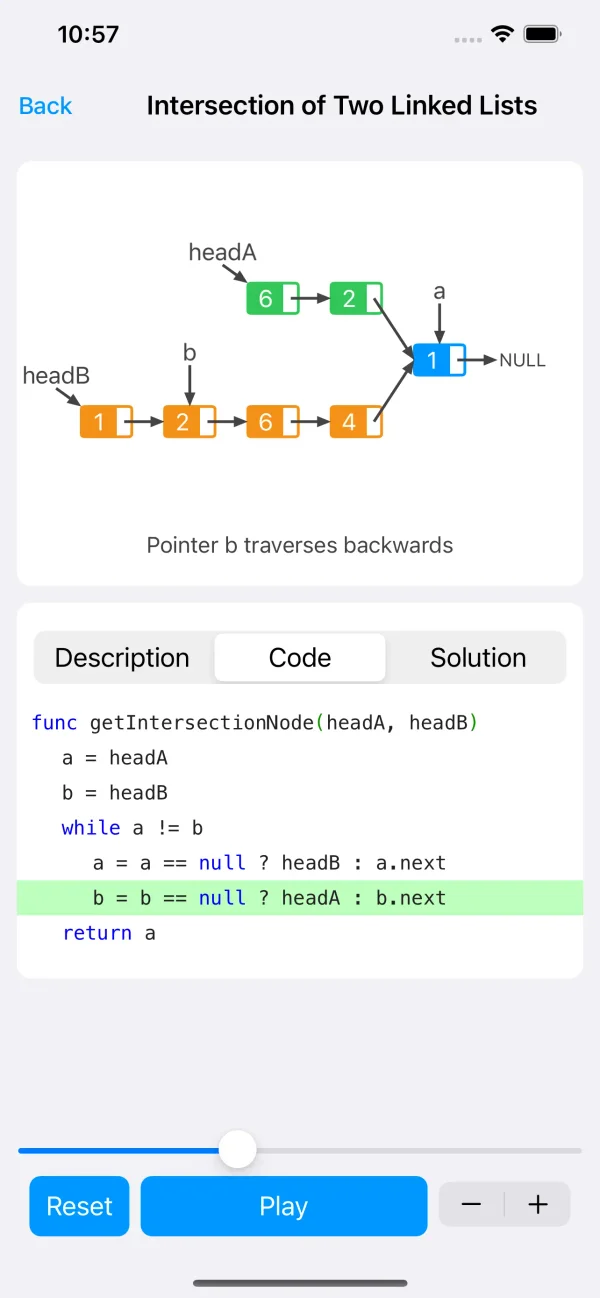
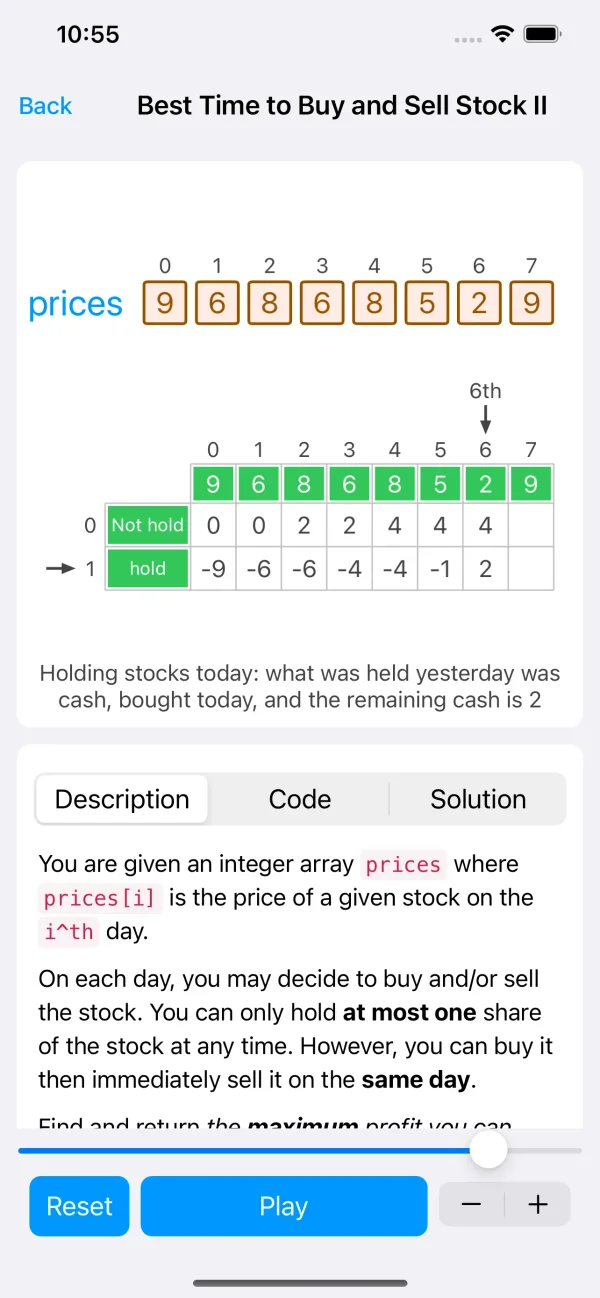
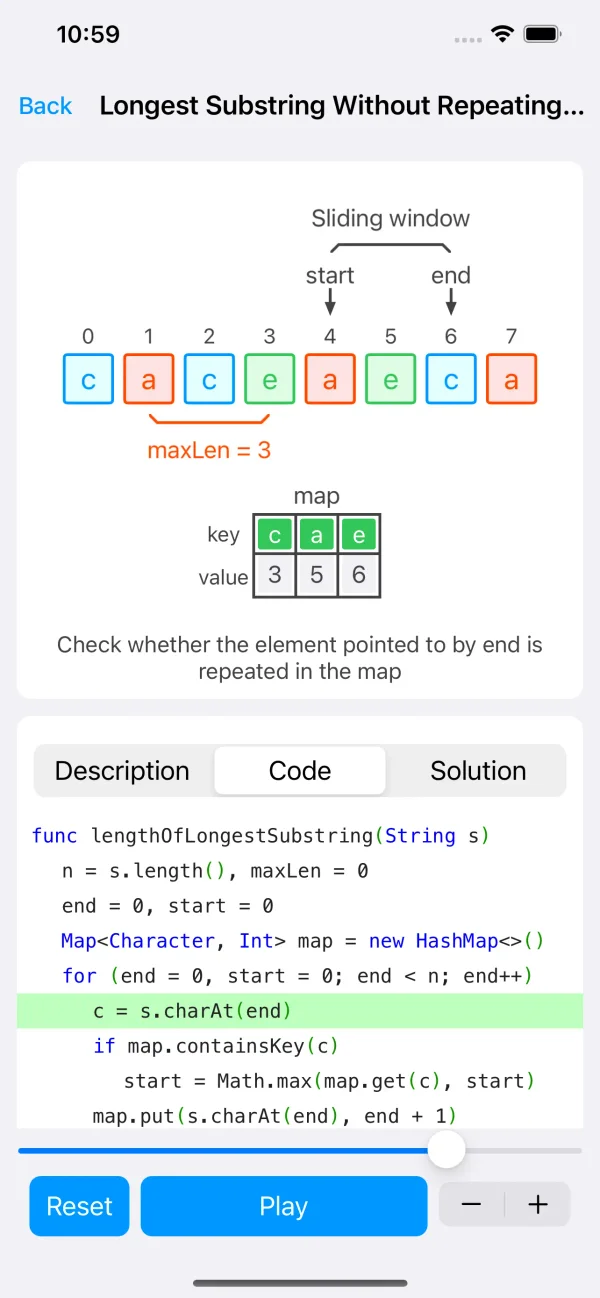
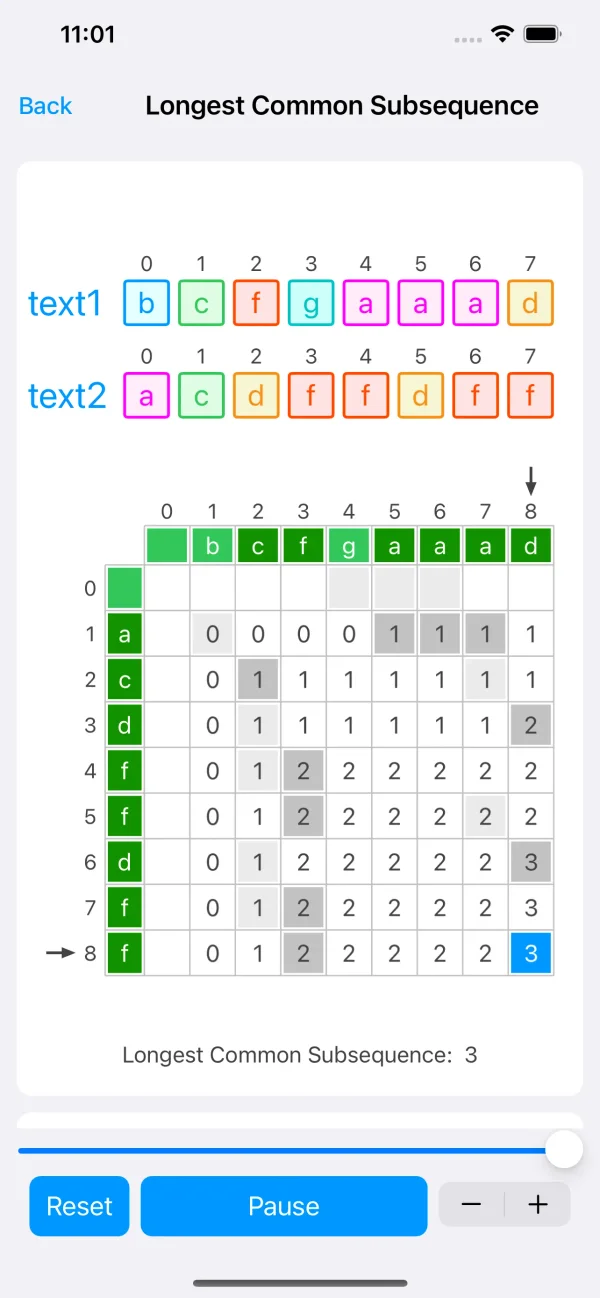
Did you pass the interview algorithm question? Learning algorithm questions takes too much time? Not your problem! Before this, no algorithmic learning method could be so simple and efficient.
It only takes three steps to become an algorithm master:
The first step is to read the question;
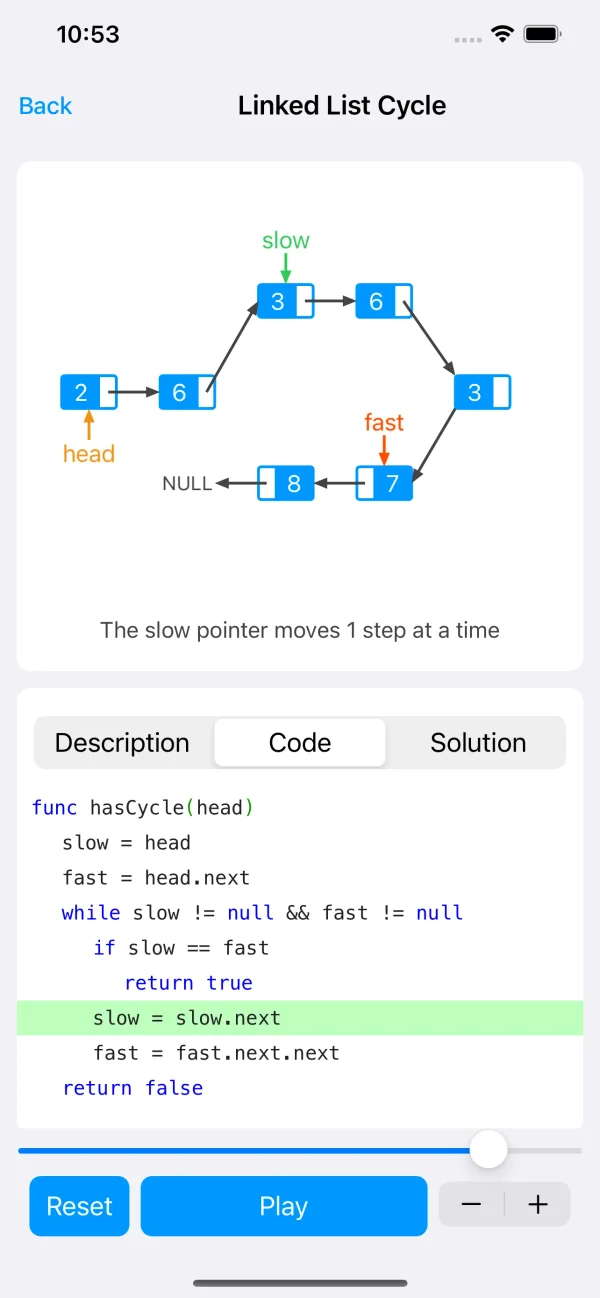
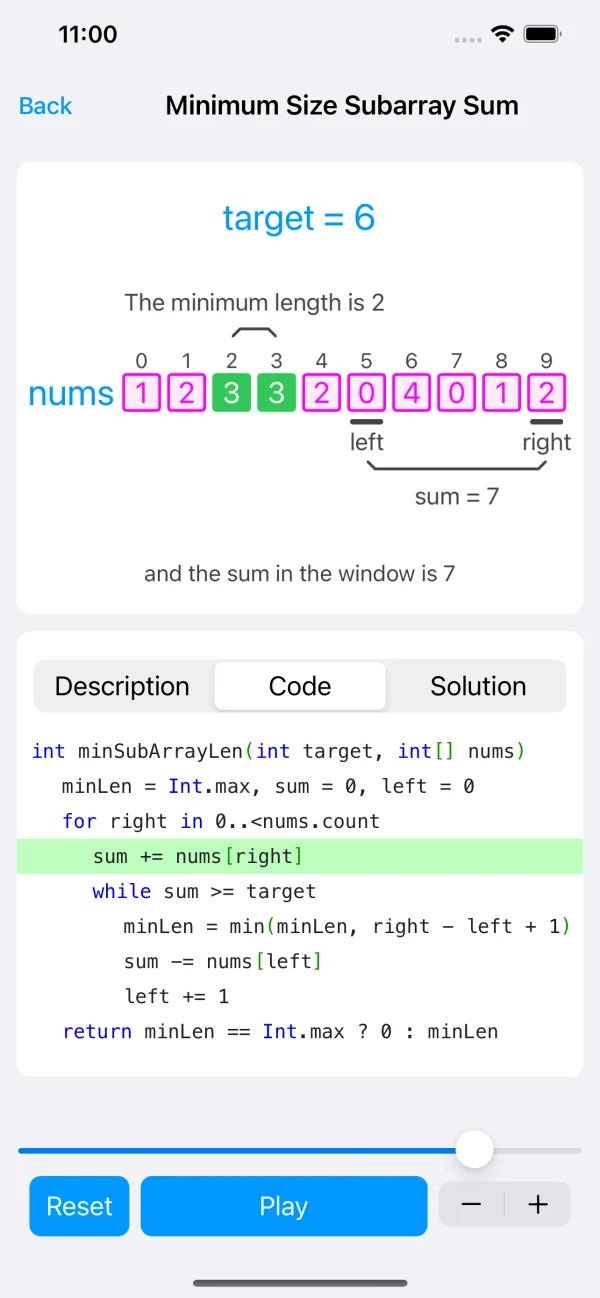
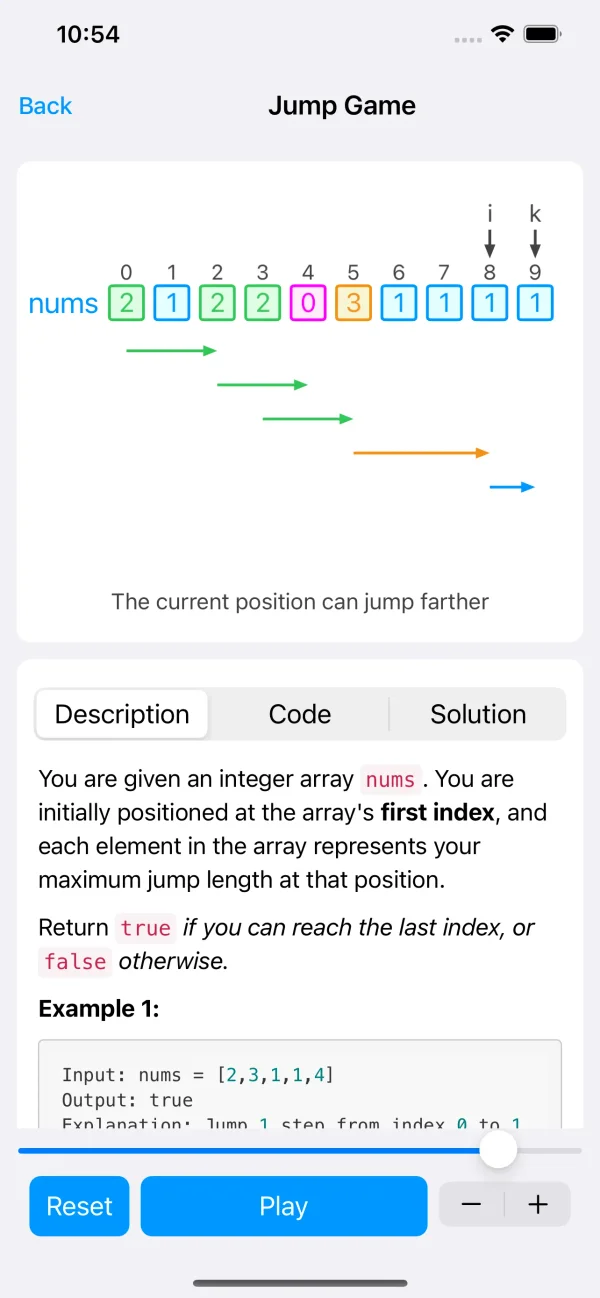
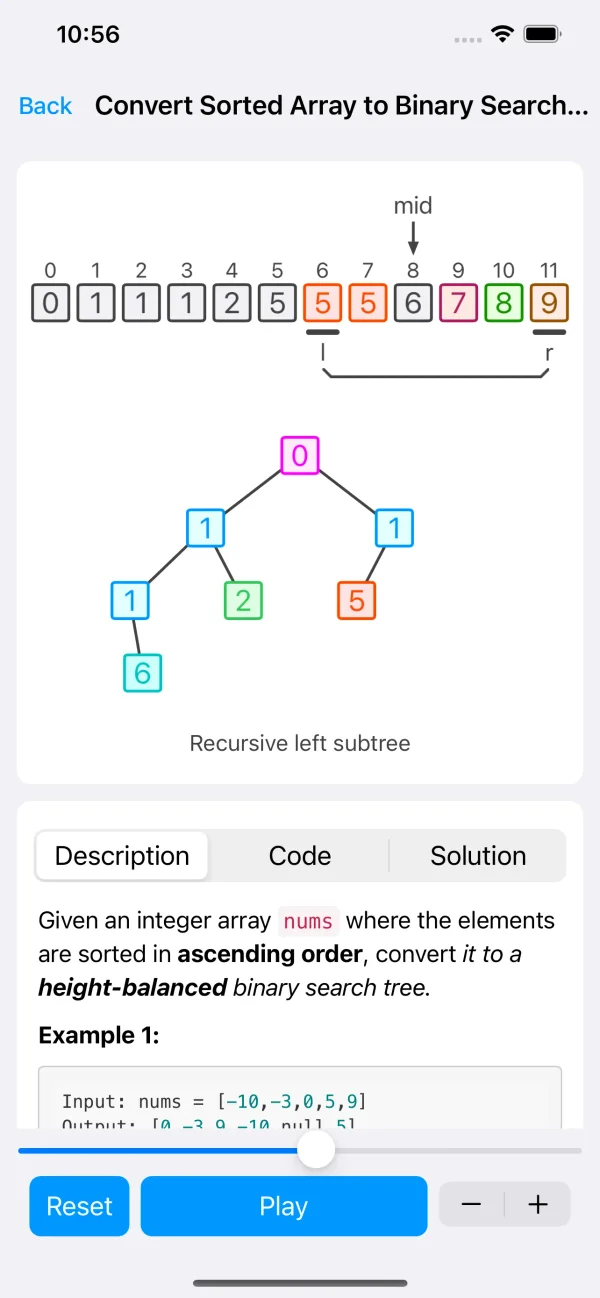
The second step is to play the animation, refer to the subtitles, and understand the ideas and codes;
The third step is to read, analyze and summarize;
Why do you make an algorithm animation diagram app?
Like many programmers, I have to prepare a lot of time to brush up the algorithm every time I change jobs. Very good, in the process of brushing the questions, you must first read the solution. I also read a lot of problem solutions from big guys on the Internet, and I especially like to read algorithm analysis with moving pictures or schematic diagrams, which is faster than reading text. In the process, several problems were also found, such as: the animation is not interactive and cannot be paused; the data is dead and cannot be changed; it is not convenient to study on the mobile phone, etc.
I saw some good animations at the beginning, and I had a strong urge to implement them in the app with native code several times. This time I finally made up my mind and made 70 animations in one go.
I understand that the positioning of this app is a tool that can help us quickly understand algorithm ideas and codes, help memory, and improve learning efficiency. But here you can't submit, you can't execute the code, and the code still needs to be typed on the computer to make it feel better.
Why is it not arranged in the order of the leetcode number?
At present, the algorithm questions are classified into three major blocks:
- linked list, string, array, binary tree;
- Backtracking, greedy, dynamic programming, divide and conquer;
- Sort and classify separately.
Under each category, the difficulty is divided into easy, medium and hard.
First classify data structures and algorithms separately, and learn according to knowledge points. For example, you can concentrate on learning binary tree structures or dynamic programming algorithms, so that concentrated saturation training can help improve learning efficiency. The data structure comes first, and the algorithm follows, which is also arranged in the order in which we learn theoretical knowledge.
In terms of algorithms, four types are currently arranged: backtracking, greedy, dynamic programming, and divide-and-conquer.
When I learned data structures and algorithms many years ago, I first came into contact with various sorting algorithms. At that time, I felt that sorting was too difficult, and I was very impressed, so I made a separate sorting classification for beginners.
Thinking on how to combine animation and code and other interactive issues
- In the process of learning algorithms by myself, I often understand the ideas, but I can't understand the codes, and many codes in the text explanations have no comments. Seeing this is a big headache. Therefore, when thinking about App interaction, the code highlighting function is specially designed, which means that each line of code will be highlighted as the animation progresses. In this way, the animation is executing, the code is highlighted, and it looks cool.
- Although the animation is easy to understand, it still needs some short explanations, so the "subtitle" function is designed below the animation. Every time the corresponding step is executed, the corresponding explanation will be displayed.
- Animation playback and reset, each algorithm page has a playback function, so how to prepare test cases? To simplify the concept of test cases, a "reset" button is designed, which means that the test cases are random. When you want to change a set of data, just click reset.
新機能
バージョン 4.0.1 · 2025/8/17
Fixed stability issues that could cause unexpected app crashes.
Improved system compatibility.
アプリのプライバシー
このアプリのデータの取り扱いについて、森 林がApp Storeで申告している内容です。
-
ユーザーに関連付けられないデータ
収集される場合がありますが、ユーザーの識別情報には関連付けられません。
- ID
- 使用状況データ
- 診断
プライバシーの取り扱いは、ご利用の機能やお客様の年齢などに応じて異なる場合があります。
情報
- 販売元
- 森 林
- カテゴリ
- 開発ツール
- バージョン
- 4.0.1
- 更新日
- 2025/8/17
- リリース
- 2023/1/23
- サイズ
- 25.4 MB
- 必要条件
- iOS 15.6以降
- 対象年齢
- 4+
- 価格
- 無料
- アプリ内課金
- あり
- 言語
- 英語, 簡体字中国語
- 著作権
- © 2024 linsen
こちらもおすすめ
-
 Expo & React Native components開発ツール
-
 Cursornow - Cursor Dashboard開発ツール
-
 React Native Reusables開発ツール
-
 Blueterminal開発ツール
-
 JavaScript Console Scripts開発ツール
-
 OnSpace AI: Mobile App Builder開発ツール
-
 MusicLAB by Music.AI開発ツール
-
 Pocket Assembler開発ツール
-
 Serial BLE Console開発ツール
-
 SSH ターミナル - リモート Claude、CodexDocker|クラウドサーバー管理|リモートスクリプト実行