- 対象年齢4+
- カテゴリ仕事効率化
- 開発元TapWyze Global LLC
- 言語英語
- サイズ51.5 MB
App Storeの公式ページにリンクしています
Download.orgはAll File Readerのファイルを一切ホストしていません。ボタンを押すと、TapWyze Global LLCが公開しているApp Storeのアプリページが開きます。ページの最終確認:2026/11/12。
スクリーンショット

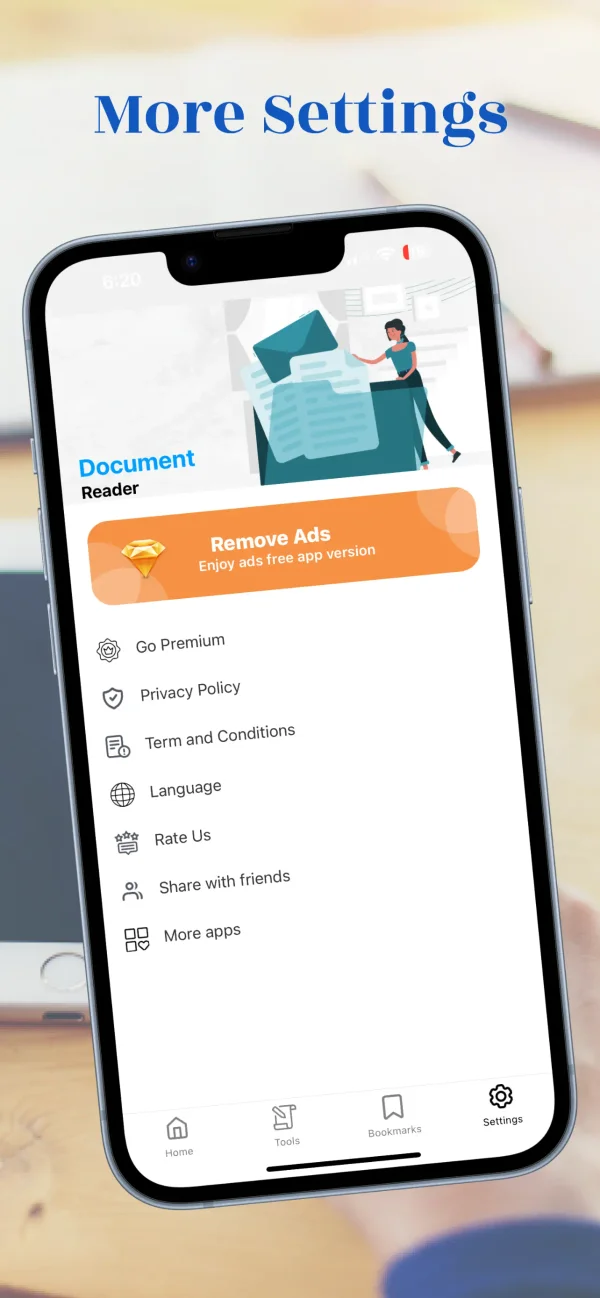
概要
開発元はこのテキストをお使いの言語で提供していません。
Unlock the Ultimate Document Experience with Our All-in-One PDF Reader, PDF Converter, and All File Reader App!
Key Features:
1. All Document Reader & Viewer:
PDF Reader: Enjoy smooth, fast PDF rendering. Pinch or double-tap to zoom in/out, and easily navigate pages with our intuitive slider or by entering a page number.
Annotations: Highlight, underline, strike through text, add comments, and sticky notes directly on your PDFs.
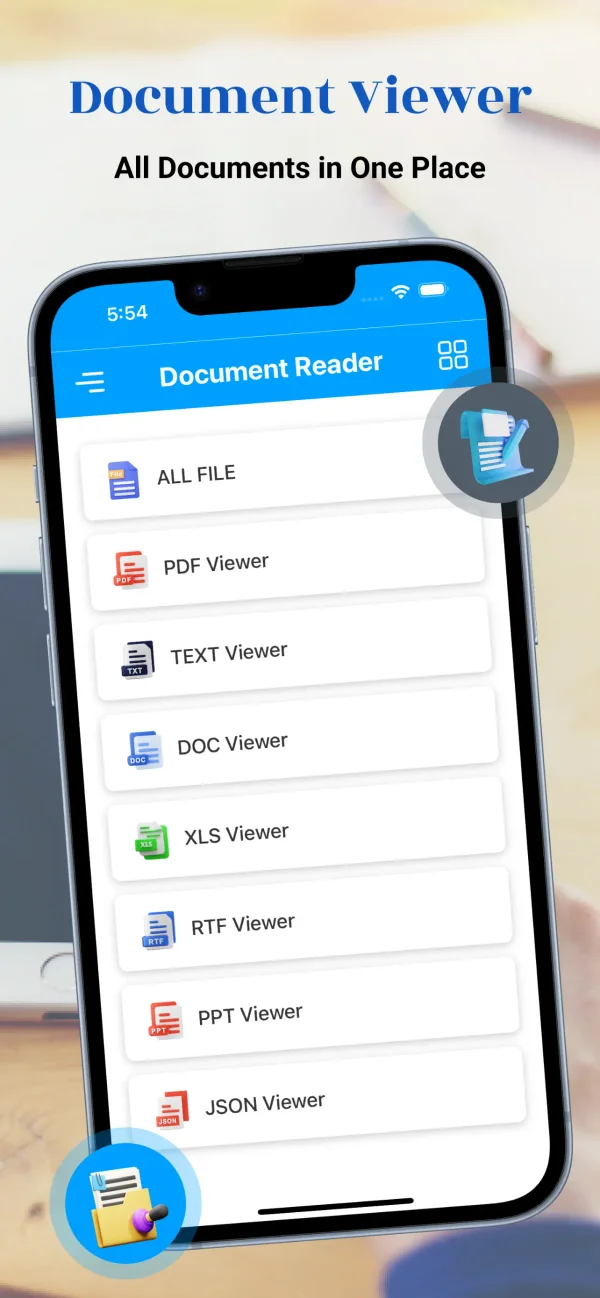
Office File Viewer: View and manage Word, Excel, PowerPoint, and other office formats like TXT, and RTF.
PPT Viewer: Open and view PowerPoint presentations (PPT, PPTX) with fast, stable performance.
Excel Viewer: View and manage Excel sheets (XLS, XLSX) effortlessly.
Text Viewer: Open and edit text files in various formats, including JSON Viewer for easy navigation of JSON files.
2. PDF Converter:
Convert to PDF:
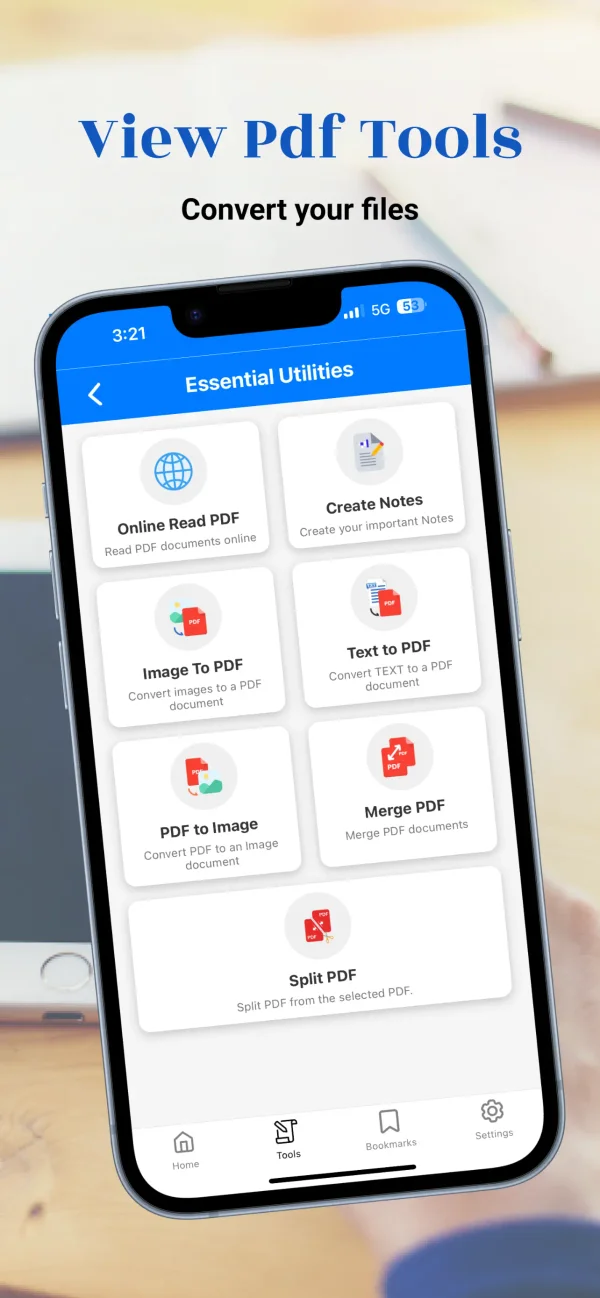
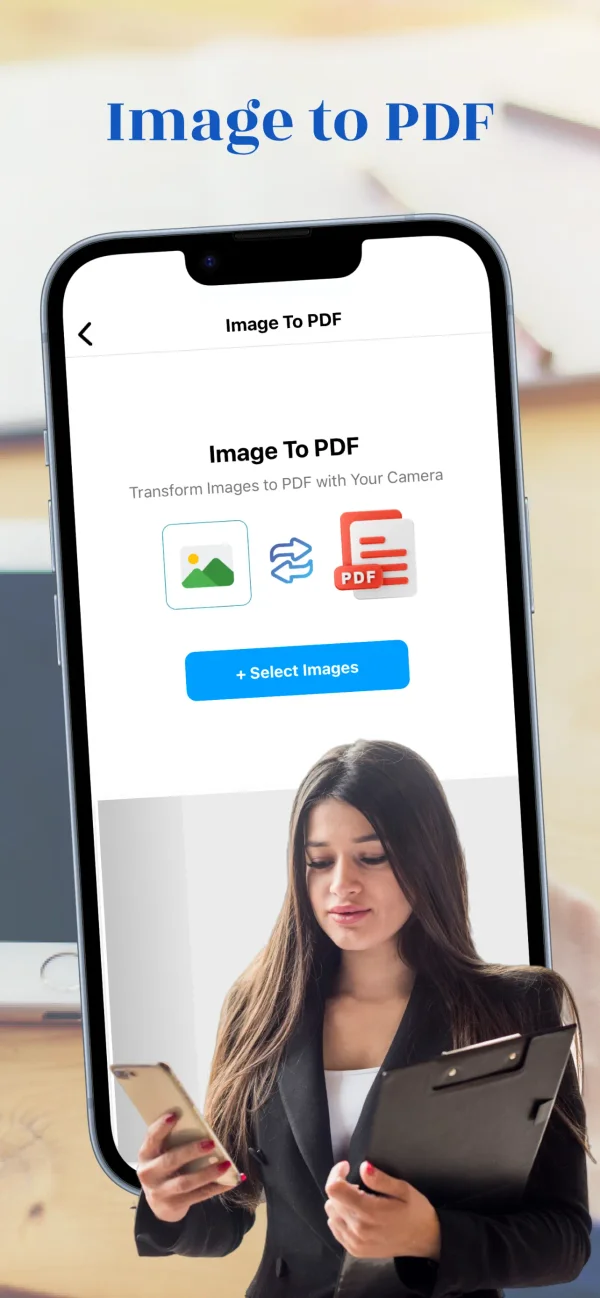
Image to PDF Converter: Instantly convert images (JPEG, PNG) into PDF files.
Text Files to PDF: Convert text files (TXT, DOCX) to PDF with a tap.
Convert from PDF:
PDF to Image Converter: Extract and save PDF pages as high-quality images.
PDF to Text: Extract text from PDFs for easy editing.
Merge PDFs: Combine multiple PDF files into one seamless document.
Split PDF: Effortlessly split a single PDF into multiple files.
Extract Pages: Save specific pages from any PDF.
3. Notes Creation & Management:
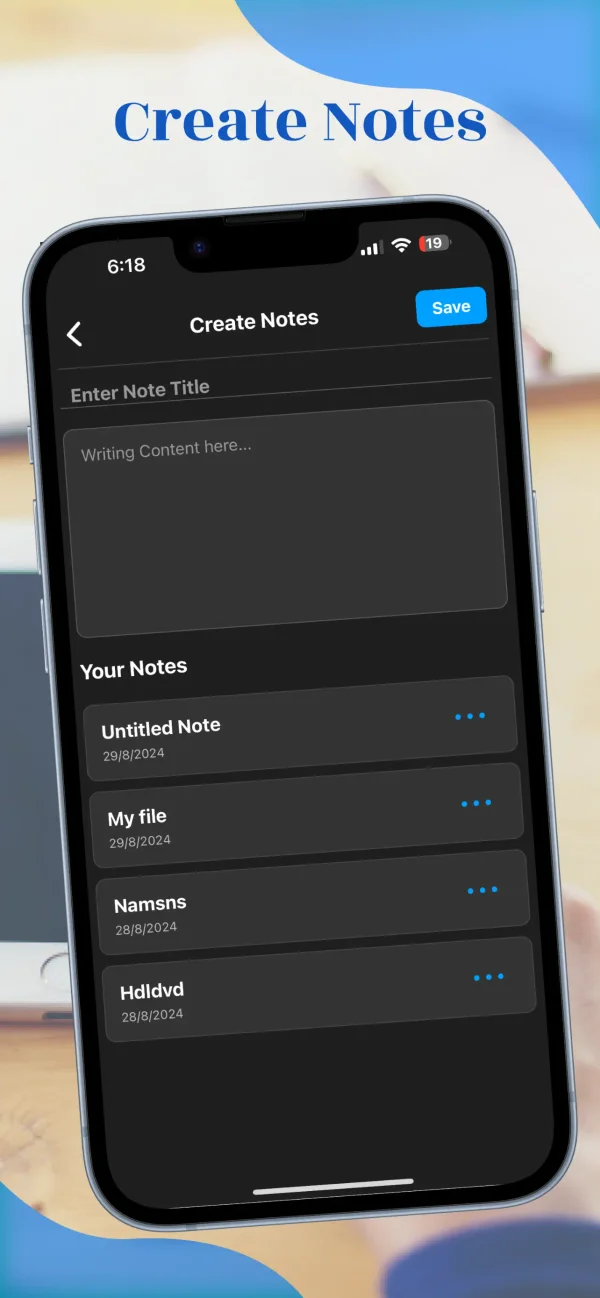
Create Notes: Quickly create, edit, and organize notes directly within the app.
Sync Notes: Sync your notes across devices for easy access.
4. File Management:
Organize Files: Create folders, rename, delete, and manage all your documents within the app.
Recent Files: Quickly access your recently viewed or edited files.
Offline Access: Work with your files without an internet connection.
5. Security & Privacy:
Data Privacy: No user data collection; all processing is done securely on your device.
Encryption: End-to-end encryption ensures complete privacy for your documents.
6. Additional Features:
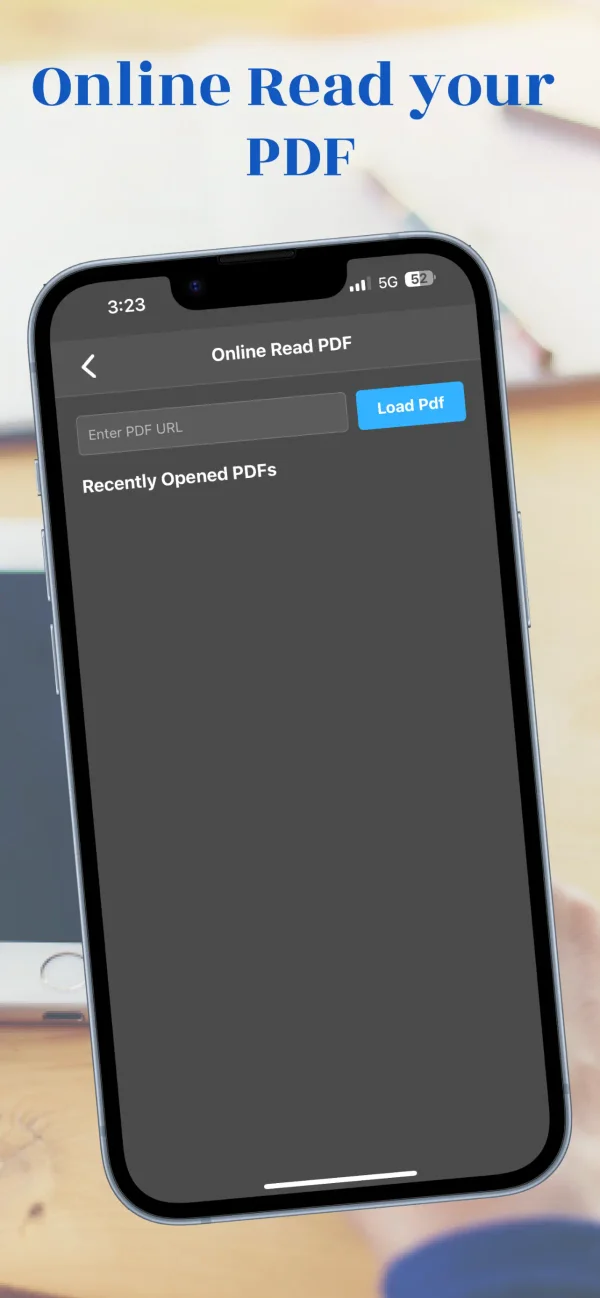
Online PDF Reader: Open and read PDF files directly from cloud services without downloading them.
Night Mode: Switch to night mode for comfortable reading in low-light conditions.
Upcoming Features:
Support for more formats like RAR, ZIP, MOBI, HTML, along with enhanced document editing capabilities.
Password Protection: Secure your PDFs by adding or removing passwords.
Watermarking: Add custom watermarks to your PDFs.
Compress PDF: Reduce file size for easier sharing.
PDF to Word: Convert PDF documents into editable Word files (DOCX).
PDF to Excel: Convert PDF tables into Excel spreadsheets.
Web Pages to PDF: Convert web pages (HTML) into PDFs for offline viewing.
Office Files to PDF: Easily convert Word, Excel, and PowerPoint files to PDF format.
Subscription:
Get unlimited access to all features, including prank sounds, fake calls, and stickers with our Premium Membership:
$1.99 per week or $29.99 per year.
Subscription Details:
Prices are for U.S. customers and may vary by country.
Payment is charged to your Apple Store Account at purchase.
Auto-renews unless turned off 24 hours before the current period ends.
Manage or cancel subscriptions in your Apple Store Account Settings.
Why Choose Our App?
Comprehensive Document Viewer: Supports PDF, DOC, DOCX, XLS, XLSX, PPT, TXT, PNG, JPG, RTF, and more.
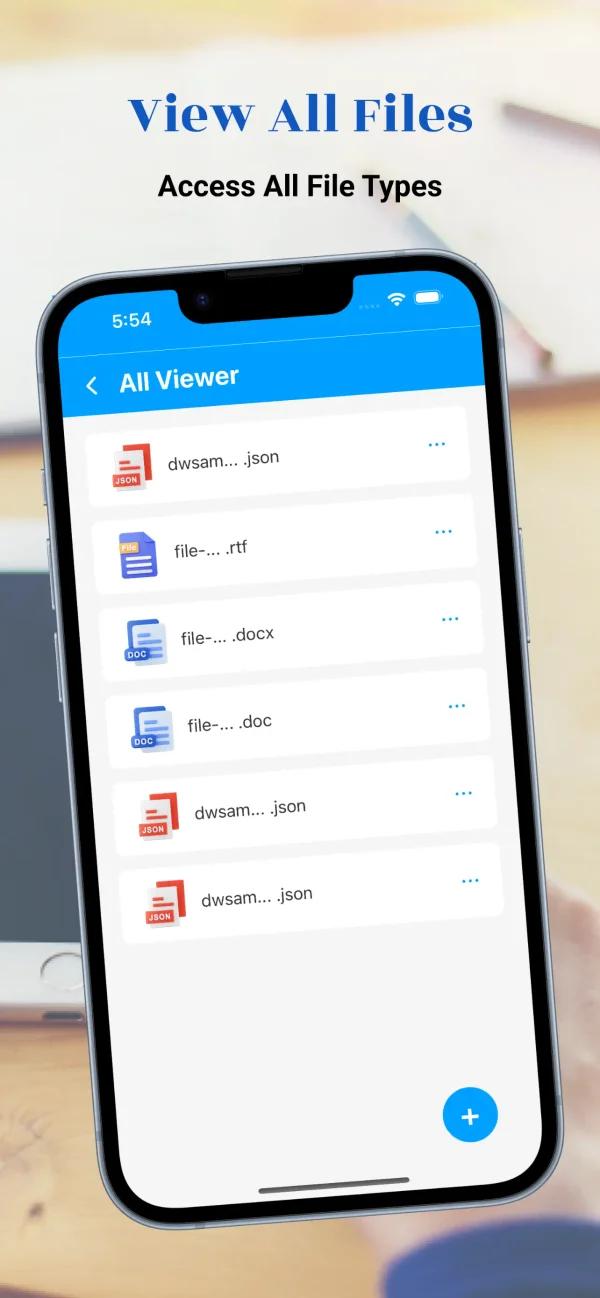
All-in-One File Viewer: View PDFs, Office files, images, and more with one app.
Offline Access: No internet required, read documents anytime, anywhere.
Simple File Management: Easily search, organize, and manage your files with a clear and intuitive interface.
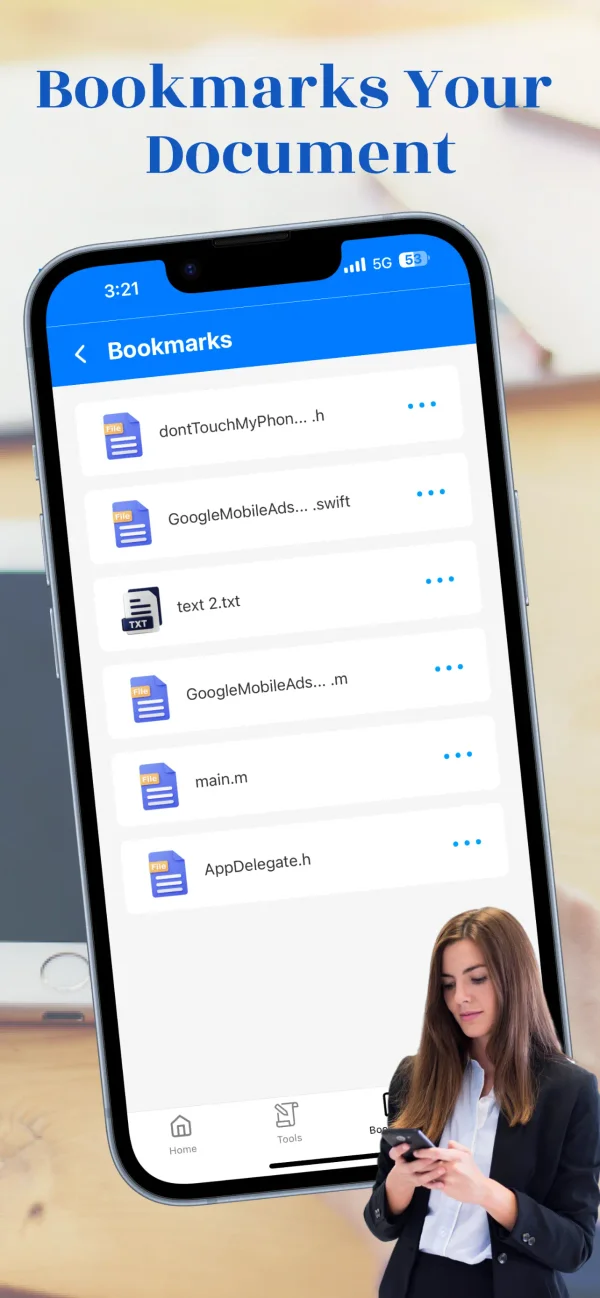
Bookmarking: Bookmark your favorite documents for quick access.
Download Now and Transform Your Document Management! Whether you need a PDF reader, file converter, or a comprehensive document viewer, our app is your ultimate solution. Download now and experience the convenience of managing all your files in one place!
新機能
バージョン 1.4.5 · 2026/1/20
Improve Ui and fixes crashes.
アプリのプライバシー
このアプリのデータの取り扱いについて、TapWyze Global LLCがApp Storeで申告している内容です。
-
ユーザーのトラッキングに使用されるデータ
他社のアプリやウェブサイトを横断してユーザーをトラッキングする目的で使用される場合があります。
- ID
-
ユーザーに関連付けられないデータ
収集される場合がありますが、ユーザーの識別情報には関連付けられません。
- ID
プライバシーの取り扱いは、ご利用の機能やお客様の年齢などに応じて異なる場合があります。
情報
- 販売元
- TapWyze Global LLC
- カテゴリ
- 仕事効率化
- バージョン
- 1.4.5
- 更新日
- 2026/1/20
- リリース
- 2024/9/5
- サイズ
- 51.5 MB
- 必要条件
- iOS 15.6以降
- 対象年齢
- 4+
- 価格
- 無料
- アプリ内課金
- あり
- 言語
- 英語
- 著作権
- © TapWyze Global LLC
こちらもおすすめ
-
 All Document Explor: PDF仕事効率化
-
 All Document Reader & Viewer仕事効率化
-
 All Document Reader PDF Reader仕事効率化
-
 All Document Reader仕事効率化
-
 All Document Reader - Read PDF仕事効率化
-
 FSharing - ファイル & ファイルマネージャーダウンロード, ファイル管理, ファイル転送, zip解凍
-
 FileBrowserGONetwork access & media player
-
 Document Editor: PDF 変換ドキュメント、スプレッドシート、スライドショーを簡単に編集
-
 Documents Pro - Files EditorSupports Dropbox, Google Drive
-
 USB Disk SE, File Manager仕事効率化