All File Reader
All Document Reader: PDF tools
Projetado para iPhone, iPod touch
Grátis · Compras no app
- Classificação etária4+
- CategoriaProdutividade
- DesenvolvedorTapWyze Global LLC
- IdiomasInglês
- Tamanho51,5 MB
Leva à página oficial na App Store
O Download.org não hospeda nenhum arquivo de All File Reader. O botão abre a página do app na App Store, onde TapWyze Global LLC o publica. Página verificada pela última vez em 12/11/2026.
Capturas de tela
Sobre
O desenvolvedor não forneceu este texto no seu idioma.
Unlock the Ultimate Document Experience with Our All-in-One PDF Reader, PDF Converter, and All File Reader App!
Key Features:
1. All Document Reader & Viewer:
PDF Reader: Enjoy smooth, fast PDF rendering. Pinch or double-tap to zoom in/out, and easily navigate pages with our intuitive slider or by entering a page number.
Annotations: Highlight, underline, strike through text, add comments, and sticky notes directly on your PDFs.
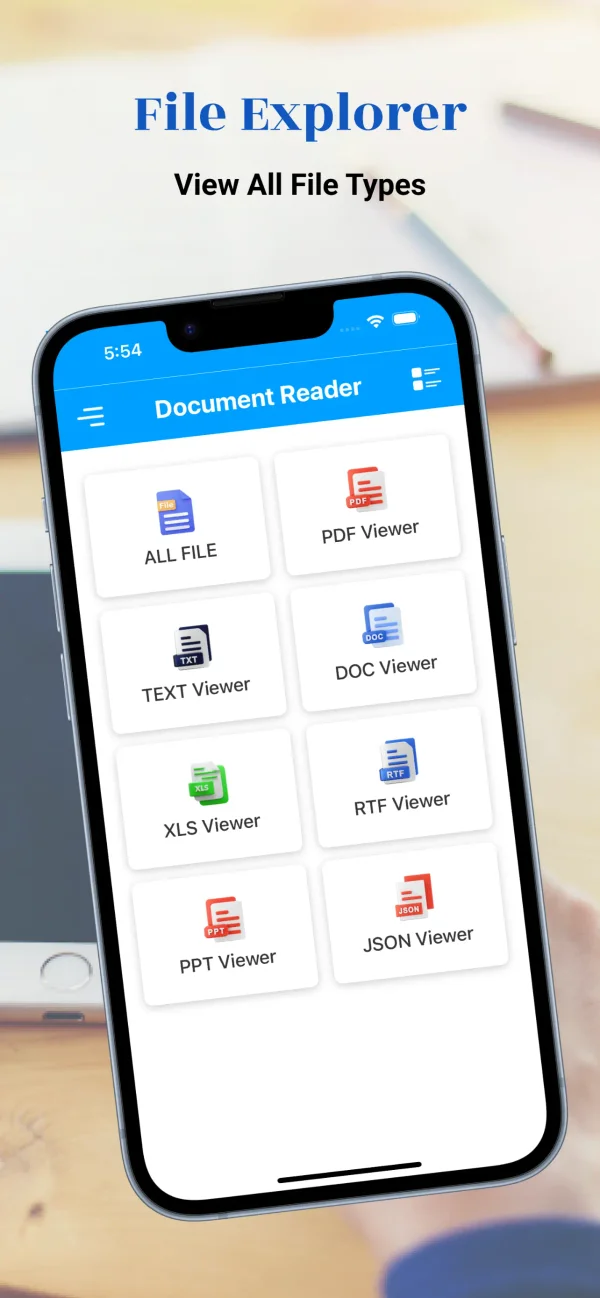
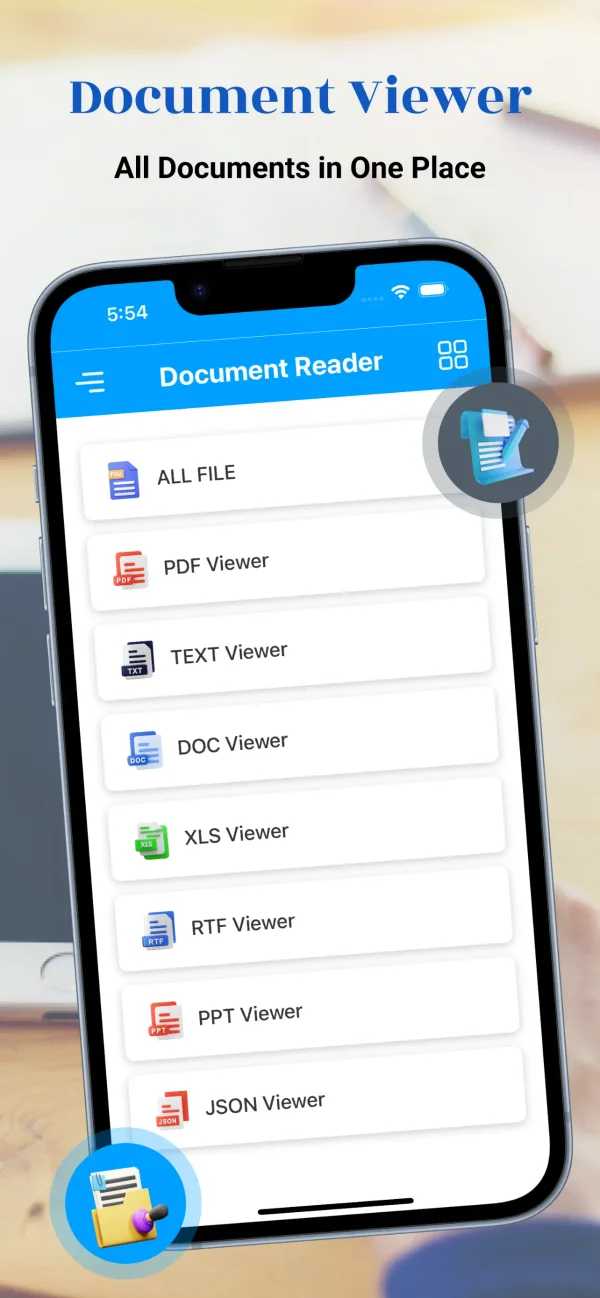
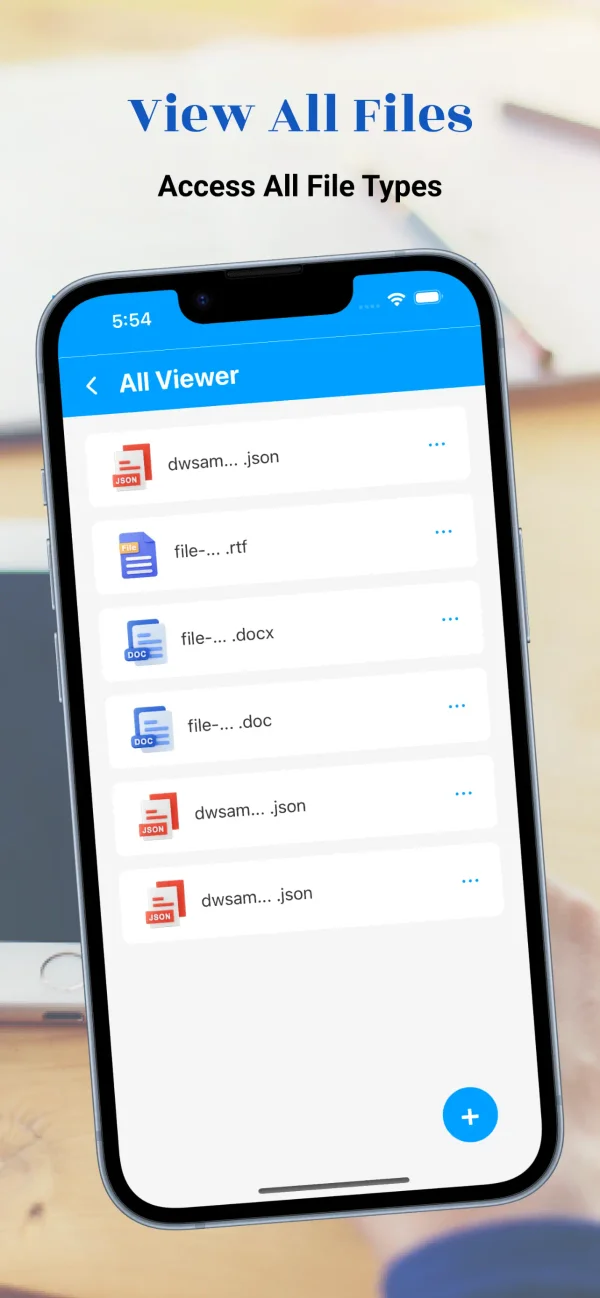
Office File Viewer: View and manage Word, Excel, PowerPoint, and other office formats like TXT, and RTF.
PPT Viewer: Open and view PowerPoint presentations (PPT, PPTX) with fast, stable performance.
Excel Viewer: View and manage Excel sheets (XLS, XLSX) effortlessly.
Text Viewer: Open and edit text files in various formats, including JSON Viewer for easy navigation of JSON files.
2. PDF Converter:
Convert to PDF:
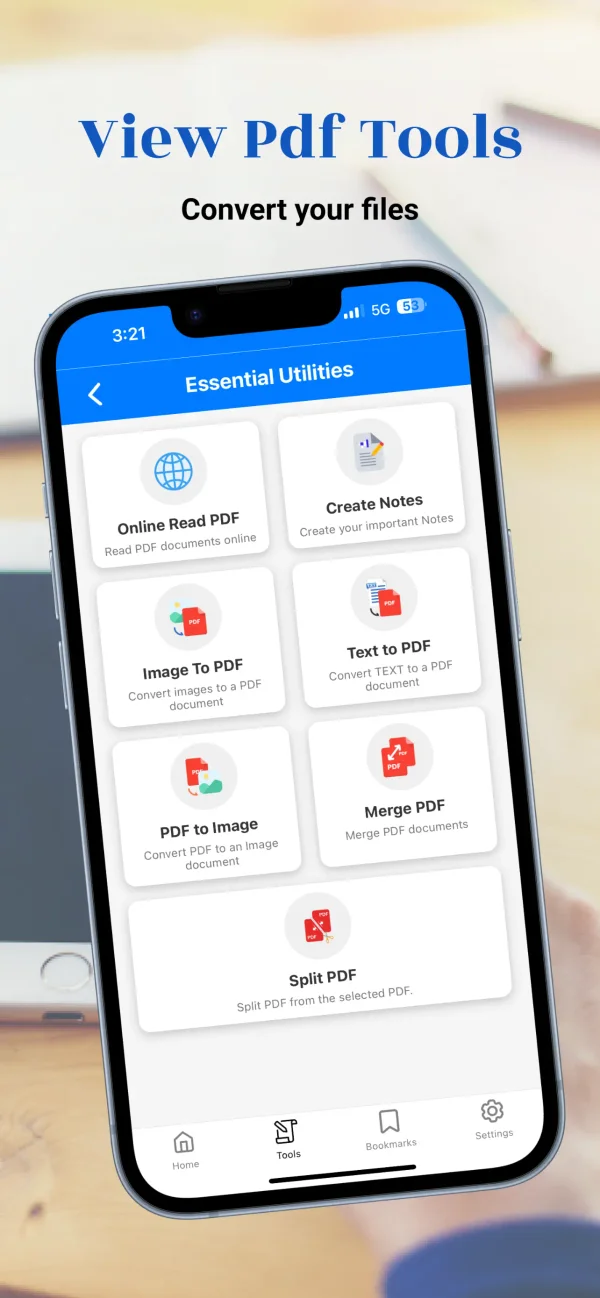
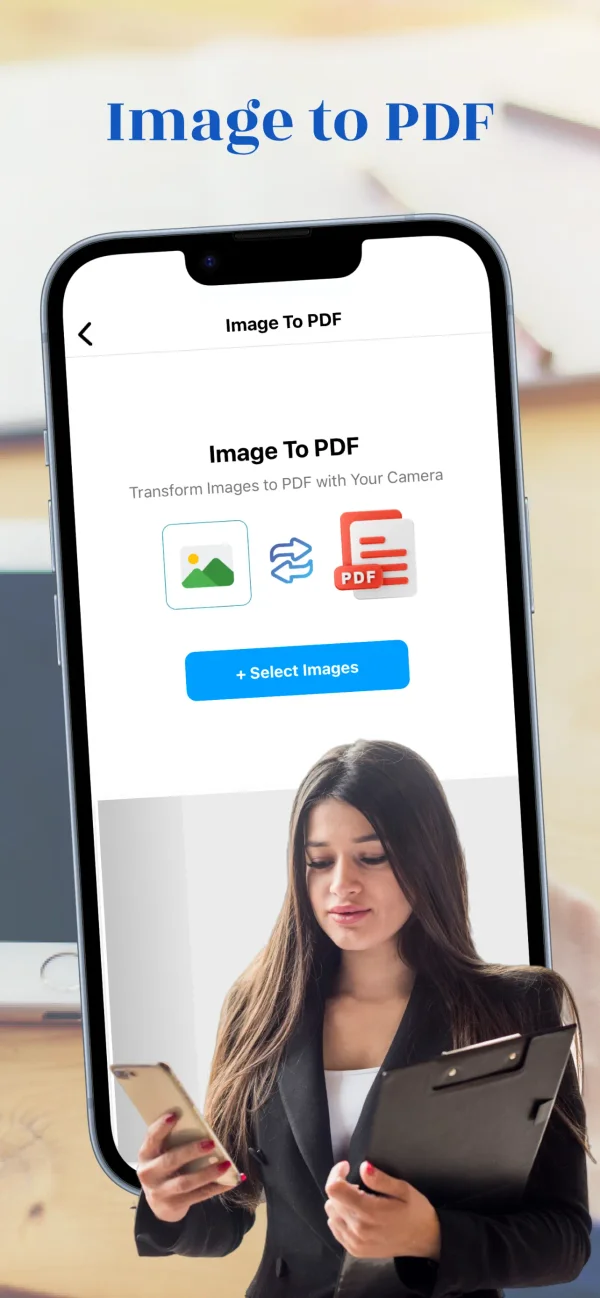
Image to PDF Converter: Instantly convert images (JPEG, PNG) into PDF files.
Text Files to PDF: Convert text files (TXT, DOCX) to PDF with a tap.
Convert from PDF:
PDF to Image Converter: Extract and save PDF pages as high-quality images.
PDF to Text: Extract text from PDFs for easy editing.
Merge PDFs: Combine multiple PDF files into one seamless document.
Split PDF: Effortlessly split a single PDF into multiple files.
Extract Pages: Save specific pages from any PDF.
3. Notes Creation & Management:
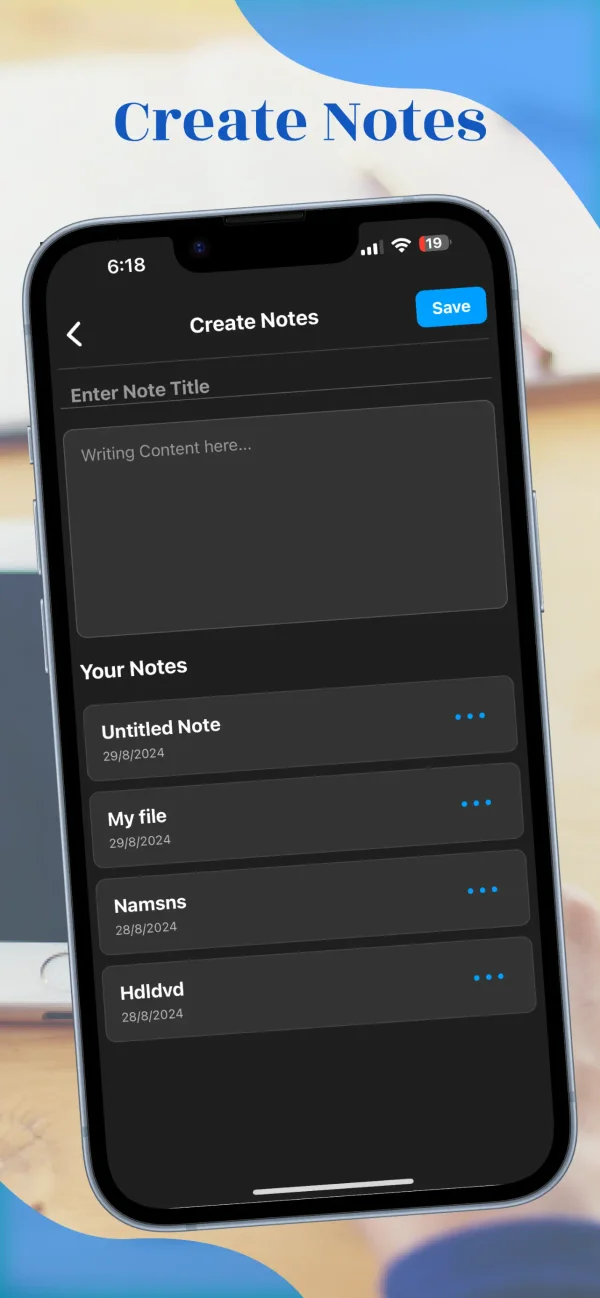
Create Notes: Quickly create, edit, and organize notes directly within the app.
Sync Notes: Sync your notes across devices for easy access.
4. File Management:
Organize Files: Create folders, rename, delete, and manage all your documents within the app.
Recent Files: Quickly access your recently viewed or edited files.
Offline Access: Work with your files without an internet connection.
5. Security & Privacy:
Data Privacy: No user data collection; all processing is done securely on your device.
Encryption: End-to-end encryption ensures complete privacy for your documents.
6. Additional Features:
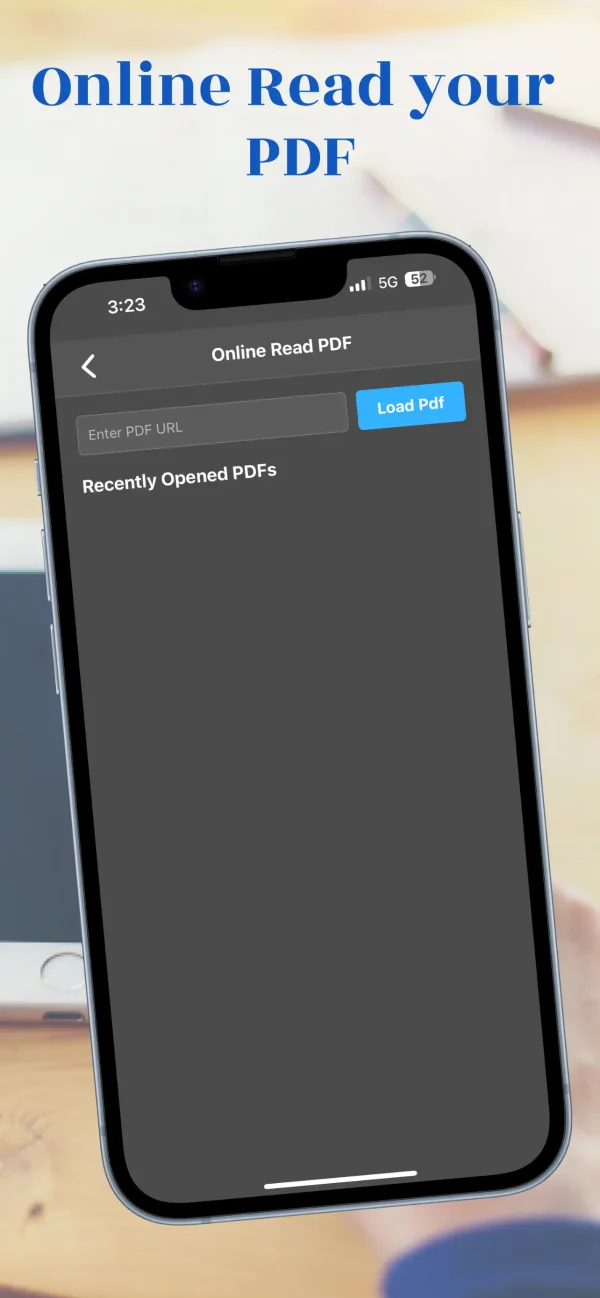
Online PDF Reader: Open and read PDF files directly from cloud services without downloading them.
Night Mode: Switch to night mode for comfortable reading in low-light conditions.
Upcoming Features:
Support for more formats like RAR, ZIP, MOBI, HTML, along with enhanced document editing capabilities.
Password Protection: Secure your PDFs by adding or removing passwords.
Watermarking: Add custom watermarks to your PDFs.
Compress PDF: Reduce file size for easier sharing.
PDF to Word: Convert PDF documents into editable Word files (DOCX).
PDF to Excel: Convert PDF tables into Excel spreadsheets.
Web Pages to PDF: Convert web pages (HTML) into PDFs for offline viewing.
Office Files to PDF: Easily convert Word, Excel, and PowerPoint files to PDF format.
Subscription:
Get unlimited access to all features, including prank sounds, fake calls, and stickers with our Premium Membership:
$1.99 per week or $29.99 per year.
Subscription Details:
Prices are for U.S. customers and may vary by country.
Payment is charged to your Apple Store Account at purchase.
Auto-renews unless turned off 24 hours before the current period ends.
Manage or cancel subscriptions in your Apple Store Account Settings.
Why Choose Our App?
Comprehensive Document Viewer: Supports PDF, DOC, DOCX, XLS, XLSX, PPT, TXT, PNG, JPG, RTF, and more.
All-in-One File Viewer: View PDFs, Office files, images, and more with one app.
Offline Access: No internet required, read documents anytime, anywhere.
Simple File Management: Easily search, organize, and manage your files with a clear and intuitive interface.
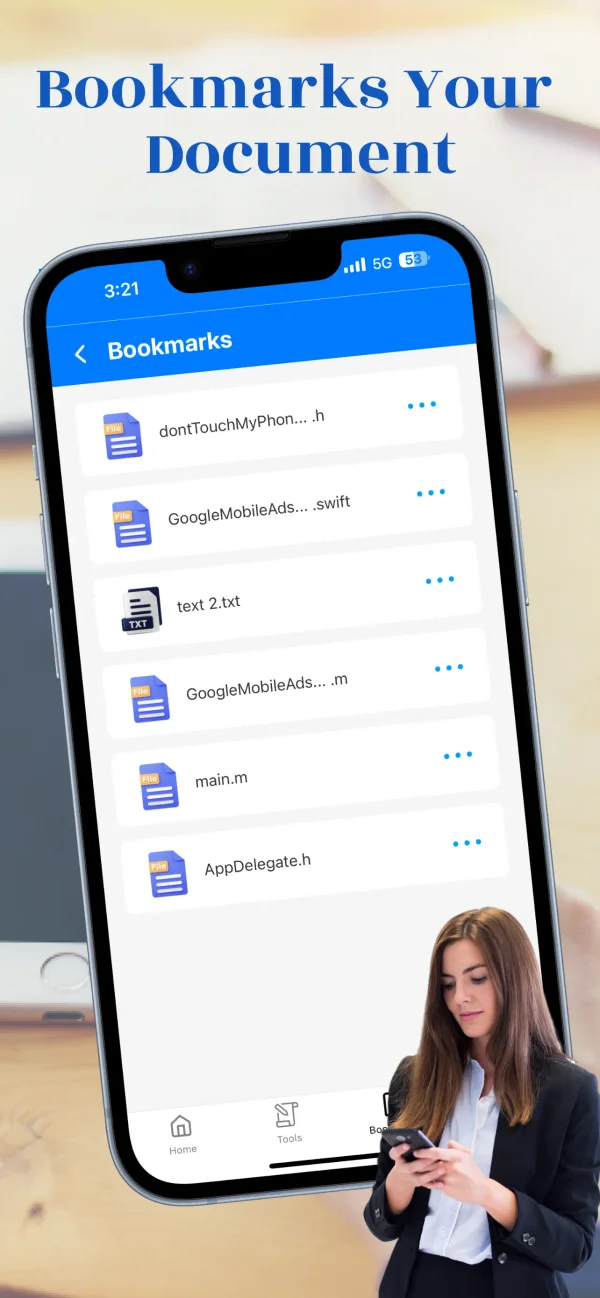
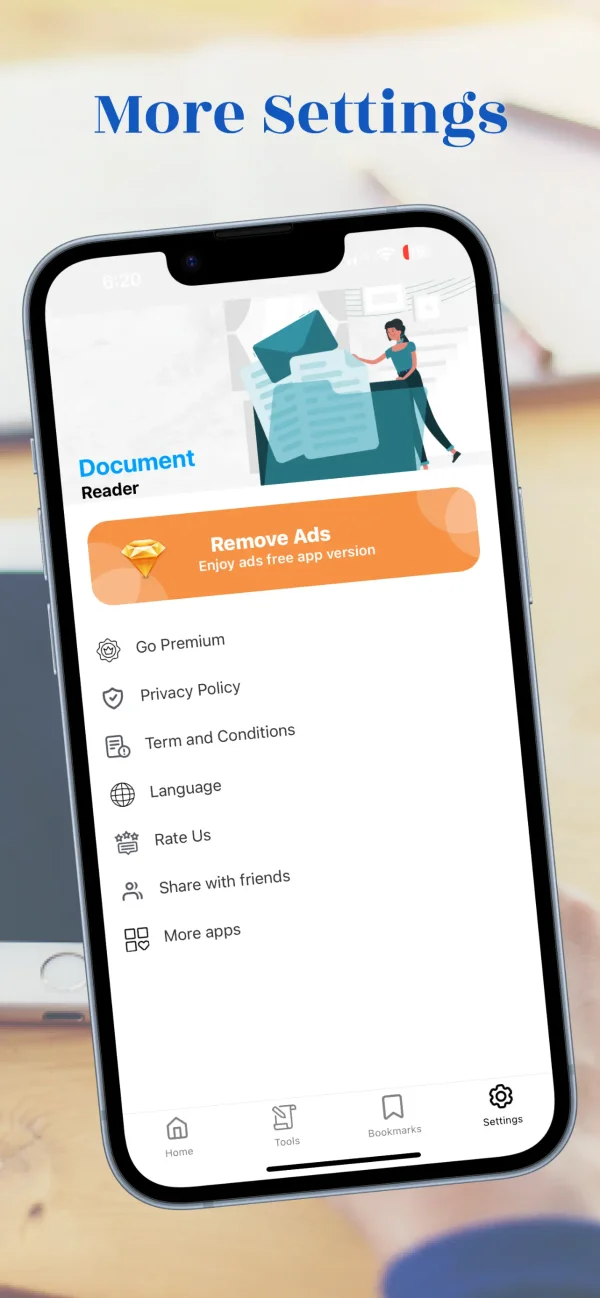
Bookmarking: Bookmark your favorite documents for quick access.
Download Now and Transform Your Document Management! Whether you need a PDF reader, file converter, or a comprehensive document viewer, our app is your ultimate solution. Download now and experience the convenience of managing all your files in one place!
Novidades
Versão 1.4.5 · 20/01/2026
Improve Ui and fixes crashes.
Privacidade do app
O que TapWyze Global LLC declara na App Store sobre como este app lida com os dados.
-
Dados usados para rastrear você
Podem ser usados para rastrear você em apps e sites de outras empresas.
- Identificadores
-
Dados não vinculados a você
Podem ser coletados, mas não são vinculados à sua identidade.
- Identificadores
As práticas de privacidade podem variar, por exemplo, com base nos recursos que você usa ou na sua idade.
Informações
- Vendedor
- TapWyze Global LLC
- Categoria
- Produtividade
- Versão
- 1.4.5
- Atualizado
- 20/01/2026
- Lançamento
- 05/09/2024
- Tamanho
- 51,5 MB
- Requer
- iOS 15.6 ou posterior
- Classificação etária
- 4+
- Preço
- Grátis
- Compras no app
- Sim
- Idiomas
- Inglês
- Copyright
- © TapWyze Global LLC
Você também pode gostar
-
 All Document Explor: PDFProdutividade
-
 All Document Reader & ViewerProdutividade
-
 All Document Reader PDF ReaderProdutividade
-
 All Document ReaderProdutividade
-
 All Document Reader - Read PDFProdutividade
-
 FSharing - Files, File ManagerFile explorer, downloader, zip
-
 FileBrowserGO: File ManagerDocuments, Media Player, Cloud
-
 Document Editor—Docs,SheetsEditar word, excel, pdf,slides
-
 Documents Pro - Files EditorSupports Dropbox, Google Drive
-
 USB Disk SE, File ManagerProdutividade