
- 対象年齢4+
- カテゴリエンターテインメント
- 開発元Intellivision
- 言語英語ほか8言語
- サイズ70.9 MB
App Storeの公式ページにリンクしています
Download.orgはAmico Controllerのファイルを一切ホストしていません。ボタンを押すと、Intellivisionが公開しているApp Storeのアプリページが開きます。ページの最終確認:2026/11/17。
スクリーンショット
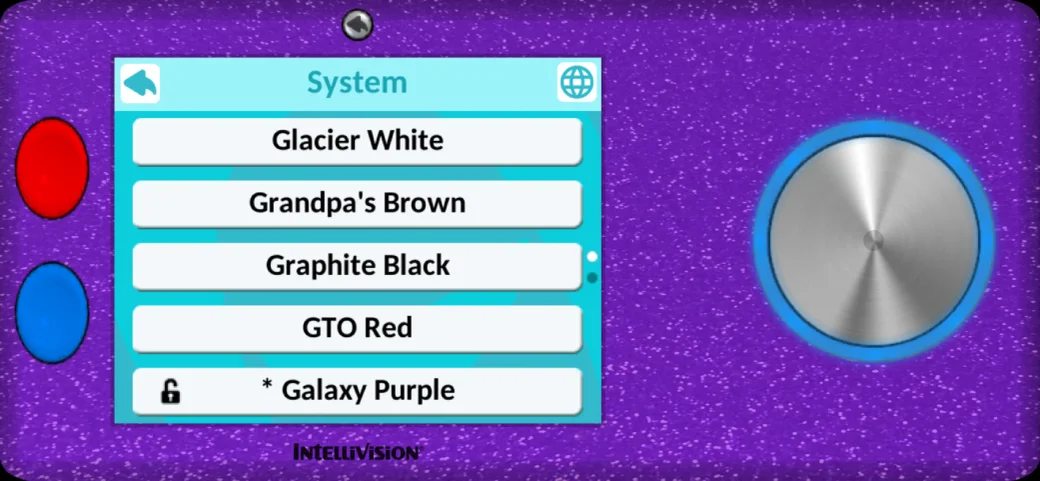
概要
開発元はこのテキストをお使いの言語で提供していません。
Experience the joy of “couch play” multiplayer gaming with your family and friends!
Requirements
There are three components required to enjoy games on Amico Home:
1. This FREE Amico Controller app – turns smart devices into Amico game controllers.
2. An Amico Console or the FREE Amico Home app which turns a compatible smart device into an Amico Console.
3. A Wi-Fi network shared by all participating devices.
Amico Controller Features
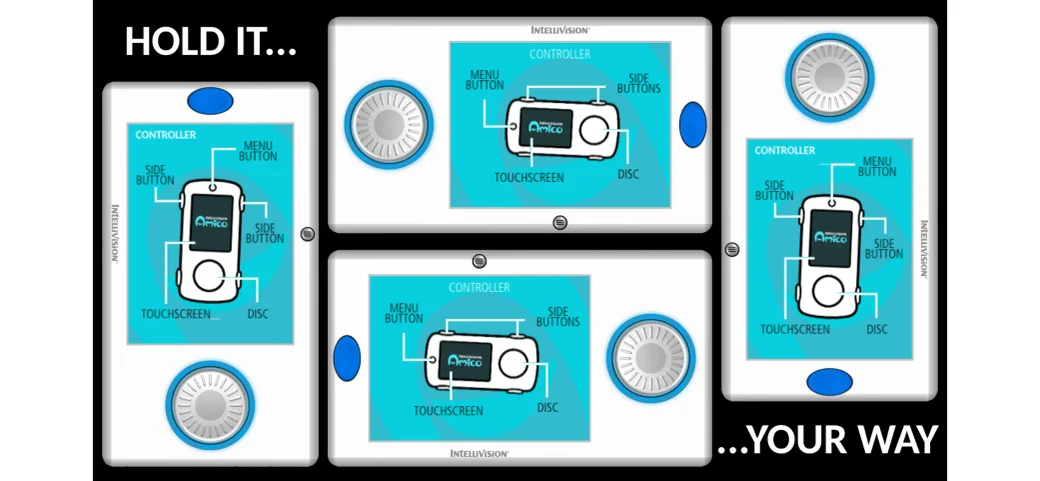
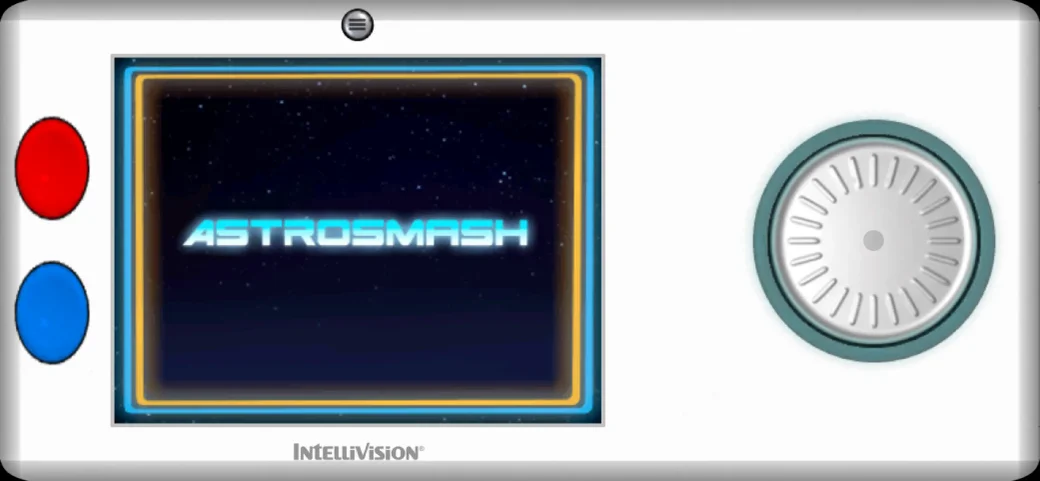
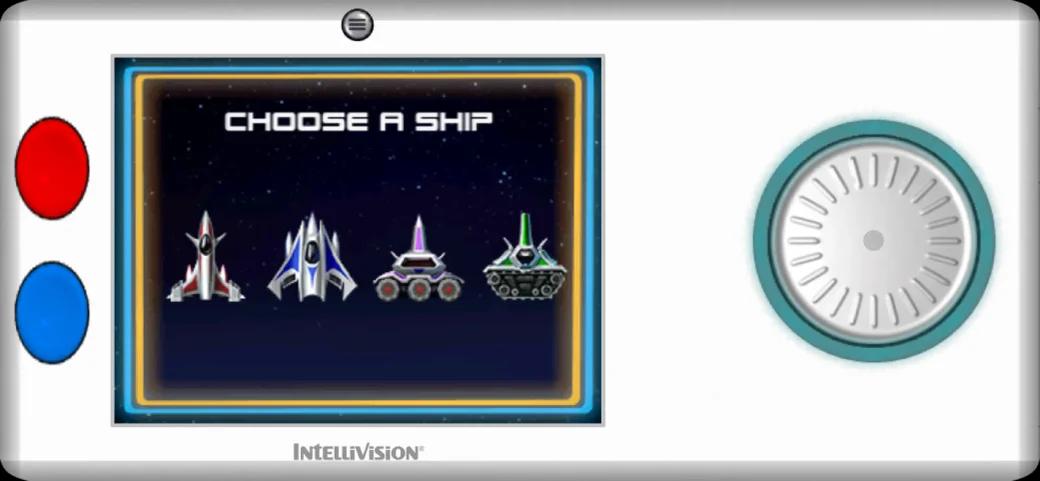
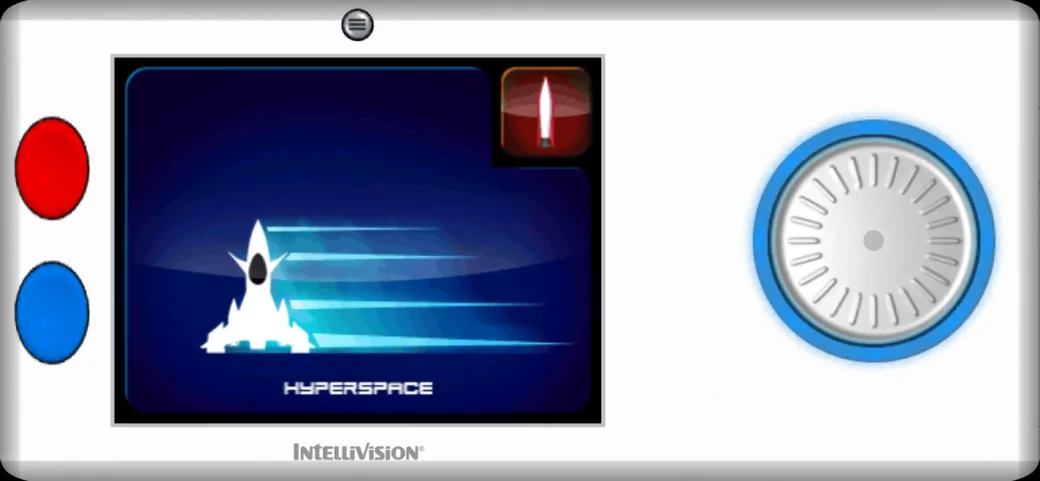
Please see the screenshots for the appearance of the features described here.
• Disc – directional input for gameplay and menu navigation.
• Touchscreen – displays the controller’s menus as well as game-specific information, controls, and menus.
• Menu Button – open/close the controller options menu on the touchscreen. It also pauses/resumes gameplay.
• Action Buttons – games-specific functions and selecting highlighted menu items on the “console” device.
• Speaker – some games play sound effects through your controller device’s speaker.
• Microphone – some games ask you to record your voice through your controller device’s microphone for in-game content.
Sign-In Menu
When you launch the Amico Controller app, it automatically connects over your Wi-Fi network to the device running the Amico Home app. Then it shows the sign-in menu which presents four ways for you to sign in as a player:
1. Create a new resident account – enter your player nickname, preferred language and optional account password (and password hint).
2. Choose from a list of previously created resident accounts.
3. Use a guest account – type in your player guest nickname.
4. Use an anonymous guest account – it assigns you the name of “Player1”, or “Player2”, etc.
A resident account preserves your account information and controller preferences between sessions; a guest account does not. In no case is your information sent over the Internet or stored on cloud servers.
Options Menu
Press the little menu button to open the controller’s option menu on the touchscreen area. This action pauses game play if a game is in active play (i.e. not on a game menu). Resume game play by pressing the menu button again to close the options menu.
The options menu offerings vary depending on the current state of play and whether you are signed in or not and connected to the Amico Home console device or not. Only options that are currently applicable are shown to keep the menu streamlined.
Important Options Menu Items
• Sign Out – sign out of the current signed-in player account and return to the controller Sign-In menu.
• Game Menu – Exit active gameplay and return to the game’s main menu.
• Amico Home – Exit a game completely and return everyone to the Amico Home app.
• Settings (Gear) – a submenu of various settings options to customize your controller and gameplay experience.
• Rotation Lock/Unlock – a toggle that locks and unlocks the ability for the controller UI to rotate when you rotate the controller to different orientations.
A user-friendly feature of Amico Controllers is the ability to rotate it for left-handed or right-handed comfort. Some games may restrict the controller UI to only landscape or only portrait orientations due to demands of their touchscreen displays. But within those restrictions you are free to rotate the controller 180 degrees to change which side has the Disc and which side has the touch screen. The touchscreen UI and Disc directions will automatically adjust to the new orientation (unless you have locked rotation, see above).
“Amico” is a trademark of Intellivision Entertainment, LLC.
新機能
バージョン 10.12.14 · 2026/8/19
Bug fix for New Account Creation which caused the controller to edit the previously signed-in account information instead of creating a new account.
アプリのプライバシー
このアプリのデータの取り扱いについて、IntellivisionがApp Storeで申告している内容です。
-
ユーザーに関連付けられないデータ
収集される場合がありますが、ユーザーの識別情報には関連付けられません。
- 使用状況データ
プライバシーの取り扱いは、ご利用の機能やお客様の年齢などに応じて異なる場合があります。
情報
- 販売元
- Intellivision Entertainment, LLC
- カテゴリ
- エンターテインメント
- バージョン
- 10.12.14
- 更新日
- 2026/8/19
- リリース
- 2023/12/5
- サイズ
- 70.9 MB
- 必要条件
- iOS 12.0以降
- 対象年齢
- 4+
- 価格
- 無料
- 言語
- 英語, アラビア語, オランダ語, フランス語, ドイツ語, イタリア語, ポーランド語, ポルトガル語, スペイン語
- 著作権
- © 2023 Intellivision Entertainment, LLC.
こちらもおすすめ
-
 WOWCube® Connectエンターテインメント
-
 VirtualFriend - VB Emulatorエンターテインメント
-
 RiffTraxエンターテインメント
-
 ArcadeMania - アーケードマニア完全版アーケードエミュレーター
-
 KITT - Systems Activatedエンターテインメント
-
 Floatplaneエンターテインメント
-
 Afterplay: レトロゲームレトロゲームを購入。どこでもプレイ
-
 SameBoyエンターテインメント
-
 Eternal Familyエンターテインメント
-
 Callsheet: Find Cast & CrewMovie/TV cast & crew search