
Amico Controller
Amico Console and Amico Home
Projetado para iPhone, iPad, iPod touch
Grátis
- Classificação etária4+
- CategoriaEntretenimento
- DesenvolvedorIntellivision
- IdiomasInglêse mais 8
- Tamanho70,9 MB
Leva à página oficial na App Store
O Download.org não hospeda nenhum arquivo de Amico Controller. O botão abre a página do app na App Store, onde Intellivision o publica. Página verificada pela última vez em 17/11/2026.
Capturas de tela
Sobre
O desenvolvedor não forneceu este texto no seu idioma.
Experience the joy of “couch play” multiplayer gaming with your family and friends!
Requirements
There are three components required to enjoy games on Amico Home:
1. This FREE Amico Controller app – turns smart devices into Amico game controllers.
2. An Amico Console or the FREE Amico Home app which turns a compatible smart device into an Amico Console.
3. A Wi-Fi network shared by all participating devices.
Amico Controller Features
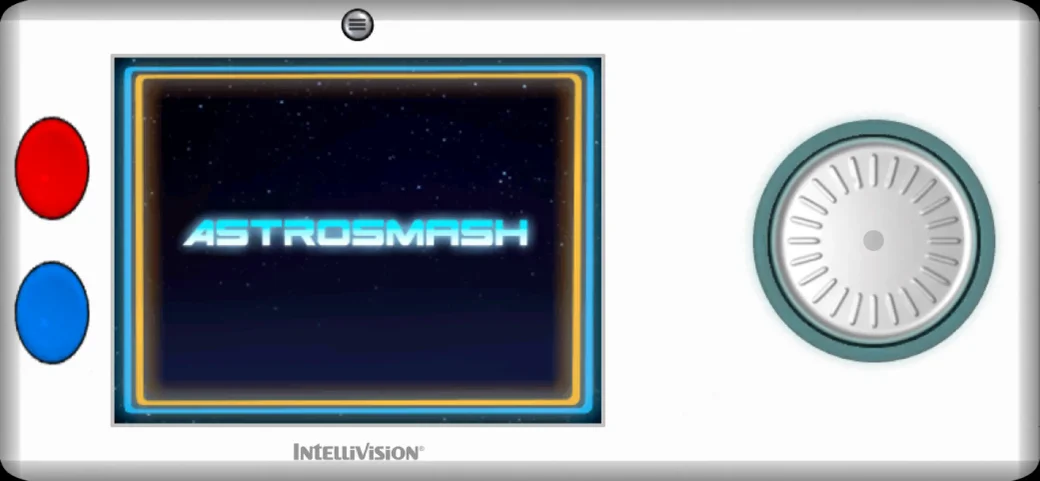
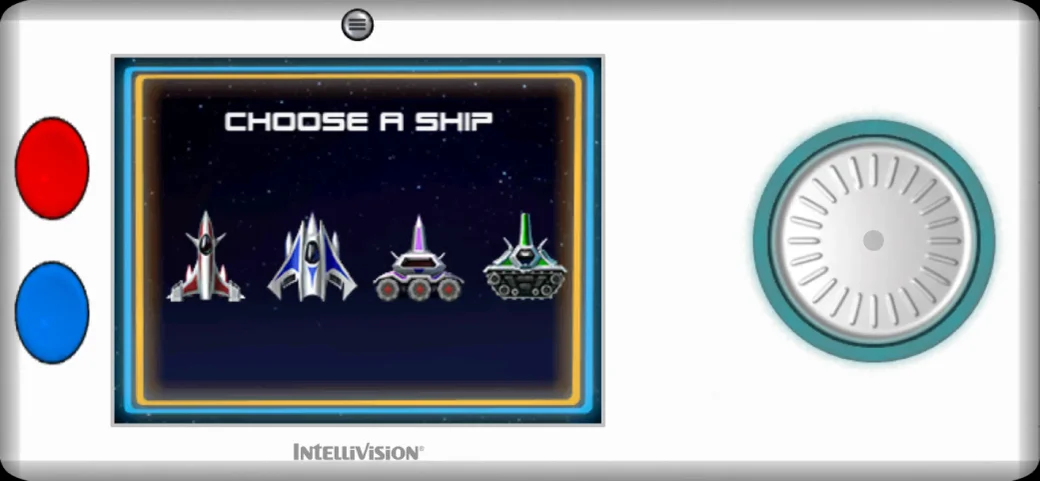
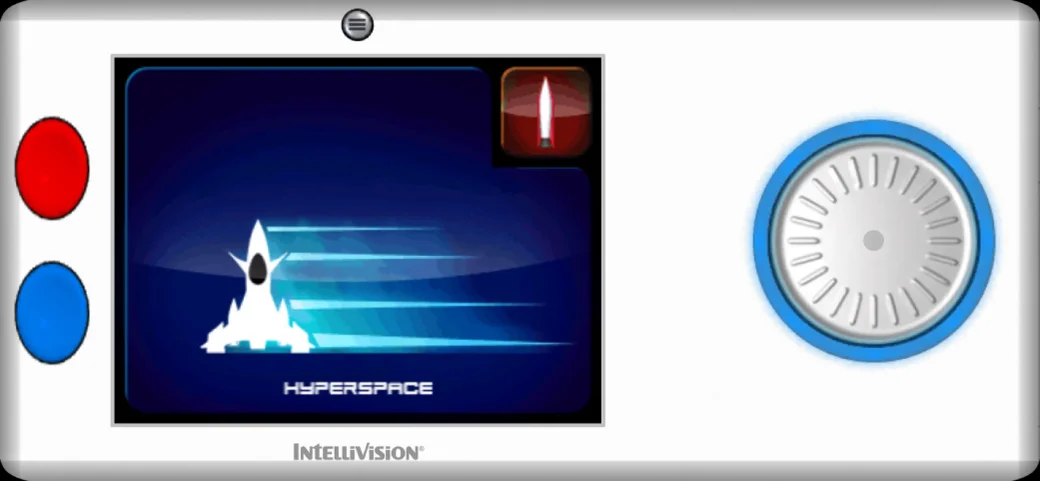
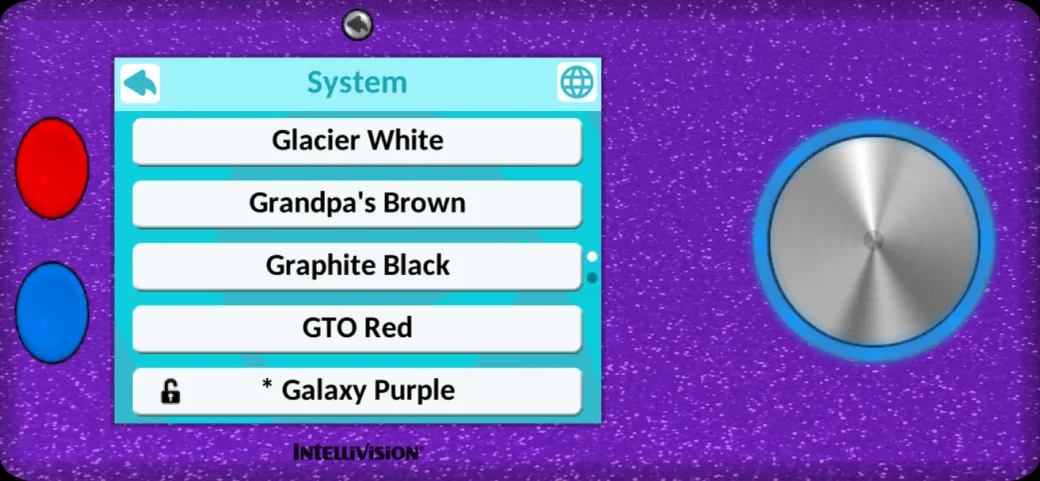
Please see the screenshots for the appearance of the features described here.
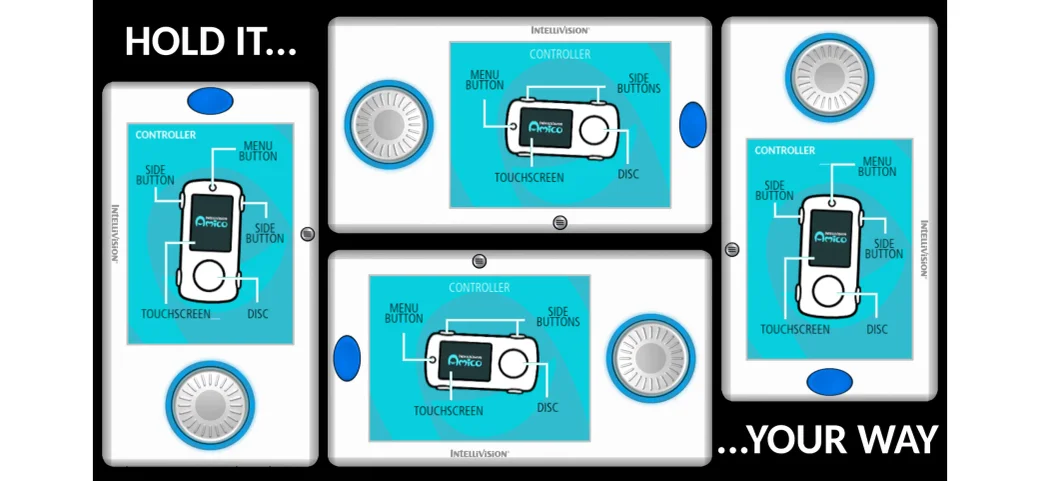
• Disc – directional input for gameplay and menu navigation.
• Touchscreen – displays the controller’s menus as well as game-specific information, controls, and menus.
• Menu Button – open/close the controller options menu on the touchscreen. It also pauses/resumes gameplay.
• Action Buttons – games-specific functions and selecting highlighted menu items on the “console” device.
• Speaker – some games play sound effects through your controller device’s speaker.
• Microphone – some games ask you to record your voice through your controller device’s microphone for in-game content.
Sign-In Menu
When you launch the Amico Controller app, it automatically connects over your Wi-Fi network to the device running the Amico Home app. Then it shows the sign-in menu which presents four ways for you to sign in as a player:
1. Create a new resident account – enter your player nickname, preferred language and optional account password (and password hint).
2. Choose from a list of previously created resident accounts.
3. Use a guest account – type in your player guest nickname.
4. Use an anonymous guest account – it assigns you the name of “Player1”, or “Player2”, etc.
A resident account preserves your account information and controller preferences between sessions; a guest account does not. In no case is your information sent over the Internet or stored on cloud servers.
Options Menu
Press the little menu button to open the controller’s option menu on the touchscreen area. This action pauses game play if a game is in active play (i.e. not on a game menu). Resume game play by pressing the menu button again to close the options menu.
The options menu offerings vary depending on the current state of play and whether you are signed in or not and connected to the Amico Home console device or not. Only options that are currently applicable are shown to keep the menu streamlined.
Important Options Menu Items
• Sign Out – sign out of the current signed-in player account and return to the controller Sign-In menu.
• Game Menu – Exit active gameplay and return to the game’s main menu.
• Amico Home – Exit a game completely and return everyone to the Amico Home app.
• Settings (Gear) – a submenu of various settings options to customize your controller and gameplay experience.
• Rotation Lock/Unlock – a toggle that locks and unlocks the ability for the controller UI to rotate when you rotate the controller to different orientations.
A user-friendly feature of Amico Controllers is the ability to rotate it for left-handed or right-handed comfort. Some games may restrict the controller UI to only landscape or only portrait orientations due to demands of their touchscreen displays. But within those restrictions you are free to rotate the controller 180 degrees to change which side has the Disc and which side has the touch screen. The touchscreen UI and Disc directions will automatically adjust to the new orientation (unless you have locked rotation, see above).
“Amico” is a trademark of Intellivision Entertainment, LLC.
Novidades
Versão 10.12.14 · 19/08/2026
Bug fix for New Account Creation which caused the controller to edit the previously signed-in account information instead of creating a new account.
Privacidade do app
O que Intellivision declara na App Store sobre como este app lida com os dados.
-
Dados não vinculados a você
Podem ser coletados, mas não são vinculados à sua identidade.
- Dados de uso
As práticas de privacidade podem variar, por exemplo, com base nos recursos que você usa ou na sua idade.
Informações
- Vendedor
- Intellivision Entertainment, LLC
- Categoria
- Entretenimento
- Versão
- 10.12.14
- Atualizado
- 19/08/2026
- Lançamento
- 05/12/2023
- Tamanho
- 70,9 MB
- Requer
- iOS 12.0 ou posterior
- Classificação etária
- 4+
- Preço
- Grátis
- Idiomas
- Inglês, Árabe, Holandês, Francês, Alemão, Italiano, Polonês, Português, Espanhol
- Copyright
- © 2023 Intellivision Entertainment, LLC.
Você também pode gostar
-
 WOWCube® ConnectEntretenimento
-
 VirtualFriend - VB EmulatorEntretenimento
-
 RiffTraxEntretenimento
-
 ArcadeManiaEntretenimento
-
 KITT - Systems ActivatedEntretenimento
-
 FloatplaneEntretenimento
-
 Afterplay: Jogos RetrôCompre jogos retrô e jogue
-
 SameBoyEntretenimento
-
 Eternal FamilyEntretenimento
-
 Callsheet: Find Cast & CrewMovie/TV cast & crew search