
- 対象年齢4+
- カテゴリ仕事効率化
- 開発元David Christie
- 言語英語
- サイズ25.9 MB
App Storeの公式ページにリンクしています
Download.orgはAppPostitのファイルを一切ホストしていません。ボタンを押すと、David Christieが公開しているApp Storeのアプリページが開きます。ページの最終確認:2026/11/23。
スクリーンショット
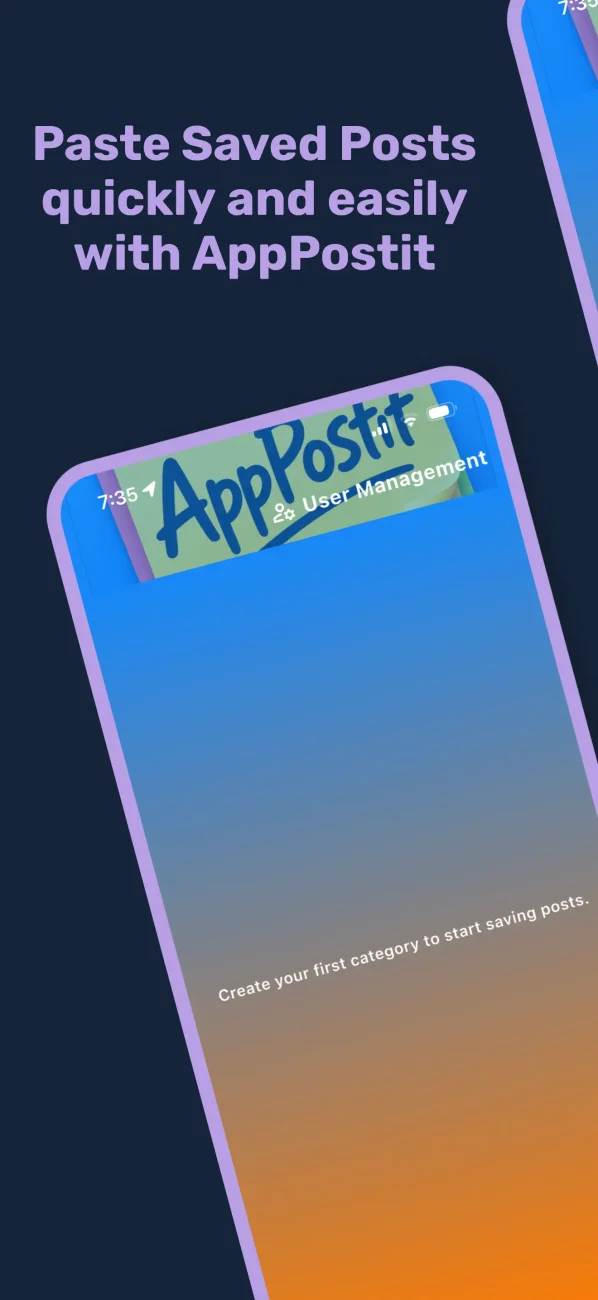
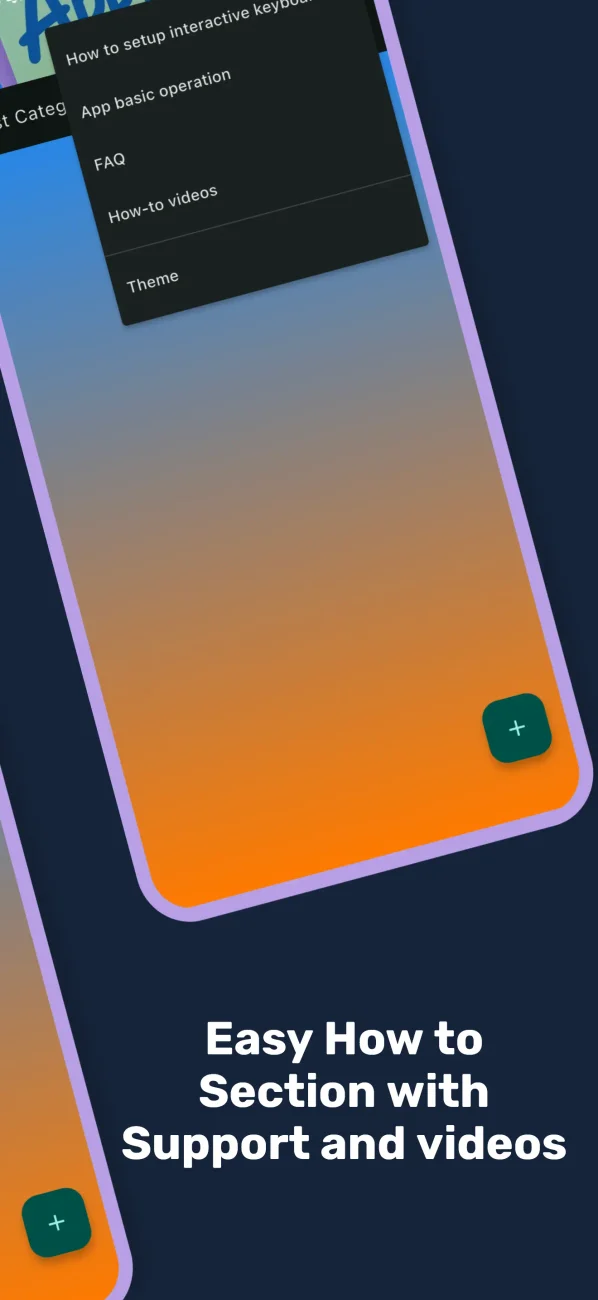
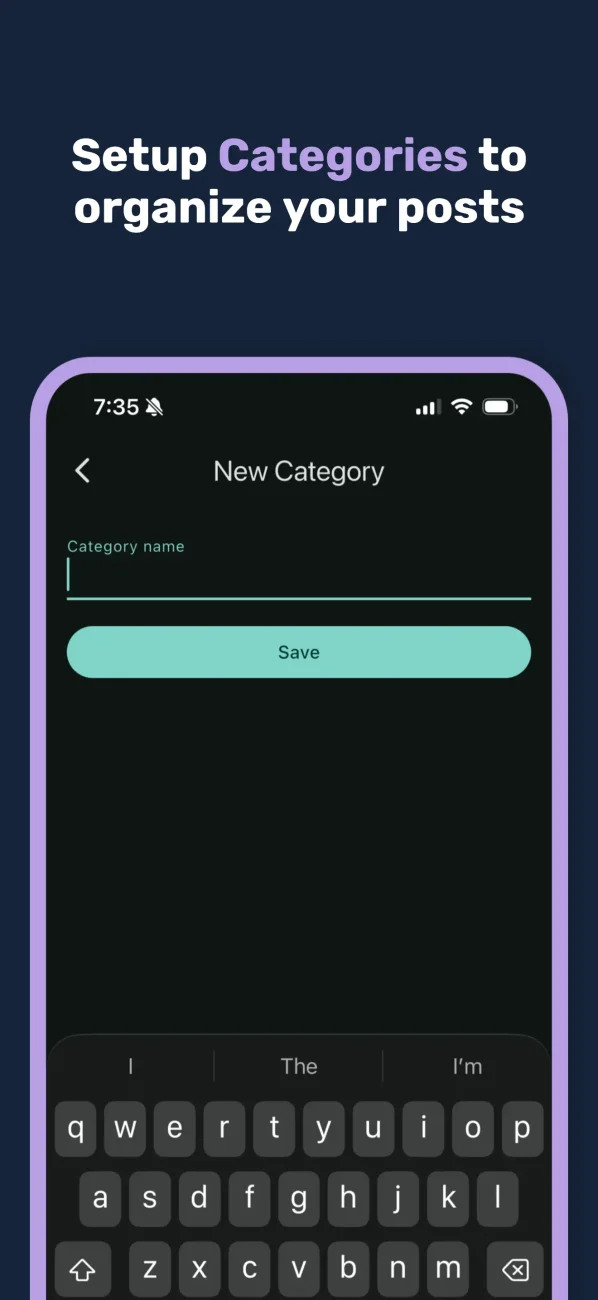




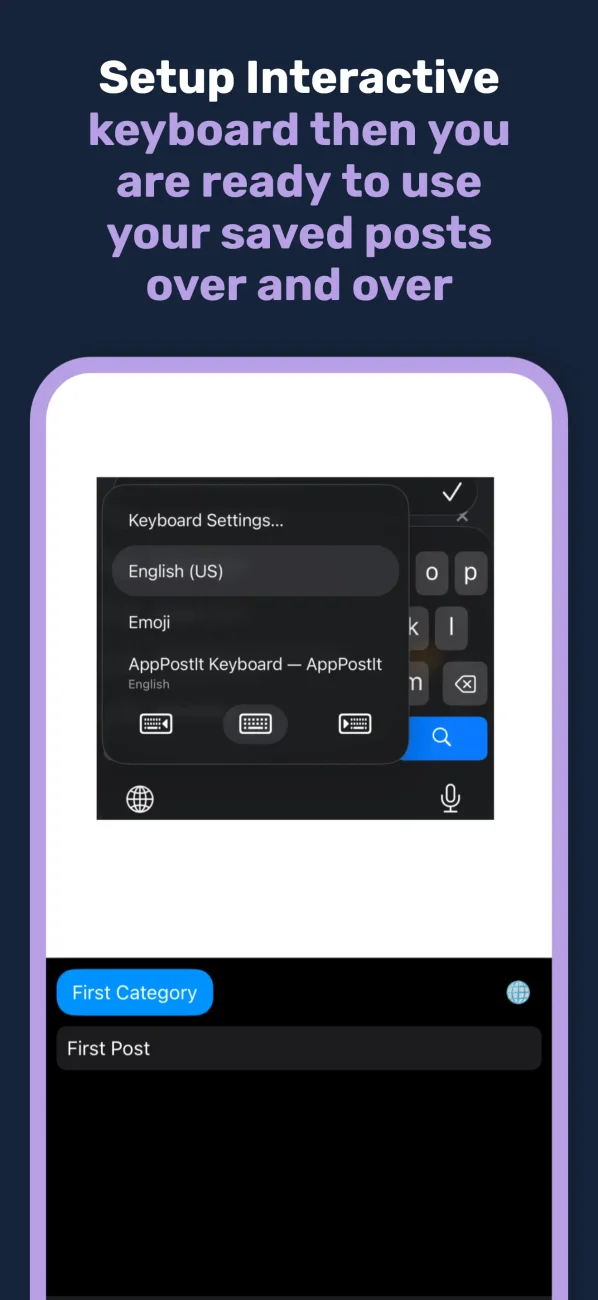
概要
開発元はこのテキストをお使いの言語で提供していません。
Stop retyping the same message over and over.
AppPostIt lets you save your go-to replies, comments, and captions once, organize them into categories, and insert them into any app with a single tap — right from your keyboard. No more copying and pasting from a Notes app, and no more retyping the same allergy warning, FAQ answer, or business reply for the hundredth time.
HOW IT WORKS
Save a post — Write out a reply you use often (a group rule, a product FAQ answer, a canned customer service response, anything) and save it under a category.
Enable the AppPostIt keyboard — A quick, one-time setup in your device Settings.
Insert anywhere — Switch to the AppPostIt keyboard while typing in Facebook, Instagram, TikTok, Reddit, Messages, email, or any other app, tap your saved post, and it's inserted instantly.
WHY APPPOSTIT
Works in every app and browser — since it's a keyboard, not a separate app you have to copy from, it works anywhere you can type.
Unlimited categories — organize your saved posts however makes sense to you.
Nothing leaves your device — your saved posts are stored locally, not on a server.
Fast — built for people who post the same kinds of replies constantly: community managers, group admins, small business owners, customer support, and anyone tired of retyping.
Get started free — save and insert your first several posts at no cost. Unlock unlimited posting with a one-time purchase whenever you're ready.
新機能
バージョン 1.1.0(27) · 2026/11/14
Introducing Smart Reply
Answering the same kinds of messages over and over? Let our assistant draft the reply for you.
• Paste an email, social media post, comment, support ticket or text message
• Pick a response profile: General, Customer Support, Technical Support, Sales or Social Media, or create your own
• Choose a tone: Helpful, Professional or Casual
• Use your saved posts as reference, so replies include your own facts, links and wording
• Edit, shorten or regenerate the draft, then copy it or save it as a post for the keyboard
Your first 3 Smart Replies are free. After that, reply packs of 50 or 125 are available, and they never expire.
Also in this update: a lower price for the unlimited posts unlock.
アプリのプライバシー
このアプリのデータの取り扱いについて、David ChristieがApp Storeで申告している内容です。
-
データの収集なし
開発元はこのアプリからデータを収集しません。
プライバシーの取り扱いは、ご利用の機能やお客様の年齢などに応じて異なる場合があります。
情報
- 販売元
- David Christie
- カテゴリ
- 仕事効率化
- バージョン
- 1.1.0(27)
- 更新日
- 2026/11/14
- リリース
- 2026/8/15
- サイズ
- 25.9 MB
- 必要条件
- iOS 15.0以降
- 対象年齢
- 4+
- 価格
- 無料
- アプリ内課金
- あり
- 言語
- 英語
- 著作権
- © 2026 AppPostIt
こちらもおすすめ
-
 Plato – Disappearing Notes仕事効率化
-
 Executive Notes仕事効率化
-
 ClipTap:AIプロンプト・定型文管理よく使う文章を保存、キーボードから呼び出す
-
 お部屋を片づけようADHDと実行機能をサポート
-
 Ultimate Planner App仕事効率化
-
 abcNotesToDo, Checklists & Stickers
-
 Montblanc Digital Paper仕事効率化
-
 ウィジェット付箋メモ - ホーム画面メモ帳何枚でも貼れる手書き風ふせん
-
 ADHD Planner & Notes: Saner.AI仕事効率化
-
 NoteEase-ノートのメモ帳&仕事や授業のメモメモ、ドキュメント、タスク、議事録やテキストエディタ