AppPostit
Saved Replies, Any App
Designed for iPhone, iPad, iPod touch
In-app purchases
- Age rating4+
- CategoryProductivity
- DeveloperDavid Christie
- LanguagesEnglish
- Size25.9 MB
Links to the official App Store page
Download.org hosts no file of AppPostit. The button opens its official App Store page, published by David Christie. Listing last checked on Nov 23, 2026.
Screenshots
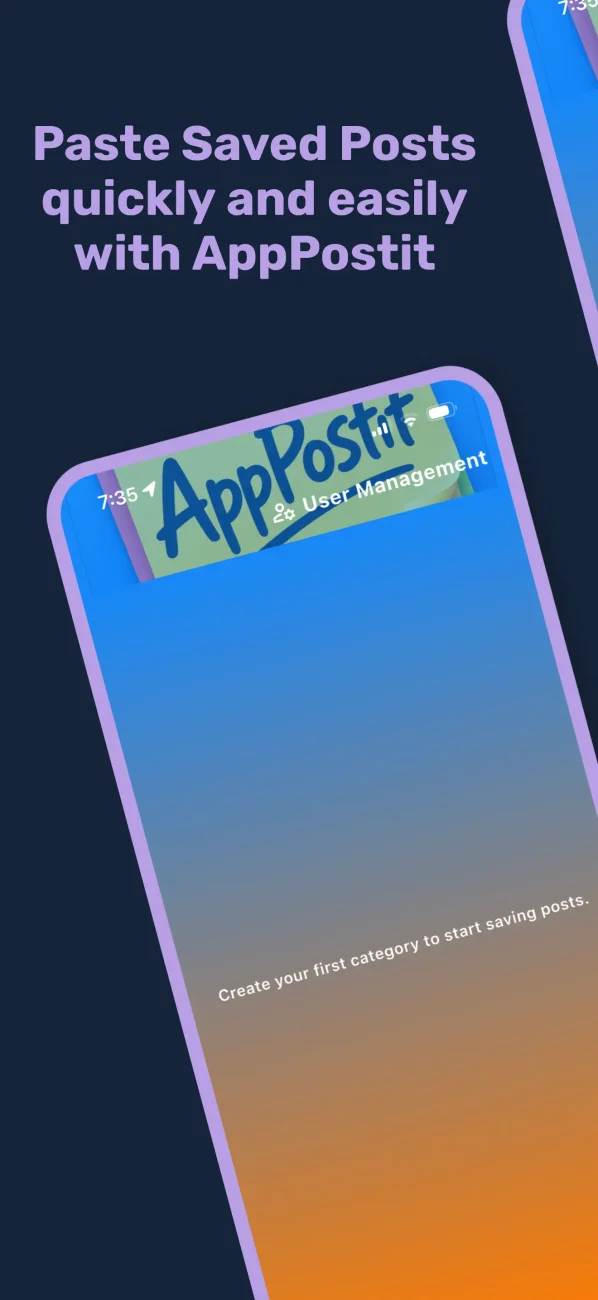
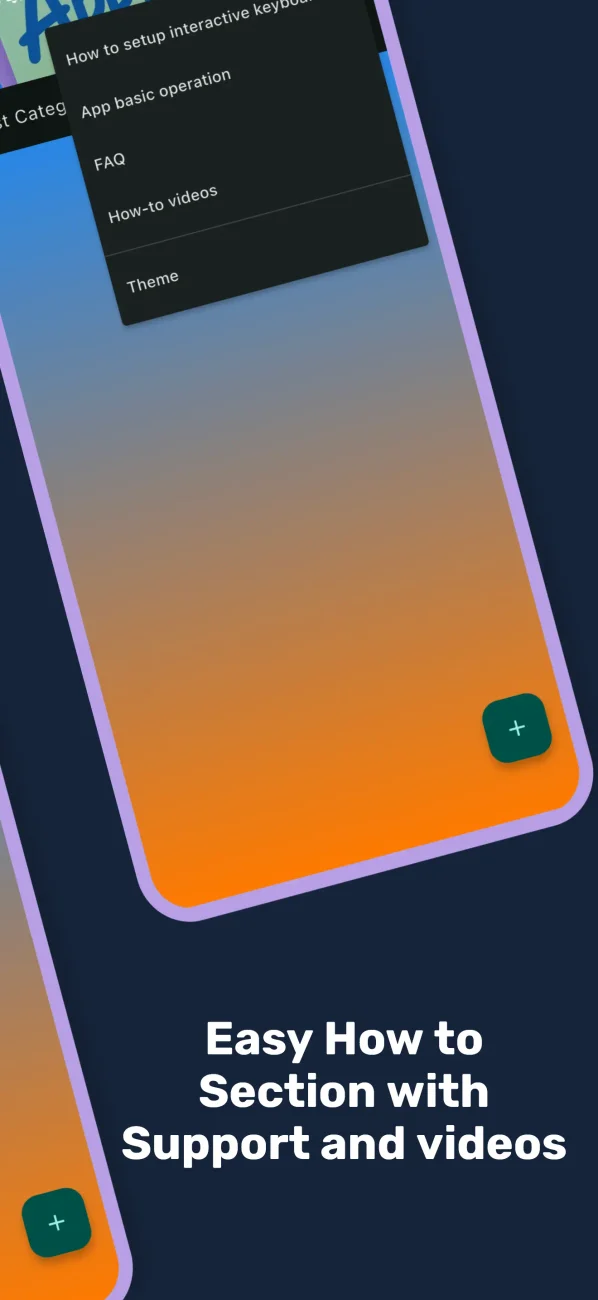
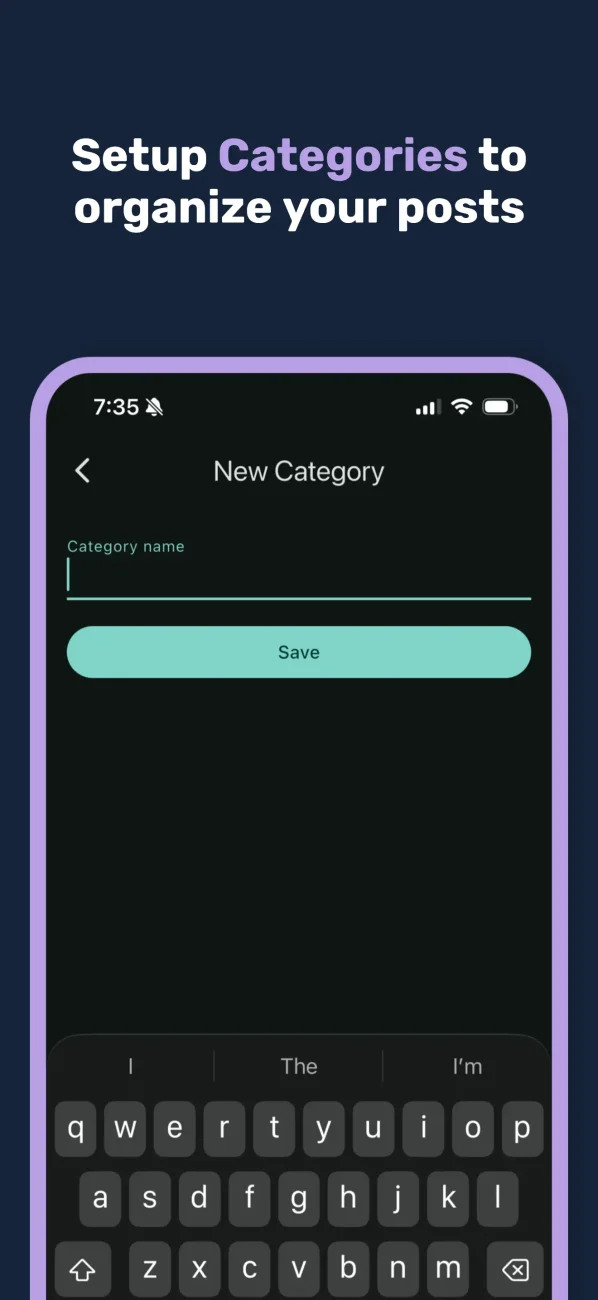




About
Stop retyping the same message over and over.
AppPostIt lets you save your go-to replies, comments, and captions once, organize them into categories, and insert them into any app with a single tap — right from your keyboard. No more copying and pasting from a Notes app, and no more retyping the same allergy warning, FAQ answer, or business reply for the hundredth time.
HOW IT WORKS
Save a post — Write out a reply you use often (a group rule, a product FAQ answer, a canned customer service response, anything) and save it under a category.
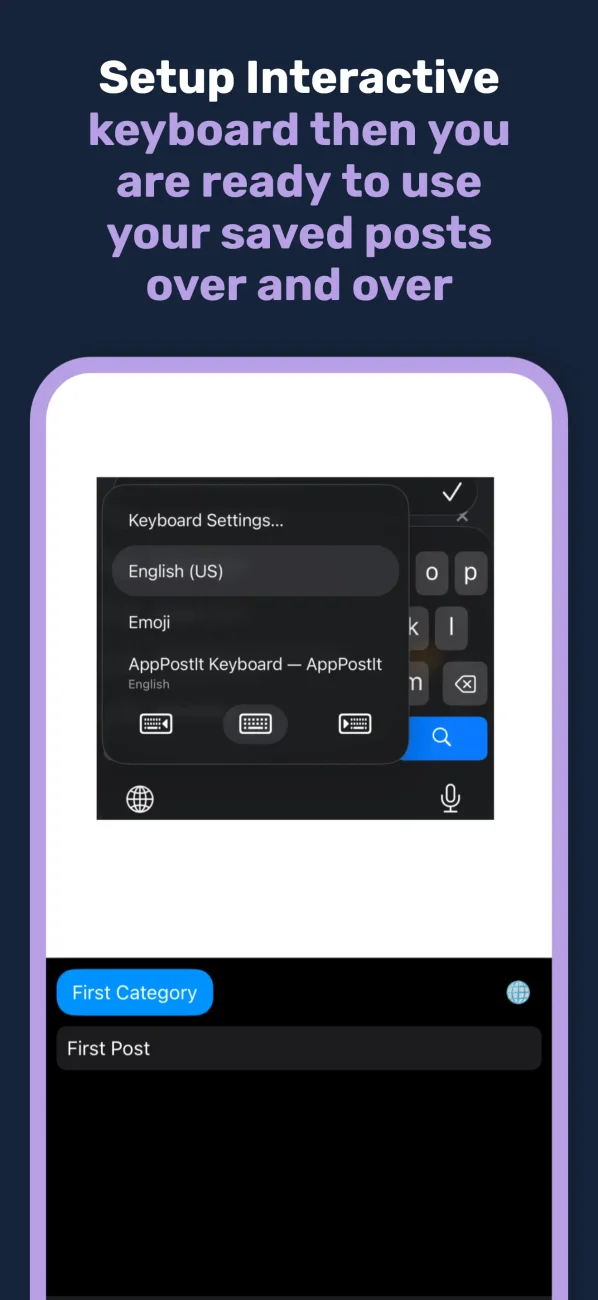
Enable the AppPostIt keyboard — A quick, one-time setup in your device Settings.
Insert anywhere — Switch to the AppPostIt keyboard while typing in Facebook, Instagram, TikTok, Reddit, Messages, email, or any other app, tap your saved post, and it's inserted instantly.
WHY APPPOSTIT
Works in every app and browser — since it's a keyboard, not a separate app you have to copy from, it works anywhere you can type.
Unlimited categories — organize your saved posts however makes sense to you.
Nothing leaves your device — your saved posts are stored locally, not on a server.
Fast — built for people who post the same kinds of replies constantly: community managers, group admins, small business owners, customer support, and anyone tired of retyping.
Get started free — save and insert your first several posts at no cost. Unlock unlimited posting with a one-time purchase whenever you're ready.
What’s new
Version 1.1.0(27) · Nov 14, 2026
Introducing Smart Reply
Answering the same kinds of messages over and over? Let our assistant draft the reply for you.
• Paste an email, social media post, comment, support ticket or text message
• Pick a response profile: General, Customer Support, Technical Support, Sales or Social Media, or create your own
• Choose a tone: Helpful, Professional or Casual
• Use your saved posts as reference, so replies include your own facts, links and wording
• Edit, shorten or regenerate the draft, then copy it or save it as a post for the keyboard
Your first 3 Smart Replies are free. After that, reply packs of 50 or 125 are available, and they never expire.
Also in this update: a lower price for the unlimited posts unlock.
App privacy
What David Christie declares on the App Store about how this app handles data.
-
Data not collected
The developer does not collect any data from this app.
Privacy practices may vary, for example with the features you use or your age.
Information
- Seller
- David Christie
- Category
- Productivity
- Version
- 1.1.0(27)
- Updated
- Nov 14, 2026
- Released
- Aug 15, 2026
- Size
- 25.9 MB
- Requires
- iOS 15.0 or later
- Age rating
- 4+
- In-app purchases
- Yes
- Languages
- English
- Copyright
- © 2026 AppPostIt
You might also like
-
 Plato – Disappearing NotesNotes that vanish
-
 Executive NotesA Notes App For Executives
-
 ClipTap: AI Prompts & SnippetsSave text. Reuse as you type.
-
 Clean Your Room: ADHD CleaningStep-by-Step Chore Planner AI
-
 Ultimate Planner AppWhere Paper Meets Digital
-
 abcNotes - Sticky Note MadnessShopping and Grocery List App
-
 Montblanc Digital PaperProductivity
-
 Sticky Note Widget Memo PadHandwriting Fonts, Lock Screen
-
 ADHD Planner & Notes: Saner.AIReminders, Tasks & AI
-
 NoteEase-Recording Made EasySticky notes, Hand-drawn notes