- 対象年齢4+
- カテゴリ写真/ビデオ
- 開発元AppJud
- 言語英語
- サイズ44.7 MB
App Storeの公式ページにリンクしています
Download.orgはAuraHDR Cameraのファイルを一切ホストしていません。ボタンを押すと、AppJudが公開しているApp Storeのアプリページが開きます。ページの最終確認:2026/11/15。
スクリーンショット
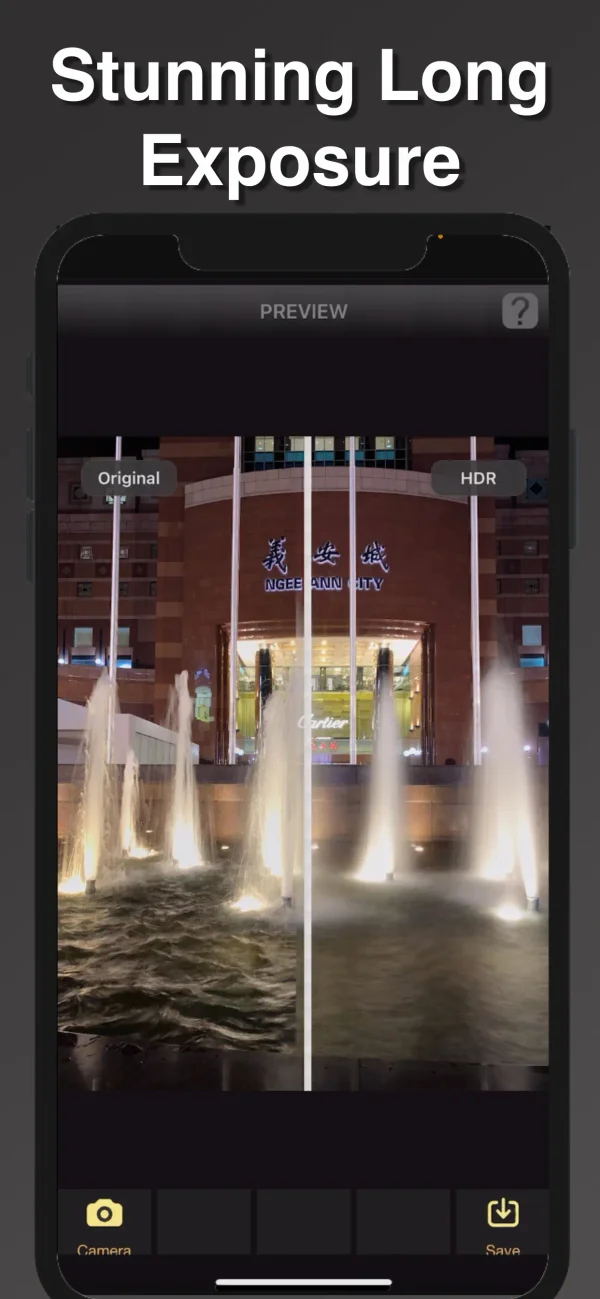
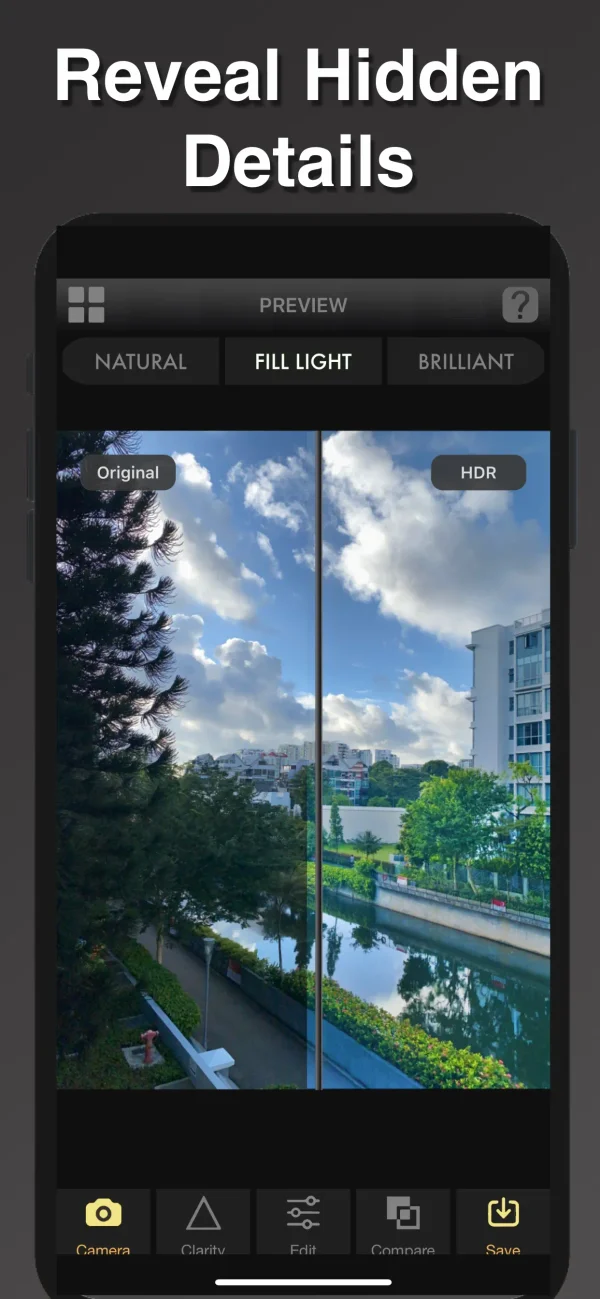
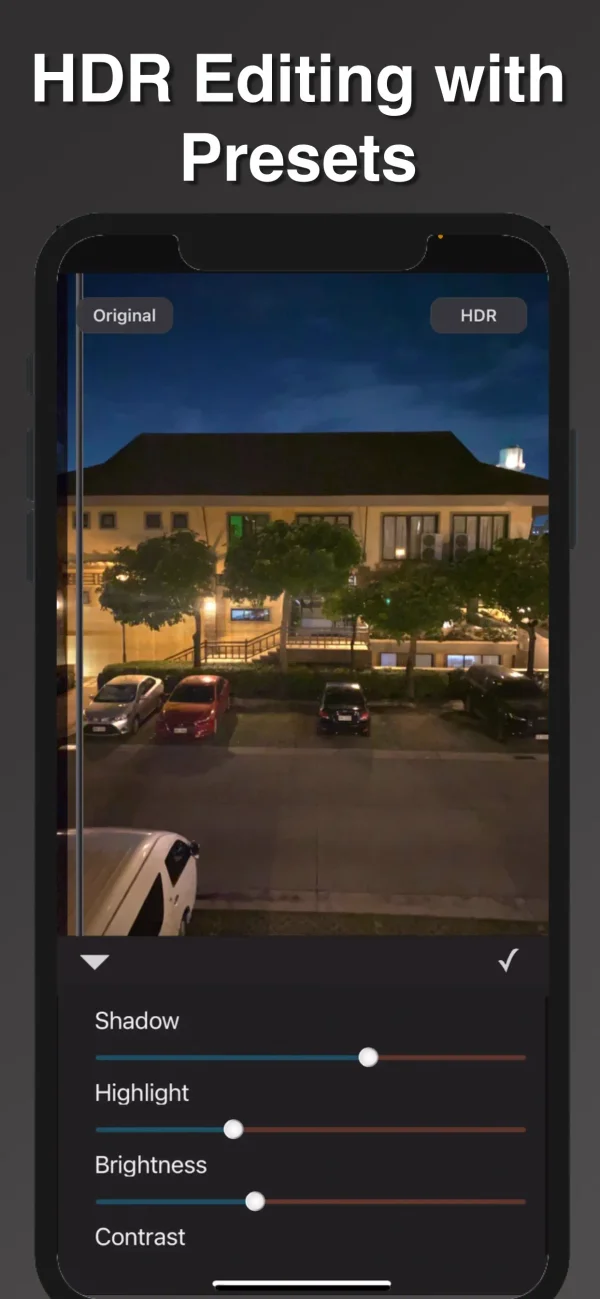
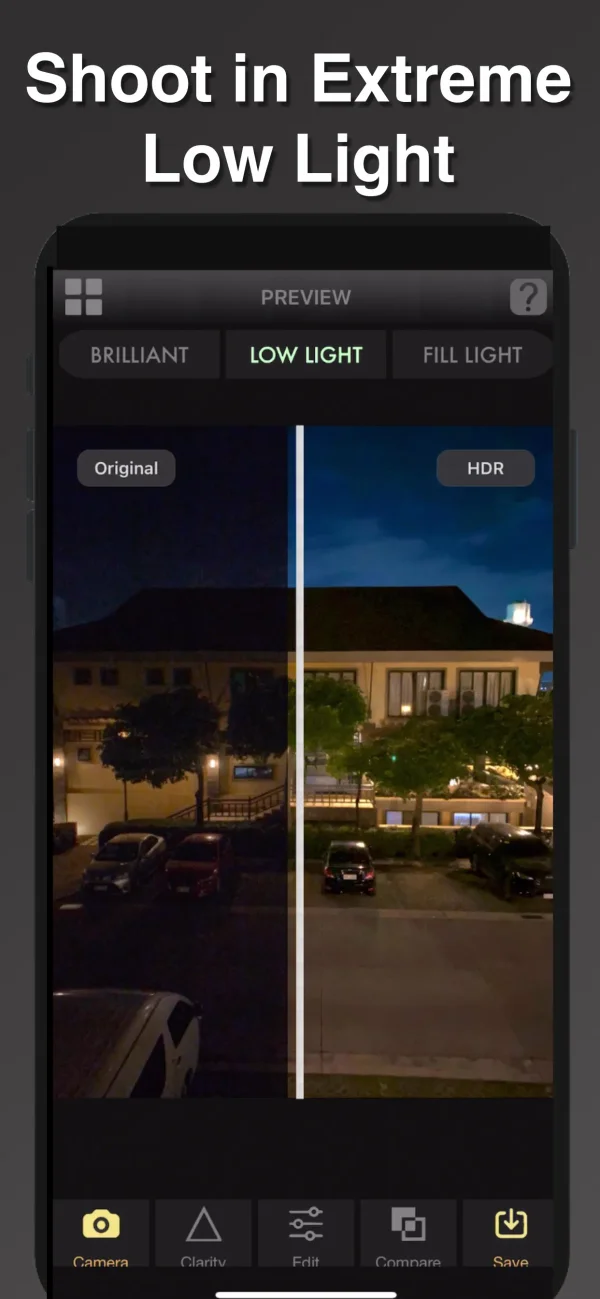
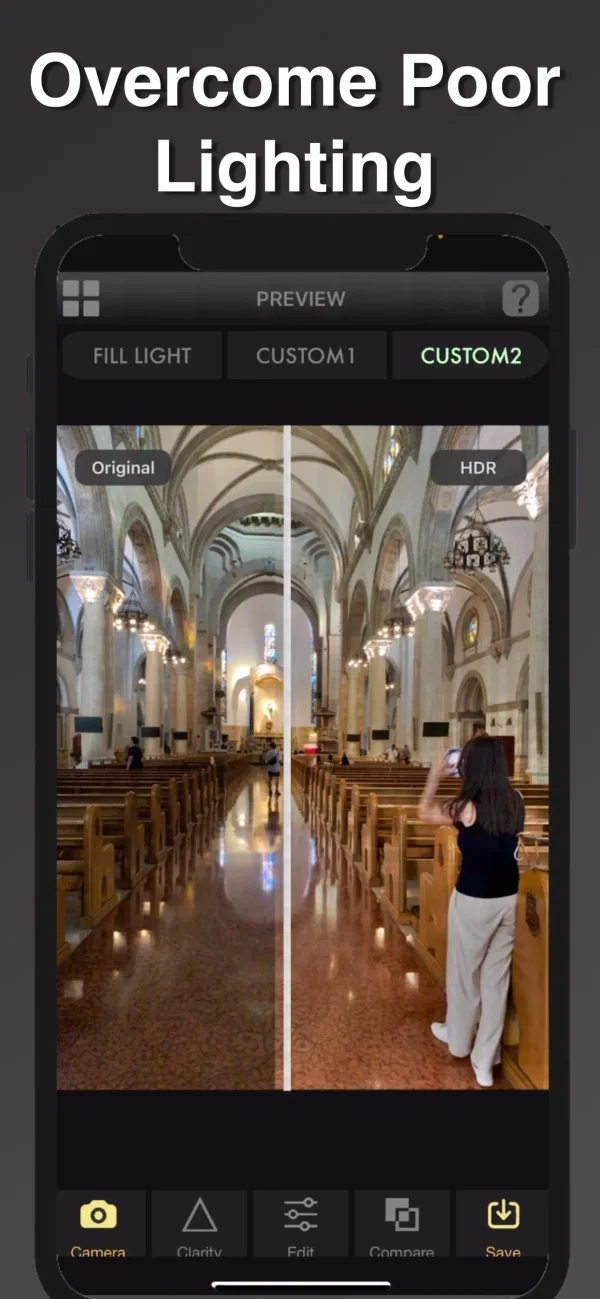
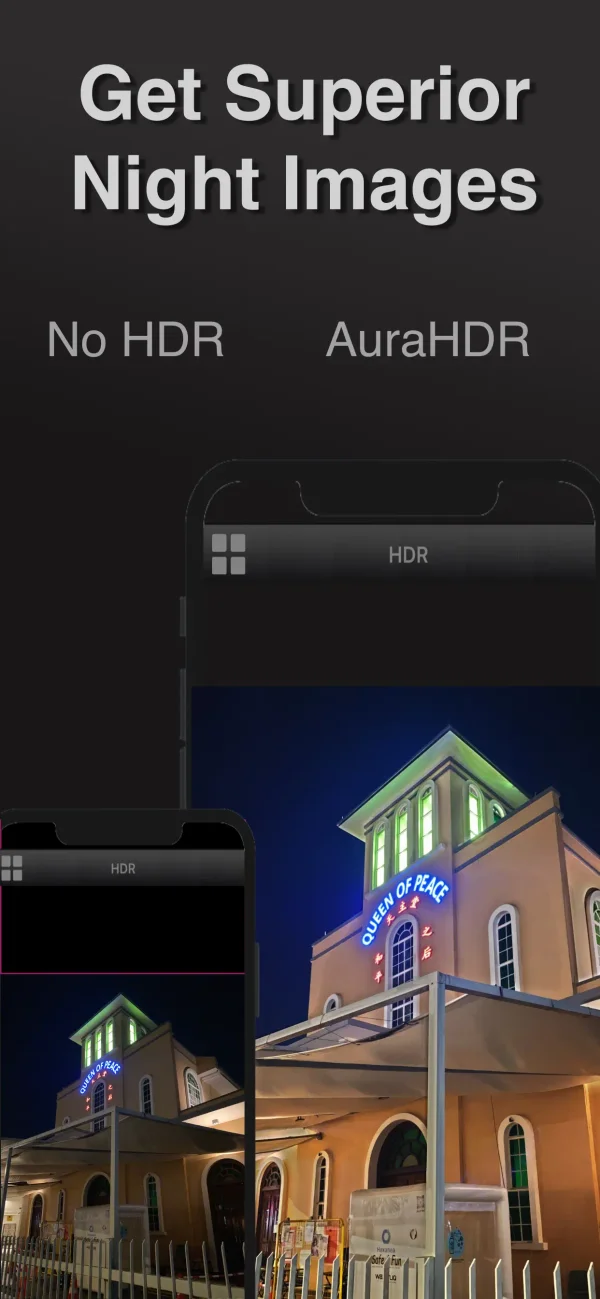
概要
開発元はこのテキストをお使いの言語で提供していません。
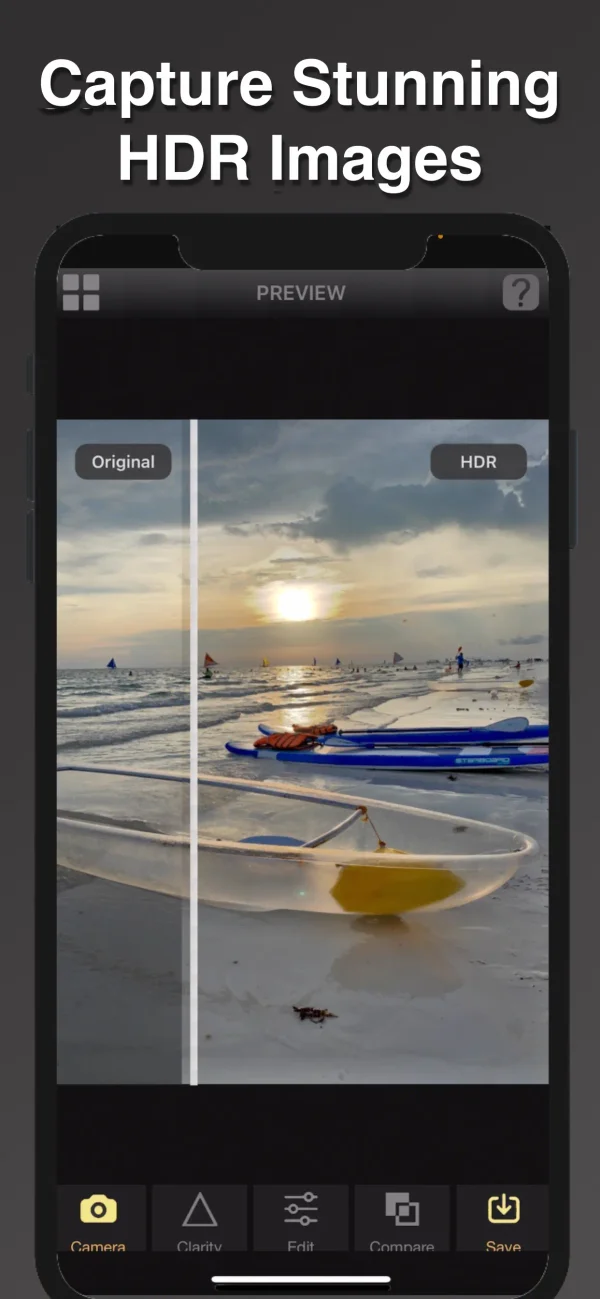
AuraHDR Camera gives iPhone photographers advanced tools for capturing scenes that ordinary camera apps struggle with. Create detailed HDR images with up to 16-stop RAW exposure bracketing, achieve edge-to-edge sharpness with focus bracketing and automatic focus stacking, and shoot in Bayer RAW or Apple ProRAW—all from one powerful camera app.
WHAT MAKES AURAHDR DIFFERENT?
ADVANCED HDR CAMERA
AuraHDR’s proprietary AuraEngine tone mapping recovers detail in challenging lighting conditions. Each scene is analyzed automatically, while built-in tone controls let you fine-tune the result. For darker scenes, the Low Light preset helps produce cleaner photographs with improved detail.
1. 16-STOP EXPOSURE BRACKETING
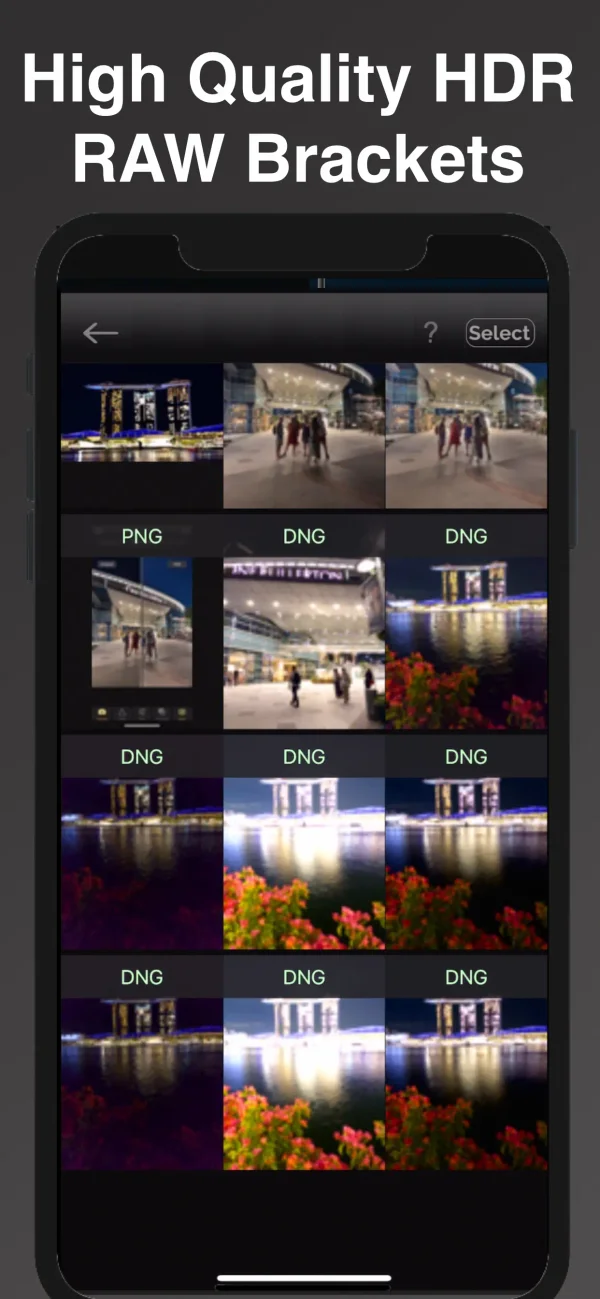
Capture RAW or JPEG exposure brackets across a range of up to 16 stops for merging in your preferred HDR software.
• Capture up to seven bracketed exposures.
• Customize the number of exposures and interval between them.
• High Quality Low Light mode uses a lower ISO for cleaner brackets.
• Supports Bayer RAW and Apple ProRAW on compatible iPhones.
2. RAW FOCUS BRACKETING
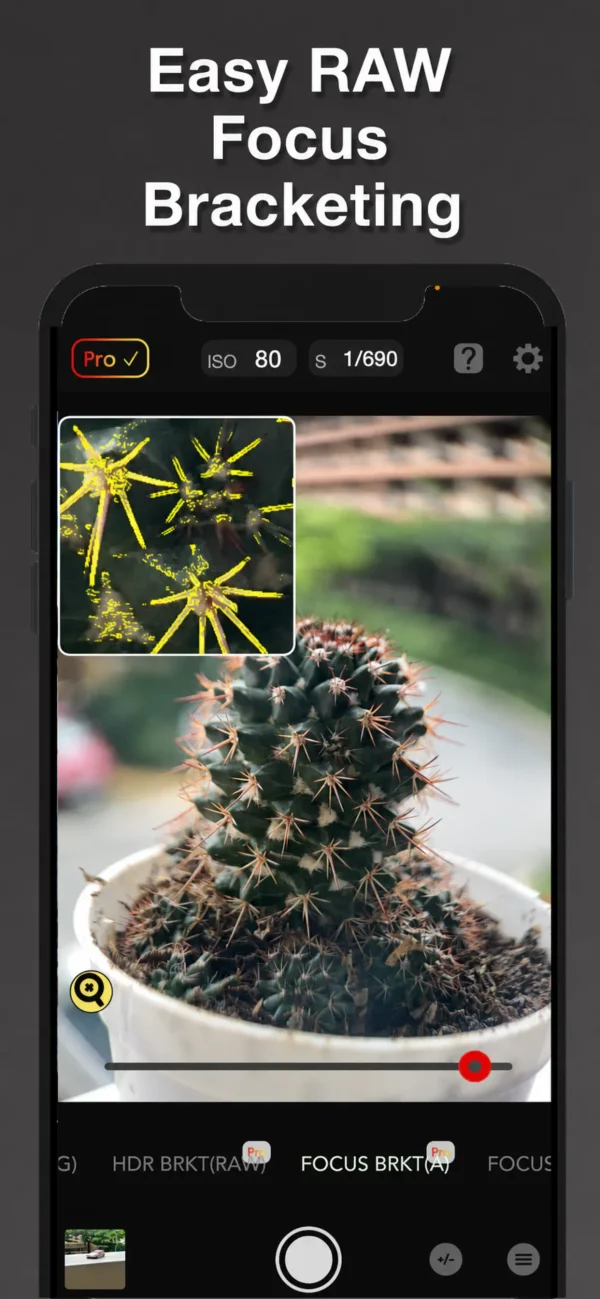
Capture tack-sharp close-ups and landscapes with greater depth of field.
• Choose automatic or manual focus bracketing.
• Capture up to 100 bracketed images.
• Adjust the focus interval for different subjects.
• Capture in RAW or JPEG.
• Use the draggable magnifier and real-time focus peaking to identify areas of sharp focus.
In Auto mode, select the nearest focus point and let AuraHDR capture the sequence. In Manual mode, tap different areas of the frame to choose each focus position.
Import the frames into apps such as Affinity Photo or Luminar Neo to create images with edge-to-edge sharpness.
3. AUTOMATIC FOCUS STACKING CAMERA
Automatic Focus Stacking combines bracketed images inside AuraHDR and saves the completed result—no external stacking software required.
• Ideal for macro, product, and food photography.
• Select the nearest focus point and press the shutter.
• Both the bracketed sequence and focus-stacked image are saved.
• Designed for use with the iPhone’s main camera.
4. BAYER RAW AND APPLE PRORAW CAPTURE
Choose the RAW format that best suits your workflow.
• Capture minimally processed Bayer RAW files for maximum editing flexibility.
• Use Apple ProRAW for RAW flexibility with Apple’s computational processing.
• Capture Apple ProRAW at up to 48MP on supported Pro iPhones.
• Available formats and resolution depend on your iPhone model.
5. LONG EXPOSURE AND FRAME STACKING
Create smooth long exposures of flowing water, moving lights, and other moving subjects directly inside AuraHDR.
Frame Stacking captures a sequence of individual images for processing in compatible software. Blend them to simulate longer exposures or average them to reduce noise in static low-light scenes.
6. ADDITIONAL CAPABILITIES
Moon Mode captures four exposures to help photograph visible lunar detail.
A tripod is recommended for focus stacking, long exposures, frame stacking, and High Quality Low Light capture.
Visit the AuraHDR YouTube channel for tutorials covering HDR merging, focus stacking, frame stacking, and other features.
新機能
バージョン 12.0.0 · 2026/8/31
AuraHDR Camera 12 is a major update featuring six enhancements that make the app more powerful and reliable:
Focus Peaking — See sharp edges highlighted in real time, making it easier to identify exactly what is in focus.
Draggable Magnifier — Move the magnifier anywhere in the frame so it doesn’t obstruct your subject.
RAW Format Selection — On supported Pro iPhones, easily choose between Bayer RAW and Apple ProRAW when capturing exposure or focus brackets.
More Reliable Long Exposures — Fixed an issue that could cause movement during long-exposure capture, resulting in soft images.
Improved Focus and Exposure Lock — Focus lock now remains active after pressing the shutter—ideal for panoramas and other multi-shot workflows.
Additional Improvements — Refined the exposure-compensation controls and other interface elements, while fixing several crashes and freezes.
アプリのプライバシー
このアプリのデータの取り扱いについて、AppJudがApp Storeで申告している内容です。
-
データの収集なし
開発元はこのアプリからデータを収集しません。
プライバシーの取り扱いは、ご利用の機能やお客様の年齢などに応じて異なる場合があります。
情報
- 販売元
- justin monreal
- カテゴリ
- 写真/ビデオ
- バージョン
- 12.0.0
- 更新日
- 2026/8/31
- リリース
- 2018/12/28
- サイズ
- 44.7 MB
- 必要条件
- iOS 26.0以降
- 対象年齢
- 4+
- 価格
- 無料
- アプリ内課金
- あり
- 言語
- 英語
- 著作権
- © Fixel 2026
こちらもおすすめ
-
 HDR Effect Camera写真/ビデオ
-
 HDR Max - Photo Editor写真/ビデオ
-
 CameraPixels LiteUnique photo and video camera
-
 CameraPixels PRO写真、ビデオ、ブラケット
-
 Brackt: RAW を HDR に合成HDR写真合成・露出ブラケット
-
 Simply HDR写真/ビデオ
-
 Light Stack Camera写真/ビデオ
-
 Zeus Focus Stackingマクロフォーカススタック
-
 Pro Camera - Reeflex カメラロングエクスポージャー&一眼レフコントロール
-
 ReeXpose - RAW ロングエクスポージャープロフェッショナルスローシャッターカメラ