
Authik - 2FA Authenticator
Secure, private 2FA codes
iPhone, iPad, Mac向けに設計
無料 · アプリ内課金
- 対象年齢4+
- カテゴリユーティリティ
- 開発元GEMIRY COMPANY LIMITED
- 言語英語
- サイズ17.3 MB
App Storeの公式ページにリンクしています
Download.orgはAuthik - 2FA Authenticatorのファイルを一切ホストしていません。ボタンを押すと、GEMIRY COMPANY LIMITEDが公開しているApp Storeのアプリページが開きます。ページの最終確認:2026/11/18。
スクリーンショット
概要
開発元はこのテキストをお使いの言語で提供していません。
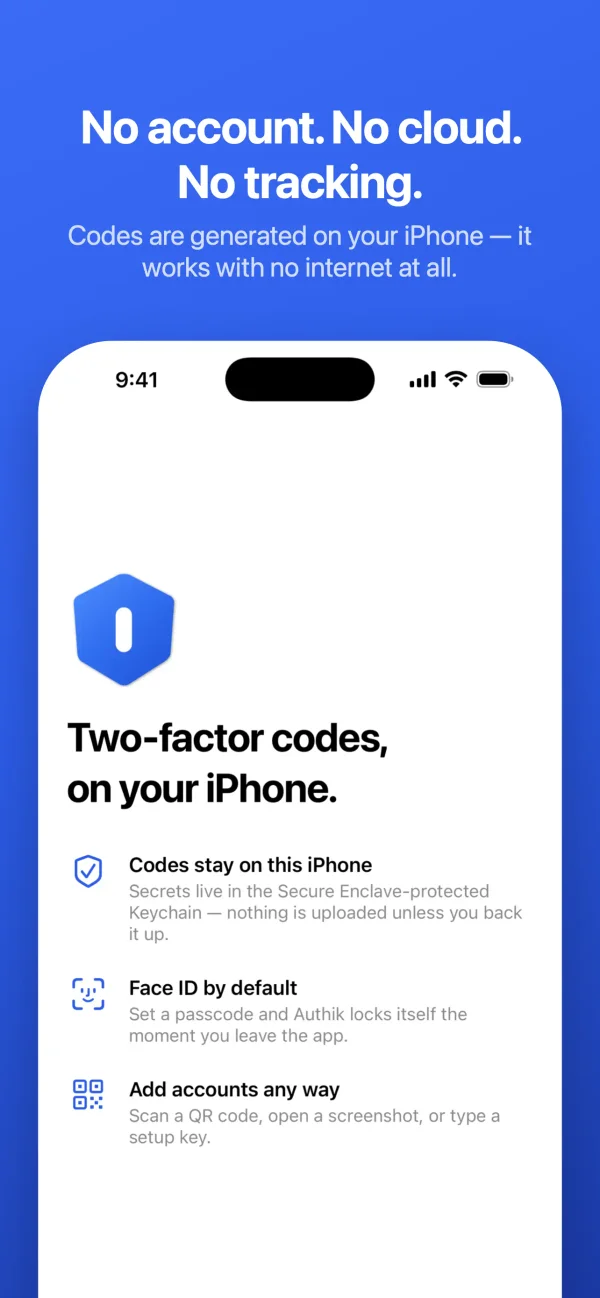
Authik keeps your two-factor codes on your iPhone, behind a passcode and Face ID, and nowhere else.
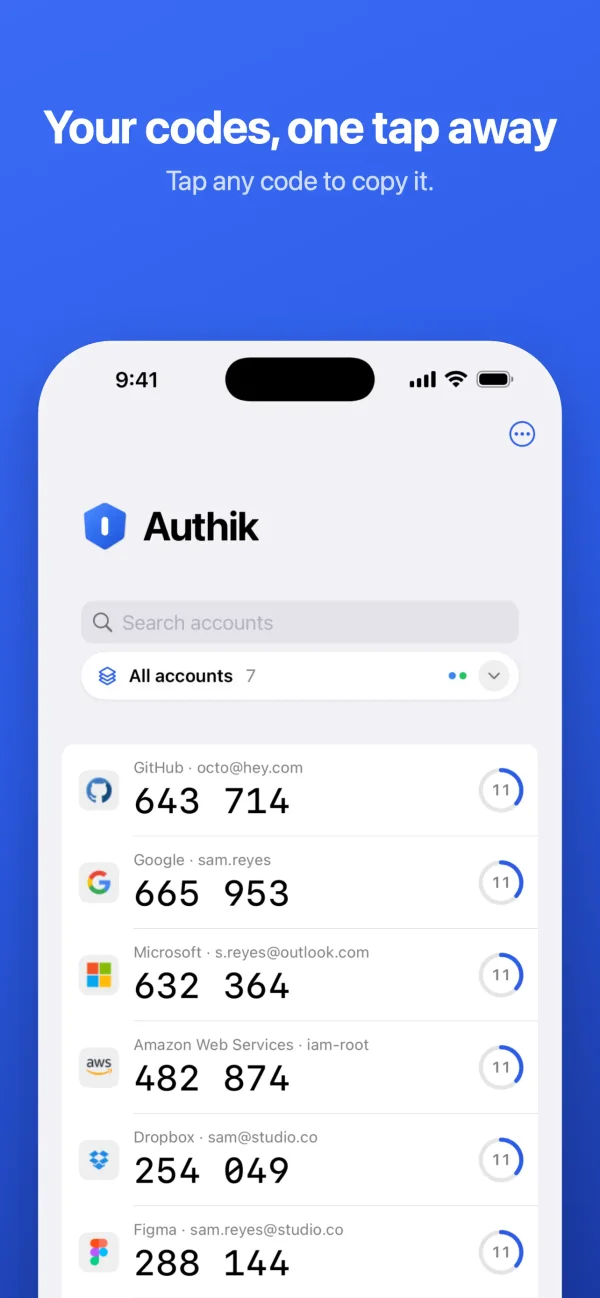
Every app that offers two-step sign-in gives you a QR code. Point Authik at it and the code appears in your list, counting down alongside the rest. No account to create, no sign-in, no sync service. Your secrets stay in the iPhone's Keychain and the app works entirely offline.
ADDING AN ACCOUNT
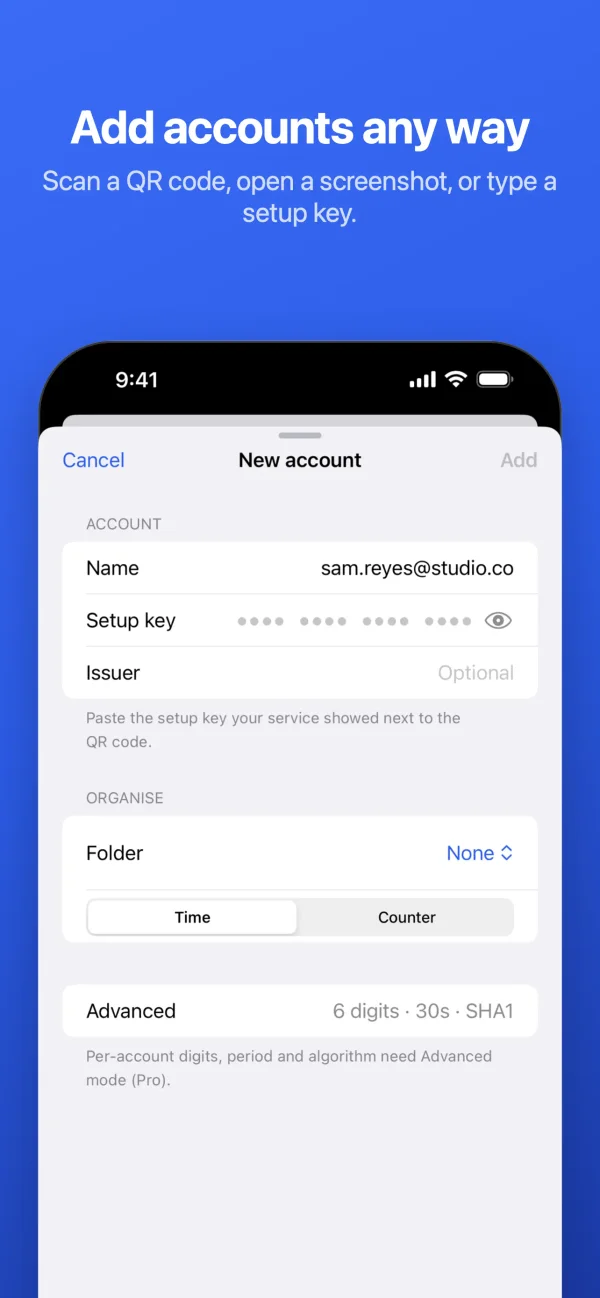
1. Tap Scan QR Code and point the camera at the code.
2. Or pick a screenshot from Photos, or type the setup key by hand.
3. The account appears in your list with its six-digit code and timer.
Codes are time-based (TOTP) or counter-based (HOTP), with SHA-1, SHA-256 and SHA-512. Google Authenticator export codes (otpauth-migration) import all accounts at once.
LOCKED BY DEFAULT
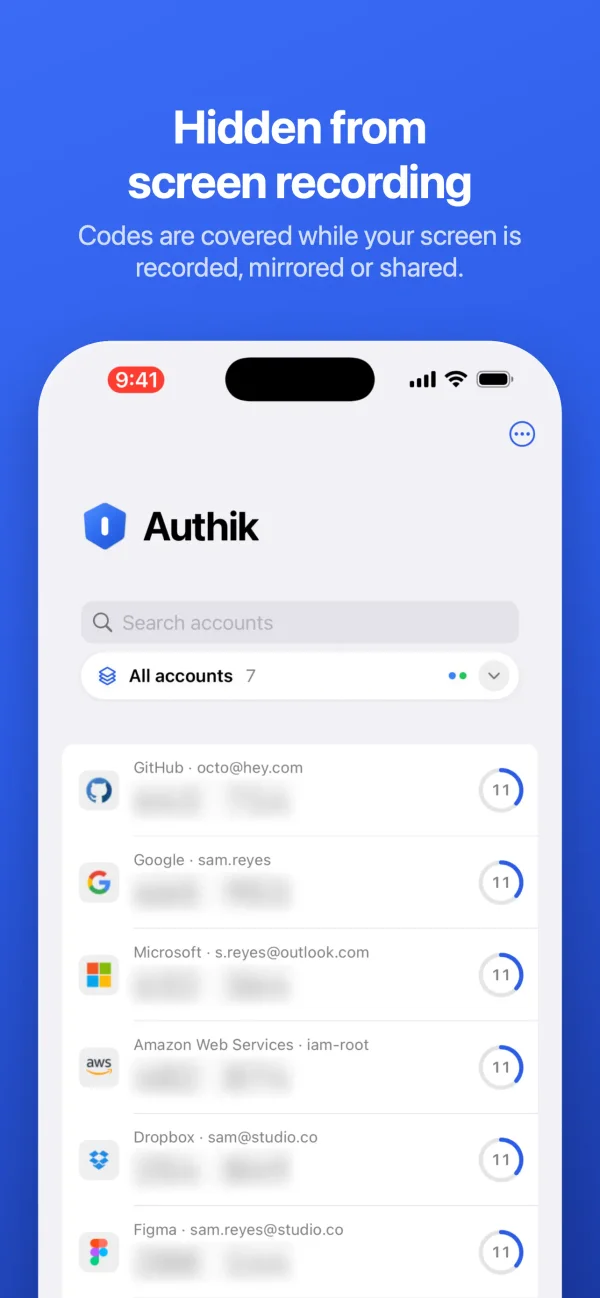
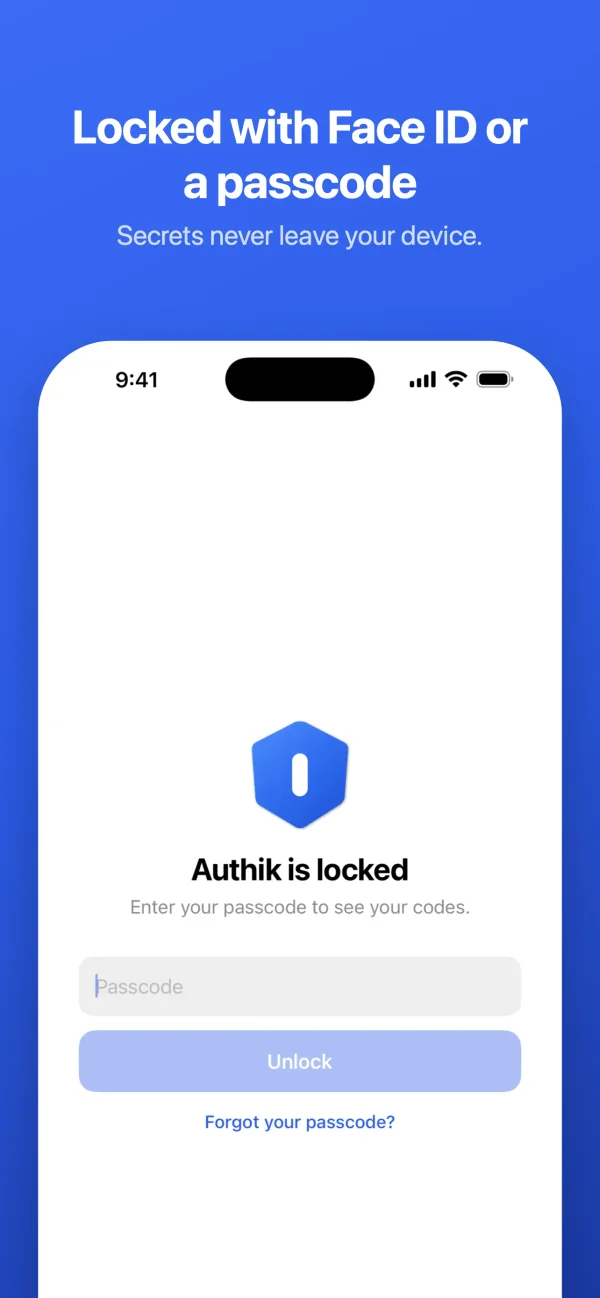
Authik is protected by a passcode you choose, with Face ID or Touch ID to unlock. Choose when it locks: immediately when you switch apps, after a delay, or never. Optionally hide codes in the list until tapped.
When you set a passcode, Authik gives you a recovery key. It is the only way back in if you forget the passcode — Authik does not keep a copy.
WIDGETS
Pin an account and its code shows on your Home Screen and Lock Screen, refreshing on its own. A Lock Screen widget opens the scanner directly. Pinned secrets are stored in the shared Keychain, protected by your device passcode rather than the Authik passcode — Authik tells you this when you pin.
ORGANISE
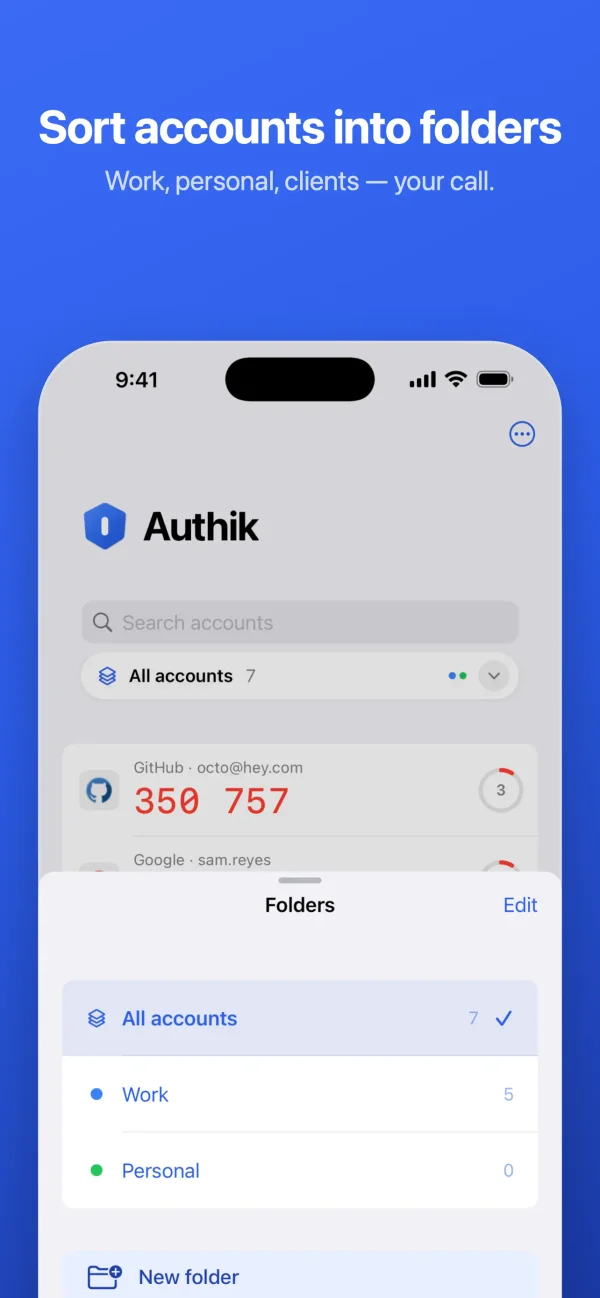
Group accounts into folders, search by name, and long-press an account to move it.
BACKUP AND RESTORE
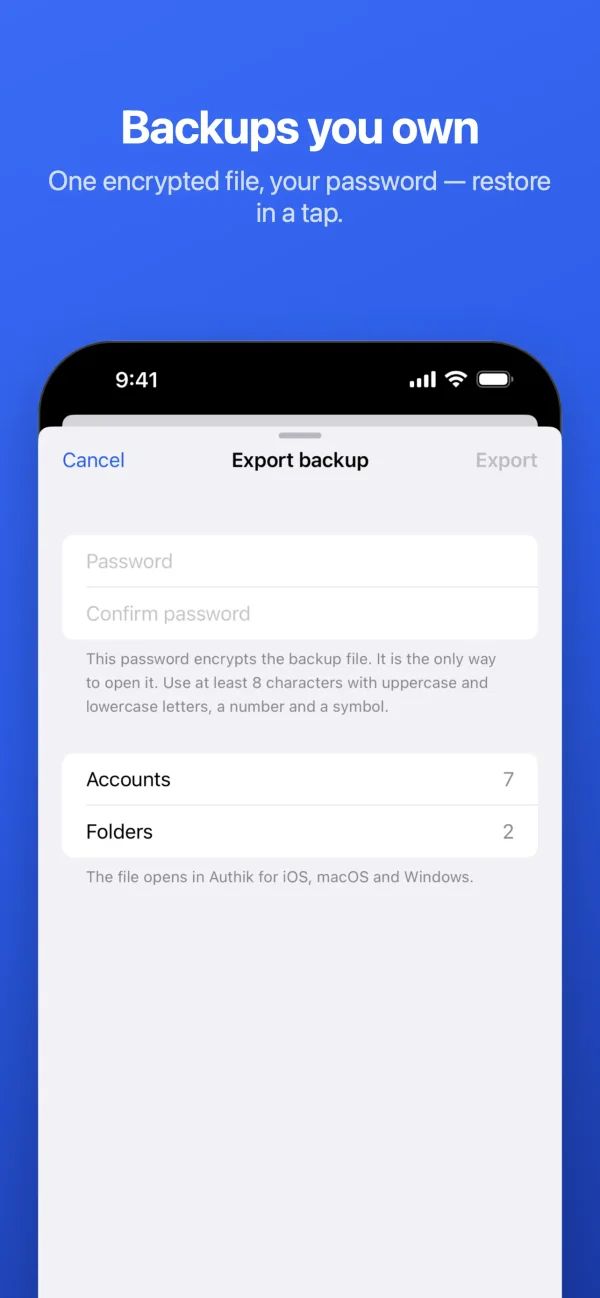
Export all accounts to a single encrypted file, protected by a password you choose. Restore it on a new phone, either merging with or replacing what is there. The backup is the recovery path that survives a lost passcode and a lost phone — keep one.
FREE AND PRO
Free includes everything above for up to 8 accounts and 3 folders.
Authik Pro is a single one-time purchase — no subscription — and adds:
• Unlimited accounts and folders
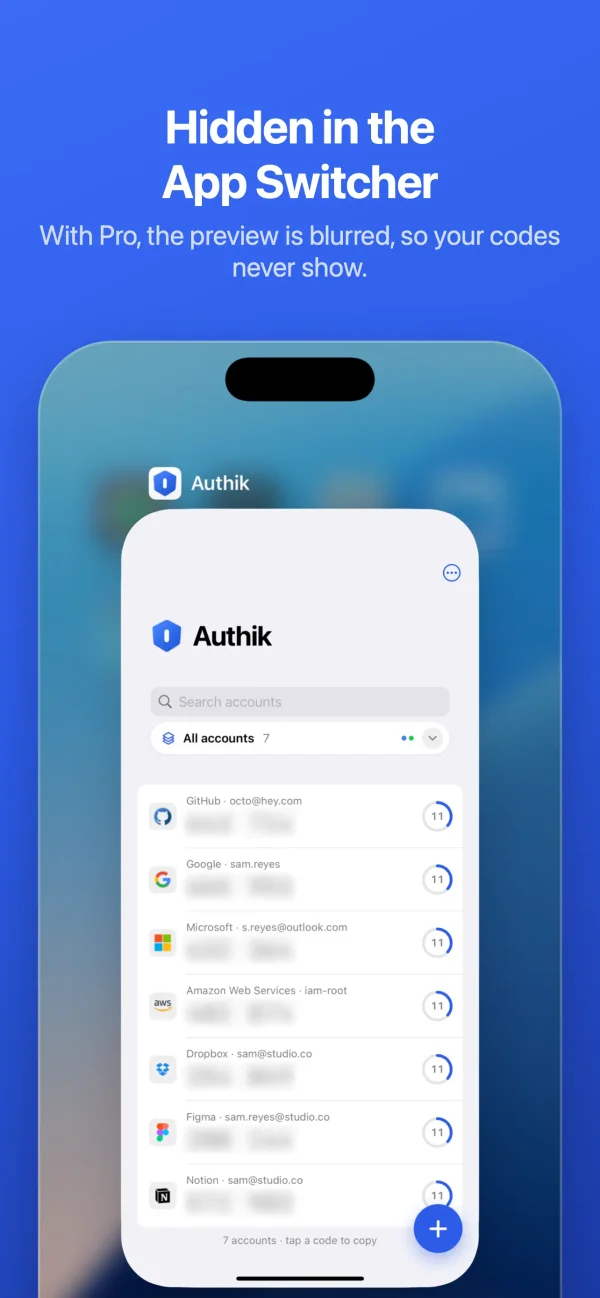
• Hide in App Switcher: blurs the app preview so codes never show in the switcher
• Advanced mode: per-account digits, period and algorithm, plus QR export of any account
Restore Purchases is on the upgrade screen.
PRIVACY
Authik makes no network connections. There are no analytics, no crash reporting and no accounts. The camera is used only while you scan; Photos only for the image you pick; Face ID only to unlock.
新機能
バージョン 1.1.0 · 2026/9/13
- Add auto backup
- Add nearby syncing
アプリのプライバシー
このアプリのデータの取り扱いについて、GEMIRY COMPANY LIMITEDがApp Storeで申告している内容です。
-
ユーザーに関連付けられないデータ
収集される場合がありますが、ユーザーの識別情報には関連付けられません。
- 位置情報
- ID
- 使用状況データ
プライバシーの取り扱いは、ご利用の機能やお客様の年齢などに応じて異なる場合があります。
情報
- 販売元
- GEMIRY COMPANY LIMITED
- カテゴリ
- ユーティリティ
- バージョン
- 1.1.0
- 更新日
- 2026/9/13
- リリース
- 2026/9/2
- サイズ
- 17.3 MB
- 必要条件
- iOS 17.0以降
- 対象年齢
- 4+
- 価格
- 無料
- アプリ内課金
- あり
- 言語
- 英語
- 著作権
- © 2026 Gemiry Co., Ltd
こちらもおすすめ
-
 Verity Authenticator 2FA 認証アプリ二段階認証コードとバックアップ
-
 Duplicate Photo Cleaner.ユーティリティ
-
 Kleaners: 連絡先整理・重複削除重複した連絡先を統合、空の連絡先も整理
-
 Pro-Stuk:車の異音診断入庫前に異音の正体を知る
-
 Authenticator App "安全なOTPコードとバックアップ
-
 Authenticator - クラウド同期 & 顔認証二段階認証、QRスキャン、パスワードを安全に管理保護
-
 Photo Cleaner - Quick Cleanupユーティリティ
-
 Plugzziユーティリティ
-
 Authenticator App - SafeIDユーティリティ
-
 Urgent, a Techniche productユーティリティ