
Authik - 2FA Authenticator
Secure, private 2FA codes
Designed for iPhone, iPad, Mac
Free · In-app purchases
- Age rating4+
- CategoryUtilities
- DeveloperGEMIRY COMPANY LIMITED
- LanguagesEnglish
- Size17.3 MB
Links to the official App Store page
Download.org hosts no file of Authik - 2FA Authenticator. The button opens its official App Store page, published by GEMIRY COMPANY LIMITED. Listing last checked on Nov 18, 2026.
Screenshots
About
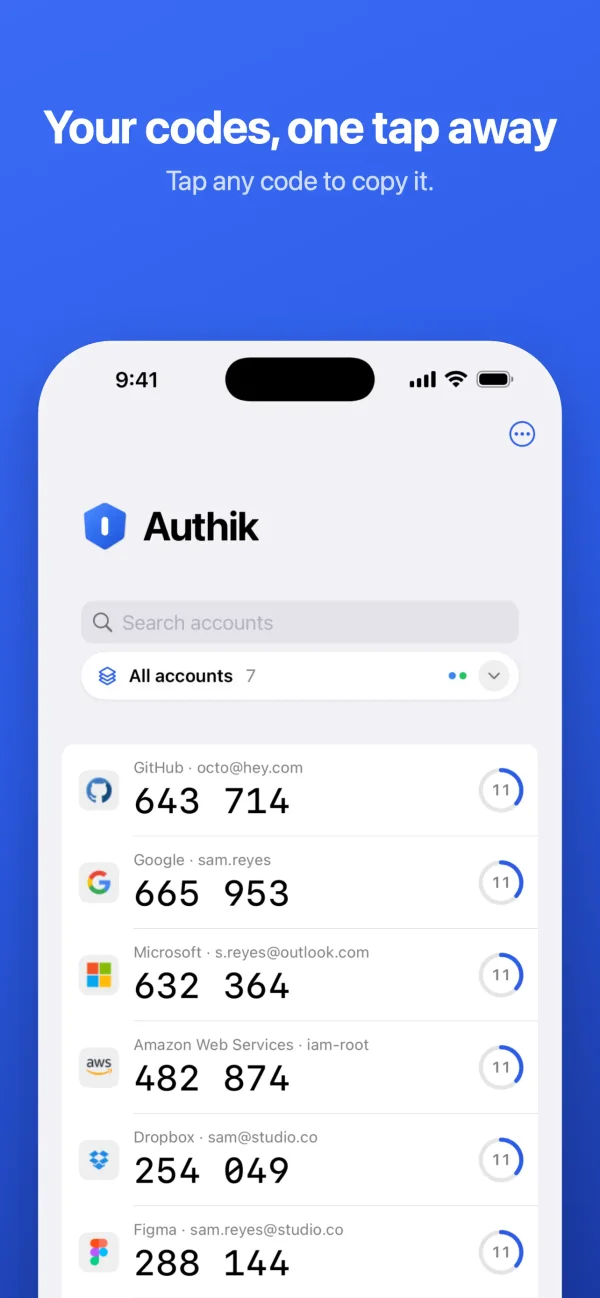
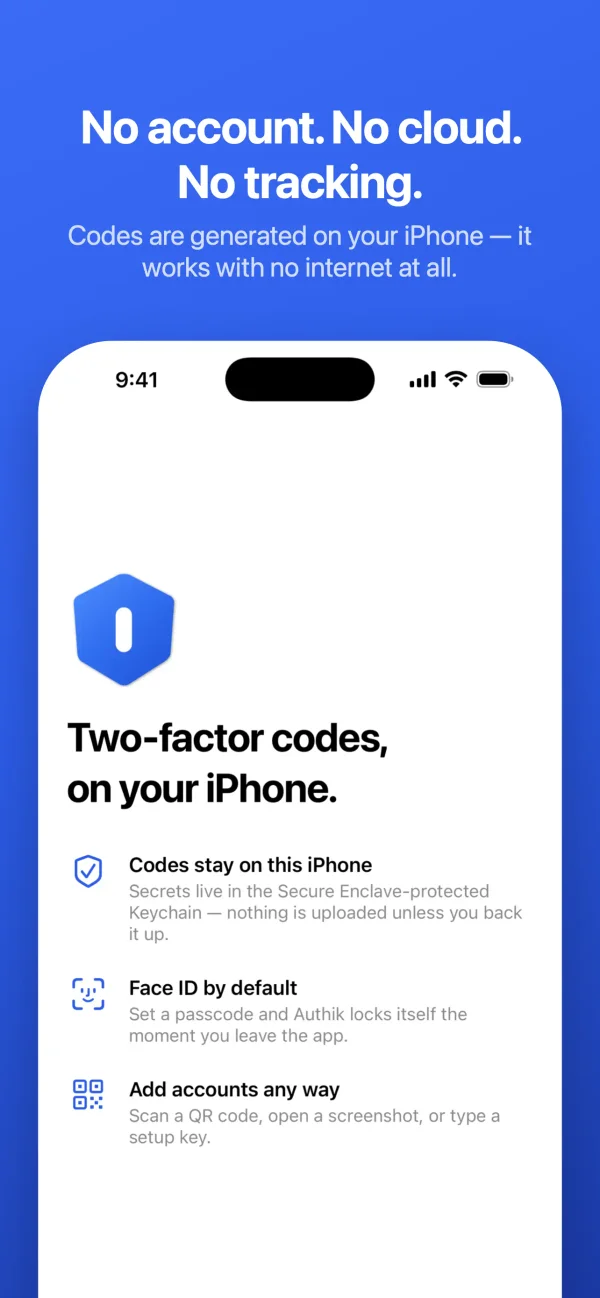
Authik keeps your two-factor codes on your iPhone, behind a passcode and Face ID, and nowhere else.
Every app that offers two-step sign-in gives you a QR code. Point Authik at it and the code appears in your list, counting down alongside the rest. No account to create, no sign-in, no sync service. Your secrets stay in the iPhone's Keychain and the app works entirely offline.
ADDING AN ACCOUNT
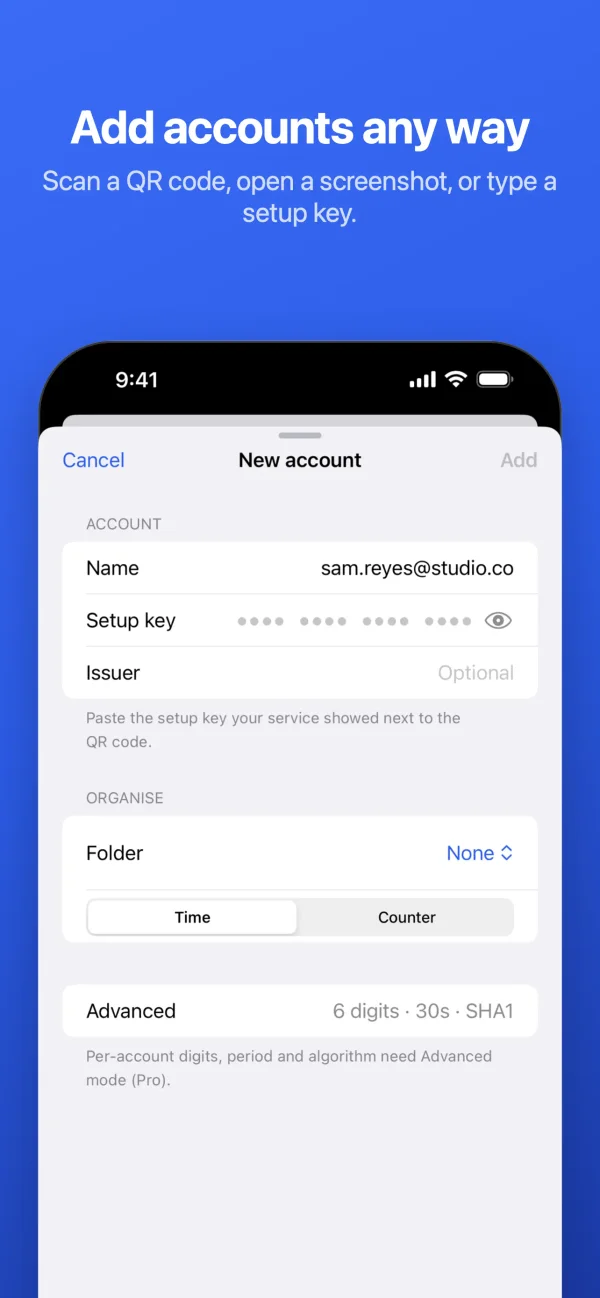
1. Tap Scan QR Code and point the camera at the code.
2. Or pick a screenshot from Photos, or type the setup key by hand.
3. The account appears in your list with its six-digit code and timer.
Codes are time-based (TOTP) or counter-based (HOTP), with SHA-1, SHA-256 and SHA-512. Google Authenticator export codes (otpauth-migration) import all accounts at once.
LOCKED BY DEFAULT
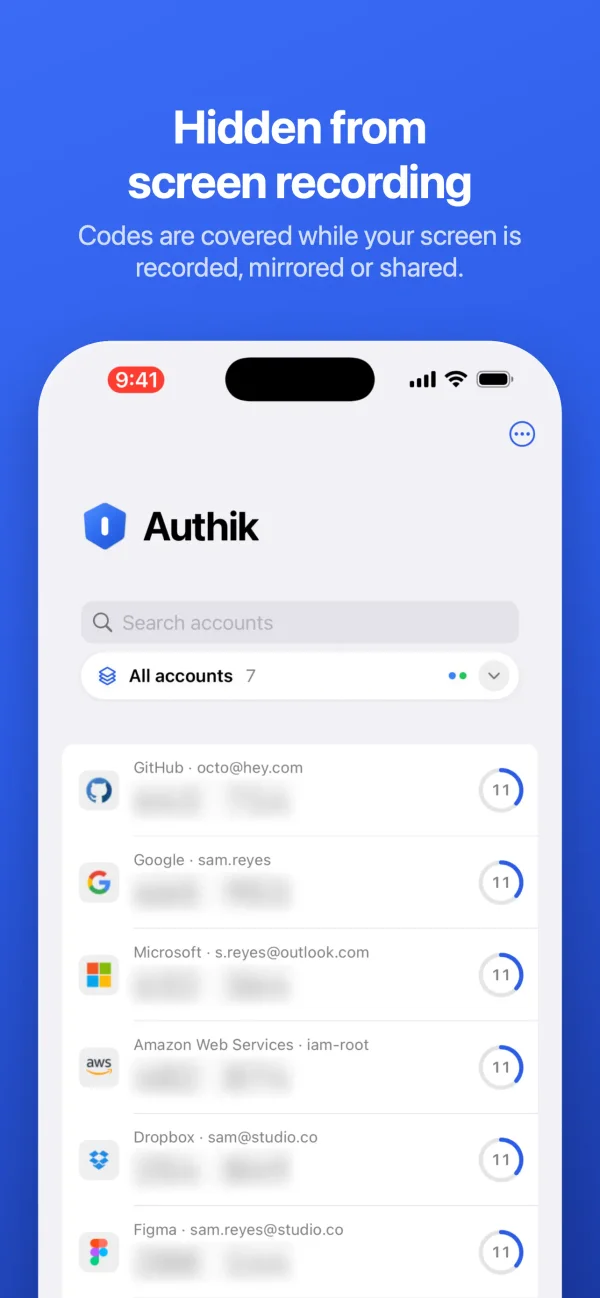
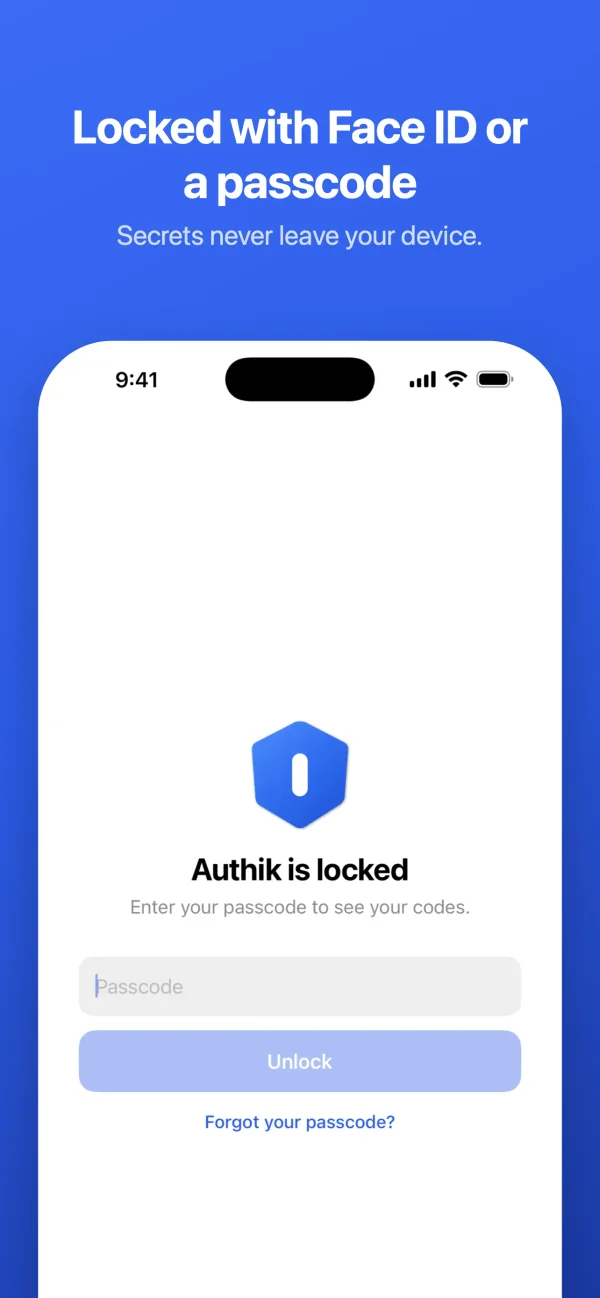
Authik is protected by a passcode you choose, with Face ID or Touch ID to unlock. Choose when it locks: immediately when you switch apps, after a delay, or never. Optionally hide codes in the list until tapped.
When you set a passcode, Authik gives you a recovery key. It is the only way back in if you forget the passcode — Authik does not keep a copy.
WIDGETS
Pin an account and its code shows on your Home Screen and Lock Screen, refreshing on its own. A Lock Screen widget opens the scanner directly. Pinned secrets are stored in the shared Keychain, protected by your device passcode rather than the Authik passcode — Authik tells you this when you pin.
ORGANISE
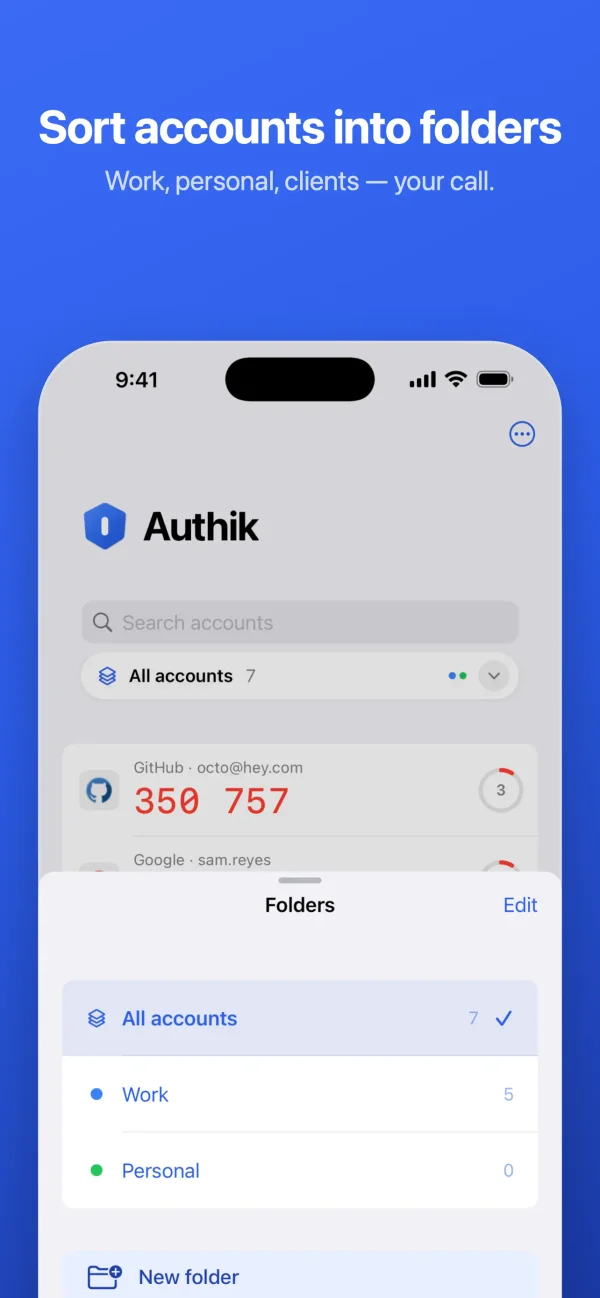
Group accounts into folders, search by name, and long-press an account to move it.
BACKUP AND RESTORE
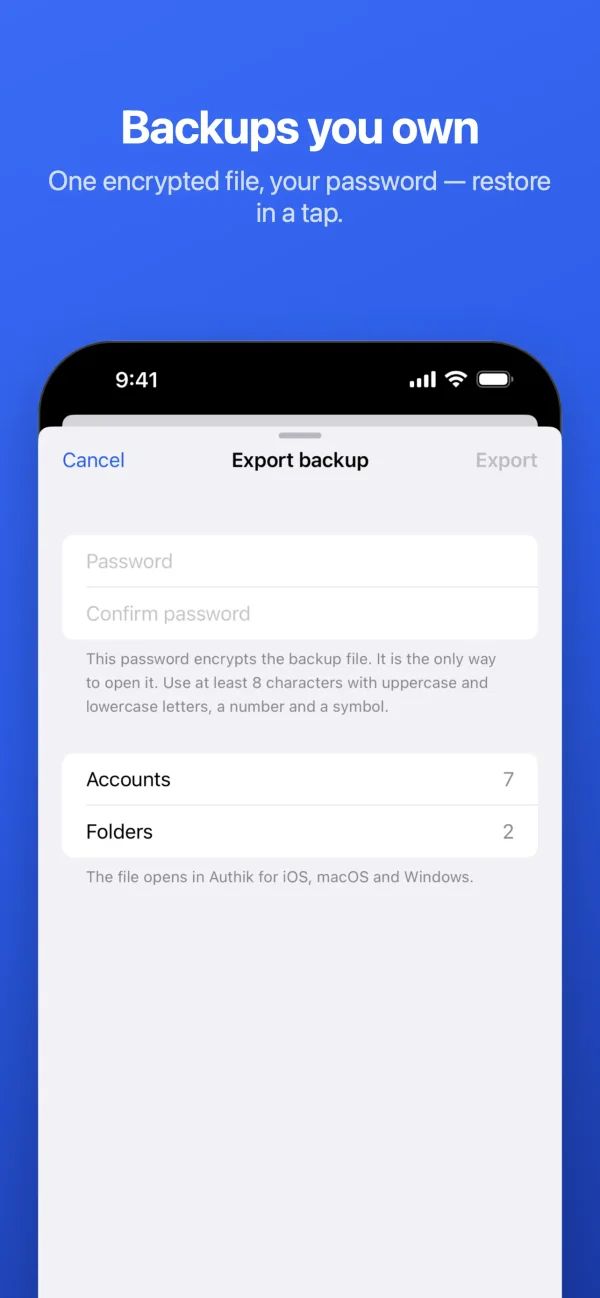
Export all accounts to a single encrypted file, protected by a password you choose. Restore it on a new phone, either merging with or replacing what is there. The backup is the recovery path that survives a lost passcode and a lost phone — keep one.
FREE AND PRO
Free includes everything above for up to 8 accounts and 3 folders.
Authik Pro is a single one-time purchase — no subscription — and adds:
• Unlimited accounts and folders
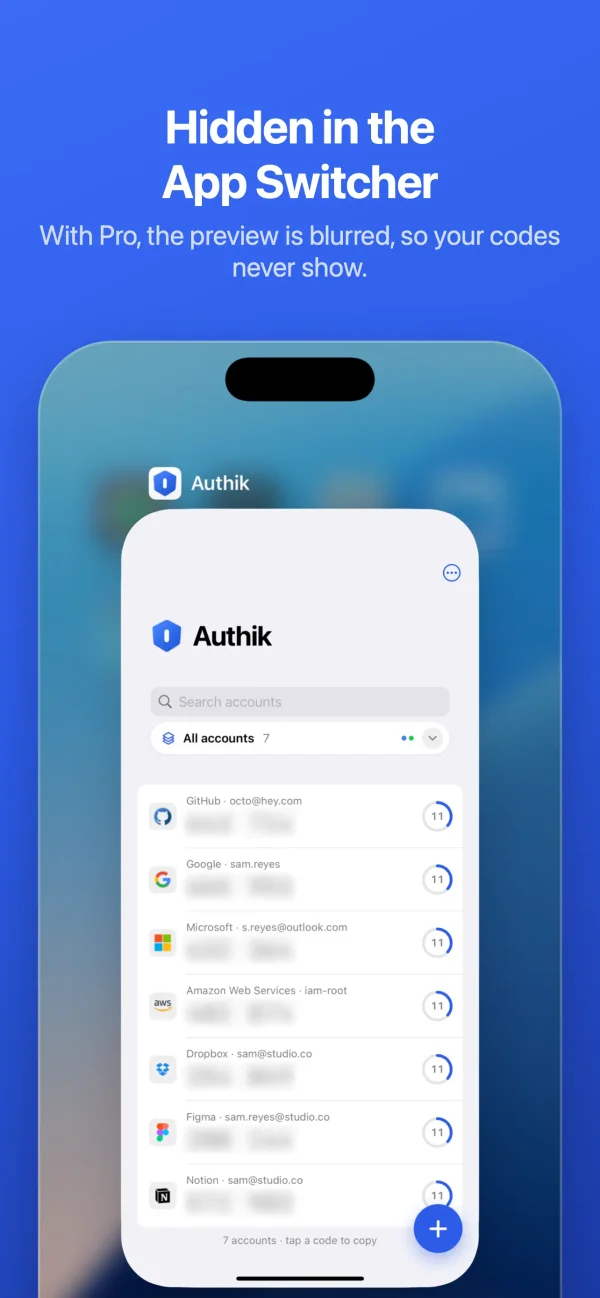
• Hide in App Switcher: blurs the app preview so codes never show in the switcher
• Advanced mode: per-account digits, period and algorithm, plus QR export of any account
Restore Purchases is on the upgrade screen.
PRIVACY
Authik makes no network connections. There are no analytics, no crash reporting and no accounts. The camera is used only while you scan; Photos only for the image you pick; Face ID only to unlock.
What’s new
Version 1.1.0 · Sep 13, 2026
- Add auto backup
- Add nearby syncing
App privacy
What GEMIRY COMPANY LIMITED declares on the App Store about how this app handles data.
-
Data not linked to you
May be collected but is not linked to your identity.
- Location
- Identifiers
- Usage data
Privacy practices may vary, for example with the features you use or your age.
Information
- Seller
- GEMIRY COMPANY LIMITED
- Category
- Utilities
- Version
- 1.1.0
- Updated
- Sep 13, 2026
- Released
- Sep 2, 2026
- Size
- 17.3 MB
- Requires
- iOS 17.0 or later
- Age rating
- 4+
- Price
- Free
- In-app purchases
- Yes
- Languages
- English
- Copyright
- © 2026 Gemiry Co., Ltd
You might also like
-
 Verity Authenticator: 2FASecure 2FA codes & backup
-
 Duplicate Photo Cleaner.Utilities
-
 Kleaners: Duplicate ContactsMerge & Back Up Address Book
-
 Pro-Stuk: Car Noise DiagnosisKnow the noise before the shop
-
 Authenticator App "Secure OTP Codes & Backup
-
 Authenticator: Encrypt CodesProtect Accounts With Face ID
-
 Photo Cleaner - Quick CleanupDelete Duplicate Phone Photos
-
 PlugzziUtilities
-
 Authenticator App - SafeID2FA Authentication & Security
-
 Urgent, a Techniche productUtilities