- 対象年齢4+
- カテゴリ写真/ビデオ
- 開発元Rajneesh Mishra
- 言語英語
- サイズ27.7 MB
App Storeの公式ページにリンクしています
Download.orgはAuto Background Removerのファイルを一切ホストしていません。ボタンを押すと、Rajneesh Mishraが公開しているApp Storeのアプリページが開きます。ページの最終確認:2026/11/15。
スクリーンショット


概要
開発元はこのテキストをお使いの言語で提供していません。
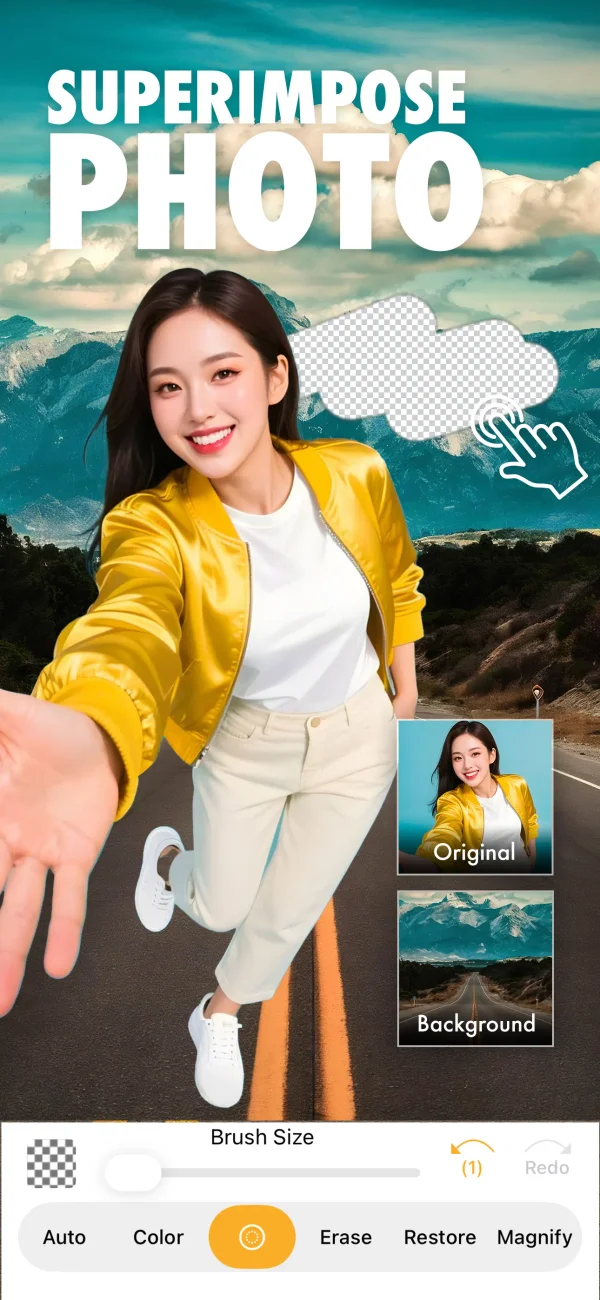
Auto Background Remover is a powerful image editing tool designed to quickly remove backgrounds and create clean cutouts with precision. Using advanced AI detection and smart threshold technology, the app automatically separates subjects from the background and allows detailed manual refinement when needed.
Whether you want to isolate a portrait, remove unwanted colors, or prepare images for design, the editing tools provide full control with an intuitive interface.
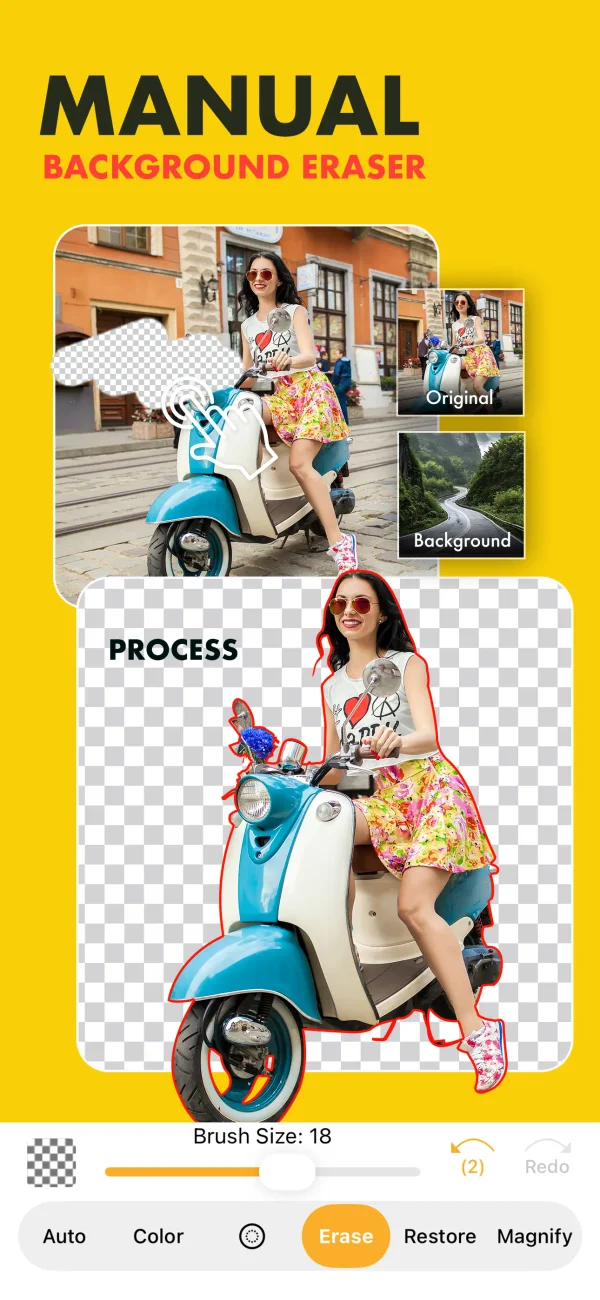
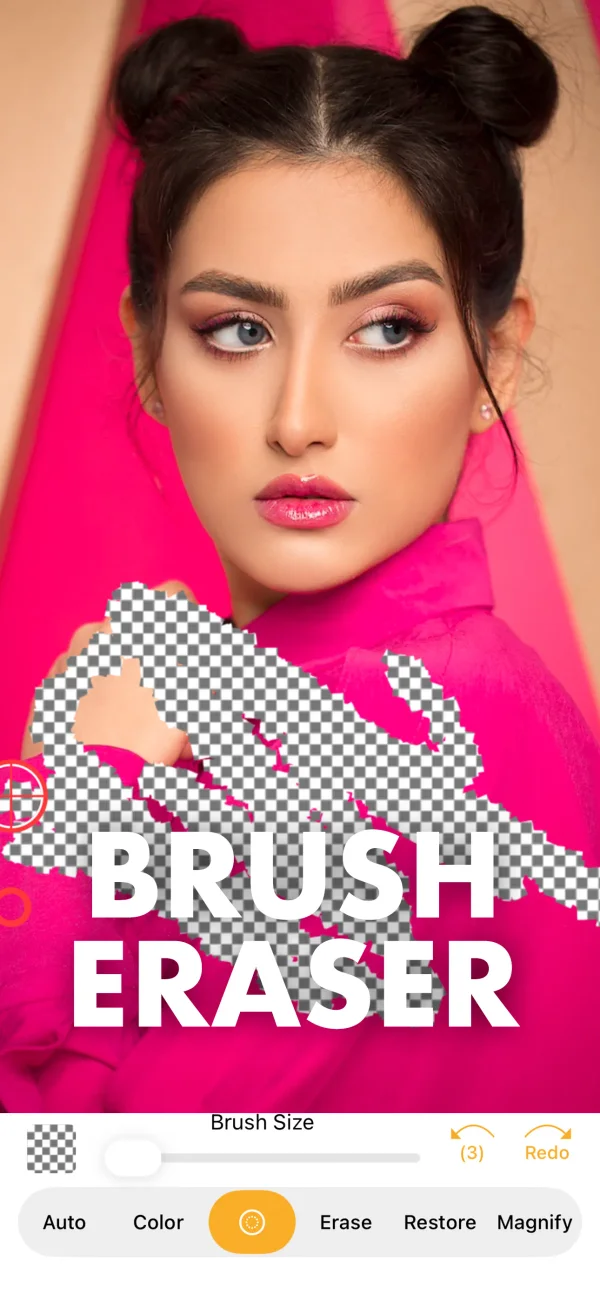
The app includes automatic background detection along with manual editing tools that help refine edges, restore removed areas, and precisely erase specific parts of an image.
You can start with photos from the camera, gallery, or files, then easily adjust and customize the background before exporting or sharing.
WidgetKit support allows quick access to the editor directly from the Home Screen, making it faster to start editing images anytime.
Key Features:
AI Background Removal:
- Advanced AI automatically detects the subject and removes the background in seconds.
Smart Threshold Detection:
- Improves accuracy when separating subjects from complex backgrounds.
Manual Precision Editing Tools:
- Erase unwanted areas with adjustable brush size
- Restore parts of the image if something is removed accidentally
- Magnify tool for detailed edge editing
- Color removal tool to erase selected colors from the image
Auto + Manual Editing Modes:
- Use automatic background removal or refine the result using manual tools for better accuracy.
Flexible Image Import:
- Capture a new photo with the camera
- Import from your photo gallery
- Load images from files
Background Adjustment Tools:
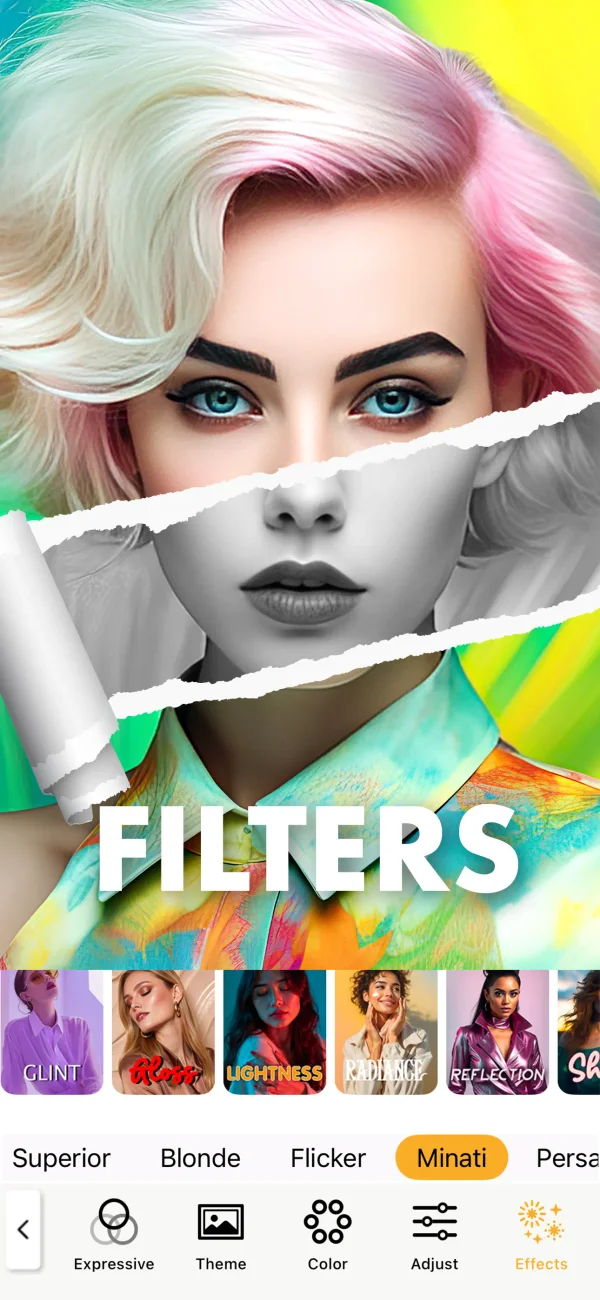
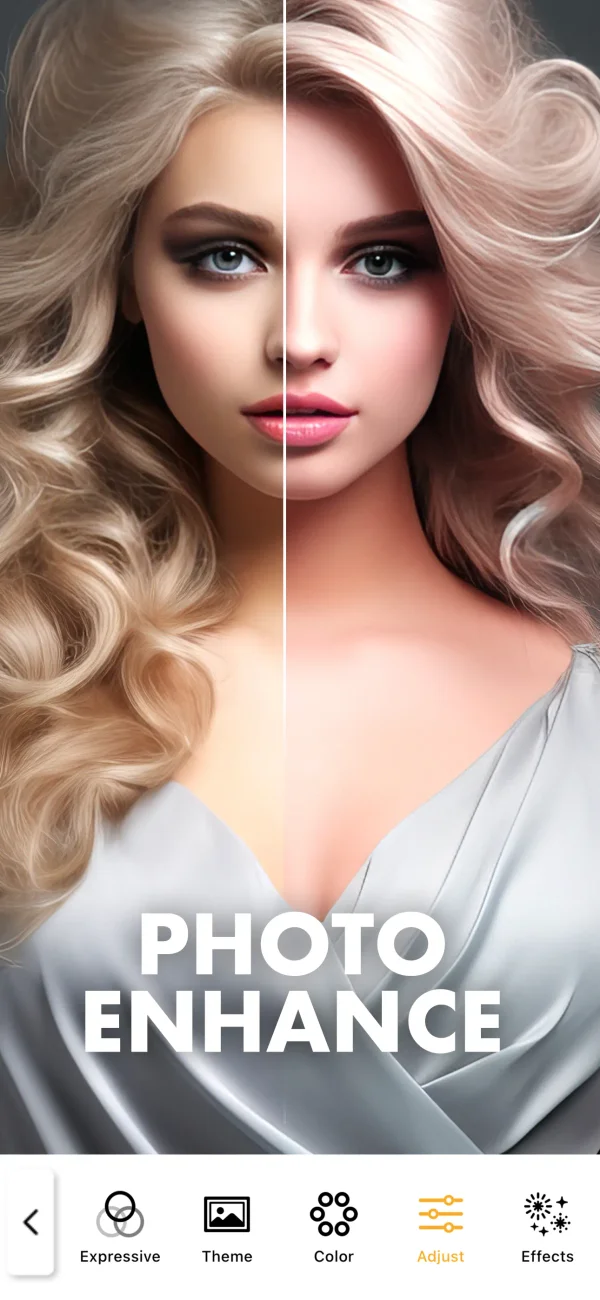
- Customize the final result with color adjustments, themes, and visual effects.
Simple Export and Sharing:
- Save your edited image or share it directly with other apps.
Home Screen Widgets:
- WidgetKit support lets you launch the background remover instantly from the Home Screen for faster editing access.
新機能
バージョン 2.2 · 2026/3/14
- Added advanced AI Background Removal engine
- Implemented Smart Threshold technology for more accurate background detection
- Added Color Removal tool for targeted background editing
- Improved Erase and Restore tools for better control
- Added Magnify editing mode for detailed adjustments
- Enhanced background adjustment panel
- Added new effects and color editing options
- UI improvements for smoother editing workflow
- Performance optimizations
- Bug fixes and stability improvements
アプリのプライバシー
このアプリのデータの取り扱いについて、Rajneesh MishraがApp Storeで申告している内容です。
-
ユーザーのトラッキングに使用されるデータ
他社のアプリやウェブサイトを横断してユーザーをトラッキングする目的で使用される場合があります。
- ID
- 使用状況データ
-
ユーザーに関連付けられたデータ
収集され、ユーザーの識別情報に関連付けられる場合があります。
- 使用状況データ
-
ユーザーに関連付けられないデータ
収集される場合がありますが、ユーザーの識別情報には関連付けられません。
- ID
プライバシーの取り扱いは、ご利用の機能やお客様の年齢などに応じて異なる場合があります。
情報
- 販売元
- Rajneesh Mishra
- カテゴリ
- 写真/ビデオ
- バージョン
- 2.2
- 更新日
- 2026/3/14
- リリース
- 2018/5/1
- サイズ
- 27.7 MB
- 必要条件
- iOS 16.6以降
- 対象年齢
- 4+
- 価格
- 無料
- アプリ内課金
- あり
- 言語
- 英語
- 著作権
- © RajMish Apps
こちらもおすすめ
-
 AI Background Eraser !写真/ビデオ
-
 Background Remover: BG Remover写真/ビデオ
-
 Eraser Background Photo Editor写真/ビデオ
-
 Background Eraser - Remove BG写真/ビデオ
-
 Cutout : Background Eraser写真/ビデオ
-
 Auto Background Changer, Photo写真/ビデオ
-
 Video Cut Out写真/ビデオ
-
 Background Eraser - PNG Maker写真/ビデオ
-
 Video Background Remover写真/ビデオ
-
 BgRem: 背景消す写真とビデオの自動背景除去