- 対象年齢4+
- カテゴリ仕事効率化
- 開発元Balluff GmbH
- 言語英語
- サイズ23.5 MB
Balluff NFC Toolboxは現在App Storeで入手できない可能性があります
前回の確認時、ストアのページにアクセスできませんでした。リンク先は引き続きApp Storeの公式ページです。
スクリーンショット

概要
開発元はこのテキストをお使いの言語で提供していません。
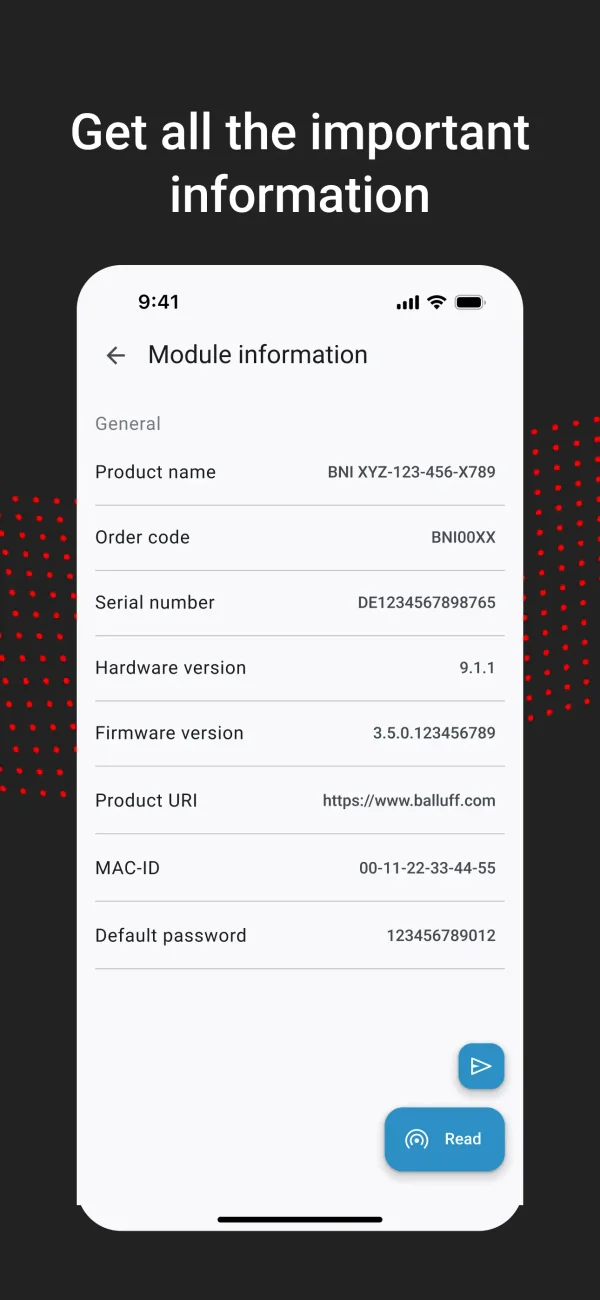
With the (BALLUFF) NFC Toolbox app, your next setup of NFC-enabled BALLUFF hardware will be a breeze. But the NFC Toolbox app will not only assist you during the initial setup, it will also help in maintenance cases when it comes to restoring a device to its original state or even completely replacing it. If a device needs to be replaced, its last parameter set can be easily copied to a new device.
Initial Parametrization:
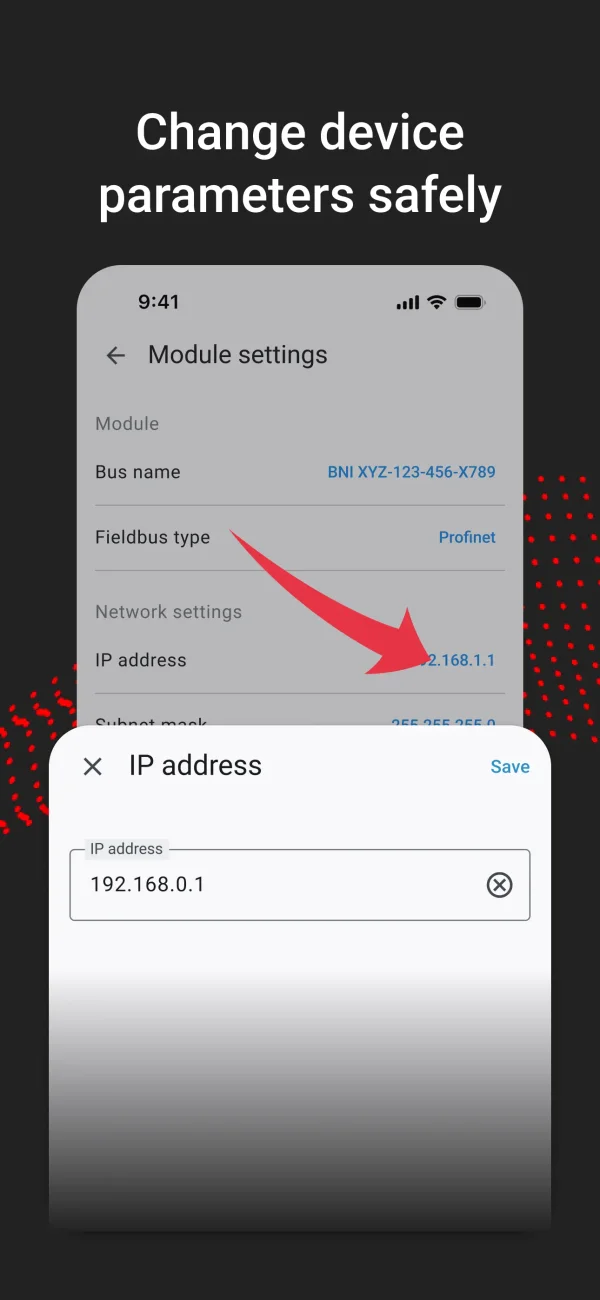
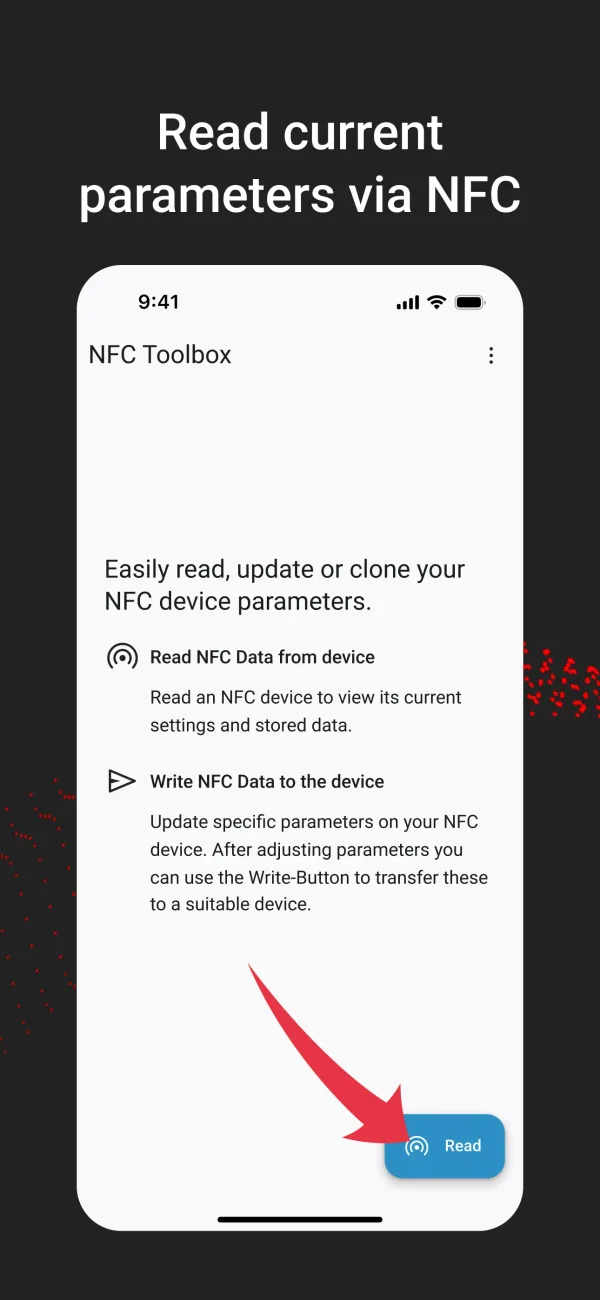
Simply open the NFC Toolbox app, hold your phone up to the device to be parameterized, and press read. In the following menu, select "Module settings," adjust the parameters, and transfer them to the device by pressing write. If necessary - restart the device – setup complete.
Factory Reset:
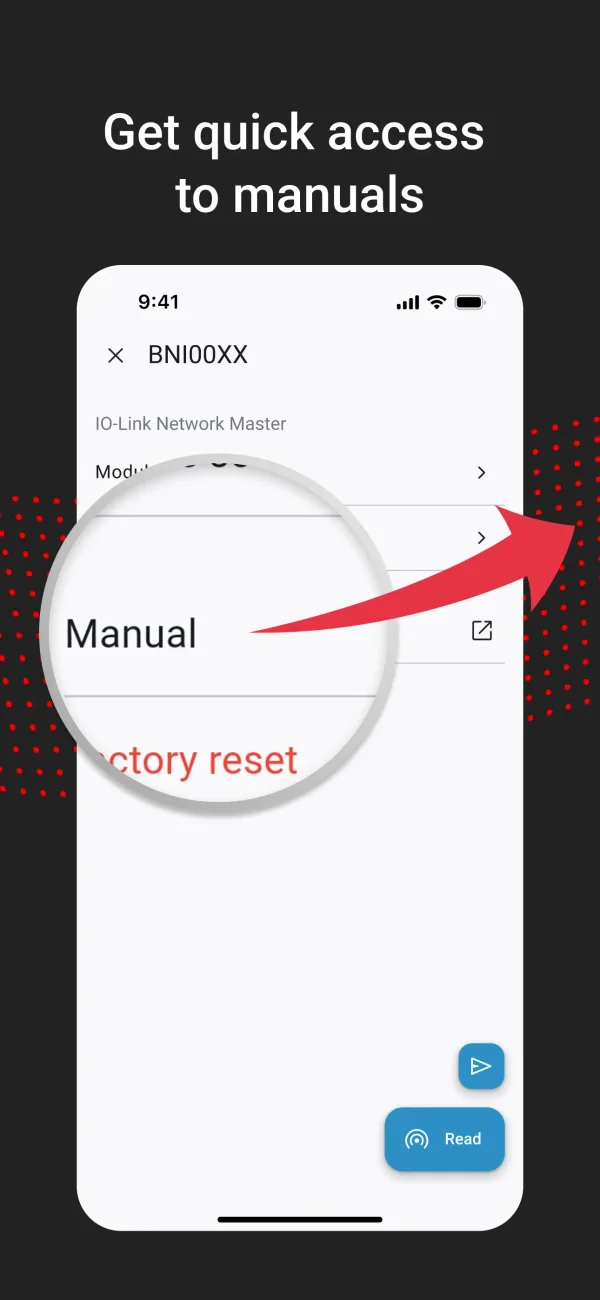
Open the NFC Toolbox, hold your phone up to the device, press read, select Factory Reset, wait & confirm.
Device Cloning:
Read the defective device with the NFC Toolbox, hold your phone up to the new device, press write to transfer the read data set, and, if necessary, restart the device – done.
新機能
バージョン 1.0.7 · 2026/11/25
improved user guidance
アプリのプライバシー
このアプリのデータの取り扱いについて、Balluff GmbHがApp Storeで申告している内容です。
-
データの収集なし
開発元はこのアプリからデータを収集しません。
プライバシーの取り扱いは、ご利用の機能やお客様の年齢などに応じて異なる場合があります。
情報
- 販売元
- Balluff GmbH
- カテゴリ
- 仕事効率化
- バージョン
- 1.0.7
- 更新日
- 2026/11/25
- リリース
- 2025/6/27
- サイズ
- 23.5 MB
- 必要条件
- iOS 15.0以降
- 対象年齢
- 4+
- 言語
- 英語
- 著作権
- © 2025 Balluff GmbH