- Độ tuổi4+
- Danh mụcHiệu Suất
- Nhà phát triểnBalluff GmbH
- Ngôn ngữTiếng Anh
- Kích thước23,5 MB
Balluff NFC Toolbox hiện có thể không có trên App Store
Ở lần kiểm tra gần nhất, chúng tôi không truy cập được trang trên cửa hàng. Liên kết vẫn dẫn đến trang App Store chính thức.
Ảnh chụp màn hình

Giới thiệu
Nhà phát triển chưa cung cấp nội dung này bằng ngôn ngữ của bạn.
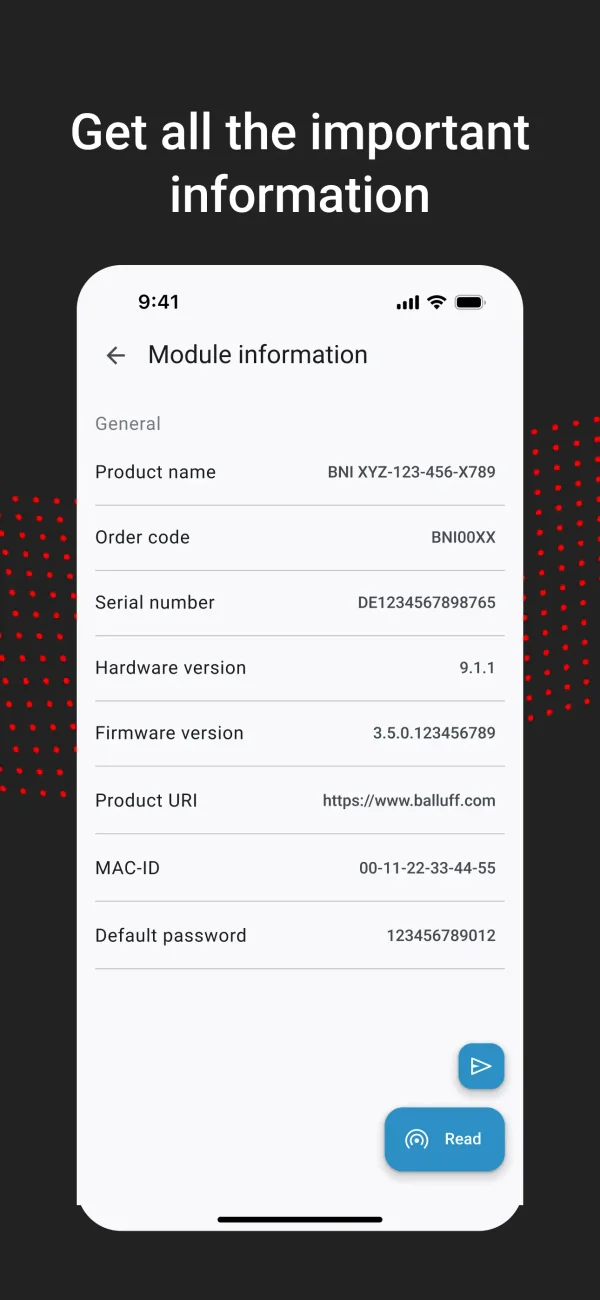
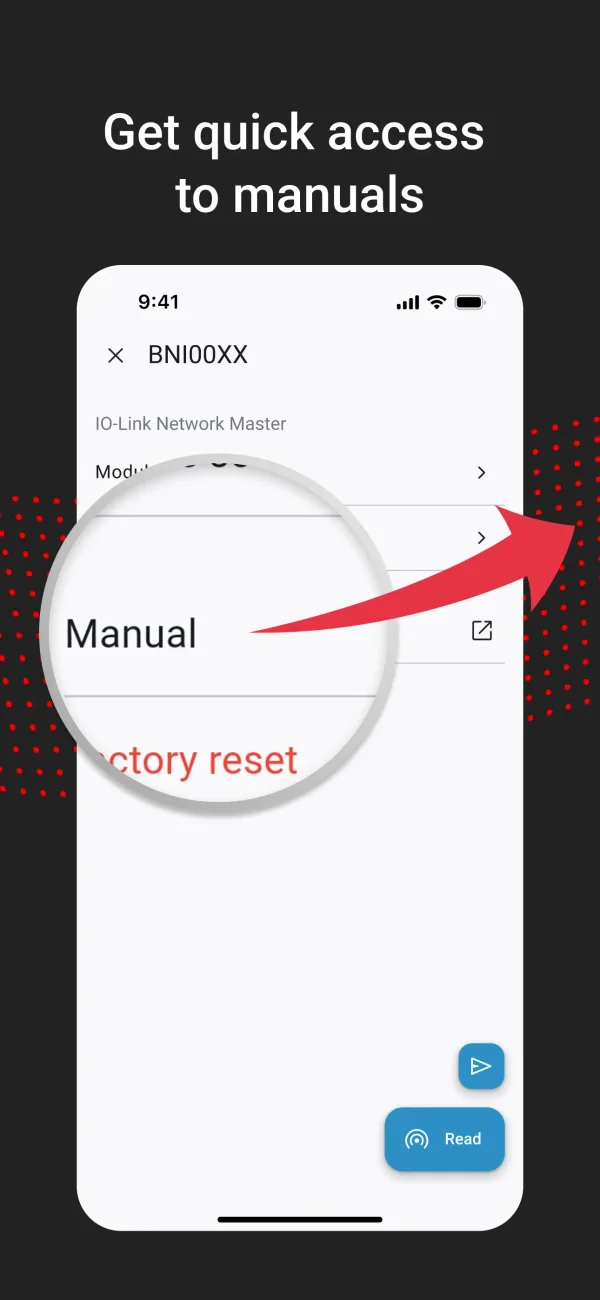
With the (BALLUFF) NFC Toolbox app, your next setup of NFC-enabled BALLUFF hardware will be a breeze. But the NFC Toolbox app will not only assist you during the initial setup, it will also help in maintenance cases when it comes to restoring a device to its original state or even completely replacing it. If a device needs to be replaced, its last parameter set can be easily copied to a new device.
Initial Parametrization:
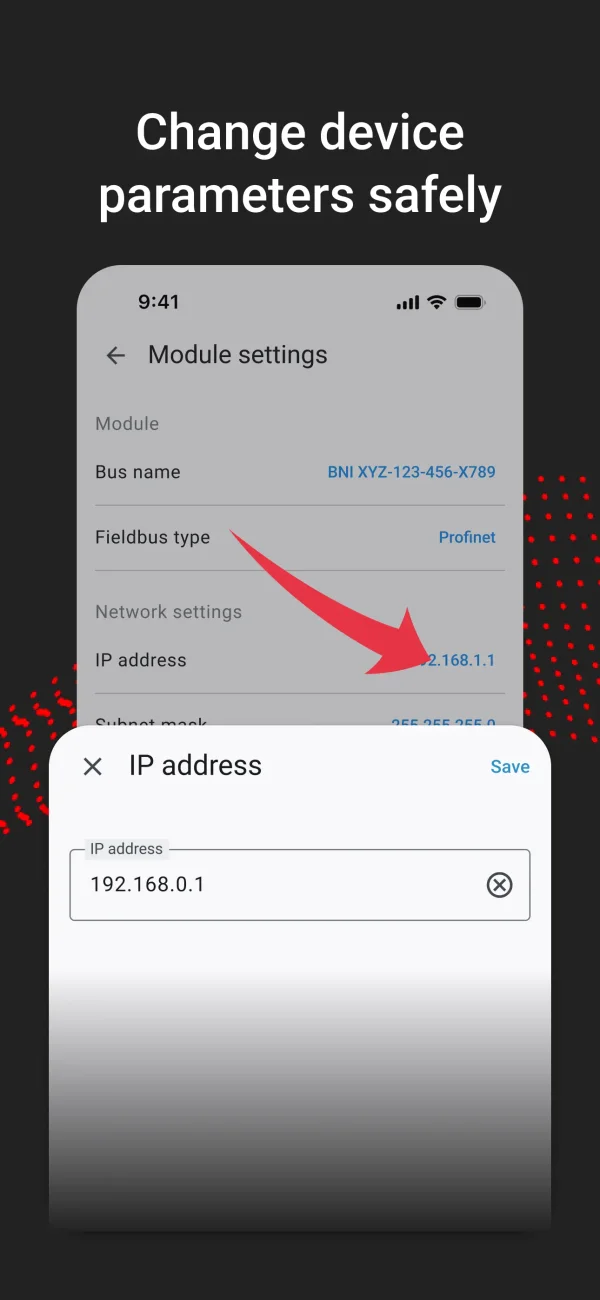
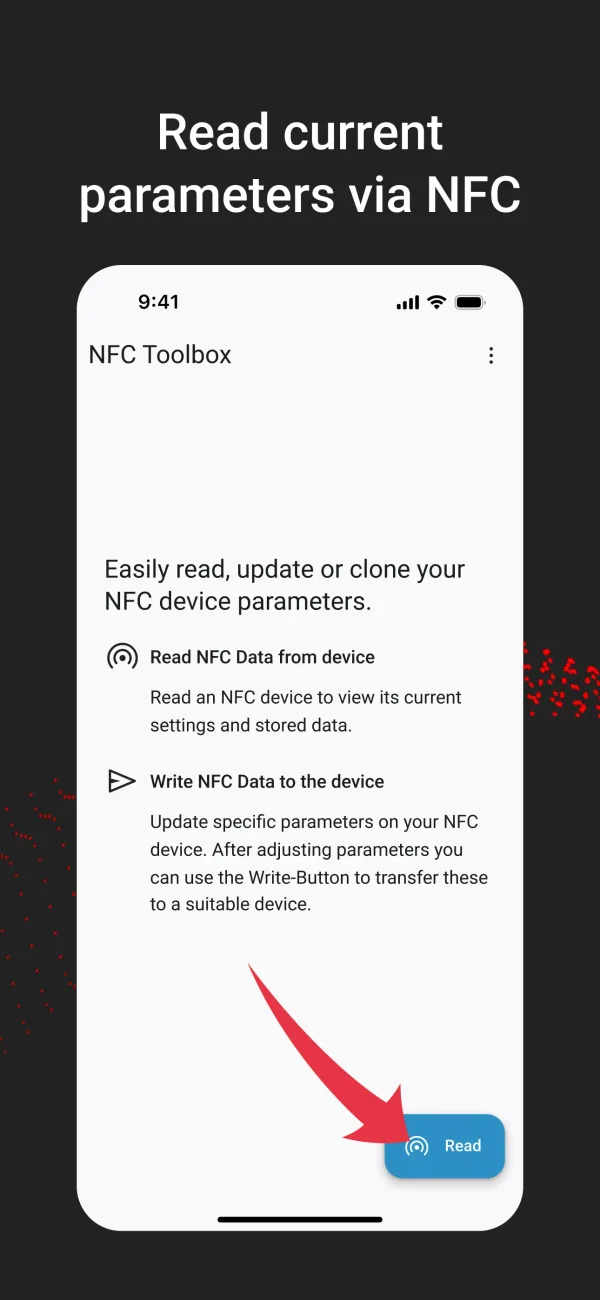
Simply open the NFC Toolbox app, hold your phone up to the device to be parameterized, and press read. In the following menu, select "Module settings," adjust the parameters, and transfer them to the device by pressing write. If necessary - restart the device – setup complete.
Factory Reset:
Open the NFC Toolbox, hold your phone up to the device, press read, select Factory Reset, wait & confirm.
Device Cloning:
Read the defective device with the NFC Toolbox, hold your phone up to the new device, press write to transfer the read data set, and, if necessary, restart the device – done.
Có gì mới
Phiên bản 1.0.7 · 25/11/2026
improved user guidance
Quyền riêng tư của ứng dụng
Những gì Balluff GmbH khai báo trên App Store về cách ứng dụng này xử lý dữ liệu.
-
Dữ liệu không được thu thập
Nhà phát triển không thu thập bất kỳ dữ liệu nào từ ứng dụng này.
Phương thức đảm bảo quyền riêng tư có thể khác nhau, chẳng hạn như tuỳ theo các tính năng bạn sử dụng hoặc độ tuổi của bạn.
Thông tin
- Người bán
- Balluff GmbH
- Danh mục
- Hiệu Suất
- Phiên bản
- 1.0.7
- Cập nhật
- 25/11/2026
- Phát hành
- 27/06/2025
- Kích thước
- 23,5 MB
- Yêu cầu
- iOS 15.0 trở lên
- Độ tuổi
- 4+
- Ngôn ngữ
- Tiếng Anh
- Bản quyền
- © 2025 Balluff GmbH