- 対象年齢4+
- カテゴリ仕事効率化
- 開発元Jose Blanco
- 言語英語ほか4言語
- サイズ24.0 MB
App Storeの公式ページにリンクしています
Download.orgはBarPad Mobileのファイルを一切ホストしていません。ボタンを押すと、Jose Blancoが公開しているApp Storeのアプリページが開きます。ページの最終確認:2026/11/18。
スクリーンショット


概要
開発元はこのテキストをお使いの言語で提供していません。
BarPad: Intelligence at Your Fingertips
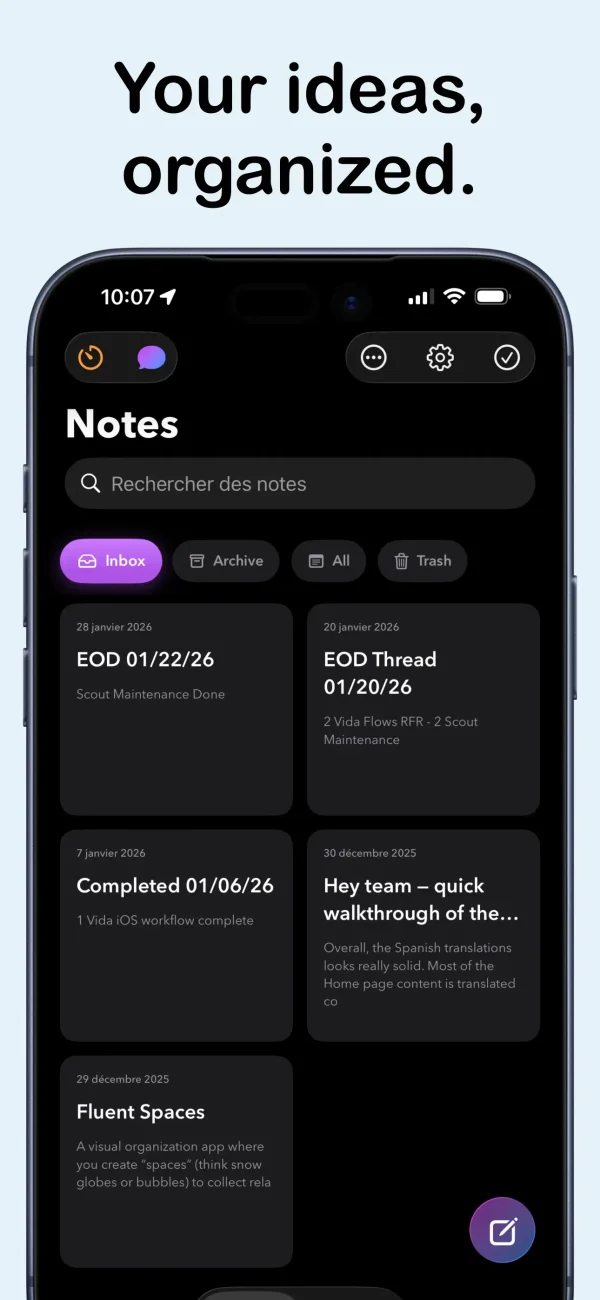
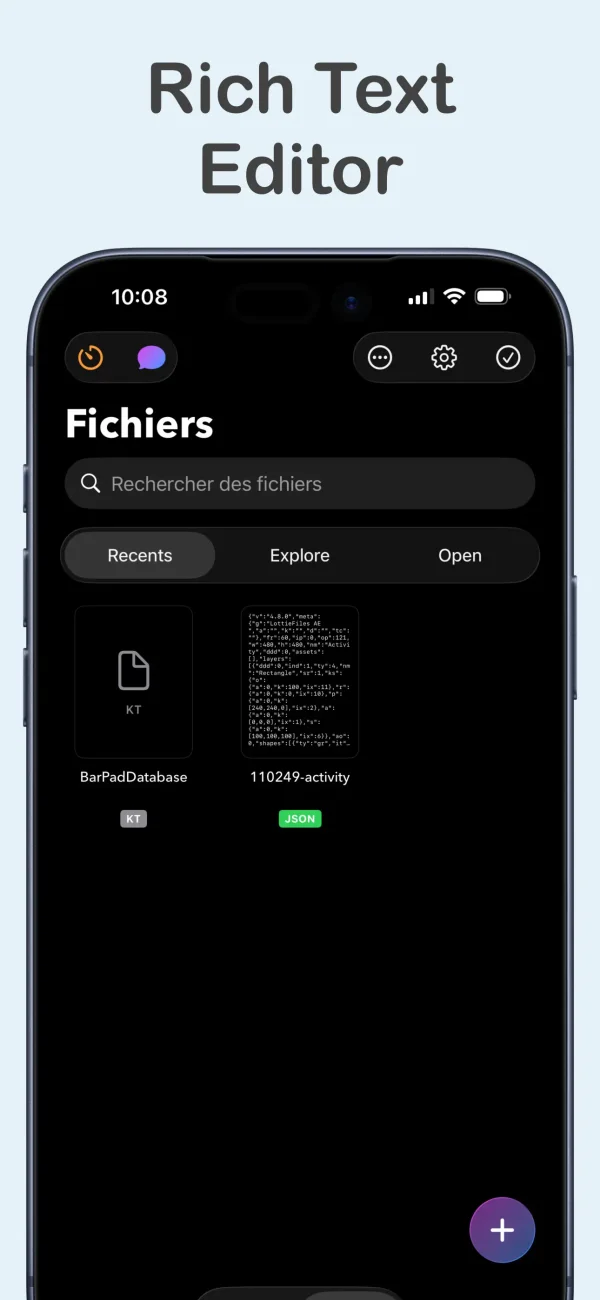
BarPad is the fast, minimalist, and AI-powered note-taking experience designed for the modern Apple ecosystem. Whether you’re on the go with your iPhone, deep in a project on your iPad, or capturing a quick thought from your Watch, BarPad keeps your ideas organized and your creativity flowing.
DESIGNED FOR MOBILITY
BarPad isn't just a port—it's built from the ground up for the mobile experience.
iOS & iPadOS: A beautiful, responsive interface that supports Split View, Slide Over, and refined multitasking.
Apple Watch: Fast access to your most important notes and quick capture directly from your wrist.
Widgets: Add stunning Lock Screen and Home Screen widgets to keep your tasks and ideas front and center.
Share Extension: Save text, links, and images from any app directly into BarPad with just a tap.
AI-POWERED PRODUCTIVITY
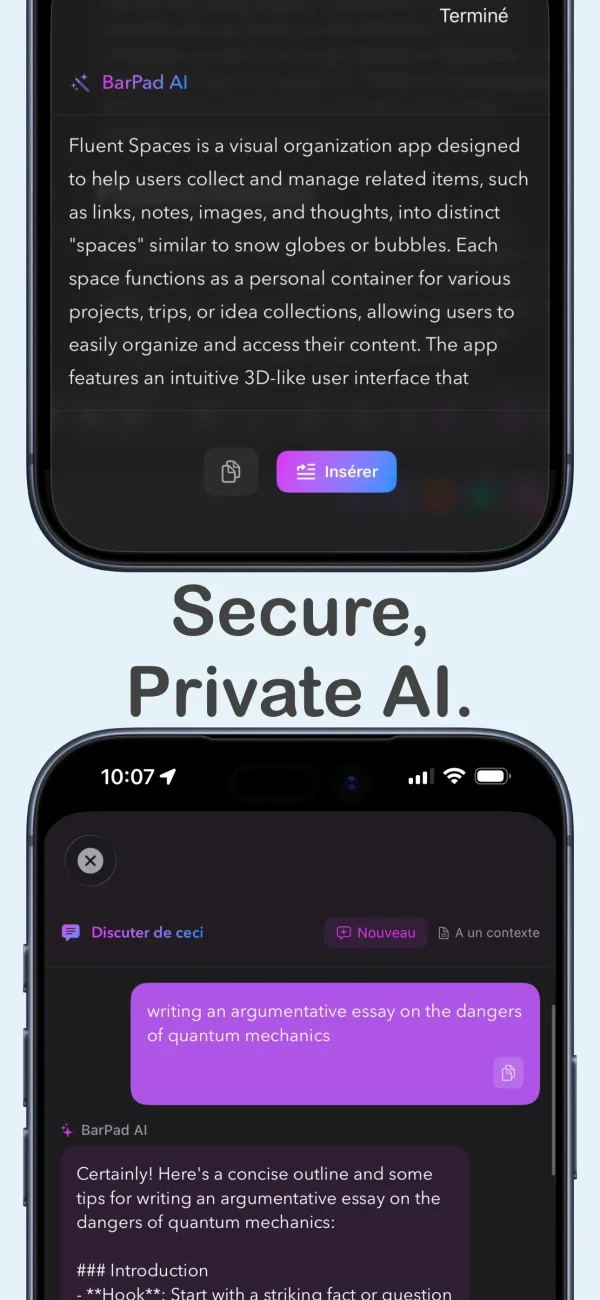
BarPad leverages Apple Intelligence to help you write smarter:
Writing Assistant: Chat with an AI that understands your note’s context to help brainstorm, rewrite, or expand your thoughts.
Instant Summaries: Get the gist of long notes in seconds.
Image Playground: Generate stunning visuals directly within your notes.
Smart Suggestions: Automatically detect and take action on phone numbers, emails, and links.
Writing Tools: Fully integrated with Apple's native proofreading and rewriting features.
RICH CONTENT & FULL MARKDOWN SUPPORT
Your notes are more than just text:
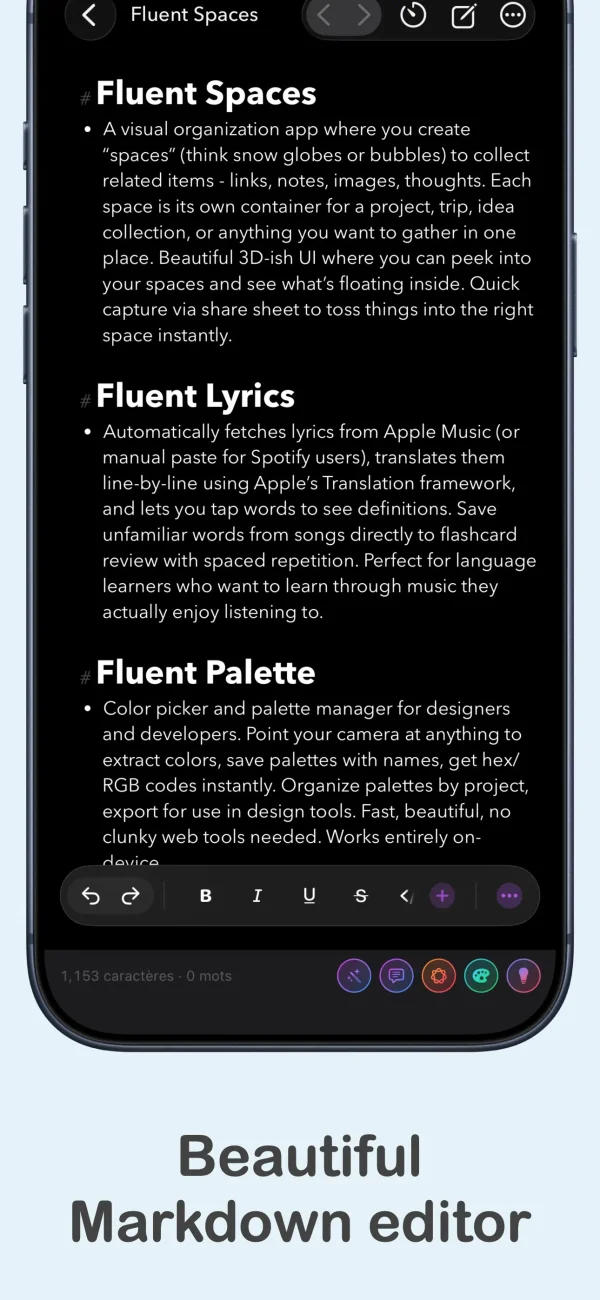
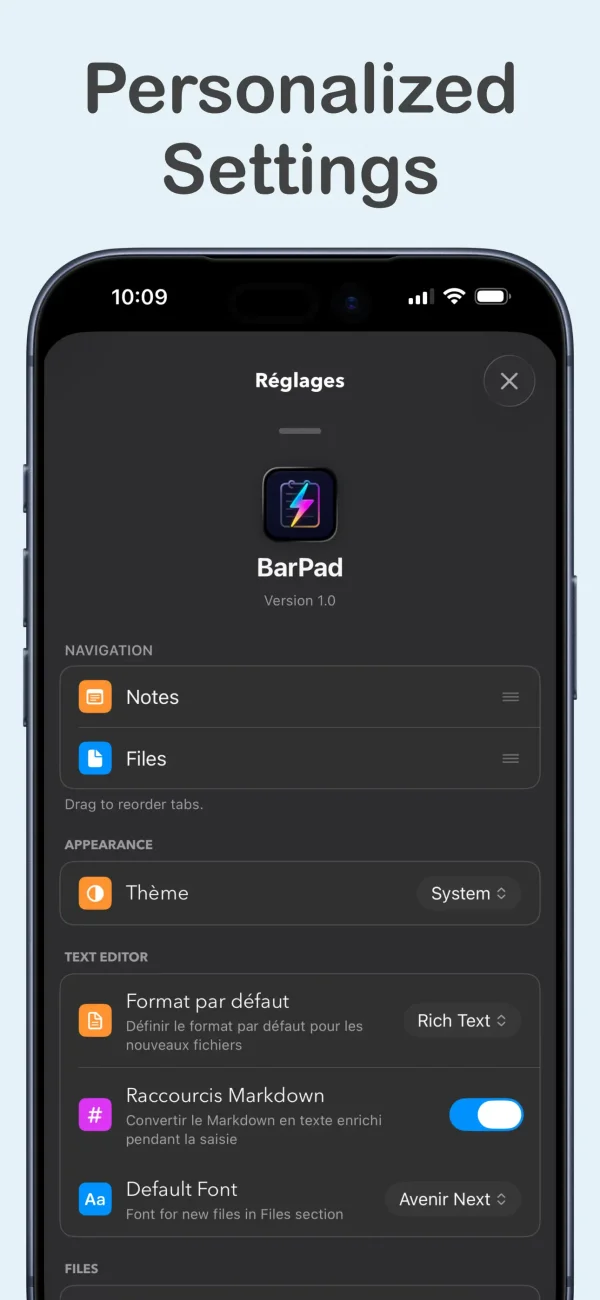
Live Markdown Preview: Professional formatting that renders as you type.
Native Tables: Create and edit professional tables with a touch-first interface.
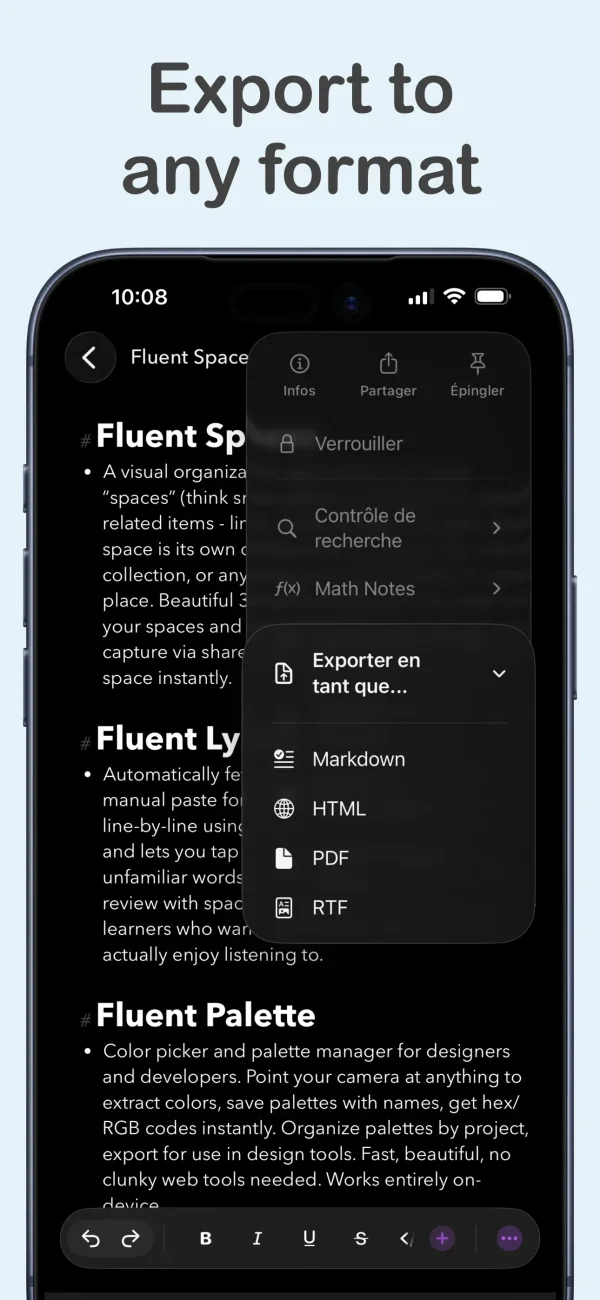
Rich Attachments: Embed images, PDFs, and files seamlessly.
Voice Recorder: Record audio snippets and interviews on the fly.
Apple Pencil: Use your iPad to sketch, draw, and handwrite notes with full PencilKit support.
ORGANIZE WITH EASE
Tags & Search: Find exactly what you need with powerful tagging and lightning-fast search using Spotlight integration.
Pinning & Archiving: Keep your workspace clean and your focus sharp.
iCloud Sync: Everything stays in sync across your iPhone, iPad, Mac, and Watch automatically and securely.
UNLOCK YOUR POTENTIAL
Pomodoro Timer: Stay productive with integrated focus sessions.
Read-Only Mode: View your notes without the risk of accidental edits.
Custom Typography: Tailor the reading and writing experience with curated fonts and sizes.
Experience a note-taking app that feels like a natural extension of your mind. Download BarPad today.
* Disclaimer: 2 week free trial and lifetime purchase available.
新機能
バージョン 1.1 · 2026/5/23
Try before you buy — Demo Mode is here
• Demo Mode — Explore BarPad with up to 3 notes for free, then upgrade whenever you're ready.
• iOS 26 Tab Bar — A dedicated compose button now lives in the tab bar on iOS 26.
• Liquid Glass Toasts — On iOS 26, undo toasts adopt Apple's new Liquid Glass material.
• Redesigned Paywall — Cleaner layout, smoother animations, and fixed French text clipping.
• Empty State Fix — Notes and Files screens now properly fill the display when empty.
• Bug Fix — "Unlock BarPad" in Settings now opens the paywall directly.
アプリのプライバシー
このアプリのデータの取り扱いについて、Jose BlancoがApp Storeで申告している内容です。
-
データの収集なし
開発元はこのアプリからデータを収集しません。
プライバシーの取り扱いは、ご利用の機能やお客様の年齢などに応じて異なる場合があります。
情報
- 販売元
- Jose Blanco
- カテゴリ
- 仕事効率化
- バージョン
- 1.1
- 更新日
- 2026/5/23
- リリース
- 2026/3/9
- サイズ
- 24.0 MB
- 必要条件
- iOS 17.0以降
- 対象年齢
- 4+
- 価格
- 無料
- アプリ内課金
- あり
- 言語
- 英語, オランダ語, フランス語, ポルトガル語, スペイン語
- 著作権
- © Jose Blanco 2025
こちらもおすすめ
-
 PureCodex: Notes by Life Area仕事効率化
-
 Ago Log仕事効率化
-
 Drypoint - Markdown Notes仕事効率化
-
 Recall - Contact Notes仕事効率化
-
 Diple - Markdownノート日記・メモ・プレーンテキスト
-
 OnVault - 本人確認書類をすぐ検索クラウドに上げず端末内で保管
-
 Lorem – Markdownノート書いて、集めて、整理する楽しさ
-
 PureWrite: ライティングスタジオハリウッド形式の脚本とMarkdown執筆
-
 Idea Note : MindMap AI学習とタスクのためのAIマインドマップ
-
 ReadApp - Read Web Aloud仕事効率化