- Age rating4+
- CategoryProductivity
- DeveloperJose Blanco
- LanguagesEnglish+ 4 more
- Size24.0 MB
Links to the official App Store page
Download.org hosts no file of BarPad Mobile. The button opens its official App Store page, published by Jose Blanco. Listing last checked on Nov 18, 2026.
Screenshots



About
BarPad: Intelligence at Your Fingertips
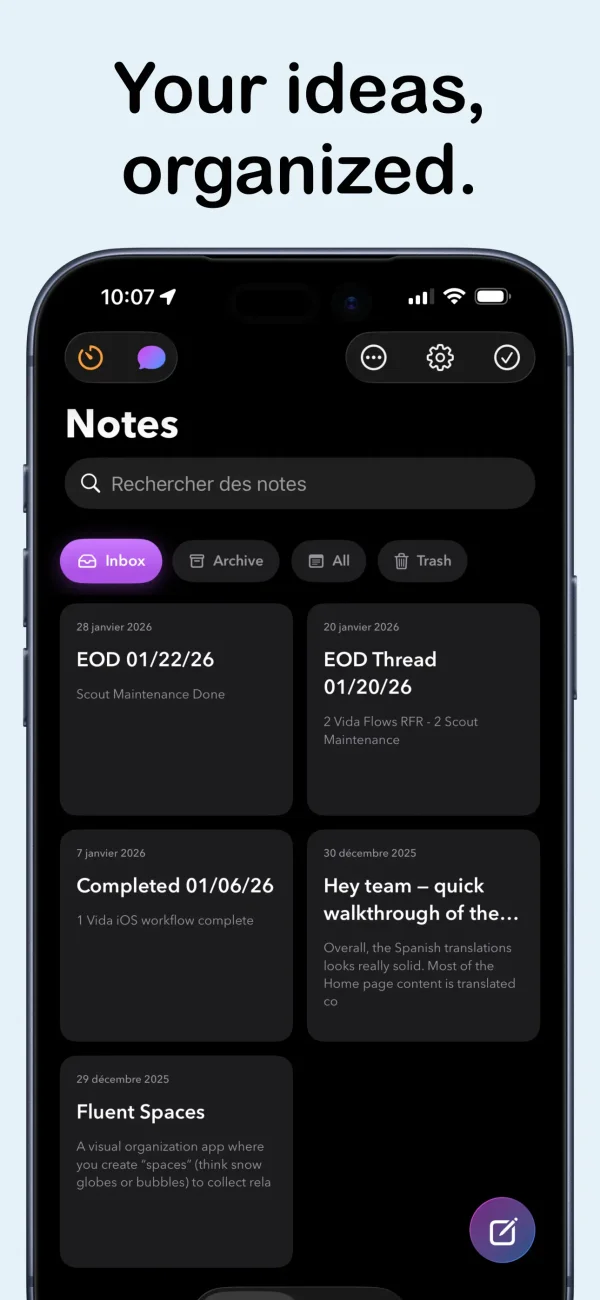
BarPad is the fast, minimalist, and AI-powered note-taking experience designed for the modern Apple ecosystem. Whether you’re on the go with your iPhone, deep in a project on your iPad, or capturing a quick thought from your Watch, BarPad keeps your ideas organized and your creativity flowing.
DESIGNED FOR MOBILITY
BarPad isn't just a port—it's built from the ground up for the mobile experience.
iOS & iPadOS: A beautiful, responsive interface that supports Split View, Slide Over, and refined multitasking.
Apple Watch: Fast access to your most important notes and quick capture directly from your wrist.
Widgets: Add stunning Lock Screen and Home Screen widgets to keep your tasks and ideas front and center.
Share Extension: Save text, links, and images from any app directly into BarPad with just a tap.
AI-POWERED PRODUCTIVITY
BarPad leverages Apple Intelligence to help you write smarter:
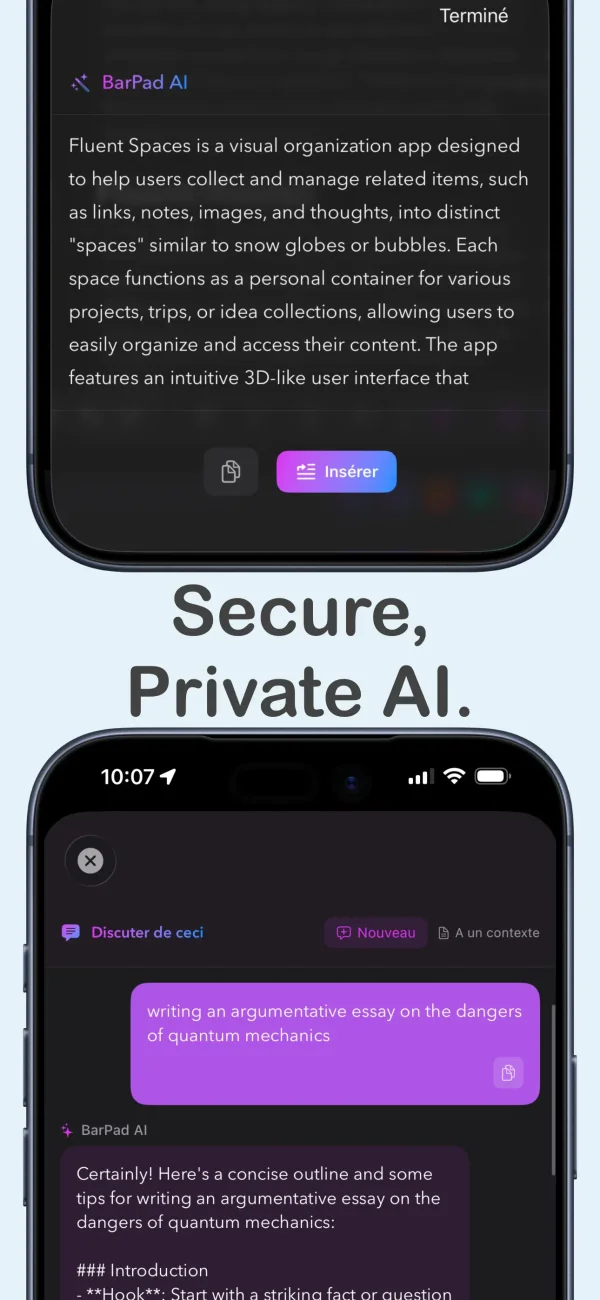
Writing Assistant: Chat with an AI that understands your note’s context to help brainstorm, rewrite, or expand your thoughts.
Instant Summaries: Get the gist of long notes in seconds.
Image Playground: Generate stunning visuals directly within your notes.
Smart Suggestions: Automatically detect and take action on phone numbers, emails, and links.
Writing Tools: Fully integrated with Apple's native proofreading and rewriting features.
RICH CONTENT & FULL MARKDOWN SUPPORT
Your notes are more than just text:
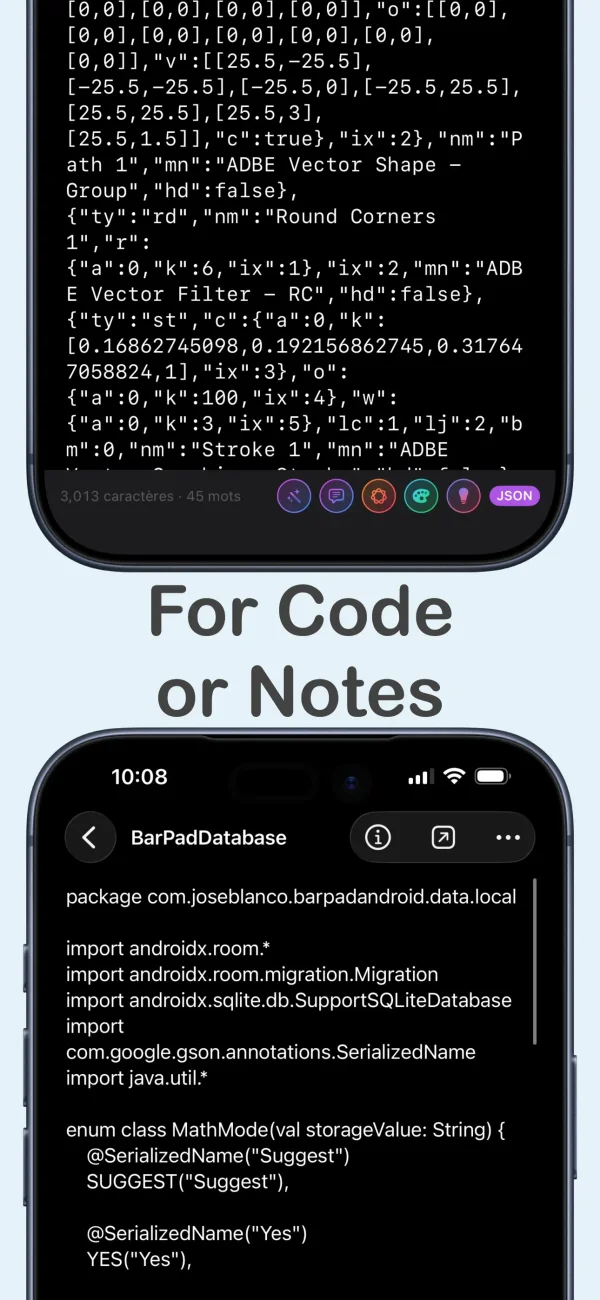
Live Markdown Preview: Professional formatting that renders as you type.
Native Tables: Create and edit professional tables with a touch-first interface.
Rich Attachments: Embed images, PDFs, and files seamlessly.
Voice Recorder: Record audio snippets and interviews on the fly.
Apple Pencil: Use your iPad to sketch, draw, and handwrite notes with full PencilKit support.
ORGANIZE WITH EASE
Tags & Search: Find exactly what you need with powerful tagging and lightning-fast search using Spotlight integration.
Pinning & Archiving: Keep your workspace clean and your focus sharp.
iCloud Sync: Everything stays in sync across your iPhone, iPad, Mac, and Watch automatically and securely.
UNLOCK YOUR POTENTIAL
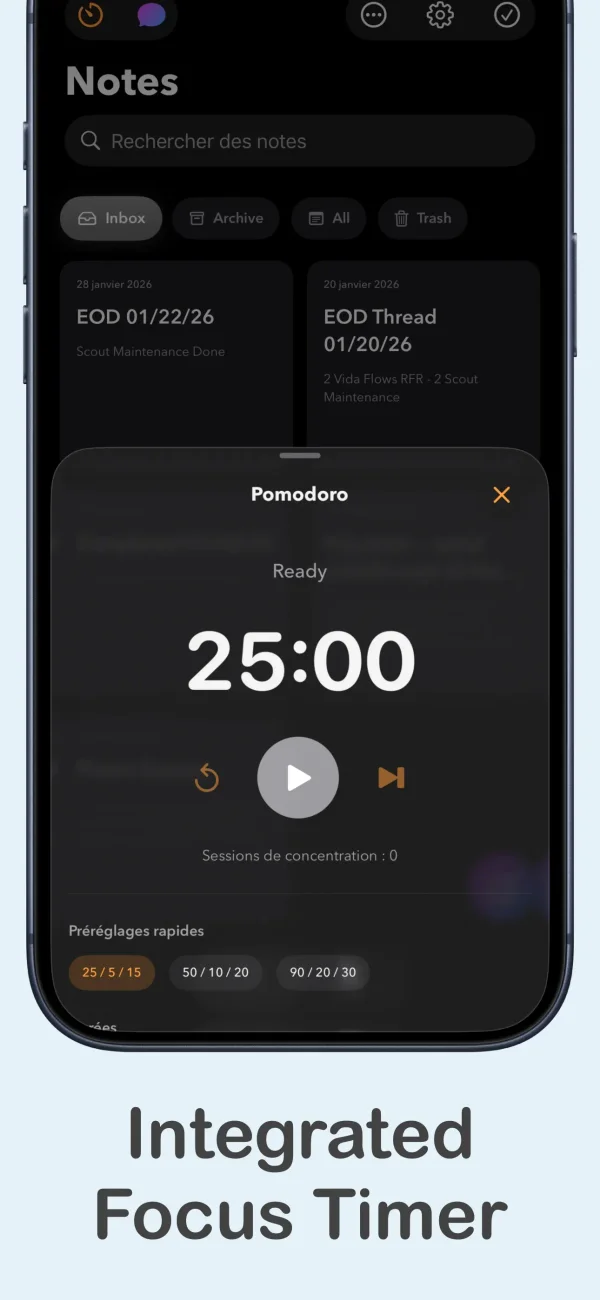
Pomodoro Timer: Stay productive with integrated focus sessions.
Read-Only Mode: View your notes without the risk of accidental edits.
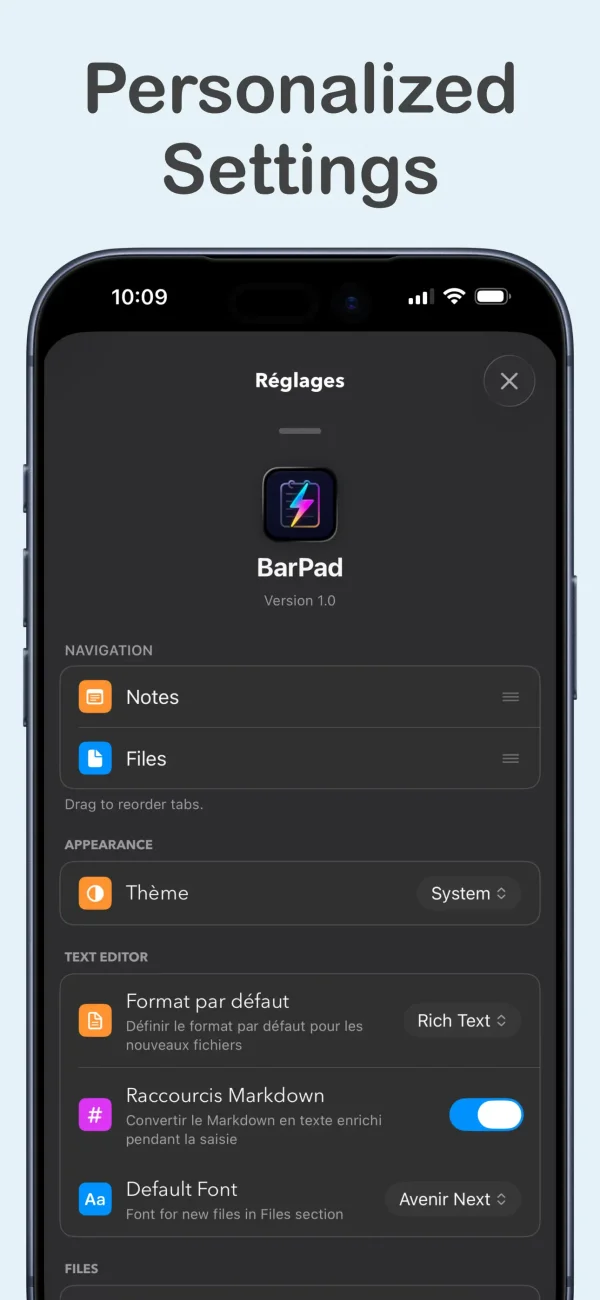
Custom Typography: Tailor the reading and writing experience with curated fonts and sizes.
Experience a note-taking app that feels like a natural extension of your mind. Download BarPad today.
* Disclaimer: 2 week free trial and lifetime purchase available.
What’s new
Version 1.1 · May 23, 2026
Try before you buy — Demo Mode is here
• Demo Mode — Explore BarPad with up to 3 notes for free, then upgrade whenever you're ready.
• iOS 26 Tab Bar — A dedicated compose button now lives in the tab bar on iOS 26.
• Liquid Glass Toasts — On iOS 26, undo toasts adopt Apple's new Liquid Glass material.
• Redesigned Paywall — Cleaner layout, smoother animations, and fixed French text clipping.
• Empty State Fix — Notes and Files screens now properly fill the display when empty.
• Bug Fix — "Unlock BarPad" in Settings now opens the paywall directly.
App privacy
What Jose Blanco declares on the App Store about how this app handles data.
-
Data not collected
The developer does not collect any data from this app.
Privacy practices may vary, for example with the features you use or your age.
Information
- Seller
- Jose Blanco
- Category
- Productivity
- Version
- 1.1
- Updated
- May 23, 2026
- Released
- Mar 9, 2026
- Size
- 24.0 MB
- Requires
- iOS 17.0 or later
- Age rating
- 4+
- Price
- Free
- In-app purchases
- Yes
- Languages
- English, Dutch, French, Portuguese, Spanish
- Copyright
- © Jose Blanco 2025
You might also like
-
 PureCodex: Notes by Life AreaCapture now, organize thoughts
-
 Ago LogNever forget again!
-
 Drypoint - Markdown NotesMinimal text editor for focus
-
 Recall - Contact NotesProductivity
-
 Diple - Markdown NotesJournal, Notepad & Plain Text
-
 OnVault - Document VaultPrivate searchable documents
-
 Lorem – Markdown NotesWrite, collect, and organize
-
 PureWrite: Writing StudioScreenplay & Markdown Writer
-
 Idea Note : MindMap AIAI mind maps for study & tasks
-
 ReadApp - Read Web AloudConvert webpage text to audio