- 対象年齢4+
- カテゴリユーティリティ
- 開発元Ahmad Sattar
- 言語英語
- サイズ43.6 MB
App Storeの公式ページにリンクしています
Download.orgはBase64 Encoder Decoderのファイルを一切ホストしていません。ボタンを押すと、Ahmad Sattarが公開しているApp Storeのアプリページが開きます。ページの最終確認:2026/11/17。
スクリーンショット

概要
開発元はこのテキストをお使いの言語で提供していません。
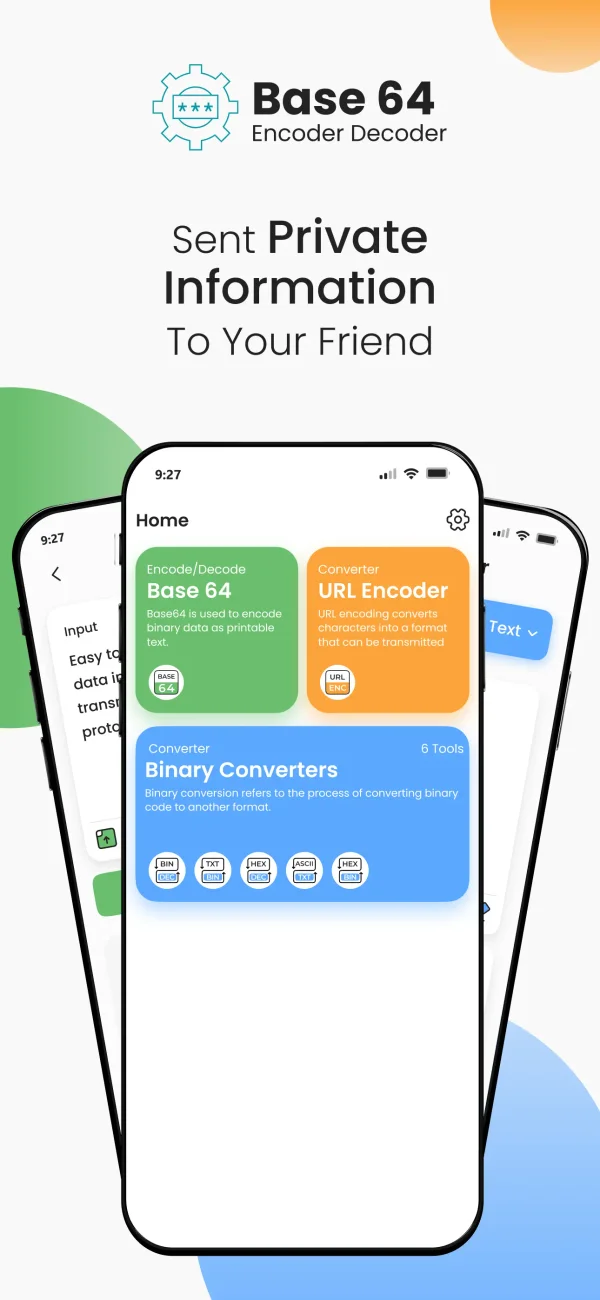
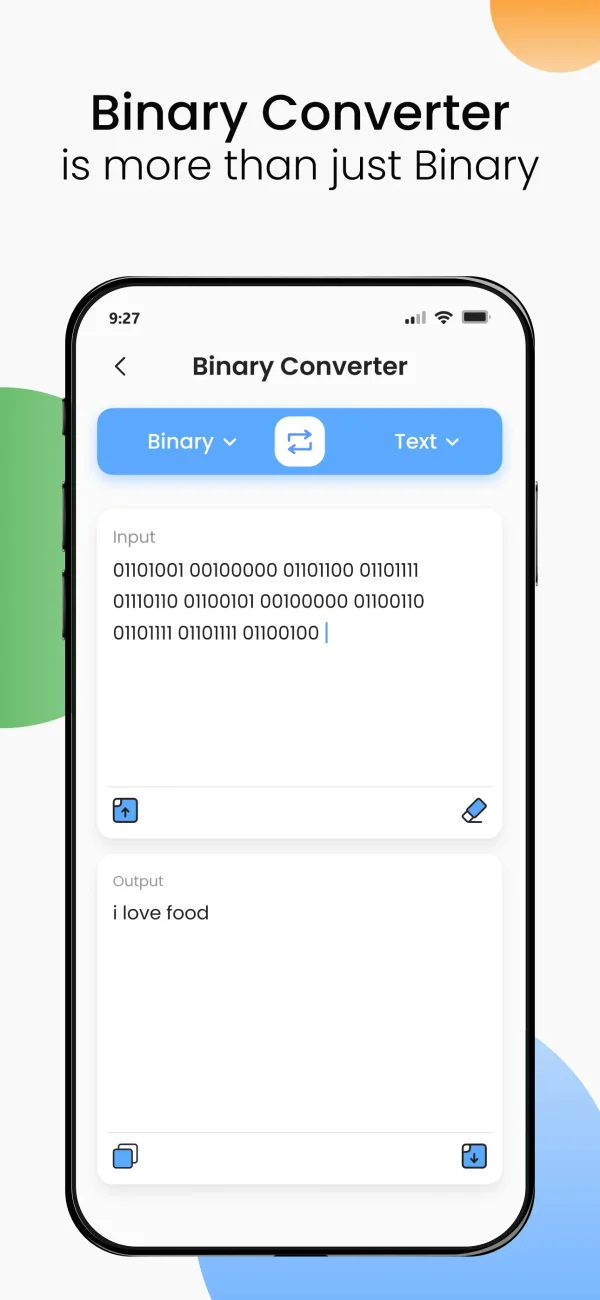
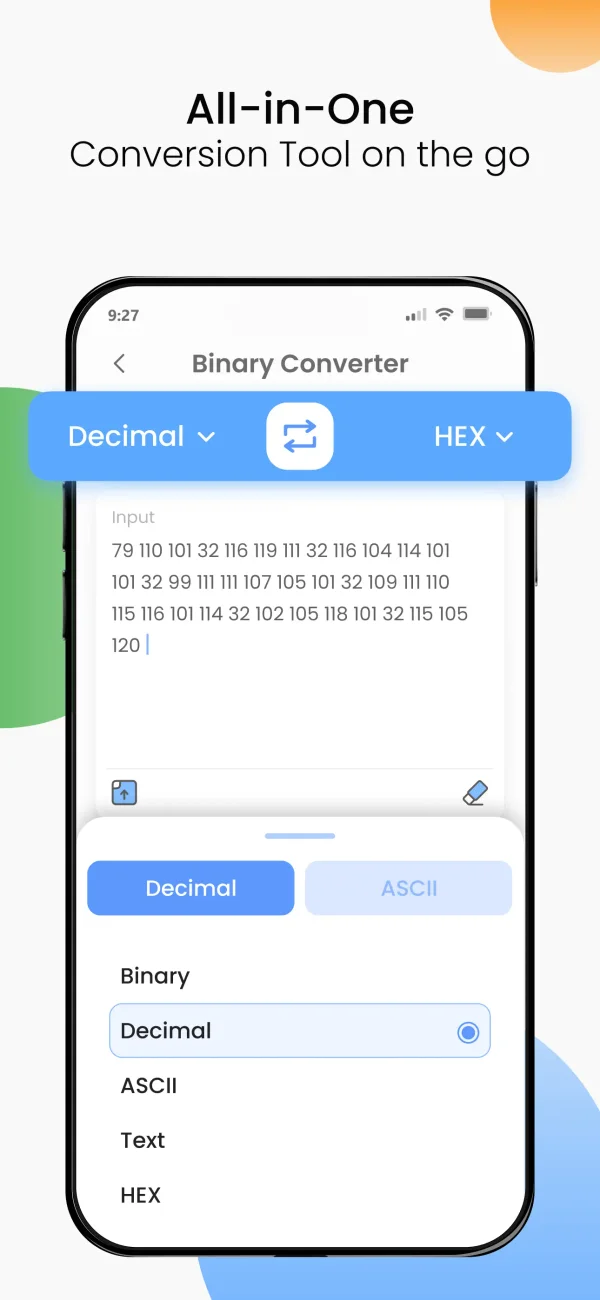
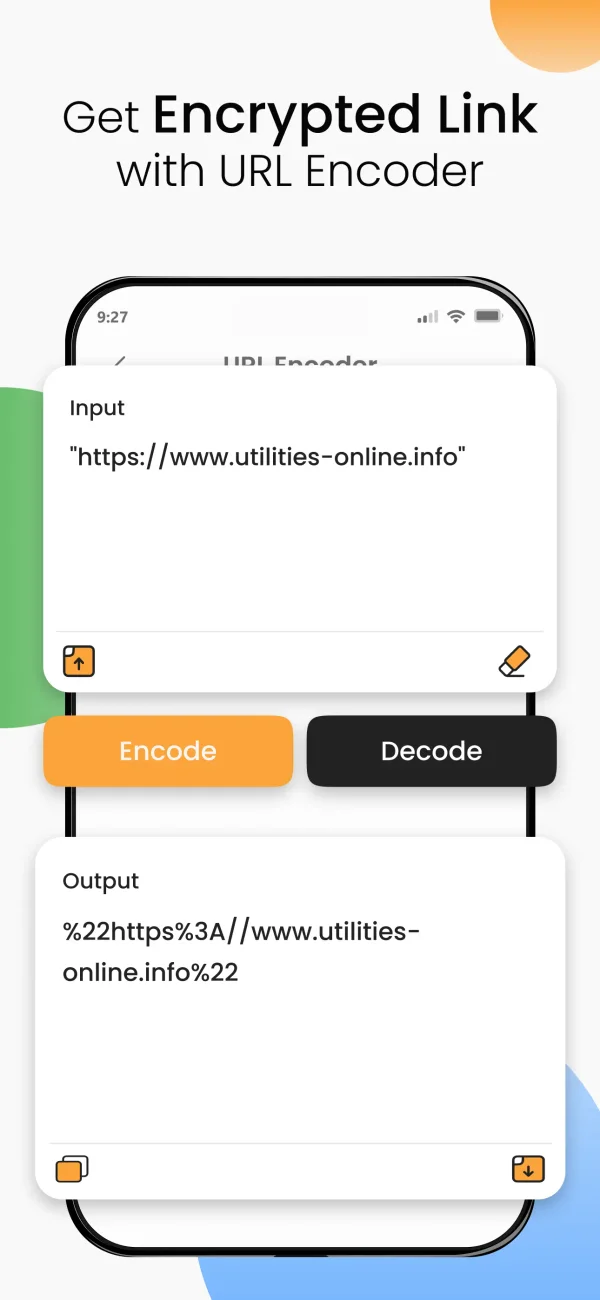
You can convert any text in the Base 64 number system using our free and easy-to-use Base 64 encoder/decoder.
A user can easily encode or decode a text in the 64 unique digits set, and this number system is represented by 6 bits.
This Base 64 encoder/decoder is very simple to use and provides you with the results in a couple of seconds.
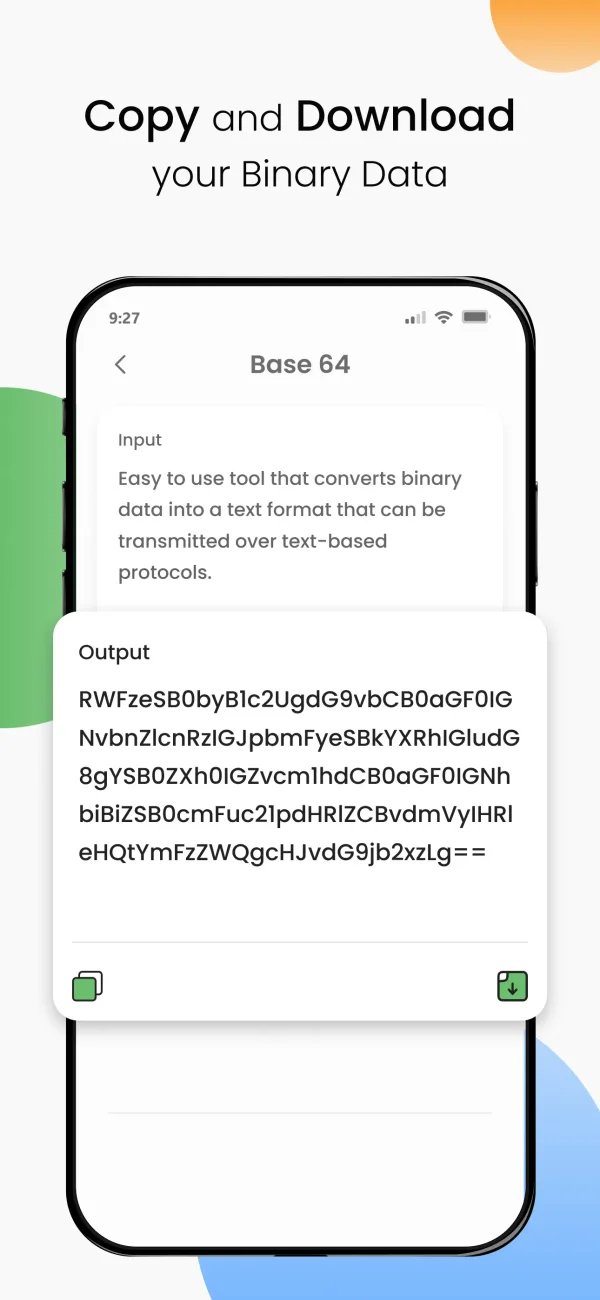
After getting the results, you can download the file or copy the results.
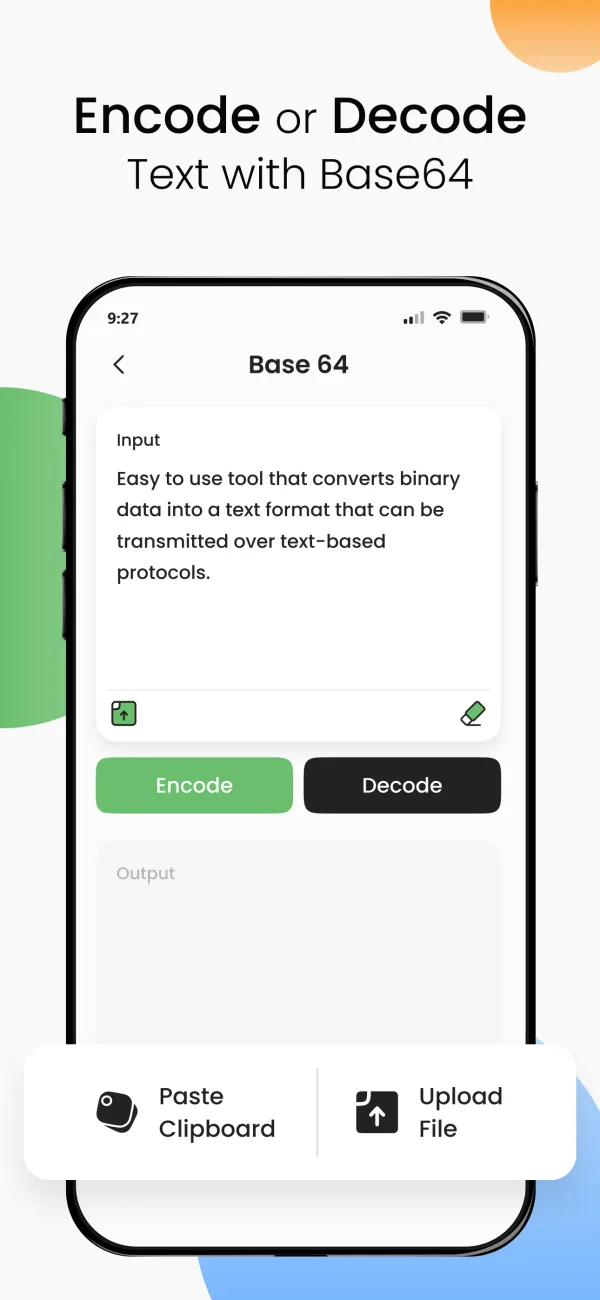
How to use this Base64 online app?
To encode or decode the text, follow these steps.
1. Write something or upload a file.
2. Click on the “Encode or Decode” button.
Note: For encoding the data, click on the Encode button, and to decode the data, press the Decode button.
What’s new?
Here are some additional features of our app.
1. Upload a file directly from your device and save your time.
2. You can start a new session just by clicking on the “Clear text” button.
3. After getting the results, there are two options; download or copy the text.
新機能
バージョン 1.0.5 · 2023/12/18
Bug fixes and stability improvements
アプリのプライバシー
このアプリのデータの取り扱いについて、Ahmad SattarがApp Storeで申告している内容です。
-
データの収集なし
開発元はこのアプリからデータを収集しません。
プライバシーの取り扱いは、ご利用の機能やお客様の年齢などに応じて異なる場合があります。
情報
- 販売元
- Ahmad Sattar
- カテゴリ
- ユーティリティ
- バージョン
- 1.0.5
- 更新日
- 2023/12/18
- リリース
- 2022/3/2
- サイズ
- 43.6 MB
- 必要条件
- iOS 11.0以降
- 対象年齢
- 4+
- 価格
- 無料
- 言語
- 英語
- 著作権
- © 2014–2022 Utilities Online