- 対象年齢4+
- カテゴリ仕事効率化
- 開発元Luke Mclaughlin
- 言語英語
- サイズ10.6 MB
App Storeの公式ページにリンクしています
Download.orgはBetter Notes: Handwritingのファイルを一切ホストしていません。ボタンを押すと、Luke Mclaughlinが公開しているApp Storeのアプリページが開きます。ページの最終確認:2026/11/17。
スクリーンショット
概要
開発元はこのテキストをお使いの言語で提供していません。
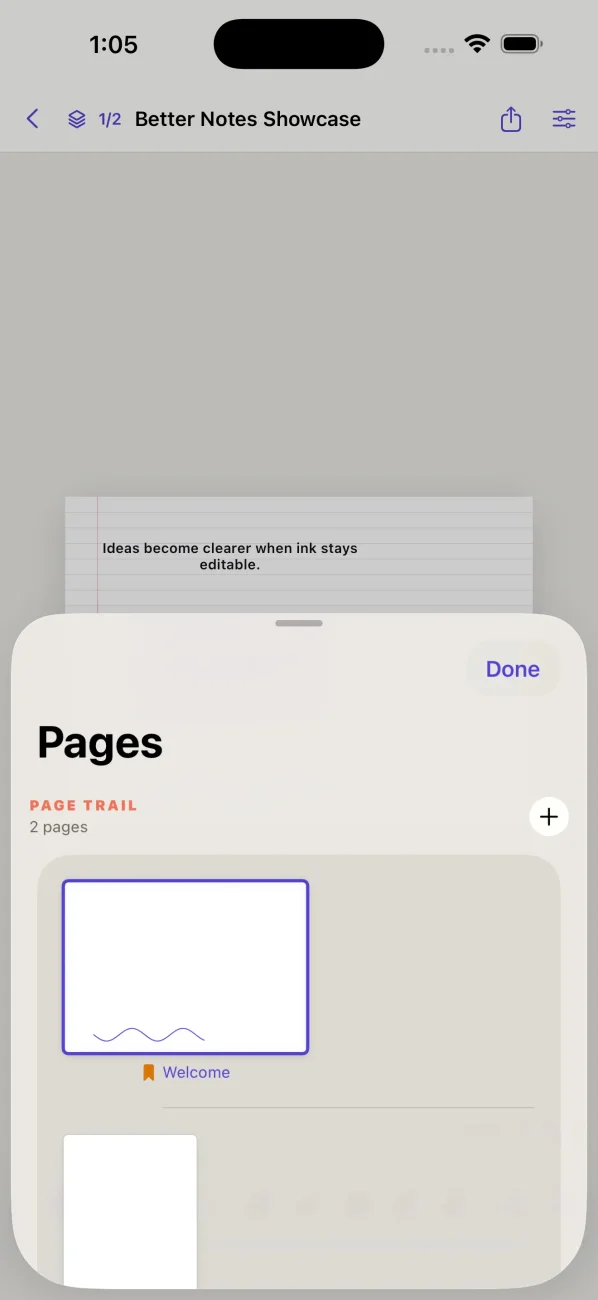
Better Notes is a focused idea studio for handwriting, sketching, typed notes and PDF annotation. It combines the freedom of paper with the organisation and editing tools of a modern native app.
WRITE NATURALLY
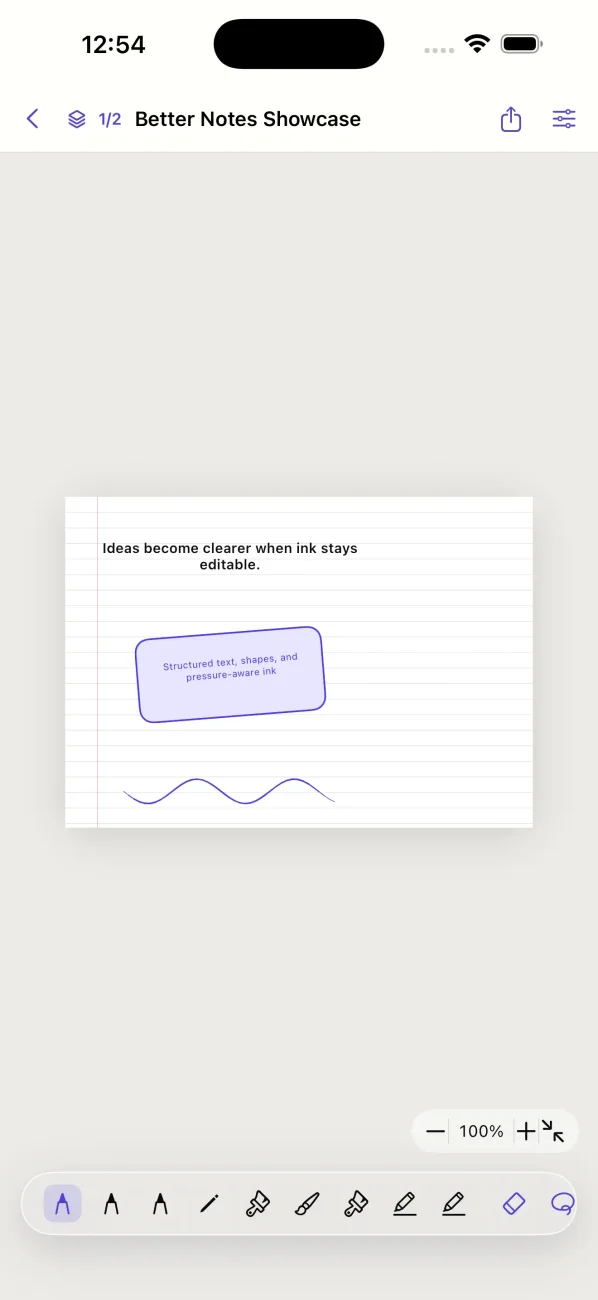
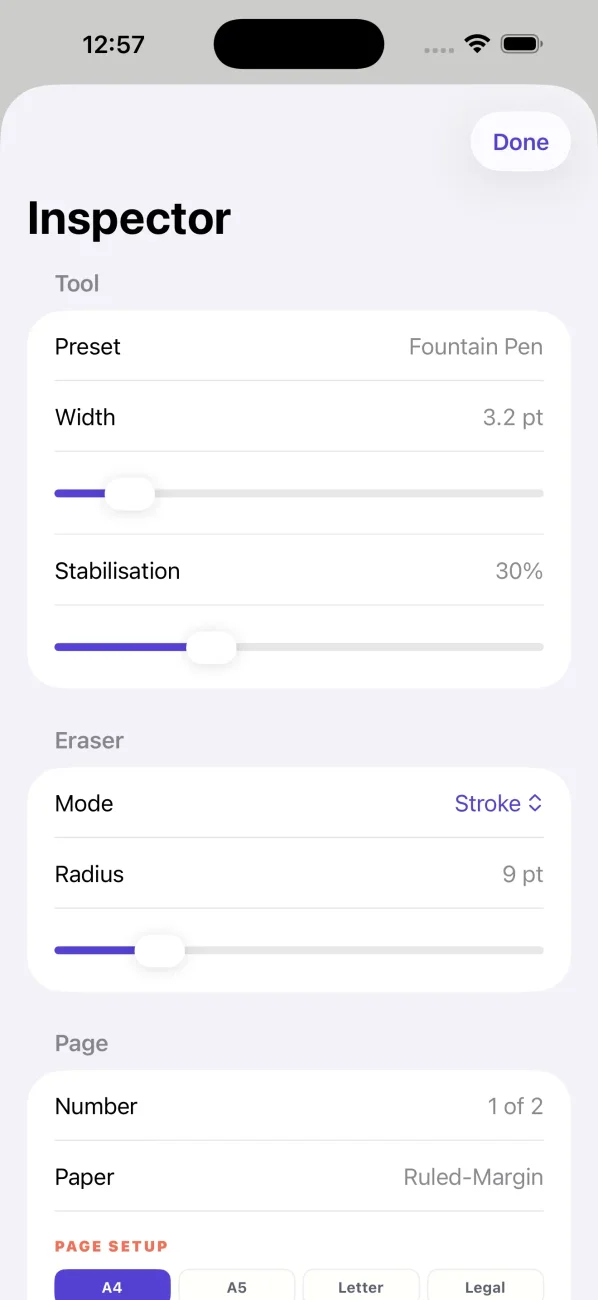
Capture smooth, pressure-aware ink with fountain pen, ballpoint, fineliner, pencil, calligraphy, brush, reed pen, marker and highlighter tools. Adjust colour, width and stabilisation, then erase by stroke or precisely through ink.
BUILD PAGES YOUR WAY
Choose blank, ruled, dotted, grid, Cornell and margin paper. Mix A4, A5, Letter and Legal pages in portrait or landscape—even inside the same notebook. Add, duplicate, bookmark and reorder your thinking page by page.
MORE THAN HANDWRITING
Add editable styled text, shapes and images. Move, rotate, recolour and organise content across independent layers with visibility, locking and opacity controls.
ANNOTATE PDFs
Import a PDF, write directly over it and keep its links intact. Export finished work as PDF, PNG, JPEG, Markdown or plain text whenever you need to share or continue elsewhere.
RECORD THE MOMENT
Attach audio to a page during a lecture, meeting or brainstorming session. Rename recordings and jump back to the page where each recording began.
FIND AND ORGANISE IDEAS
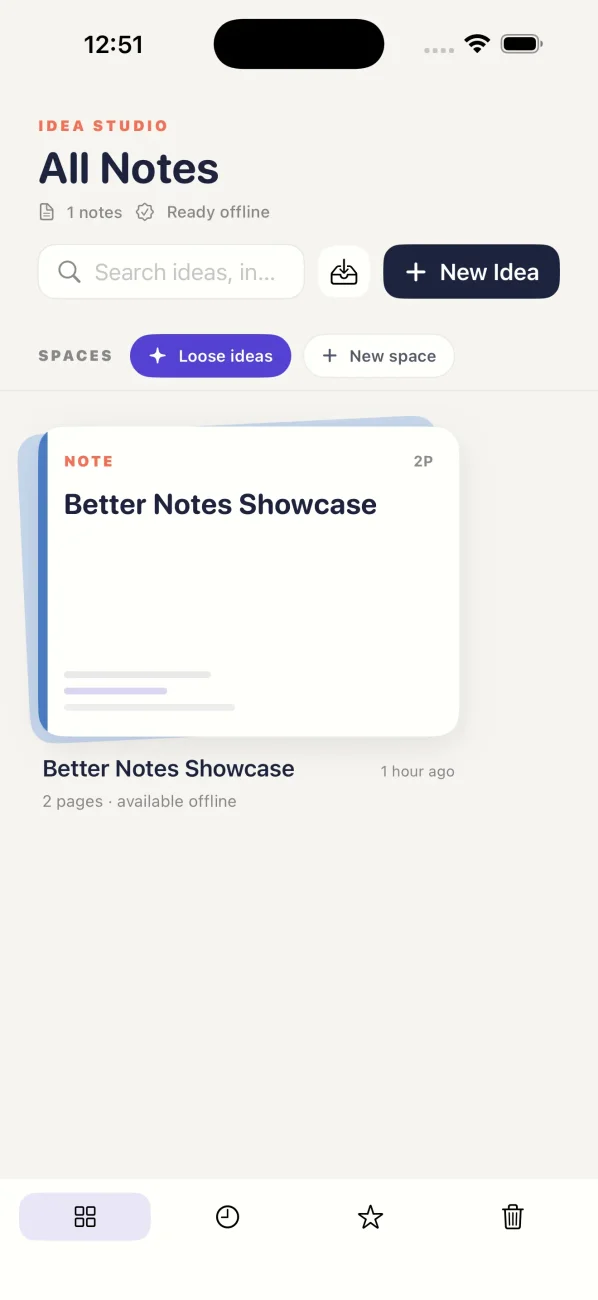
Create spaces and nested folders, add tags, mark favourites, revisit recent notes and recover items from Trash. Search notebook titles, tags and typed page content from one fast local library.
PRIVATE BY DESIGN
Better Notes works locally and offline. Your notebooks and recordings stay on your device unless you choose to export or share them. There is no required account, advertising or behavioural tracking.
BUILT FOR APPLE DEVICES
Enjoy a responsive light interface designed for touch, Apple Pencil, pointer and keyboard. Better Notes supports keyboard shortcuts, accessibility labels and Reduce Motion.
Make space for your next thought—and keep every stroke editable.
アプリのプライバシー
このアプリのデータの取り扱いについて、Luke MclaughlinがApp Storeで申告している内容です。
-
データの収集なし
開発元はこのアプリからデータを収集しません。
プライバシーの取り扱いは、ご利用の機能やお客様の年齢などに応じて異なる場合があります。
情報
- 販売元
- Luke Mclaughlin
- カテゴリ
- 仕事効率化
- バージョン
- 1.0.0
- 更新日
- 2026/8/18
- リリース
- 2026/8/3
- サイズ
- 10.6 MB
- 必要条件
- iOS 18.0以降
- 対象年齢
- 4+
- 価格
- 無料
- 言語
- 英語
- 著作権
- © 2026 Luke Kevin McLaughlin
こちらもおすすめ
-
 TextMender: 貼り付け文を整えるAI・PDF・OCRの文字を整形
-
 LabelMint 収納ラベルモノの住所がすぐわかる
-
 ShiPan: BaZi & Zi Wei Casework仕事効率化
-
 Notely - Notes & PDF app仕事効率化
-
 iScript: スクリプトで学ぶ外国語シャドーイング・AI解説・復習
-
 DropTask仕事効率化
-
 Mote: Lock Screen Notes仕事効率化
-
 ScribblePad: Notes & PDF仕事効率化
-
 SnipMark:スクショ撮影・注釈・圧縮画面キャプチャを加工して一括書き出し
-
 毎日の予定: 習慣とタスク習慣、タスク、日記