Better Notes: Handwriting
Handwrite, sketch & mark PDFs
Designed for iPhone, iPad, Mac
Free
- Age rating4+
- CategoryProductivity
- DeveloperLuke Mclaughlin
- LanguagesEnglish
- Size10.6 MB
Links to the official App Store page
Download.org hosts no file of Better Notes: Handwriting. The button opens its official App Store page, published by Luke Mclaughlin. Listing last checked on Nov 17, 2026.
Screenshots
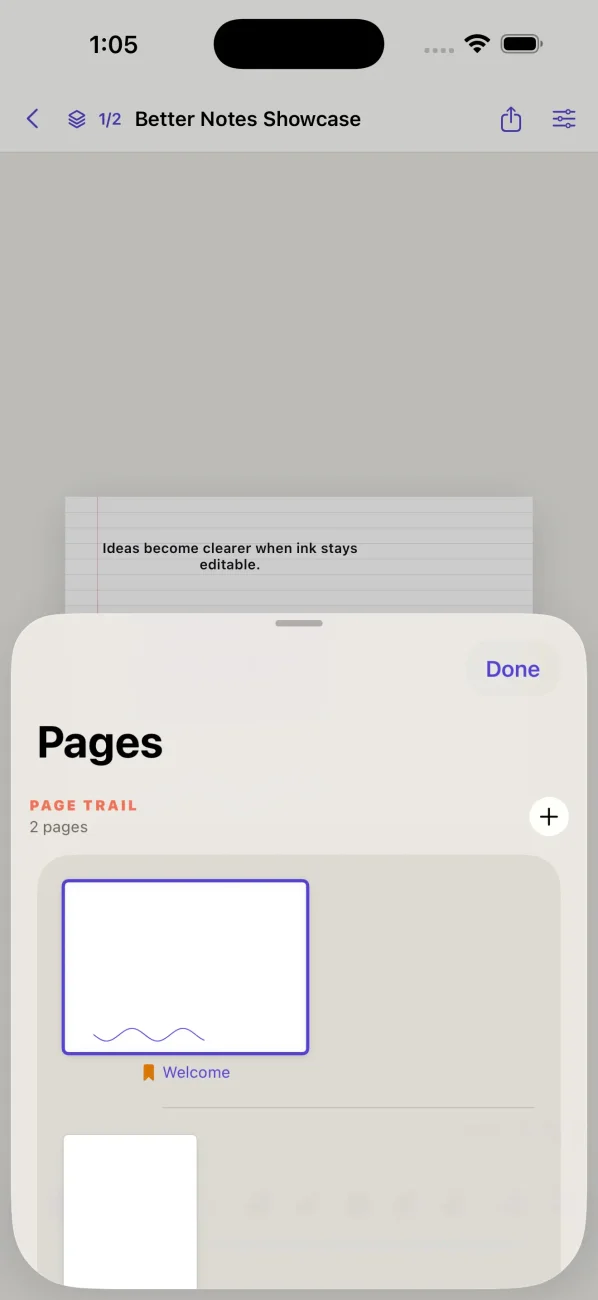
About
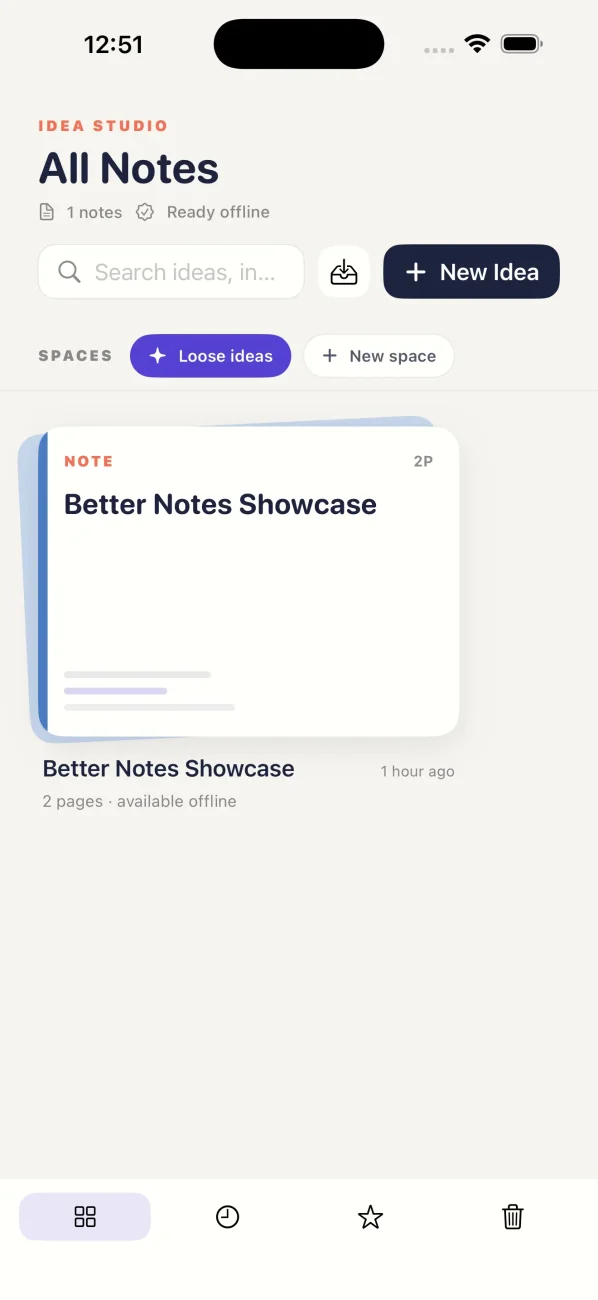
Better Notes is a focused idea studio for handwriting, sketching, typed notes and PDF annotation. It combines the freedom of paper with the organisation and editing tools of a modern native app.
WRITE NATURALLY
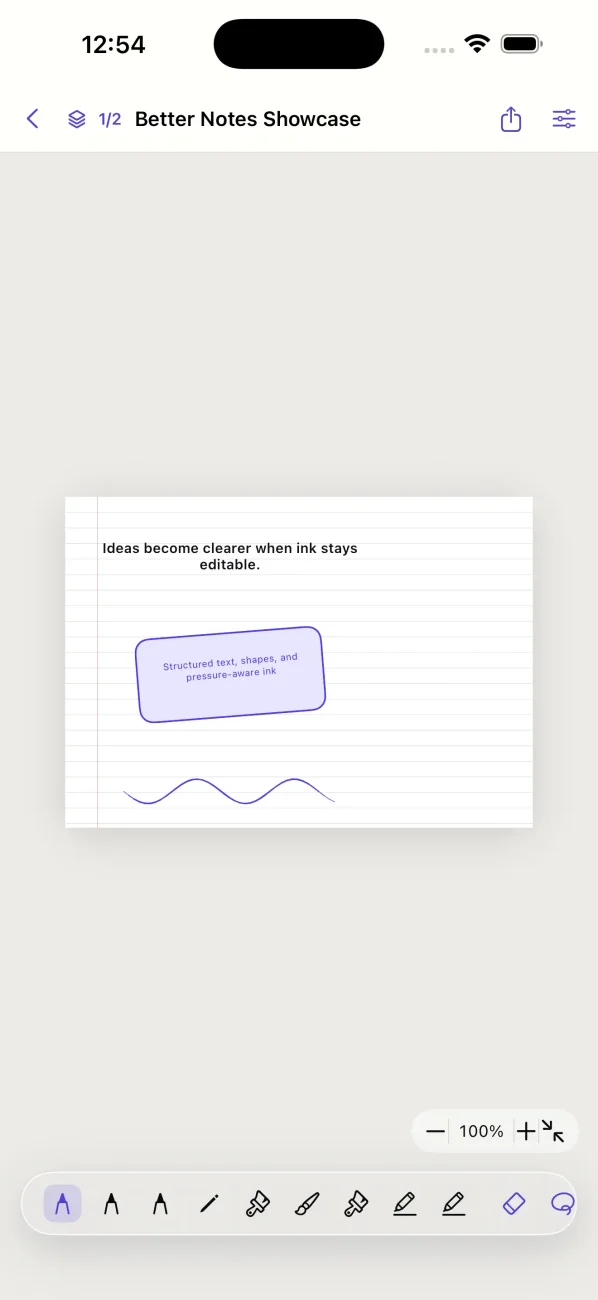
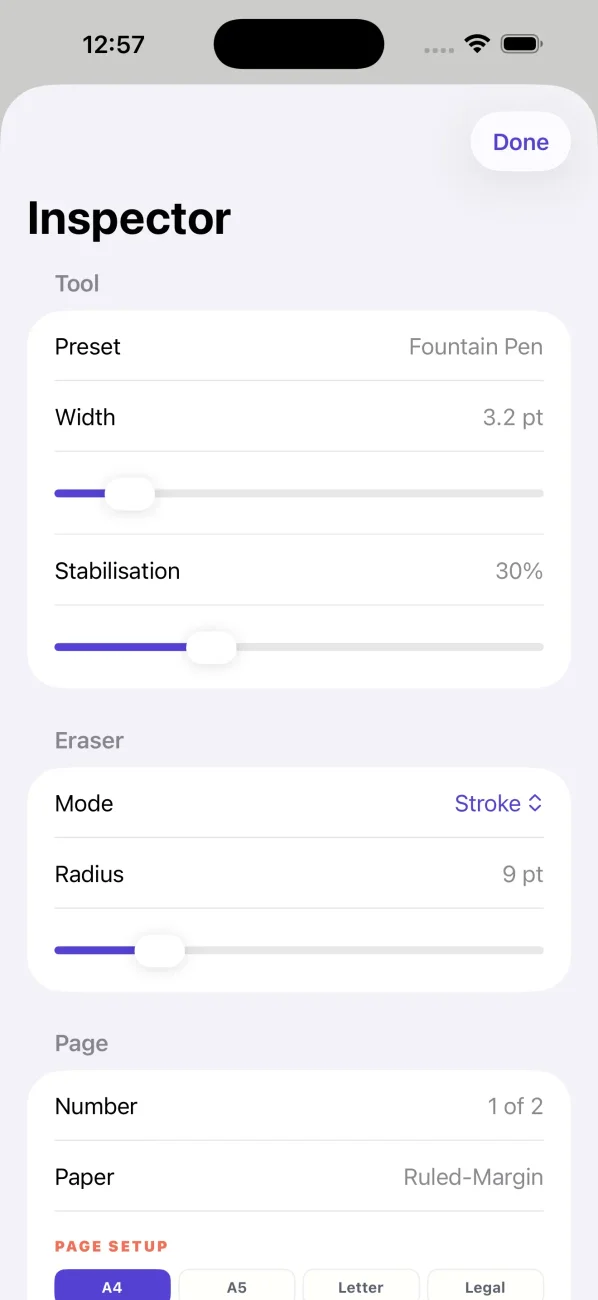
Capture smooth, pressure-aware ink with fountain pen, ballpoint, fineliner, pencil, calligraphy, brush, reed pen, marker and highlighter tools. Adjust colour, width and stabilisation, then erase by stroke or precisely through ink.
BUILD PAGES YOUR WAY
Choose blank, ruled, dotted, grid, Cornell and margin paper. Mix A4, A5, Letter and Legal pages in portrait or landscape—even inside the same notebook. Add, duplicate, bookmark and reorder your thinking page by page.
MORE THAN HANDWRITING
Add editable styled text, shapes and images. Move, rotate, recolour and organise content across independent layers with visibility, locking and opacity controls.
ANNOTATE PDFs
Import a PDF, write directly over it and keep its links intact. Export finished work as PDF, PNG, JPEG, Markdown or plain text whenever you need to share or continue elsewhere.
RECORD THE MOMENT
Attach audio to a page during a lecture, meeting or brainstorming session. Rename recordings and jump back to the page where each recording began.
FIND AND ORGANISE IDEAS
Create spaces and nested folders, add tags, mark favourites, revisit recent notes and recover items from Trash. Search notebook titles, tags and typed page content from one fast local library.
PRIVATE BY DESIGN
Better Notes works locally and offline. Your notebooks and recordings stay on your device unless you choose to export or share them. There is no required account, advertising or behavioural tracking.
BUILT FOR APPLE DEVICES
Enjoy a responsive light interface designed for touch, Apple Pencil, pointer and keyboard. Better Notes supports keyboard shortcuts, accessibility labels and Reduce Motion.
Make space for your next thought—and keep every stroke editable.
App privacy
What Luke Mclaughlin declares on the App Store about how this app handles data.
-
Data not collected
The developer does not collect any data from this app.
Privacy practices may vary, for example with the features you use or your age.
Information
- Seller
- Luke Mclaughlin
- Category
- Productivity
- Version
- 1.0.0
- Updated
- Aug 18, 2026
- Released
- Aug 3, 2026
- Size
- 10.6 MB
- Requires
- iOS 18.0 or later
- Age rating
- 4+
- Price
- Free
- Languages
- English
- Copyright
- © 2026 Luke Kevin McLaughlin
You might also like
-
 TextMender: Clean Pasted TextFix AI, PDF & OCR text
-
 LabelMint: Storage Box LabelsFind anything. Print on paper.
-
 ShiPan: BaZi & Zi Wei CaseworkCharts, revisions, annotations
-
 Notely - Notes & PDF appHandwriting, lectures & study
-
 iScript: intelligent ScriptYour Smart AI Language Mate
-
 DropTaskDistraction-Free Task Entry
-
 Mote: Lock Screen NotesSimple reminders, clear mind
-
 ScribblePad: Notes & PDFHandwriting notes & PDF markup
-
 SnipMark: Screenshot MarkupAnnotate, compress, rename
-
 Daily Planner: Habits & TasksHabit tracker & journal