- 対象年齢4+
- カテゴリユーティリティ
- 開発元Sergiu Stirbet
- 言語英語
- サイズ49.9 MB
App Storeの公式ページにリンクしています
Download.orgはBimmerInspectのファイルを一切ホストしていません。ボタンを押すと、Sergiu Stirbetが公開しているApp Storeのアプリページが開きます。ページの最終確認:2026/11/12。
スクリーンショット



概要
開発元はこのテキストをお使いの言語で提供していません。
BimmerInspect is an independent vehicle inspection app that works only with selected supported vehicles. Before you buy an adapter, check which cars are supported in the FAQ at bimmerinspect.app.
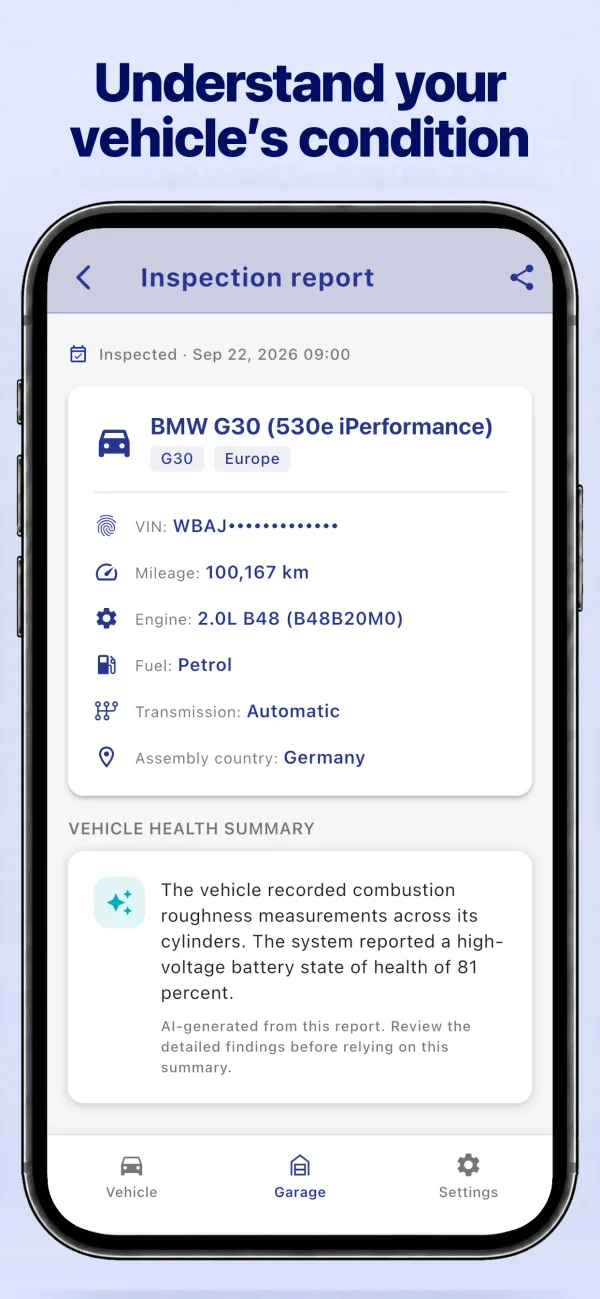
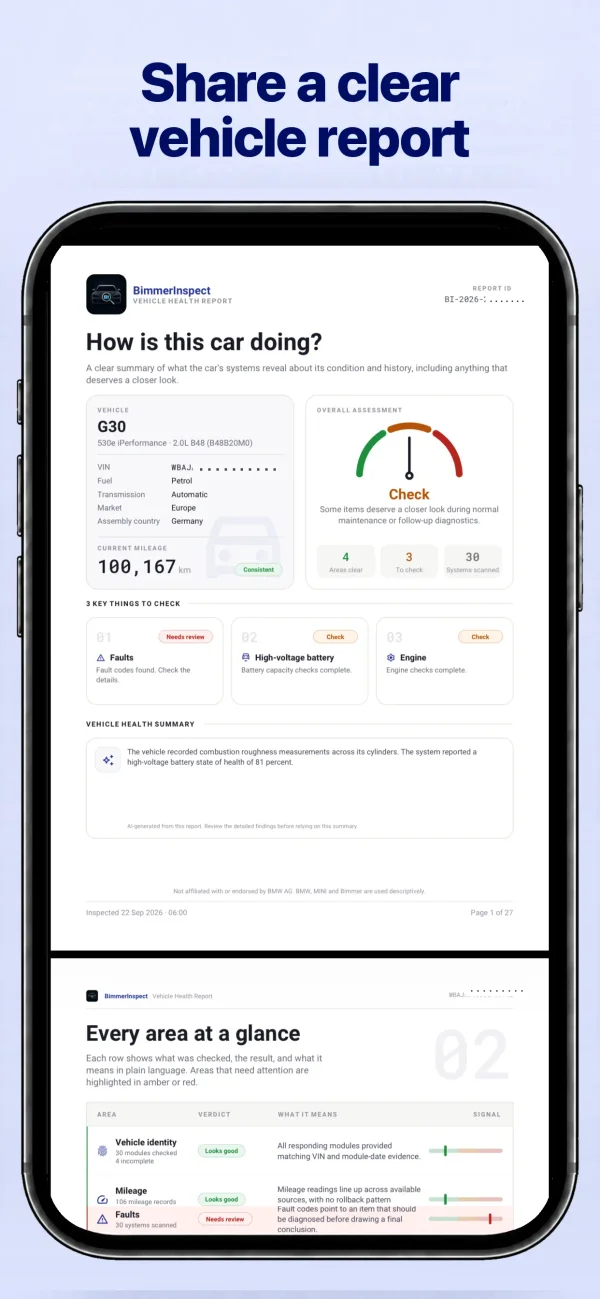
Get a clearer picture of a used car before purchase—or better understand a vehicle you already own. BimmerInspect connects to supported vehicle systems through a compatible OBD adapter and turns available manufacturer-specific diagnostic data into a guided inspection and a clear report.
WHAT IT CAN CHECK
Depending on the vehicle and the systems that respond, BimmerInspect can inspect up to seven areas:
• Vehicle identity — compares VIN and build information reported by available vehicle systems
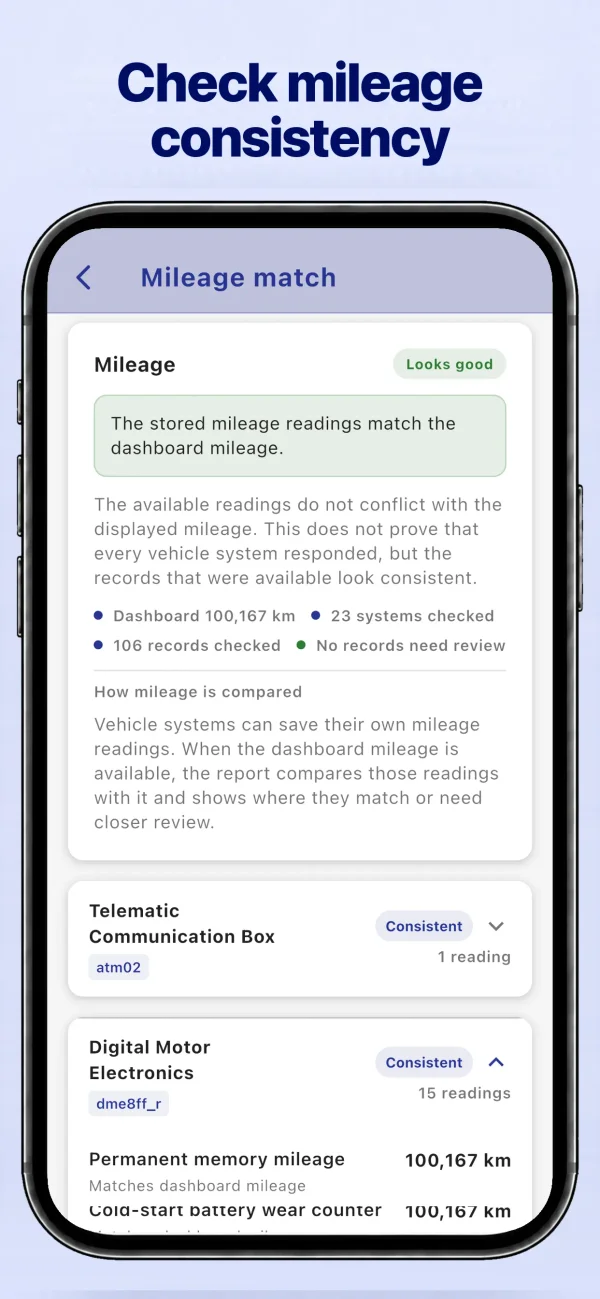
• Mileage — compares the dashboard reading with mileage available in other control units
• Faults — reads stored fault codes and provides available names and descriptions
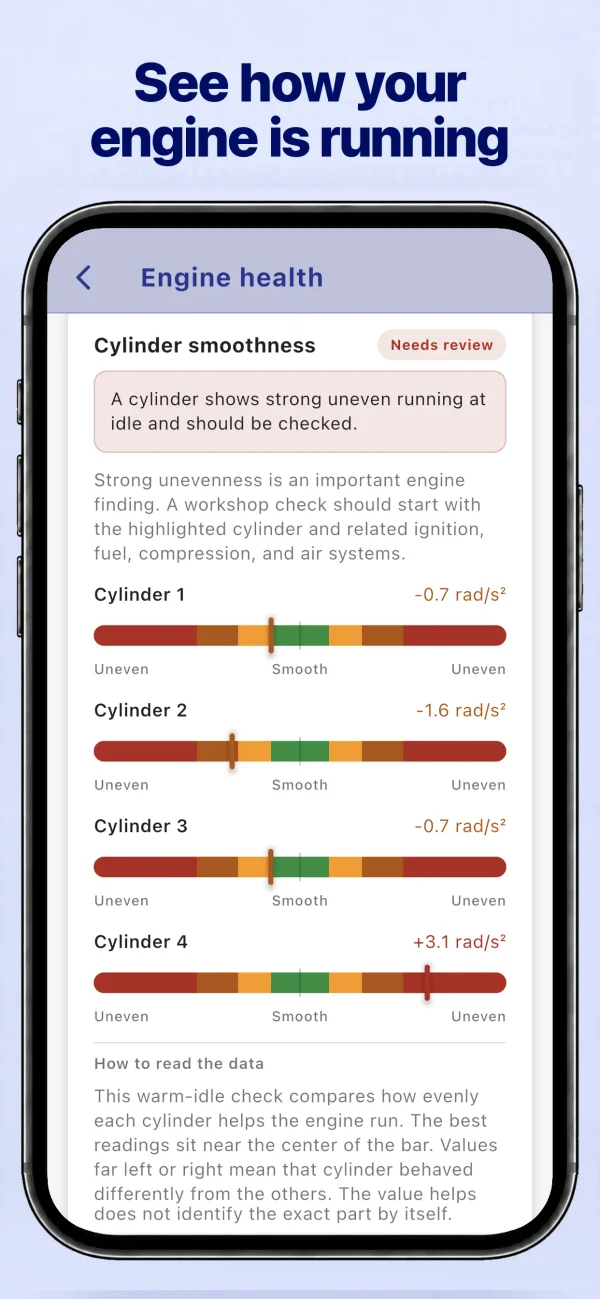
• Engine — reviews available misfire, variable valve timing, fuel-trim and related data
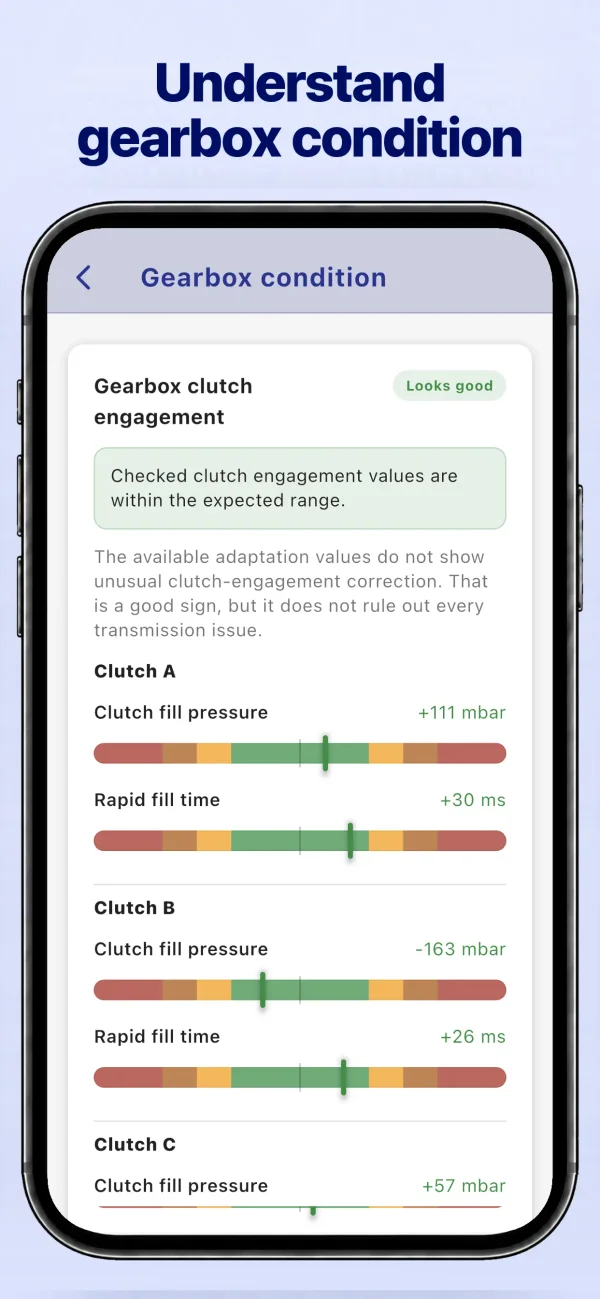
• Gearbox — examines available transmission adaptation and temperature history
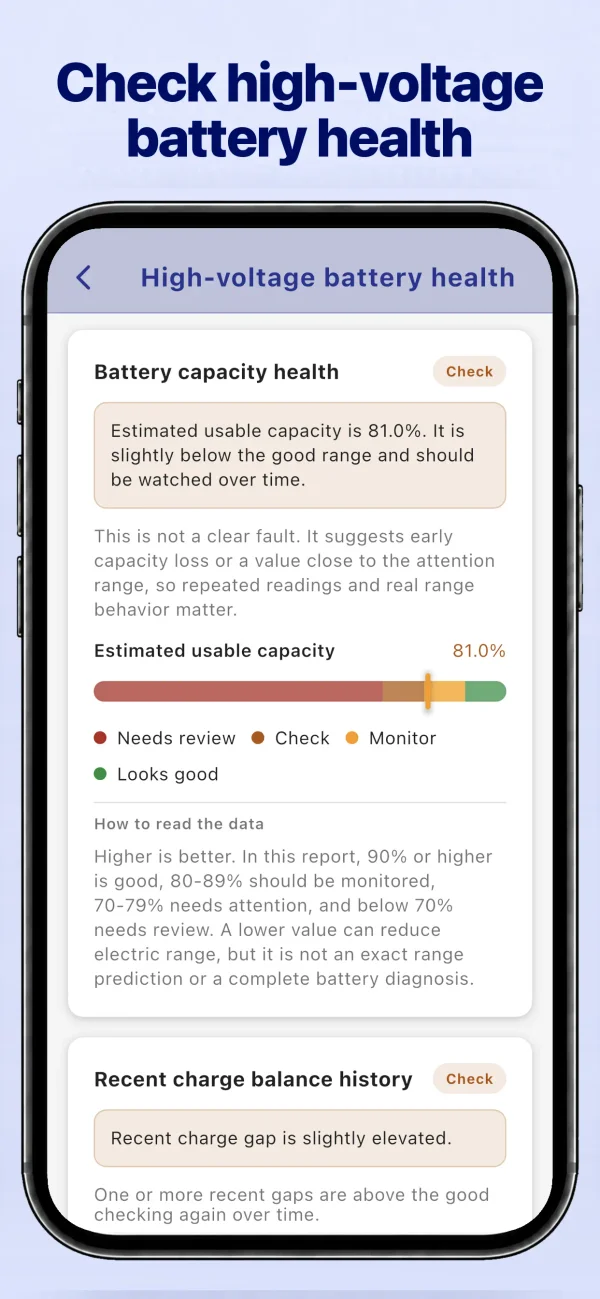
• High-voltage battery — reviews available capacity, consistency and cell-balance data on supported vehicles equipped with a high-voltage battery
• Usage — summarizes available driving patterns, loads and operating-temperature history
Only inspection areas supported by the vehicle’s responding systems are shown. Coverage varies by model, platform, powertrain, trim and installed control units.
HOW IT WORKS
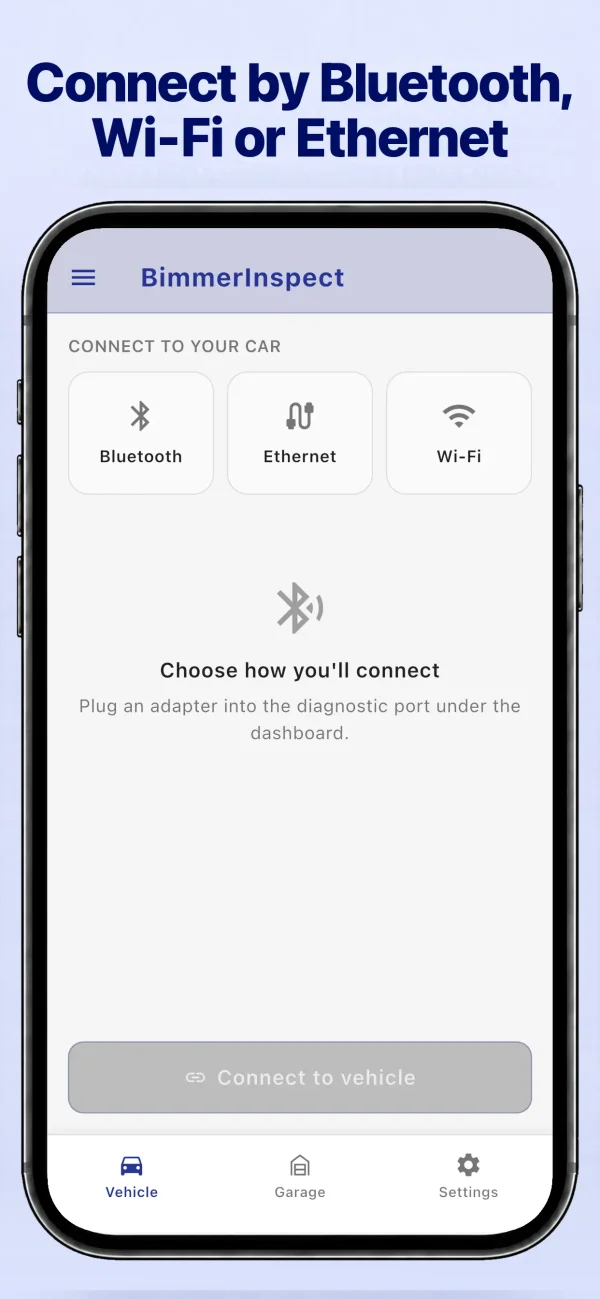
1. Connect a compatible adapter to the vehicle’s OBD-II port.
2. Let BimmerInspect identify the vehicle and available systems.
3. Run the guided inspection while the vehicle is safely parked.
4. Review the summary and explore the detailed results for each available area.
Most inspections take approximately ten minutes; allow up to fifteen.
INSPECT FIRST, THEN DECIDE
Running an inspection is free, and you can see what was successfully checked before deciding whether to purchase the complete report.
Unlocking is a one-time payment per report—there is no subscription. An unlocked report includes the complete findings and a PDF that you can save or share.
No adapter yet? Open the sample report from the Vehicle tab to see what an inspection report looks like.
VEHICLES AND ADAPTERS
BimmerInspect supports selected vehicles from approximately model year 2011 onward; other vehicles are not supported. Available inspection areas depend on the compatible data provided by each vehicle.
The app works with supported ENET adapters and Bluetooth Low Energy or Wi-Fi ELM327-class adapters. A standard 16-pin OBD-II port is required.
BimmerInspect is an independent inspection tool. It does not replace a professional vehicle inspection, diagnosis, maintenance or repair advice. BimmerInspect is not affiliated with or endorsed by any vehicle manufacturer.
アプリのプライバシー
このアプリのデータの取り扱いについて、Sergiu StirbetがApp Storeで申告している内容です。
-
ユーザーに関連付けられたデータ
収集され、ユーザーの識別情報に関連付けられる場合があります。
- 購入
- 位置情報
- 連絡先情報
- ユーザーコンテンツ
- ID
- 使用状況データ
- 診断
- その他のデータ
プライバシーの取り扱いは、ご利用の機能やお客様の年齢などに応じて異なる場合があります。
情報
- 販売元
- Sergiu Stirbet
- カテゴリ
- ユーティリティ
- バージョン
- 1.0.1
- 更新日
- 2026/11/6
- リリース
- 2026/11/6
- サイズ
- 49.9 MB
- 必要条件
- iOS 16.0以降
- 対象年齢
- 4+
- 価格
- 無料
- アプリ内課金
- あり
- 言語
- 英語
- 著作権
- © 2026 Sergiu Stirbet