
Blank Black Screen
Dark screen & bedside clock
iPhone, iPad, iPod touch向けに設計
無料 · アプリ内課金
- 対象年齢4+
- カテゴリ仕事効率化
- 開発元Morten Punnerud
- 言語英語
- サイズ9.5 MB
App Storeの公式ページにリンクしています
Download.orgはBlank Black Screenのファイルを一切ホストしていません。ボタンを押すと、Morten Punnerudが公開しているApp Storeのアプリページが開きます。ページの最終確認:2026/11/15。
スクリーンショット


概要
開発元はこのテキストをお使いの言語で提供していません。
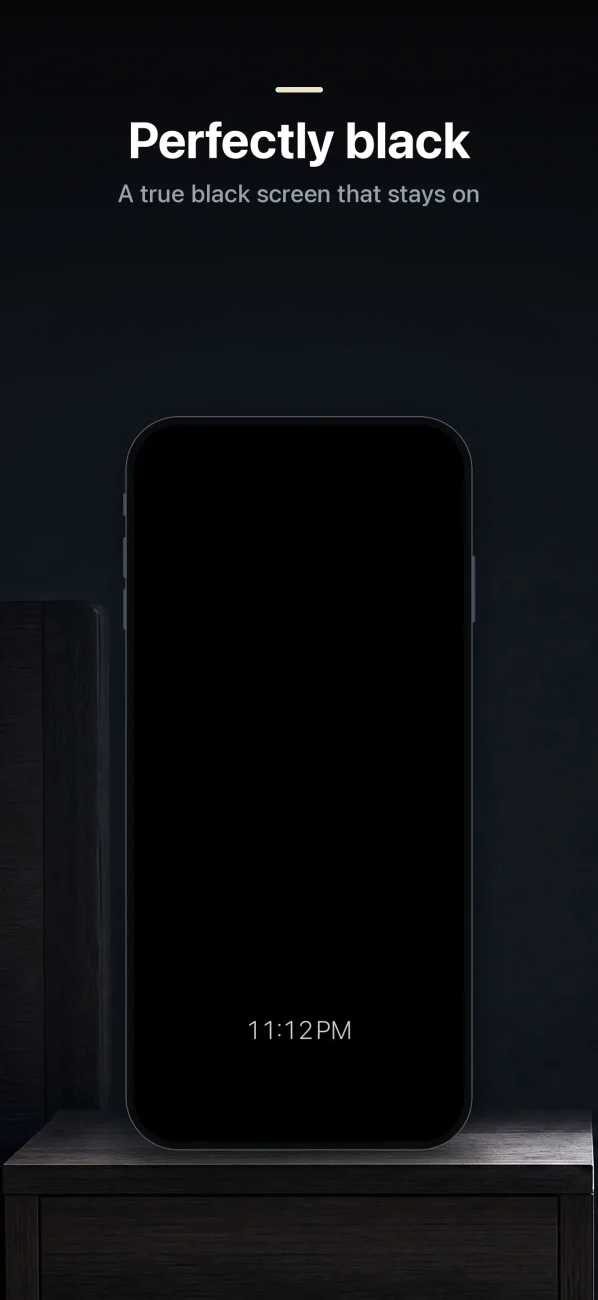
Blank Black Screen turns your iPhone or iPad into a true black screen that stays on. Use it to rest your eyes, keep a video playing in the dark, or as a calm clock on your nightstand.
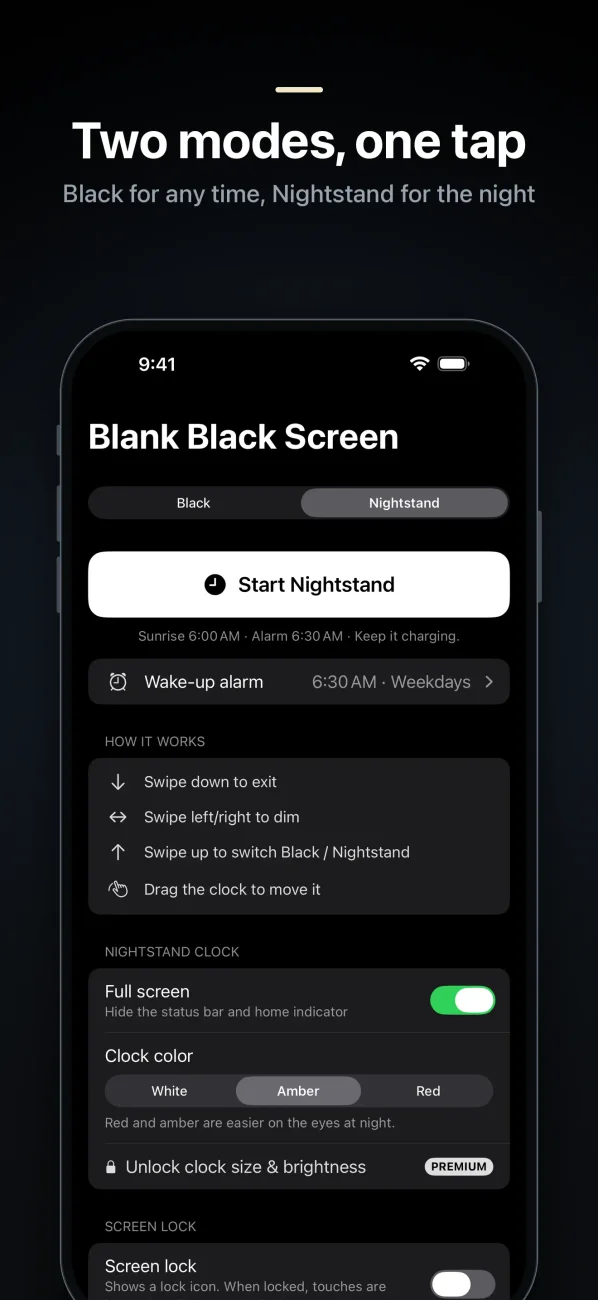
TWO MODES, ONE TAP
• Black: a dark screen for video, Picture in Picture or just resting your eyes.
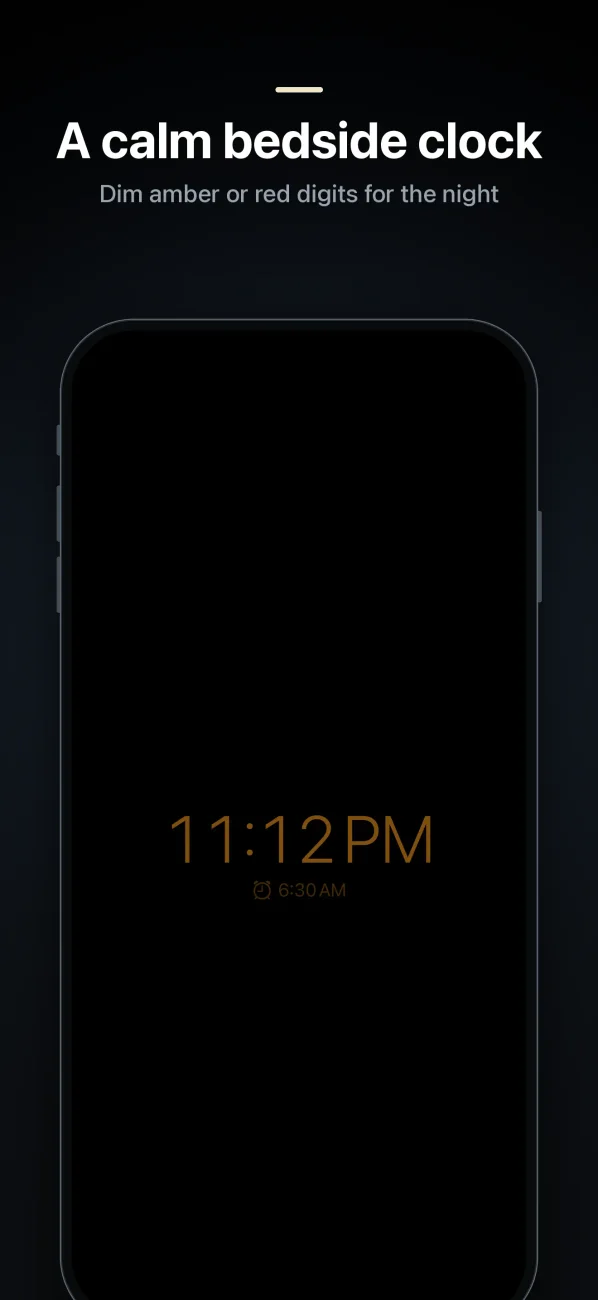
• Nightstand: a large, dim clock that keeps the screen on all night. Keep it charging.
Swipe up on the dark screen to switch between them.
ON THE BLACK SCREEN
• Swipe left or right to dim the screen
• Swipe down to exit
• Drag the clock to move it, or hide it
• Clock color: white, amber or red (red and amber are easier on the eyes at night)
• Full screen hides the status bar and home indicator
• The clock shifts slightly now and then to protect the display
On OLED iPhones and iPads black pixels are switched off, so the black screen uses very little power.
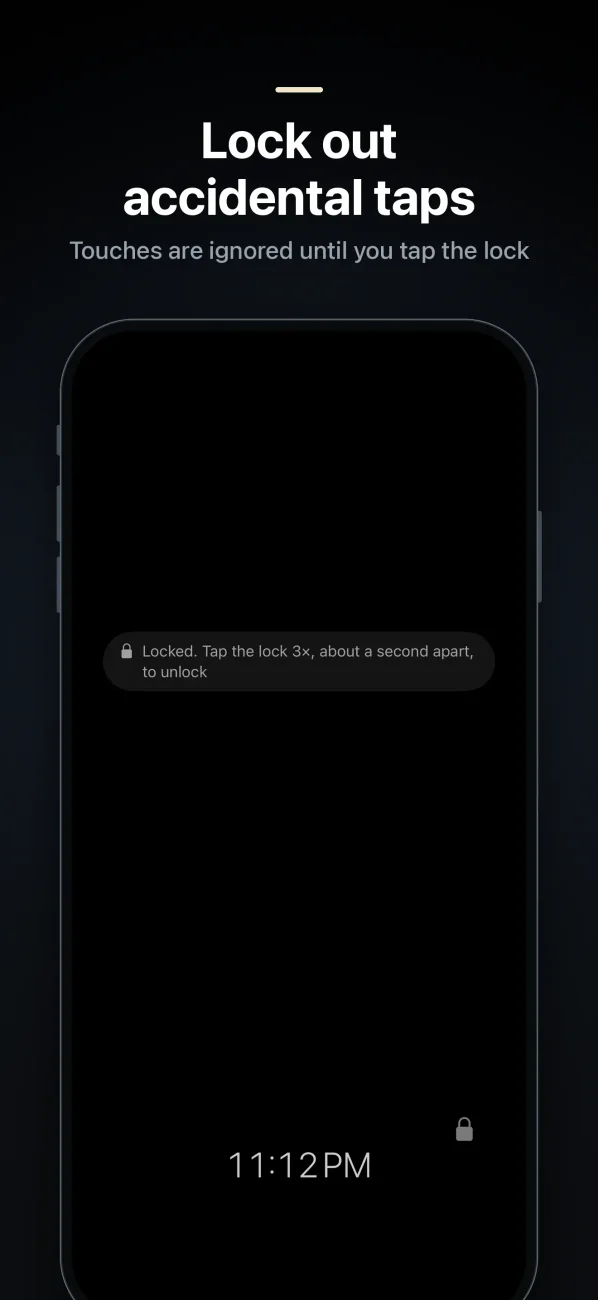
LOCK OUT ACCIDENTAL TAPS
Turn on Screen lock and a lock icon appears. When locked, touches are ignored until you tap the lock a few times in a row.
LISTEN WITH THE SCREEN DARK
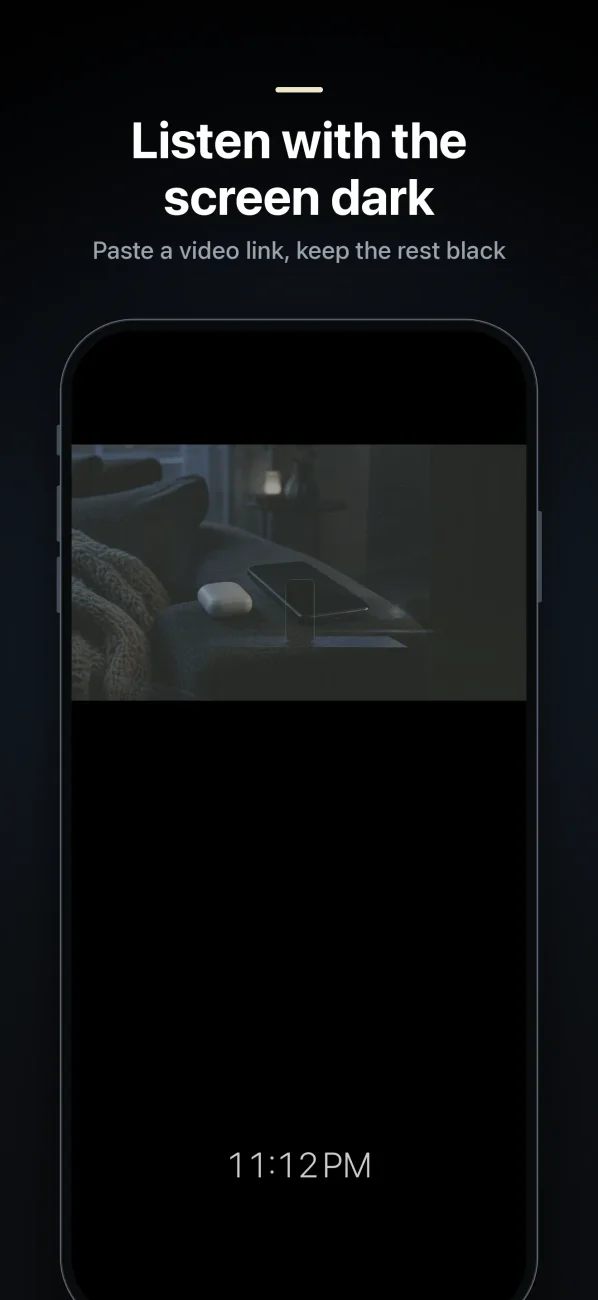
Paste a YouTube link and play the video on the black screen, with the rest of the screen kept dark. Picture in Picture works too, using the button in the video controls.
WAKE-UP ALARM AND SUNRISE LIGHT (iOS 26 OR LATER)
On iOS 26 or later you can set a wake-up alarm in Nightstand mode. It is a real iOS alarm: it rings even when the app is closed, the phone is locked or on silent.
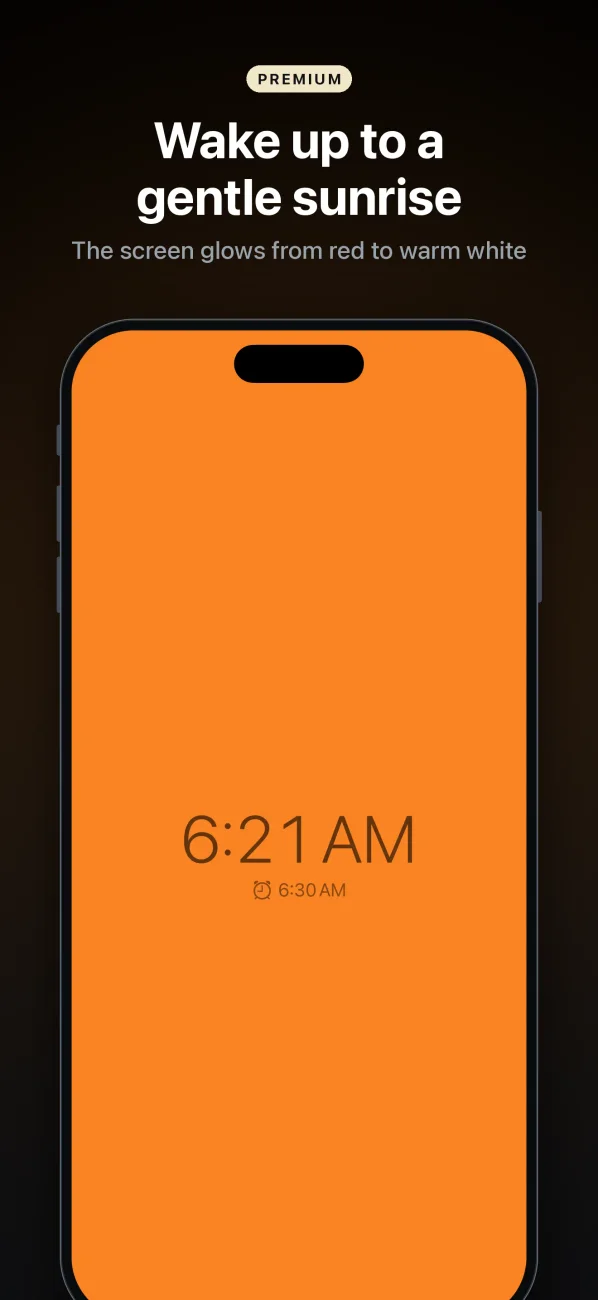
With the sunrise light, the screen slowly glows from red to warm white over the 30 minutes before your alarm. The sunrise light only works while the app is open on screen in Nightstand mode, so keep your phone charging overnight. It is a gentle light, much dimmer than a wake-up lamp. The wake-up alarm and sunrise light are not available on iOS versions earlier than 26.
FREE
• Black and Nightstand modes
• Swipe to dim, movable clock, clock color, full screen
• Screen lock
• Play a YouTube link, Picture in Picture
• Wake-up alarm (iOS 26 or later), with your first sunrise morning free
PREMIUM
• Sunrise wake-up light every morning (iOS 26 or later)
• Remembered brightness: the level you dim to is used every time, or set a fixed brightness. Also in Nightstand.
• Custom clock size and clock brightness
• Faster unlock of the locked screen
• Nothing else on the black screen: no "Blank Black Screen" text and no upgrade prompts
Premium is available as a monthly or yearly subscription, or as a one-time lifetime purchase. Premium includes a free trial for new subscribers on the yearly plan where offered. Prices are shown in the app before you buy.
Payment is charged to your Apple Account when you confirm the purchase. Subscriptions renew automatically unless cancelled at least 24 hours before the end of the current period. Your account is charged for renewal within 24 hours before the end of the current period. You can manage and cancel your subscription in your Apple Account settings after purchase. If a free trial is offered, any unused part of it is forfeited when you buy a subscription.
Terms of Use: https://www.apple.com/legal/internet-services/itunes/dev/stdeula/
Privacy Policy: https://punnerud.github.io/info_blankscreen/privacy-policy/
新機能
バージョン 2.8 · 2026/10/21
• Pull any screen down: the top third can stay empty, for example under a video in picture-in-picture.
• Start bar: the big Start button is on the right, and the small button on the left switches between Black and Nightstand settings.
• Brightness swipe works smoothly all the way, also in Nightstand.
• A clock dragged off screen glides back.
• Tap the dark screen: Timer and Customize now show in the middle, not behind a video at the top.
• Clock style: smaller preview with more room for settings, and Back and Done at the bottom.
• iOS 26 or later:
– Clearer help when alarms are turned off, with a shortcut to Settings.
– Customize automations right from the clock style, with Back and Save at the bottom.
• Bug fixes and improvements.
アプリのプライバシー
このアプリのデータの取り扱いについて、Morten PunnerudがApp Storeで申告している内容です。
-
ユーザーに関連付けられないデータ
収集される場合がありますが、ユーザーの識別情報には関連付けられません。
- 使用状況データ
プライバシーの取り扱いは、ご利用の機能やお客様の年齢などに応じて異なる場合があります。
情報
- 販売元
- Morten Punnerud
- カテゴリ
- 仕事効率化
- バージョン
- 2.8
- 更新日
- 2026/10/21
- リリース
- 2024/10/13
- サイズ
- 9.5 MB
- 必要条件
- iOS 15.1以降
- 対象年齢
- 4+
- 価格
- 無料
- アプリ内課金
- あり
- 言語
- 英語
- 著作権
- © 2025 Morten Punnerud-Engelstad
こちらもおすすめ
-
 MindMap - MindMapperアイデアを整理するためのマインドマップ
-
 YT Minia: Thumbnails from URL仕事効率化
-
 Private AI : NivonLLM、オフライン&セキュア
-
 KeyPass – Passwords Manager仕事効率化
-
 タイピングテキストキーボード AI チャット:国語 文法翻訳AI文章作成,相談,アシスト,作文,書き込み,手紙,エディタ
-
 Craft PDF-Editor and Reader仕事効率化
-
 Temp Email-Anonymous Temp Mail仕事効率化
-
 Remote Print 無線プリンターPDF・写真を印刷&スキャン
-
 Phone Security & Secret Vault仕事効率化
-
 QuickFill PDF仕事効率化