
Blank Black Screen
Dark screen & bedside clock
iPhone, iPad, iPod touch için tasarlandı
Ücretsiz · Uygulama içi satın alma
- Yaş sınırı4+
- KategoriÜretkenlik
- GeliştiriciMorten Punnerud
- Dillerİngilizce
- Boyut9,5 MB
Resmi App Store sayfasına bağlanır
Download.org, Blank Black Screen için hiçbir dosya barındırmaz. Düğme, uygulamanın App Store üzerindeki sayfasını açar; uygulamayı orada Morten Punnerud yayınlar. Sayfanın son kontrolü: 15.11.2026.
Ekran görüntüleri


Hakkında
Geliştirici bu metni dilinizde sunmamış.
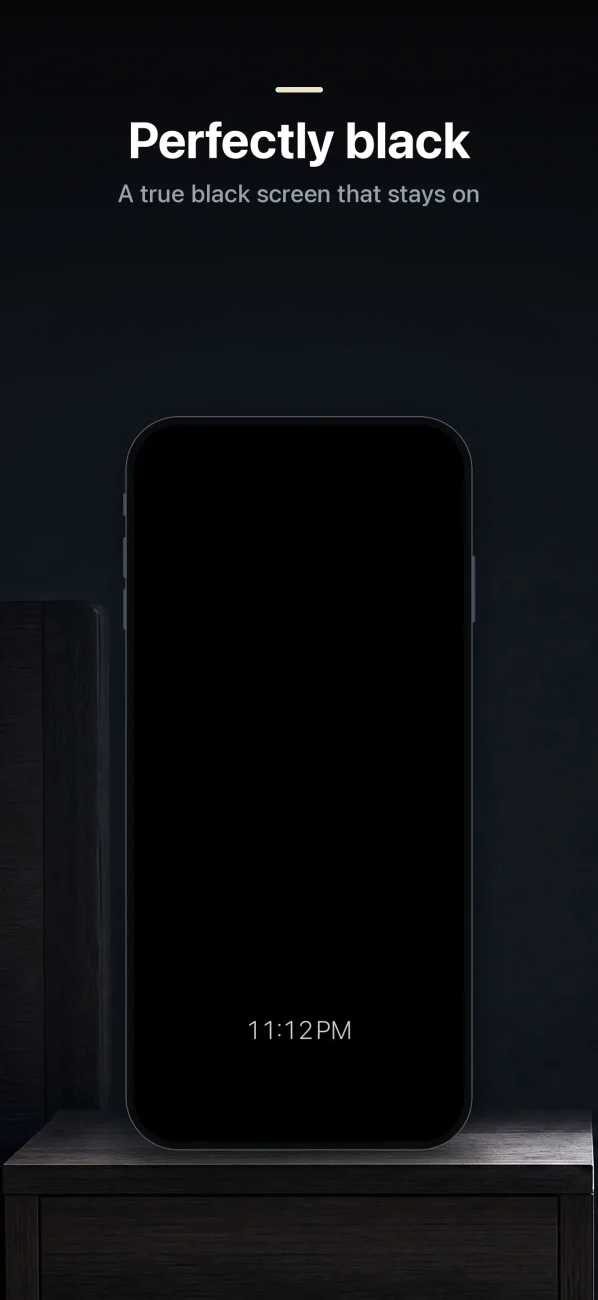
Blank Black Screen turns your iPhone or iPad into a true black screen that stays on. Use it to rest your eyes, keep a video playing in the dark, or as a calm clock on your nightstand.
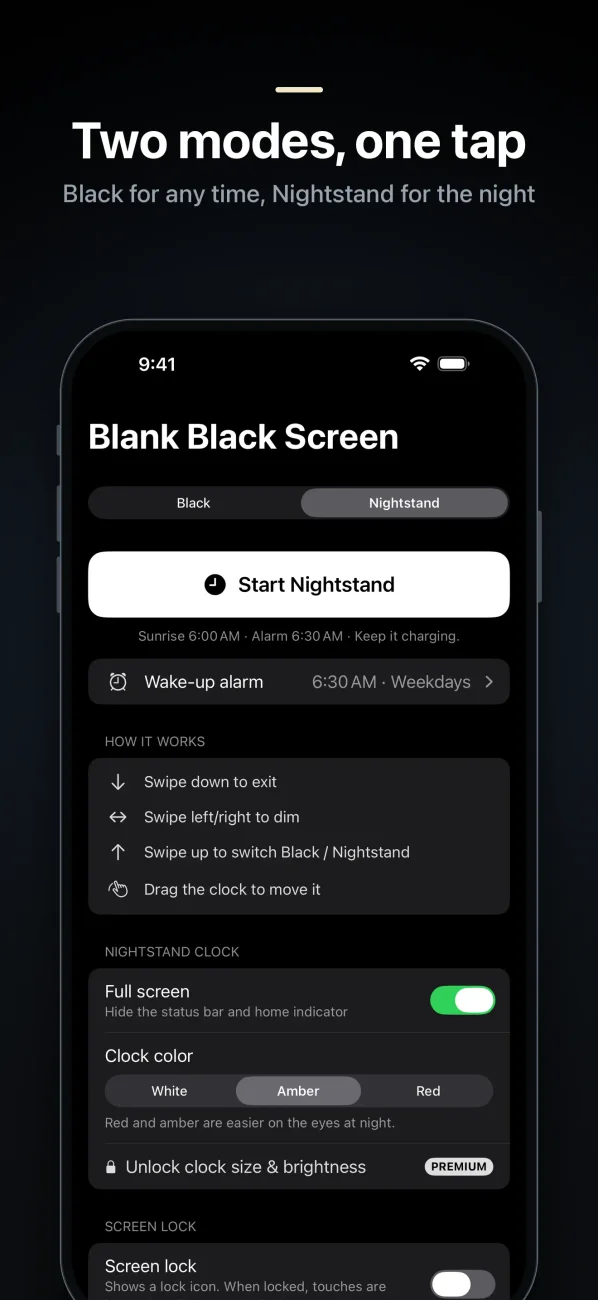
TWO MODES, ONE TAP
• Black: a dark screen for video, Picture in Picture or just resting your eyes.
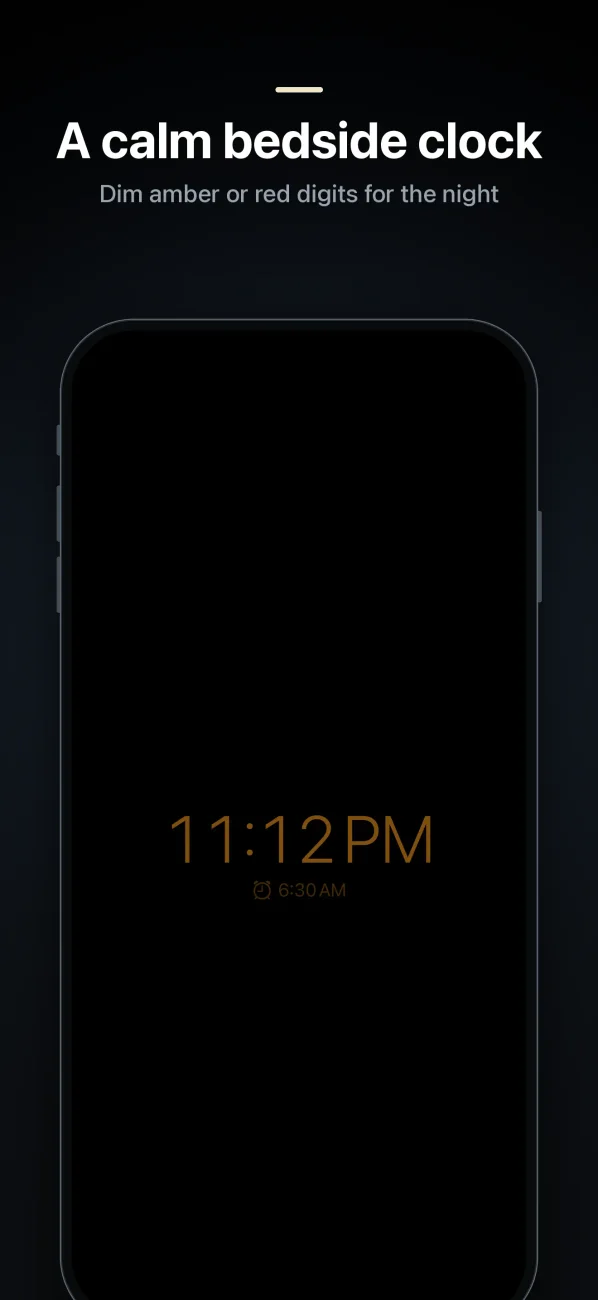
• Nightstand: a large, dim clock that keeps the screen on all night. Keep it charging.
Swipe up on the dark screen to switch between them.
ON THE BLACK SCREEN
• Swipe left or right to dim the screen
• Swipe down to exit
• Drag the clock to move it, or hide it
• Clock color: white, amber or red (red and amber are easier on the eyes at night)
• Full screen hides the status bar and home indicator
• The clock shifts slightly now and then to protect the display
On OLED iPhones and iPads black pixels are switched off, so the black screen uses very little power.
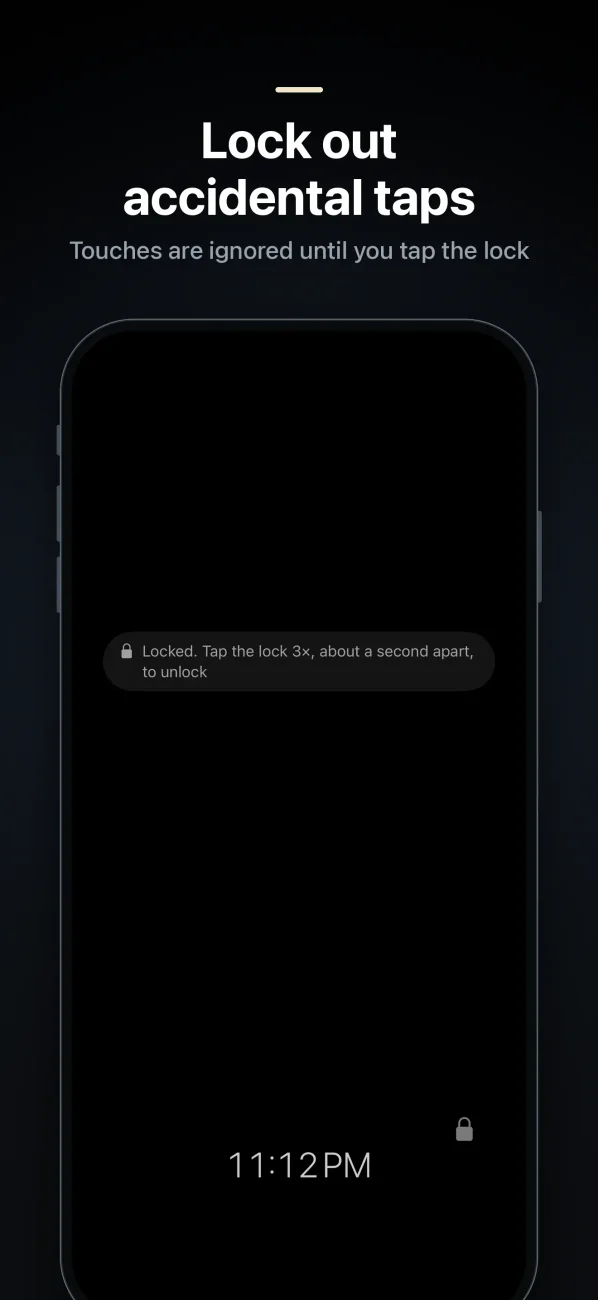
LOCK OUT ACCIDENTAL TAPS
Turn on Screen lock and a lock icon appears. When locked, touches are ignored until you tap the lock a few times in a row.
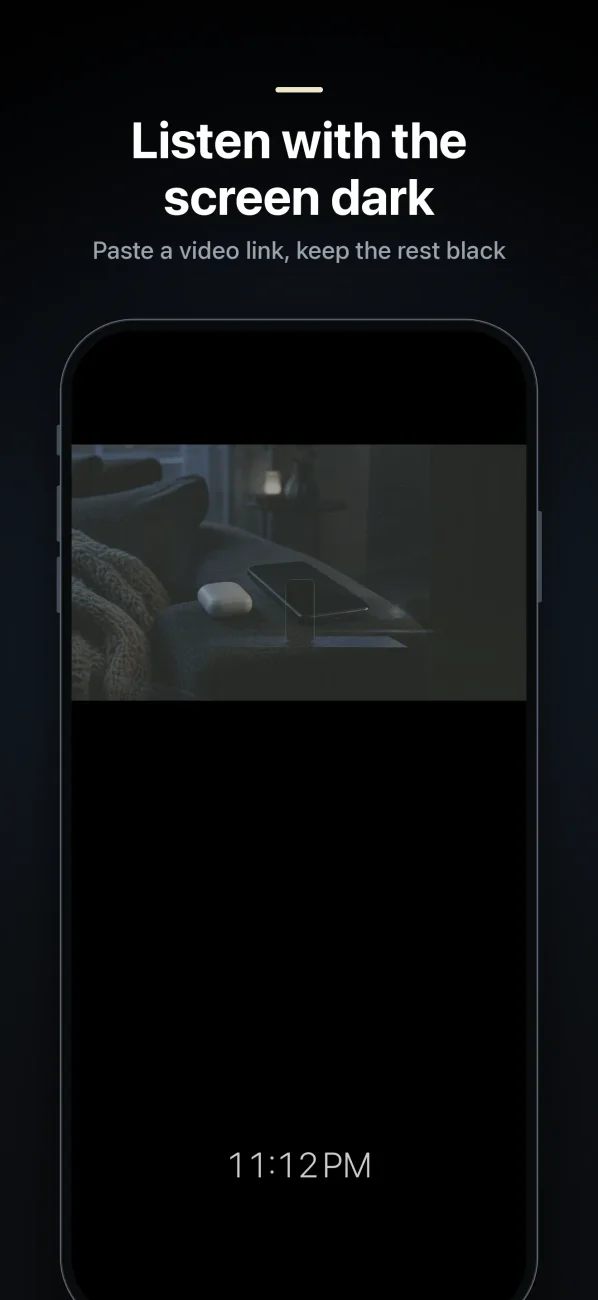
LISTEN WITH THE SCREEN DARK
Paste a YouTube link and play the video on the black screen, with the rest of the screen kept dark. Picture in Picture works too, using the button in the video controls.
WAKE-UP ALARM AND SUNRISE LIGHT (iOS 26 OR LATER)
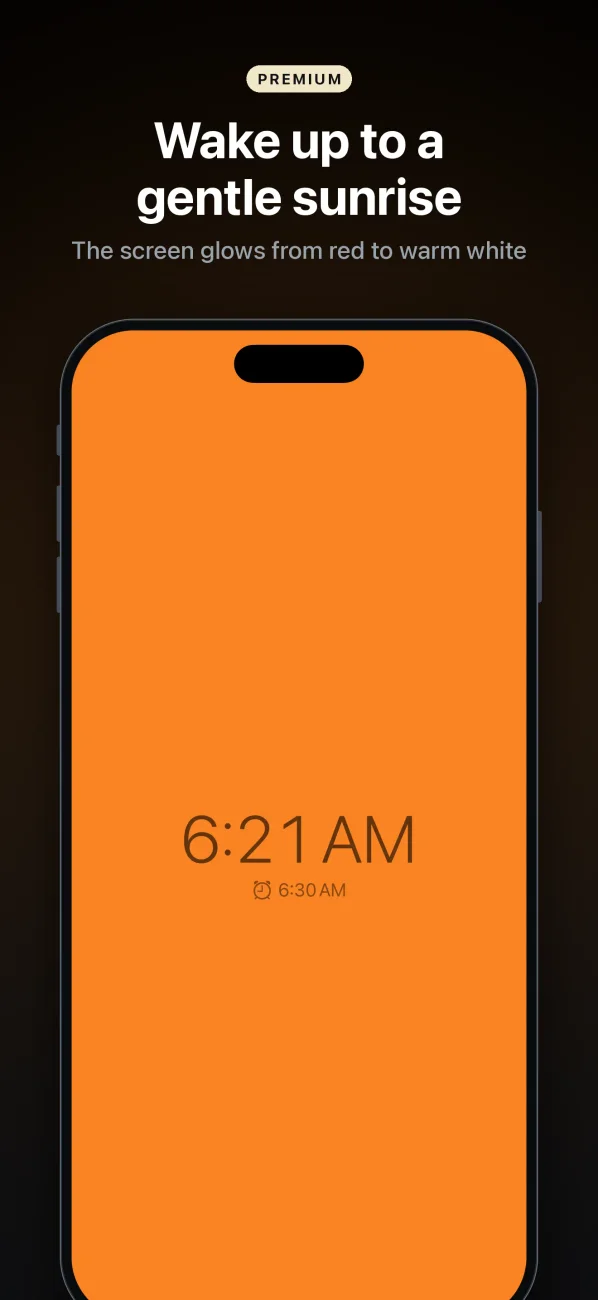
On iOS 26 or later you can set a wake-up alarm in Nightstand mode. It is a real iOS alarm: it rings even when the app is closed, the phone is locked or on silent.
With the sunrise light, the screen slowly glows from red to warm white over the 30 minutes before your alarm. The sunrise light only works while the app is open on screen in Nightstand mode, so keep your phone charging overnight. It is a gentle light, much dimmer than a wake-up lamp. The wake-up alarm and sunrise light are not available on iOS versions earlier than 26.
FREE
• Black and Nightstand modes
• Swipe to dim, movable clock, clock color, full screen
• Screen lock
• Play a YouTube link, Picture in Picture
• Wake-up alarm (iOS 26 or later), with your first sunrise morning free
PREMIUM
• Sunrise wake-up light every morning (iOS 26 or later)
• Remembered brightness: the level you dim to is used every time, or set a fixed brightness. Also in Nightstand.
• Custom clock size and clock brightness
• Faster unlock of the locked screen
• Nothing else on the black screen: no "Blank Black Screen" text and no upgrade prompts
Premium is available as a monthly or yearly subscription, or as a one-time lifetime purchase. Premium includes a free trial for new subscribers on the yearly plan where offered. Prices are shown in the app before you buy.
Payment is charged to your Apple Account when you confirm the purchase. Subscriptions renew automatically unless cancelled at least 24 hours before the end of the current period. Your account is charged for renewal within 24 hours before the end of the current period. You can manage and cancel your subscription in your Apple Account settings after purchase. If a free trial is offered, any unused part of it is forfeited when you buy a subscription.
Terms of Use: https://www.apple.com/legal/internet-services/itunes/dev/stdeula/
Privacy Policy: https://punnerud.github.io/info_blankscreen/privacy-policy/
Yenilikler
Sürüm 2.8 · 21.10.2026
• Pull any screen down: the top third can stay empty, for example under a video in picture-in-picture.
• Start bar: the big Start button is on the right, and the small button on the left switches between Black and Nightstand settings.
• Brightness swipe works smoothly all the way, also in Nightstand.
• A clock dragged off screen glides back.
• Tap the dark screen: Timer and Customize now show in the middle, not behind a video at the top.
• Clock style: smaller preview with more room for settings, and Back and Done at the bottom.
• iOS 26 or later:
– Clearer help when alarms are turned off, with a shortcut to Settings.
– Customize automations right from the clock style, with Back and Save at the bottom.
• Bug fixes and improvements.
Uygulama gizliliği
Bu uygulamanın verileri nasıl işlediği hakkında Morten Punnerud tarafından App Store üzerinde yapılan beyan.
-
Sizinle ilişkilendirilmeyen veriler
Toplanabilir ancak kimliğinizle ilişkilendirilmez.
- Kullanım verileri
Gizlilik uygulamaları, örneğin kullandığınız özelliklere veya yaşınıza göre değişiklik gösterebilir.
Bilgiler
- Satıcı
- Morten Punnerud
- Kategori
- Üretkenlik
- Sürüm
- 2.8
- Güncellendi
- 21.10.2026
- Yayın tarihi
- 13.10.2024
- Boyut
- 9,5 MB
- Gereksinim
- iOS 15.1 veya sonrası
- Yaş sınırı
- 4+
- Fiyat
- Ücretsiz
- Uygulama içi satın alma
- Evet
- Diller
- İngilizce
- Telif hakkı
- © 2025 Morten Punnerud-Engelstad
Bunları da beğenebilirsiniz
-
 MindMap - MindMapperFikirleri düzenlemek için z...
-
 YT Minia: Thumbnails from URLÜretkenlik
-
 Private AI : NivonLLM, Çevrimdışı ve Güvenli
-
 KeyPass – Passwords ManagerÜretkenlik
-
 Türkçe klavye AI: Dil çeviriciTür metin çeviri&Grammar check
-
 Craft PDF-Editor and ReaderÜretkenlik
-
 Temp Email-Anonymous Temp MailÜretkenlik
-
 Remote Print: Wireless PrinterÜretkenlik
-
 Phone Security & Secret VaultÜretkenlik
-
 QuickFill PDFÜretkenlik