- 対象年齢4+
- カテゴリユーティリティ
- 開発元Wimlog
- 言語英語ほか1言語
- サイズ6.4 MB
App Storeの公式ページにリンクしています
Download.orgはBluetooth Loudspeakerのファイルを一切ホストしていません。ボタンを押すと、Wimlogが公開しているApp Storeのアプリページが開きます。ページの最終確認:2026/11/12。
スクリーンショット
概要
開発元はこのテキストをお使いの言語で提供していません。
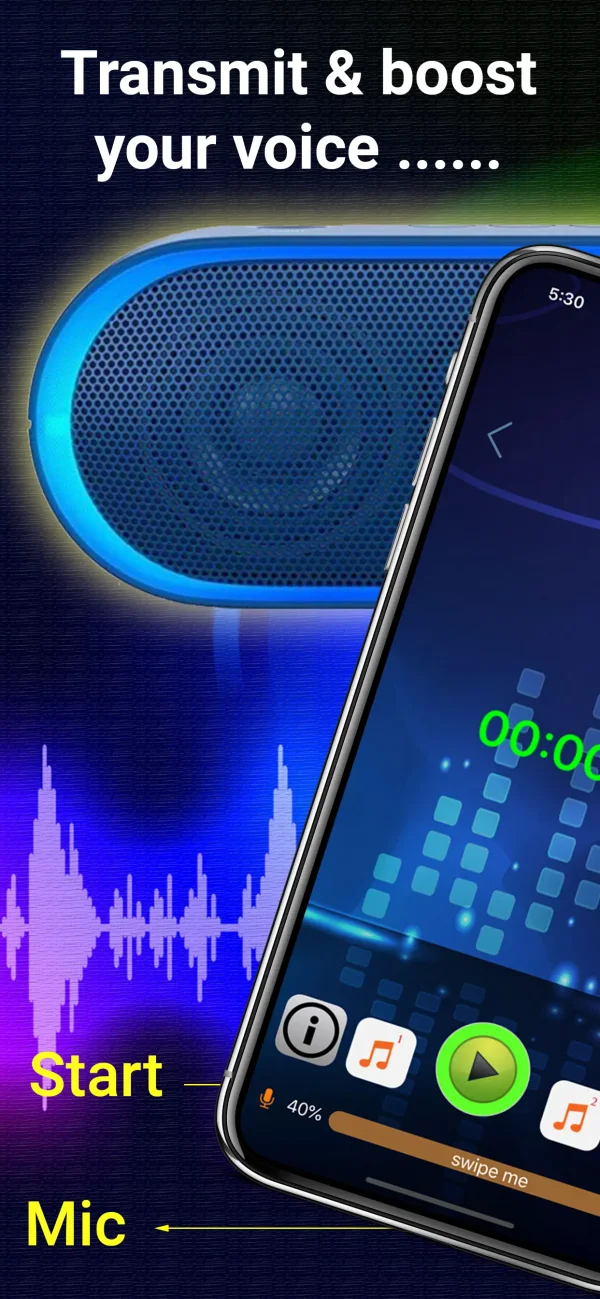
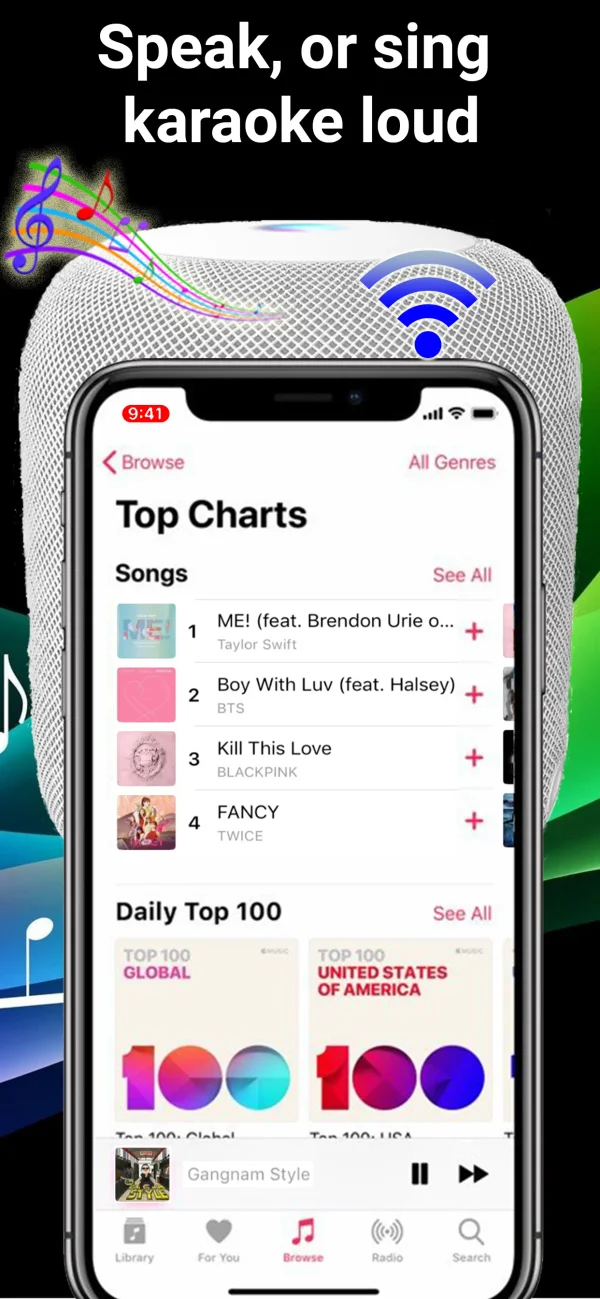
Do you want to boost your voice in the public, or love to sing karaoke? If you have a portable bluetooth speaker, this app is a must for your iPhone / iPad.
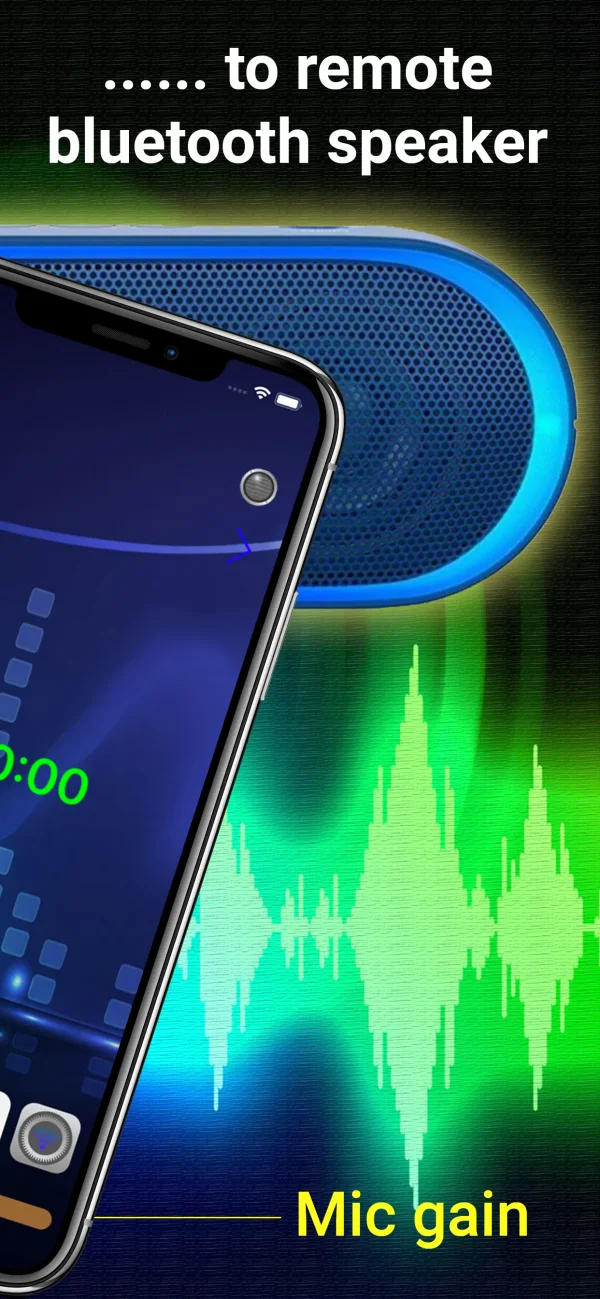
Bluetooth Loudspeaker is an app to amplify your voice output to your wireless connected bluetooth speaker. That is, your iPhone becomes the microphone and the bluetooth speaker becomes a remote loudspeaker within 10 meters distance. As this app can run at background, your iPhone can play mp3 music and let you sing karaoke at the same time.
What can you do with a microphone and remote loudspeaker? Who needs this mic and remote loudspeaker? Some examples are:
- sing karaoke at home or anywhere,
- teaching in a classroom or lecture room,
- street performance, live show,
- speaker in a large conference room,
- garage sale, outdoor sale, pop-up store sale, or other sales promotion,
- tour guide at the hot spot,
- fan of a sport team, who sing loud to support the favourite sport team in the stadium,
- outdoor activities,
- works as volume booster or megaphone for your speech,
- beach party, birthday party, exhibitions, celebrations and many more cases.
With this app, you have a wireless microphone on your hand!
Read me first:
1. User must connect to a bluetooth speaker when using this app for voice output. Do NOT choose device internal speaker, as there will be some unwanted echo noise.
2. This app will NOT bluetooth or airplay connect to your remote speaker. User has to manually connect to the speaker first (through Settings > Bluetooth). Then open this app.
3. When using this app to output voice to connected bluetooth speaker, user can put this app as background job and run another music app such as Apple Music (or any music app). To stop, go back to this app and tap the stop button.
4. This app does NOT support wired headset / headphone or bluetooth headset or line-out.
5. This app does not download or play online mp3 music or video.
6. Remember to turn device output volume to about 80-90% maximum (at top right icon), and mic gain to about 40-50% (at bottom slide bar).
7. Some iPad mic is located on top of the device, while most iPhone default mic is at the bottom.
From iOS 14 and on, there will be an ads tracking dialog popup once, which is required for new iOS user privacy purpose. We do not collect any data from user or device. Feel free to contact our email support.
新機能
バージョン 3.3 · 2026/7/17
Add language
アプリのプライバシー
このアプリのデータの取り扱いについて、WimlogがApp Storeで申告している内容です。
-
ユーザーのトラッキングに使用されるデータ
他社のアプリやウェブサイトを横断してユーザーをトラッキングする目的で使用される場合があります。
- 使用状況データ
-
ユーザーに関連付けられないデータ
収集される場合がありますが、ユーザーの識別情報には関連付けられません。
- 使用状況データ
プライバシーの取り扱いは、ご利用の機能やお客様の年齢などに応じて異なる場合があります。
情報
- 販売元
- Chi Sing Lee
- カテゴリ
- ユーティリティ
- バージョン
- 3.3
- 更新日
- 2026/7/17
- リリース
- 2019/5/25
- サイズ
- 6.4 MB
- 必要条件
- iOS 16.0以降
- 対象年齢
- 4+
- 価格
- 無料
- アプリ内課金
- あり
- 言語
- 英語, 簡体字中国語
- 著作権
- © Wimlog
こちらもおすすめ
-
 Mic to Speaker - Microphoneユーティリティ
-
 マイ・マイク:曲作りのためのボイス録音とカラオケスピーカーボーカルオートチューン:ピッチモニターと拡声器で歌を作る
-
 マイク・拡声器・メガホン - Megiスマホの声をBluetoothスピーカーへ
-
 Volume Booster - Equalizer FXユーティリティ
-
 Bluetoothマイク Liveスマホをマイクに - スピーカーへ出力
-
 EZ Microphoneユーティリティ
-
 Hear Boost: 補聴器・集音器音声増幅・録音・リアルタイム聴取
-
 Bluetooth Speaker Mic: BlueMicワイヤレスマイクスピーカーブースター
-
 Sound Amplifierユーティリティ
-
 Speaker Intercomユーティリティ