Bluetooth Loudspeaker
voice over bluetooth speaker
Designed for iPhone, iPad
Free · In-app purchases
- Age rating4+
- CategoryUtilities
- DeveloperWimlog
- LanguagesEnglish+ 1 more
- Size6.4 MB
Links to the official App Store page
Download.org hosts no file of Bluetooth Loudspeaker. The button opens its official App Store page, published by Wimlog. Listing last checked on Nov 12, 2026.
Screenshots
About
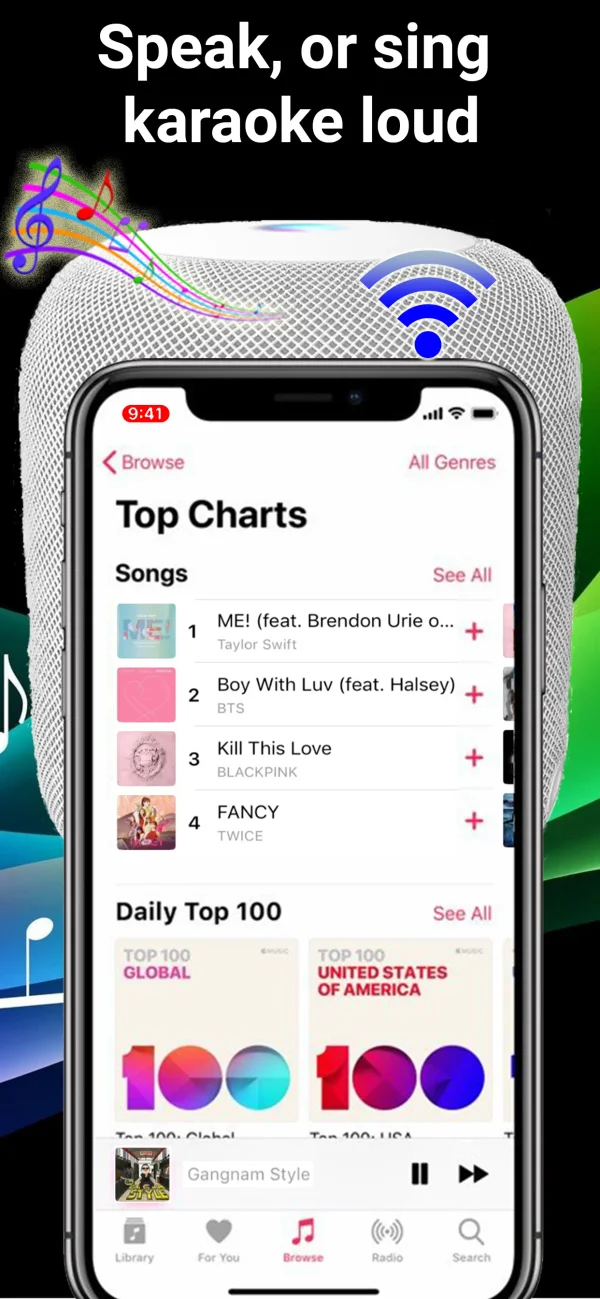
Do you want to boost your voice in the public, or love to sing karaoke? If you have a portable bluetooth speaker, this app is a must for your iPhone / iPad.
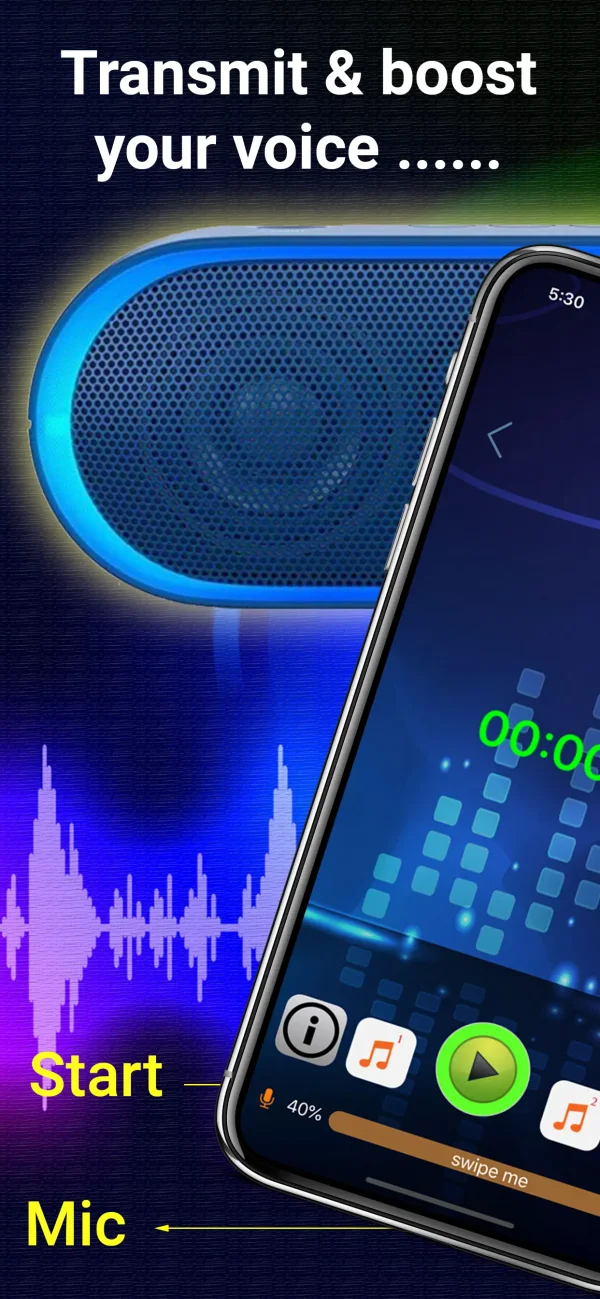
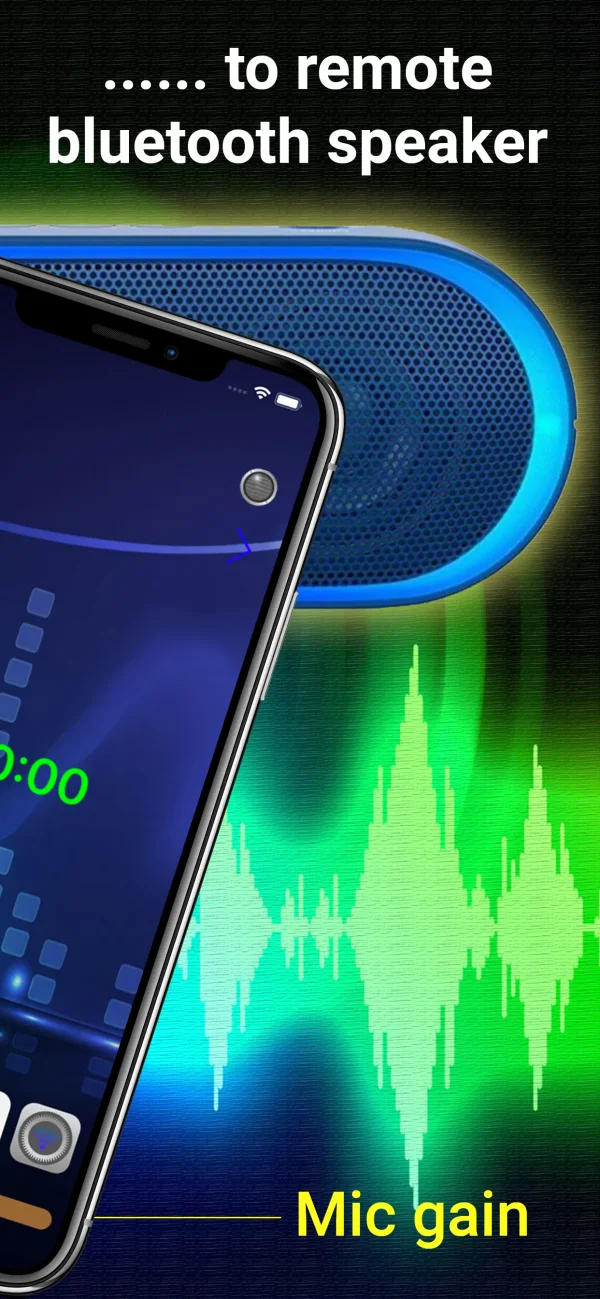
Bluetooth Loudspeaker is an app to amplify your voice output to your wireless connected bluetooth speaker. That is, your iPhone becomes the microphone and the bluetooth speaker becomes a remote loudspeaker within 10 meters distance. As this app can run at background, your iPhone can play mp3 music and let you sing karaoke at the same time.
What can you do with a microphone and remote loudspeaker? Who needs this mic and remote loudspeaker? Some examples are:
- sing karaoke at home or anywhere,
- teaching in a classroom or lecture room,
- street performance, live show,
- speaker in a large conference room,
- garage sale, outdoor sale, pop-up store sale, or other sales promotion,
- tour guide at the hot spot,
- fan of a sport team, who sing loud to support the favourite sport team in the stadium,
- outdoor activities,
- works as volume booster or megaphone for your speech,
- beach party, birthday party, exhibitions, celebrations and many more cases.
With this app, you have a wireless microphone on your hand!
Read me first:
1. User must connect to a bluetooth speaker when using this app for voice output. Do NOT choose device internal speaker, as there will be some unwanted echo noise.
2. This app will NOT bluetooth or airplay connect to your remote speaker. User has to manually connect to the speaker first (through Settings > Bluetooth). Then open this app.
3. When using this app to output voice to connected bluetooth speaker, user can put this app as background job and run another music app such as Apple Music (or any music app). To stop, go back to this app and tap the stop button.
4. This app does NOT support wired headset / headphone or bluetooth headset or line-out.
5. This app does not download or play online mp3 music or video.
6. Remember to turn device output volume to about 80-90% maximum (at top right icon), and mic gain to about 40-50% (at bottom slide bar).
7. Some iPad mic is located on top of the device, while most iPhone default mic is at the bottom.
From iOS 14 and on, there will be an ads tracking dialog popup once, which is required for new iOS user privacy purpose. We do not collect any data from user or device. Feel free to contact our email support.
What’s new
Version 3.3 · Jul 17, 2026
Add language
App privacy
What Wimlog declares on the App Store about how this app handles data.
-
Data used to track you
May be used to track you across apps and websites owned by other companies.
- Usage data
-
Data not linked to you
May be collected but is not linked to your identity.
- Usage data
Privacy practices may vary, for example with the features you use or your age.
Information
- Seller
- Chi Sing Lee
- Category
- Utilities
- Version
- 3.3
- Updated
- Jul 17, 2026
- Released
- May 25, 2019
- Size
- 6.4 MB
- Requires
- iOS 16.0 or later
- Age rating
- 4+
- Price
- Free
- In-app purchases
- Yes
- Languages
- English, Simplified Chinese
- Copyright
- © Wimlog
You might also like
-
 Mic to Speaker - MicrophoneMegaphone - Bluetooth Speaker
-
 My Microphone: Voice AmplifierBluetooth mic for live karaoke
-
 Megaphone & MicrophoneLive Mic to Bluetooth Speaker
-
 Volume Booster - Equalizer FXBass Boost EQ & Music Player
-
 Bluetooth Microphone LiveMic to speaker - Virtual Mic
-
 EZ MicrophoneUtilities
-
 Hear Boost: Hearing Aid & MicSound Amplifier & Live Listen
-
 Bluetooth Speaker Mic: BlueMicWireless blue tooth live mıc
-
 Sound AmplifierMax Volume Booster Hearing Aid
-
 Speaker IntercomUtilities