
- 対象年齢4+
- カテゴリグラフィック/デザイン
- 開発元The Revolution of Technology LLC
- 言語英語
- サイズ2.2 MB
App Storeの公式ページにリンクしています
Download.orgはBoardly: Quick Editのファイルを一切ホストしていません。ボタンを押すと、The Revolution of Technology LLCが公開しているApp Storeのアプリページが開きます。ページの最終確認:2026/11/18。
スクリーンショット
概要
開発元はこのテキストをお使いの言語で提供していません。
Boardly: Beautiful Screenshots & Promo Screenshot Maker
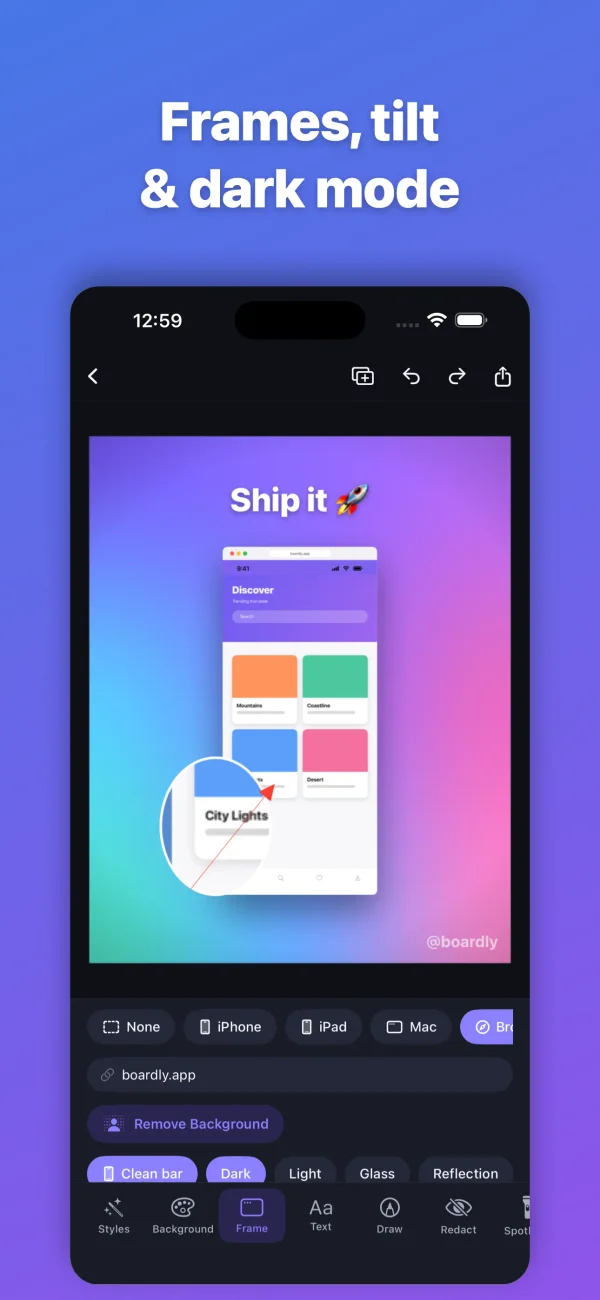
Turn plain screenshots into scroll-stopping images ready to post, pitch, or ship with your next release. Boardly is the screenshot editor and mockup maker built for creators, indie developers, and marketers.
Boardly Screenshot Editor -> Your All-in-One Screenshot Beautifier & Mockup Studio
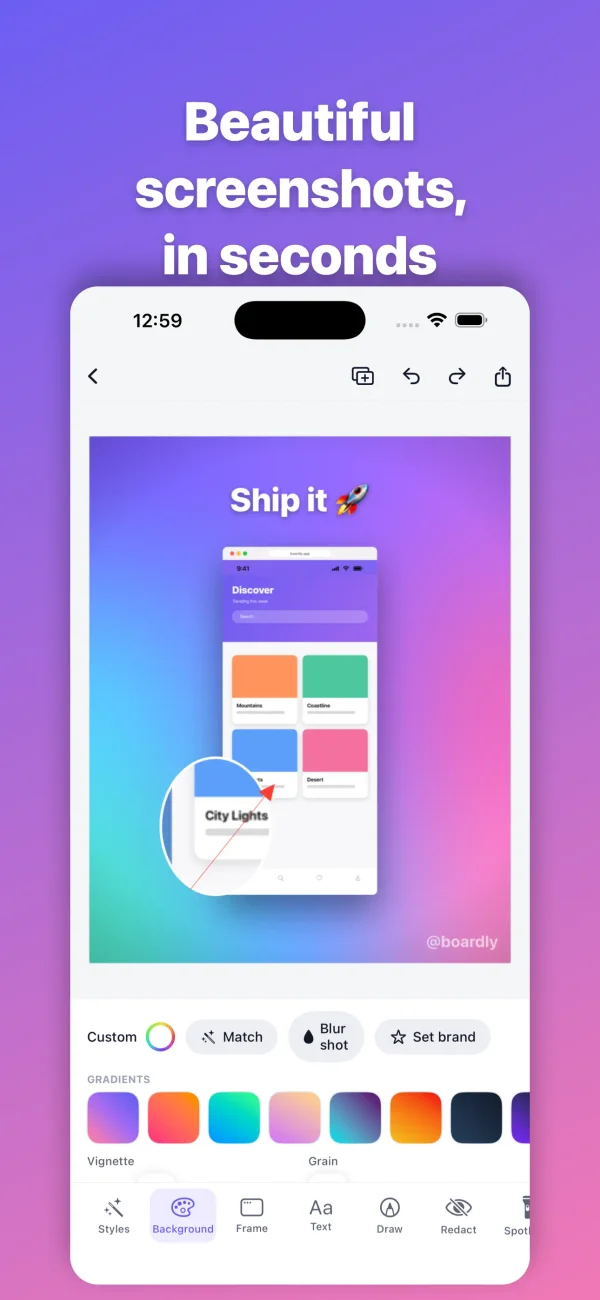
Drop in any screenshot and Boardly instantly wraps it in a gorgeous background, a device or browser frame, and a soft shadow. Add headlines, annotate, blur secrets, and export at any social or store-listing size — all on your device, in seconds.
Key Features:
- Beautiful Backgrounds: Gradients, iOS-18 mesh, patterns, and solid colors — or auto-match the colors in your screenshot.
- Device & Browser Frames: iPhone, iPad, Mac window, and Safari/Chrome browser frames.
- Clean Status Bar: Swap the messy status bar for a perfect 9:41 with full signal and battery.
- 3D Tilt, Shadows & Corners: Add depth with real perspective tilt, drop shadows, glass, and reflections.
- Annotate & Markup: Arrows, boxes, highlights, numbered steps, freehand pen, and a magnifier loupe.
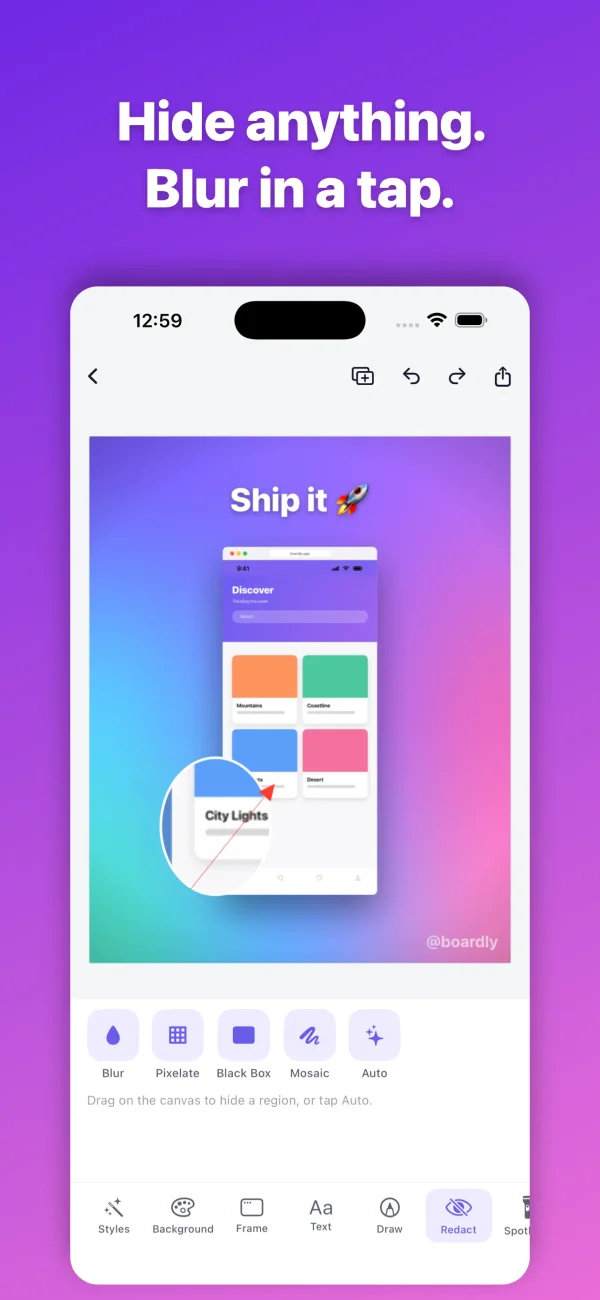
- One-Tap Redact: Blur, pixelate, or auto-hide emails, tokens, and faces before you share.
- Text & Headlines: Bold captions with gradients, highlights, and curves.
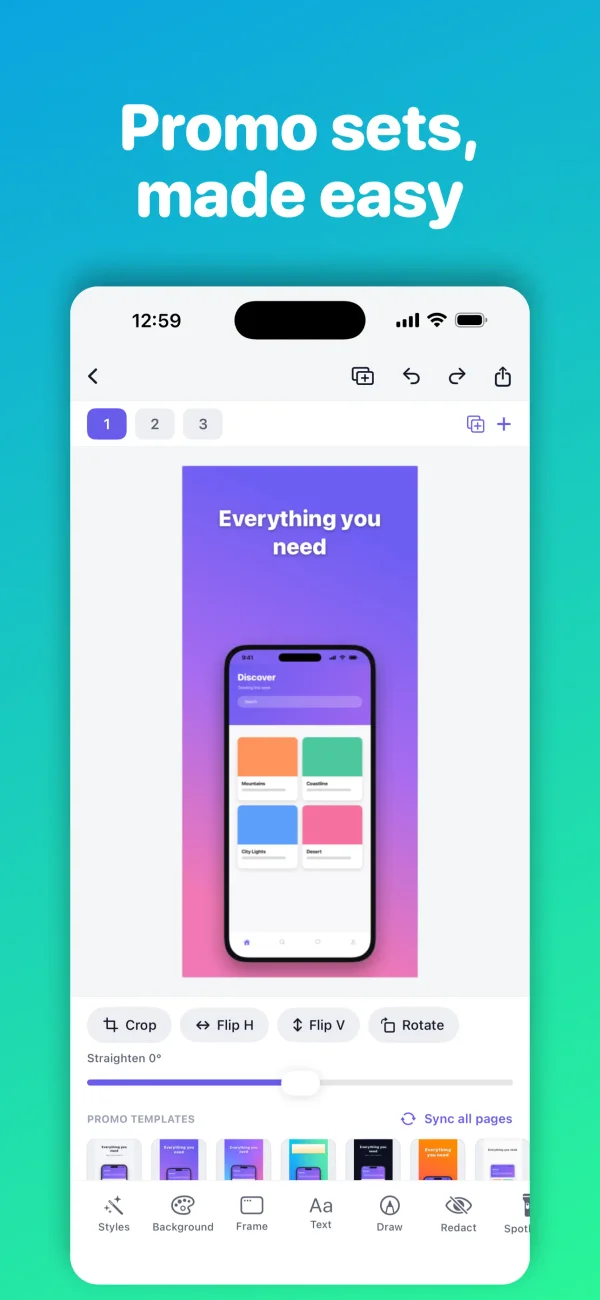
- Promo Studio: Generate a full multi-page store-listing screenshot set from ready-made templates.
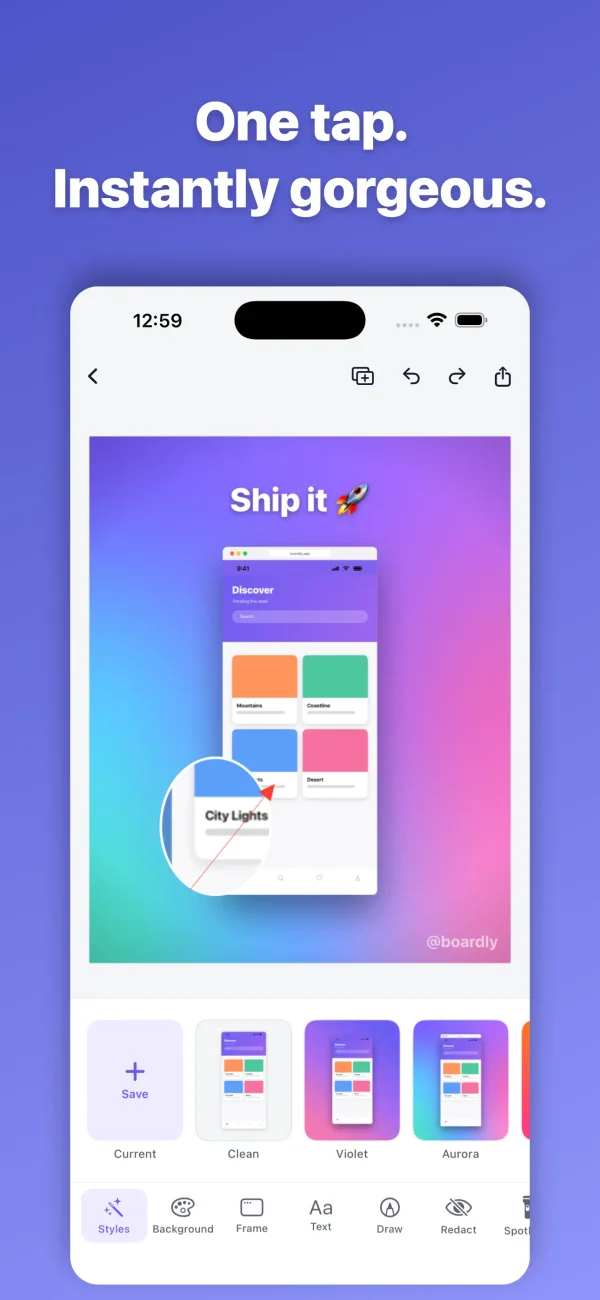
- One-Tap Styles & Presets: Apply a complete look instantly, and save your own.
- Batch Editing: Beautify many screenshots at once.
- Export Anywhere: Save to Photos, share, or export an Instagram carousel at every social and store-listing size.
Why Choose Boardly?
- Fast & On-Device: Everything runs locally — no waiting, no uploads.
- Privacy First: No account, no analytics, no tracking. Your screenshots never leave your device.
- Store-Ready Sizes: Purpose-built templates and exact pixel sizes for store-listing screenshots.
- Light & Dark: A gorgeous interface in both themes.
Whether you're an indie developer polishing release screenshots, a designer sharing mockups, or anyone who wants their screenshots to look their best — Boardly makes it effortless.
Download Boardly and make your next screenshot look like it belongs in a keynote!
Privacy Policy: https://www.indiesoftwaredev.com/app/boardly?tab=privacy
Terms of Use (EULA): https://www.apple.com/legal/internet-services/itunes/dev/stdeula/
アプリのプライバシー
このアプリのデータの取り扱いについて、The Revolution of Technology LLCがApp Storeで申告している内容です。
-
データの収集なし
開発元はこのアプリからデータを収集しません。
プライバシーの取り扱いは、ご利用の機能やお客様の年齢などに応じて異なる場合があります。
情報
- 販売元
- The Revolution of Technology LLC
- カテゴリ
- グラフィック/デザイン
- バージョン
- 2.0.0
- 更新日
- 2026/7/10
- リリース
- 2026/7/9
- サイズ
- 2.2 MB
- 必要条件
- iOS 18.0以降
- 対象年齢
- 4+
- 価格
- 無料
- 言語
- 英語
- 著作権
- © The Revolution of Technology
こちらもおすすめ
-
 Animock: 3D Mockup Animator開発ツール
-
 Jamboree:ゲームを作って遊ぼうゲームをつくって遊ぼう。コード不要。
-
 ガーデンAI - 庭デザイン人工知能,garden design,風景設計,アウトドア
-
 インテリアコーディネーター AI - 部屋レイアウトルームプランナー & ホームデザイン
-
 AI Home Design - Rumaグラフィック/デザイン
-
 Decor AI: Room & Home Designグラフィック/デザイン
-
 Glassify: Widgets & Themesグラフィック/デザイン
-
 ThemeMe: ホーム画面カスタマイズアプリウィジェット、アイコン、ロック画面、背景をカスタマイズする