brrr • send push notifications
Send pushes via webhooks
iPhone, iPad, Mac向けに設計
無料 · アプリ内課金
- 対象年齢4+
- カテゴリ開発ツール
- 開発元Simon B. Støvring
- 言語英語
- サイズ8.8 MB
App Storeの公式ページにリンクしています
Download.orgはbrrr • send push notificationsのファイルを一切ホストしていません。ボタンを押すと、Simon B. Støvringが公開しているApp Storeのアプリページが開きます。ページの最終確認:2026/11/13。
スクリーンショット
概要
開発元はこのテキストをお使いの言語で提供していません。
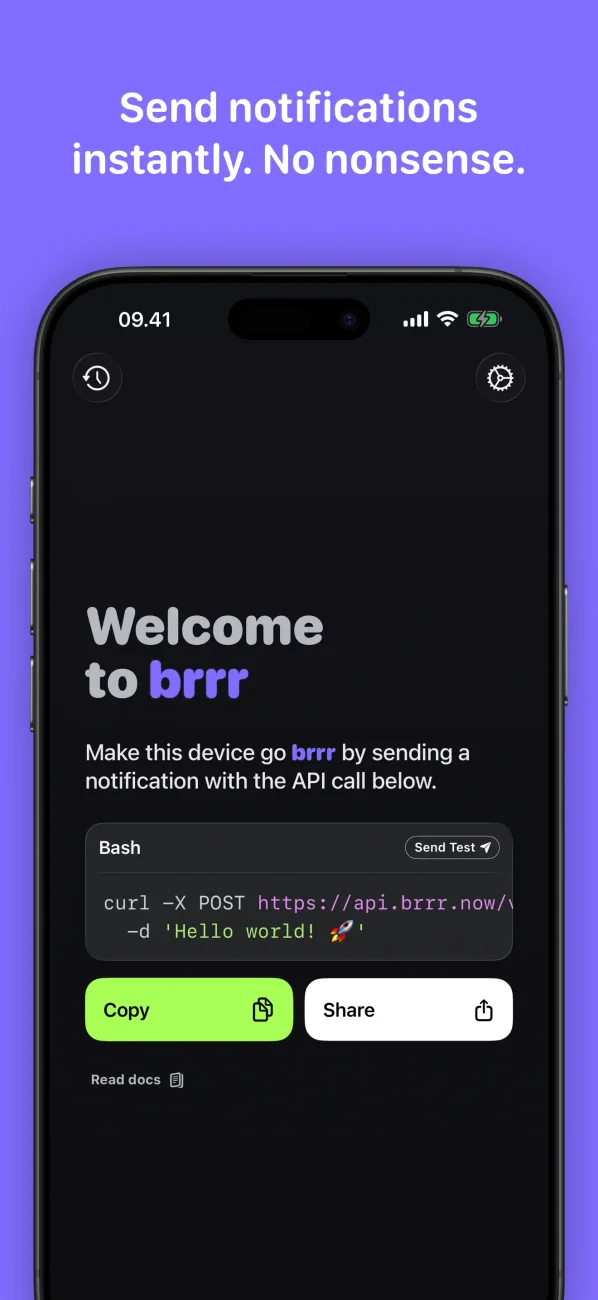
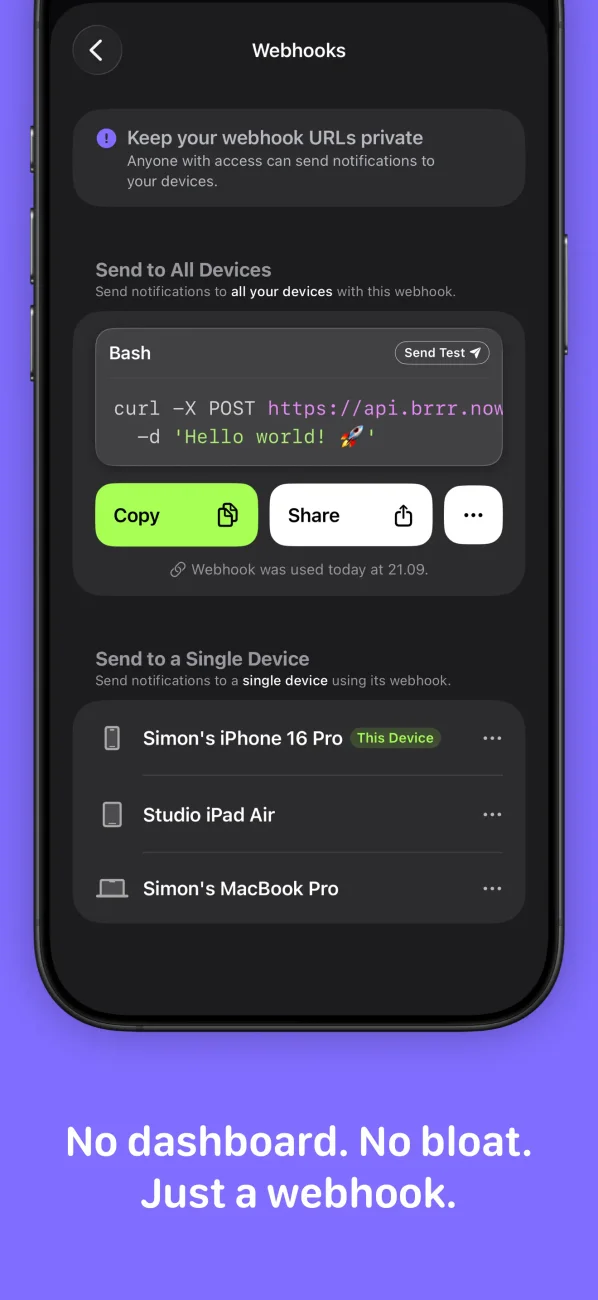
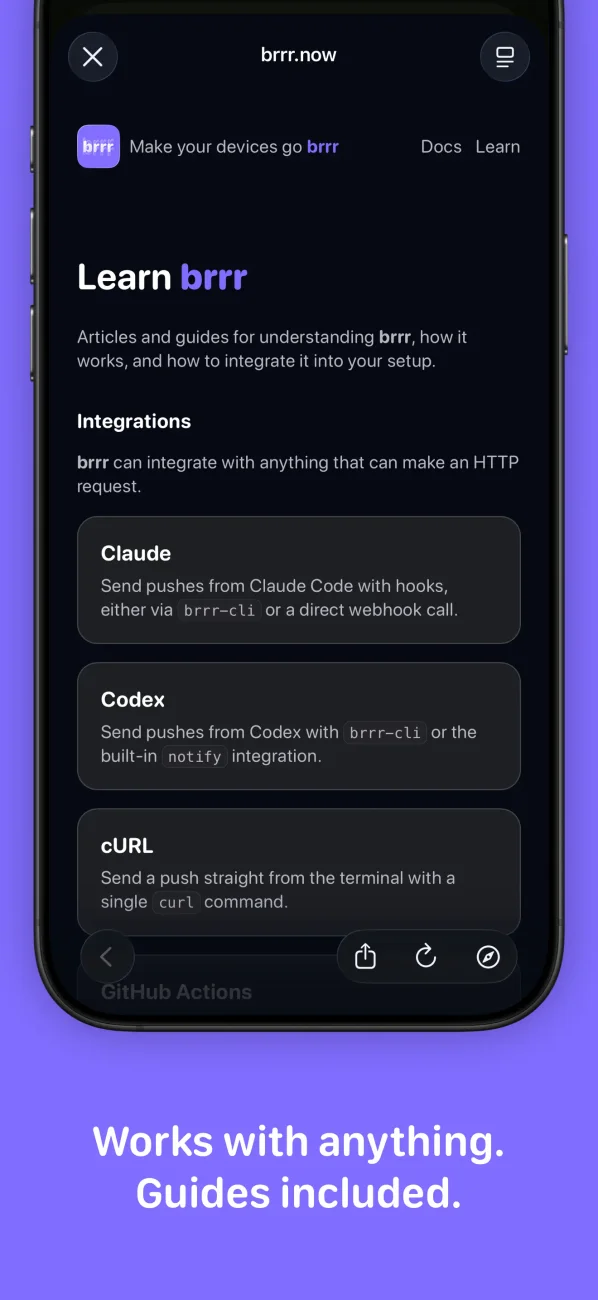
Trigger notifications from anything that can send an HTTP request: agents, scripts, automations, CI jobs, servers, smart home setups, or personal tools.
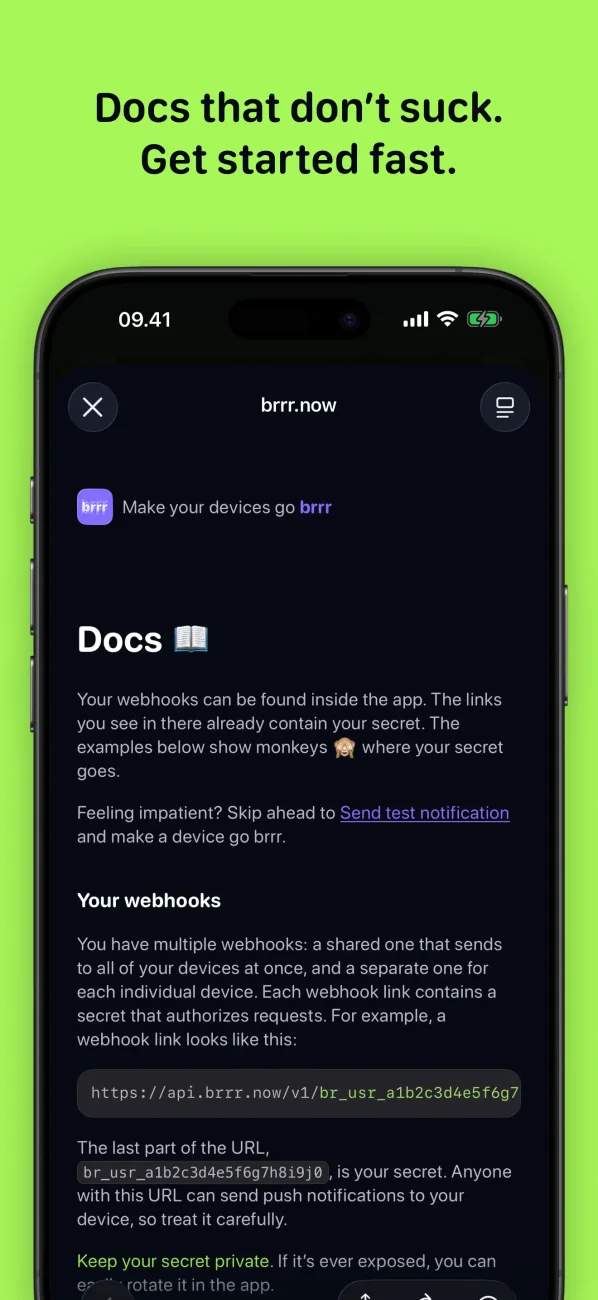
No dashboard. No account setup. No unnecessary complexity. Just a small webhook that works.
With brrr, you can:
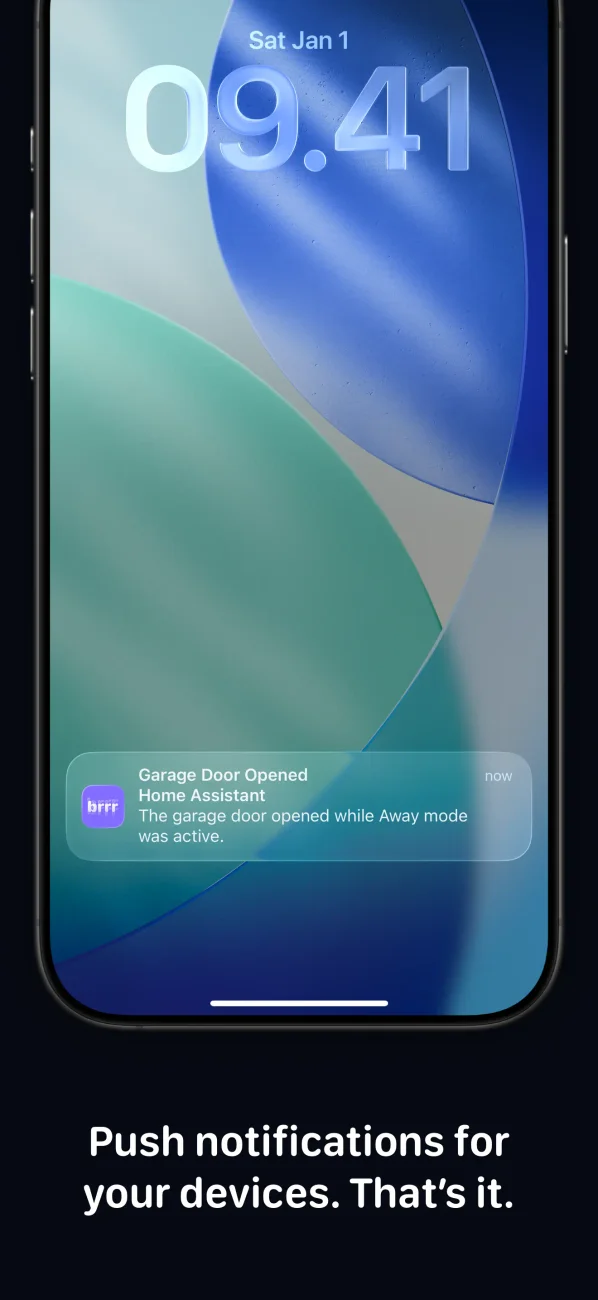
• Send notifications to all your devices or a single device
• Trigger notifications from agents, scripts, and automations
• Break through mute and Focus mode with critical notifications
• Open links directly from notifications
• Attach images to notifications
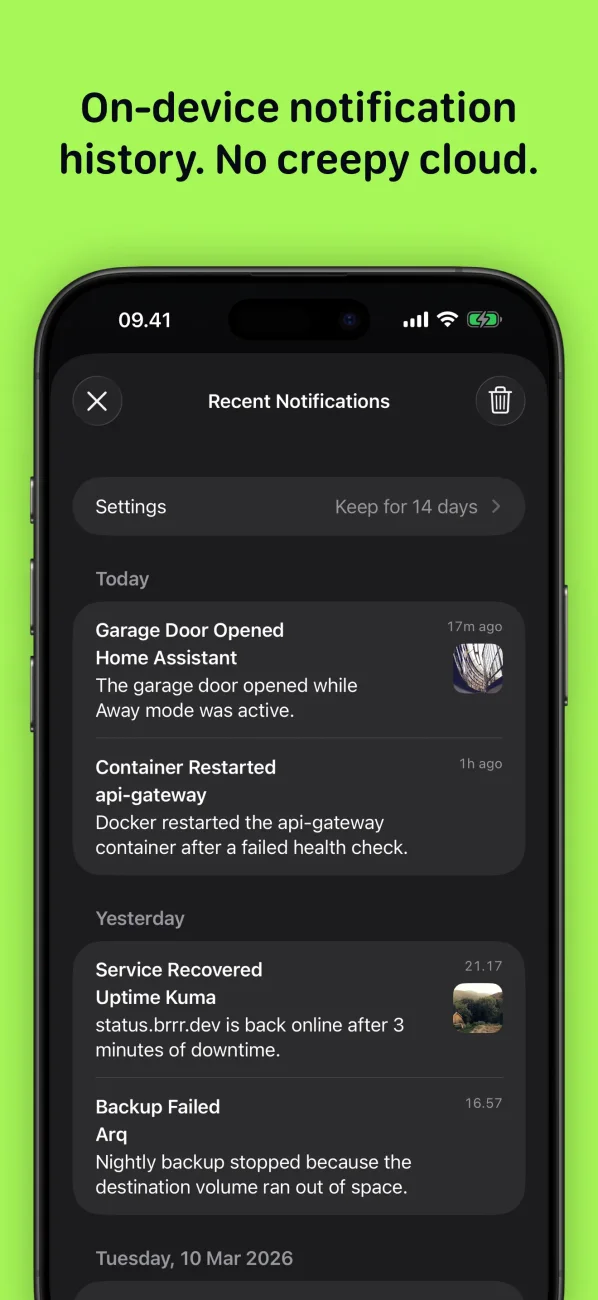
• Keep an on-device notification history
• Decide when notifications appear using Focus filters
GREAT FOR AGENTS
brrr is useful for agents and automations. Have an agent notify you when it is waiting for input, when a task finishes, when a run fails, when a deploy completes, or when something needs your attention immediately.
FOCUS FRIENDLY
brrr integrates with Focus filters so you can decide which notifications are allowed in different contexts. For example, allow work notifications during Work Focus while muting everything else.
PRIVATE BY DESIGN
Webhook secrets are generated on-device, and data stays tied to your iCloud account. brrr stores only what is required to verify webhook requests and deliver notifications through Apple Push Notification Service.
Notification contents are not stored on the backend, and on-device history stays on your device.
WHO IT’S FOR
If you want a big dashboard packed with options and complexity, this probably is not for you.
If you want a clean, fast way to make your devices go brrr, you will feel at home.
Terms of Use
https://www.apple.com/legal/internet-services/itunes/dev/stdeula/
新機能
バージョン 1.2.0 · 2026/8/10
Your notifications can now arrive with your own icon instead of the brrr icon.
Add icon_url to a webhook payload and an alert from your build server, your smart home, or your late-night shell script shows up looking like it came from there. Full details: brrr.now/learn/custom-icons
Recent Notifications has moved out of the toolbar into a tab of its own, so it's always one tap away.
Its settings have moved too. They now live in Settings, just under Webhooks, alongside a new Show on Launch option that opens brrr straight to Recent Notifications.
アプリのプライバシー
このアプリのデータの取り扱いについて、Simon B. StøvringがApp Storeで申告している内容です。
-
データの収集なし
開発元はこのアプリからデータを収集しません。
プライバシーの取り扱いは、ご利用の機能やお客様の年齢などに応じて異なる場合があります。
情報
- 販売元
- Simon Stovring
- カテゴリ
- 開発ツール
- バージョン
- 1.2.0
- 更新日
- 2026/8/10
- リリース
- 2026/3/25
- サイズ
- 8.8 MB
- 必要条件
- iOS 17.6以降
- 対象年齢
- 4+
- 価格
- 無料
- アプリ内課金
- あり
- 言語
- 英語
- 著作権
- Copyright © 2026 Simon Støvring. All rights reserved.